A:AnswerHi.
Thank you for trusting us, knowing that we will answer your question accurately. As far as I'm aware off, Spectrum has yet to release a version of their TV App on the Fire TV platform.
Charles V. - Insignia Support
https://www.insigniaproducts.com/contact-us
A:AnswerThe Power Rating for this TV is 120V – 60Hz - 0.32A
The estimated yearly electricity use based on 5 hours use per day is 50 kWh
David M. - Insignia Support
A:AnswerHi Dustin.
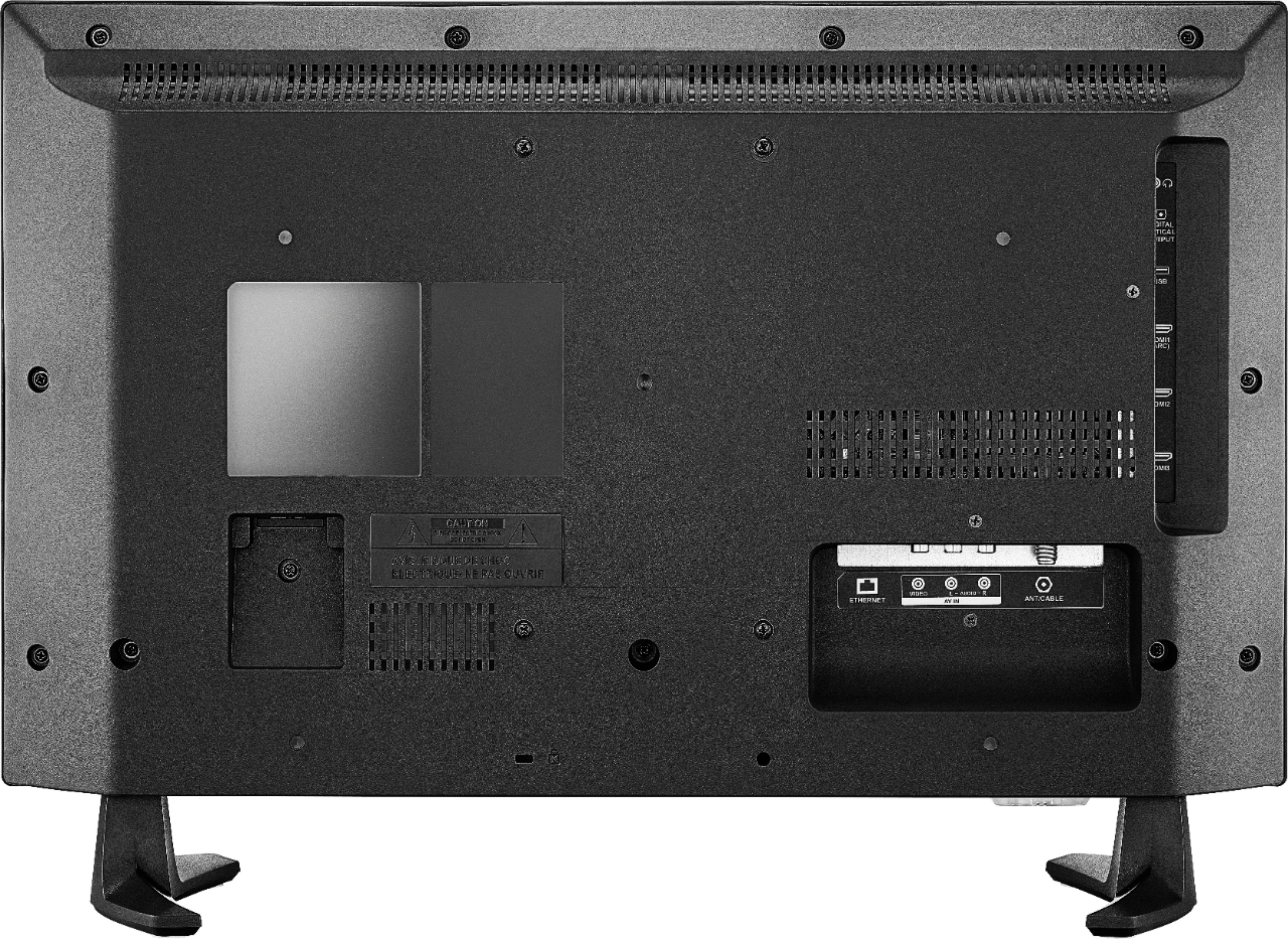
Thank you for trusting us, knowing that we will answer your question accurately. YES, you can use the VESA mounting system on the back of the TV to mount it on the wall. The mounting hardware is sold separately.
Charles V. - Insignia Support
https://www.insigniaproducts.com/contact-us
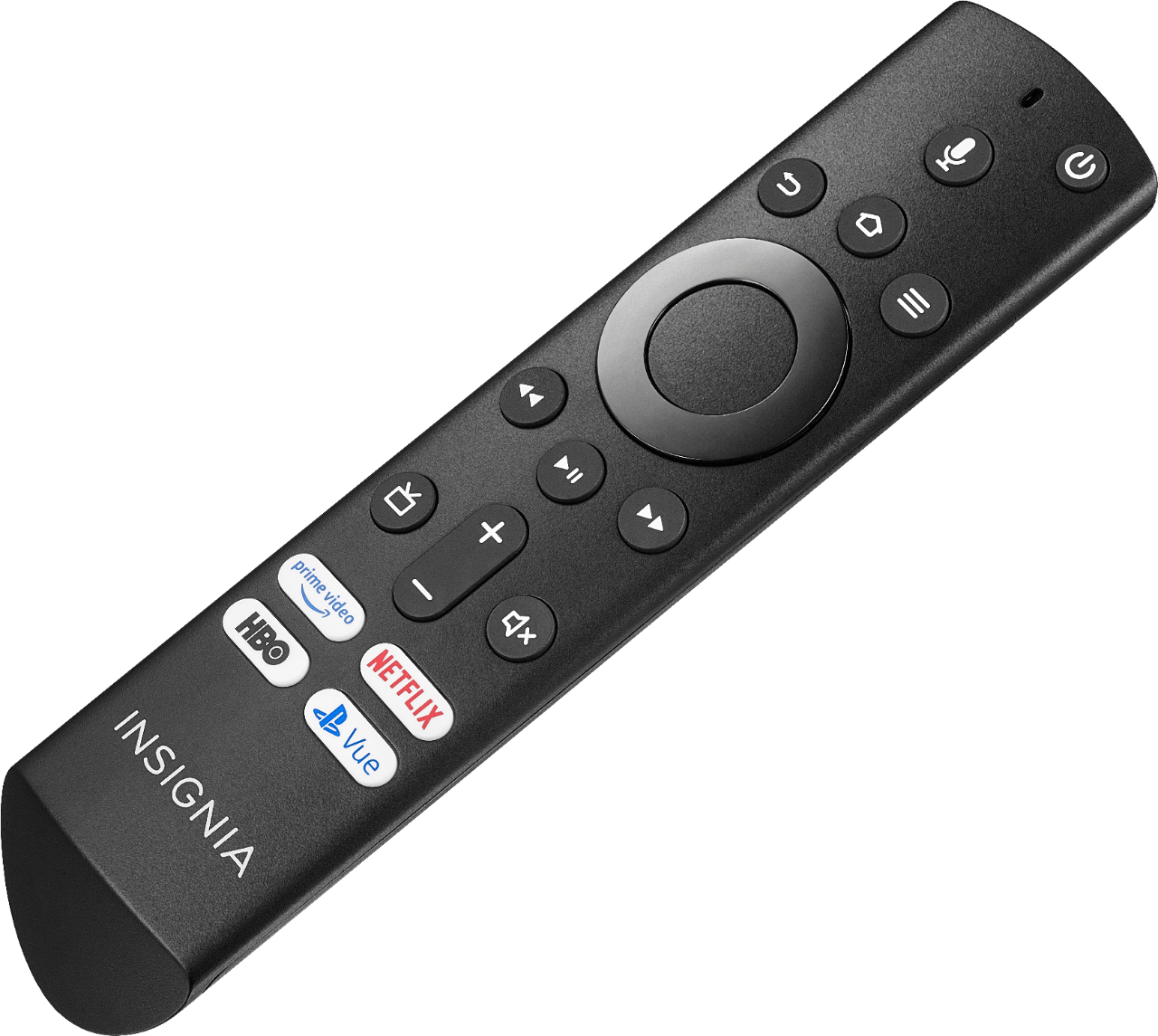
A:AnswerTo open the back of the Voice Remote, turn it over and remove the battery cover by pressing down the clip at the top of the battery cover and pull.
Also you can download the Amazon Fire TV app on your Smartphone to control the Fire TV Edition television.
David M. - Insignia Support
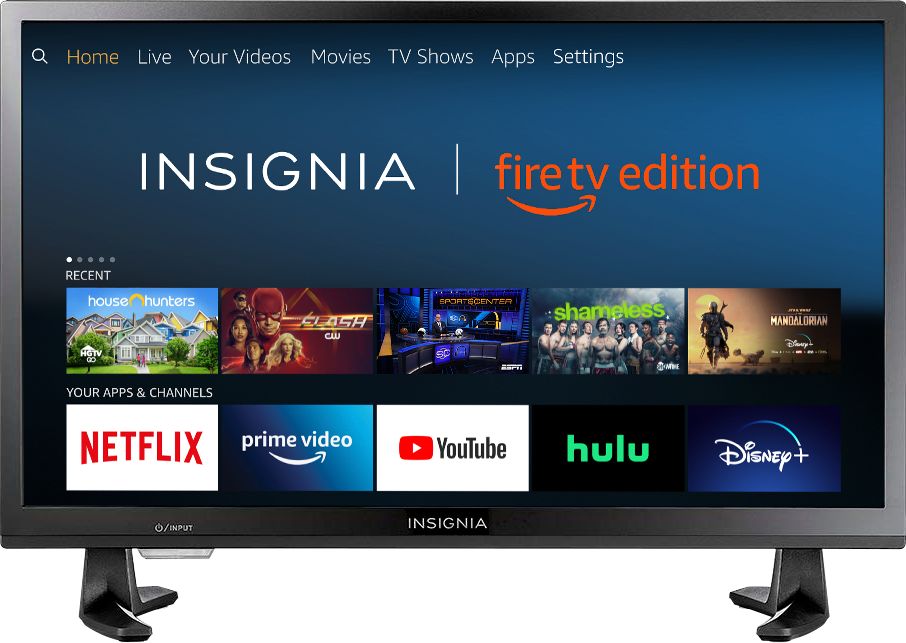
A:AnswerThe app Netflix is available for the Fire TV Edition television.
To search for more available apps, go to: amazon.com > Menu - Shop By Category > Fire TV > Fire TV Apps & Channels > Refine by Device Type select Fire TV Edition TV and search.
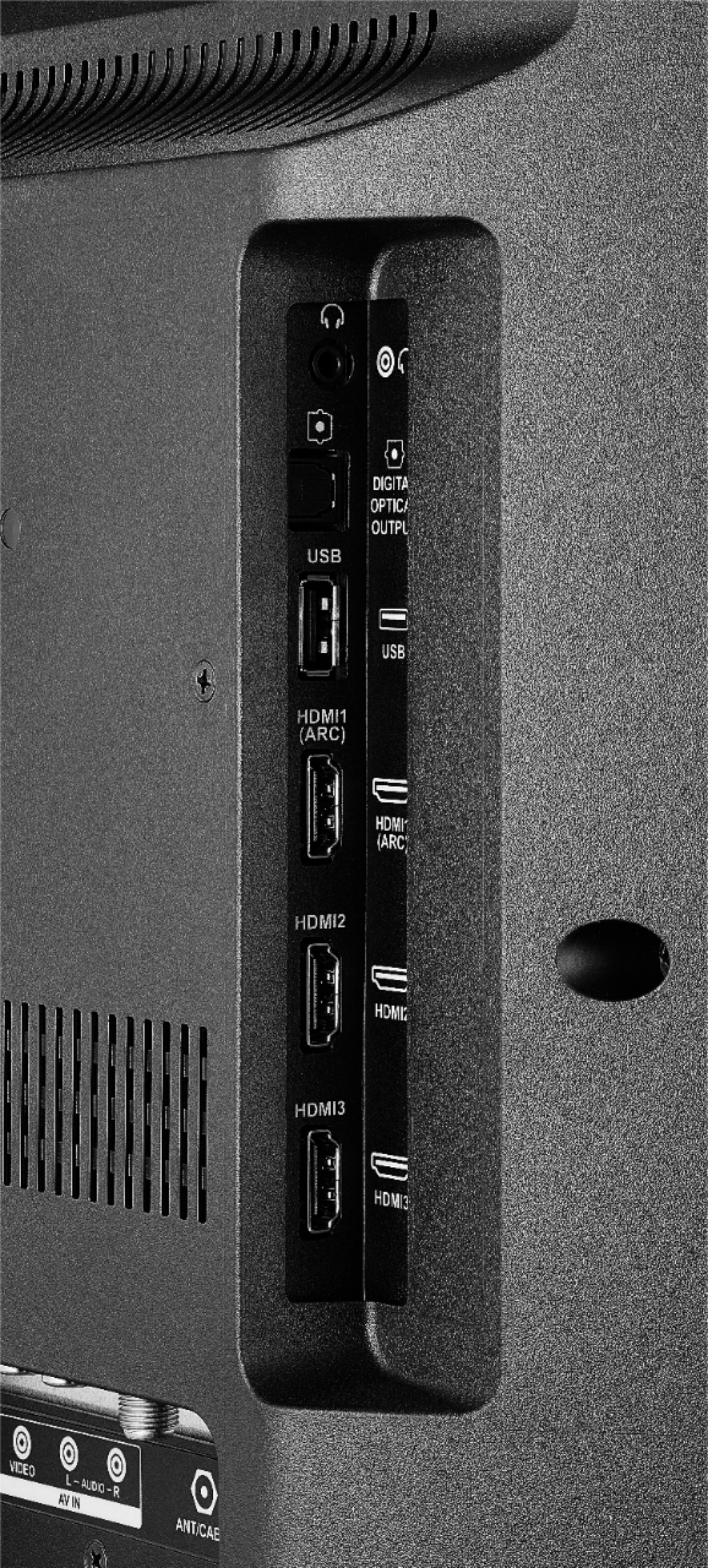
You can connect your other streaming devices to the Fire TV Edition television at anytime using HDMI.
David M. - Insignia Support
A:AnswerThe Fire TV Edition television features a built-in tuner that supports ATSC Tuner with Clear QAM; NTSC.
Connect your cable box to the Fire TV Edition television using HDMI.
David M. - Insignia Support
A:AnswerThe Fire TV Edition television does not feature a built-in DVD player.
Connect your DVD player to the Fire TV Edition television using HDMI.
David M. - Insignia Support
A:AnswerThe app Firefox is available for the Fire TV Edition experience.
To search for more available apps, please visit:
amazon.com > Menu - Shop By Category > Fire TV > Fire TV Apps & Channels > Refine by Device Type select Fire TV Edition TV and search.
David M. - Insignia Support
A:AnswerYou can connect your streaming devices at anytime using HDMI.
A Fire Stick is not necessary because the TV has the Fire TV experience already built-in.
David M. - Insignia Support
A:AnswerThe Apple TV box can be connected to this TV via HDMI.
I read that the Apple TV app was coming to the Insignia TVs but as of Dec 2019 it is still not available.
A:AnswerThe feature Downloading TV shows and movies on Netflix is not available for the Fire TV Edition television.
For more information please visit: https://help.netflix.com/en/node/54816
David M. - Insignia Support
A:AnswerThe Fire TV Edition television does not feature Smart cast.
You can download the Amazon Fire TV app to control your TV.
David M. - Insignia Support
A:AnswerHi Nancy.
I understand how this could be a big inconvenience for you. At the moment Xfinity is yet to launch a version of it's streaming app on our Fire TV platform. We appreciate your understanding on this specific situation and thanks for your preference.
Charles V. - Insignia Support
https://www.insigniaproducts.com/contact-us