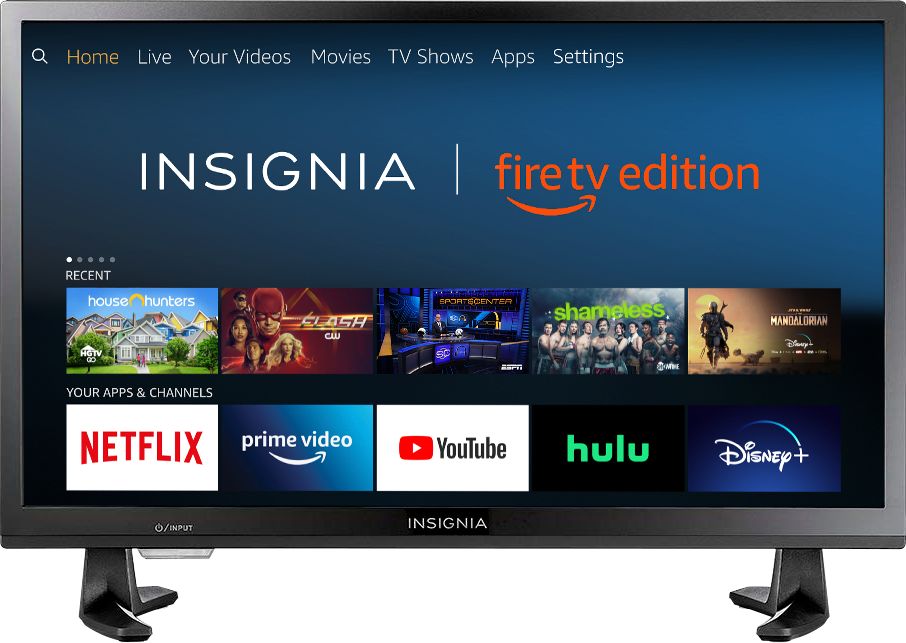
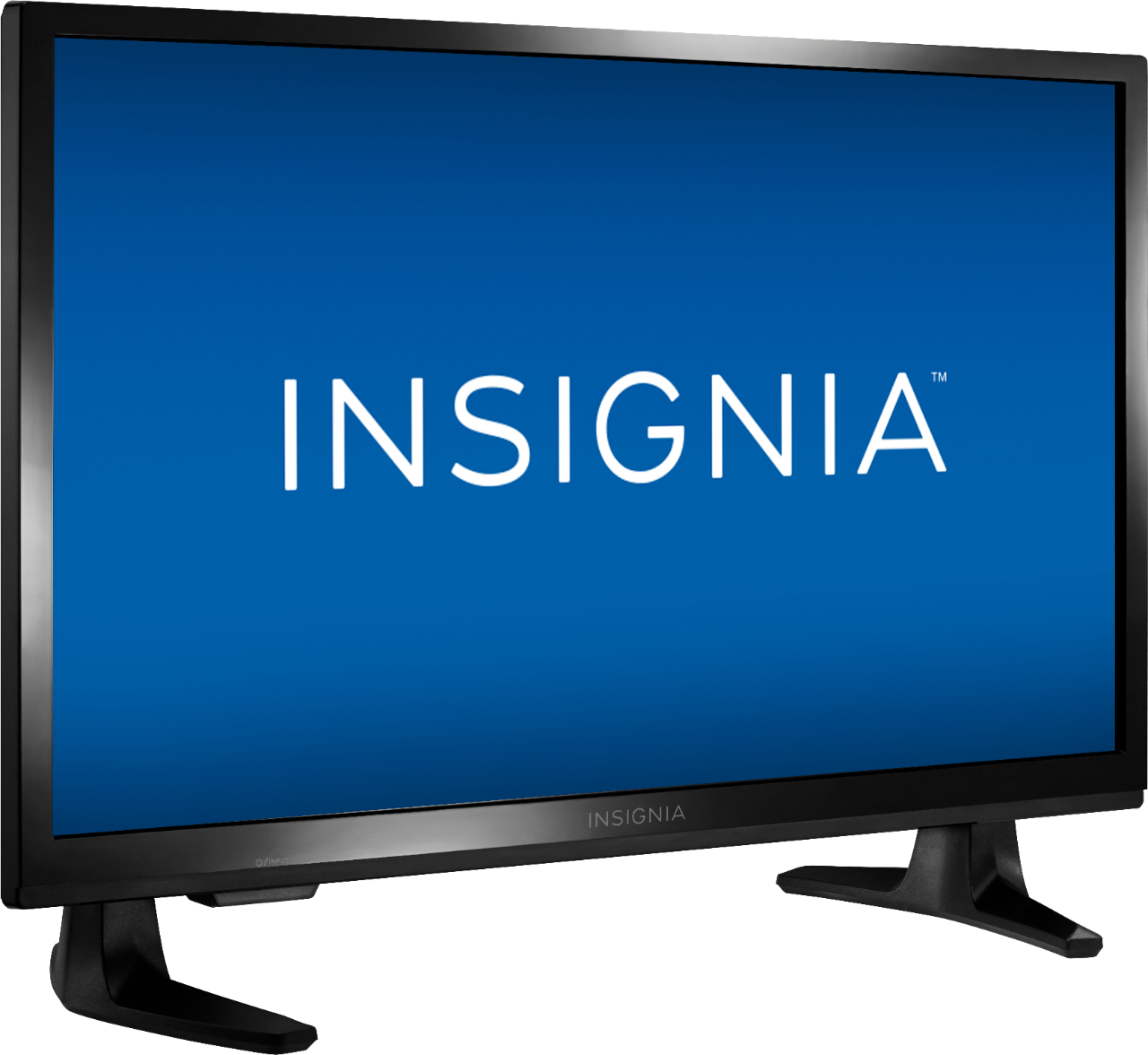
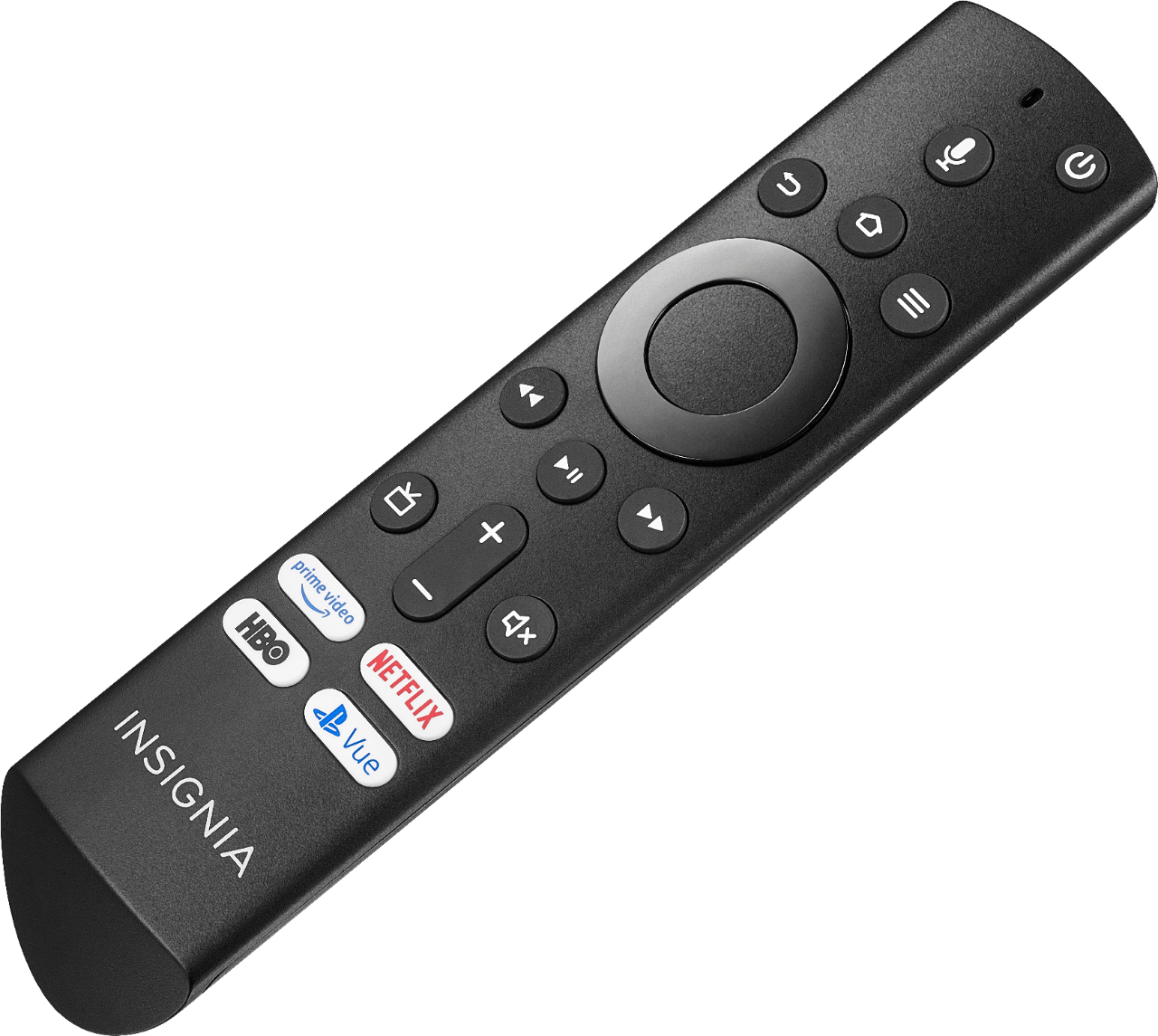
A:AnswerIt is automatically paired to Alexa if you have other amazon devices. Just hold down the microphone button and give your instructions. The manual also describes how to do it
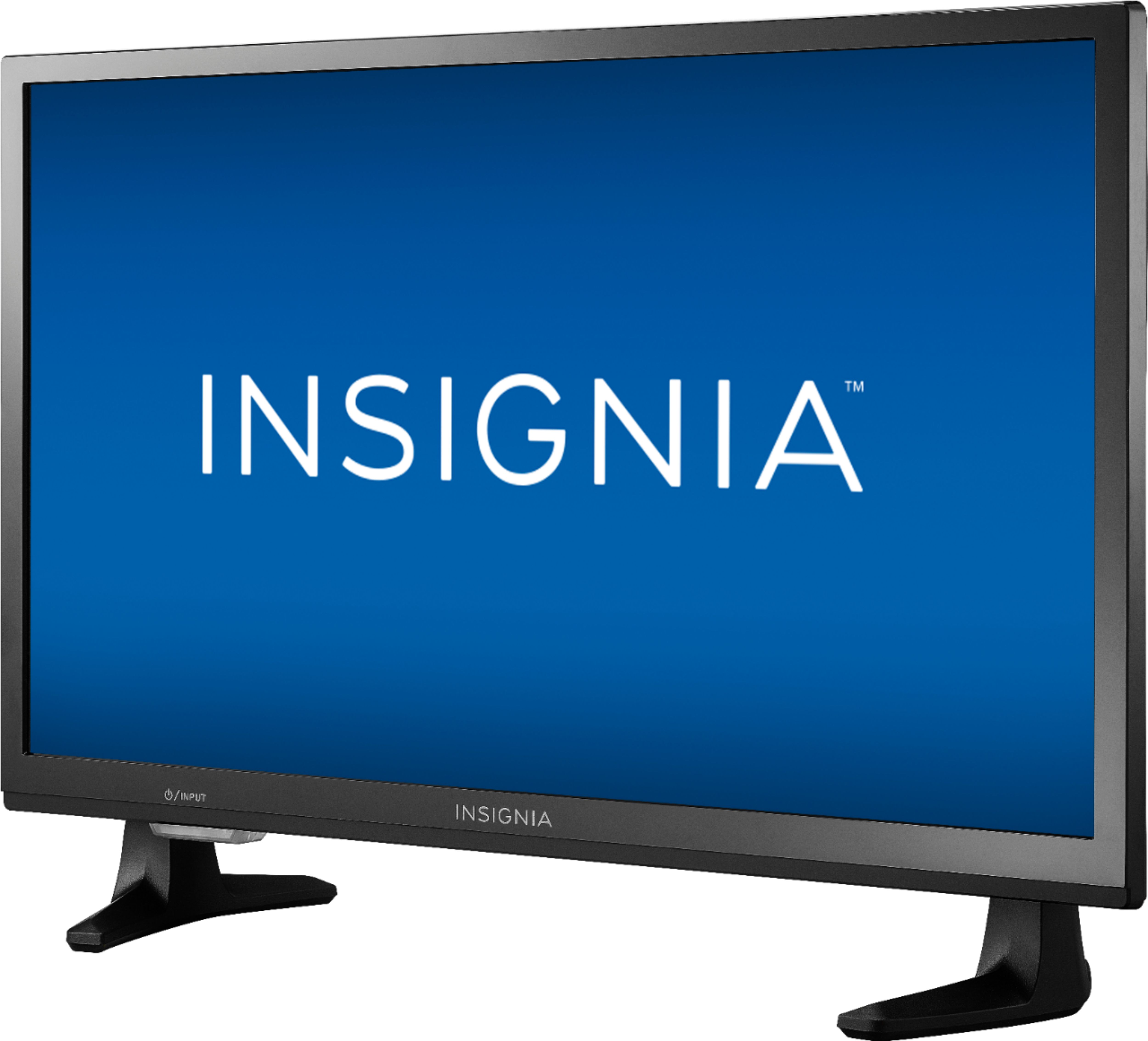
A:AnswerAFTER TV IS ON YOU CAN SWITCH INPUTS BY TAPPING THE POWER BUTTON . THIS WILL NOT SHUT OFF THE TV. HOLDING DOWN THE POWER BUTTON FOR 3 SECONDS WILL SHUT THE TV MANUALLY.
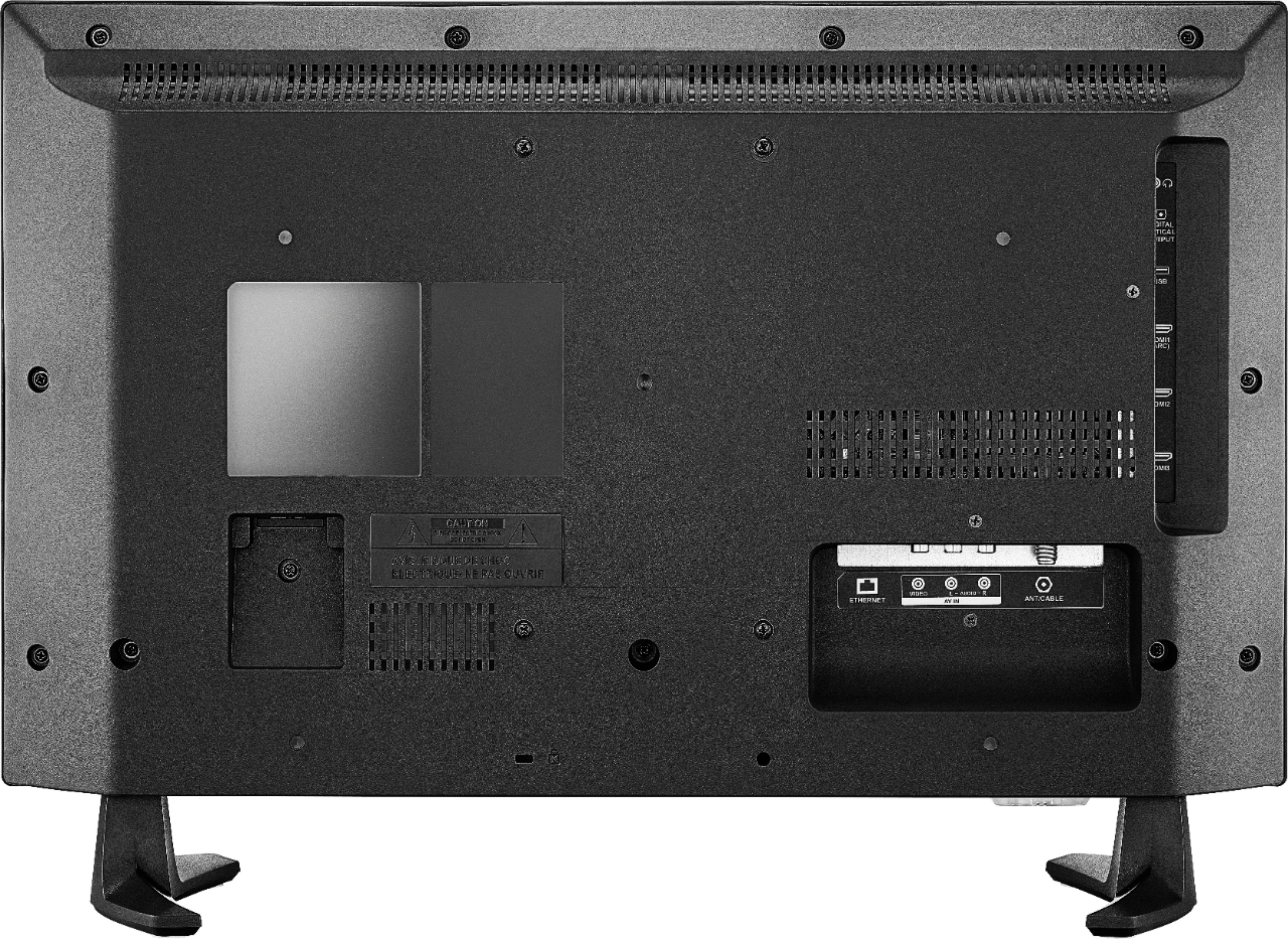
A:Answerdepends on which movie player you add in the apps diffrent ones support diffrent formats yours being audio video interleave vlc player/app should handle that it will play just about all of them. you can go here https://www.videolan.org/vlc/features.html and check out all its features however this tv relies on fat32 format drives but it does work great
A:AnswerPlease visit:
https://www.amazon.com/Insignia-NS-24DF310NA19-24-inch-720p-Smart/dp/B07FPRZ69X
At the end of the product description section you can find more information about this topic.
David M. - Insignia Support
A:AnswerThe included Voice Remote works using Bluetooth technology, each remote should be paired to only one TV.
If you download the Amazon Fire TV app on your Smartphone you can choose which TV you want to control.
David M. - Insignia Support
A:AnswerTo open the back of the Voice Remote, turn it over and remove the battery cover by pressing down the clip at the top of the battery cover and pull.
David M. - Insignia Support