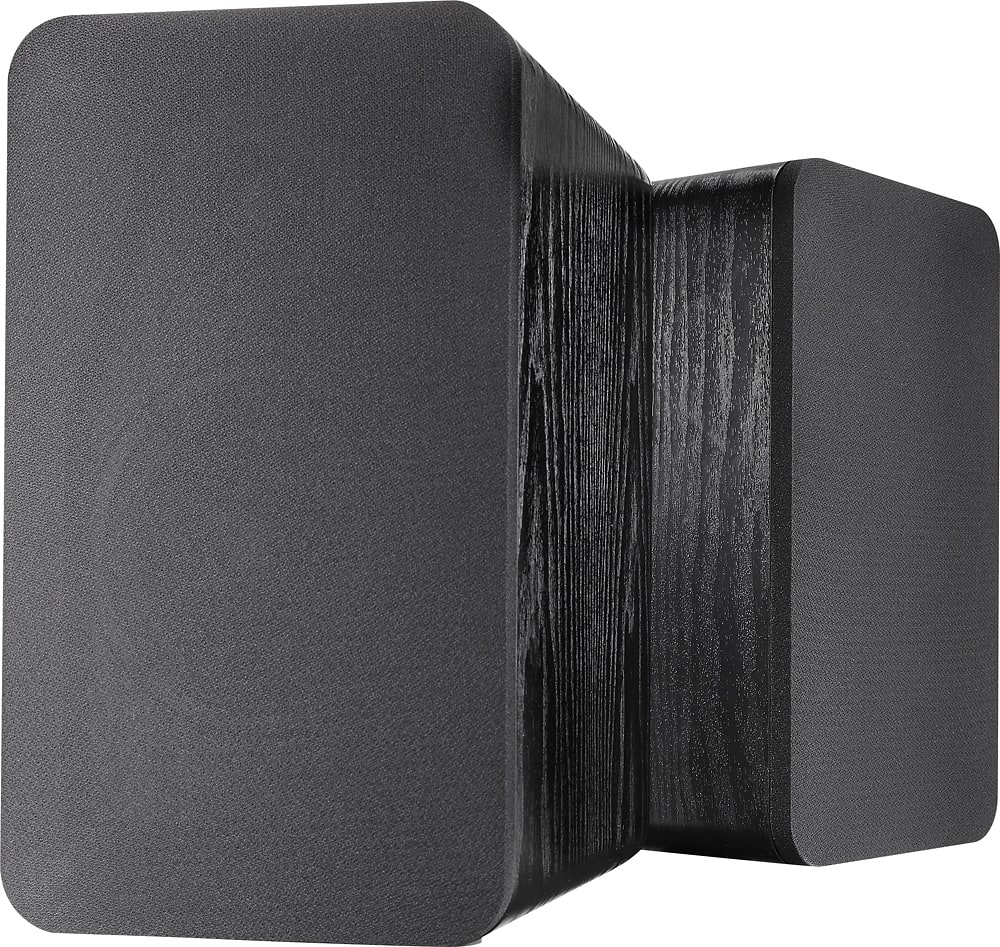
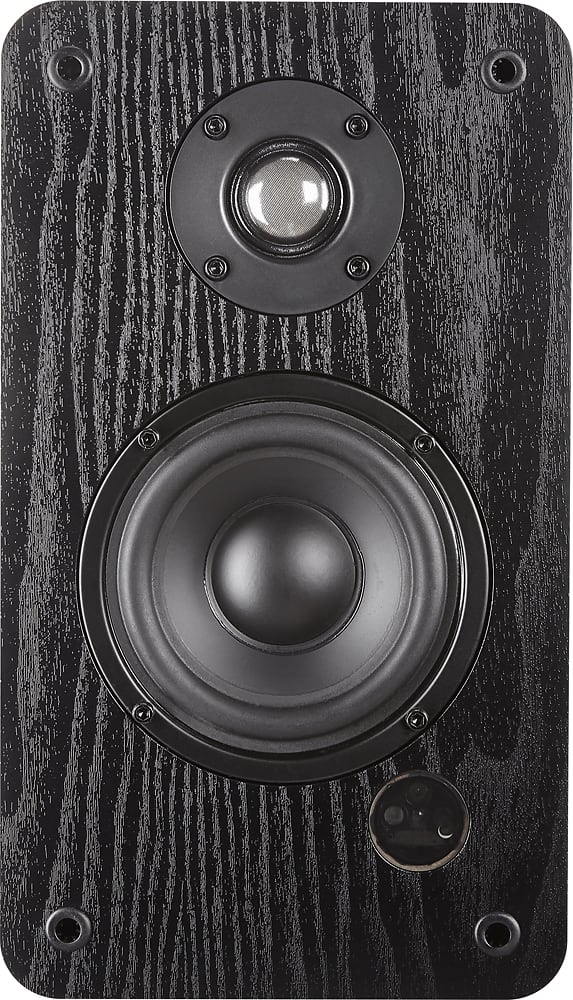
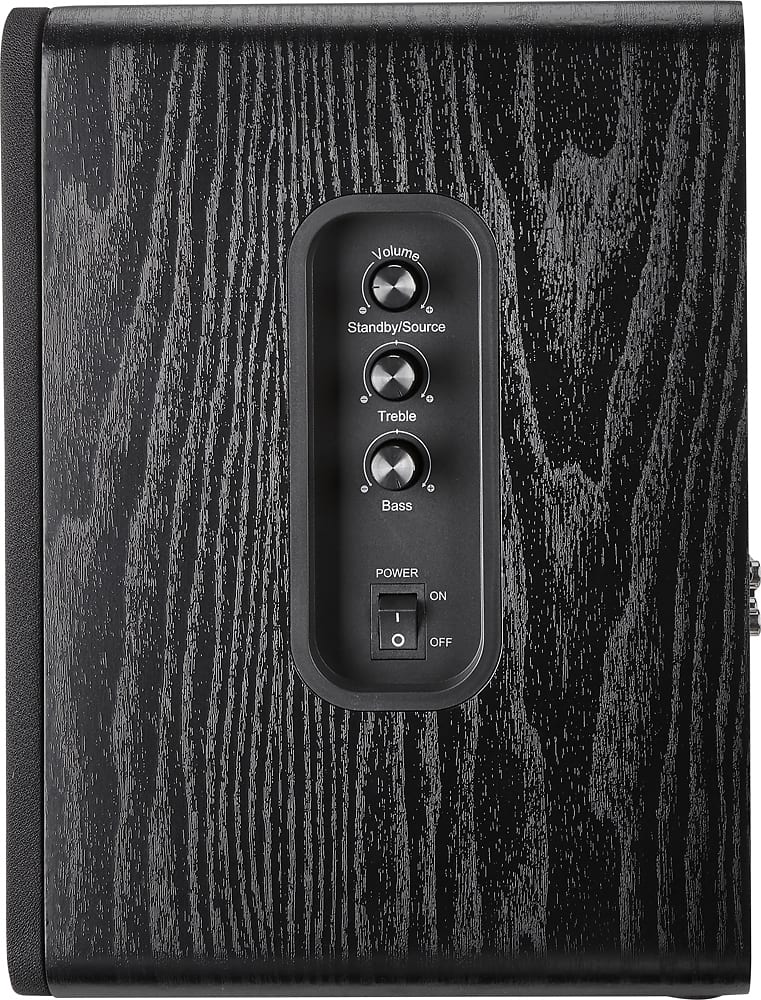
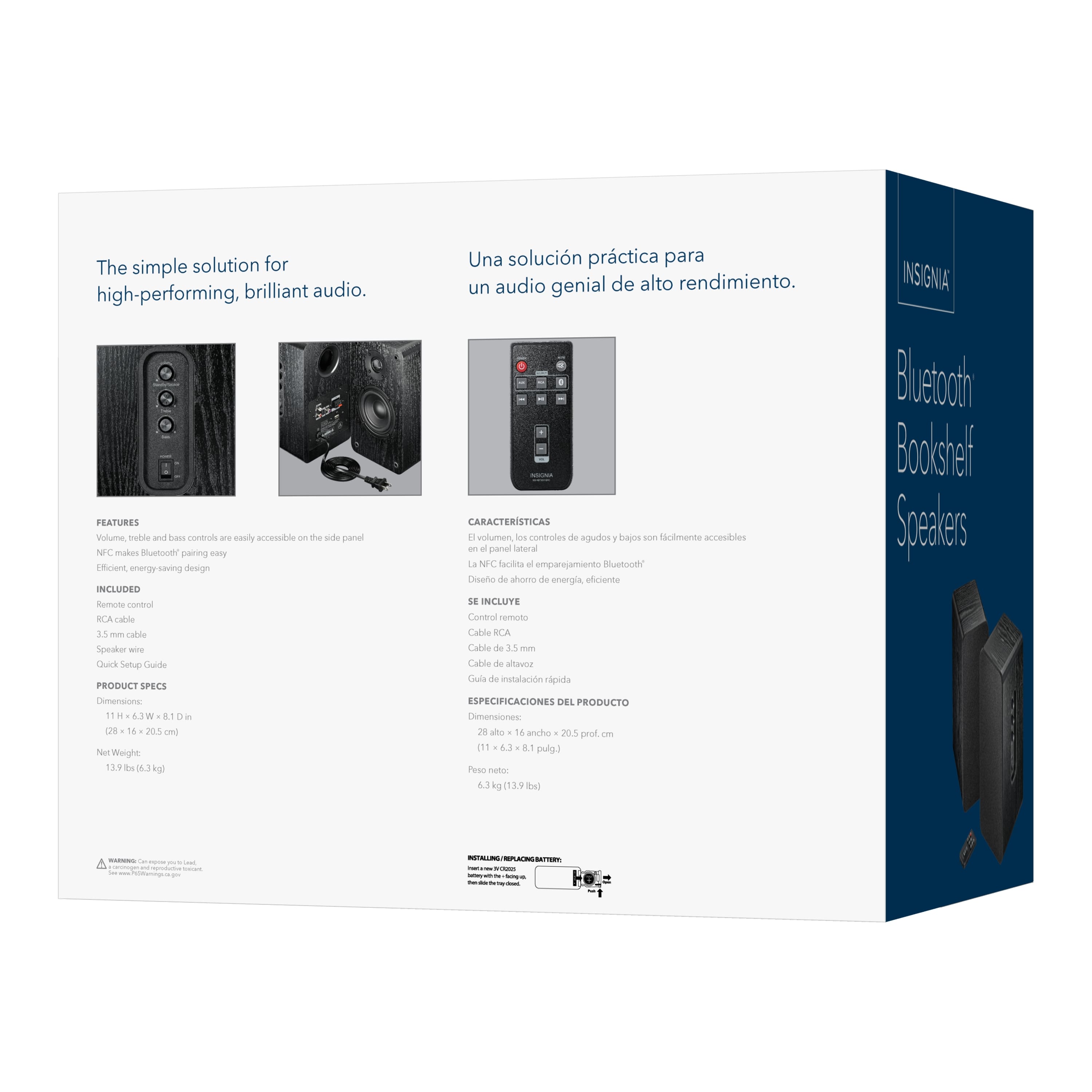
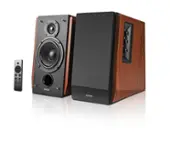
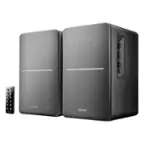
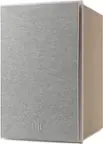
A:Answer Hello Insignia Customer, thanks for your question. The remote for the Insignia 25W Bluetooth Bookshelf Speakers includes the essential controls you need: power on/off, volume adjustment, bass and treble control, play and pause, track skipping in Bluetooth mode, input selection between Bluetooth and RCA, and Bluetooth pairing to connect or reconnect your device. Poojitha | Insignia