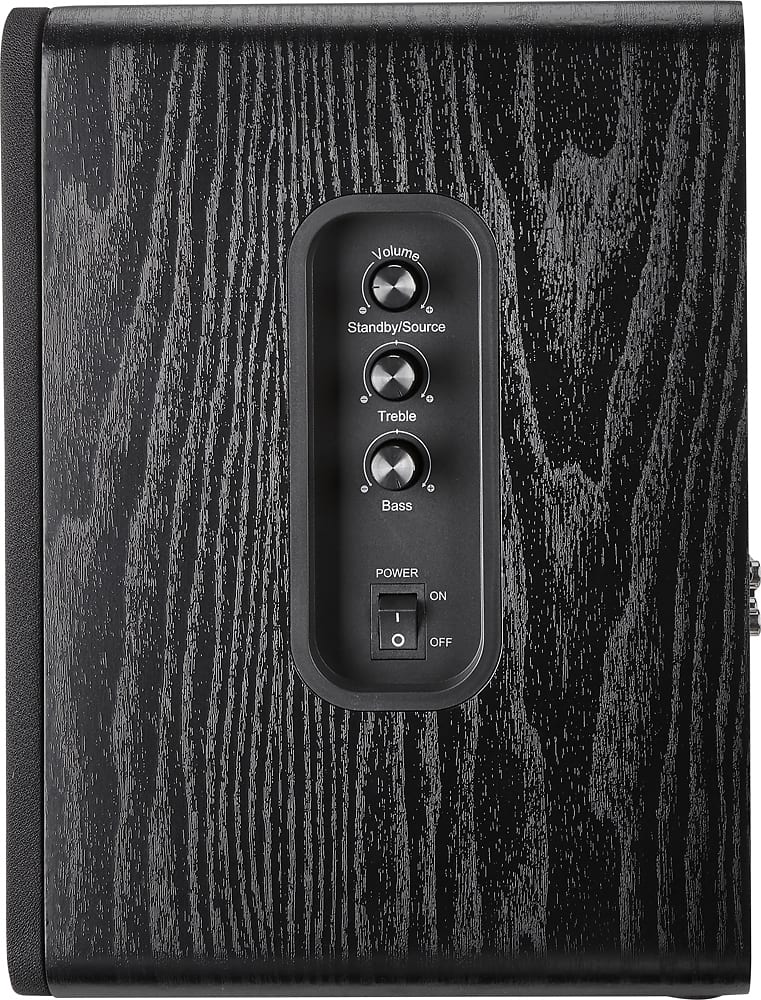
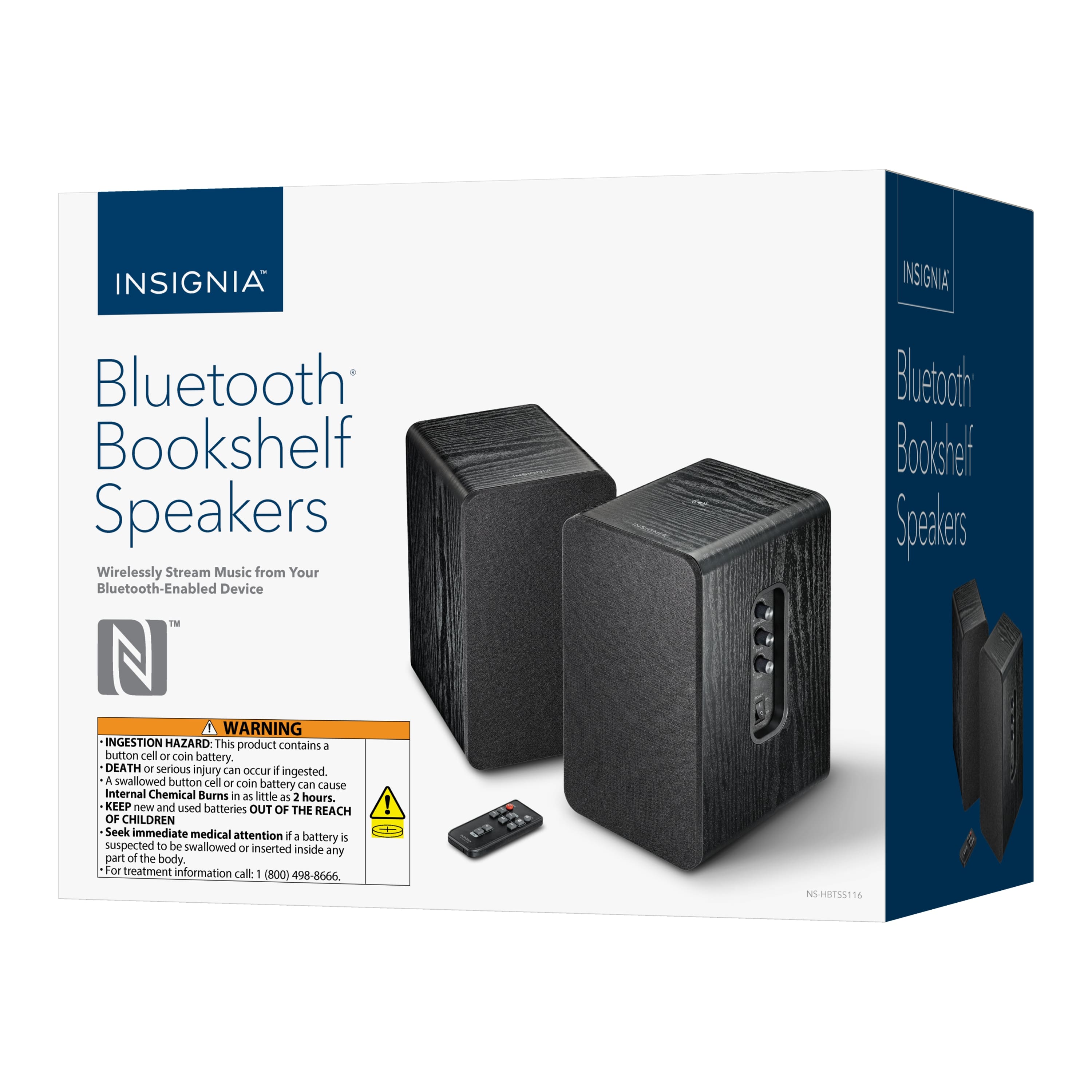
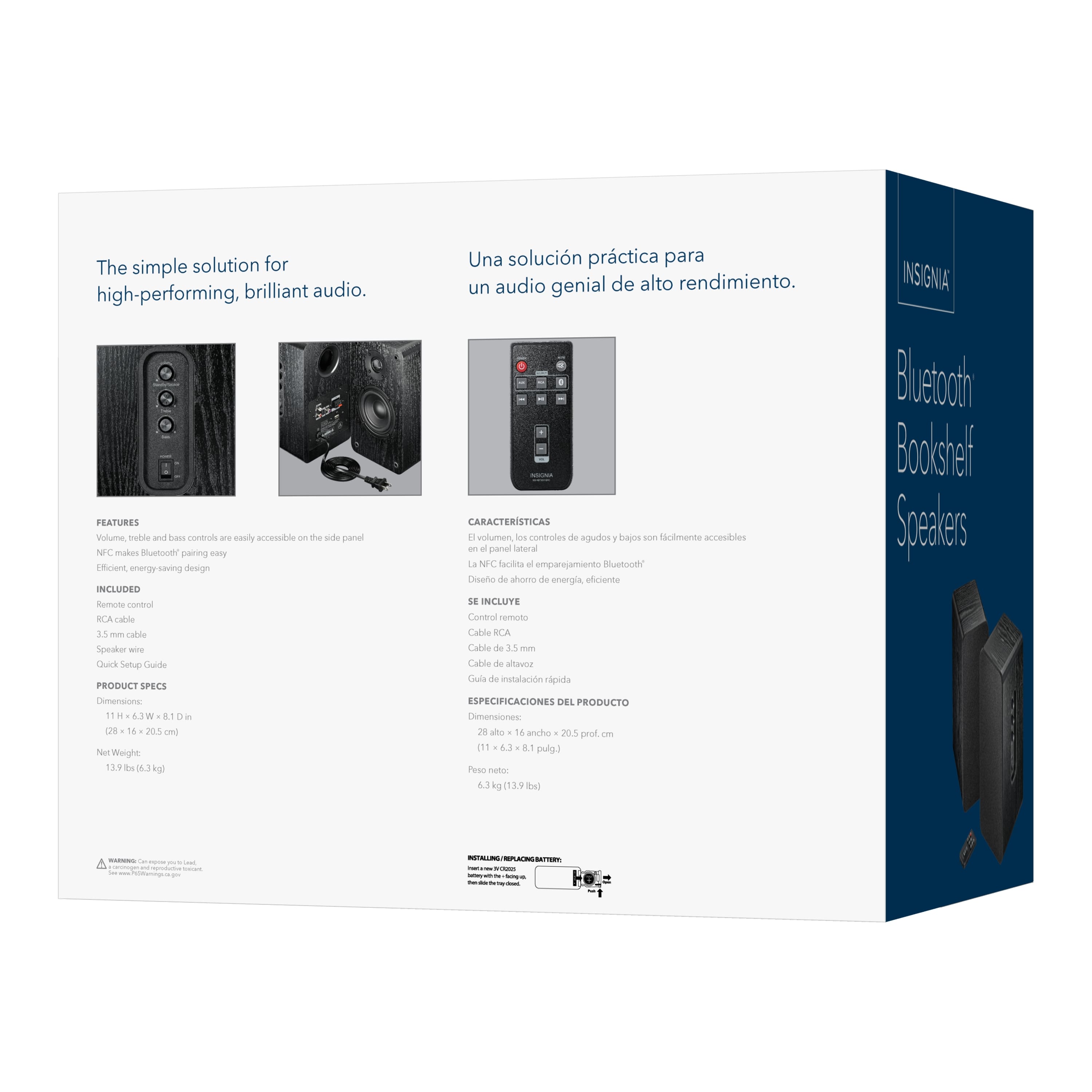
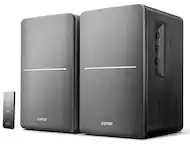
A:AnswerToggle the ON/OFF switch on the side of your speaker to the ON position. Press and hold down the Volume knob to resume the last mode that was played.
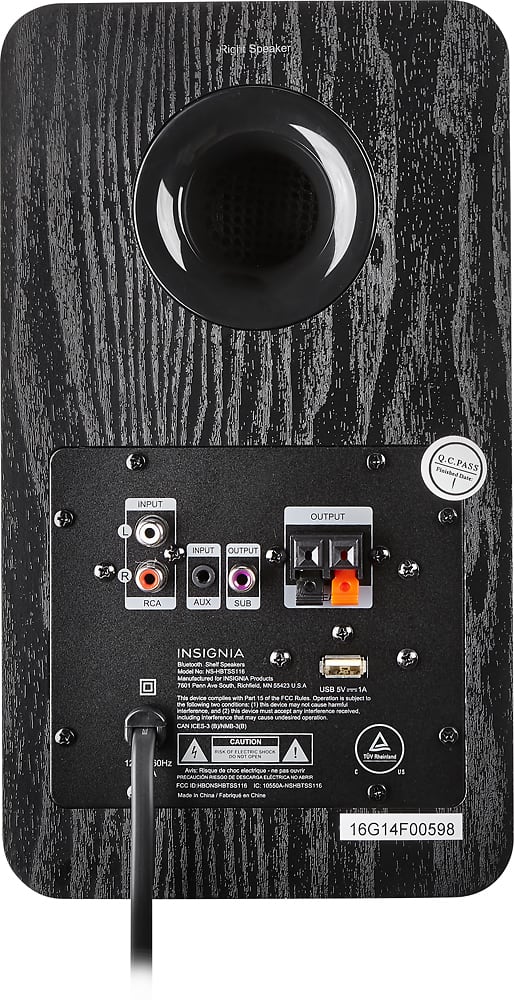
A:AnswerYes. I have it set up with my computer. You can use a auxiliary cord to connect it to the computer. The speakers connect through speaker wires provided in the box. It can also be connected via bluetooth.
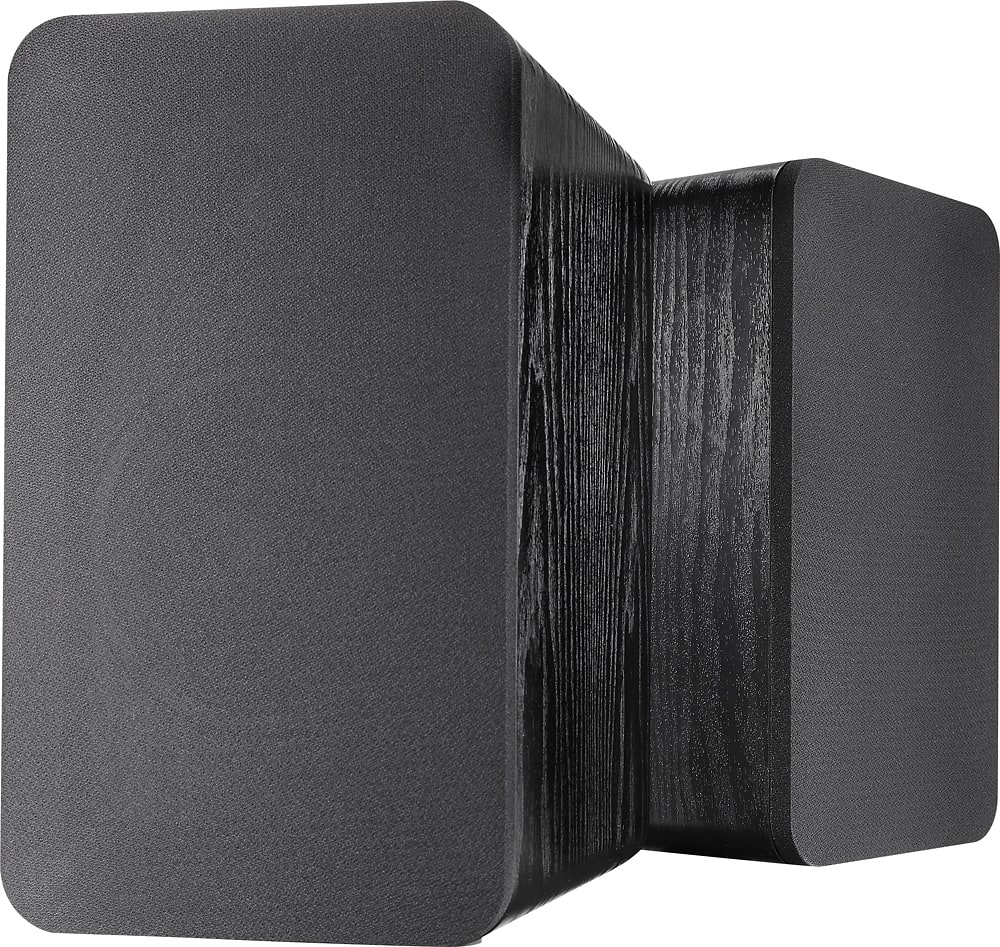
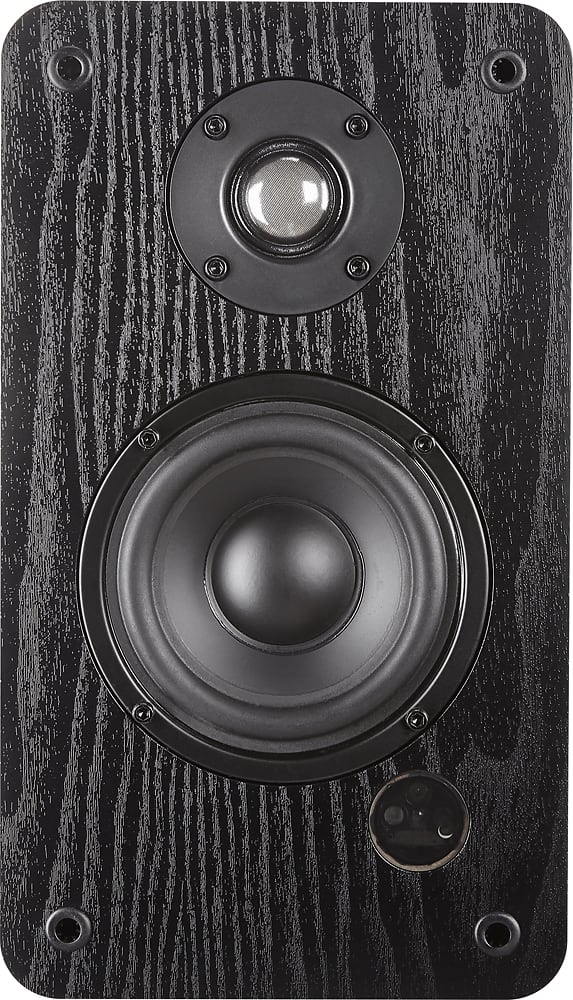
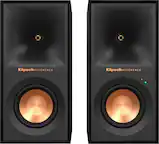
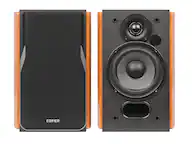
A:AnswerLet’s start off with this is an AMAZING set of powered speakers. To your question, No. There are no voice prompts. There is small led indicator located behind the grill on the lower right hand corner of the master speaker. The led illumination is as follows
RED——Standby
Green—-ON Input RCA or 3.5mm
Blue(solid)——ON Input Bluetooth
Blue(flashing)——pairing Bluetooth
Again there are no voice prompts for any of the modes or if Bluetooth is connected or disconnected. However there is a brief and quiet tone to confirm that Bluetooth is connected.