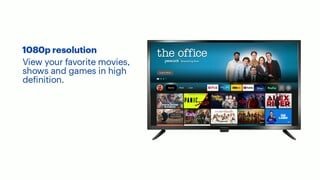
A:AnswerBrought it back to Best Buy, Geek Squad could not get it to come on. They sent it out to get repaired or I might get a replacement from the manufacturer.
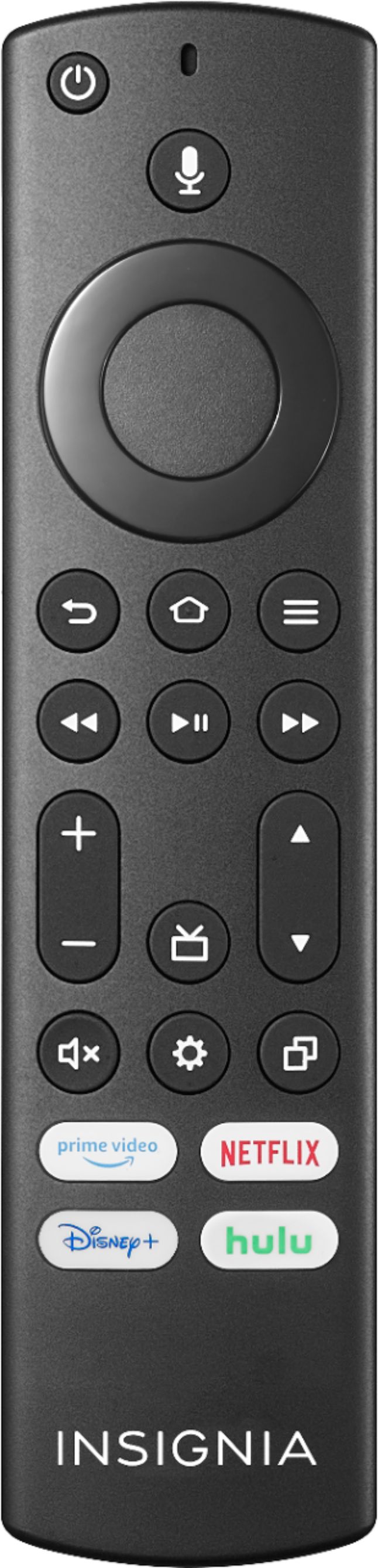
A:AnswerSort of.... You can go to settings and set a timer. There is also a button on the remote that you press to get to a 'quick settings' menu to set the timer. I'm happy with it.
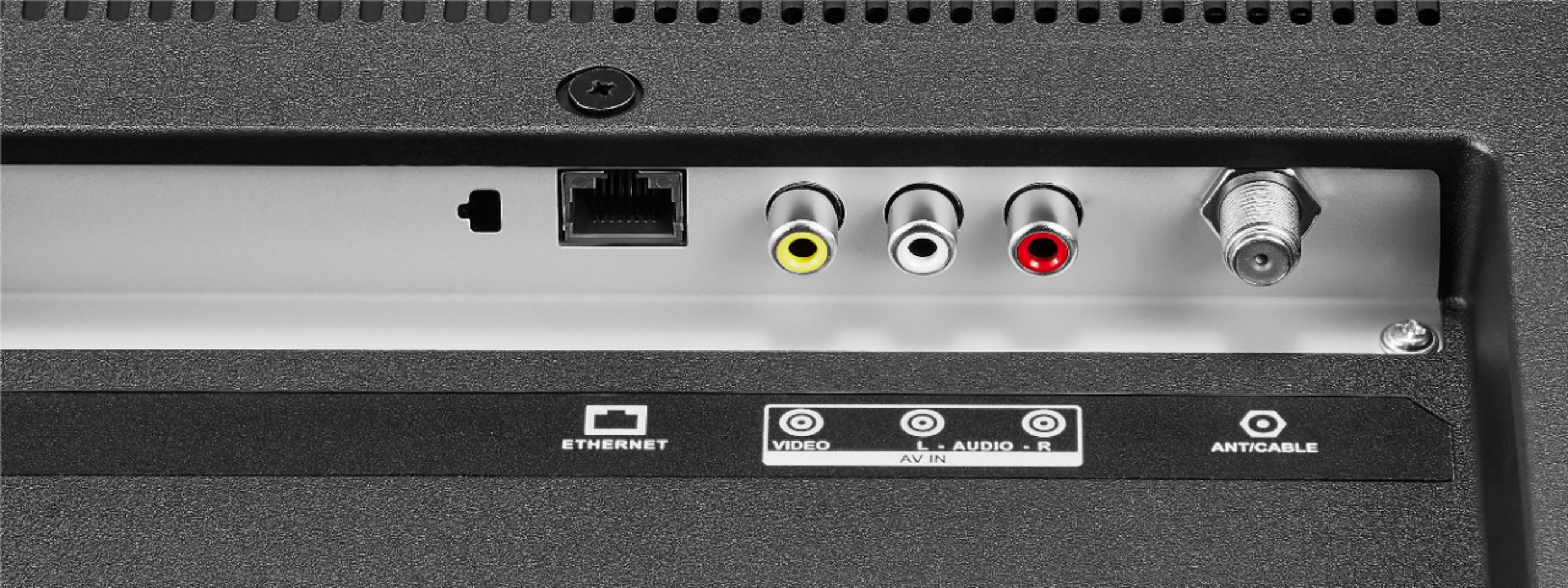
A:AnswerYes and you can only turn the TV on and off, adjust volume, change channels and selecting HDMI hooked-up electronics to TV only by using the included remote.
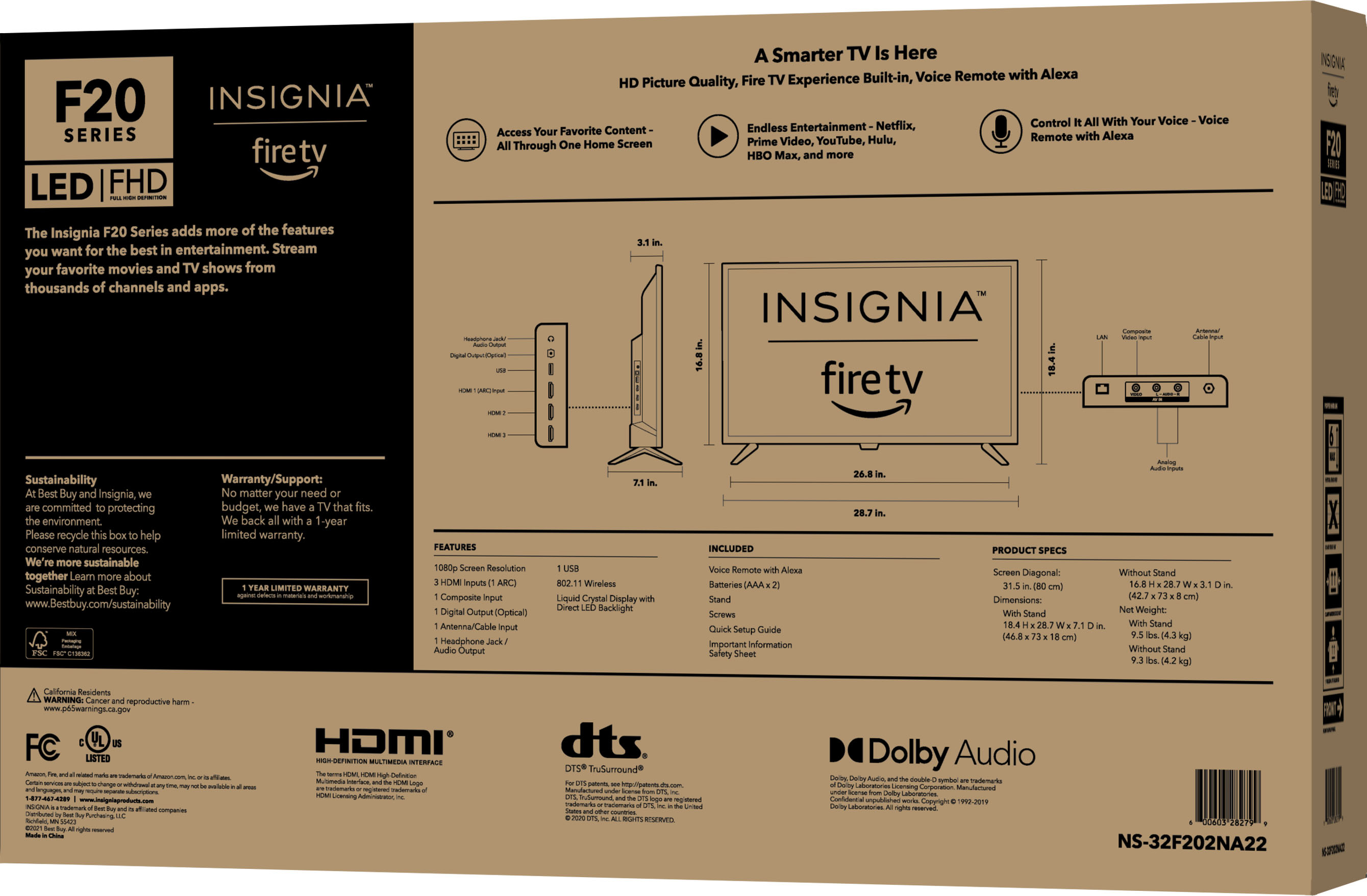
A:AnswerThey came wrapped nicely with everything you needed. 1 of the 2 was missing the remote so i brought it back and they gave me another with no issues. Great customer service. I assume yes you still have a warranty