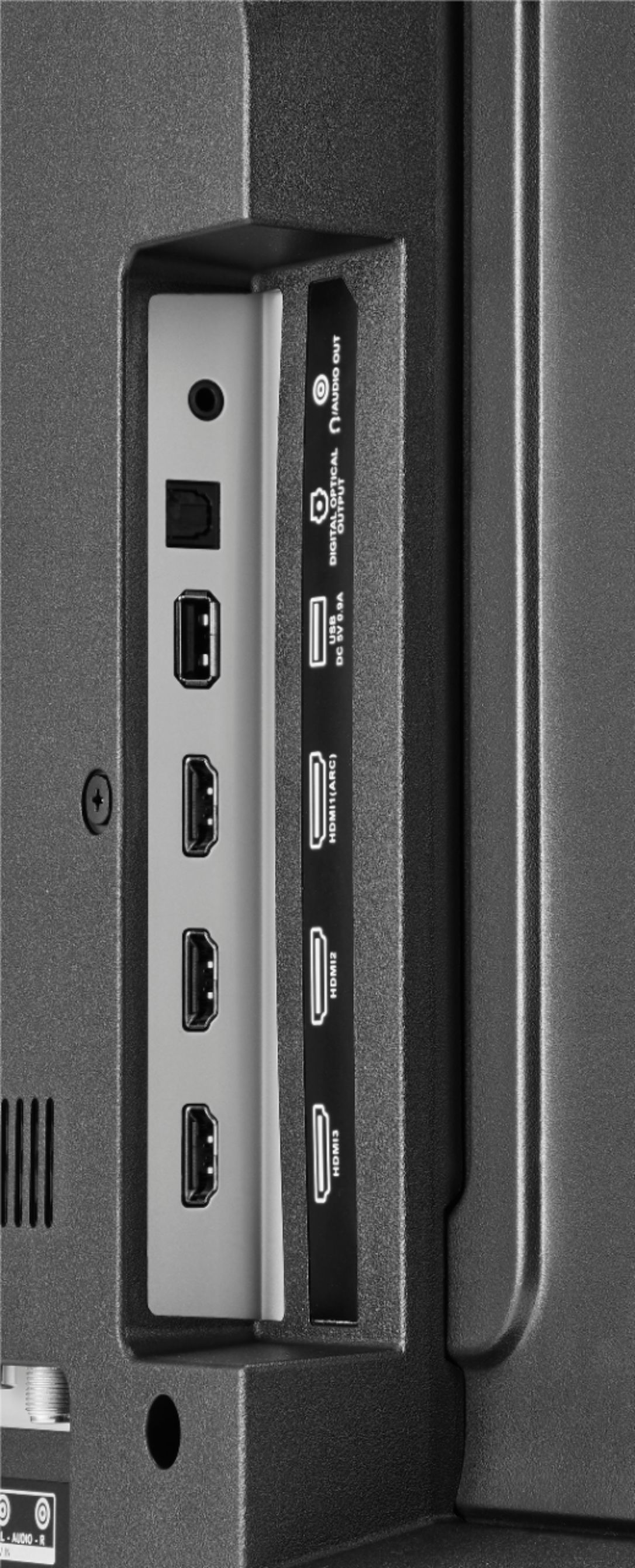
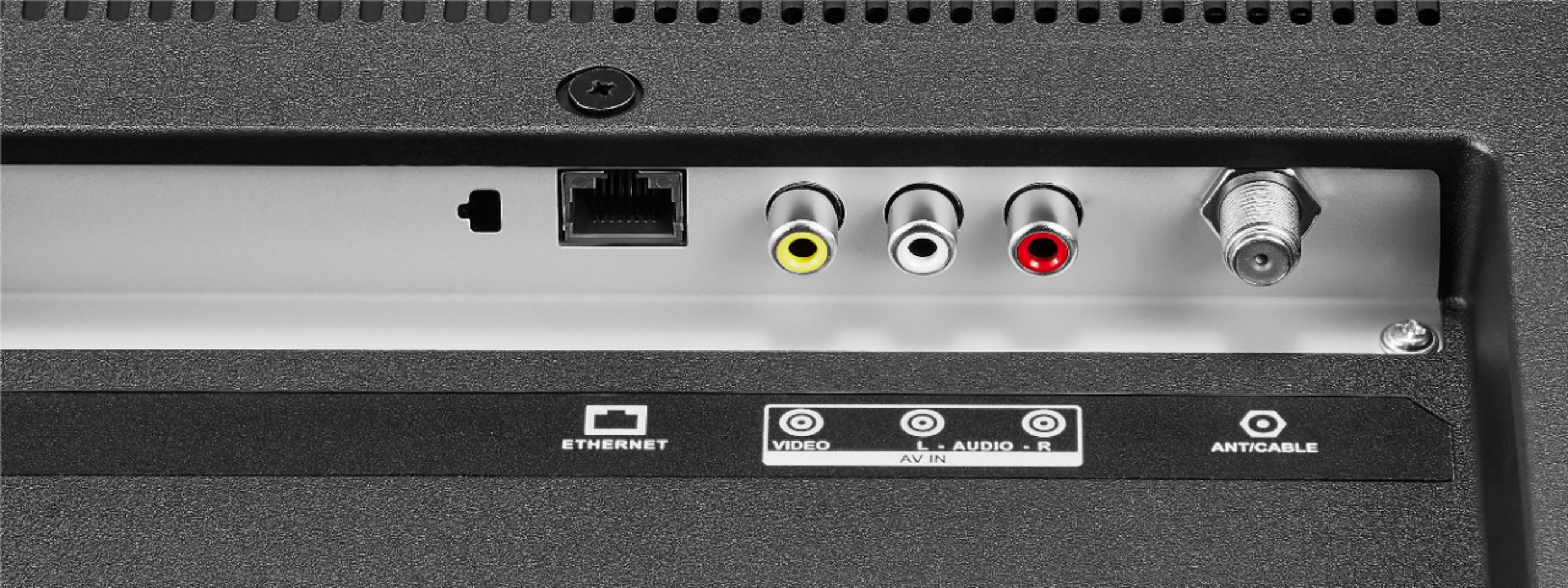
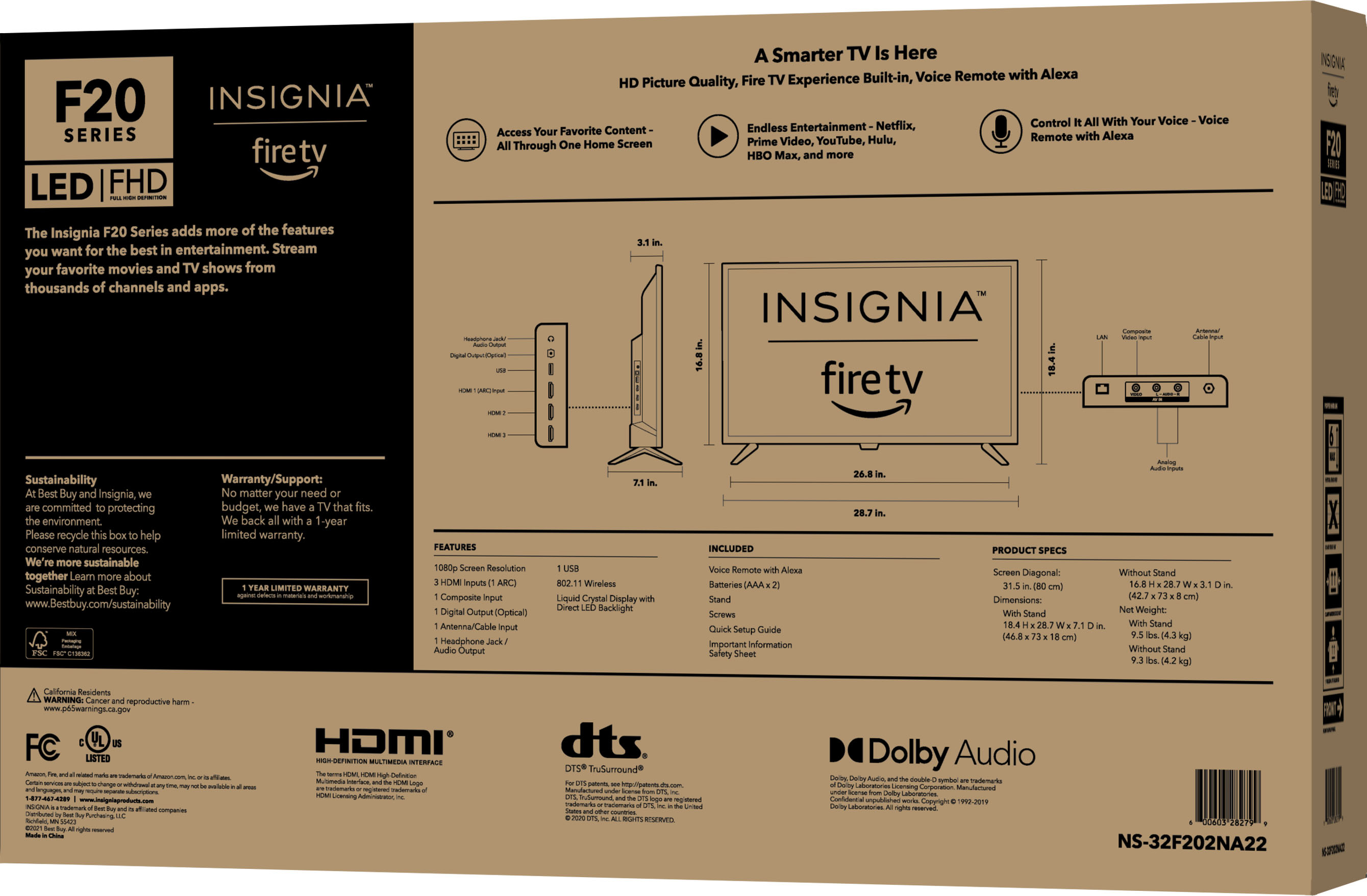
A:AnswerActually, this TV has a "cut-off" headphone jack. Simply get a stereo 3.5mm to RCA adapter, and plug this into your AUX jacks. The speakers in the TV will shut off. You'll be fine.
A:AnswerYes and no per say, yes if you want to hook up an antenna and get channels you'd have with standard cable (more for if you don't have a wifi router). And No, if you have wifi in your home and connect the TV to that it will have a pre installed app that works for free and in a sense acts like cable
A:AnswerUnfortunately, the Spectrum TV app is not available for download on this TV.
For a list of supported devices, please visit
https://www.spectrum.com/cable-tv/spectrum-tv-app
Try to hook up a Roku device into one of the HDMI inputs on the TV.
A:AnswerUnfortunately, The Chosen app is not available for download on this TV.
Try the Apple - Lightning Digital A/V Adapter - Model: MD826ZM/A to connect your iPhone into one of the HDMI inputs on the TV.
A:AnswerIt doesn't. The USB port on this tv will only display photos that are contained on USB sticks. That's what I read reading an online manual for this TV model.