Black Friday is hereShop new DoorbustersShop now

Main Content

Questions & Answers

Your price for this item is $76.99
Clearance
The comparable value price is $169.99
Page Showing 81-100 of 280 questions
  • Questiondo you have to use smart fire feature? Can I use normal cable service?

    Asked by Anonymous.

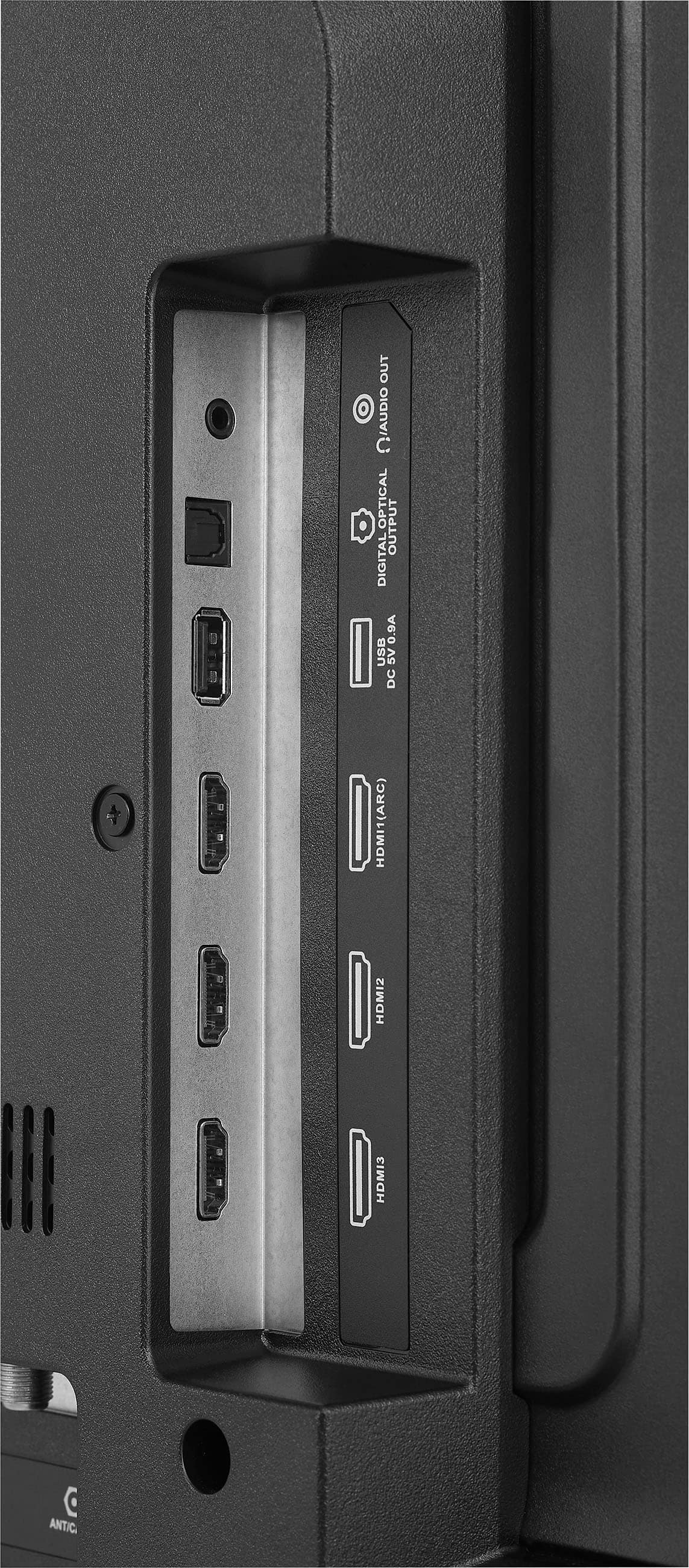
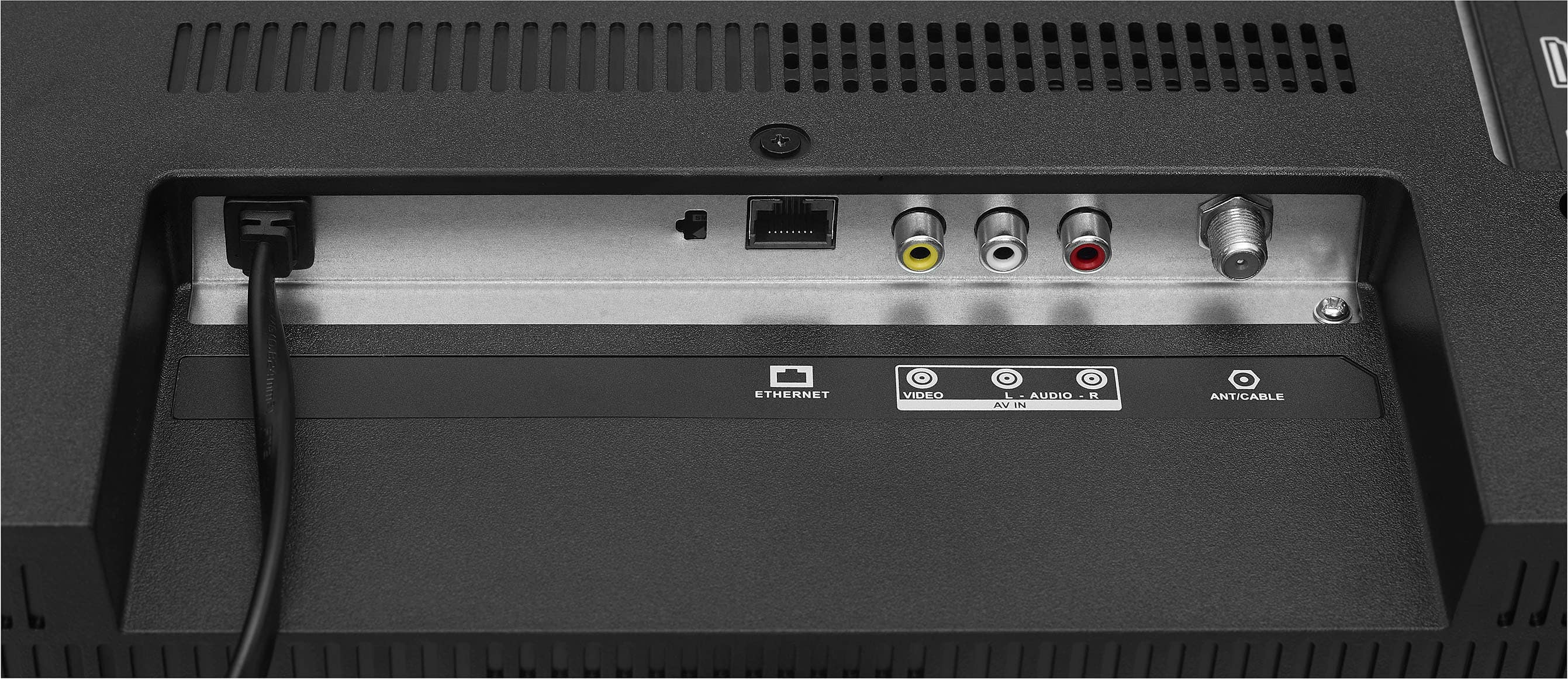
    • Answer Thank you for your inquiry! No, you don’t have to use the Smart Fire TV features on the Insignia™ 32" Class F20 Series LED Full HD Smart Fire TV if you prefer not to. This TV is fully capable of working with a traditional cable service. It includes HDMI and coaxial (RF) inputs, allowing you to connect a cable box, antenna, or other external devices. Once connected, you can simply switch the input source using the remote control to access your cable channels, completely bypassing the Fire TV interface if desired. This gives you the flexibility to enjoy either smart features or a more traditional TV setup based on your preference. Keith | Insignia Support

      Answered by InsigniaCustomerSupport

  • QuestionWhat size exactly is the headphone jack? Is it 3.5 mm? Or is it 6.35 mm (sometimes called "standard" or "TRS")?

    Asked by Nick.

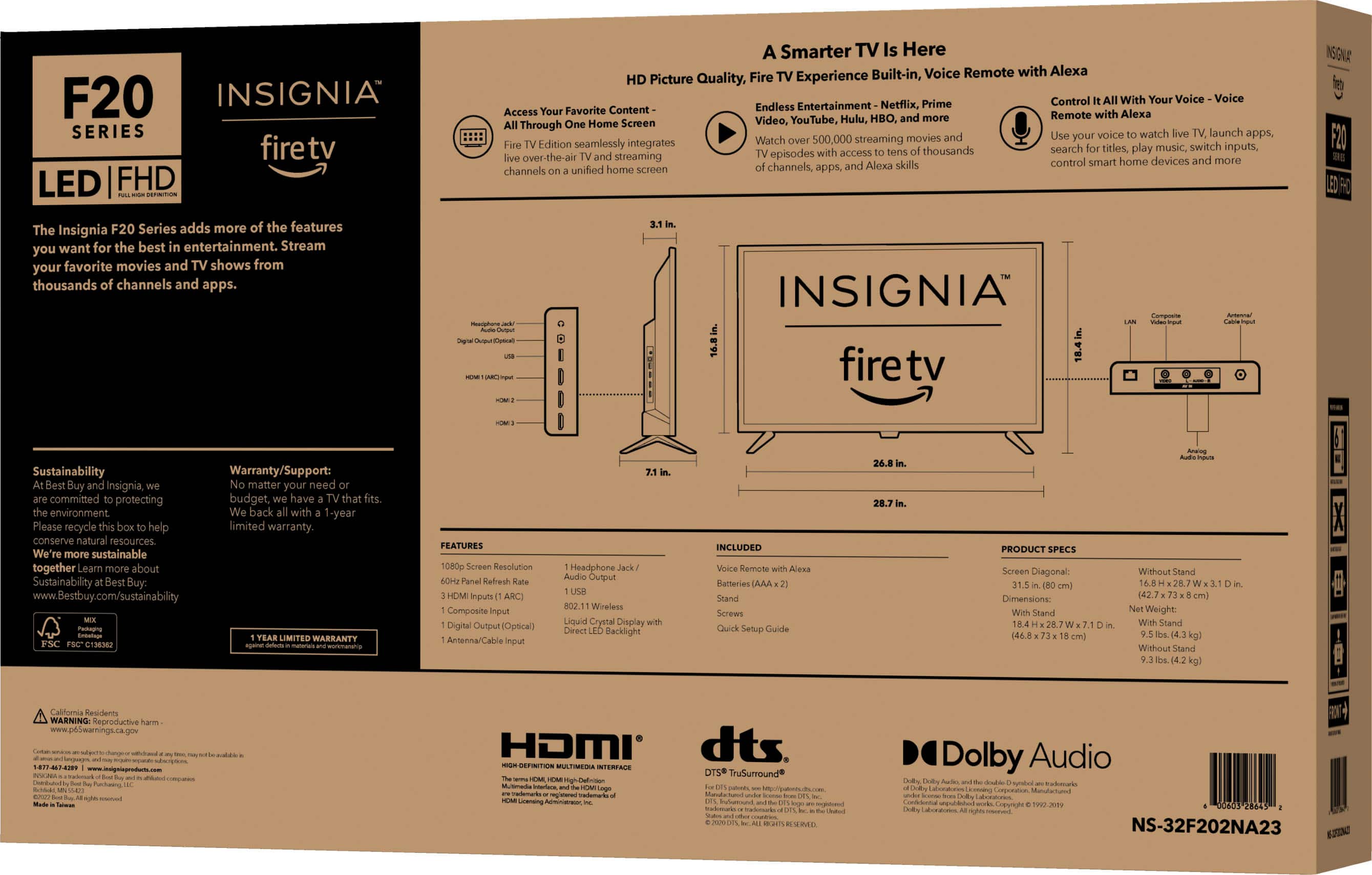
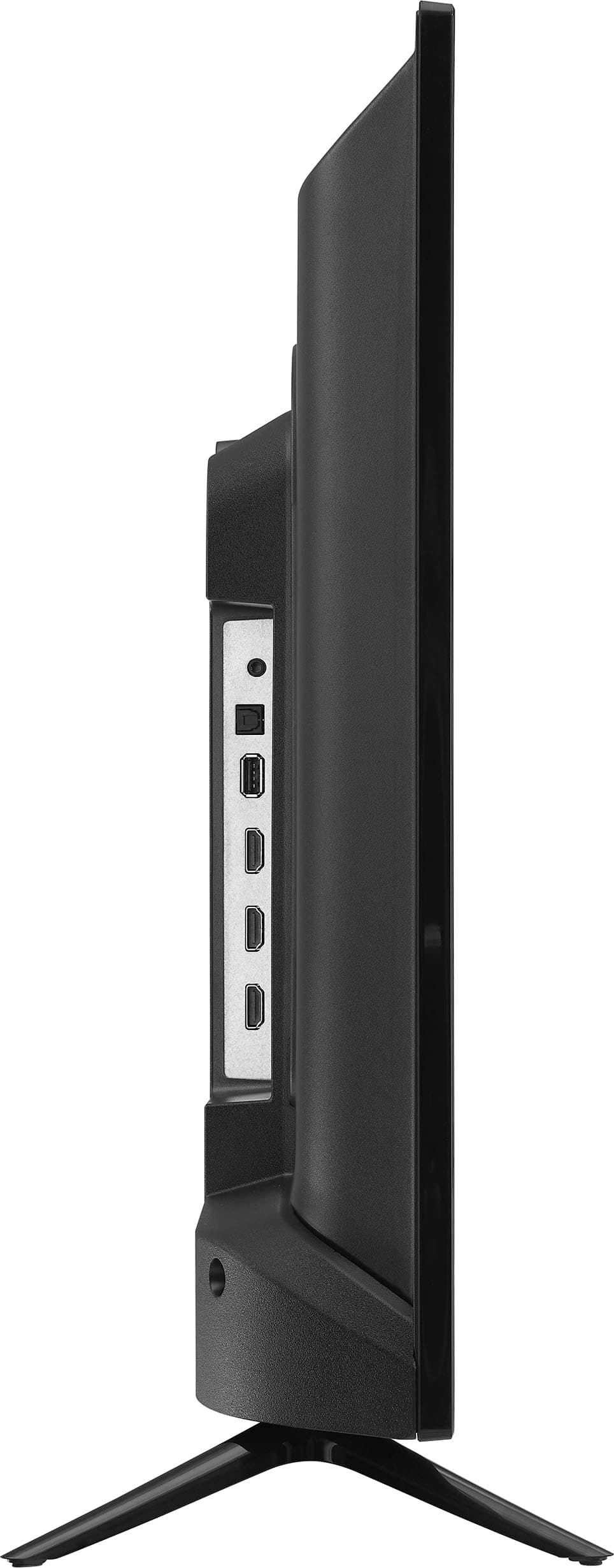
    • Answer Hi Nick! Based on the specifications and information available, the headphone jack on the Insignia™ - 32" Class F20 Series LED Full HD Smart Fire TV is the standard 3.5 mm size. Jeth | Insignia Support.

      Answered by InsigniaCustomerSupport

  • QuestionFire tv screen only. Can not get it to go past that

    Asked by Mom4tiara.

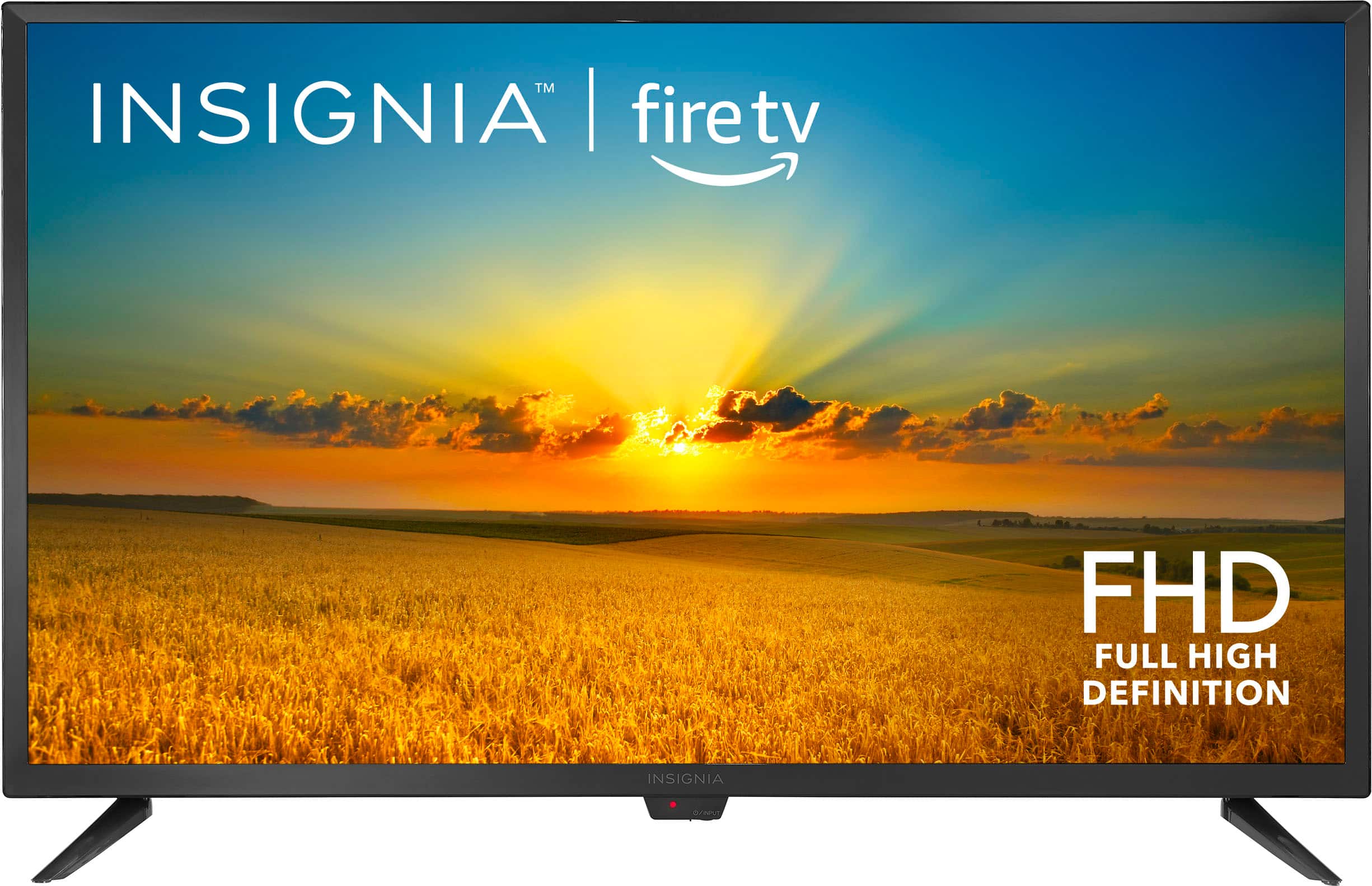
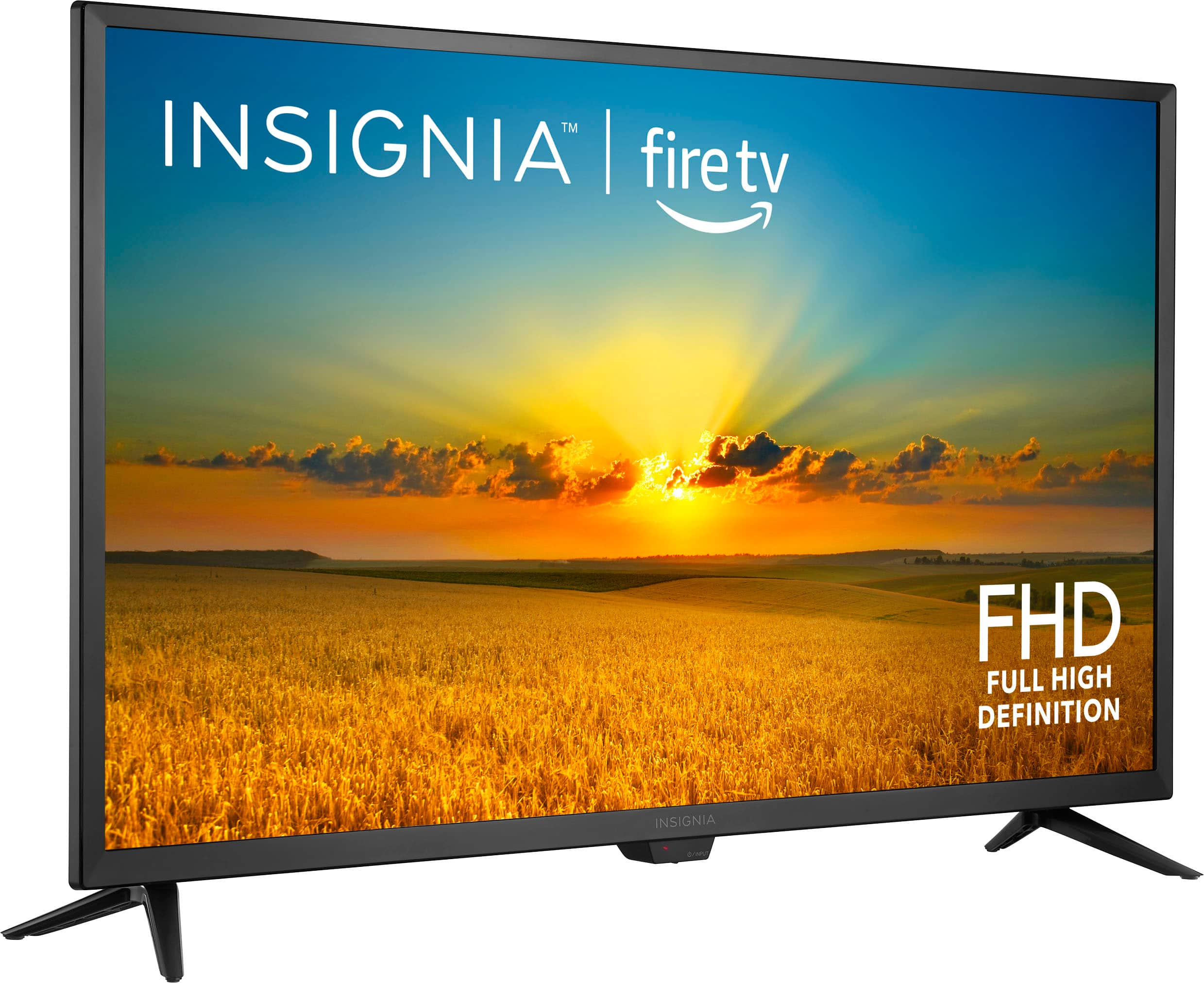
    • Answer Thank you for your inquiry! If your Insignia™ 32" Class F20 Series LED Full HD Smart Fire TV is stuck on the Fire TV logo screen and won’t proceed, this is a fairly common issue that can often be resolved with a few troubleshooting steps. First, try performing a power cycle by unplugging the TV from the wall, waiting at least 60 seconds, then pressing and holding the power button on the TV itself for about 30 seconds before plugging it back in and turning it on. If that doesn’t work, you can attempt a manual factory reset. To do this, press and hold the Power and Volume Down buttons on the TV simultaneously for about 10–15 seconds until the TV restarts or enters recovery mode. If a recovery menu appears, use the volume buttons to navigate and the power button to select the factory reset option. Alternatively, you can try holding the Back and Right directional buttons on the remote for 10 seconds to trigger a recovery screen. If none of these steps resolve the issue, it may be a hardware problem, and you might need to contact Insignia support or consider returning or exchanging the unit through Best Buy. Keith | Insignia Support
      Answered by InsigniaCustomerSupport

  • QuestionDoes a remote come wih tv?

    Asked by Tiny.

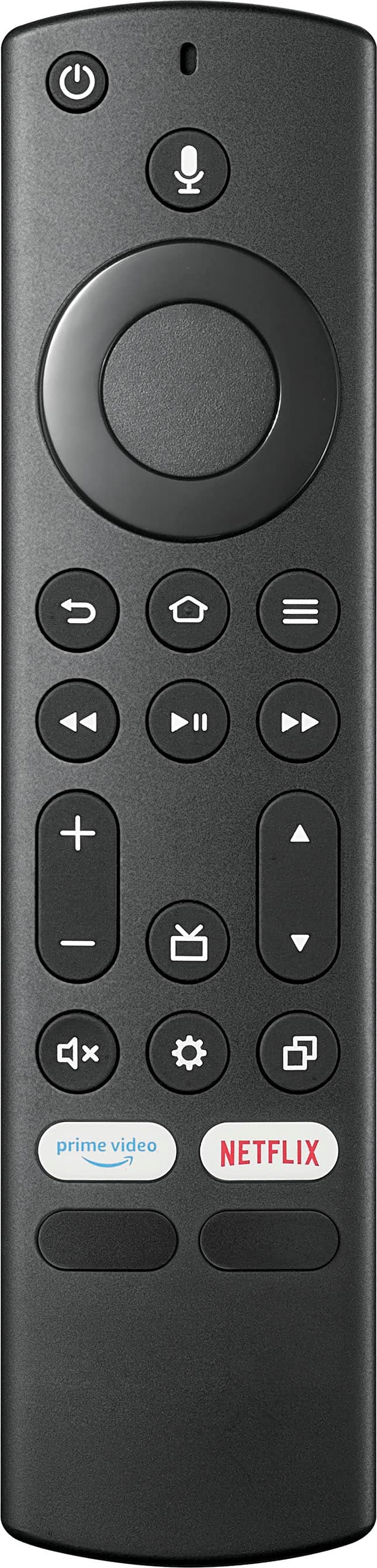
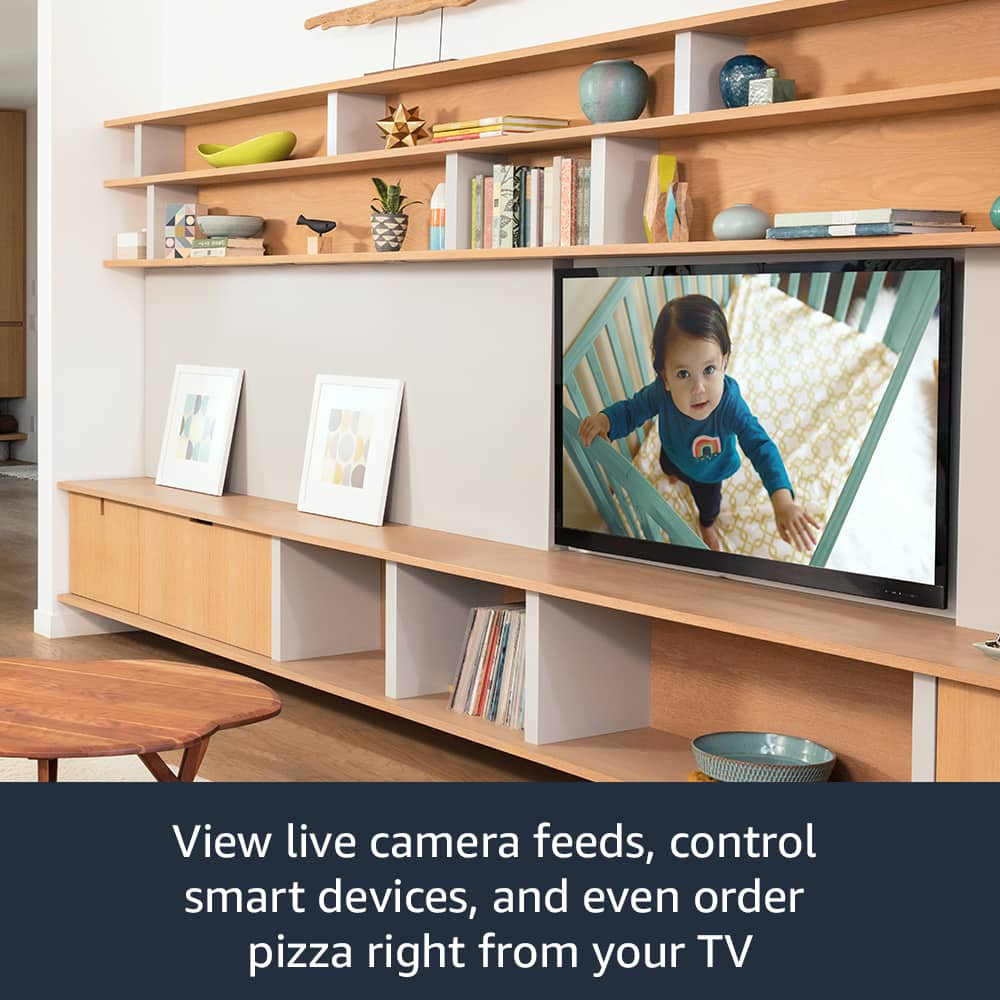
    • Answer Thank you for your inquiry! Yes, the Insignia™ 32" Class F20 Series LED Full HD Smart Fire TV does come with a remote control included. Specifically, it includes the Alexa Voice Remote, which allows you to navigate the Fire TV interface and use voice commands with Alexa for convenience. Keith | Insignia Support
      Answered by InsigniaCustomerSupport

  • QuestionWhat version of the operating system (OS) is installed on model # NS-32F202NA23? I want to stream using the Fios TV Home App and it requires OS version 7.0 or higher.

    Asked by Bhelmlinger.

    • Answer Hi Bhelmlinger, thank you for reaching out. To check your updated OS version, please navigate to Settings > Device & Software > About. On the right-hand side of your screen, you will be able to see the OS version of your TV. I hope this information is helpful, and if you have any further questions, please feel free to ask! - Carl | Insignia Support

      Answered by InsigniaCustomerSupport

  • QuestionWill this TV work with Spectrum?

    Asked by Robin.

    • Answer Yes, the Insignia™ 32" Class F20 Series LED Full HD Smart Fire TV will work with a Spectrum cable box. You can connect it using an HDMI cable to enjoy your channels. However, the Spectrum TV app is not supported on this TV. Patricia | Insignia Support

      Answered by InsigniaCustomerSupport

  • QuestionHeadphones friendly?

    Asked by IlonaY.

    • Answer Thank you for your inquiry! Yes, the Insignia™ 32" Class F20 Series LED Full HD Smart Fire TV is headphones friendly. It has a headphone jack that allows you to connect your headphones directly to the TV. This feature is great for private listening or when you don't want to disturb others. If you have any other questions or need further assistance, feel free to ask! Keith | Insignia Support

      Answered by InsigniaCustomerSupport

  • QuestionI don't want to use Alexa. Can TV be used with a remote control?

    Asked by Gilet18.

    • Answer Yes, the Insignia™ 32" Class F20 Series LED Full HD Smart Fire TV can be used with a remote control without needing to use Alexa. The TV comes with a remote control that allows you to navigate and control the TV's functions directly. Patricia | Insignia Support

      Answered by InsigniaCustomerSupport

  • Questioncan tv be hooked up to spectrum cable

    Asked by lake.

    • Answer Thank you for your inquiry! Yes, the Insignia™ 32" Class F20 Series LED Full HD Smart Fire TV can be connected to Spectrum cable. The TV features an Antenna/Cable In jack, allowing you to directly connect a cable TV service. You can use either a coaxial cable or a cable box to receive Spectrum channels.

      Answered by InsigniaCustomerSupport

  • QuestionIs this TV Compatible with dish TV?

    Asked by Anonymous.

    • Answer Hello Insignia Customer, Thank you for your inquiry regarding the Insignia™ 32" Class F20 Series LED Full HD Smart Fire TV. Yes, this TV is compatible with Dish TV. You can connect your Dish TV receiver to the TV using an HDMI cable, ensuring you get the best picture quality and access to all your Dish TV channels. If you have any further questions or need assistance, feel free to reach out! - Emman | Insignia Support

      Answered by InsigniaCustomerSupport

  • QuestionCan I download and use the YouTube TV App on this TV

    Asked by Popslvm.

    • Answer Hi Popslvm, thank you for reaching out. Yes, the YouTube TV app is available and can be downloaded on our Smart Fire TVs. I hope this information is helpful, and if you have any further questions, please feel free to ask! - Carl | Insignia Support

      Answered by InsigniaCustomerSupport

  • QuestionCan this tv automatically start an app when powered on?

    Asked by Anonymous.

    • Answer Hi Insignia Customer, thank you for reaching out. Our Fire TVs do not have a feature to set any application as a default input. We appreciate your feedback, as this will help us to further improve our products and consider adding more features. - Carl | Insignia Support

      Answered by InsigniaCustomerSupport

  • QuestionCan you mount it to a wall?

    Asked by Tiff.

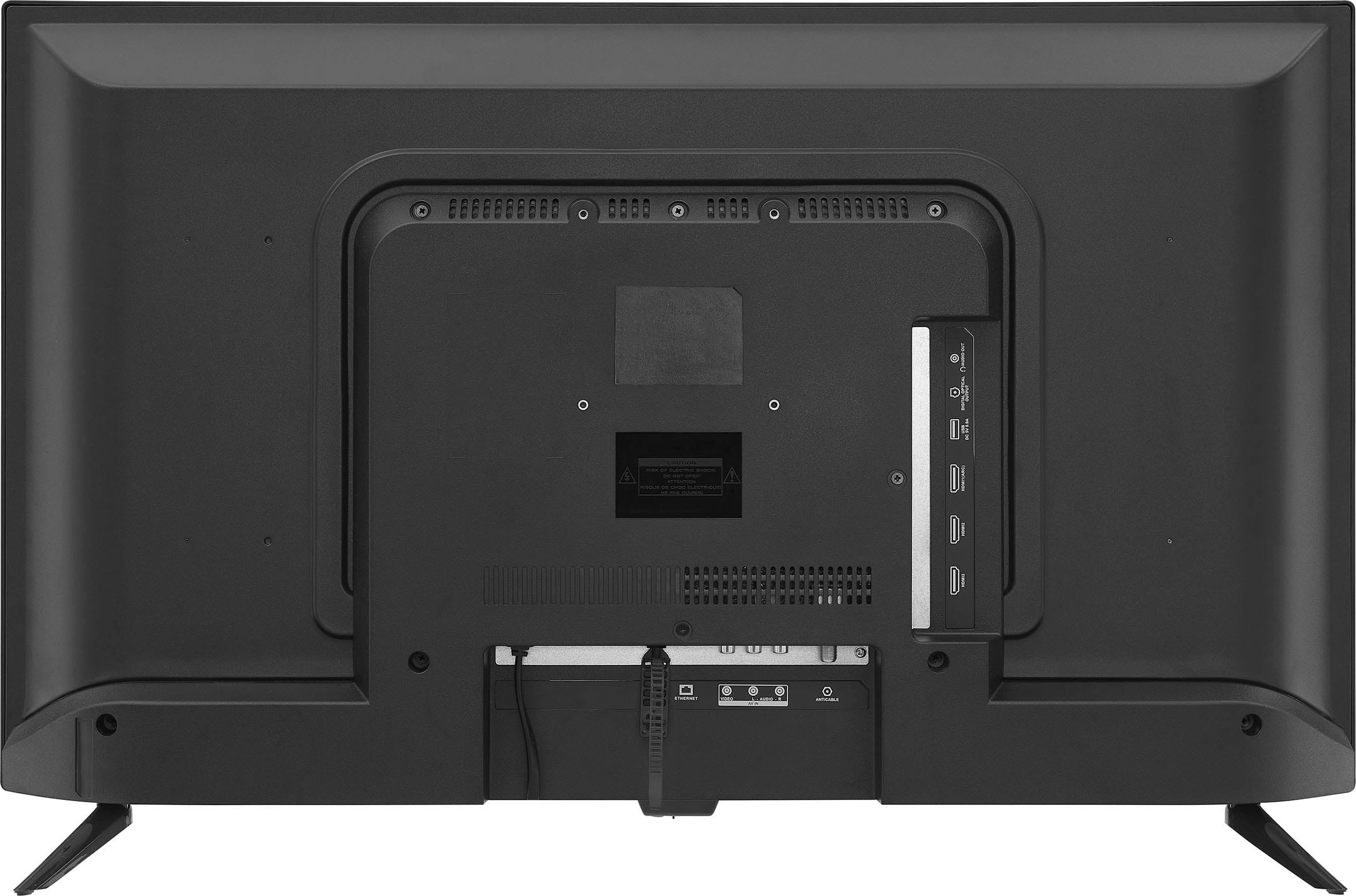
    • Answer Thank you for your inquiry! Yes, the Insignia™ 32" Class F20 Series LED Full HD Smart Fire TV is wall mountable. It is compatible with VESA mounting standards (typically 100x100mm), allowing you to mount it securely on a wall. Keith | Insignia Support

      Answered by InsigniaCustomerSupport

  • QuestionI'm using this TV as a computer monitor for windows laptop via HDMI cable. When the computer sleeps the TV shows NO SIGNAL and then goes into screensaver.... what I want is for it to shut off or sleep when there is no signal. Can't find an option

    Asked by Doogie.

    • Answer Hi there. Unfortunately, the Insignia™ 32" Class F20 Series LED Full HD Smart Fire TV doesn't have a built-in feature to automatically turn off when it detects no signal from your Windows laptop. However, you can try adjusting the power settings on your laptop to prevent it from going into sleep mode, use a smart plug to turn off the TV after a period of inactivity, or manually turn off the TV using the remote control when you're done using your laptop. Ivy | Insignia Support

      Answered by InsigniaCustomerSupport

  • QuestionI have ROKU, and I'm not able to receive my channels. Am I supposed to download something? And if so, how do I do that, please? If I don't want to use ROKU and the Amazon Fire TV S that the TV has, how do I get my channels to load? Missing something?

    Asked by Anonymous.

    • Answer Hi Insignia Customer, please feel free to contact us at 1-877-467-4289 for further diagnostics and troubleshooting. We look forward to speaking with you. - Carl | Insignia Support

      Answered by InsigniaCustomerSupport

  • QuestionIf I dont use the TV for a few days, I am unable to turn it on with the remote or the button on the TV. The red standby light on the front goes dark. I have to unplug it and plug it back in. Ive done the factory reset numerous times to no avail. HELP!!!

    Asked by HarryB.

    • Answer Hi HarryB, thank you for reaching out. Please contact us at 1-877-467-4289 so we can further assist you with troubleshooting your Insignia 32" F20 Series Smart Fire TV. We look forward to speaking with you. - Carl | Insignia Support

      Answered by InsigniaCustomerSupport

  • QuestionHow do I download the Xfinity Streaming App? I searched for the ap, clicked on it, then clicked on the download button. It then went to the view of the apps. But when I click on the icon, it takes me back to the original page, with the download button.

    Asked by CharlesF.

    • Answer Thank you for your inquiry! If you're having trouble downloading the Xfinity Streaming App on your Insignia™ 32" Class F20 Series LED Full HD Smart Fire TV, there are a few steps you can try to resolve the issue. First, ensure your TV's software is up to date by going to Settings > Device & Software > Check for System Update. Sometimes, clearing the cache can help, so navigate to Settings > Applications > Manage Installed Applications > Xfinity Stream > Clear Cache. Restarting your TV by unplugging it for about a minute and then plugging it back in can also resolve issues. If the app is partially installed, uninstall it by going to Settings > Applications > Manage Installed Applications > Xfinity Stream > Uninstall, and then try downloading it again from the app store. Additionally, make sure your TV is connected to the internet by checking Settings > Network > Check Network Connection. If these steps don't resolve the issue, you might want to contact Xfinity support for further assistance. Keith | Insignia Support

      Answered by InsigniaCustomerSupport

  • QuestionWhy can't I post a review of this piece of crap?

    Asked by eenaldous.

    • Answer Thank you for your inquiry! I'm sorry to hear you're having trouble posting a review. There could be several reasons for this issue. First, ensure you're logged into your Best Buy account, as reviews can often only be posted by verified purchasers or registered users. Additionally, make sure your review complies with Best Buy's review guidelines, as reviews containing inappropriate language, personal information, or irrelevant content may be blocked. There might also be a temporary technical issue with the website or app, so try clearing your browser cache or using a different browser or device. Lastly, some retailers only allow reviews from customers who have purchased the product directly from them, so ensure your purchase is verified. If none of these solutions work, you might want to contact Best Buy customer support for further assistance. Keith | Insignia Support

      Answered by InsigniaCustomerSupport

  • QuestionCan I download other apps that does not come on this TV? Can I get Google store on this TV

    Asked by Anonymous.

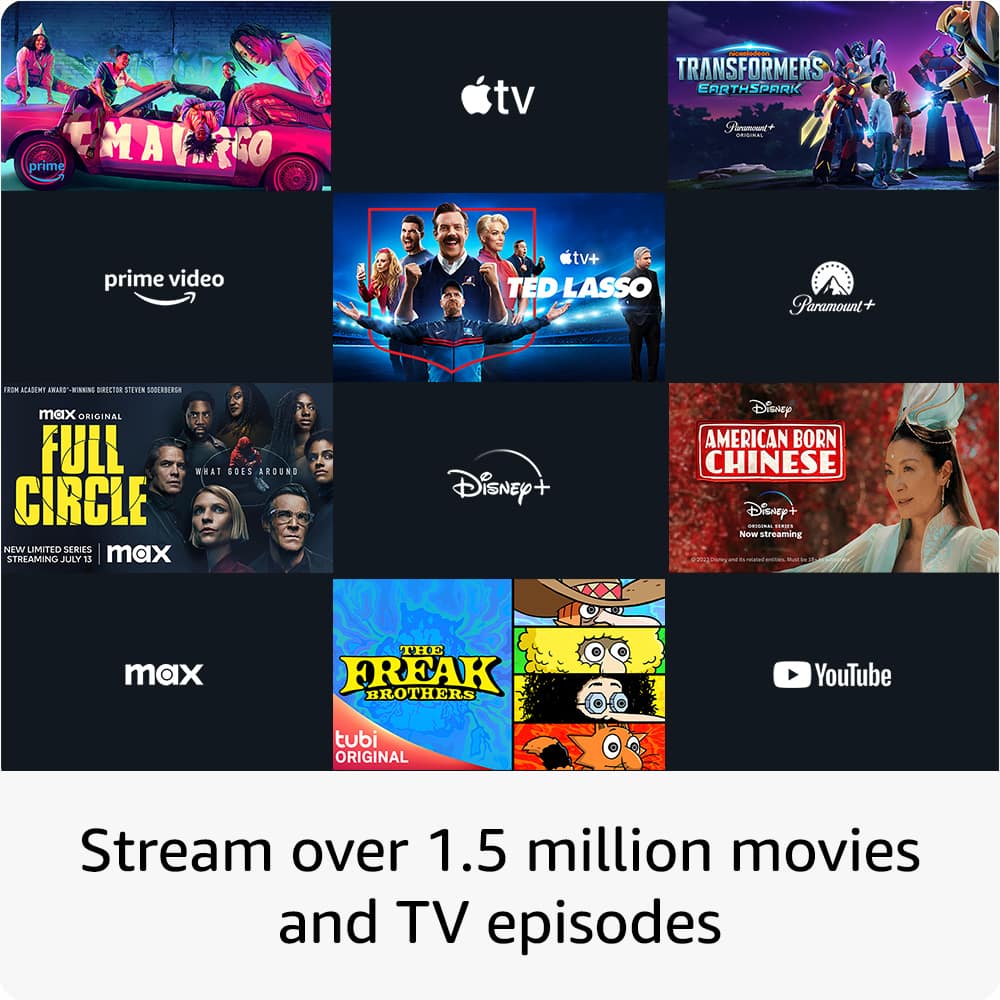
    • Answer Hi there. You can download more apps on your Insignia™ - 32" Class F20 Series LED Full HD Smart Fire TV using the Amazon Appstore. Just turn on your TV, connect it to the internet, go to the "Apps" tab, find the app you want, and click "Get" or "Download." However, you can't get the Google Play Store on this TV because it uses Amazon's Fire OS. If you need an app that's only on the Google Play Store, you might need to use a different device that supports it. If you have any other questions, feel free to ask. Ivy | Insignia Support

      Answered by InsigniaCustomerSupport

  • QuestionWhat is the quality of Bluetooth

    Asked by Anonymous.

    • Answer The Insignia™ 32" Class F20 Series LED Full HD Smart Fire TV does have built-in Bluetooth capabilities and it offers a range of other features, including Full HD resolution, integrated Fire TV platform, and Alexa voice control. If you have further question or inquiry, feel free to reach out.

      Answered by InsigniaCustomerSupport