A:AnswerIf you have a stereo cable plugged in to drive a stereo receiver's audio input with RCA jacks, , it automatically mutes the TV when a stereo cable is plugged in. Don't know if this might be your problem?
A:AnswerYou should contact the streaming app. or service for an answer your question about available program content. The TV is capable of using many streaming services. Not sure if there is a limitation.
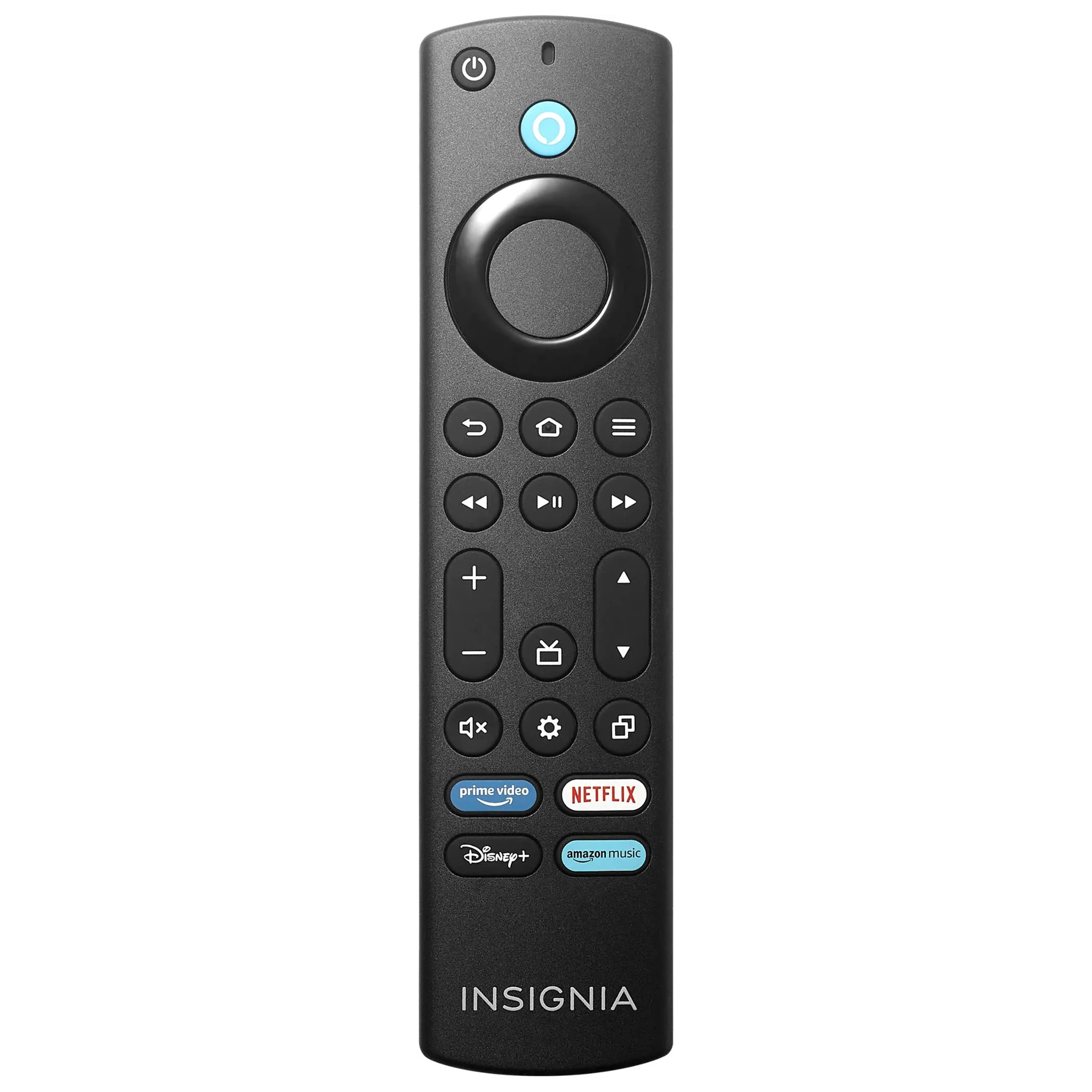
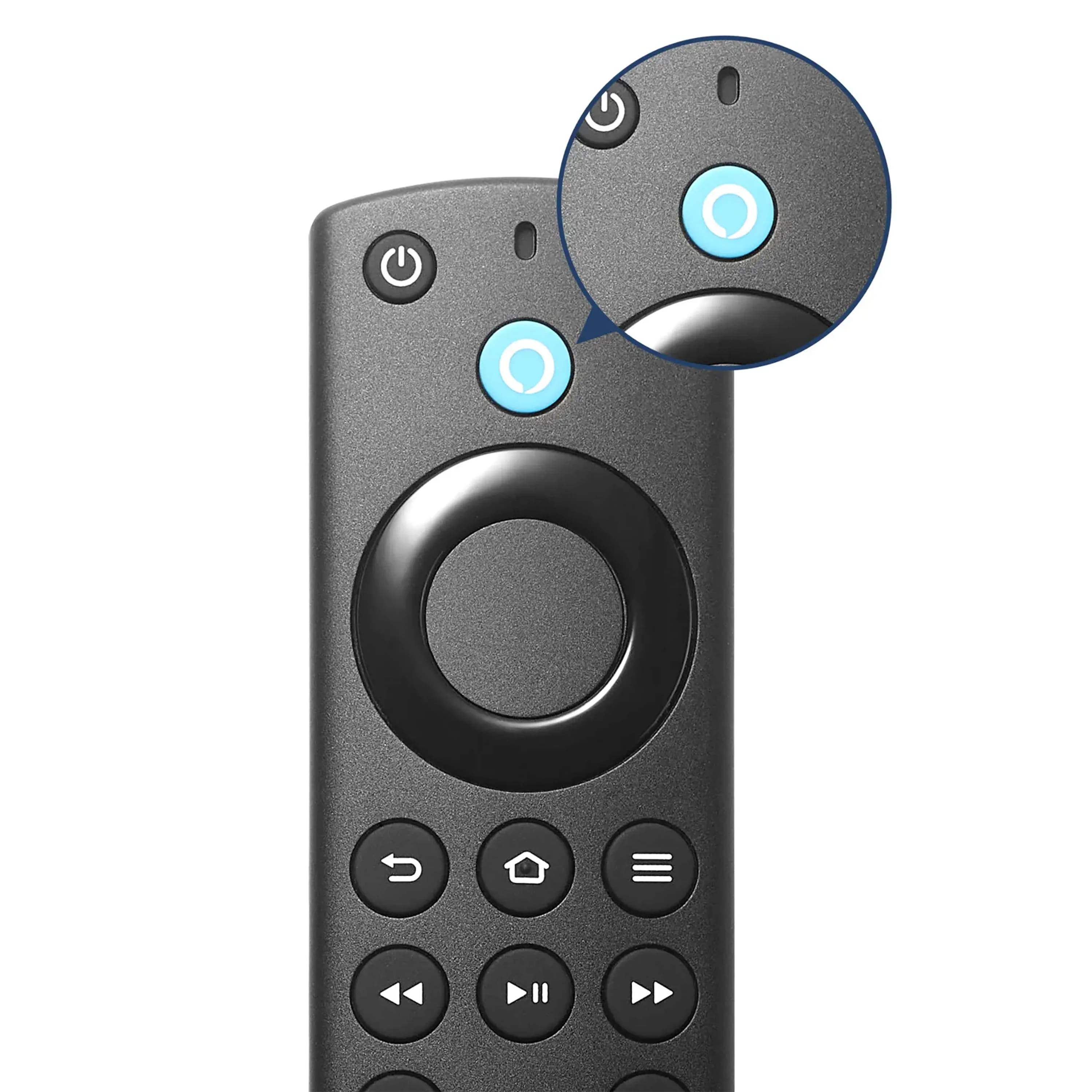
A:AnswerThe remote control has a microphone for voice control with Alexa. However, robots only understand your commands in certain contexts. Alexa is pretty good at understanding what you say, but isn't a person. What you say, using word choices and phrases make a difference. I haven't looked for a list of commands and phrases that Alexa can understand yet, but thought I might do that to better connect with my Alexa interface.
Heck, I don't understand half of what my wife tells me either!
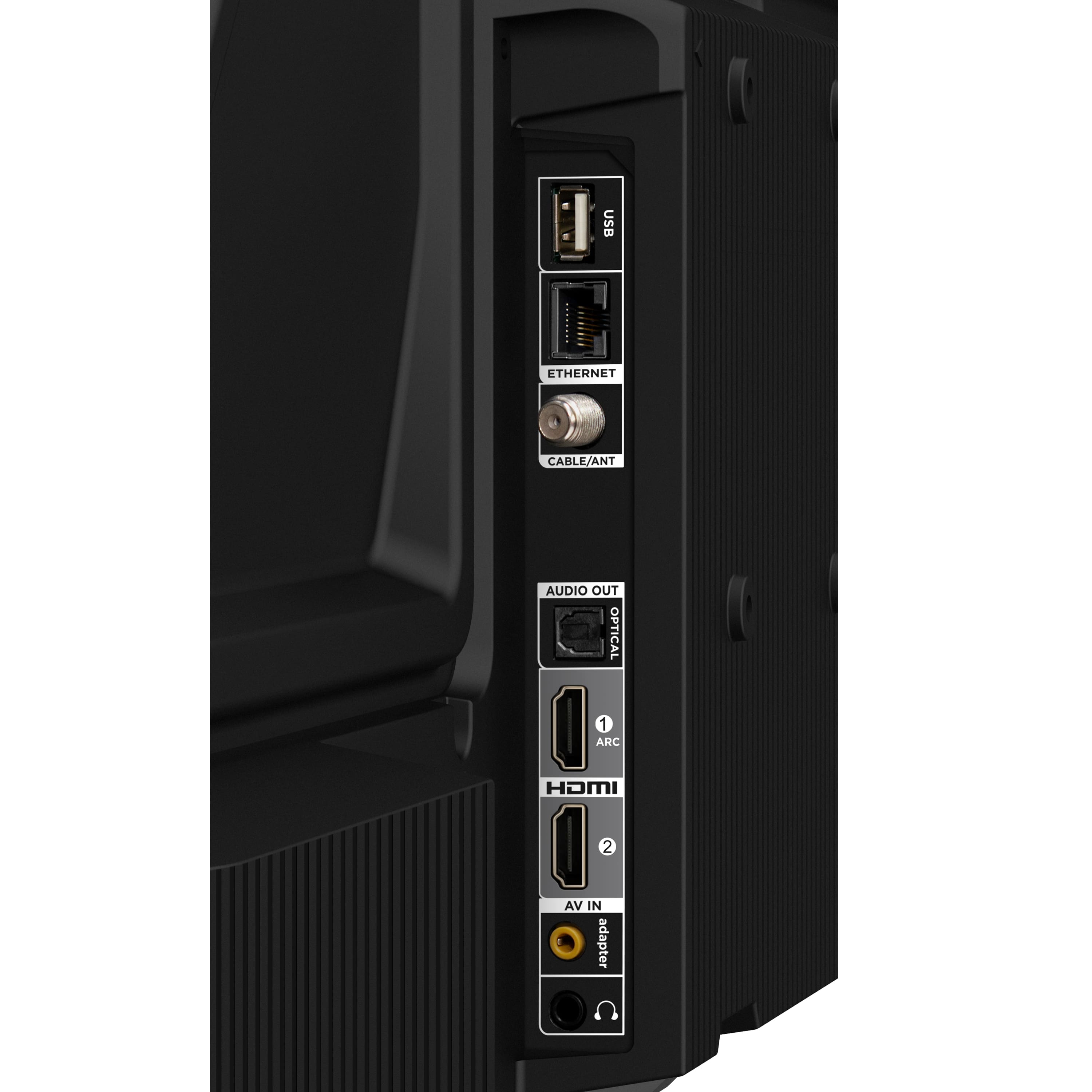
A:AnswerIt does remember my soundbar (recommended to connect to HDMI 1) but my cable receiver (HDMI 2) needs to be navigated to every time you turn on the TV. It defaults to the fire tv Home Screen and you then need to navigate to HDMI 2.
A:AnswerI’m having the same issue. Taking it in to be repaired. TV started malfunctioning so after a day of troubleshooting I reset to factory settings and now remote won’t pair. Fed up!!! I’ve only had it for two months!
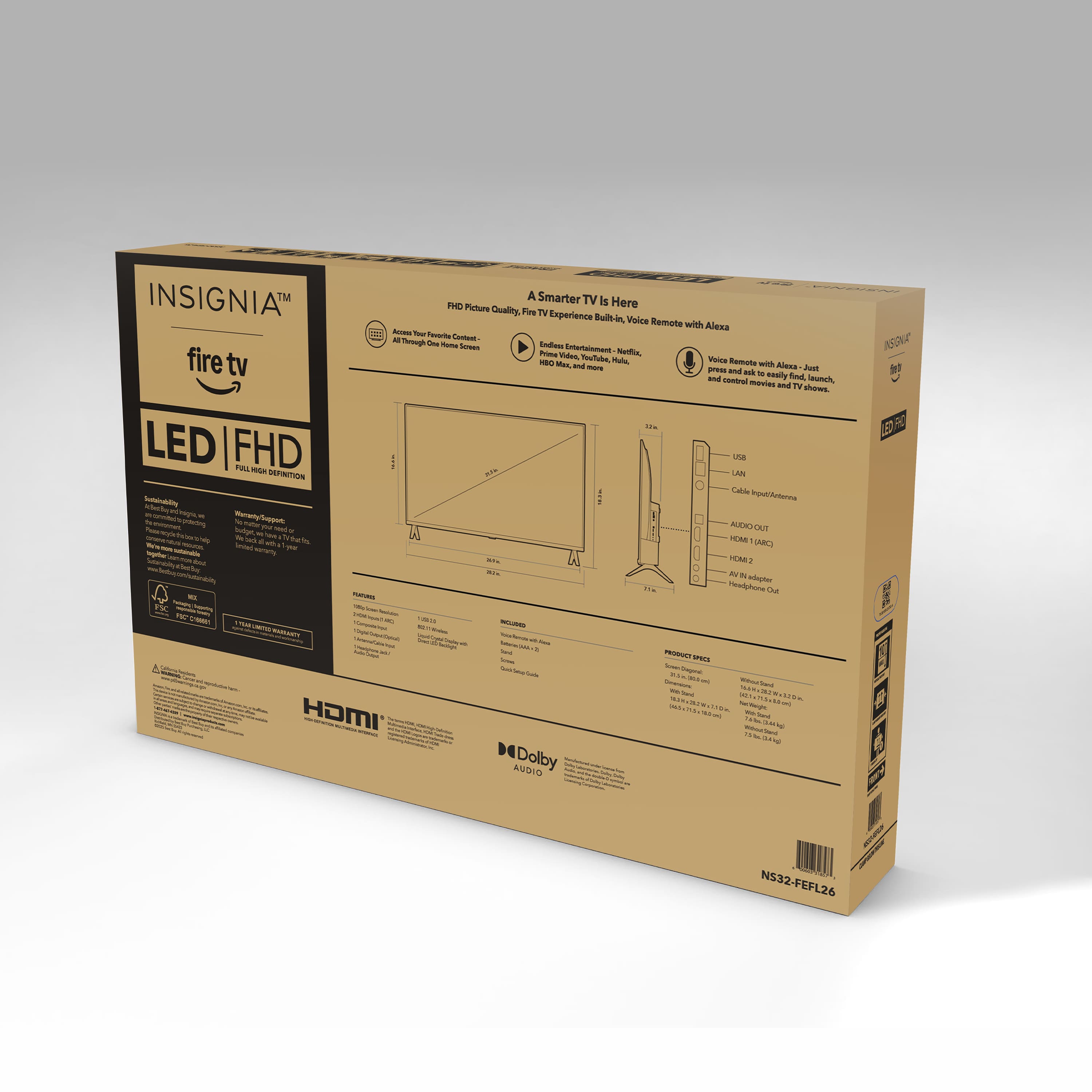
A:AnswerDepends as there are many in-use combinations still to be considered these days that include ~[retro-gaming] which is picking up interest every day.. Are your referring to consoles with HDMI or from the span of earlier eras' consoles - ~1994~2010-ish - when Red+Green+Blue component served ED (480p-720p) & HD (1080i/p) resolutions or maybe S-Video's HQ color and contrast SD (480i/576i) signals served beyond the basic (low-Q SD) Yellow composite? If the non-HDMI legacy support is germane to your query: I'm in the process of receiving an answer to a pivotal question I posted of a ~40-43" TCL on the site regarding the orange "adapter" jack - seen on both these units' site images - whereas this Insignia's specific AV image is between the 2 remote control images... That jack may open the gate, since the elimination of on-board RCA jacks for cost-savings, which was tasked with the legacy, analog AV needs by way of an included or, otherwise, additionally purchased AV adapter cable supporting Red+Green+Blue or S-Video input cabling which adapted to a 3- or 4-conductor tip, headphone-style plug that would plug into these newer TVs equipped with that (typically, orange-colored) AV "adapter" jack. Noteworthy: if setting the TV to upscale to any degree, that will begin to add lag whereas upscaling too much becomes even more adversarial to fast/twitch gaming (why I'm saving up for a Retrotink product - maybe the 4k model as a future-proof investment for any, meaningful screen resolution I foresee having in my home); but, if you are in my camp of queries, I also await the answer to know whether these TVs support legacy, non-HDMI media viewing where lag isn't an issue - i.e., SD resolution concert and movie DVDs (especially those releases for which HD/BluRay remasters lacked sharpness/ had botched money-grabs and looked terrible compared to their SD DVD release) until AI and other upscaling on-the-fly playback tools are simplified for the average home viewer. That's the extent of my current understandings, as yet, and, whether it was applicable to your query, at least it may have served infilling knowledge beyond if it were to become applicable for you and/or serve others reading the answers here. Best wishes.
A:AnswerSome apps come right out of the box (ie Netflix). You can download others pretty easy (Paramount+ was easy to get plugged in). So... I don't think this TV will fail you in that respect.