A:AnswerHi Patrick,
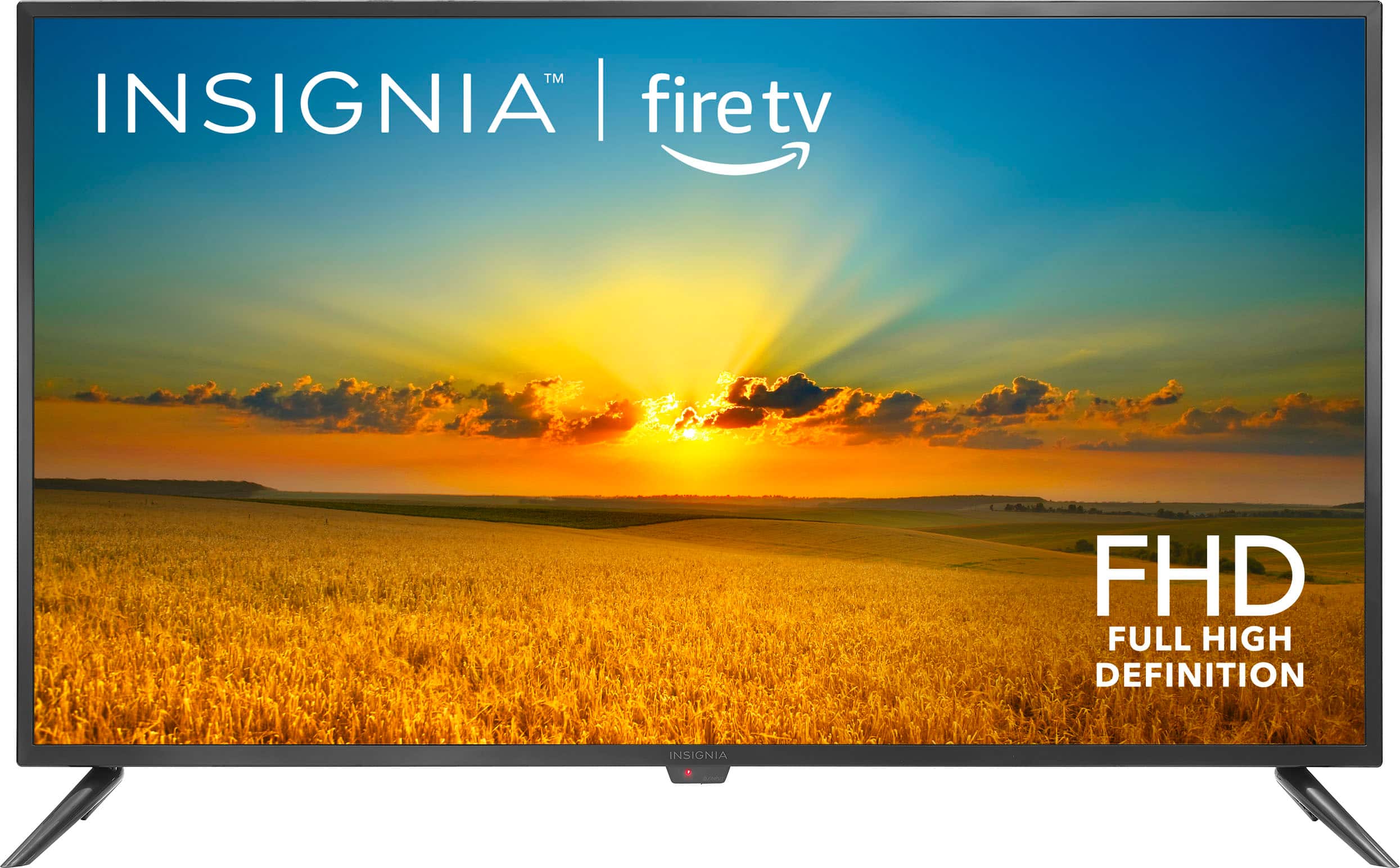
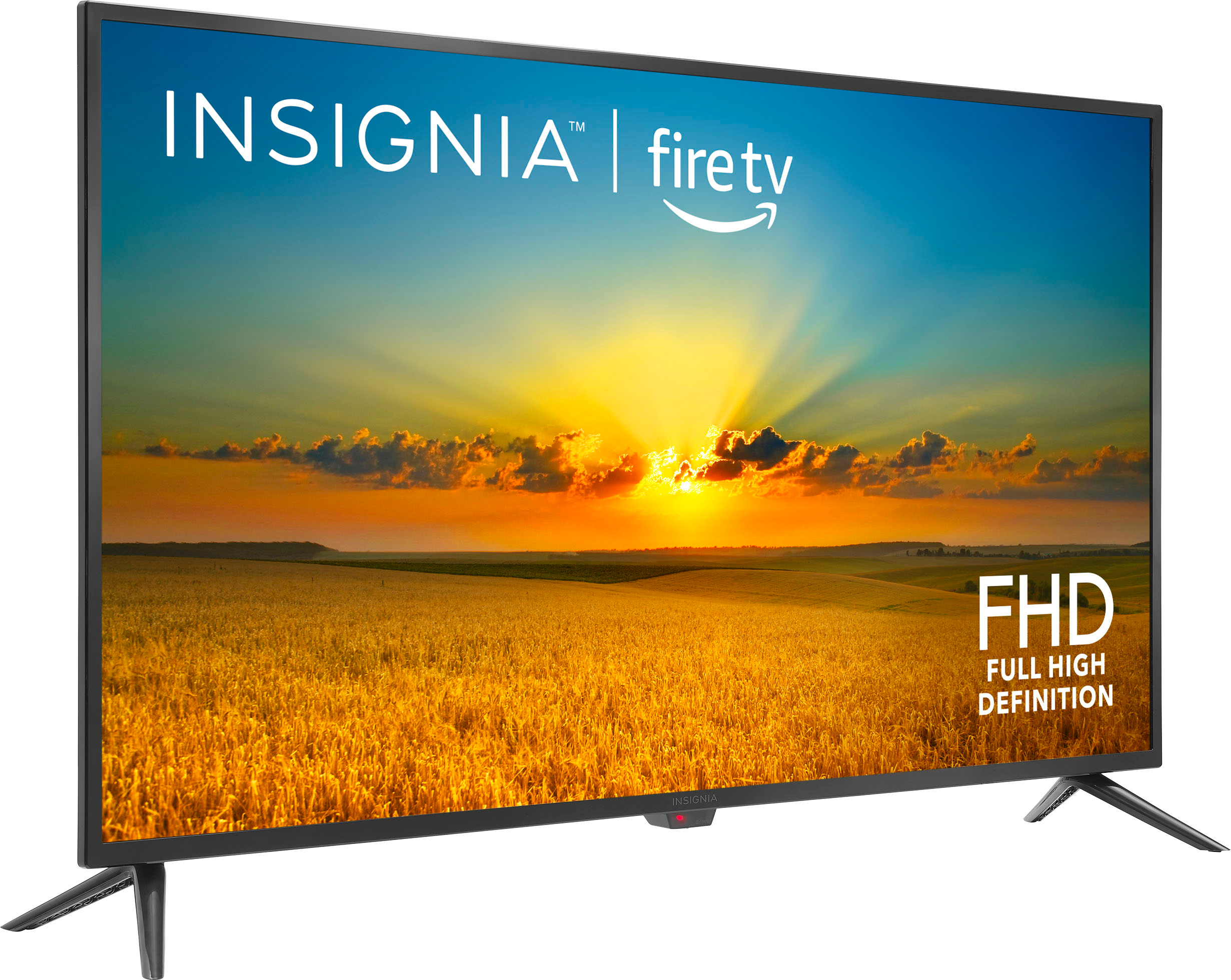
This TV does not have Roku built-in, the TV has the Fire OS built-in. You can hook up an external Roku device into one of the HDMI inputs on the TV.
Ritchie |Insignia Support
https:https://www.bestbuy.com/site/brands/best-buy-brands/pcmcat1596746025285.c?id=pcmcat1596746025285
A:AnswerDoes this TV support video playback from a USB stick? For instance, can I have a video set to loop play from a thumbdrive?”
Asked by Bswright 4 years ago
Answer This Question
See all questions & answers
1-5 of 5 Answers
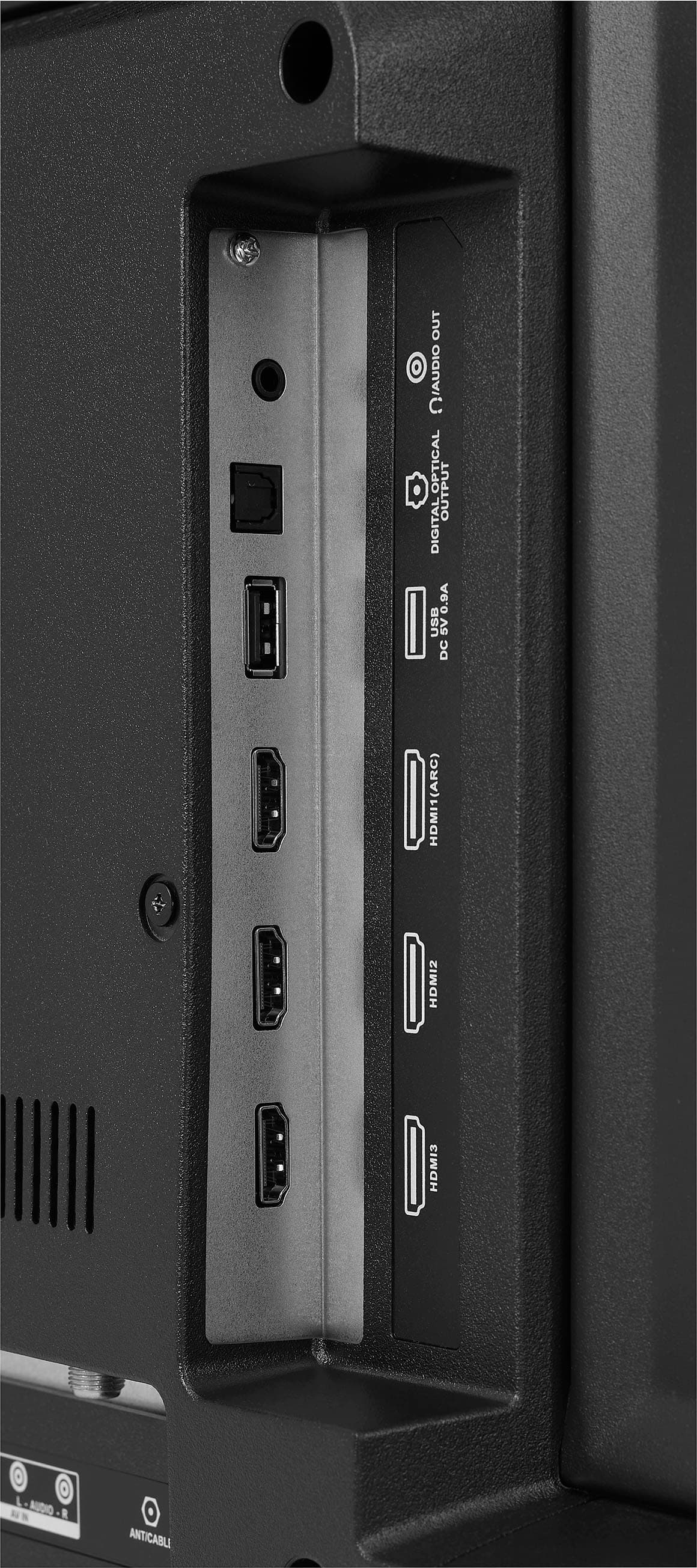
YES, THIS TV DOES SUPPORT VIDEO PLAYBACK FROM USB!!! I had seen this question asked before and always the response has been, that you can only view JPG files from the USB port on a thumb drive. Virtually every other smart TV with a USB port allows video playback, so it struck me as odd, but I never checked myself. Even the manual states it only supports JPG files via the USB port. I happened to read a negative review in which the poster mentioned that he had been told by Insignia customer support that the USB port could playback video provided he/she download ES Explorer as well as VLC media player as apps onto the Insignia NS-55DF710NA19. I was skeptical that this would work, because I haven't read ANYWHERE else that video playback is possible through the USB port. I can definitely verify, though, that video playback of MP4 files works flawlessly with the Insignia NS-55DF710NA19. Download ES Explorer and VLC media player. The thumb drive used must be formatted in FAT32 file format. Insert the USB drive into the USB port. Initially, once you open ES Explorer, you will need to scroll down and select the USB drive and then select mount. ES Explorer will do nothing at first but eventually the screen will close. Once it does, open ES Explorer again and the USB drive should then be a viewable source underneath "Internal Media." Click on the USB drive and you will see your media files or folders. Select your MP4 file, select play, and enjoy!
A:AnswerYes, the device is capable of communicating with another device via Bluetooth, provided they are within the required range of each other. This set also has a screen mirroring feature which supports Apple Airplay.
Dina | Insignia Support | https://www.insigniaproducts.com/contact-us
A:AnswerHi Serya! Yes, you can definitely use Bluetooth-connected earbuds to watch TV quietly on your Insignia™ 42" Class F20 Series LED Full HD Smart Fire TV, provided the TV supports Bluetooth audio output. It's a great way to enjoy late-night viewing without disturbing anyone!
Here's how to check and set it up:
To connect your earbuds, first go to Settings on your Fire TV. From there, navigate to Controllers & Bluetooth Devices and then select Other Bluetooth Devices. Put your earbuds into pairing mode, and when they appear on the list, choose them to connect. Once connected, all TV audio will be routed directly to your earbuds, giving you a private listening experience.
— Shiela | Insignia Support
A:AnswerThank you for your inquiry! Here are some steps you can take to troubleshoot and potentially repair the crackling sound from your Insignia™ 42" Class F20 Series LED Full HD Smart Fire TV. First, check all connections to ensure that all cables and connections are secure, as loose or faulty connections can cause audio issues. Next, inspect the audio settings by going to the TV's audio settings and making sure they are configured correctly, as adjusting the audio output settings can sometimes resolve the issue. Additionally, test different inputs by connecting different devices to your TV to see if the crackling persists, which can help determine if the issue is with the TV or a specific input. Ensure your TV's firmware is up to date, as manufacturers often release updates that fix bugs and improve performance. Finally, perform a factory reset on your TV, as this can sometimes resolve software-related issues that might be causing the crackling sound. If these steps don't resolve the issue, it might be a hardware problem with the internal speakers or connections. In that case, contacting Insignia customer support or a professional technician for further assistance would be the best course of action. Keith | Insignia Support
A:AnswerHi there. This Insignia™ - 42" Class F20 Series LED Full HD Smart Fire TV, don't need a Roku or Fire Stick to operate. This TV comes with built-in Fire TV functionality, which means it already has the Fire TV operating system integrated. You can stream content from popular services like Netflix, Amazon Prime Video, Hulu, and more directly on the TV without needing any additional streaming devices. Ivy | Insignia Support
A:AnswerThank you for your inquiry! The Insignia™ 42" Class F20 Series LED Full HD Smart Fire TV does not have a specific "automatic power on" feature in its settings. This means that if the TV was on and the power is cut, it will not automatically turn back on when power is restored. You would need to manually turn it back on. Keith | Insignia Support
A:AnswerThank you for your inquiry. Our TV is capable of playing videos from a USB flash drive. After plugging in the flash drive, please remember to switch the input to the media option. I hope this information is helpful. If you have any further questions, please feel free to ask!
- Carl | Insignia Support
A:AnswerYes, you can get BritBox streaming services on your Insignia™ 42" Class F20 Series LED Full HD Smart Fire TV. Since it's a Fire TV, you can easily download the BritBox app make sure your Fire TV is connected to the internet for downloading apps. Patricia | Insignia Support https://www.bestbuy.com/site/insignia-42-class-f20-series-led-full-hd-smart-fire-tv/6495088.p?skuId=6495088
A:AnswerHi there! Thank you for reaching out! I am delighted to inform you that our TV supports Bluetooth connectivity, allowing you to easily connect your devices wirelessly for a seamless viewing experience. - Carl | Insignia Support
A:AnswerIt is recommended that you avoid using your TV in areas with extreme temperatures, as this can cause damage to the cabinet or screen. Your TV will work best in a comfortable temperature environment. Additionally, it is advised not to place your TV in direct sunlight or near sources of heat. Patricia | Insignia Support https://www.bestbuy.com/site/insignia-42-class-f20-series-led-full-hd-smart-fire-tv/6495088.p?skuId=6495088
A:AnswerThank you for your inquiry! The Insignia™ 42" Class F20 Series LED Full HD Smart Fire TV does not have SDI (Serial Digital Interface) inputs. SDI is a professional video interface commonly used in broadcast and production environments for transmitting uncompressed digital video signals. Keith | Insignia Support https://www.bestbuy.com/site/insignia-42-class-f20-series-led-full-hd-smart-fire-tv/6495088.p?skuId=6495088
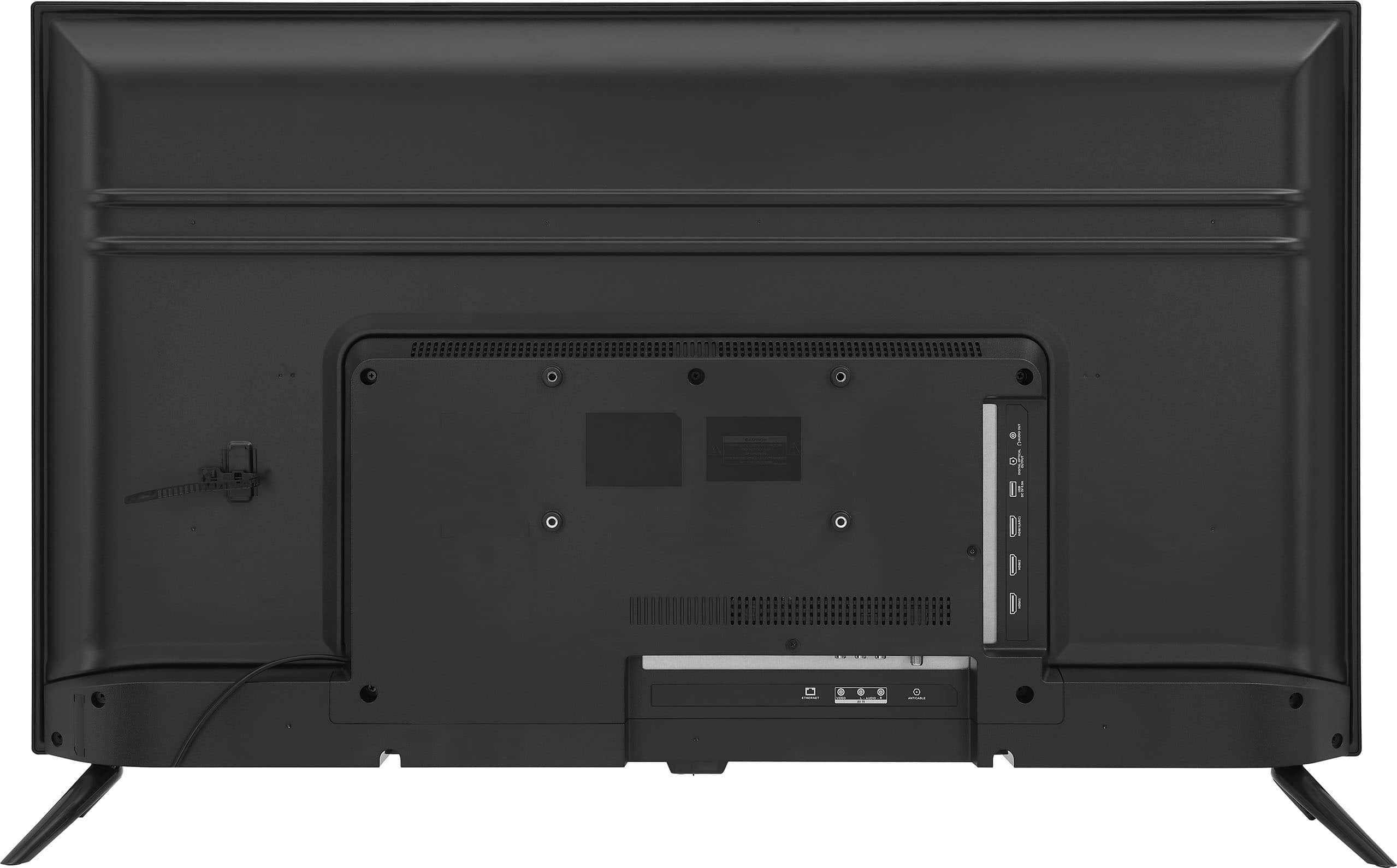
A:AnswerHi Colt, we appreciate you letting us know about your concern. This Insignia™ - 42" Class F20 Series LED Full HD Smart Fire TV can be mounted. A dedicated mounting hole is located at the back of the television. Thank you for choosing our product. Patricia | Insignia Support https://www.bestbuy.com/site/insignia-42-class-f20-series-led-full-hd-smart-fire-tv/6495088.p?skuId=6495088
A:AnswerThe TV comes preinstalled with Amazon/Alexa as the Smart TV properties with the capability to install favorite apps such as Hulu, Youtube, etc.
A:AnswerHi pacho,
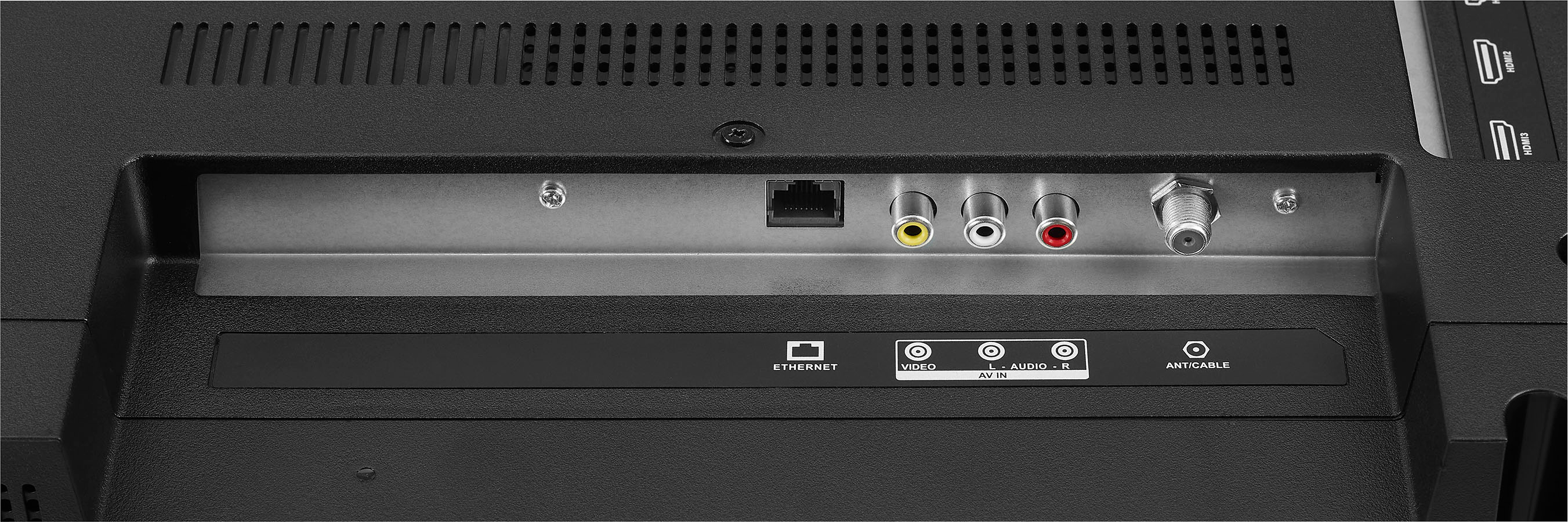
Yes, just connect it using Wi-Fi connection.
Insignia Support
Irene
https://www.bestbuy.com/site/brands/best-buy-brands/pcmcat1596746025285.c?id=pcmcat1596746025285