Questions & Answers
- Model:
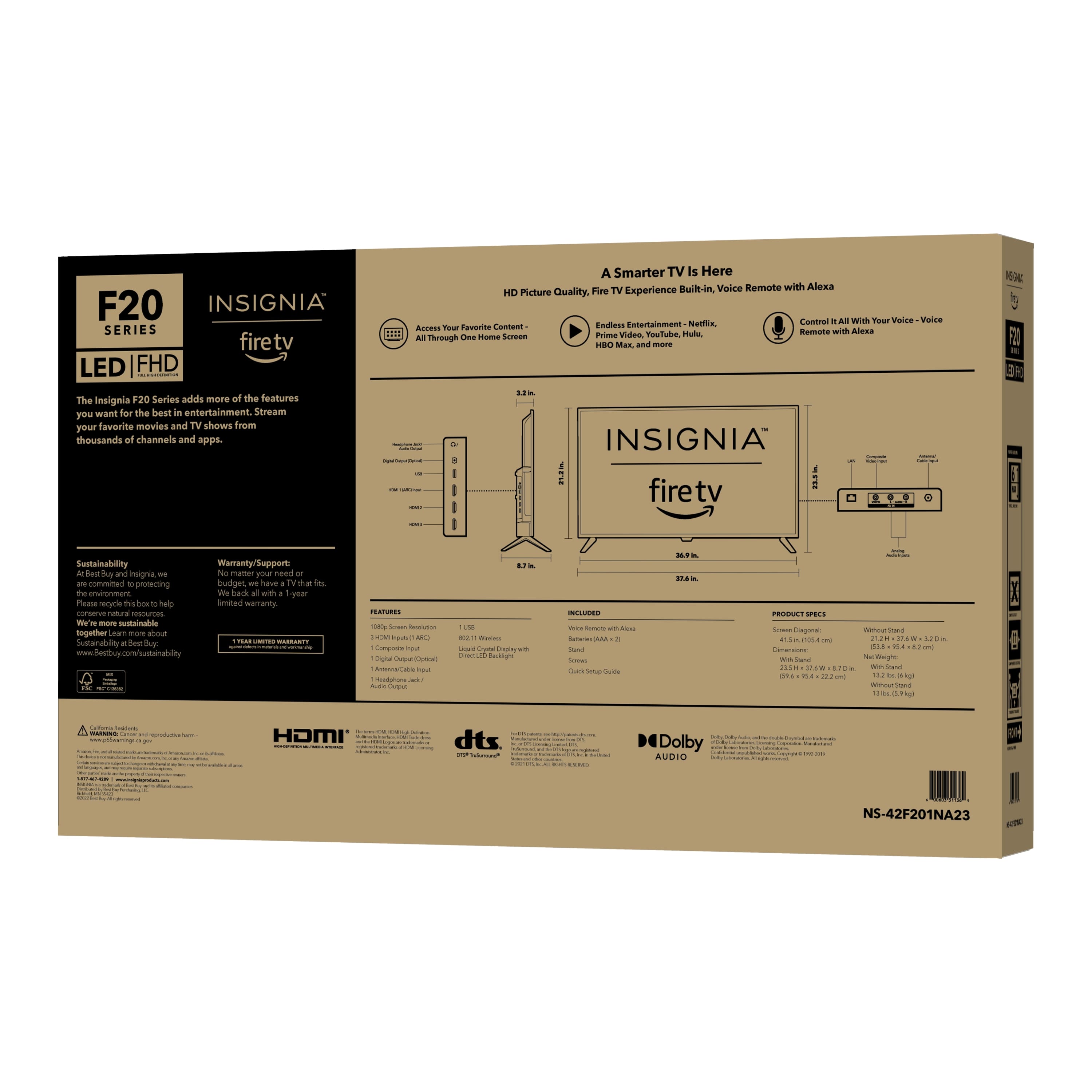
- NS-42F201NA23
- |
- SKU:
- 6495088
Highly rated by customers for: Picture Quality, Price, Ease of use
$98.99Your price for this item is $98.99
Clearance
Comp. Value: $179.99
The comparable value price is $179.99
Page Showing 61-80 of 358 questions
Q: QuestionCan I play TV with just an over the air antenna, no Internet?
Asked by Rosey.
- A:Answer yes with indoor antenna as long as station are in the milage limit
Answered by JosephF
Q: QuestionI'm trying to connect my tv to my wife (ATT Fiber). I continue to get a message that it could not connect to amazon.com. What am I doing wrong?
Asked by KMT.
- A:Answer Hi there, thank you for sharing your experience. The message you're seeing “Could not connect to amazon.com”—may indicate a network or software issue. To get the most accurate and personalized assistance, we recommend reaching out to Insignia Support directly at 1-877-467-4289. Their team can walk you through troubleshooting steps specific to your setup and help get your TV connected smoothly. — Shiela | Insignia Support
Answered by InsigniaCustomerSupport

Q: QuestionHow can I download the Youtube TV app?
Asked by YoutubeTV.
- A:Answer Create a account
Answered by Stoneyjam883
Q: QuestionI need to change the size TV
Asked by Steve.
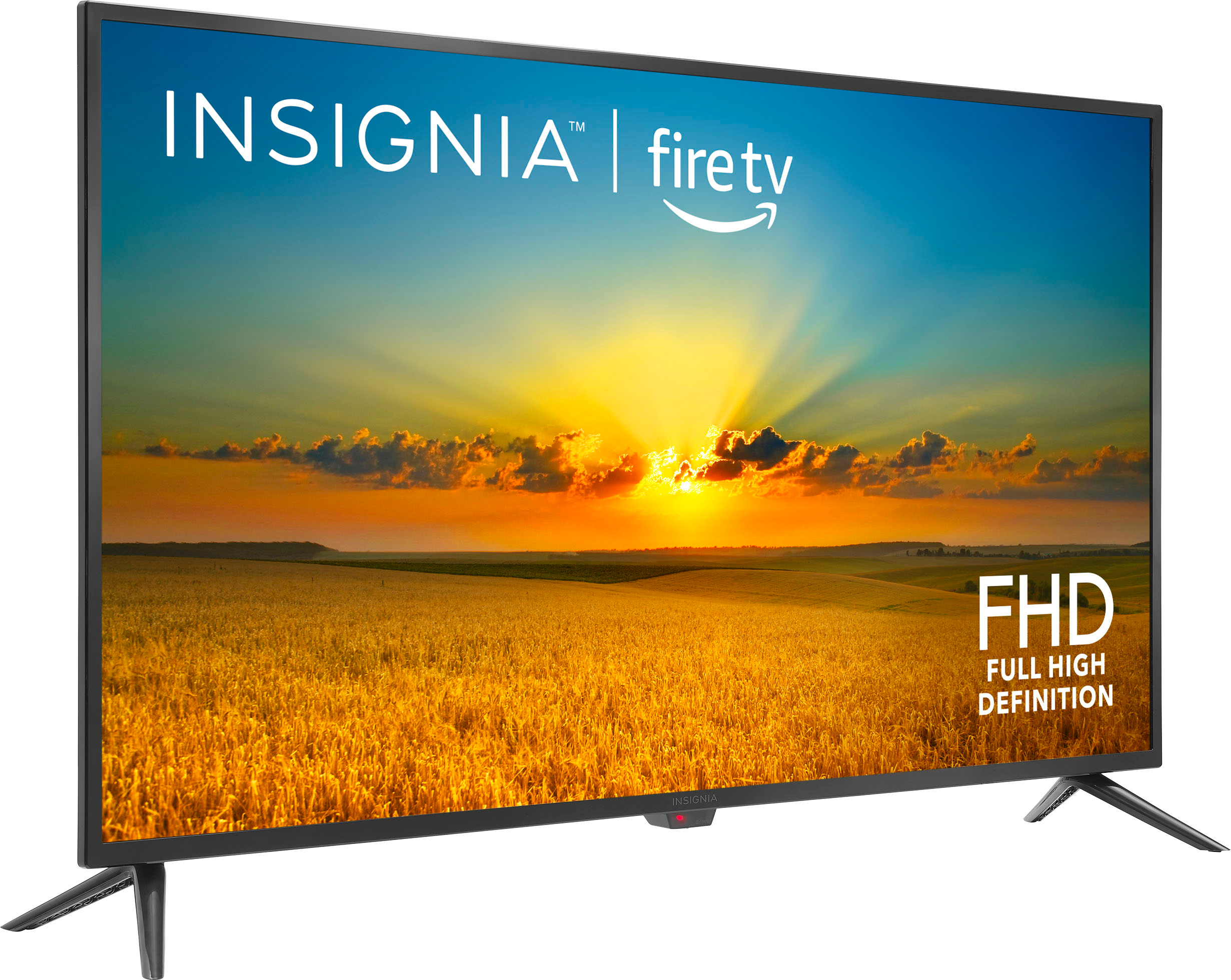
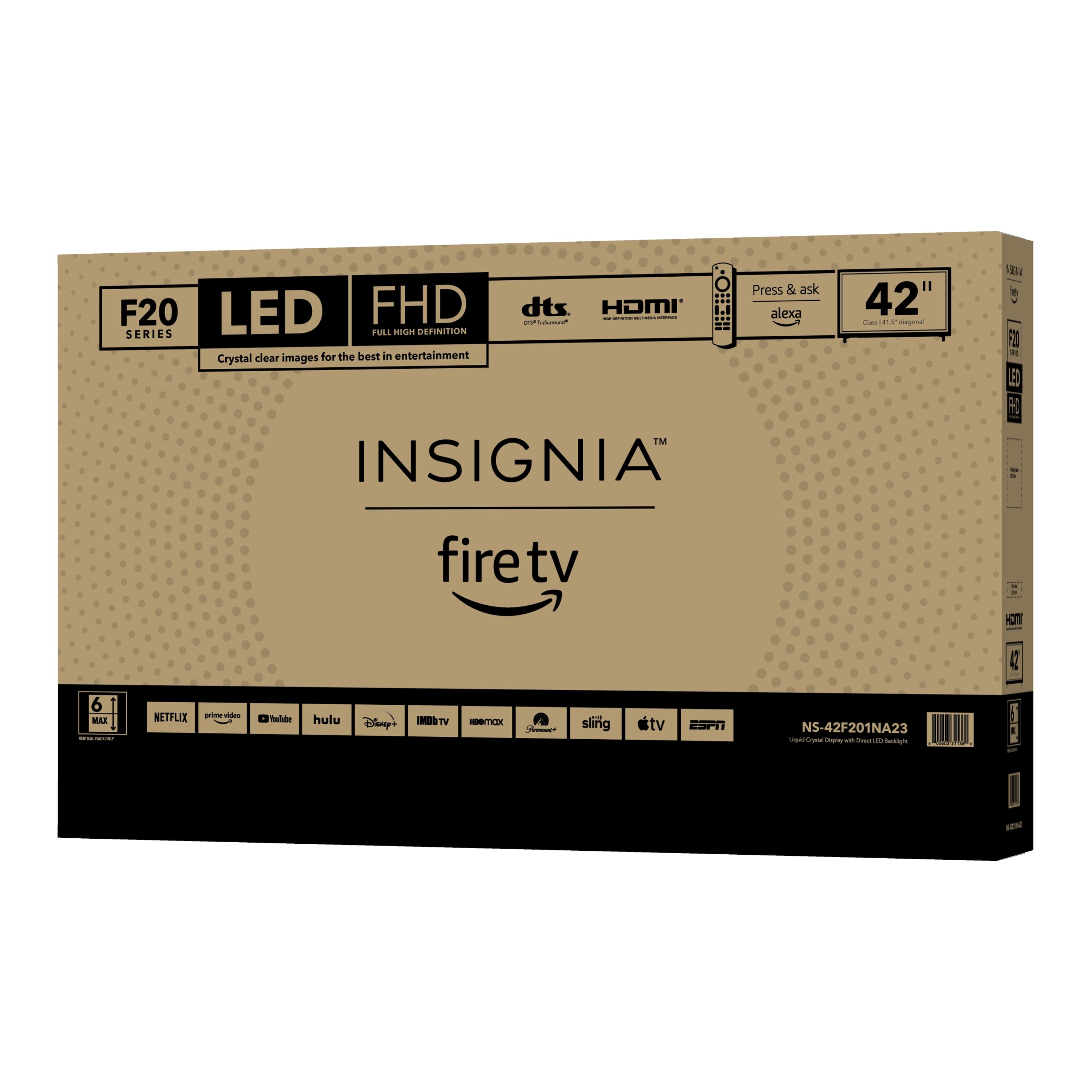
- A:Answer Thank you for your inquiry! If you're looking to change the size of your Insignia™ 42" Class F20 Series LED Full HD Smart Fire TV, there are several alternative sizes available within the same F20 Series lineup. This series typically includes smaller options like 24-inch and 32-inch models, which are ideal for bedrooms, kitchens, or compact spaces. These models offer similar features, such as built-in Fire TV, Alexa voice remote, and HDMI connectivity, though the 24-inch version may only support HD resolution instead of Full HD. If you're interested in a larger screen, you might consider moving up to a 50-inch or 55-inch model from Insignia’s 4K Fire TV series, which provides enhanced picture quality with 4K resolution and HDR support. Choosing the right size depends on your room size, viewing distance, and personal preferences. Shiela | Insignia Support
Answered by InsigniaCustomerSupport

Q: QuestionCan I cast media from my iPhone to tv?
Asked by sandyc.
- A:Answer Yes
Answered by Stoneyjam883
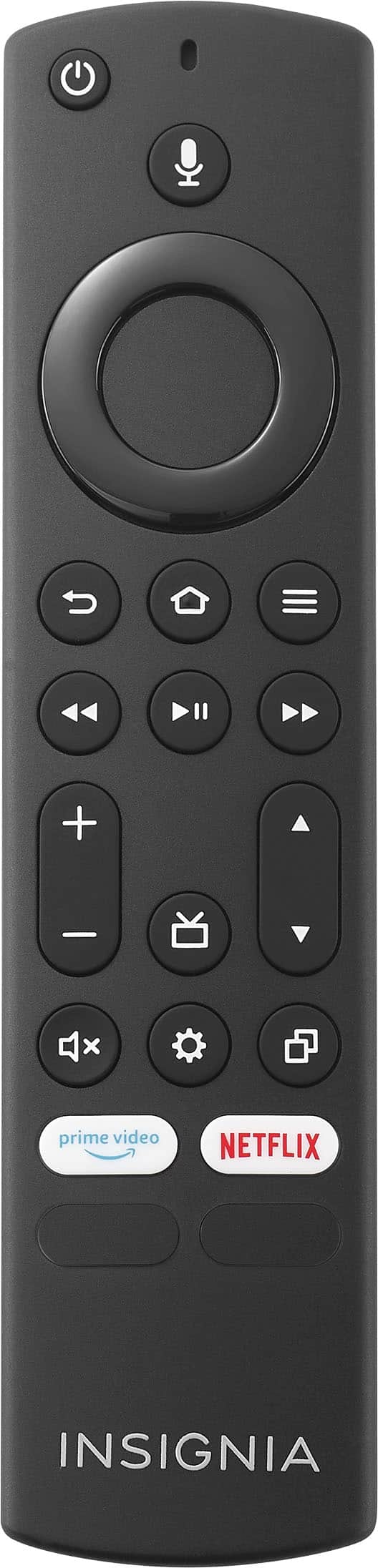
Q: QuestionNO PHOTO. HOW DO I GET NEW TV REMOTE? 11 MO.OLD INSIGNIA TV REMOTE NOT WORKING.. AM CANCER PATIENT.. TRIED EVERYTHING RECOMMENDED. HOW DO I GET NEW REMOTE?
Asked by JANNY.
- A:Answer Change batteries
Answered by Stoneyjam883
Q: QuestionCan I connect 2 different listening devices to watch TV at the same time ( ie 2 different sets of air pods )?
Asked by chinagirls.
- A:Answer Hi PN! The Insignia™ 42" Class F20 Series LED Full HD Smart Fire TV does support Bluetooth, so you can connect Bluetooth headphones like AirPods to it. However, Fire TVs typically support only one Bluetooth audio device at a time, meaning you can connect only one set of AirPods at once. Jeth|Insignia Support.
Answered by InsigniaCustomerSupport

Q: QuestionHow do i activate closed captioning on my NS-42F201NA23 INSIGNIA TV
Asked by Anonymous.
- A:Answer Hi there. To activate closed captioning on your Insignia™ 42" Class F20 Series Fire TV (Model NS-42F201NA23), start by turning on your TV and pressing the Home button on your remote. Then, go to Settings by selecting the gear icon in the top-right corner of the screen. From there, scroll down to Accessibility and select Closed Captions. Toggle the switch to turn captions On. You can also adjust the caption style, font size, and color in this menu to suit your preferences. If you have any questions or need further assistance, please don't hesitate to reach out. Ivy | Insignia Support
Answered by InsigniaCustomerSupport

Q: Questioncan it be used as a monitor
Asked by Anonymous.
- A:Answer Thank you for your inquiry, Insignia Customer. Yes, this can be used as a monitor. Tine | Insignia Support
Answered by InsigniaCustomerSupport

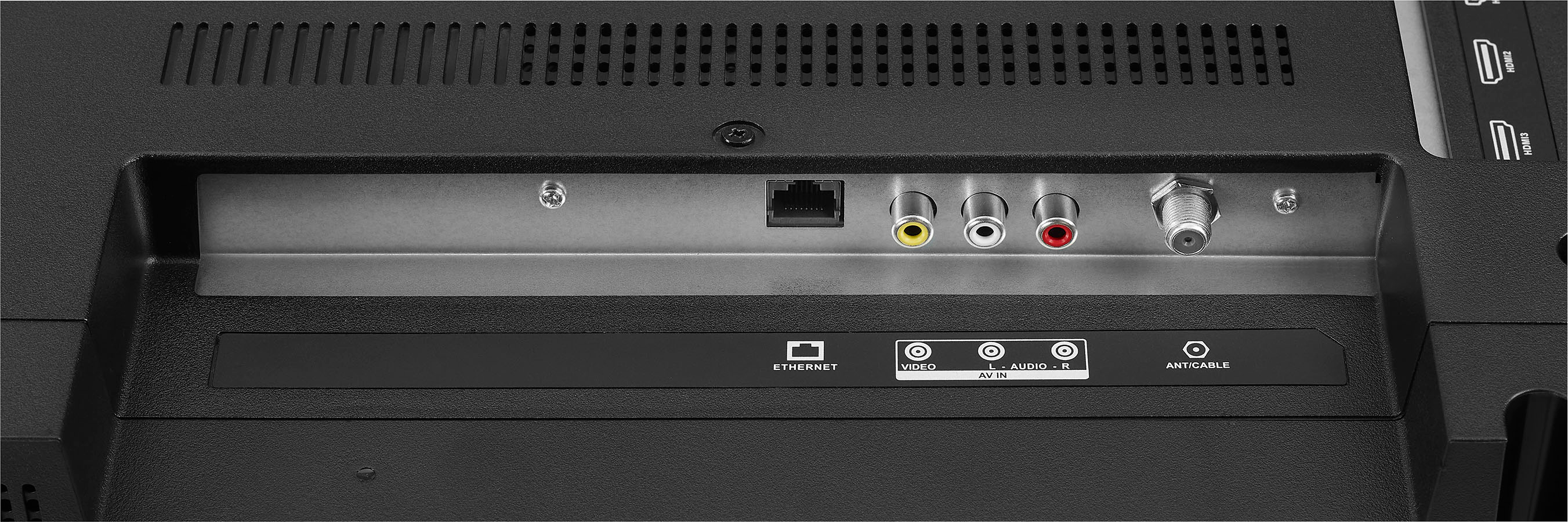
Q: Questionhow to connect antenna to tv in rv
Asked by cindy.
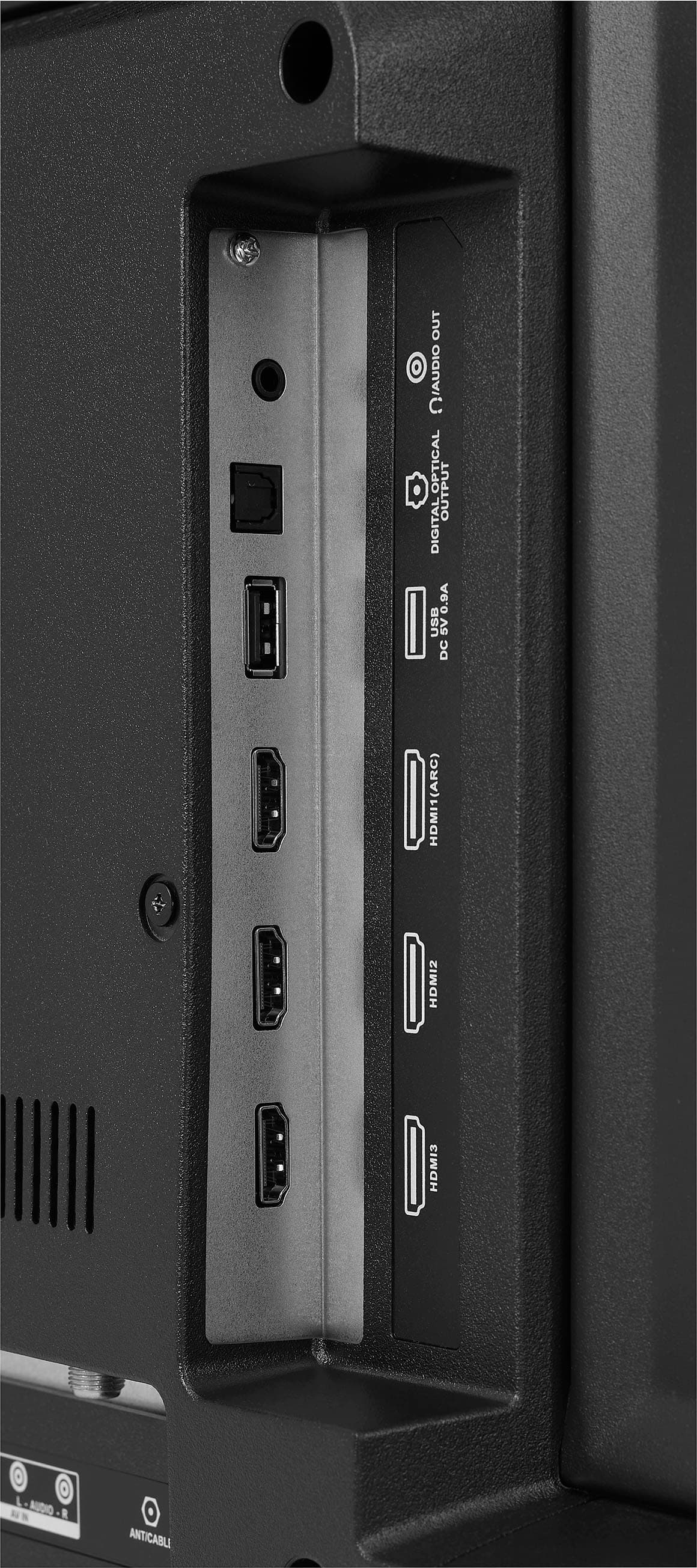
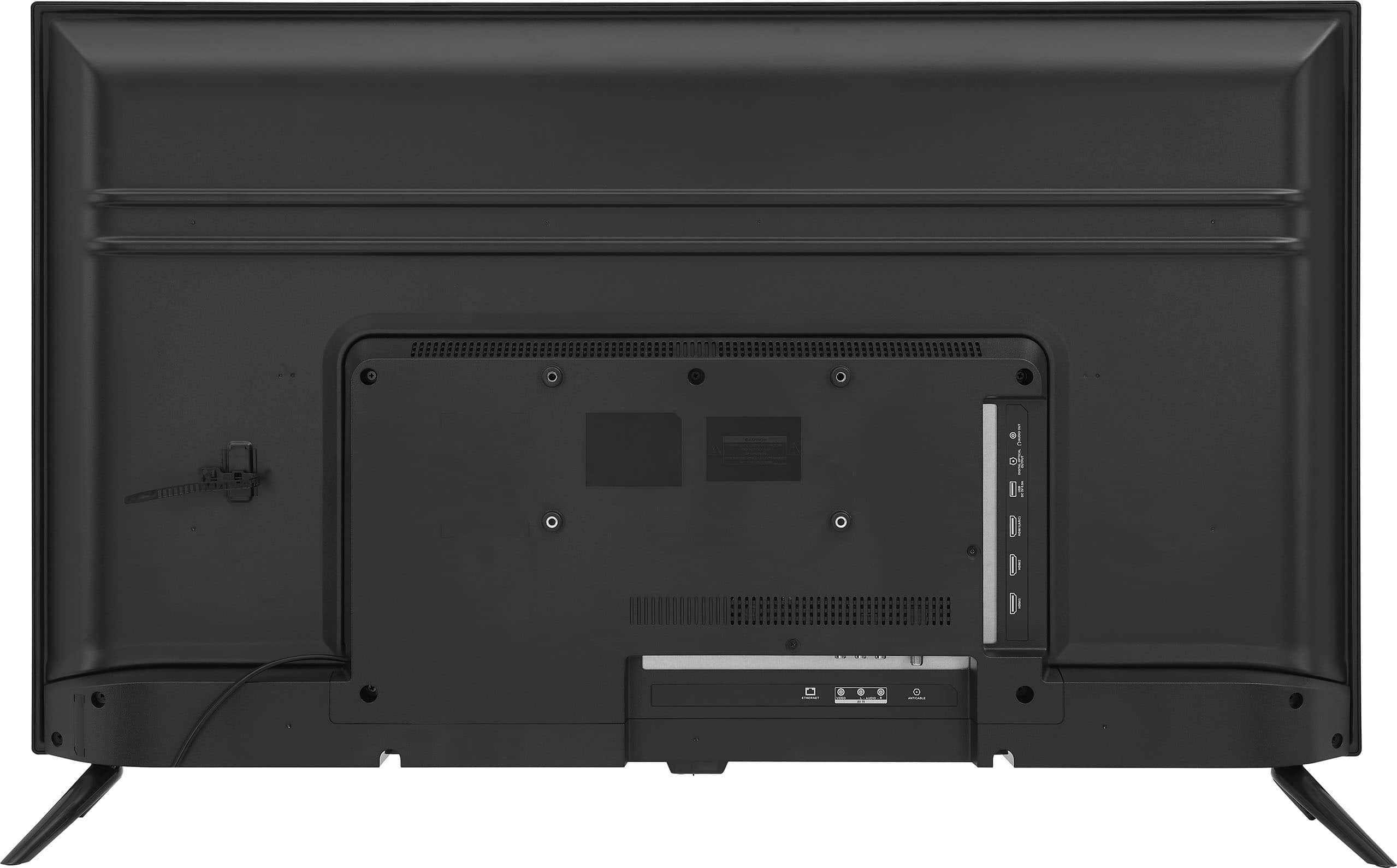
- A:Answer To connect an antenna to your Insignia™ 42" Class F20 Series LED Full HD Smart Fire TV in an RV, first plug the antenna’s coaxial cable into the “ANT/CABLE IN” port on the back of the TV. If the antenna is powered, make sure it’s connected to a power source. Turn on the TV, go to Settings > Live TV > Channel Scan. Then, run a channel scan to detect available over-the-air channels. If you move your RV to a new location, you’ll need to rescan for channels to get the best reception. Patricia | Insignia Support
Answered by InsigniaCustomerSupport

Q: Questioncan i hook up my apple tv box
Asked by bcat1.
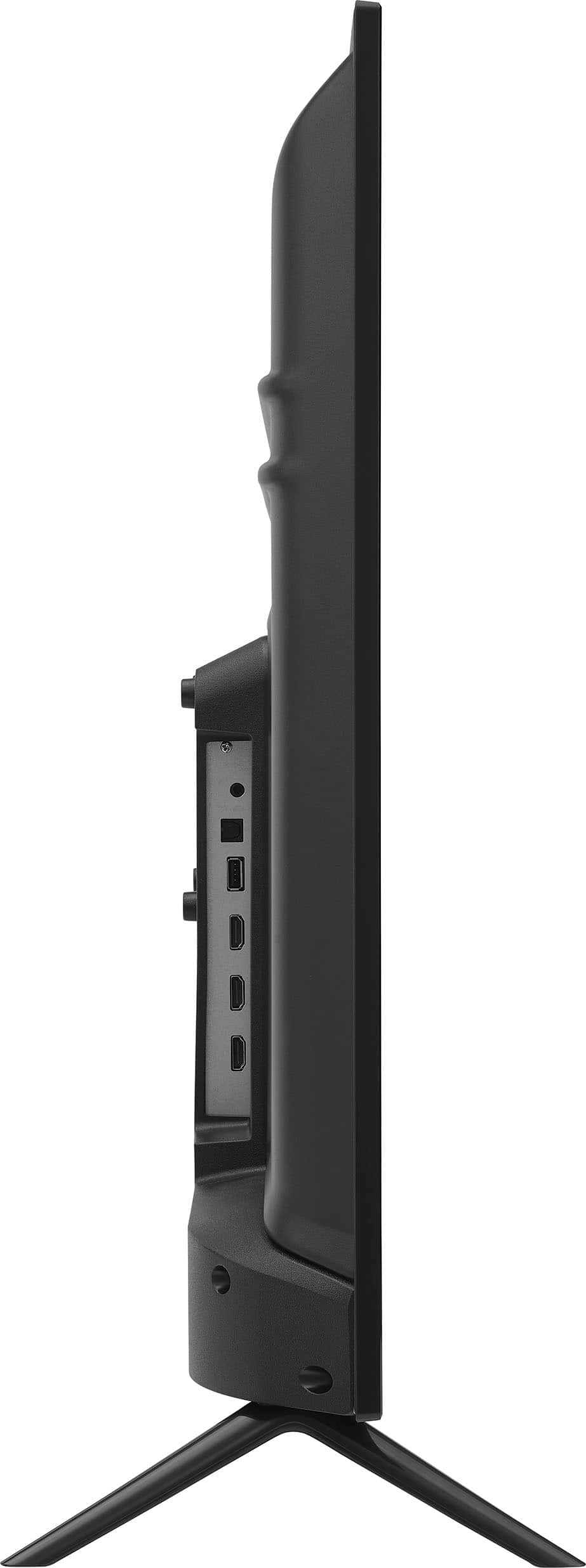
- A:Answer Hi there! Yes, you can connect your Apple TV box to the Insignia™ 42" Class F20 Series LED Full HD Smart Fire TV by plugging the Apple TV into a power outlet, using an HDMI cable to connect it to an available HDMI port on the TV, turning on the TV, and selecting the corresponding HDMI input to begin the Apple TV setup process. — Shiela | Insignia Support

Answered by InsigniaCustomerSupport

Q: QuestionHow do I sync the voices on the tv?
Asked by Kim.
- A:Answer To sync the voices on your Insignia™ 42" F20 Series Fire TV, first check if you're using any external devices like a soundbar or streaming box, as these may have their own audio sync settings that need adjustment. Next, ensure your TV is running the latest software by navigating to Settings > Device and Software > About > Check for Updates. If the issue continues, try restarting the TV by unplugging it for 30 seconds and plugging it back in to reset the system. If the problem persists, please don’t hesitate to contact our customer service team for further assistance. Patricia | Insignia Support

Answered by InsigniaCustomerSupport

Q: QuestionIs this a good tv, especially for the price?
Asked by G.
- A:Answer Yes it is. Very good.
Answered by Ladyday
Q: Questiondoes the Insignia™ - 42" Class F20 Series LED Full HD Smart Fire TV connect to bluetooth speakers?
Asked by Anonymous.
- A:Answer I've read that it does but I've never tried to do so.
Answered by Ladyday
Most-viewed items
- Doorbuster$169.99Your price for this item is $169.99
- Black Friday Deal$999.99Your price for this item is $999.99
- Black Friday Deal$99.99Your price for this item is $99.99
- $279.99Your price for this item is $279.99$399.99The comparable value for this item is $399.99
- Black Friday Deal$349.99Your price for this item is $349.99
- Black Friday Deal$899.99Your price for this item is $899.99
- Black Friday Deal$499.99Your price for this item is $499.99
- Black Friday Deal$399.99Your price for this item is $399.99
- $899.99Your price for this item is $899.99$2,499.99The comparable value for this item is $2,499.99
- $549.99Your price for this item is $549.99$1,299.99The comparable value for this item is $1,299.99
- Black Friday Deal$189.99Your price for this item is $189.99
- Black Friday Deal$1,399.99Your price for this item is $1,399.99
- Black Friday Deal$329.99Your price for this item is $329.99
- Black Friday Deal$299.99Your price for this item is $299.99
- $249.99Your price for this item is $249.99$379.99The comparable value for this item is $379.99
- Black Friday Deal$379.99Your price for this item is $379.99
- Black Friday Deal$399.99Your price for this item is $399.99
- Black Friday Deal$329.99Your price for this item is $329.99
- Black Friday Deal$699.99Your price for this item is $699.99
- Black Friday Deal$179.99Your price for this item is $179.99