A:AnswerApples and oranges. Antennas and TVs are two different critters and it can be confusing for some people. The two stations are strictly an antenna problem. This has nothing to do with the TV. However, you need to let a TV search for channels. If you do not have a network available then you may try a bigger better or better-placed antenna. I would discuss this with BestBuy.
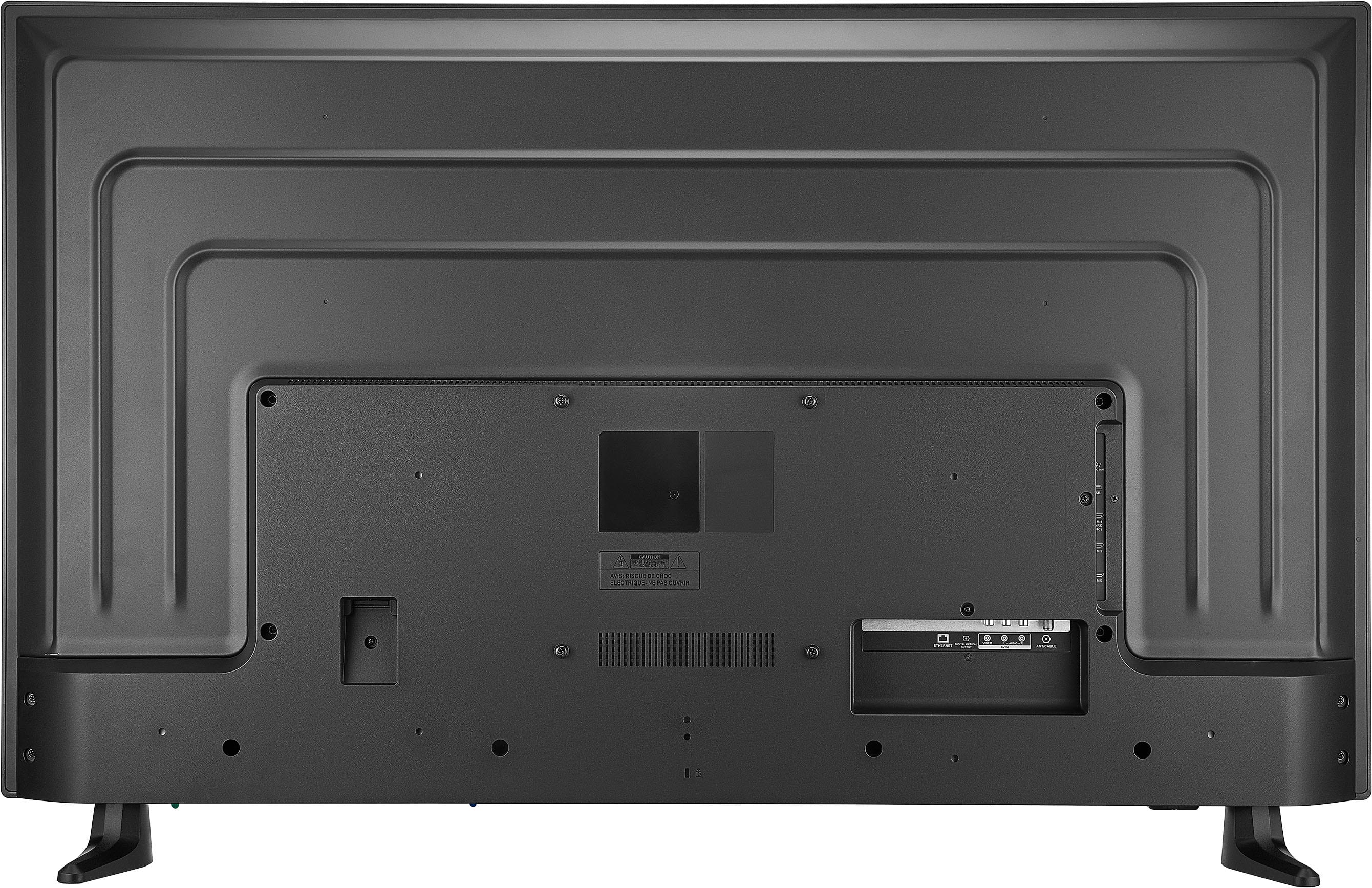
A:AnswerThat is a loaded question. Many wall brackets are universal. The TV usually just hangs in the bracket with a universal attachment. I was worried about having to move the bracket up as the TV is larger. It fit my old 43” critter bracket with a little adjustment. The bracket connection on the Insignia was on the bottom half in the back. It was a simple install without having to move the bracket up as the bottom of the 50” TV is at the same height as the old 43” TV
A:AnswerJust about any wall mount will fit this critter. Be sure to pick a full-motion version. A good one may cost as much as the TV. I have a full-motion wall mount that works well.
You will want a couple of these to hide the cords from the left and middle of the TV:
https://www.amazon.com/D-Line-Flexible-Management-Organize-Consoles/dp/B00B1EO2O4
A:AnswerWhether you need a soundbar with your Insignia Fire TV depends on your audio preferences and the quality of sound produced by the TV itself. A soundbar can enhance your audio experience significantly, offering clearer dialogue and better sound quality. -Ed | Insignia Support |
https://www.bestbuy.com/site/brands/best-buy-brands/pcmcat1596746025285.c?id=pcmcat1596746025285
A:AnswerHi Jon! Thank you for inquiring about our Insignia™ - 50" Class F30 Series LED 4K UHD Smart Fire TV. In order to control the TV and logout existing streaming app account, the Phone and the TV should be connected to the same network or WiFi, and that they are logged into the same Amazon account. I hope this helps. Have a nice day! - James | Insignia Support | https://www.bestbuy.com/site/brands/best-buy-brands/pcmcat1596746025285.c?id=pcmcat1596746025285
A:AnswerThank you for your inquiry! The "F30" designation in the Insignia™ - 50" Class F30 Series LED 4K UHD Smart Fire TV represents a specific model series within Insignia's lineup, indicating a set of features, technology, and design characteristics that distinguish it from other models. It's used by manufacturers to categorize different versions or generations of their products for consumers to easily identify.
Regarding outdoor use, the Insignia™ - 50" Class F30 Series LED 4K UHD Smart Fire TV is primarily designed and optimized for indoor environments. Using it outdoors presents several challenges due to exposure to sunlight, moisture, dust, and temperature fluctuations, which can potentially damage electronic components not built to withstand outdoor conditions. TVs specifically designed for outdoor use typically feature weatherproofing, anti-glare screens, and durable construction to ensure reliable performance in outdoor settings.
To maintain the longevity and performance of your TV, it's advisable to adhere to manufacturer recommendations and use it within its specified environmental conditions. If outdoor use is necessary, consider investing in a TV explicitly designed for outdoor environments to ensure durability and continued functionality under outdoor conditions. Keith | insignia Support https://www.bestbuy.com/site/insignia-50-class-f30-series-led-4k-uhd-smart-fire-tv/6525240.p?skuId=6525240
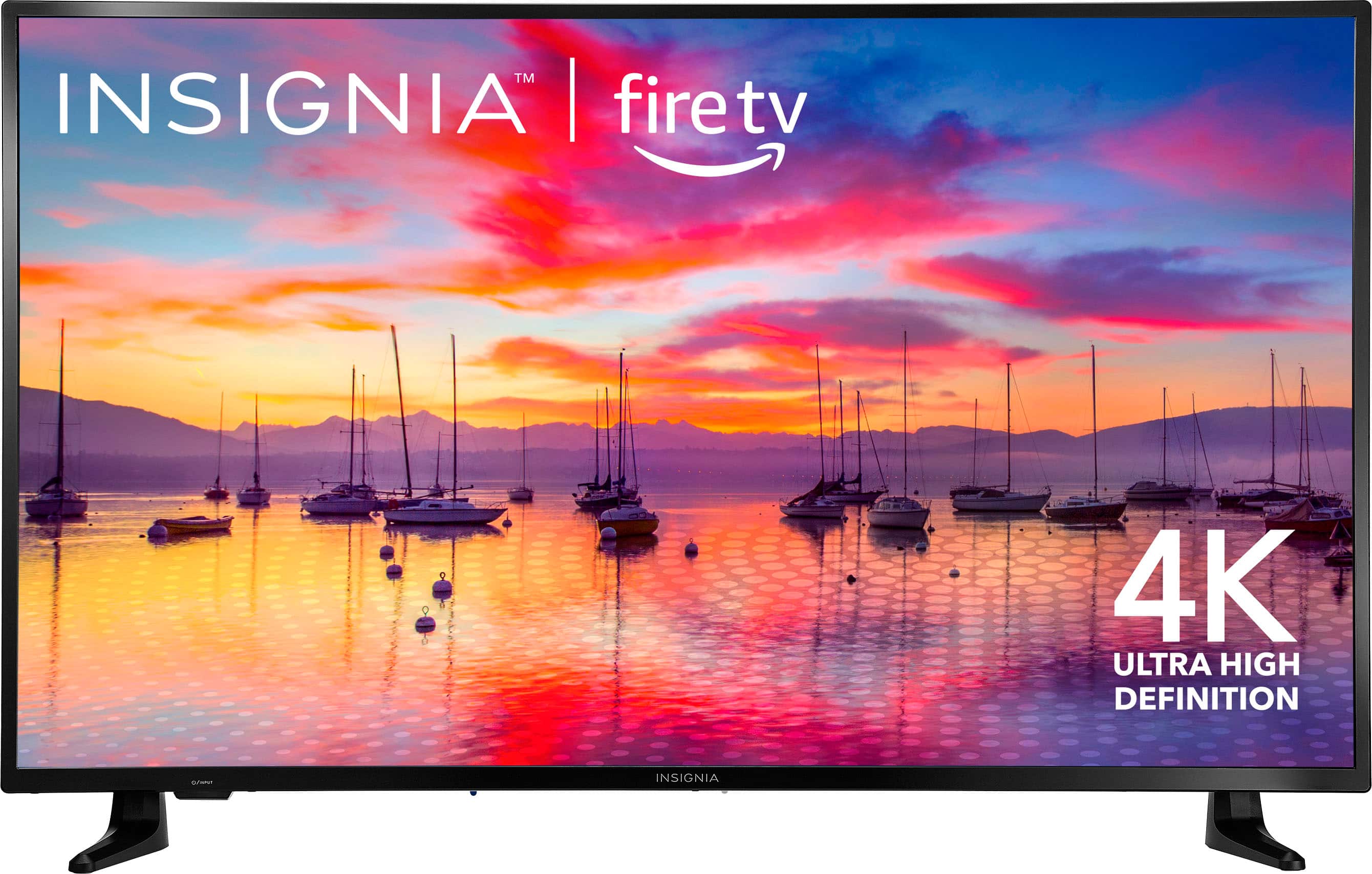
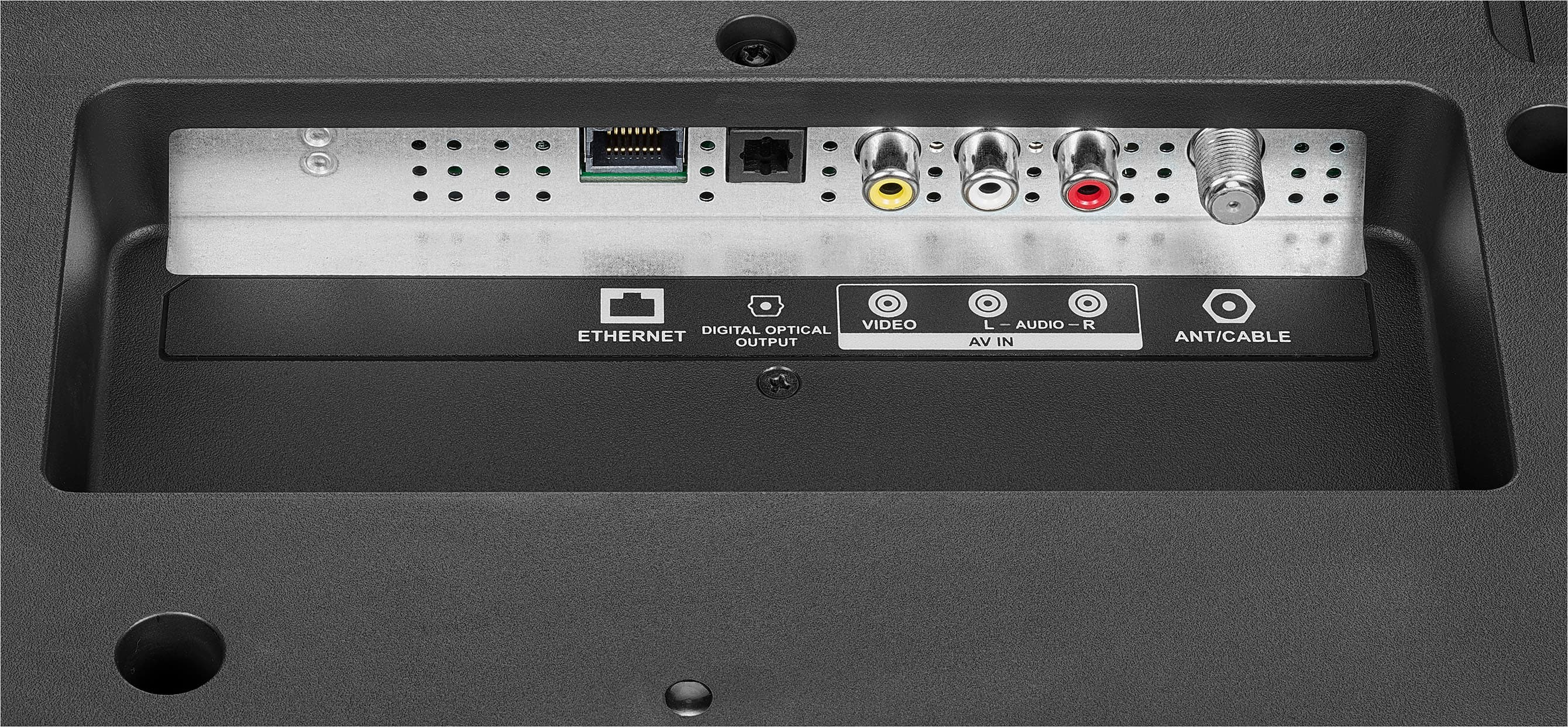
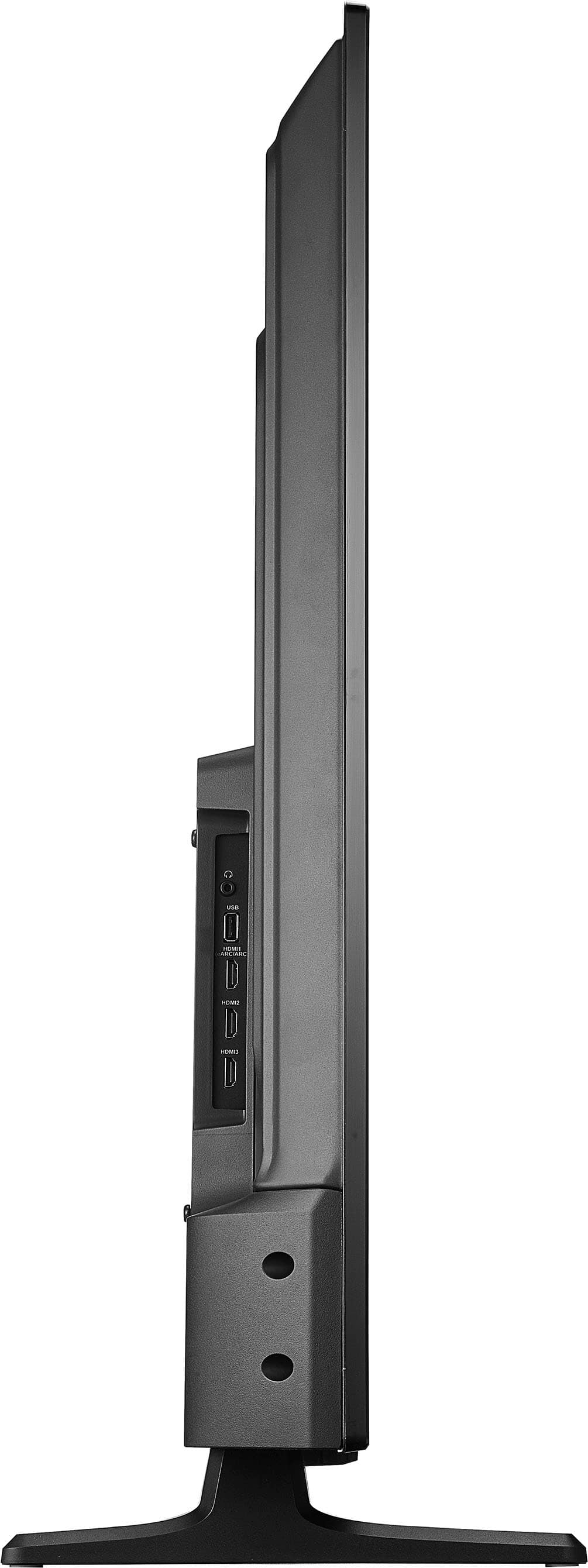
A:AnswerYes, an Xbox can be hooked up to this TV. The Insignia F30 Series LED 4K UHD Smart Fire TV has multiple HDMI ports that can be used to connect an Xbox gaming console. Patricia | Insignia Support https://www.bestbuy.com/site/insignia-50-class-f30-series-led-4k-uhd-smart-fire-tv/6525240.p?skuId=6525240
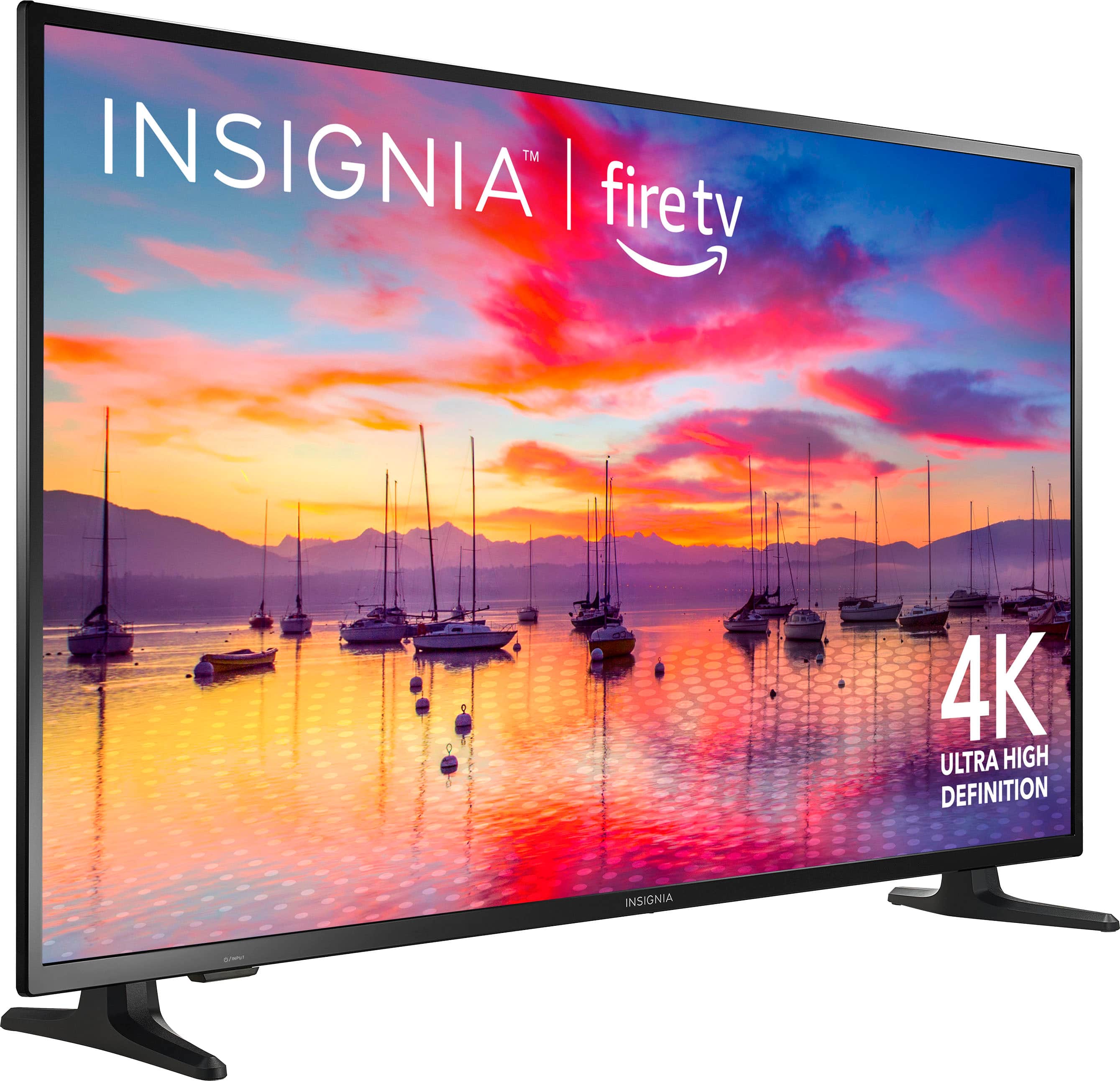
A:AnswerHello Steve, thank you for bringing this to our attention. It has been confirmed that the Insignia™ - 50" Class F30 Series LED 4K UHD Smart Fire TV is compatible with Fios TV Home powered by Verizon. Patricia | Insignia Support https://www.bestbuy.com/site/insignia-50-class-f30-series-led-4k-uhd-smart-fire-tv/6525240.p?skuId=6525240
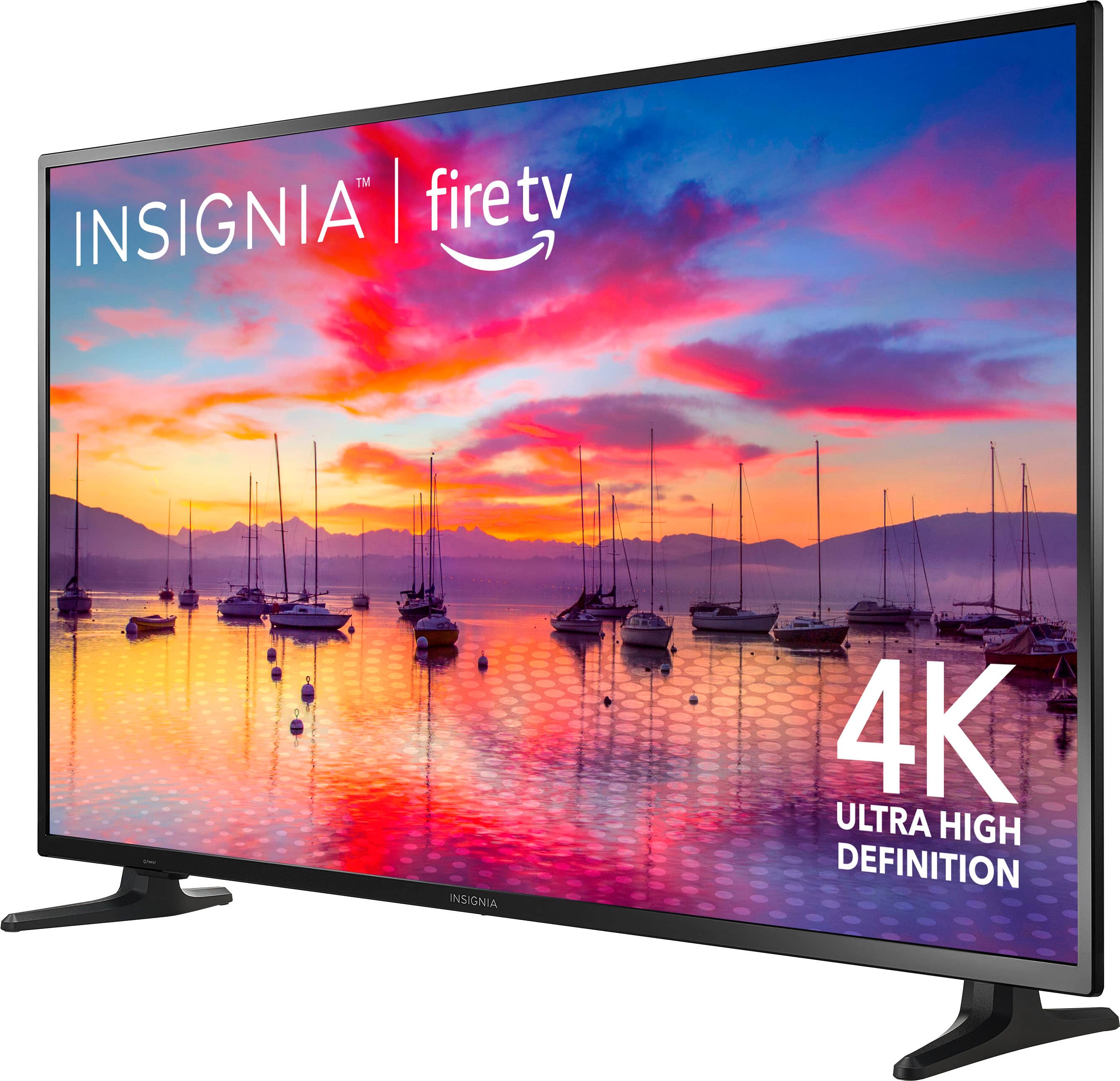
A:AnswerTo make the Insignia TV connect immediately to the Directv box through the HDMI port, you can try the following steps:
1. Check the HDMI cable connection - Ensure that the HDMI cable is securely connected to both the TV and the Directv box. If there are any loose connections, reinsert the HDMI cable properly.
2.Check the HDMI port - Make sure that the HDMI port on the Insignia TV is functioning properly. You can try connecting the HDMI cable to a different HDMI port on the TV to see if the issue persists.
3. Power cycle the devices - Turn off both the Insignia TV and the Directv box, unplug them from power for a few minutes, and then plug them back in and turn them on. This can sometimes help reset the devices and improve connectivity.
4. Update the TV software- If the issue continues, check for any available software updates for the Insignia TV. Updating the software can sometimes resolve compatibility issues with HDMI connections.
By following these steps, you should be able to improve the connectivity between the Insignia TV and the Directv box through the HDMI port. -Ed | Insignia Support | https://www.bestbuy.com/site/brands/best-buy-brands/pcmcat1596746025285.c?id=pcmcat1596746025285
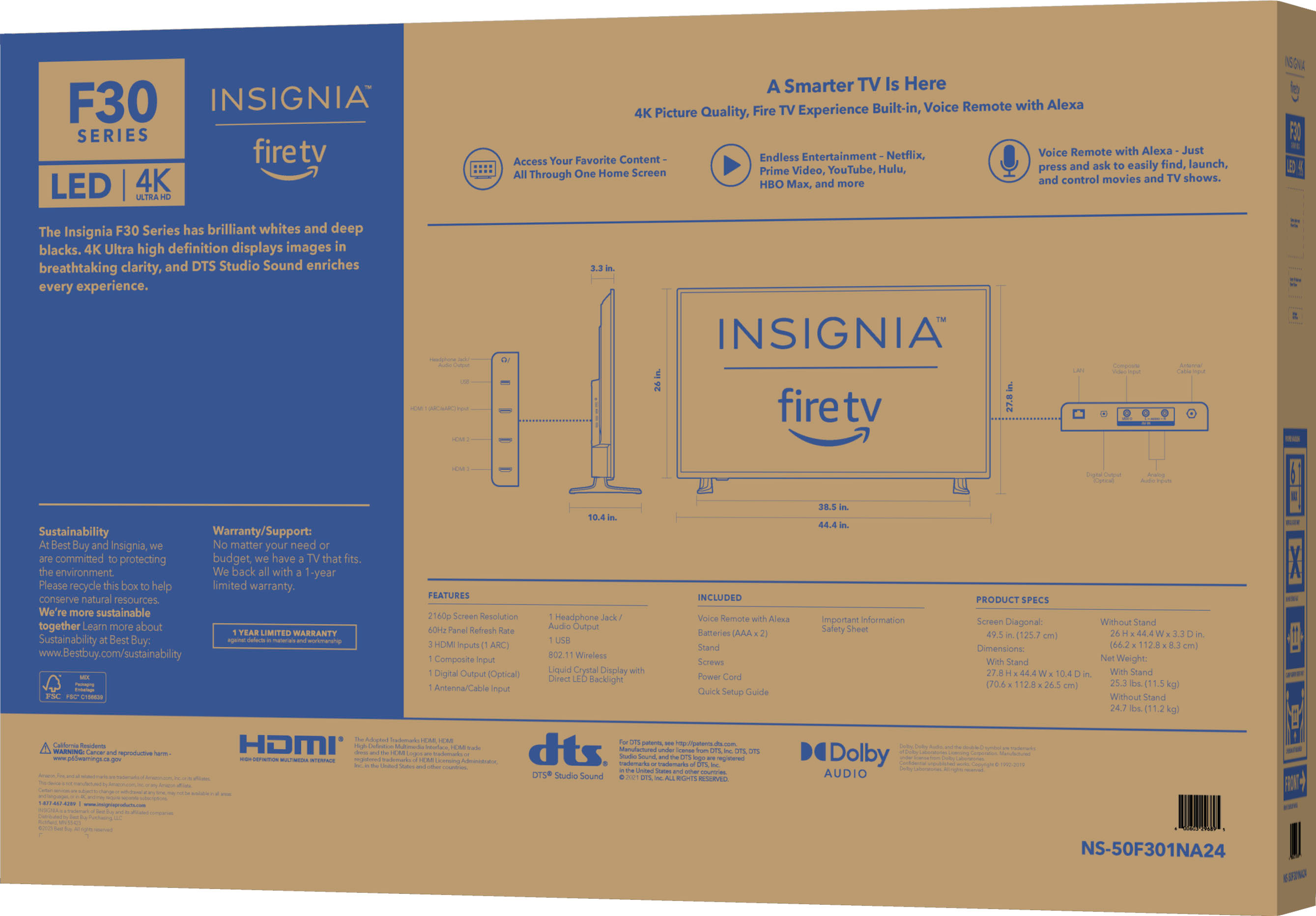
A:AnswerHi DBinMS! The actually width of the feet from front to back is 10.5 inches. For more product information please check the link below. |Angelica| Insignia Support| https://www.bestbuy.com/site/insignia-50-class-f30-series-led-4k-uhd-smart-fire-tv/6525240.p?skuId=6525240