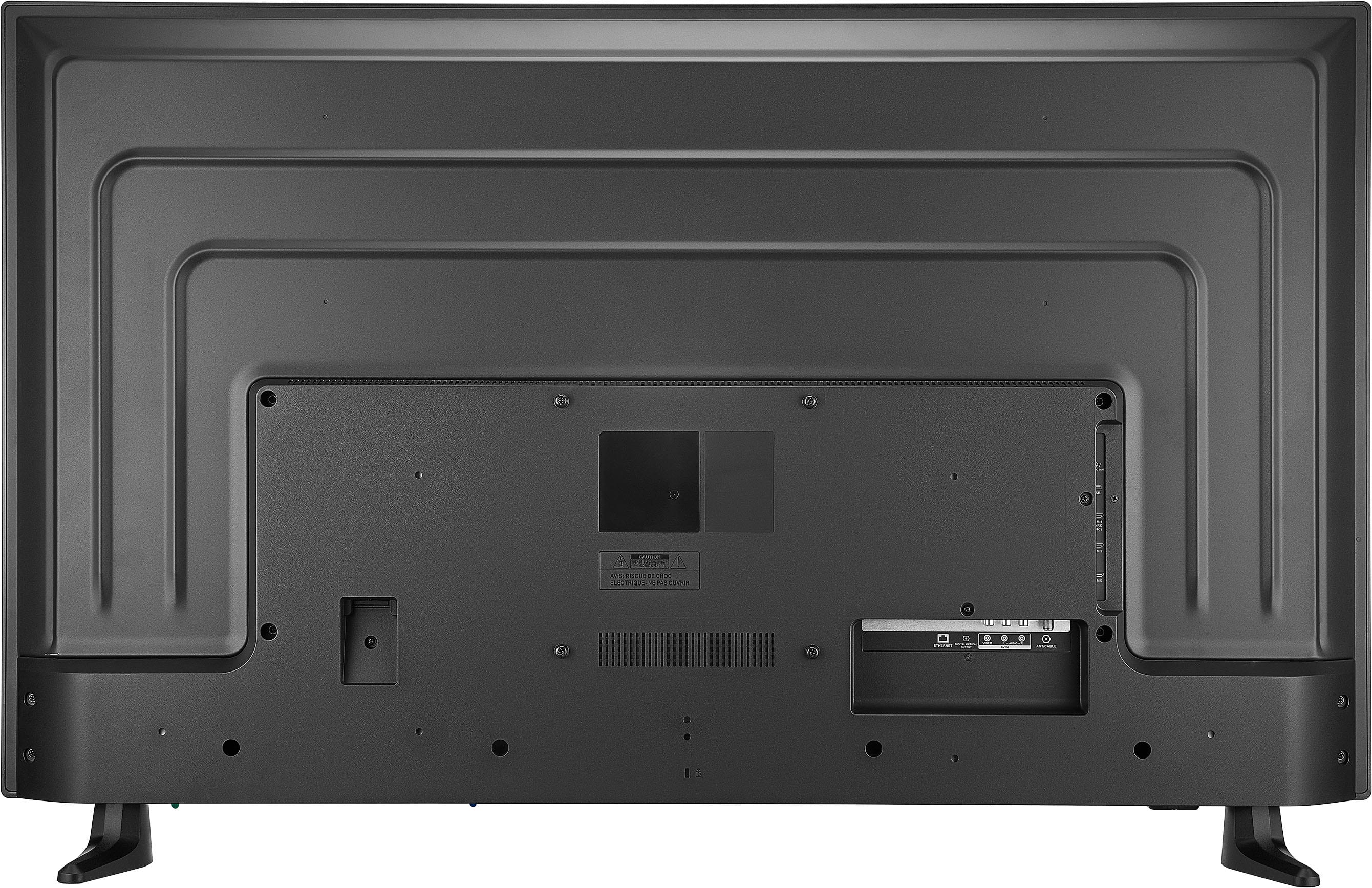
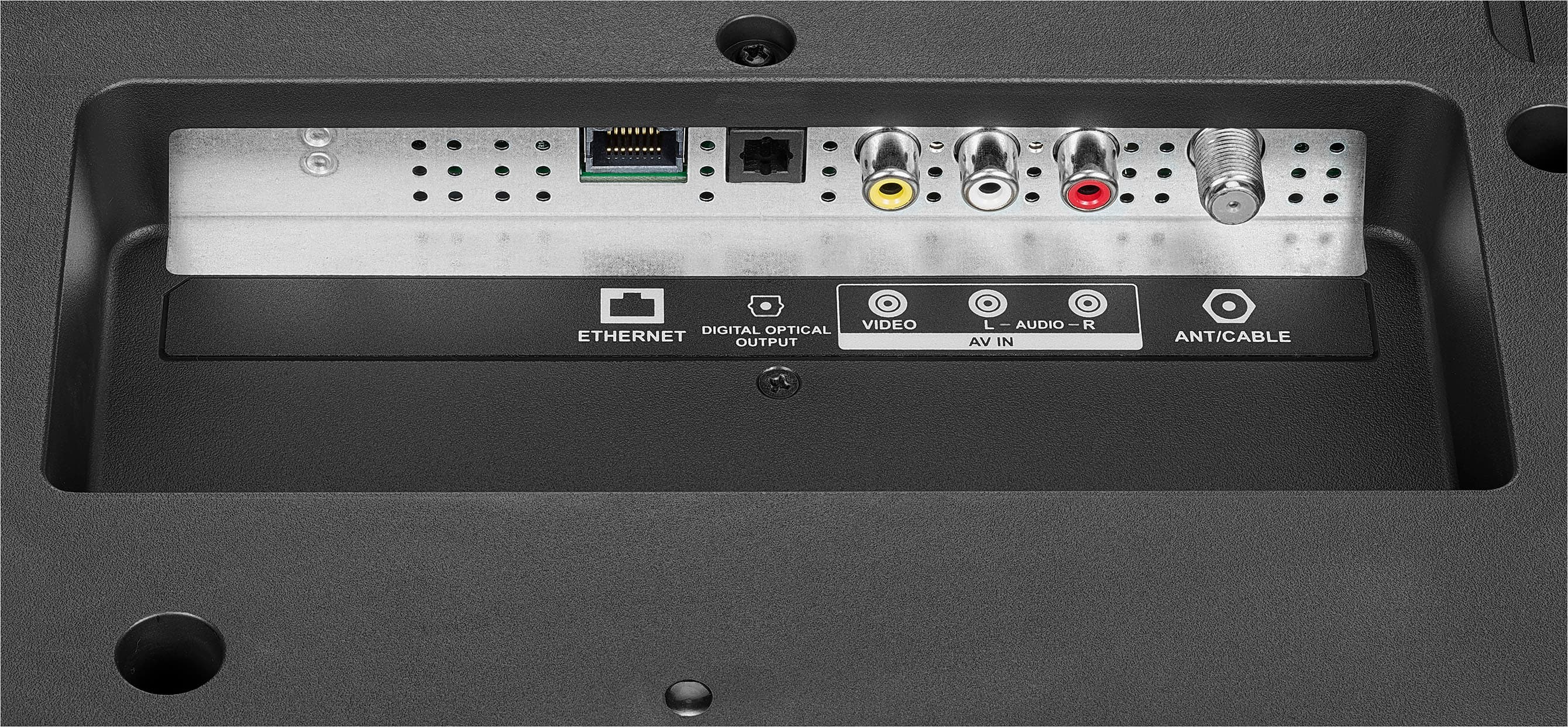
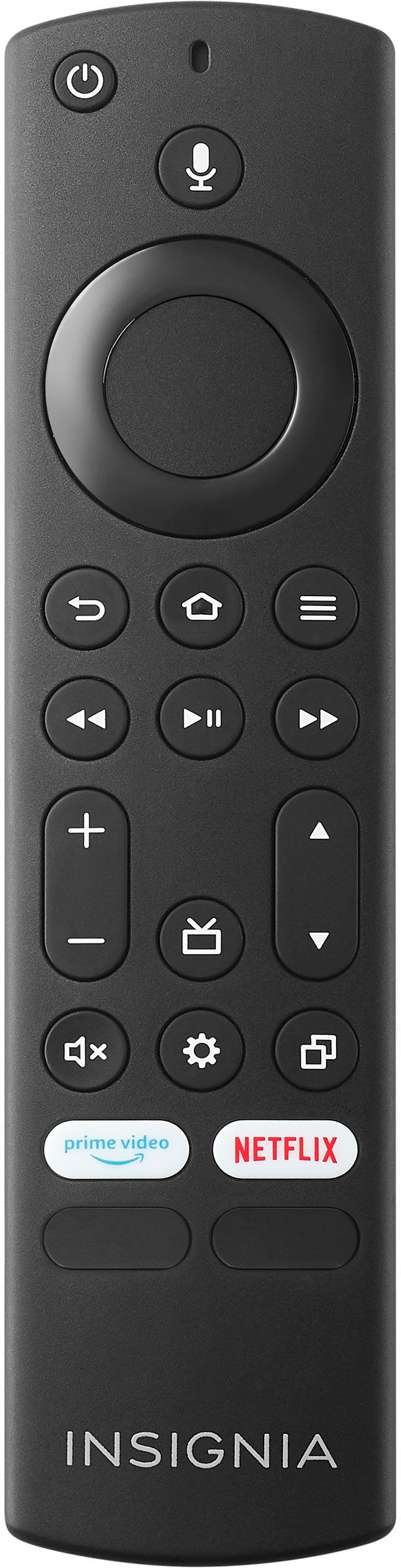
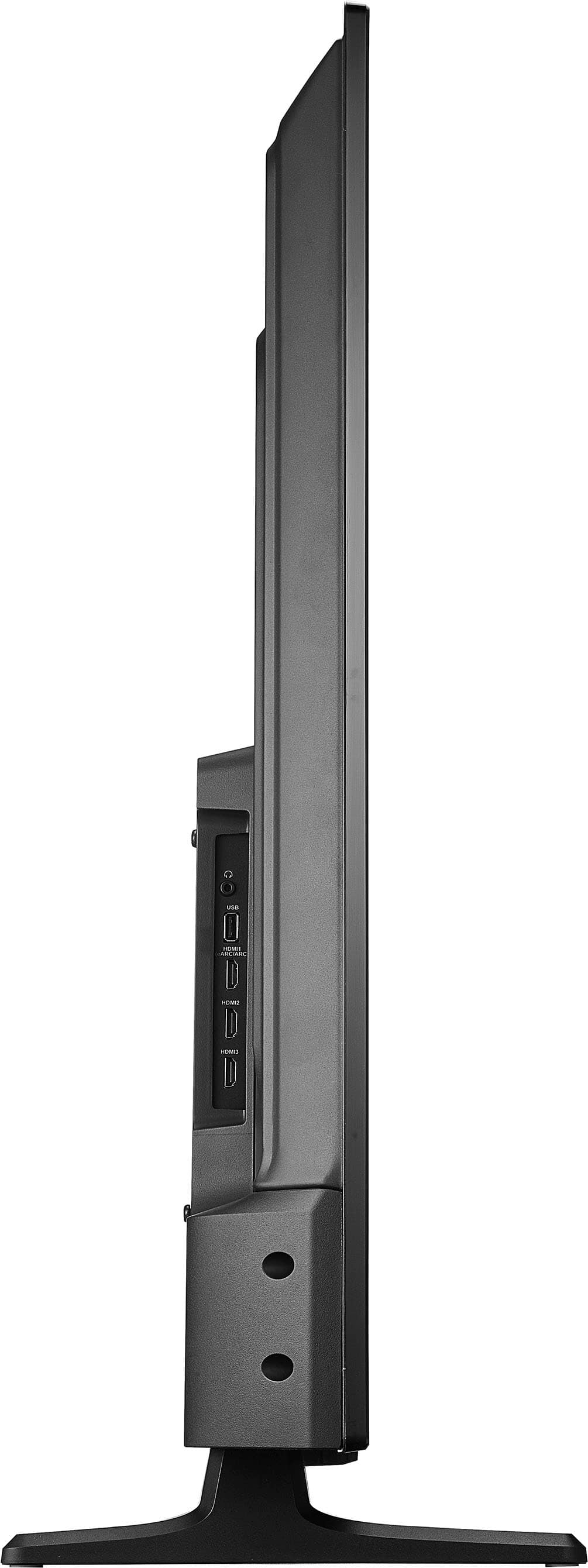
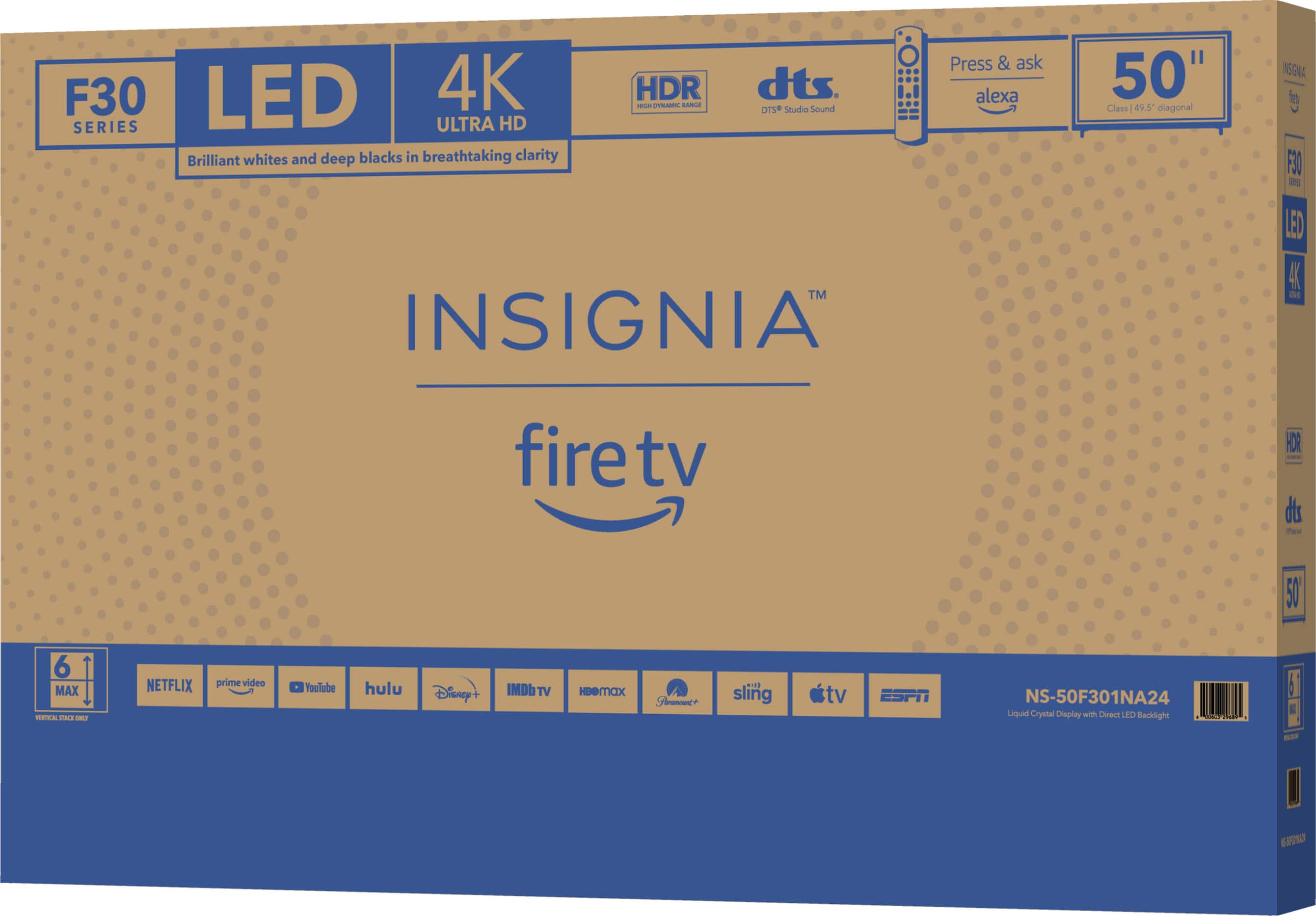
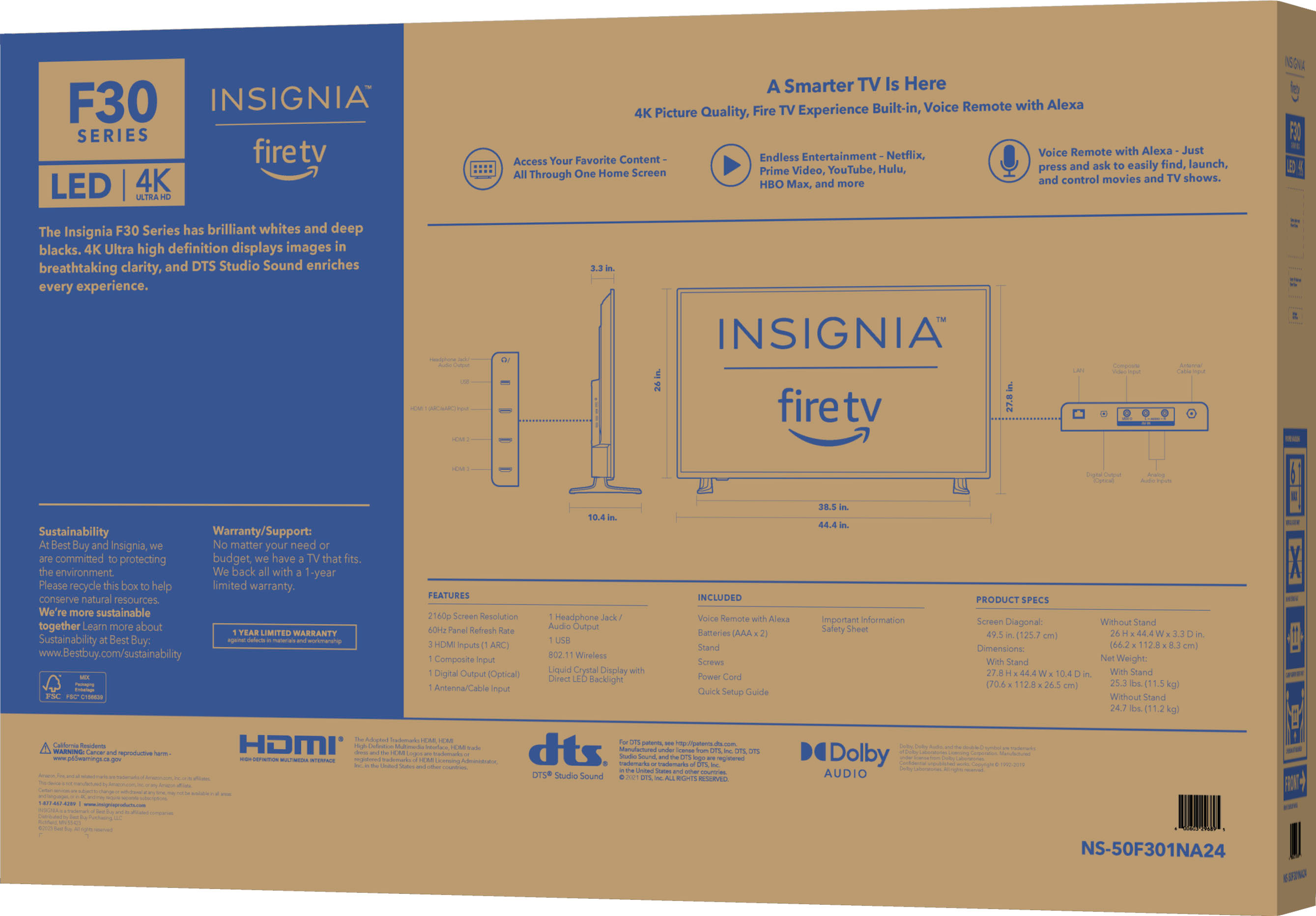
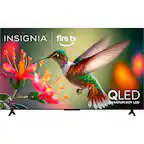
A:Answerthe tv's remote does it all. you can go to internet or regular channels which btw if u attach a digital antenna, you can pick up more regular channels. attach the antenna and go to auto tuning and it will add all the channels that your tv can pick up. then if you want to watch netflix, youtube,etc you just hit home and it goes to the internet home page or hit input to select from 1 of the 5 inputs like if my son want to play with his nintendo switch on this TV. i think you would only need the universal remote if you have other accessories like a dvd player
A:AnswerYes! To take full advantage of the "4k", have to have right cables & PC though. I personally have a 43", 50", & 34" wide screen monitor set-up.
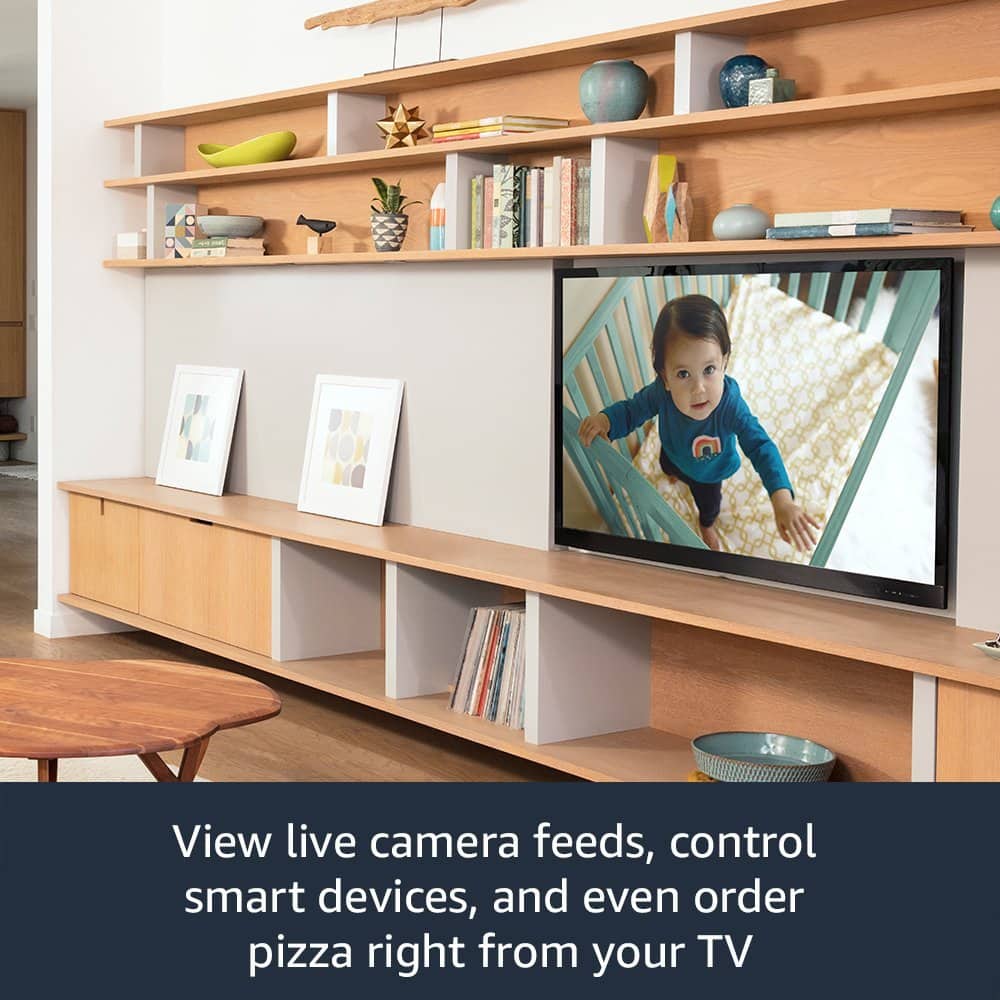
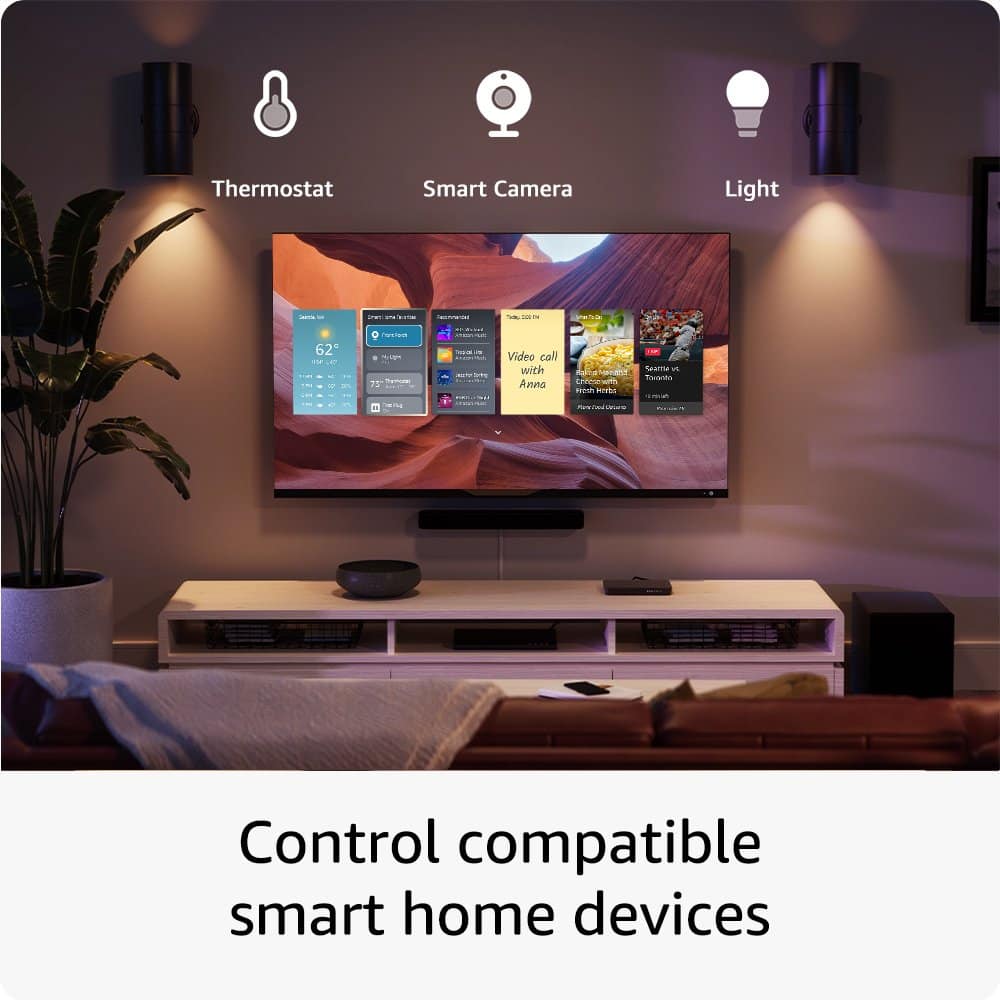
A:AnswerYes, the built-in Alexa on your Insignia™ 50" Class F30 Series LED 4K UHD Smart Fire TV will allow you to view your Ring cameras on the TV, similar to how it works on an Echo Show 8. You can use voice commands to ask Alexa to show the live feed from your Ring cameras directly on your TV screen.
To set this up, make sure your Ring cameras are connected to the same Amazon account as your Fire TV. Then, you can use commands like "Alexa, show the front door camera" to view the live feed.
If you have any other questions or need further assistance, feel free to ask!
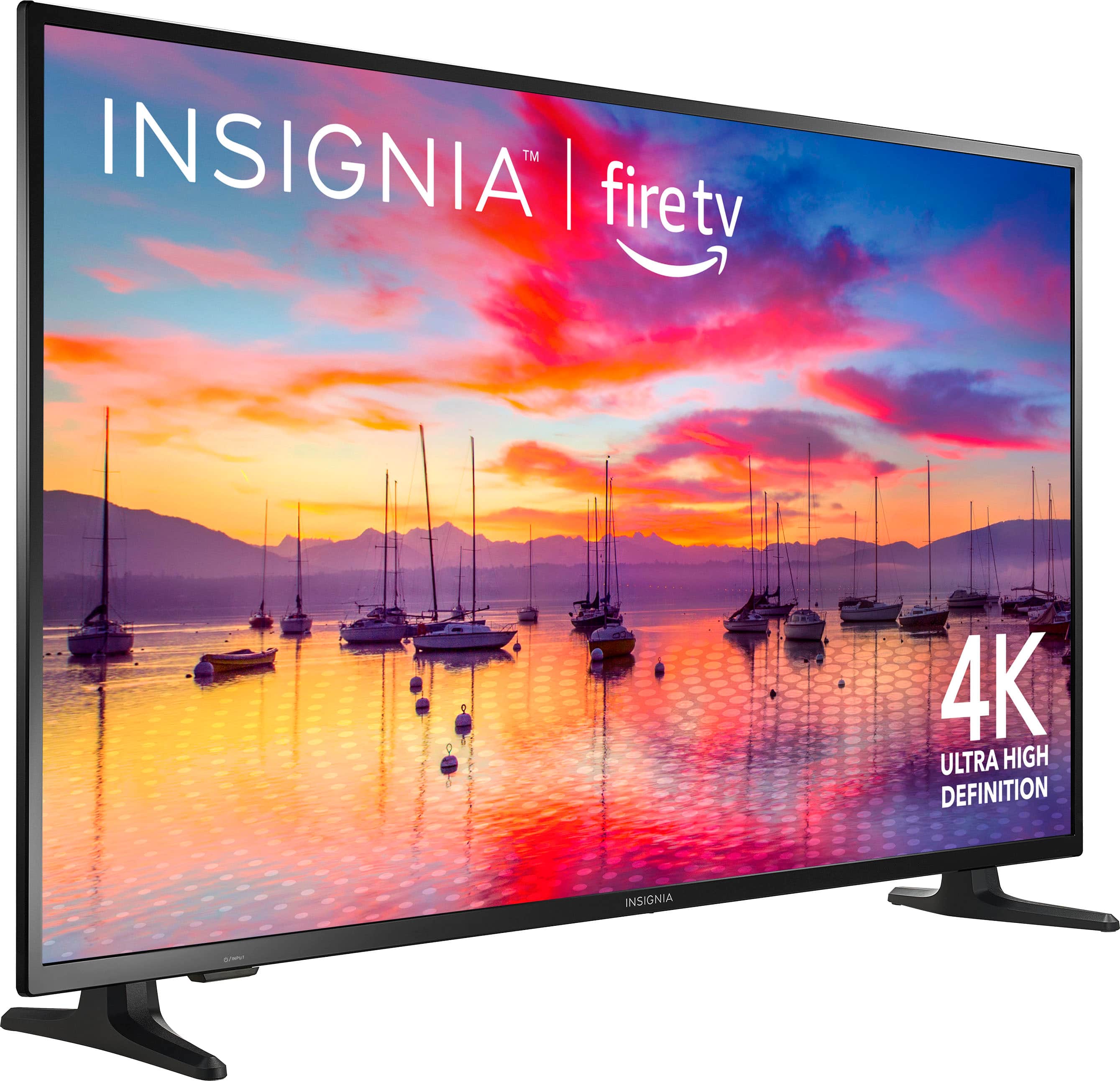
A:AnswerYes, you can use a universal stand with the Insignia™ 50" Class F30 Series LED 4K UHD Smart Fire TV. This TV is VESA compatible, with a 200x200mm mounting pattern. Just make sure the universal stand you choose supports these VESA dimensions and the weight of your TV, which is 25.3 lbs. Patricia | Insignia Support
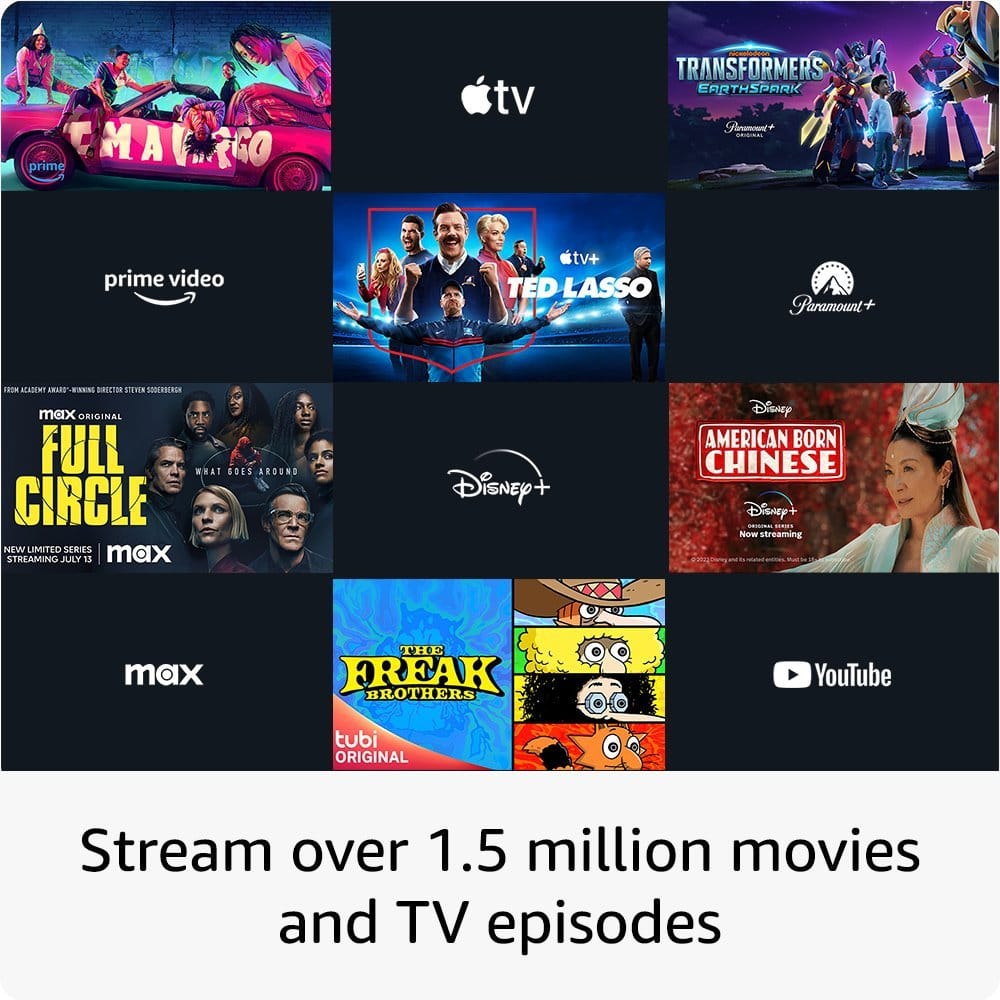
A:AnswerYes, you can connect your Insignia™ 50" Class F30 Series LED 4K UHD Smart Fire TV to Direct TV and access Netflix without any issues. -Ed | Insignia Support | https://www.bestbuy.com/site/brands/best-buy-brands/pcmcat1596746025285.c?id=pcmcat1596746025285
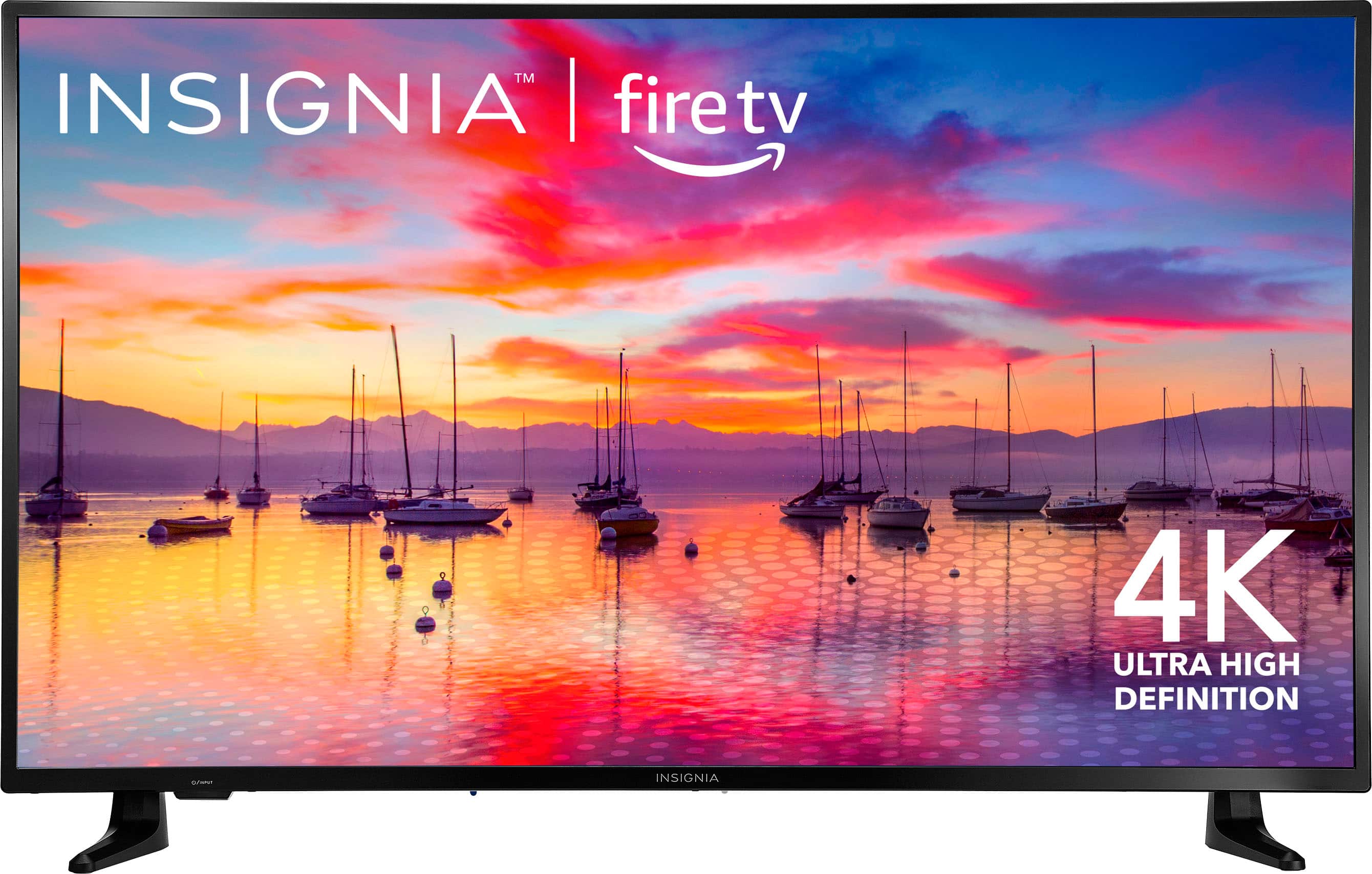
A:AnswerThe Insignia™ 50" Class F30 Series LED 4K UHD Smart Fire TV already has Fire TV built in. This means you don't need to use an Amazon Fire TV Stick to access streaming services and apps. You can enjoy all the features of Fire TV, including Alexa voice control, directly from your TV without needing any additional devices. Patricia | Insignia Support
A:AnswerThank you for your inquiry! The Alexa Voice Remote supplied with the Insignia™ 50" Class F30 Series LED 4K UHD Smart Fire TV comes with dedicated buttons for specific apps like Netflix, Prime Video, Disney+, and Hulu. Unfortunately, these dedicated buttons are typically hard-coded and cannot be reprogrammed for other apps, such as YouTube TV.
However, you can still use Alexa voice commands to open YouTube TV by saying something like, "Alexa, open YouTube TV." This can be a convenient alternative to using a dedicated button. Keith | Insignia Support https://www.bestbuy.com/site/insignia-50-class-f30-series-led-4k-uhd-smart-fire-tv/6525240.p?skuId=6525240
A:AnswerThank you for bringing this to our attention. We apologize for the mistake on the website, and you are correct that the TV is not 12 volts. We strive to provide accurate information, and we fell short in this case. However, we want to assure you that we are here to help. If you're in the market for a 12-volt TV, we recommend reaching out to Best Buy directly at 888-237-8289. They will be able to assist you in finding a suitable option that meets your needs. We appreciate your patience and understanding, and we're committed to providing better service in the future. Jeth | Insignia Support. https://www.bestbuy.com/site/insignia-50-class-f30-series-led-4k-uhd-smart-fire-tv/6525240.p?skuId=6525240
A:AnswerGo to Settings, Controllers & Bluetooth Devices, Other Bluetooth Devices. Make your device discoverable. Press & hold the Microphone icon on the TV remote control and say "Find my bluetooth speaker". This worked for me for my headset
A:AnswerHi snoopy, thank you for your inquiry! Insignia™ - 50" Class F30 Series LED 4K UHD Smart Fire TV (Model: NS-50F301NA24) comes with Amazon Alexa built-in! This means you can use natural speech to ask questions, launch applications, and search programming by talking to the TV. It’s a convenient feature that allows you to control your TV using just your voice. For more information about this product, you may click this link: https://www.bestbuy.com/site/insignia-50-class-f30-series-led-4k-uhd-smart-fire-tv/6525240.p?skuId=6525240. Carlo | Insignia Products
A:AnswerYes, you can! Insignia™ - 50" Class F30 Series LED 4K UHD Smart Fire TV actually has Chromecast functionality built-in since it has Fire TV. This means you can cast content directly from your phone or other devices to your TV. - Mae | Insignia Support | https://www.bestbuy.com/site/brands/best-buy-brands/pcmcat1596746025285.c?id=pcmcat1596746025285