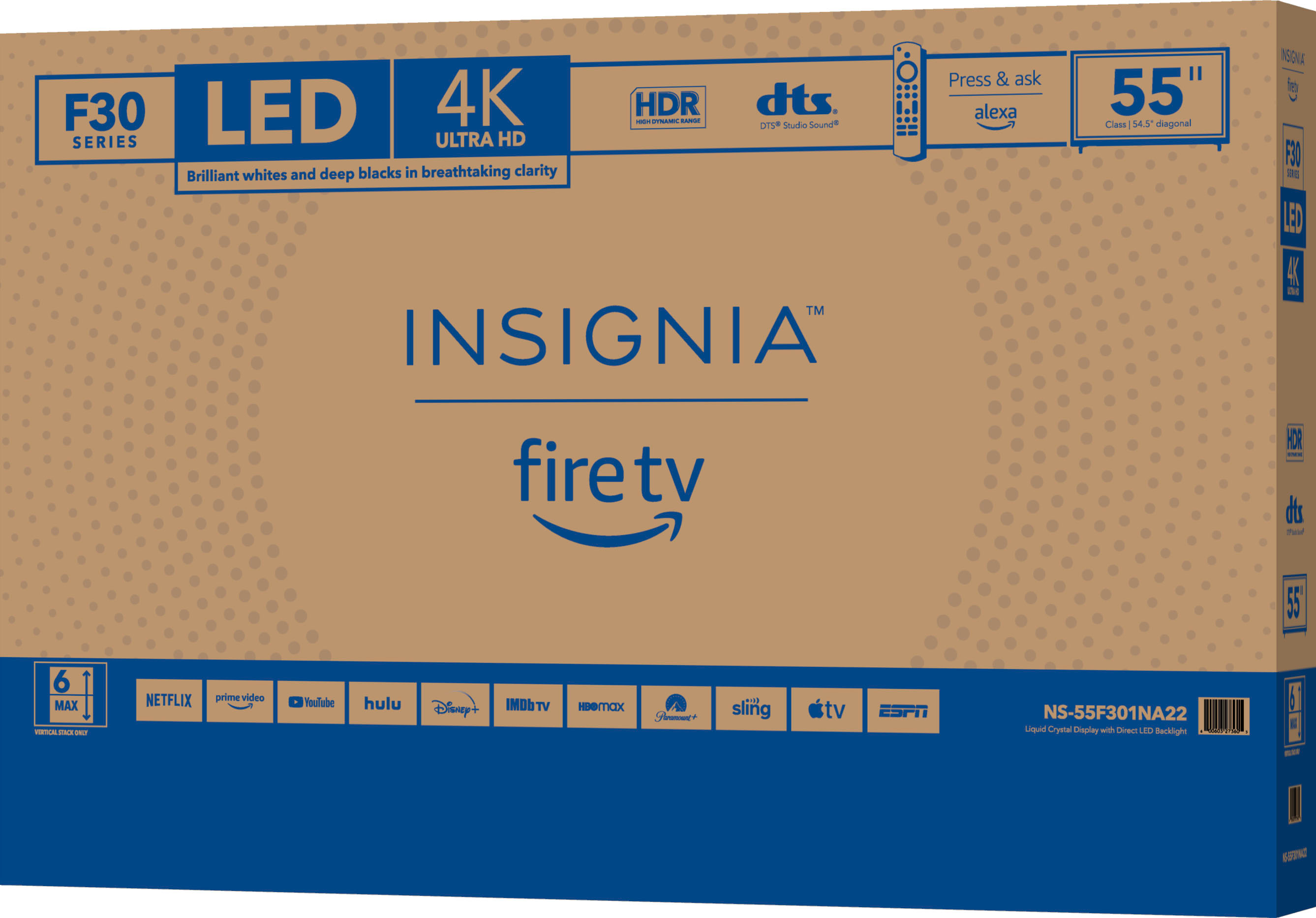
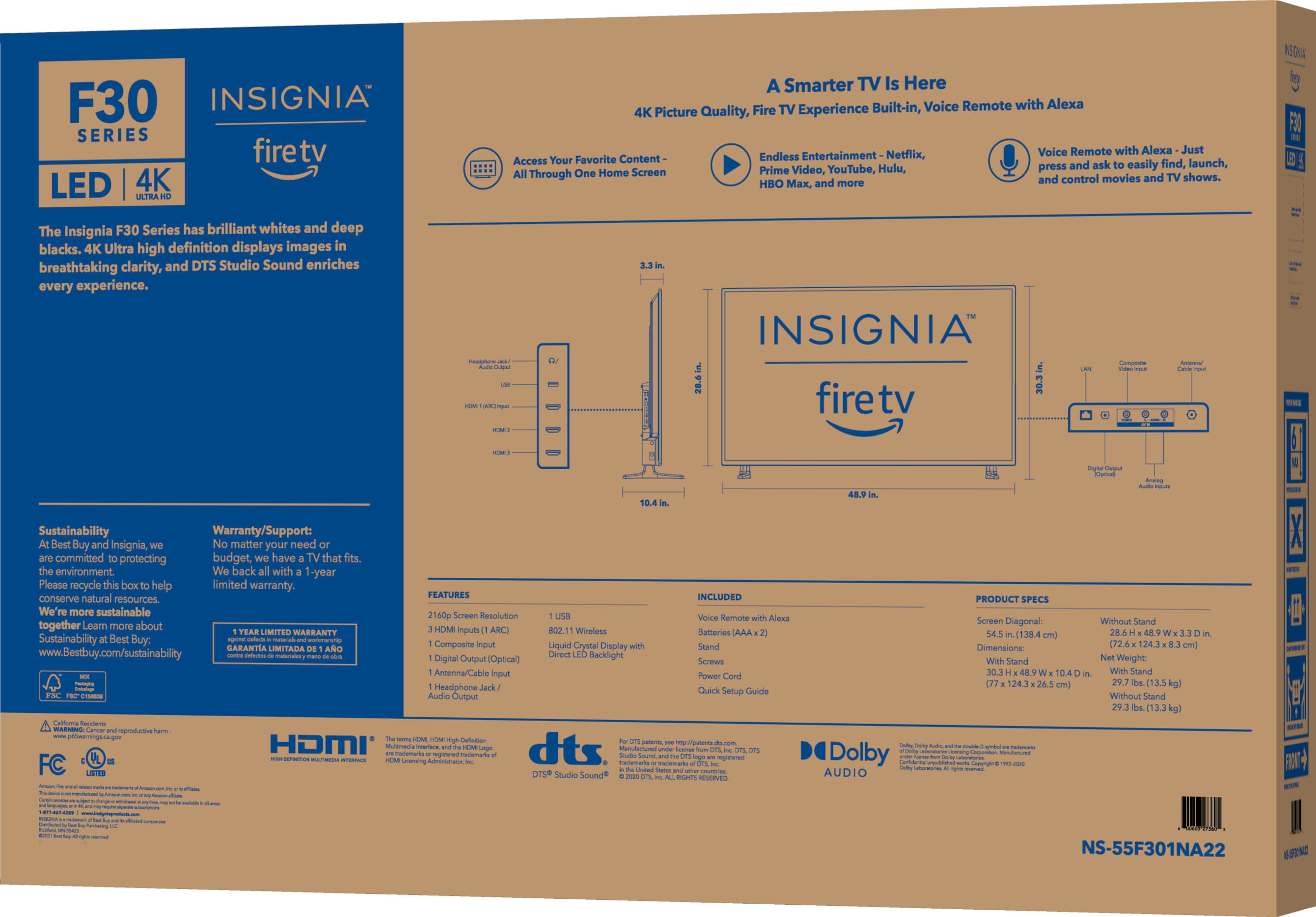
A:AnswerMine was, they brought it into the house and took a picture of the box after we inspected it. I do not recommend setting it up by yourself, not so much weight, but the size can be awkward .
A:AnswerAs far as I’ve figured, it has screen mirroring and shares exactly what you see on your phone but it doesn’t even expand it to fit the tv screen. I haven’t found a way for airdrop, screen casting, etc. yet unless you use extra apps. (I have ios, not sure about android)
A:AnswerYes. Screen mirroring works but it’s not screen cast. It shows exactly what you see on your iPad without changing the ratio and if your iPad screen locks out, it will stop the content. You have to keep iPad/iPhone active, unlocked, and on that screen to see it.
With screen casting it would play whatever you casted and you could do other things with your iPad device, this TV doesn’t have this option as far as I know.
A:AnswerHi Albert,
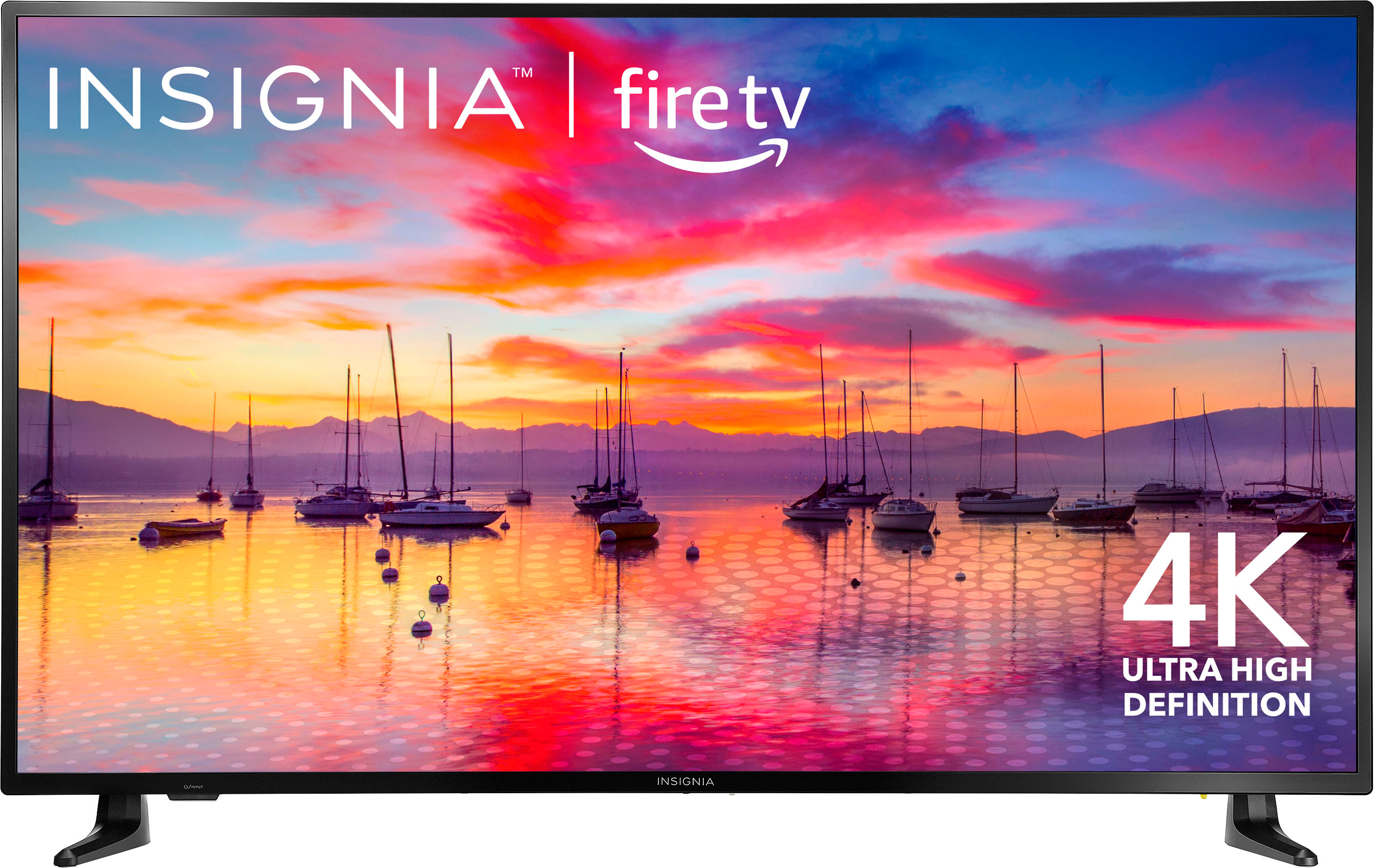
Insignia Products (“Insignia”) warrants to you, the original purchaser of this new Insignia-branded television (“Product”), that the Product shall be free of defects in the original manufacture of the material or workmanship for a period of one (1) year from the date of your purchase of the Product (“Warranty Period“).
Insignia Support
Lea
https://www.insigniaproducts.com/
A:AnswerHi Yle,
Try to clear cache your tv. f you have any questions or concerns, please use the link below to reach us and also you can contact this phone number 877-467-4289 for further assistance.
Insignia Products
Nikki
https://insigniaproducts.com