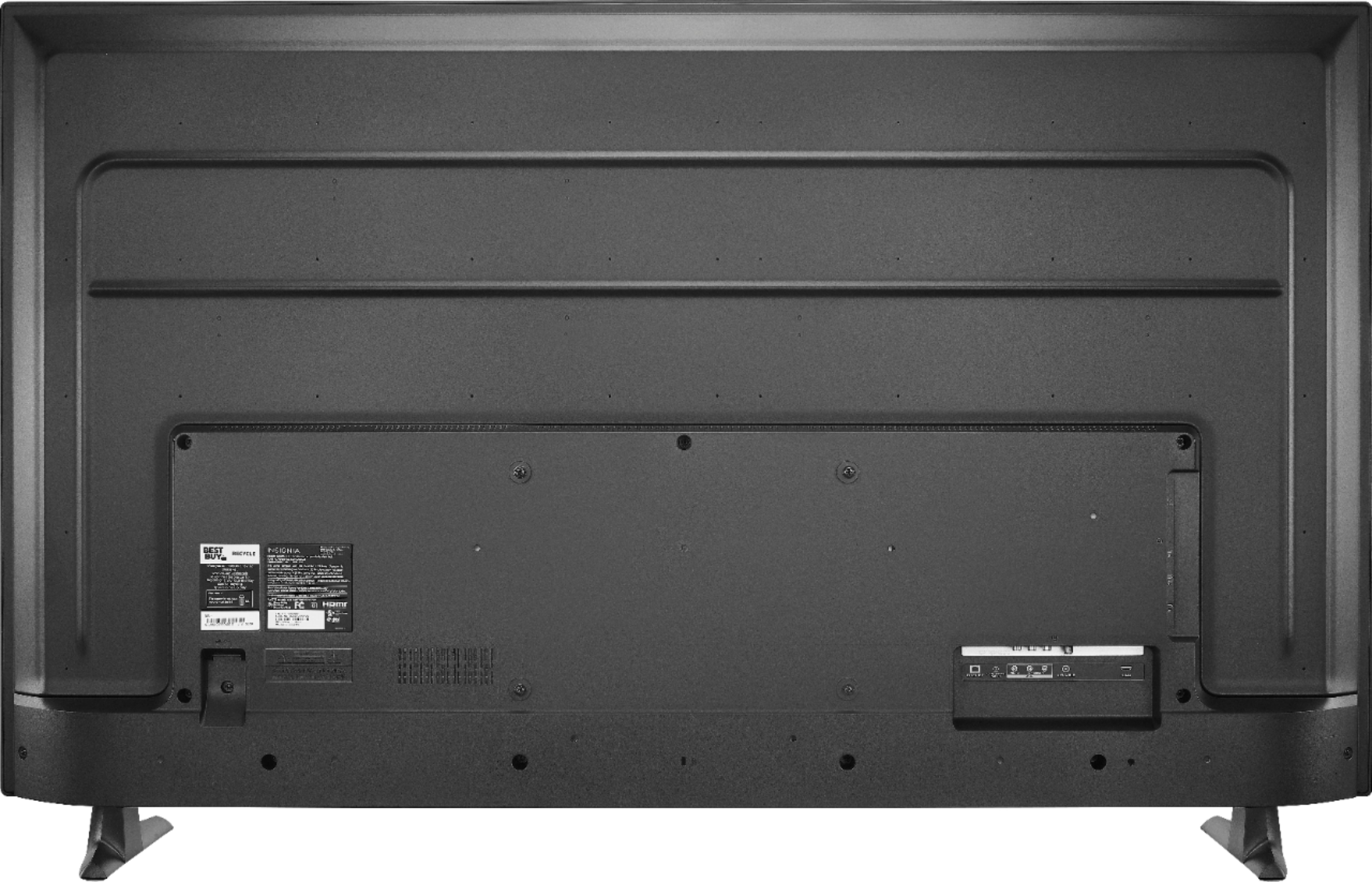
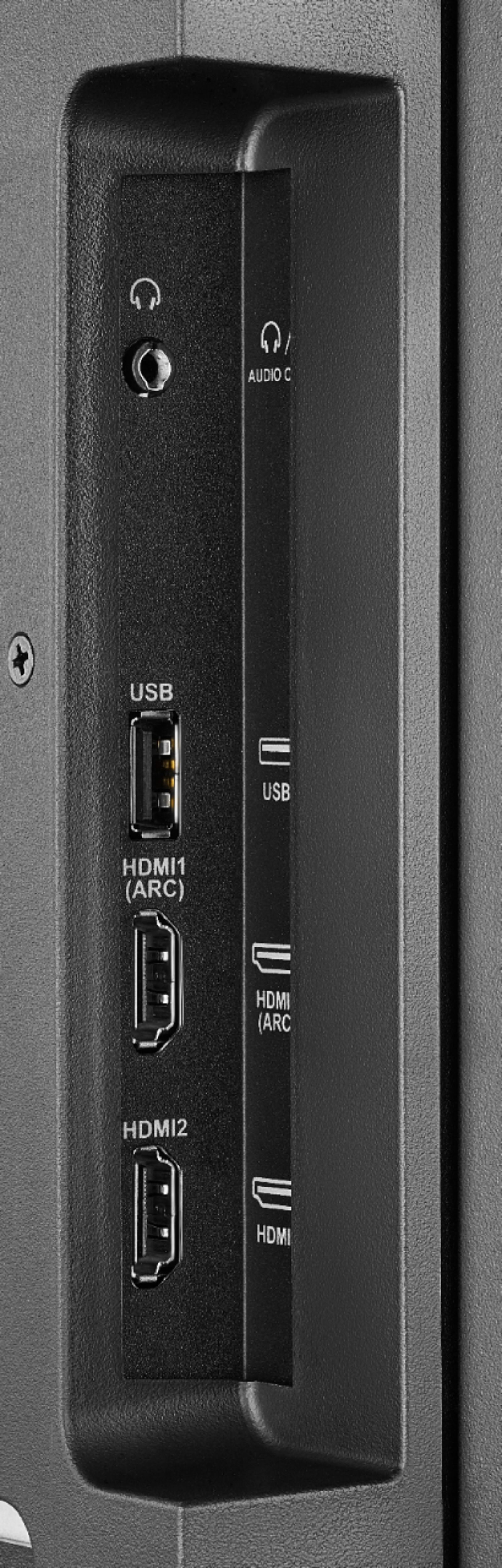
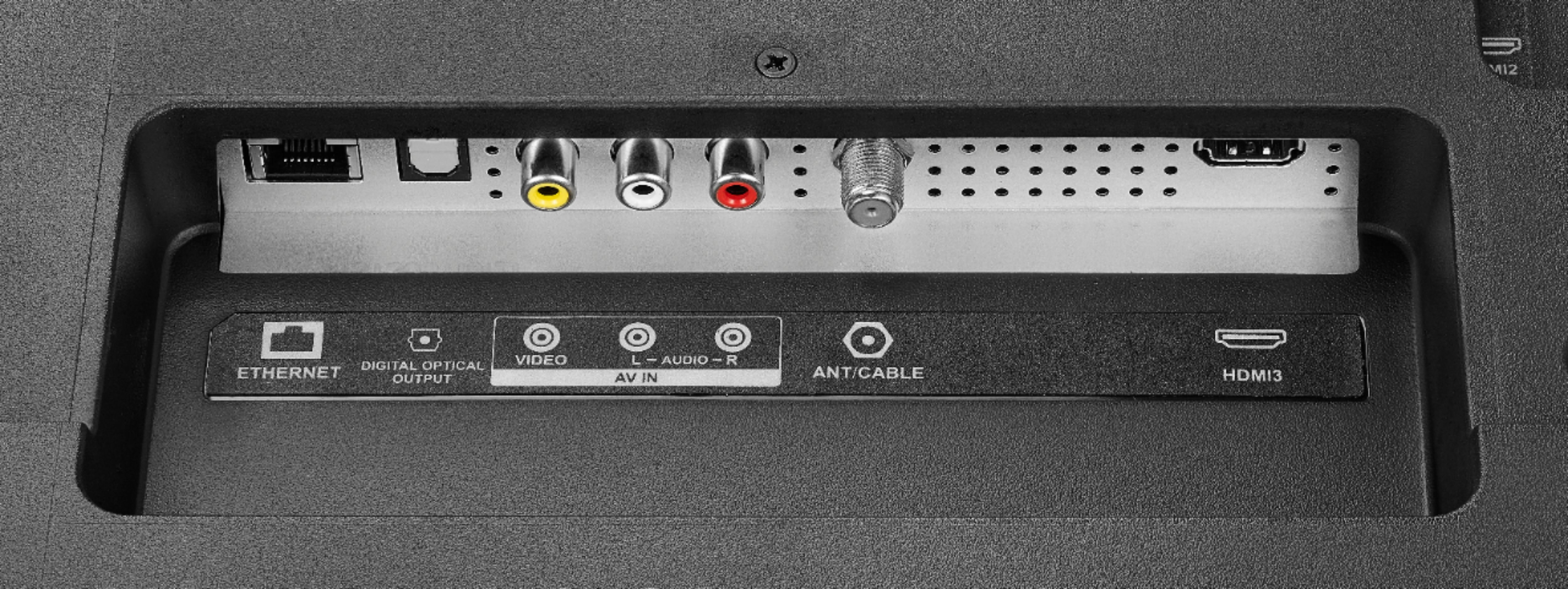
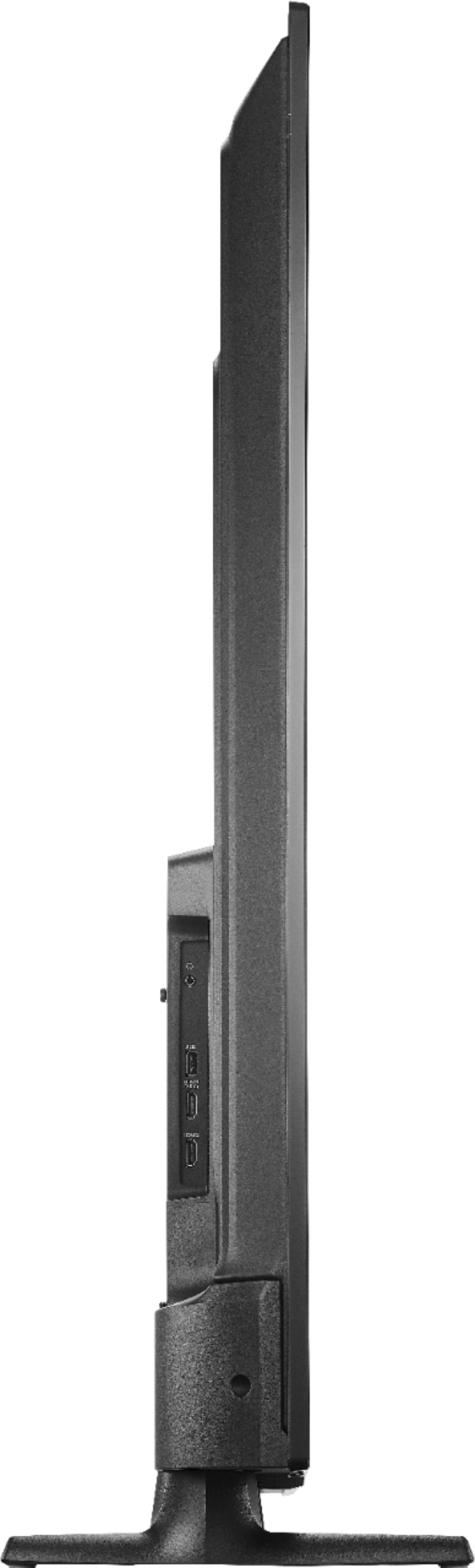
A:AnswerHi! You can attach a Roku stick to one of the HDMI ports and you should be able to watch your Roku signal on this TV. Once you change the input, you can continue using Amazon or any other device connected. Viridiana E. Insignia Support. https://www.insigniaproducts.com/contact-us
A:AnswerAll Black Friday ad items are available for sale November 28, 2019–November 30, 2019. Prices and offers are subject to change and are valid online during, but may start before and end after, the ad dates.
For more information, please visit:
https://www.bestbuy.com/site/black-friday/terms-conditions-black-friday-ad/pcmcat1572375461960.c?id=pcmcat1572375461960
David M. - Insignia Support
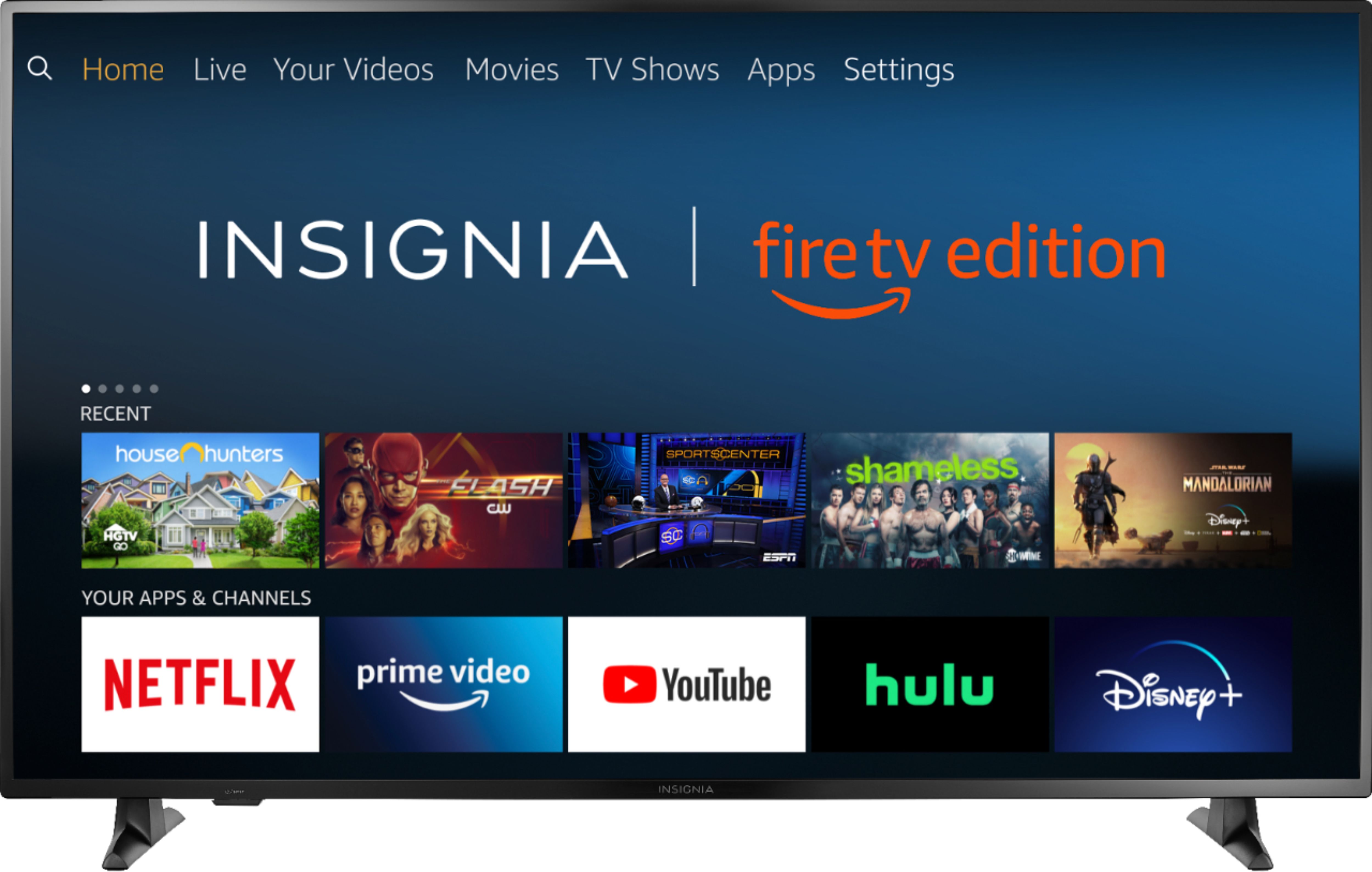
A:AnswerThe Fire TV Edition television does not support screen mirroring.
Smartphones cannot be connected to your Fire TV Edition television via Bluetooth.
You can connect your multimedia devices to the TV using an HDMI cable.
David M. - Insignia Support

A:AnswerThis Fire TV Edition television supports 4K, just play 4K enabled content.
Press and hold the Home button for 3 seconds to display the Quick Access menu,
select Info to see the resolution of the video that's playing.
David M. - Insignia Support

A:AnswerThe Fire TV Edition television has Fire OS 6. The TV supports 4K.
For more information, please visit:
https://developer.amazon.com/docs/fire-tv/device-specifications-fire-tv-edition-smart-tv.html?v=ftveditioninsignia4k
David M. - Insignia Support

A:AnswerHello,
Thank you for your preference!
This unit has this application your looking for. You just have to download it, so it can project what you are look for. If you have any further questions please feel free to contact us at anytime.
- Arin A.
Insignia Support
Contact us: https://www.insigniaproducts.com/contact-us
A:AnswerThe Fire TV Edition television features a non-connected setup.
Just skip the Wi-Fi connection screen and connect your Antenna or Cable/Satellite box to the TV.
David M. - Insignia Support

A:AnswerThe Fire TV Edition television does not support Cast.
You can connect your Chromecast device to the TV using HDMI.
Download the Amazon Fire TV app on your smartphone to control your Fire TV Edition television.
David M. - Insignia Support

A:AnswerHi, Hannibal.
I appreciate you sharing your inquiry with us. You can definitely connect headphones though Bluetooth with this TV. However, it is not design to pair with soundbars or external speakers using the same connection.
Cesar G. - Insignia Support