A:AnswerWhen I was in Best Buy store, they checked components I had at home to make sure connectors would work. Said they were hardware specific. Before buying you should let them kno brand & model # of components.
A:AnswerYes - this cable works with this printer. I have the printer and this is the cable the employee told me to get. I set up my printer with this before I got internet and had no issues.
A:Answerhttps://help.elgato.com/customer/portal/articles/1717068-elgato-game-capture-hd60-manual-and-user-s-guide#link03
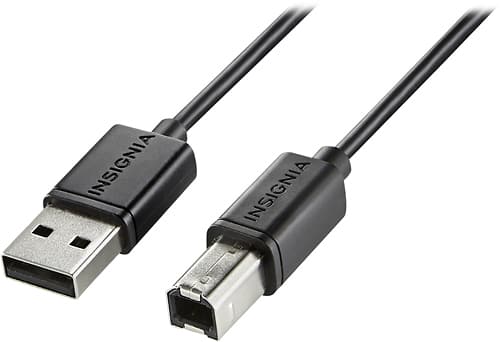
NO. this particular cable will not work with an Elgato unless you have a brand new PC with a USB B port on it, like an Alienware or similar high end gaming PC Tower. It requires a MINI USB A cable with a USB A standard plug on the other end to connect to PC or laptop. That cable is provided by Elgato in their packaging.
A:AnswerYes, I have the same printer and could not get the printer to hookup to my IMac. After a couple of frustrating days trying to get a wireless connection, gave up and purchased the cable.Works great now.
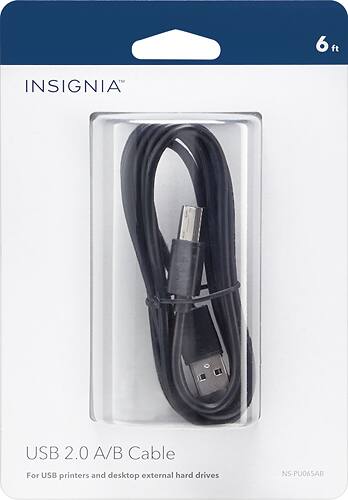
A:AnswerThis should probably work for you. The cable is exactly 6 feet and I am using it to connect a MacBook Air to an HP LaserJet Pro M402n printer. Works well.
A:AnswerThis is one is pricey but you might not have to buy a new one unless they change the ports tech in the near future, works good in a humid environment, no con issues,