Questions & Answers
- Model:
- NS-65F501NA24
- |
- SKU:
- 6605982
Highly rated by customers for: Picture Quality, Weight, Ease of Use
$279.99Your price for this item is $279.99
Comp. Value: $449.99
The comparable value price is $449.99
Page Showing 61-77 of 77 questions
Q: QuestionWhat is the height from the ground to to bottom of the tv
Asked by Goldilocks.
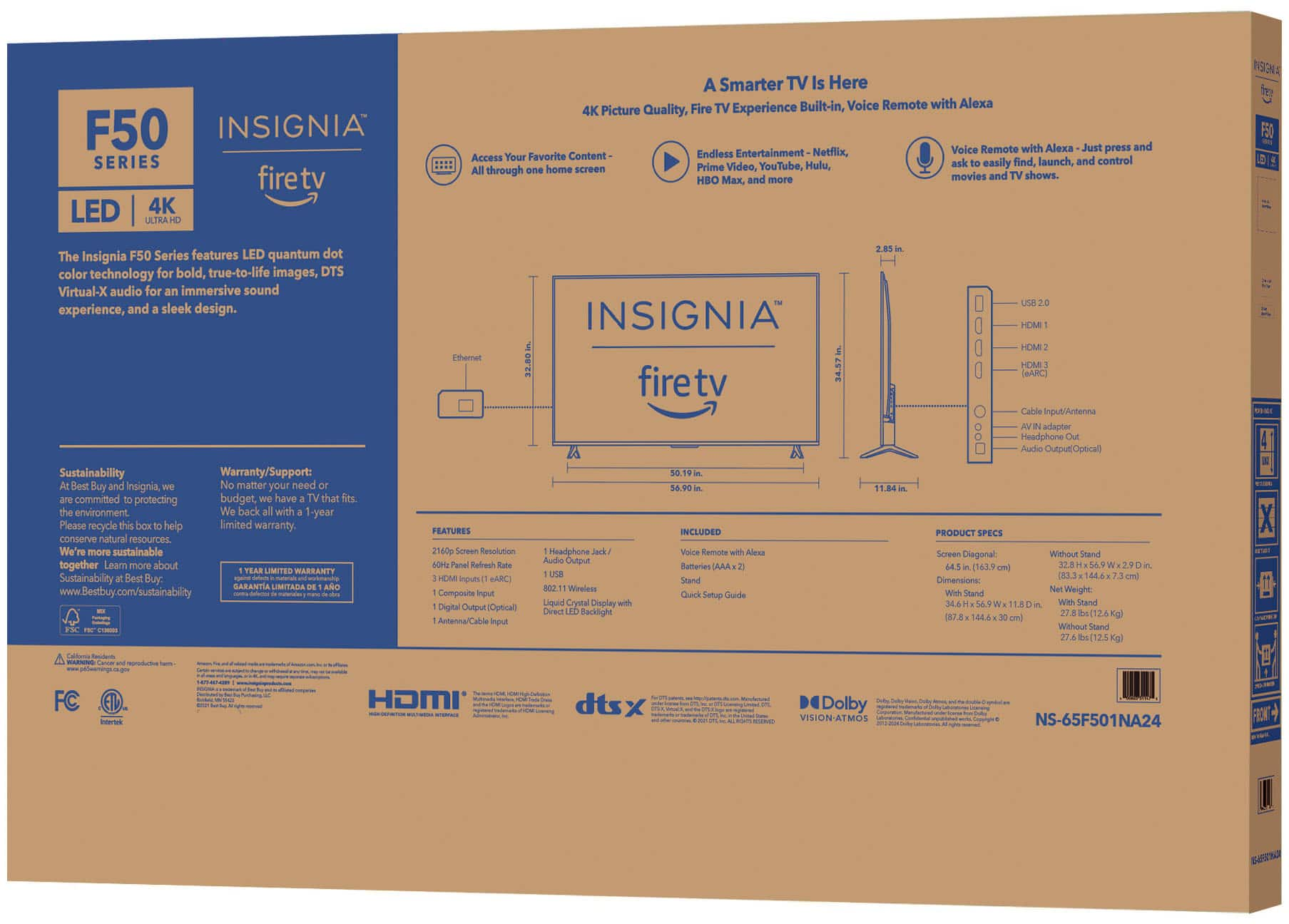
- A:Answer 5ft from the ground
Answered by JugonduoH
Q: QuestionWhy does my TV keep turning off after less than 5 minutes? It doesn’t even go into screen saver mode.
Asked by JC.
- A:Answer It’s a sleep timer for when no one is watching it
Answered by KyleB
Q: QuestionI am trying to find a handsfree Alexa TV for a visually impaired person. Does this offer that?
Asked by Cassie.
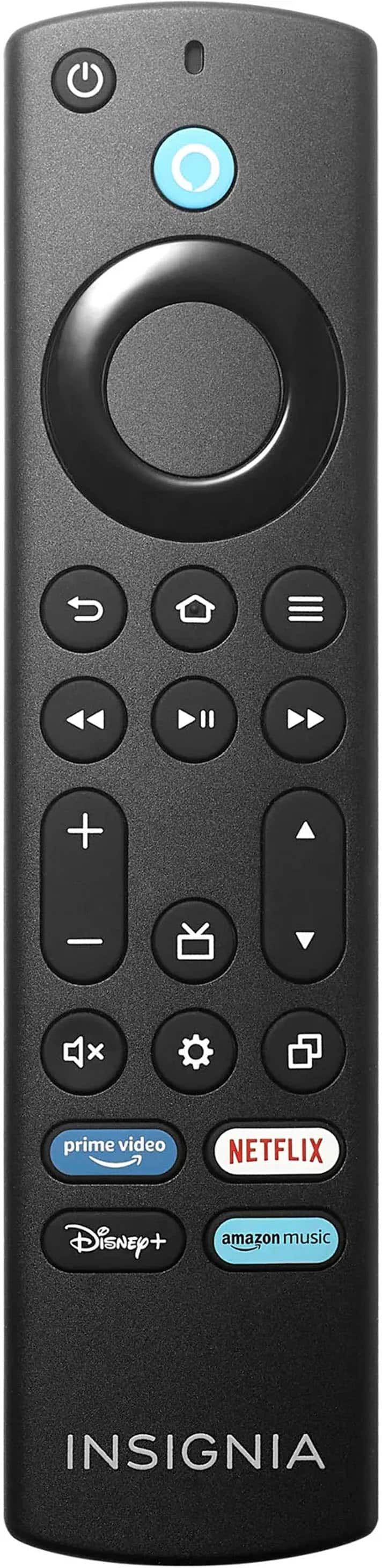
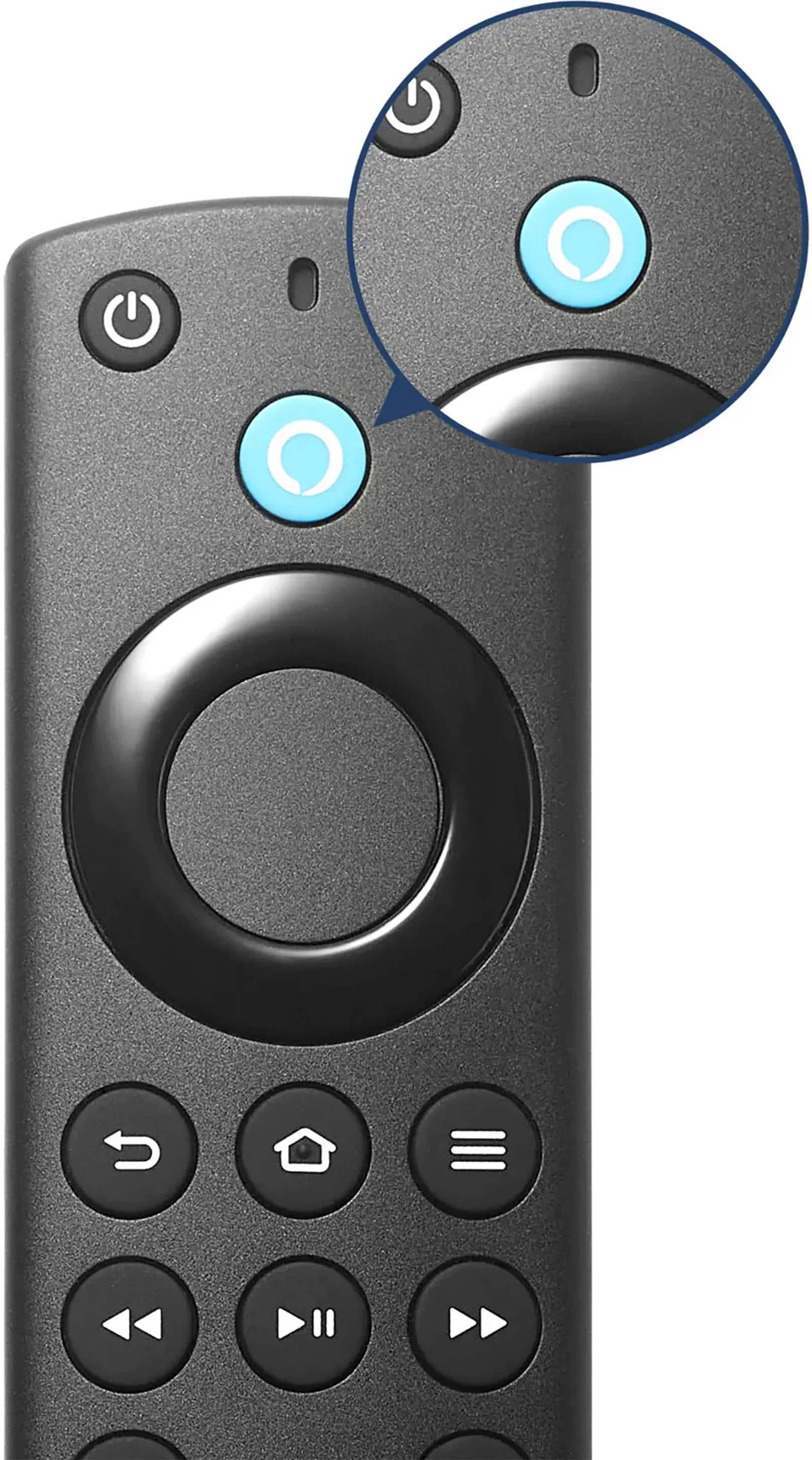
- A:Answer No. You must press the blue button on the remote for Alexa.
Answered by PaulH
Q: QuestionIs the Fire stick OS 4K? How much memory is available for the user to use?
Asked by Roger.
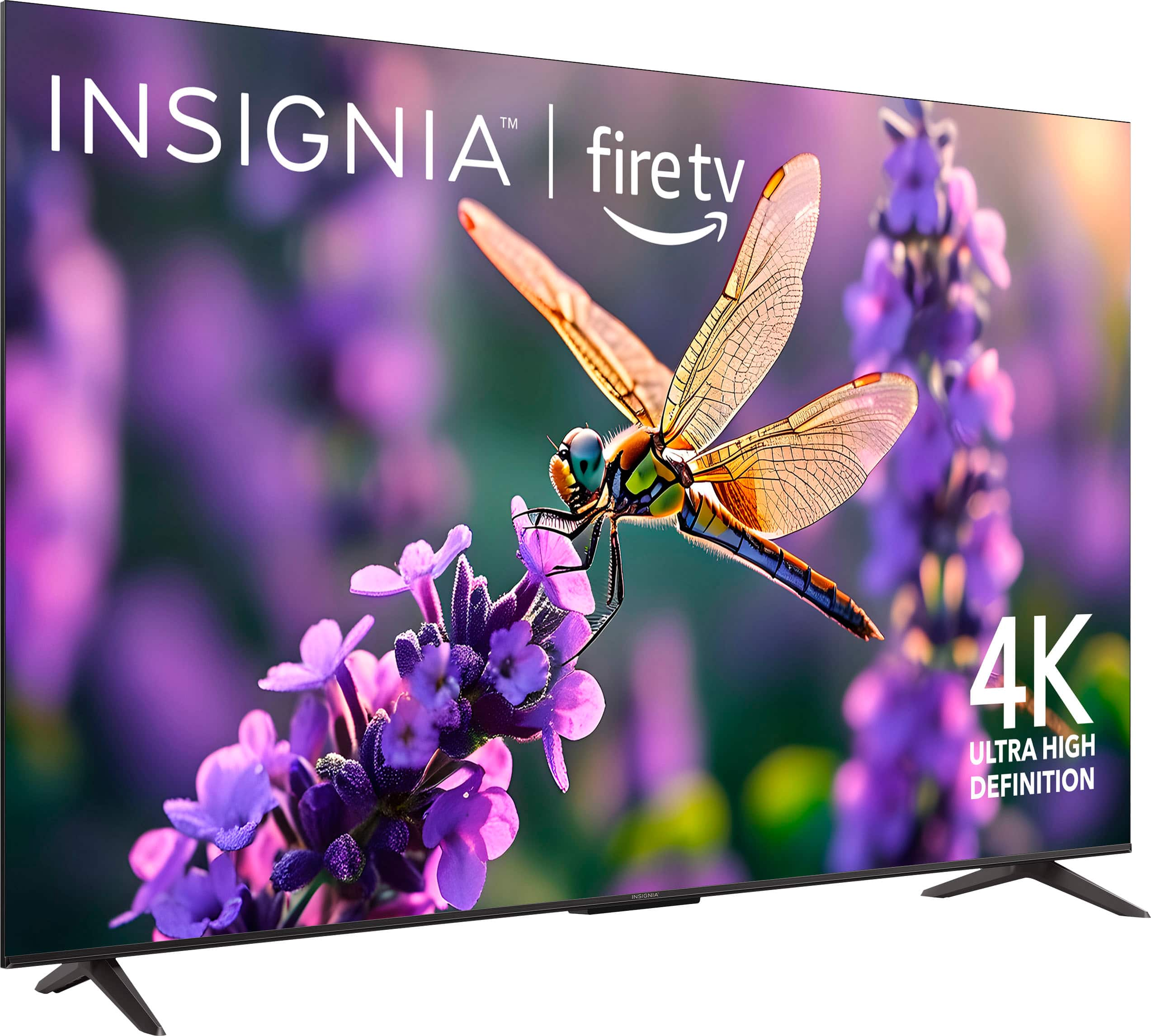
- A:Answer Thank you for your inquiry! Yes, the Insignia™ 65" Class F50 Series LED 4K UHD Smart Fire TV runs on Fire TV OS, which supports 4K resolution. This means you can enjoy 4K content on this TV, providing a high-quality viewing experience. Regarding memory, the TV comes with 16GB of internal storage, but a portion of this is used by the system and pre-installed apps. This leaves around 12GB of usable storage for additional apps and content. Keith | Insignia Support https://www.bestbuy.com/site/insignia-65-class-f50-series-led-4k-uhd-smart-fire-tv/6605982.p?skuId=6605982
Answered by InsigniaCustomerSupport

Q: QuestionWhat wall mount goes with this tv?
Asked by Jw24.
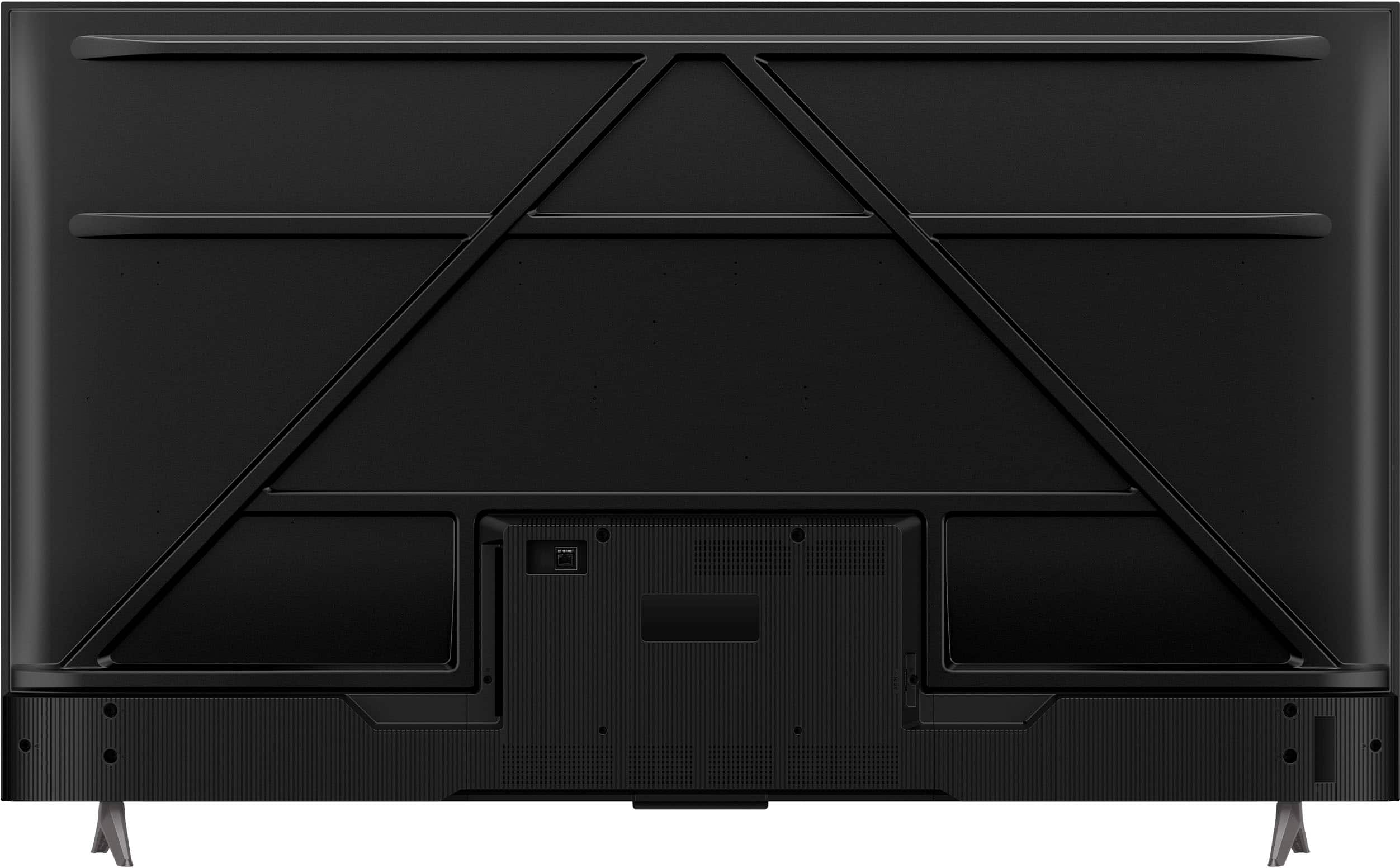
- A:Answer Thank you for your question! For the Insignia™ 65" Class F50 Series LED 4K UHD Smart Fire TV, we recommend using a wall mount that is compatible with the VESA pattern 200x200 mm. If you have any questions or need further assistance, please don't hesitate to reach out. - Mae | Insignia Support | https://www.bestbuy.com/site/brands/best-buy-brands/pcmcat1596746025285.c?id=pcmcat1596746025285
Answered by InsigniaCustomerSupport

Q: QuestionHow do u remove the back to put in batteries
Asked by Remote.
- A:Answer I assume you mean the remote. You press your thumb into the indentation of the back and slide it open. These remotes are hard to open for the first time and it may take a bit of effort. Do use anything like a screw driver, just use patience. After the first time, the remote opens easily.
Answered by PaulH
Q: QuestionWhat does the warranty cover?
Asked by Bestbuyer.
- A:Answer The warranty for the Insignia™ 65" Class F50 Series LED 4K UHD Smart Fire TV covers defects in materials and workmanship, including repairs or replacements for one year from the date of purchase. Be sure to check the specific warranty terms for any additional details or exclusions. Patricia | Insignia Support
Answered by InsigniaCustomerSupport

Q: QuestionI’m having a difficult time adjusting the screen/picture size. I’ve tried settings, but always end up with a smaller size on my big 65 inch TV!
Asked by BlueJay.
- A:Answer Thank you for your inquiry! If your Insignia™ 65" Class F50 Series Fire TV is showing a smaller picture than expected, it’s likely due to incorrect display or aspect ratio settings. To fix this, start by pressing the Home button on your remote and navigating to Settings > Display & Sounds > Display. From there, select Picture Size, and choose "Auto" or "16:9", which are best for widescreen content. If you're using an external device like a cable box or game console, make sure its video output settings are also set to 1080p or 4K UHD and the aspect ratio is 16:9. Additionally, check for any settings related to Overscan or Stretch and turn them off to avoid image distortion. These steps should help you get the full picture on your 65-inch screen. If you have further questions, please feel free to reach us via phone 1-877-467-4289 Monday-Saturday 8 a.m. to 9 p.m. CT.
Answered by InsigniaCustomerSupport

Q: QuestionCan you surf the web
Asked by Lou.
- A:Answer Yes, you can surf the web on the Insignia™ 65" Class F50 Series LED 4K UHD Smart Fire TV. This TV comes with the Fire TV platform, which includes a built-in web browser. You can use the Silk Browser or Firefox to browse the internet directly on your TV. If you have any further questions or need assistance, please don't hesitate to reach out. Ivy | Insignia Support
Answered by InsigniaCustomerSupport

Q: QuestionWhat are the apps included on the TV and can you download other apps such as MLB, ESPN, HBO MAX?
Asked by Apps.
- A:Answer Has the amazon appstore , so you can download pretty much any app you would like
Answered by MarshallS
Q: QuestionCan the Roku channel free app be added or downloaded onto the Insignia 65" Class F50 UHD Smart Fire TV without having to use a Roku stick?
Asked by Sonia.
- A:Answer Yes
Answered by TaraH
Q: QuestionI purchased this TV & it did not come with a physical manual, just the quick start guide. The manual is not available on the best buy website, nor could I find one anywhere online. How can I access a copy of this manual?
Asked by Mike.
- A:Answer Hi Mike, thank you for your question and for choosing the Insignia™ 65" Class F50 Series LED 4K UHD Smart Fire TV. We understand how important it is to have access to the full user manual. While the TV includes a quick start guide, the full manual may not always be packaged physically. Since you weren’t able to locate it online, we recommend reaching out directly to Insignia Support for assistance. They can provide you with the correct manual and any additional support you may need. You can contact Insignia Support at 877-467-4289. We appreciate your patience and hope this helps! — Shiela | Insignia Support
Answered by InsigniaCustomerSupport

Q: QuestionWhat wall mount can I use and how do I attach it to the back of the TV
Asked by Lonie.
- A:Answer I used a $20 harbor freight mount. 4 mounting screws in a square configuration on back of tv line up with standard tv mounts
Answered by ClintD
Q: QuestionEmail me the user manual for NS-65F501NA24
Asked by Paul.
- A:Answer Email me the user manual for NS-65F501NA24 PLEASE my remote stopped working and I just purchased the TV July 10th of 2025.
Answered by Anonymous
Top Rated
- $699.99Your price for this item is $699.99$1,299.99The comparable value for this item is $1,299.99
- $119.99Your price for this item is $119.99$229.99The comparable value for this item is $229.99
- Black Friday Deal$229.99Your price for this item is $229.99
- $189.99Your price for this item is $189.99$249.99The comparable value for this item is $249.99
- $129.99Your price for this item is $129.99$149.99The comparable value for this item is $149.99
- $199.99Your price for this item is $199.99$349.99The comparable value for this item is $349.99
- Black Friday Deal$1,399.99Your price for this item is $1,399.99
- $279.99Your price for this item is $279.99$379.99The comparable value for this item is $379.99
- $139.99Your price for this item is $139.99$189.99The comparable value for this item is $189.99
- Black Friday Deal$499.99Your price for this item is $499.99
- $479.99Your price for this item is $479.99$649.99The comparable value for this item is $649.99
- $74.99Your price for this item is $74.99$149.99The comparable value for this item is $149.99
- Black Friday Deal$1,999.99Your price for this item is $1,999.99
- Black Friday Deal$399.99Your price for this item is $399.99
- $999.99Your price for this item is $999.99$1,999.99The comparable value for this item is $1,999.99
- $949.99Your price for this item is $949.99$1,999.99The comparable value for this item is $1,999.99
- Black Friday Deal$599.99Your price for this item is $599.99
- $589.99Your price for this item is $589.99$999.99The comparable value for this item is $999.99
- $319.99Your price for this item is $319.99$469.99The comparable value for this item is $469.99
- $179.99Your price for this item is $179.99$299.99The comparable value for this item is $299.99