A:AnswerIn fact, it will work with any device that accepts a USB Type-C Bluetooth audio connection. In addition, there's a Type-C to Type-A adapter for plugging into Type-A devices.
Rudson S.| Insignia Support. https://www.insigniaproducts.com/contact-us
A:AnswerA little after the fact but go in and "Open Sound settings" and put the audio output through the headphones? If that doesn't work you may want to make sure your drivers are up to date.
A:AnswerHello Nate,
Compatible with Windoows OS. Including Windows 10. Not compatible with Windows XP, Vista, OSX.
Insignia Support,
Merjorie
www.insigniaproducts.com/support
A:AnswerIt doesn’t work with windows (which it’s promoting). I am pretty sure if you can find the drivers for it you should be able to use it on Ubuntu. However, use caution because many of the sites out there claiming to have the drivers for it do not work
A:AnswerHi AKATLA515!
This adapter is for Windows 10 computers and it only supports one speaker at any time.
Insignia Support
Alvin
www.insigniaproducts.com/support
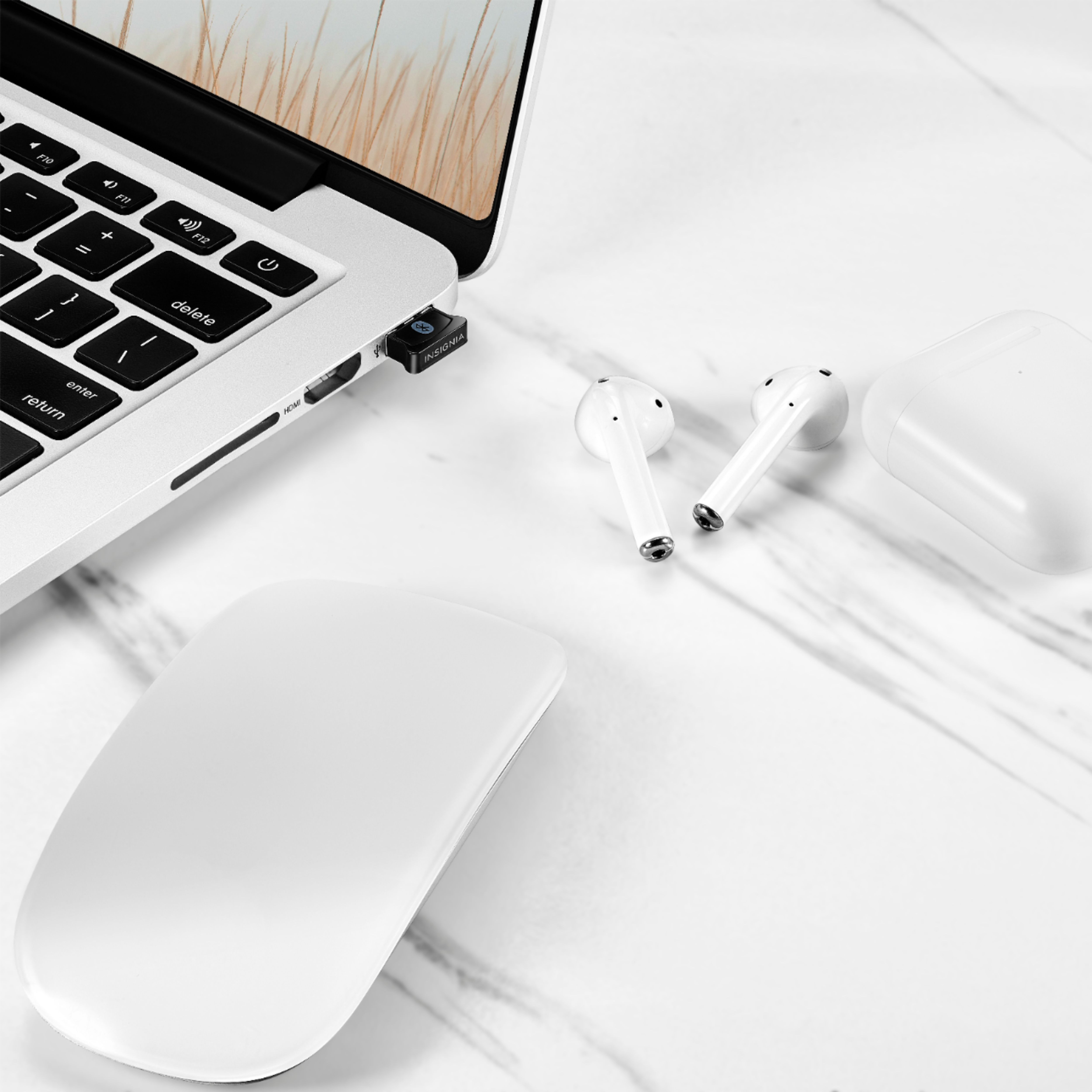
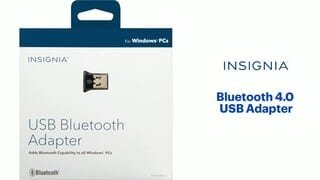
A:AnswerThis adapter lets users connect up to seven Bluetooth-enabled devices to a Bluetooth-compatible computer. It works with laptops and desktops running Microsoft Windows 10.
A:AnswerYou can connect this adapter to your Windows 10 computer that does not have built-in Bluetooth. Bluetooth 4.0 technology allows you to wirelessly link with up to 7 compatible Bluetooth-enabled devices.
A:AnswerYou can connect this adapter to your Windows 10 computer that does not have built-in Bluetooth. Bluetooth 4.0 technology allows you to wirelessly link with up to 7 compatible Bluetooth-enabled devices.