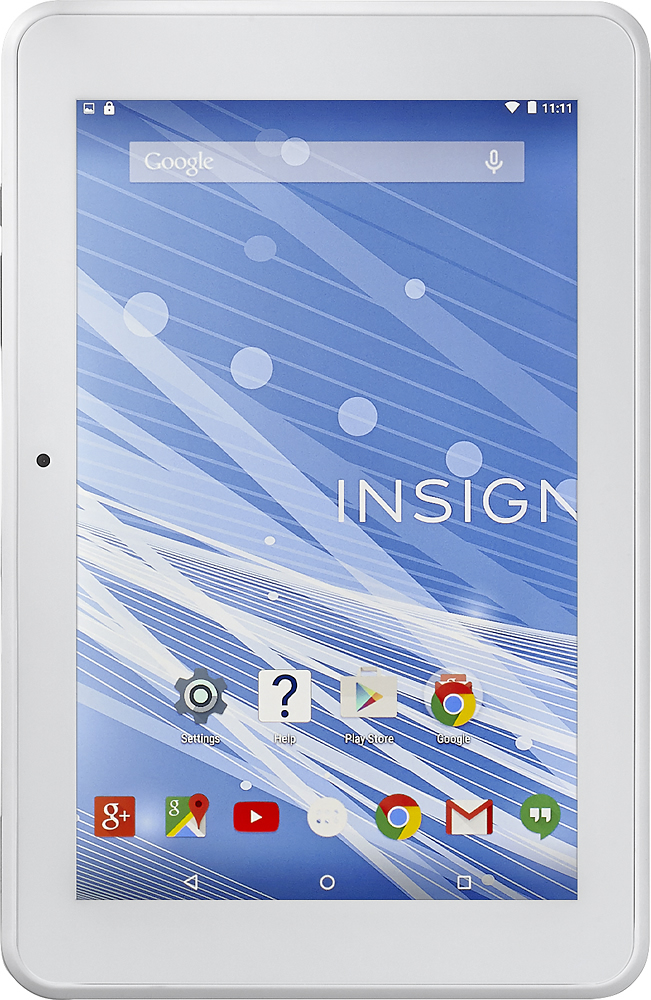
A:AnswerBecause this tablet is WiFi and Square requires an internet connection to run the charges you would need to be somewhere that you'll have a WiFi connection to use Square. If there is no WiFi available I would just use my phone instead.
A:AnswerPlease contact our team for assistance with troubleshooting and warranty evaluation. They can be reached by email at http://www.insigniaproducts.com/contact-us.html or by phone at 1-877-467-4289 any day between 8am and 9pm CST.
A:AnswerDepends on your email software. That is a function of your email software and not the tablet. So as an example, if you are using GMAIL, yes there is a delete all option.
A:AnswerMy tablet did the same thing...inside of your box is a manufacturer waranty that states if within a year of purchase if any manufacturer problems occur then just take it back to best buy they will either fix it or replace it..in my case they refunded me with a store credit for the amount of purchase & i was able to purchase a new tablet..take it to geek squad & make sure u have the charger & box when returning. Good luck!
A:AnswerThey do have a protector on. I would leave it on, because my father accidentally took it off and now we can't find one to put on it. Went to Best Buy, they told him they don't sell them.
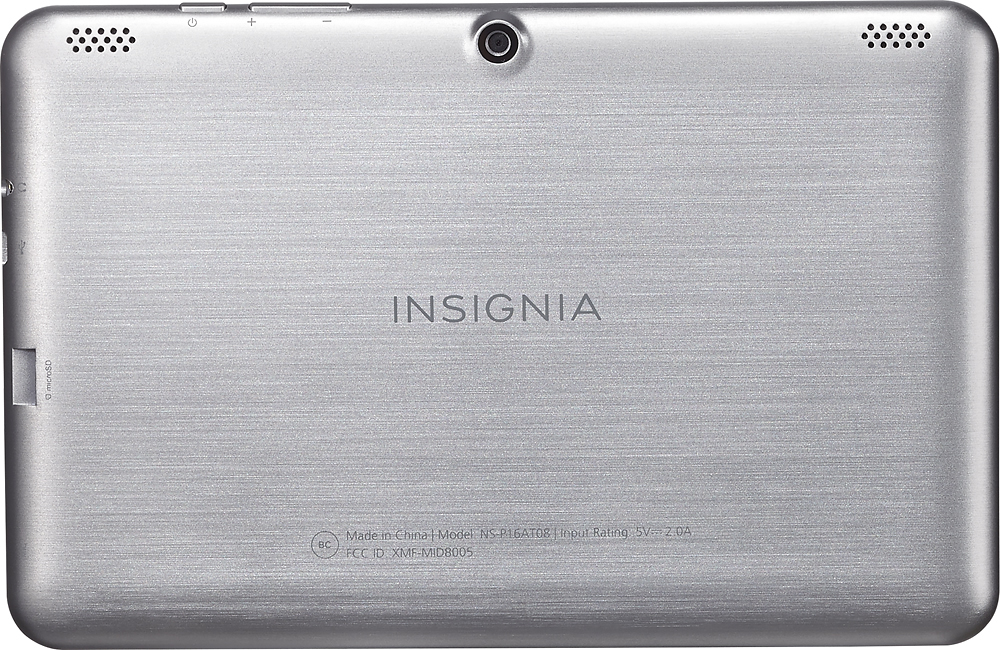
A:AnswerIt has pretty decent speakers but if you're going to a have it at a high volume often I would suggest getting external speakers just so you don't blow them out. Totally your choice though.
A:AnswerThe reset button on the side is only to be used if the tablet freezes and becomes completely unresponsive. It will basically just turn the tablet off and on. It is not a factory reset.
If the screen is locked and you do not remember the password, you should be able to log into your Gmail account info to unlock it. If you never set up the tablet with a Gmail account, please call our call center at 1-877-467-4289 any day from 8AM to 9PM CST for assistance with factory resetting the tablet.