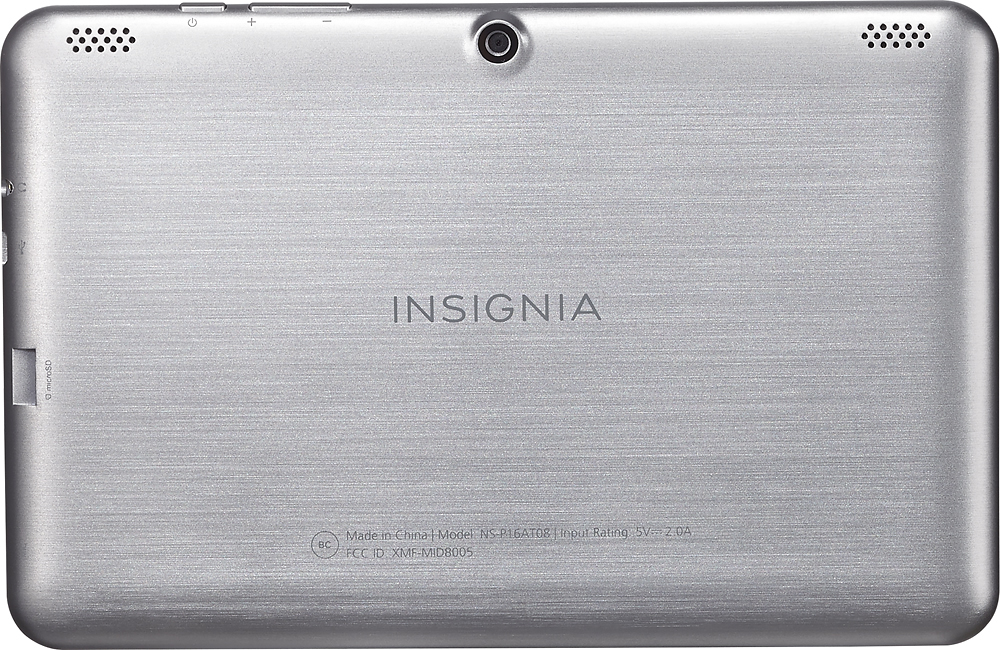
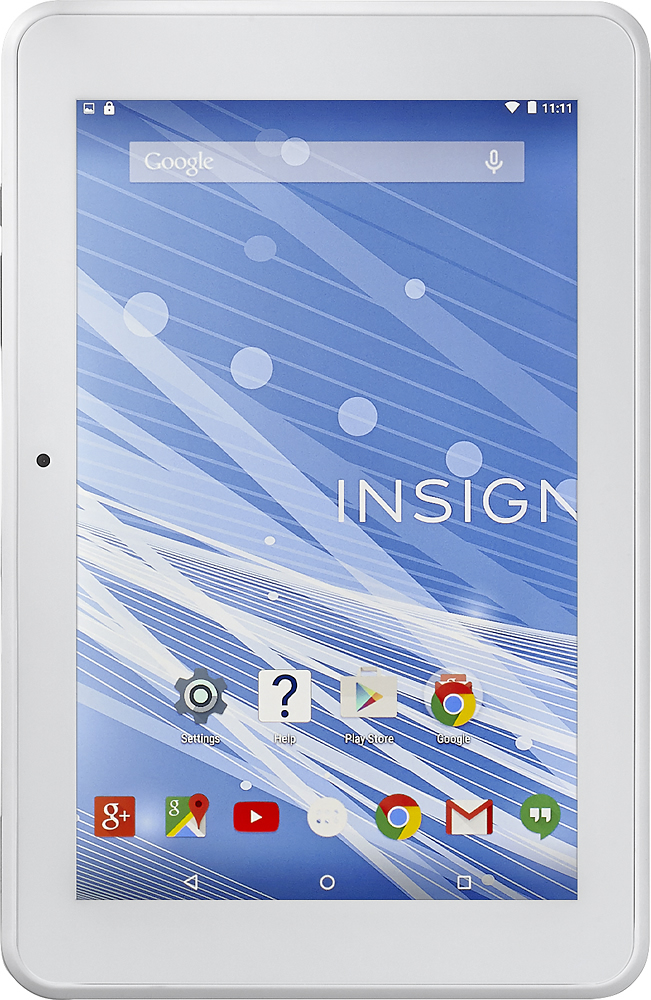
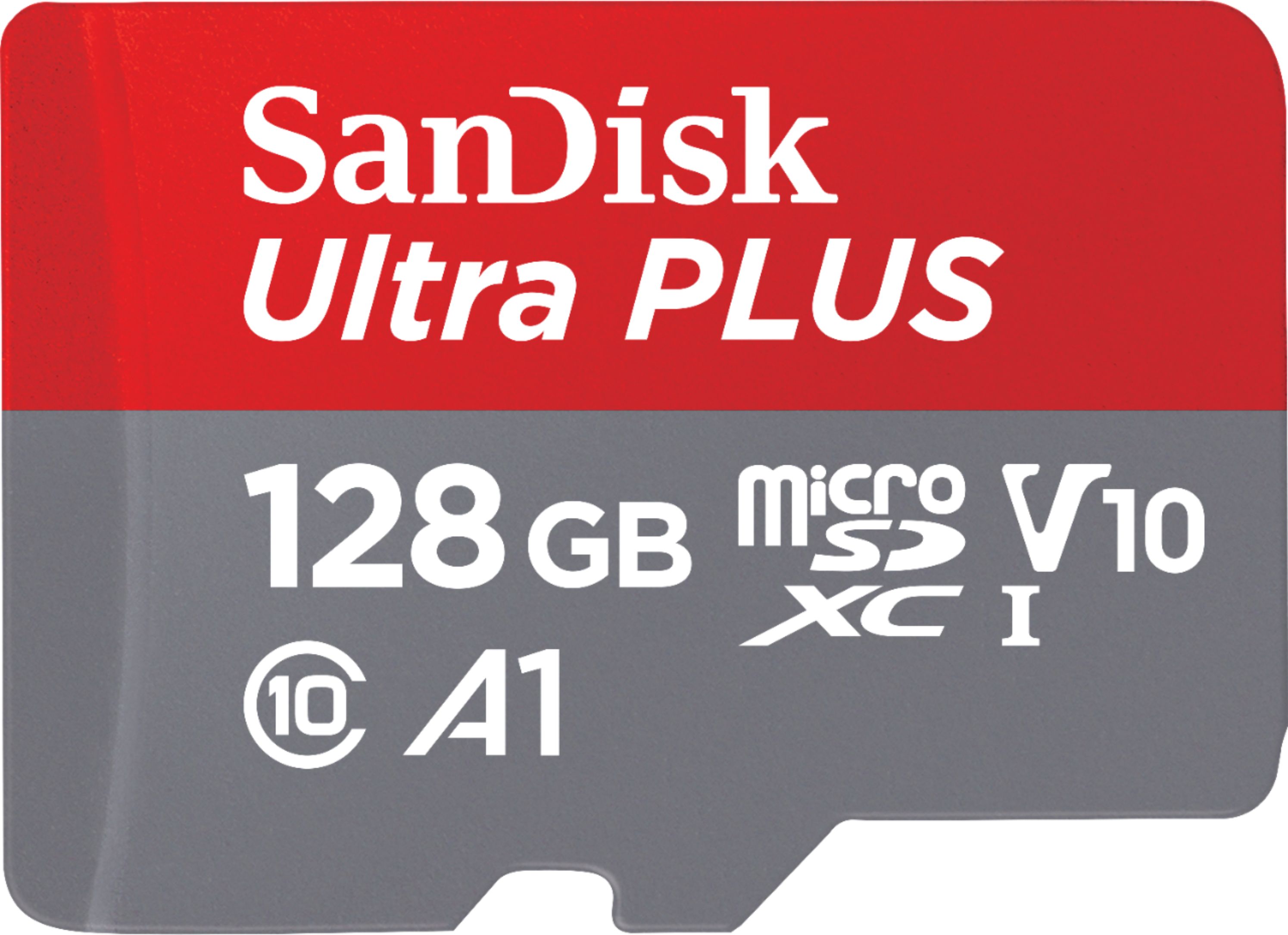
A:AnswerYes and actually I use a 128GB Micro SDcard in my Insignia Flex. It works perfectly with the Lollipop upgrade and adds plenty of storage for apps,movies and music.
A:AnswerIf it doesn't automatically play those files there are apps in the market place that will play them. Just go to the App Store and look for music players.
A:AnswerMine does the same thing. My son can never get the WiFi to work. In addition the port for the charger has reverted and we can no longer charge it. I've only had this tablet for a month. I'm extremely dissatisfied and wish I could find how to get a refund.
A:AnswerUnless you have had your Tablet for a long time, it is most likely not the battery. Based on my experience and the reviews on this tablet I have come to the conclusion that the charging ports on these tablets are very poorly designed and easy to break. The Tablet has a One year Limited Warranty against defects in materials and workmanship so if you have had it less then a year I suggest taking it back. That's what I will be doing with mine and I will not accept a "No" for an answer on the warranty. Good Luck and make sure you post a negative review as to the workmanship of this Tablet.
A:AnswerIt may work by connecting directly to the camera but that has not been tested. It will connect to a computer and allow you to transfer files though.
A:AnswerContrary to what another poster wrote, I could found no stated spec for this tablet's DPI here on Best Buy's site, nor on the datasheet or in the users' manual available on Insignia's website. But an 8" 1280x800 screen "should be" approximately 189 DPI, with a 16:10 aspect ratio.