A:AnswerGoogle about not being able to connect Home and Home Mini in some countries. Usually has to do with channel number settings as well as protected mode on your router. also if you have one of those crap combination modem and routers from your internet provider, they sometimes combine both 5 gigahertz and 2.4 on the same SSID and create tons of problems for devices. login to your router admin and create separate network SSIDs. Try 5ghz then 2.4. The prior answer was incorrect in saying the speaker only supports 2.4, it supports both. I brought about 8 of these to my UK colleagues last year and they're all using them ok, so it's somehow possible.
A:AnswerVerify that Spotify is set as the default music service in your Google Home app. I would guess that the default is Youtube Music Premium (Google is pushing Youtube pretty hard).
A:AnswerI’m having the same issue with one of mine. It tells me it’s going to play music yet doesn’t. I have to hook it up to my Bluetooth on my phone to play now. I’ve only had it for 6 months.
A:AnswerI have two an they work fine i have had one for over a year an no problems. Love it. Also if you have the big one which i have remember the batteries only last 5 hrs. An the sm one you have no batteries. Good luck
A:AnswerWe've had ours for several weeks the only issue with frozen time was when we experienced a power brownout. Most of the clocks started flashing whereas this in froze at the time of the event. The fix was easy, all we did was do a power reset. Unplugged it and plugged it back in.
A:AnswerDownload the Google voice app to your phone or tablet. Login with an email to it and from there it is so simple to set up. Step-by-step it helped you along. One of the easiest apps ever.
A:AnswerYou have to get your phone on the same Home network and have the Bluetooth on the phone on at the same time.
If doesn't work you have to return it for a new one.
The setup should be effortless
A:AnswerPossibly as mobile hot spots are essentially Wifi. However, the speaker would have to reconnect every time you want to use it and might be searching for a signal during the times you don't have the Wifi enabled and broadcasting.......so, not very efficient nor effective most likely.
A:AnswerJuan's answer above has nothing to do with your question.
Yes, it is compatible with the Broadcast feature available on other Google Assistant devices.
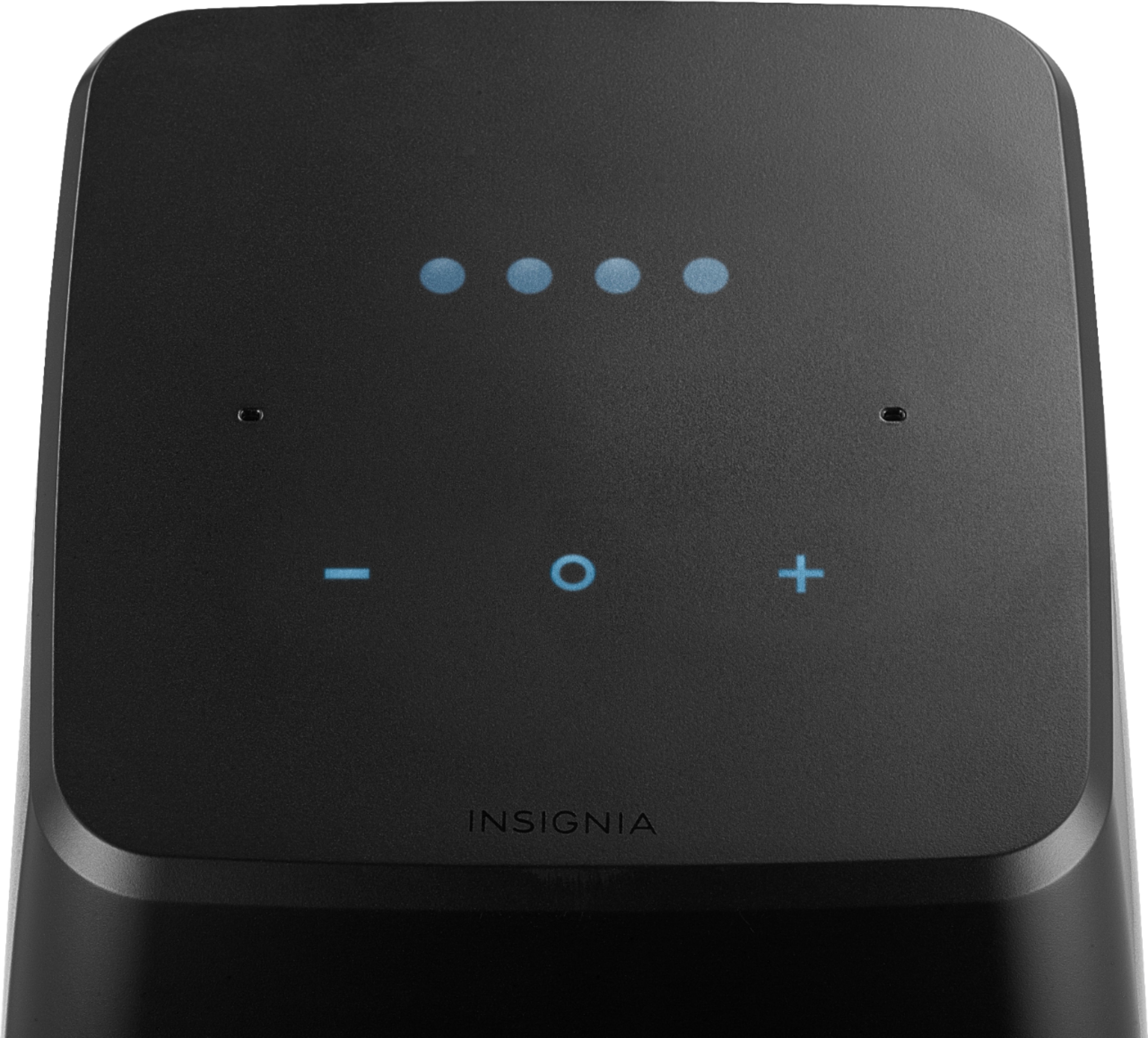
A:AnswerYou should try to voice cancel the alarm. If doesn't work try to touch the top of the speaker.
If this doenst fix the issue you should return for a new one or ask for help to the Geek team.
A:AnswerYou should received instructions for the speakers to download "Google home" to your phone.
Advise to connect your phone to your Home network before do so.
The Dev will connect to your Home Network and Later Bluetooth with the speaker for Download.
Download to update the speaker takes sometime.... it all depend of the speed of your Home network.
A:AnswerFirst of all you must be Spotify subscriber. Without it you can't setup music alarms with Spotify .Second, if you subscribed you have to unlink the Spotify from Google Home and link it back. But same time you can use Google play music instead
A:AnswerThat was an automatic firmware update. A good one since it adds phone calling and other goodies . Usually takes about 4-5 minutes to complete. Did you unplug it before that amount of time had passed? If so then you probably bricked it by interrupting the update
If not, and it simply went to Load and never came out of it, it may have suffered the same failure to update that many of these speakers have gone through. There's a chance it might be ok, try plugging in while holding down mute and see if it will let you go back to a standard reset. If not and it still goes to Load then it can not be saved.
This is a design flaw as failed firmware updates are the number one reason for returns of these speakers and why there are so many defectives on eBay with the same problem.