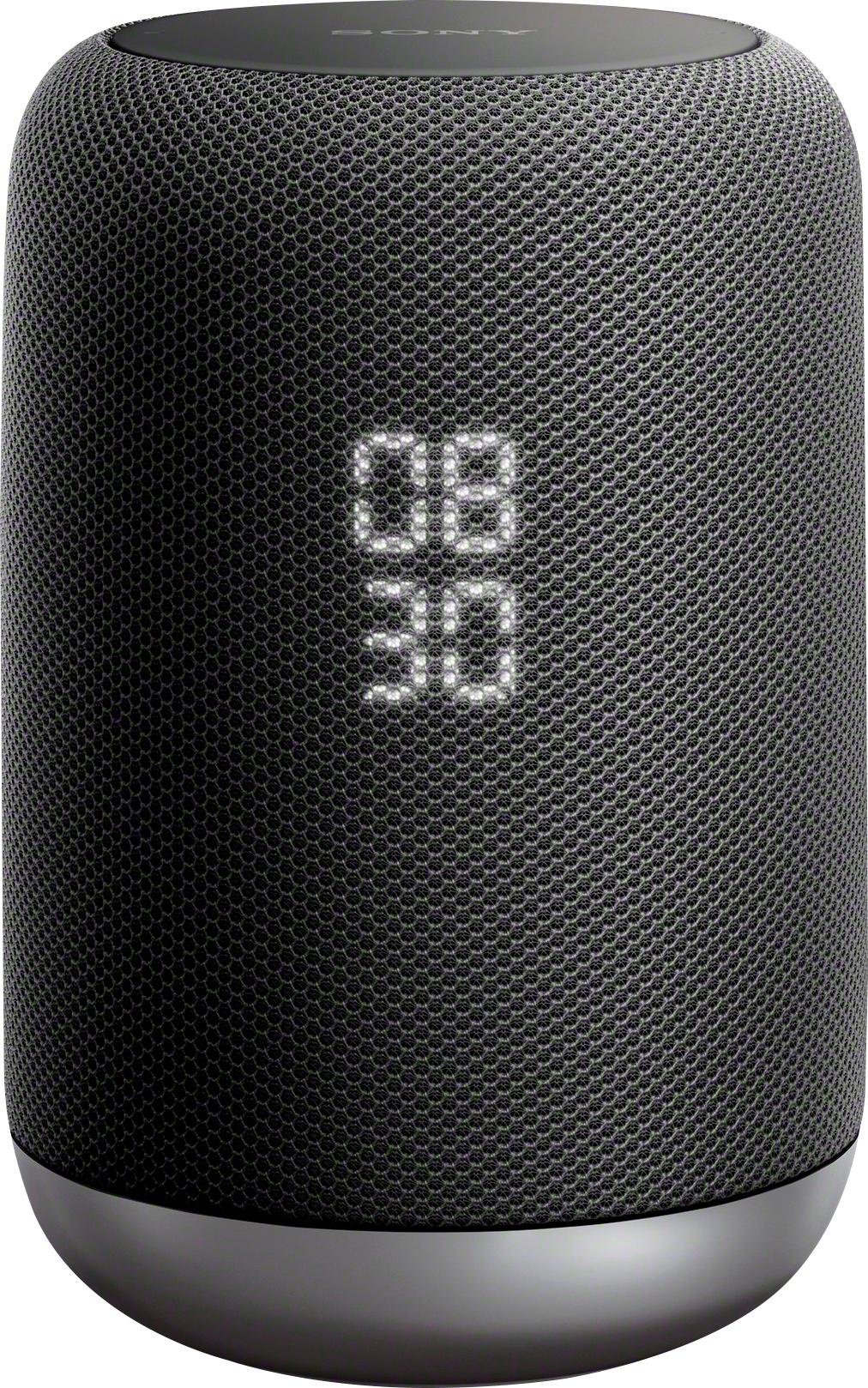
A:AnswerIf you hit one of the volume buttons, instead of saying "Stop", that will stop the flashing.
I have no idea if this behavior is by design, but I agree it's annoying.
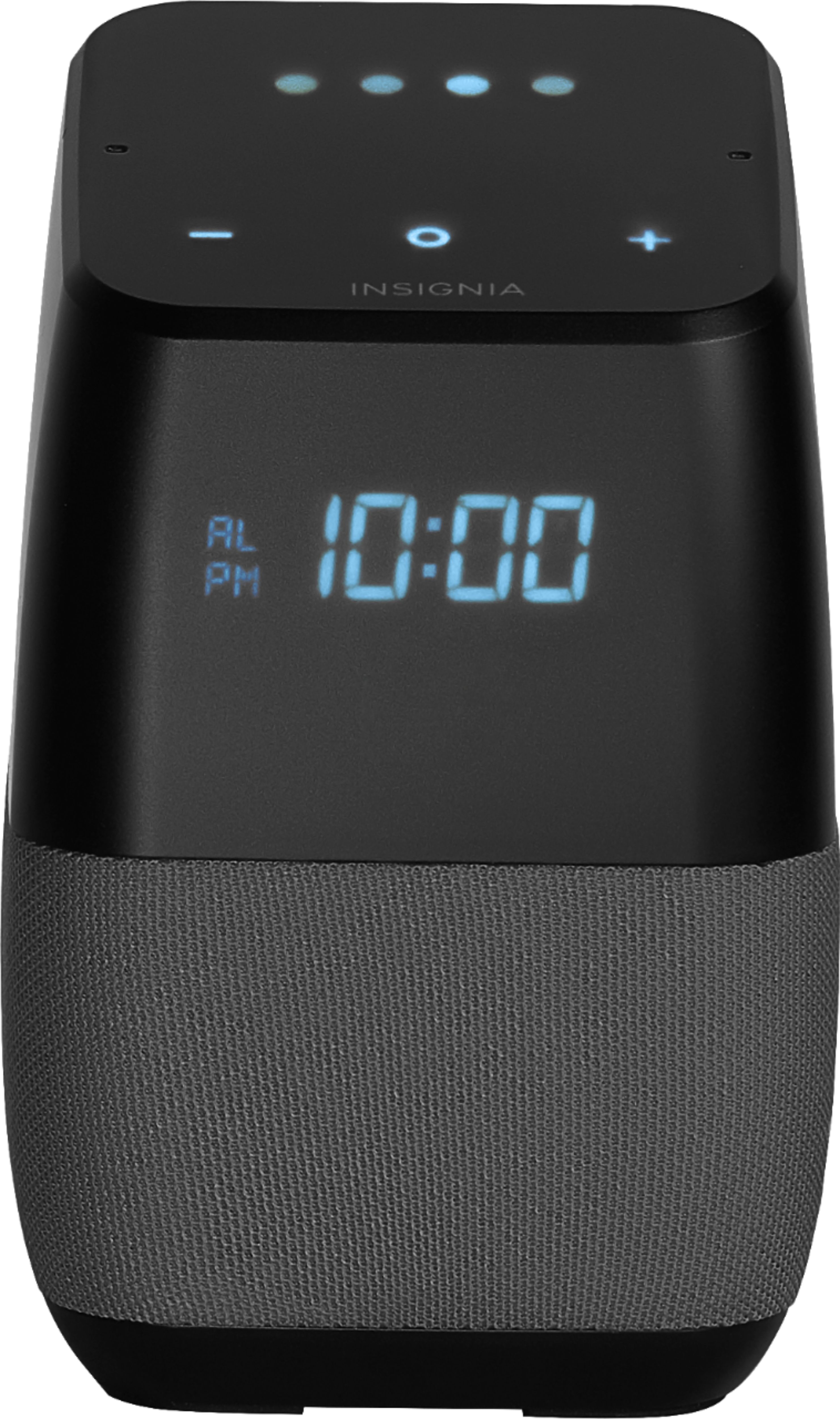
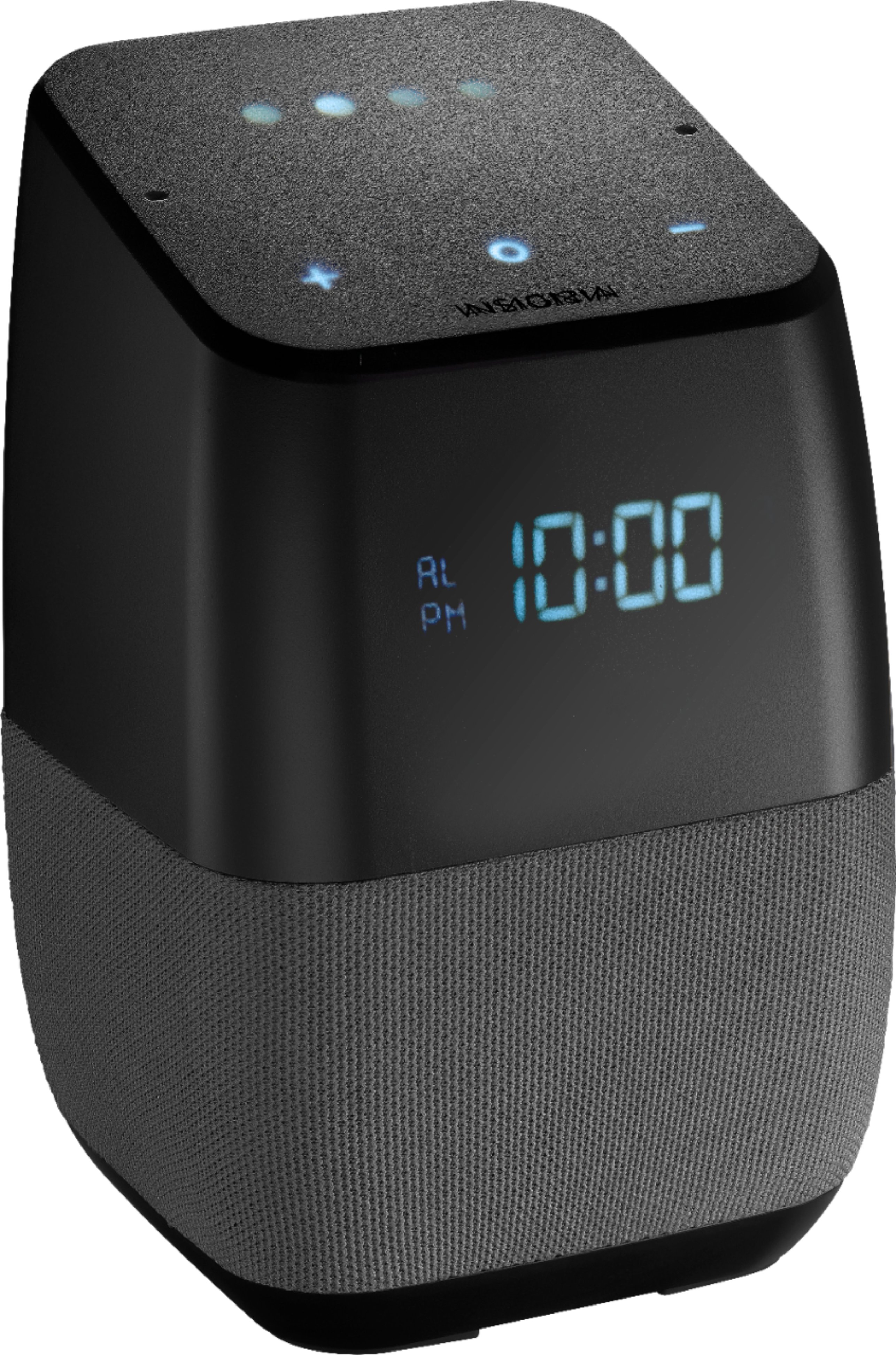
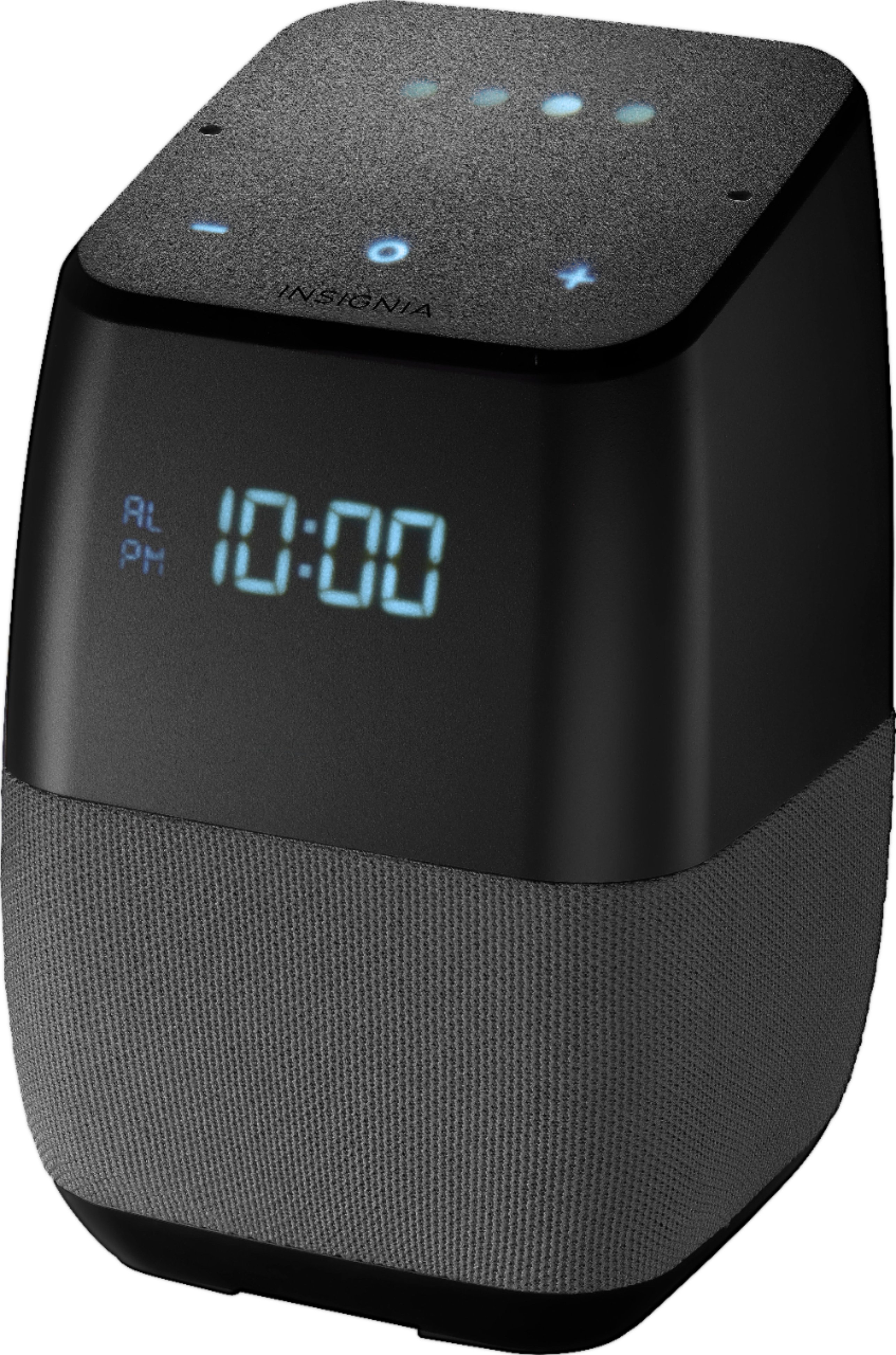
A:AnswerYou can tell it to turn the display off and on, but I'm not sure if there is a mode to temporally come on then turn back off after a few seconds.
You can set a good night and good morning routine that will automatically turn the display off and on as part of the routine.
A:AnswerIn the Google home app select the device settings. After you're in the device settings, select accessibility. When you're in the accessibility settings make sure play start sound is turned on.
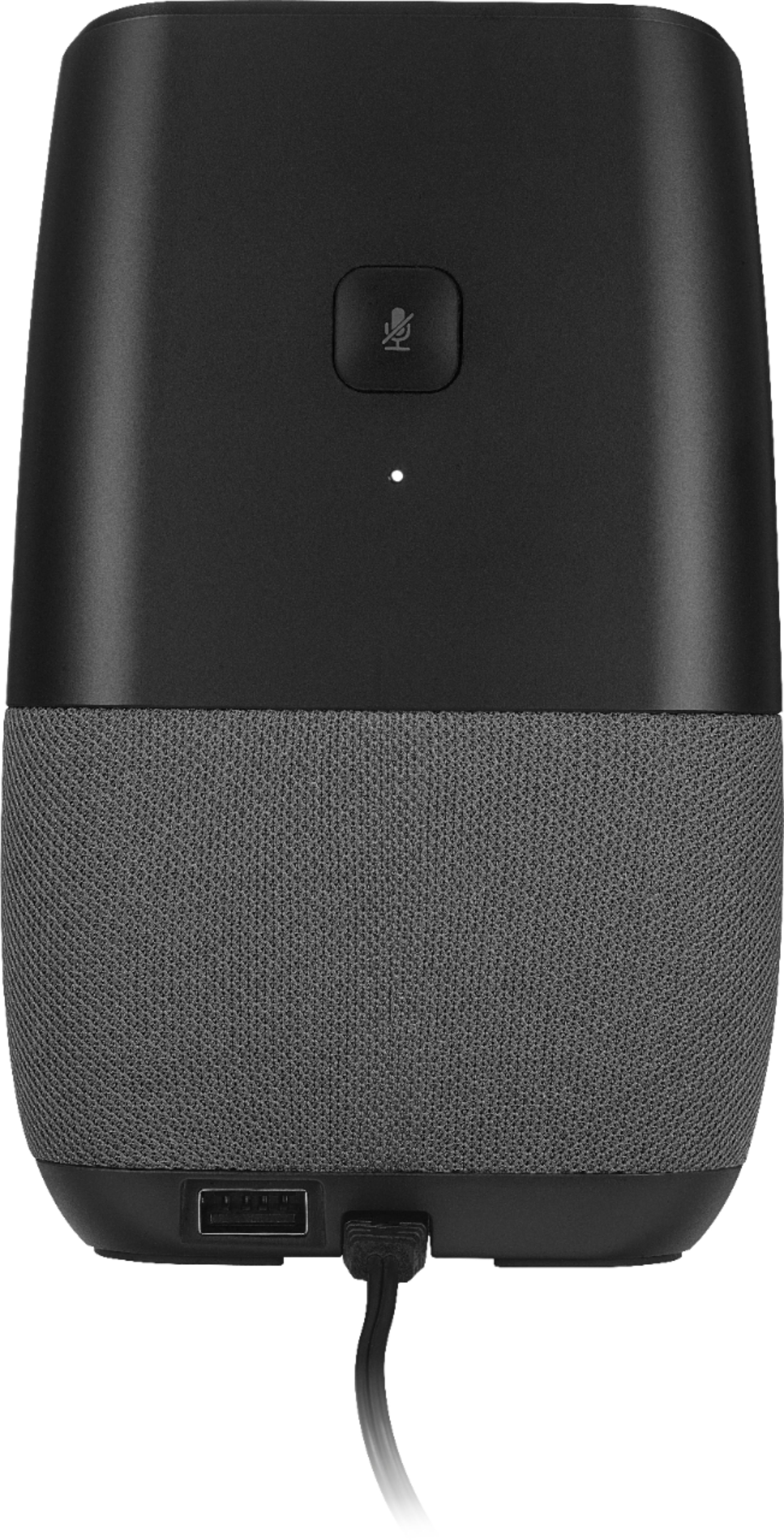
A:AnswerYes, the power adapter senses voltage and supports 110–240V. A portable unit has a rechargeable battery and does not need to be plugged in when the battery is charged. This model requires being plugged in.
A:AnswerIt's probably trying to upgrade firware. I would try leaving it alone for an hour and see if it finishes, if not then there is probably some other problem.
A:AnswerI am sorry to inform you but that feature is not on this model speaker. If you have a chance verify that particular display model at the store.
I have two speakers and it does not work on either one.
I also have a Google speaker and it does works on that particular model.
A:AnswerThe website says that its compatible with Amazon Alexa but also with a service called IFTTT. You could set it up that service but it may take a few minutes.
A:AnswerNo, you cannot pair this with another Bluetooth speaker, but you can pair it with several Google Home enabled devices, so it would work sort of like a stereo, or you can use another speaker with wifi.