A:AnswerHello,
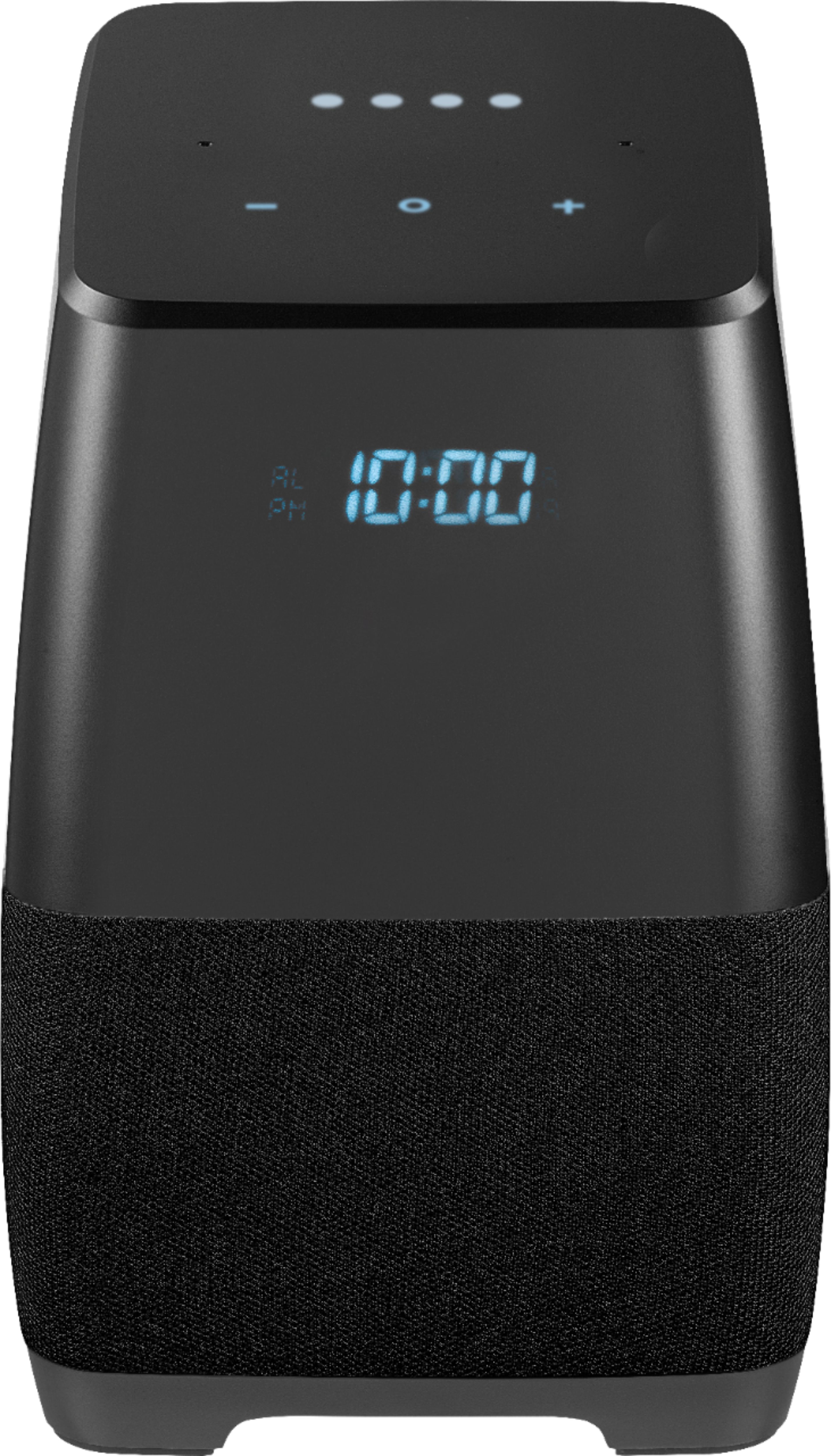
Our Voice Smart Bluetooth Speaker alarm does not have a white noise feature, it only supports Google alarm sound.
Arely R. - Insignia Support
A:AnswerNo it doesn't. There are a couple of settings in the Home App that allow you control playback on other devices so you may need to look at those.
A:AnswerOP here again. I finally figured out the problem. The temperature will not display if you have "Web & App Activity" turned off in Google Assistant.
A:AnswerIt was a Deal of the day for $19.99. .... next Day was again $99.99 ( A week or two later It is still $99.99
I decide to try a new toy. and all seems great.
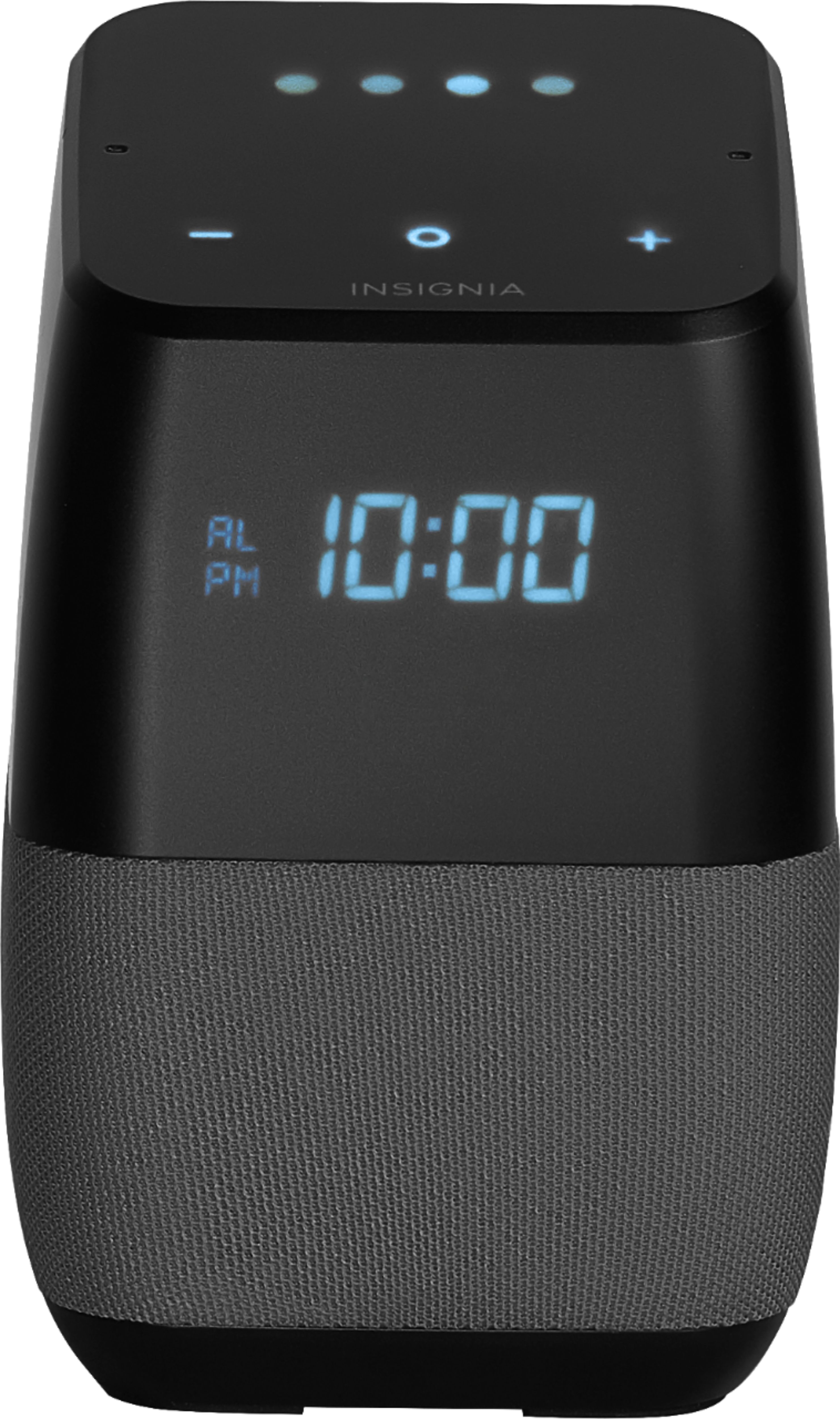
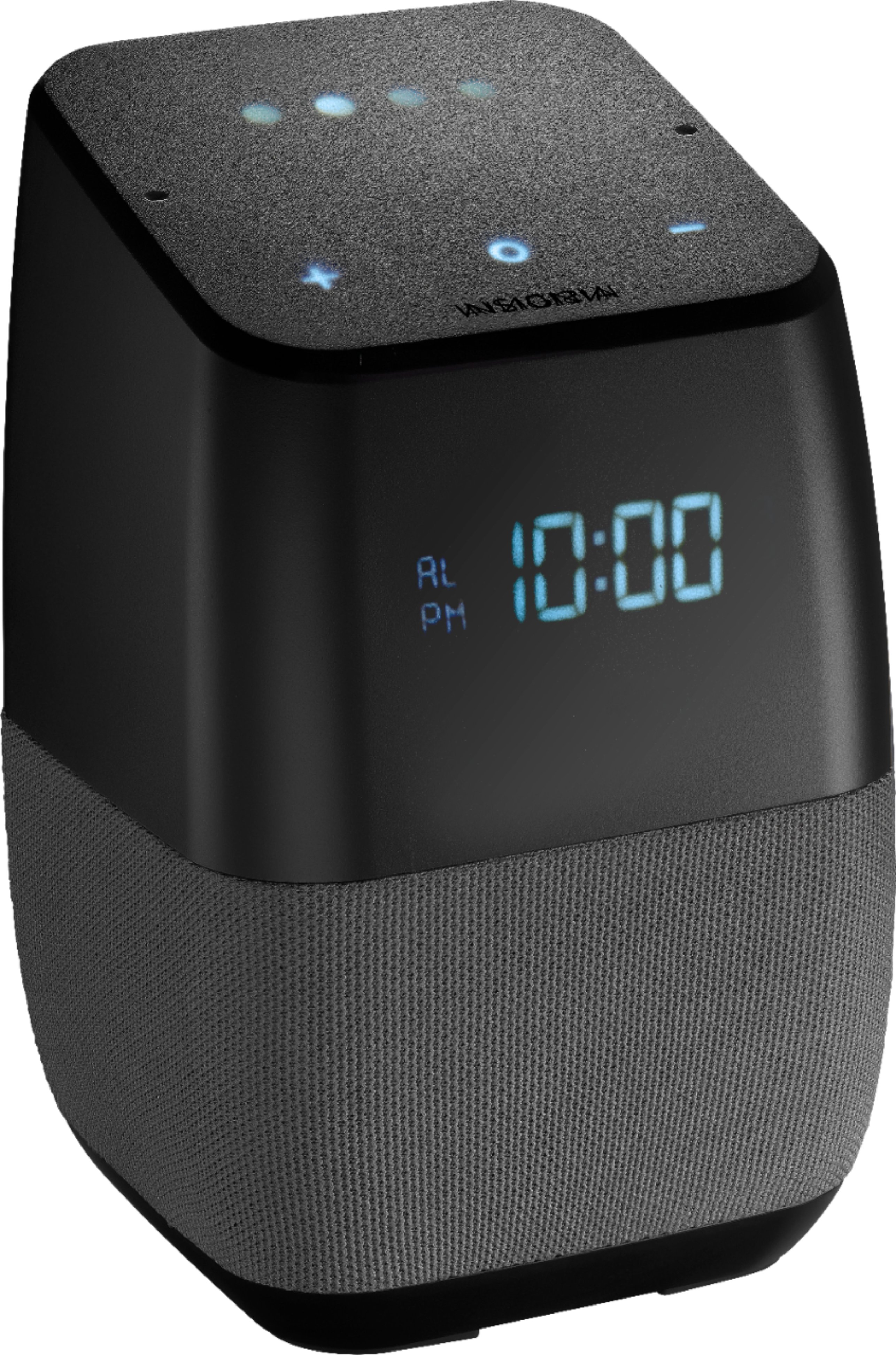
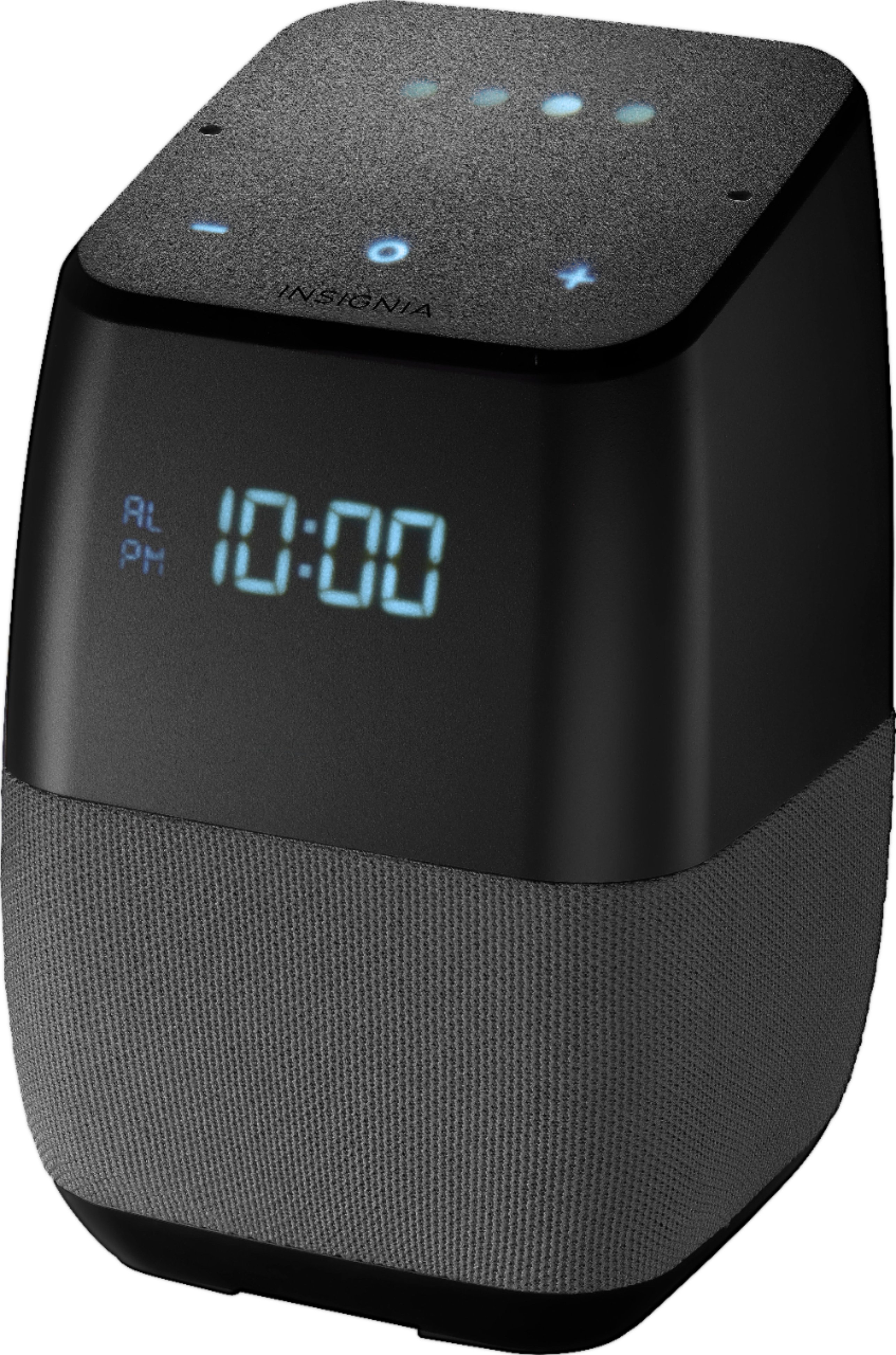
This never was to replace a Dev. By itself it is better that other Google devices with a Visual Clock and Alarm
A:AnswerI think it has to do with the system firmware version you are on. When I first got mine, it did not snooze with a hand wave. That was on version 105. Since the update to 314, it now works.
A:AnswerYour description is essentially correct. You can do anything with this that you can do with a Google home mini, including control the lights. I have mine connected to a Phillips Hue bridge and several lights.
A:AnswerI found the exact same issue. I tried it a few times -- deleting the "pair" and recreating it. Consistent problem: the second speaker in the pair will only display "SEt" -- not the time. This is frustrating, indeed, as I had hoped to create the pair, and put one on each of our two nightstands in the bedroom to use instead of alarm clocks; this problem makes that pretty impractical.
An alternative to consider: until Google / Best Buy / Insignia figure this out (and I'm really hoping they do), instead of a stereo pair, you can create a speaker group with both speakers in it, and then go into settings for each speaker, and set the default music playback for the speaker to be the new group you just created. So - if either speaker hears your request to "play music" (or whatever), it will play over both speakers. You won't get true stereo with left/right separation, but you'll get multi-speaker sound, and both speakers will display the clock.
A:AnswerWe have Comcast and experienced a similar momentary outage last evening. None of our three Insignia Google units exhibited the beeping and blinking behavior that you’re describing, however. You might try asking a Geek Squad rep, but personally, I’d try taking it back to factory settings and reinstalling it. God luck!
A:AnswerI am able to set multiple alarms through the week. I wake up different times, so using the google assistant works well. I haven't tried more than 2 a day but it should work just fine.
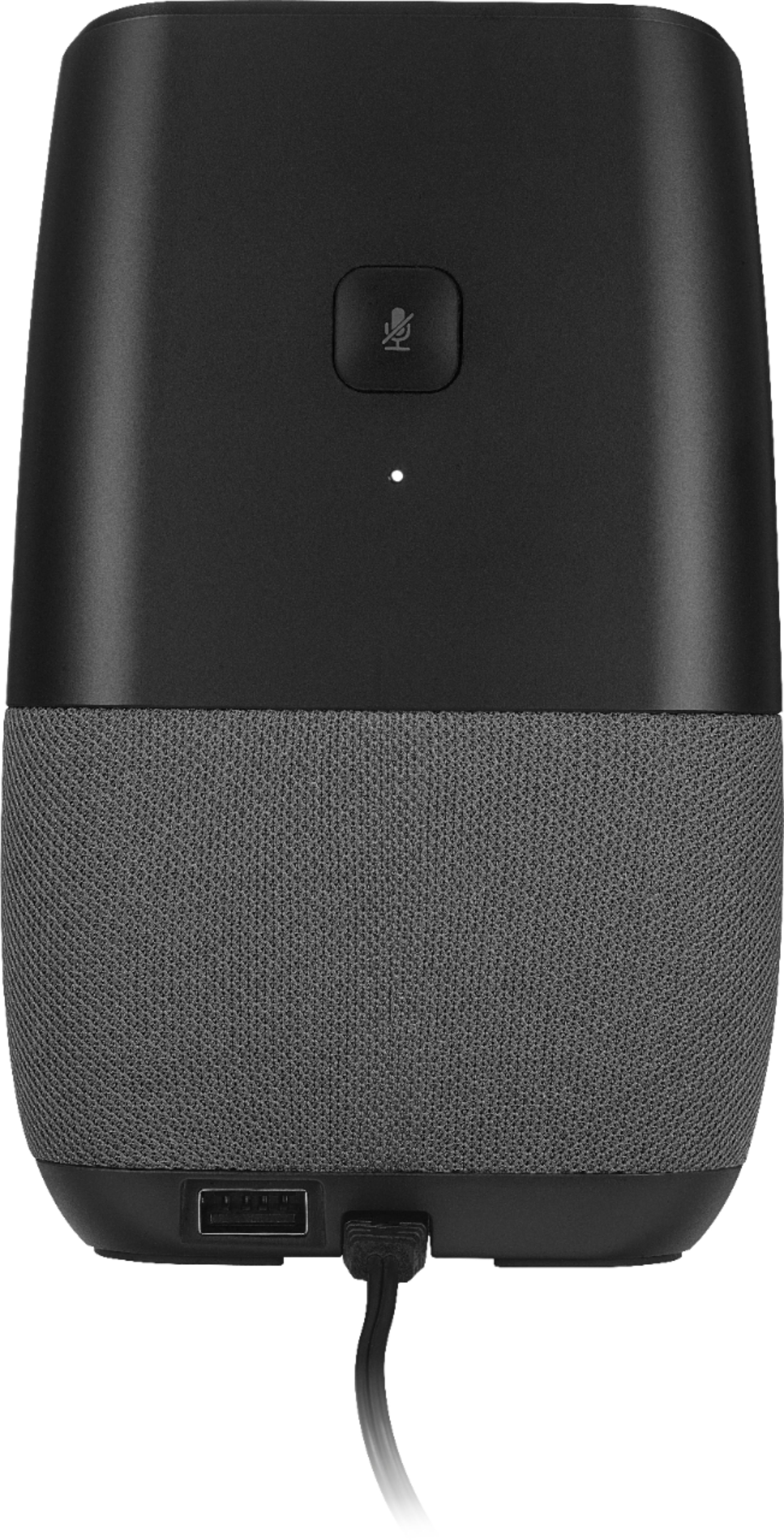
A:AnswerThere is a version of this that has a rechargeable battery. It is called the "portable" version. Here is more info so you can find it at Best Buy:
Model: NS-CSPGASP2
SKU: 5865906
I also added it as a recommended product, although I have the version without the battery.