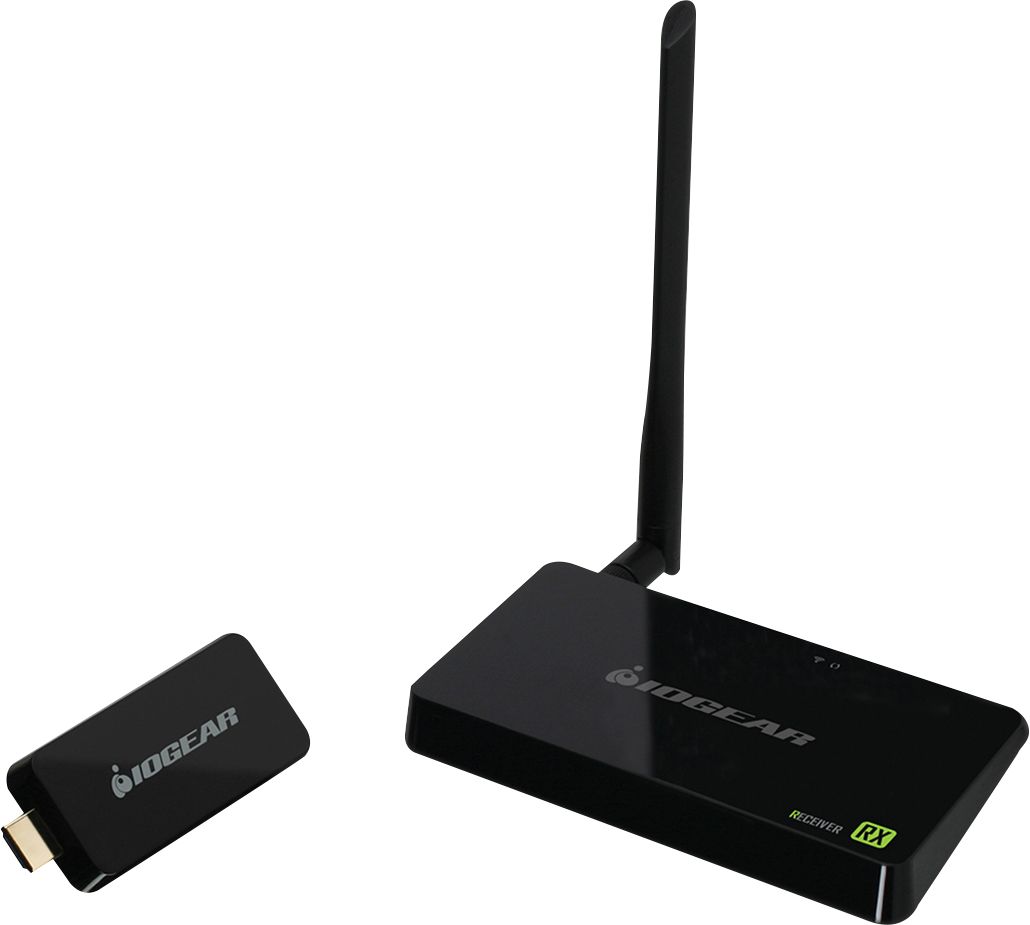
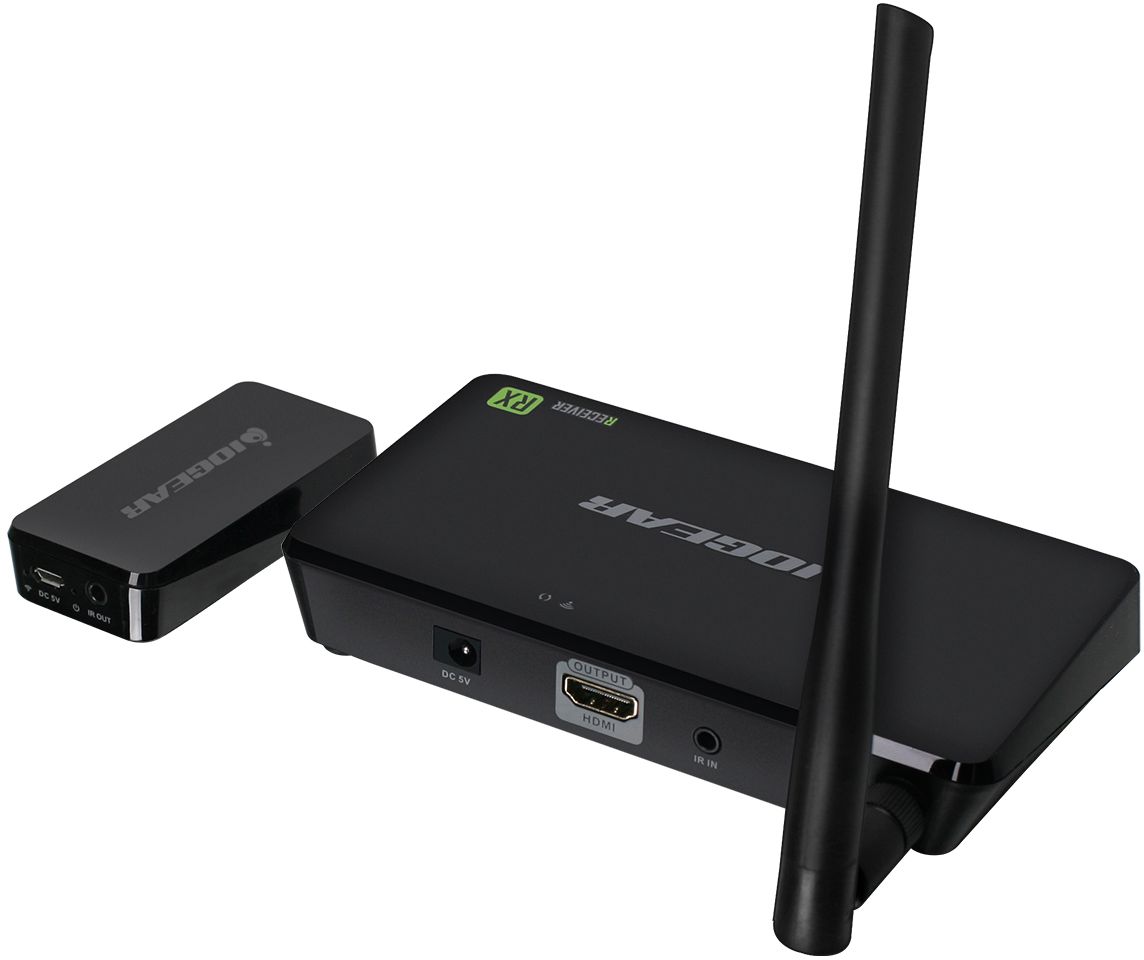
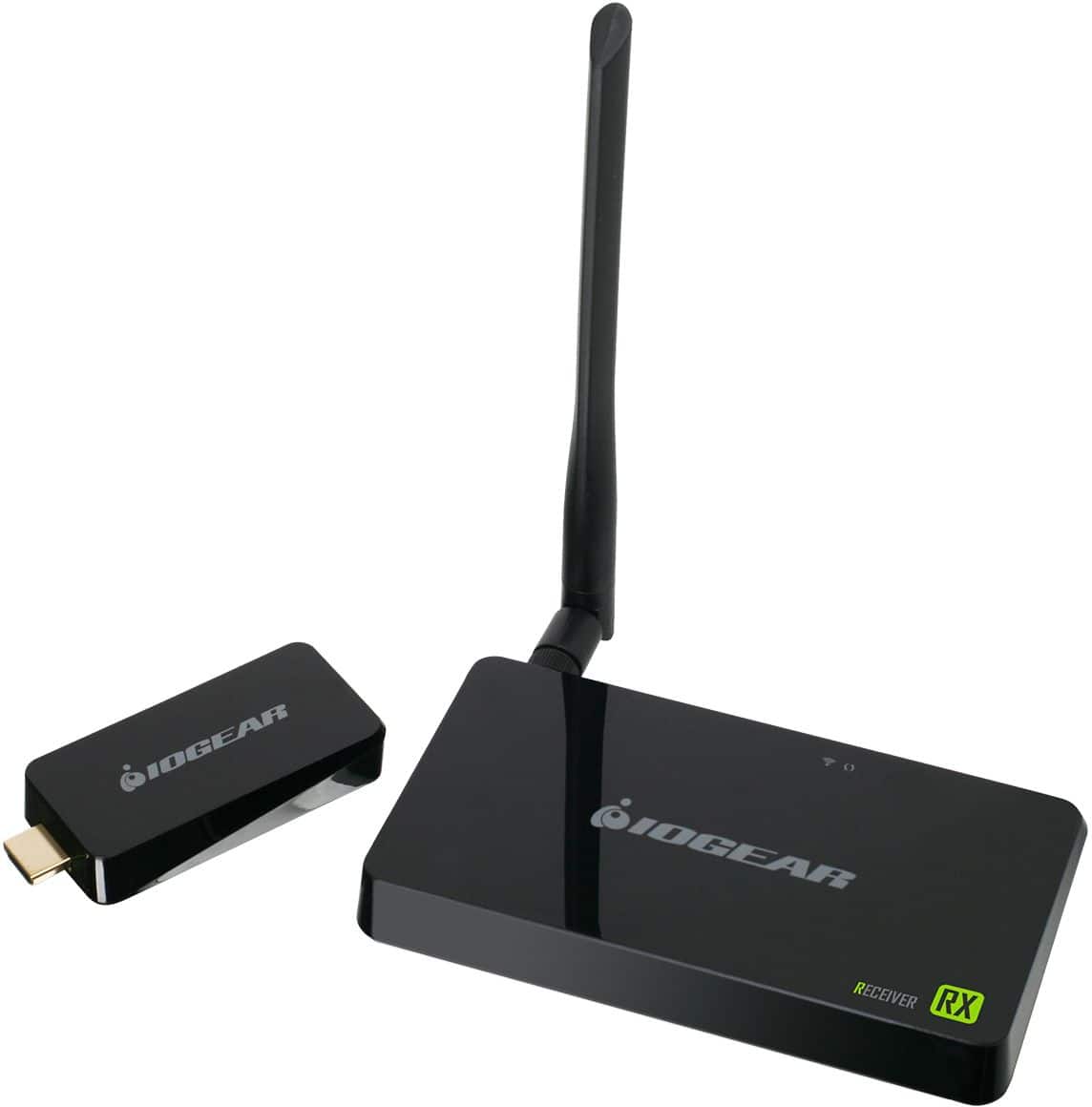
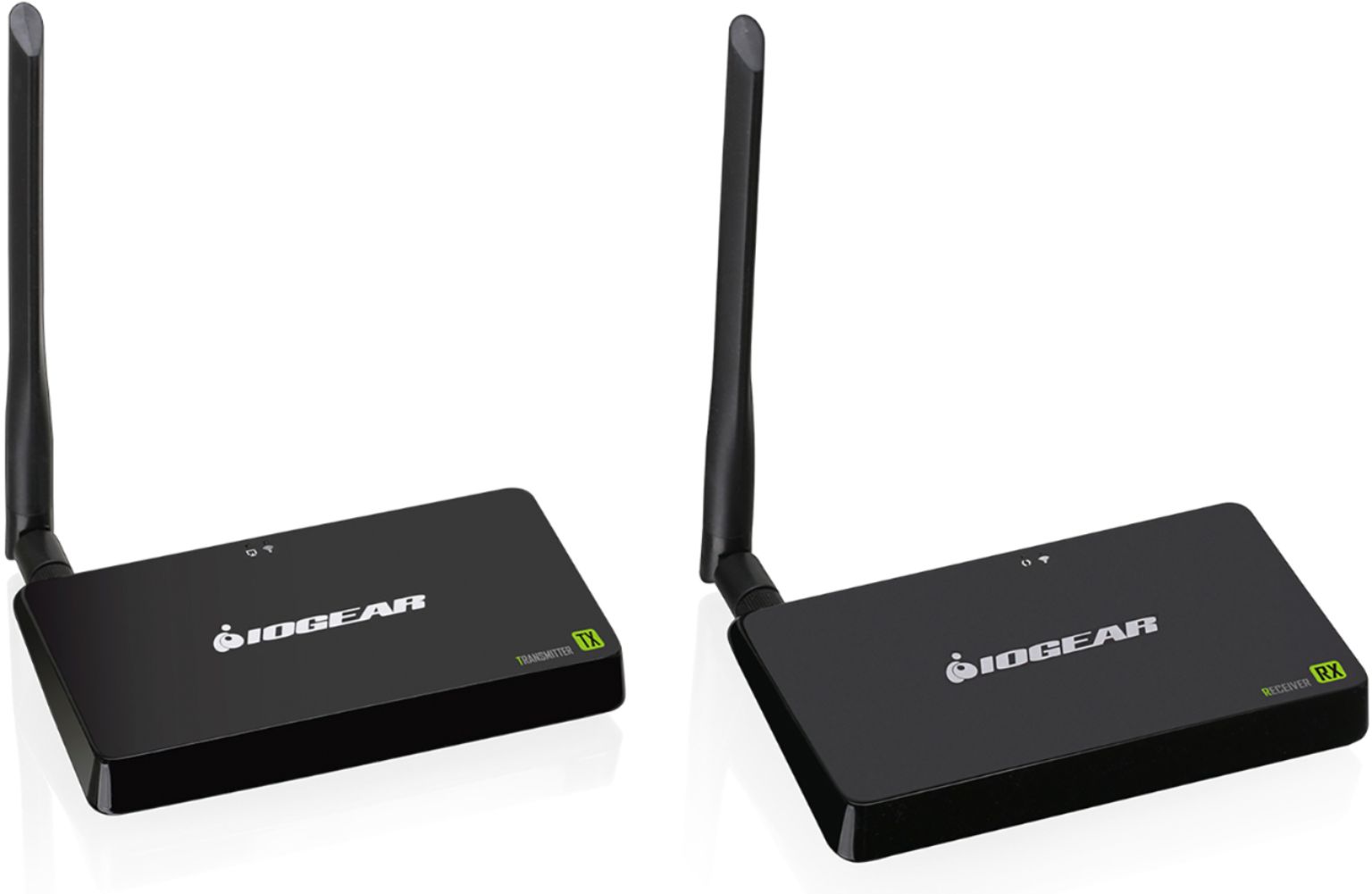
A:AnswerIOGEAR says: The GWHDKITD will work with Most HDMI sources . This must be a direct connection for both the Transmitter and receiver.
Once again thank you for choosing IOGEAR.
A:AnswerIOGEAR says: The GWHDKITD is one to one only. You can not add additional receivers to this kit. IOGEAR manufactures other wireless kits that can have additional receivers. Please go to IOGEAR.com for the full line of products offered. Thank you for choosing IOGEAR.
A:AnswerIOGEAR says: The GWHDKITD. This kit has <200ms Latency . You will notify a delay however not 10 seconds. To better service you and understand your set up, please feel to contact our customer support at 1-866-946-4327 or email us: [email protected]. Once again, thank you for choosing IOGEAR.
A:AnswerIOGEAR says: The GWHDKITD will not transmit TV to TV. To better service you and understand your set up, please feel to contact our customer support at 1-866-946-4327 or email us: [email protected]. Once again, thank you for choosing IOGEAR.
A:AnswerIOGEAR says: The GWHDKITD is a line of site kit however you should be able to mount this kit behind the TV depending on the distance.
Thank you for choosing IOGEAR .
A:AnswerIOGEAR says : Thank you for choosing IOGEAR. The GWHDKITD should work when connected to the HDMI port on the XBOX One as long as it is directly connected to HDMI without Video adapters and the Max resolution is set to 1920 x1200 or 1920 x 1080 . A better solution would be the GW4K30GH60. https://www.iogear.com/product/GW4K30GH60 . Once again thank your for choosing IOGEAR
A:AnswerIOGEAR says : The apple airplay is a wireless streaming device . Please contact technical support so we can clarify this question . 866-946-4327 or send and email to [email protected]
A:AnswerIOGEAR says: Wireless kits will work with most devices including and XBOX that have an HDMI connection , so the answer is Yes . Thank you for choosing IOGEAR .
A:AnswerIOGEAR says: If the shoulder mount camera has HDMI the GW3DHDKIT or other wireless kit should be able to connect to the transmitter however it will only transmit to a receiver connect to a TV not LAPTOP . Please contact IOGEAR support if you have any further questions at 866-946-4327. Thank you for choosing IOGEAR
A:AnswerIOGEAR says: The GW3DHDKIT has 2 inputs and one output. You could connect the Cable box to the input of the GW3DHDKIT transmitter. Connect the output back to the TV that was hardwired to the cable box. Then place the wireless receiver on the remote TV. You would have the same content shown on both TV's . If you have any further questions please contact support at 866-946-4327 or email to [email protected]. Thank you for choosing IOGEAR.
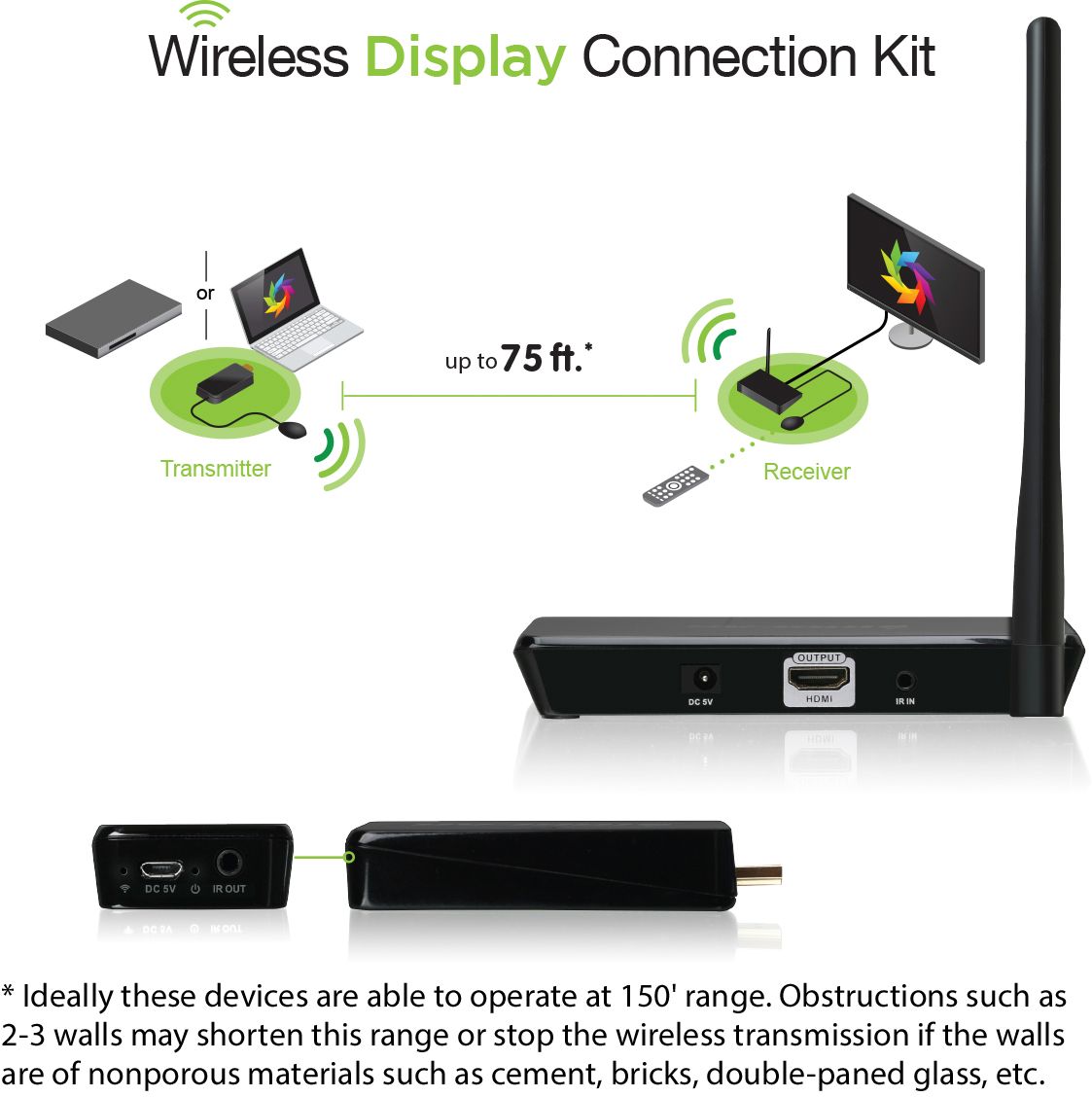
A:AnswerThis is only to be used in place of an HDMI cable. So for example if you have a cable box on one side of the room and a TV completely on the other side instead of running a long HDMI cable across the whole room you would be able to use this HDMI wireless adapter and will be able to stream both audio and video without wires. I'm using the device in our conference room so that you can stream from a laptop to a projector wirelessly with out any wires. Think of what an HDMI cable does it transmits both audio and video from a device to a tv screen or monitor. This is exactly what this device does but instead of having a wire you doing the same thing wirelessly.
A:AnswerYes it will mirror to other tv's...connect it at the Hopper (if you have Dish) or whatever source you have and follow the instructions that came with your device in order to connect to a second tv..