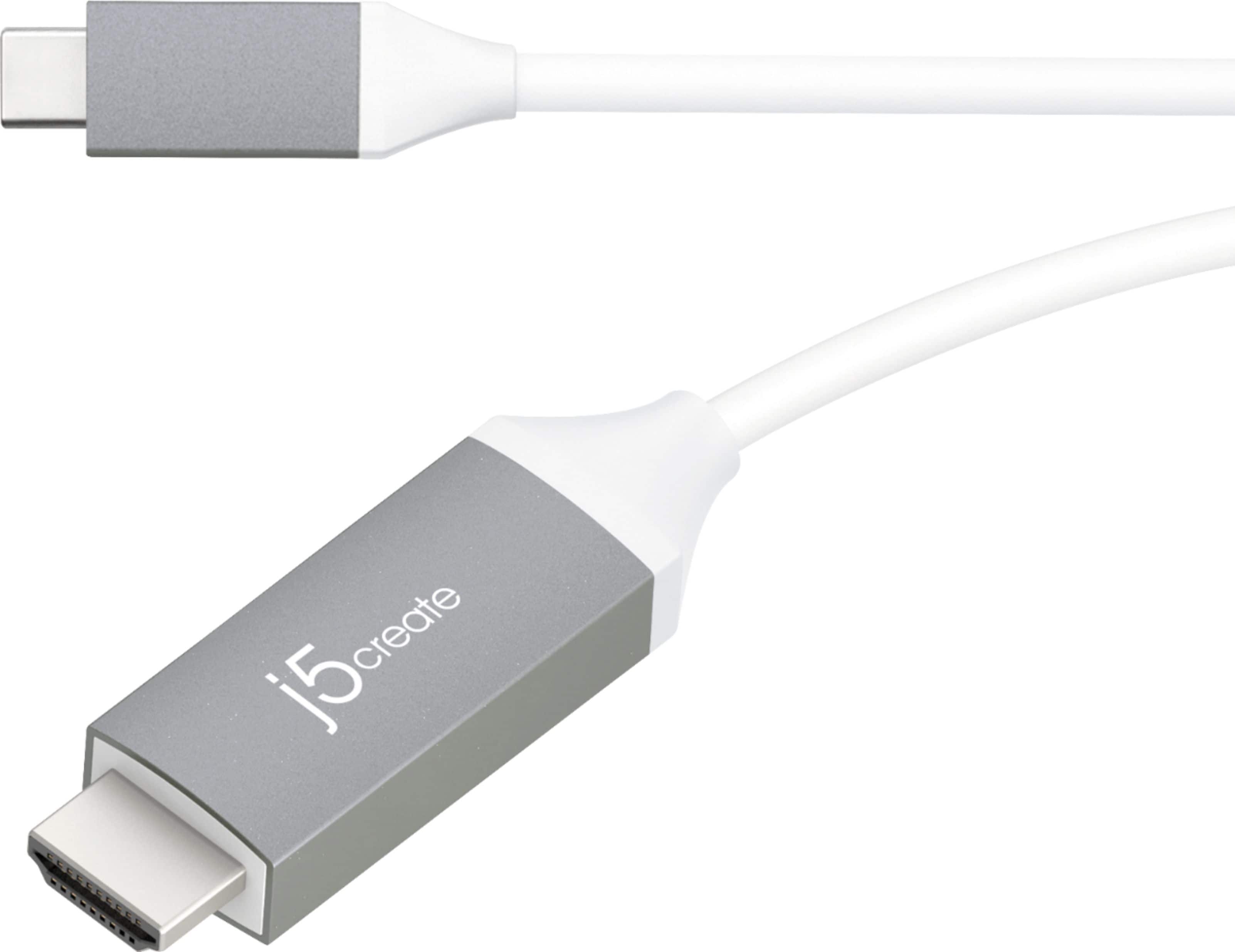
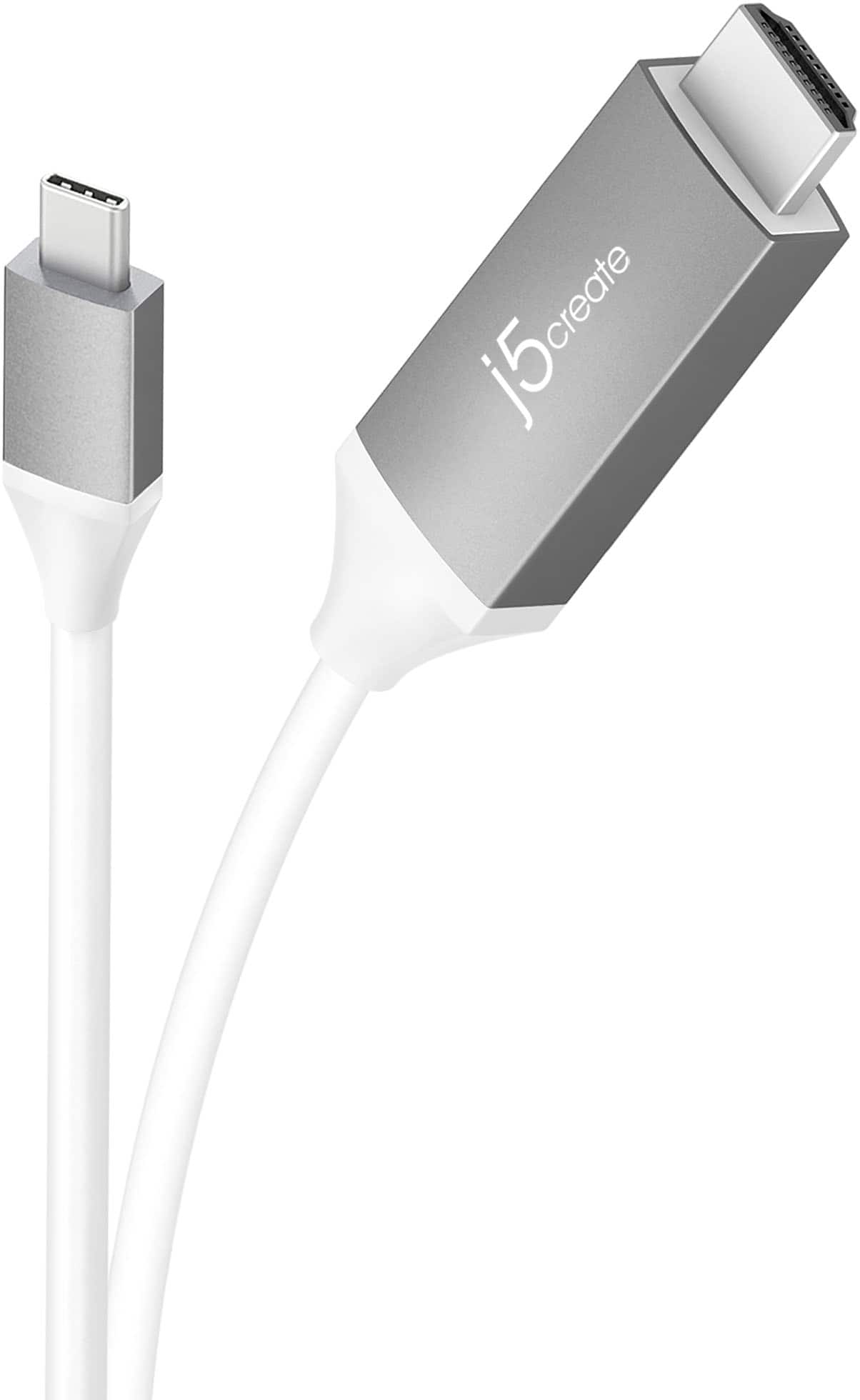
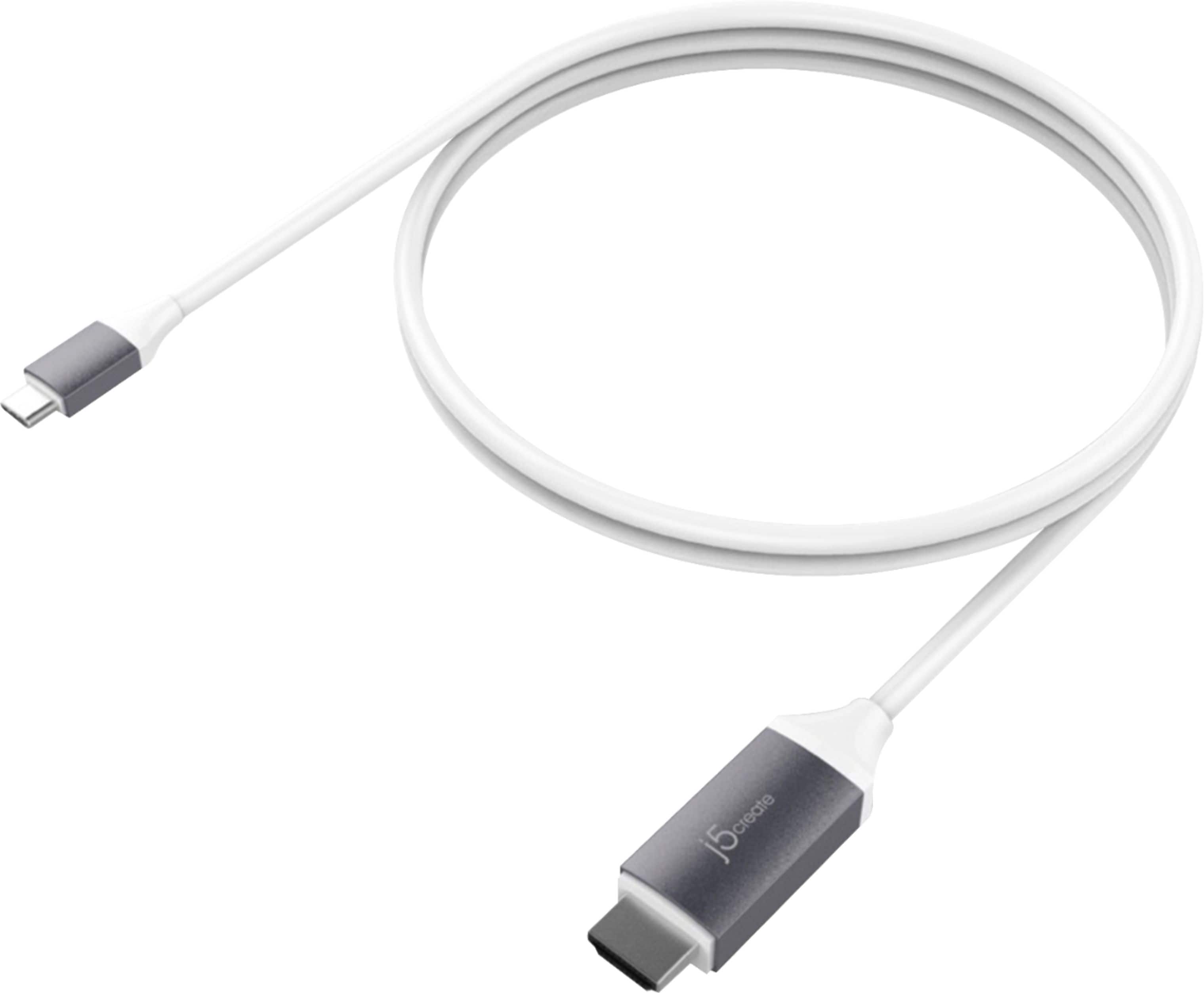
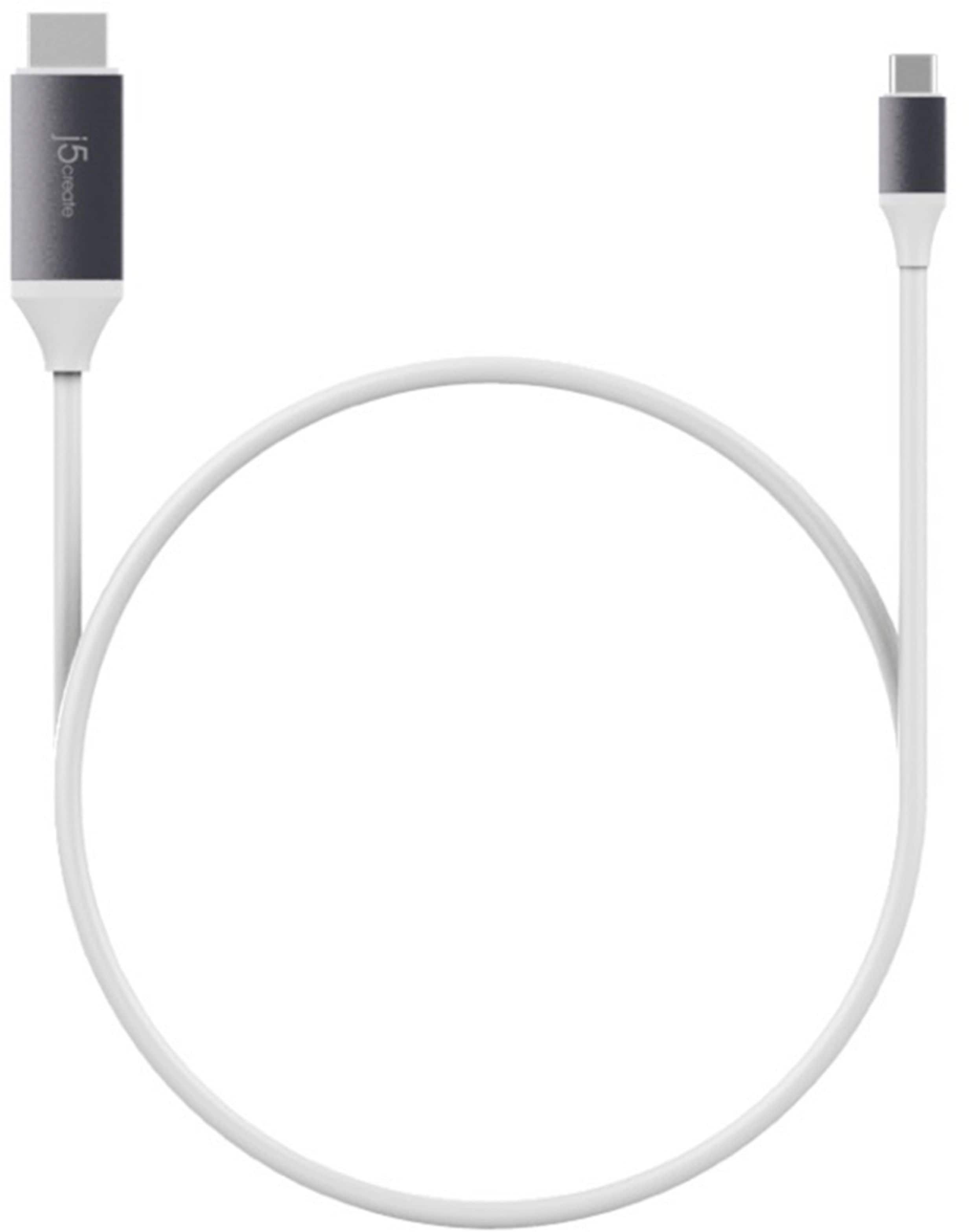
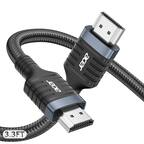
A:AnswerThe video cable works for getting an additional display (Monitor, TV or Projector) to your devices (Computer, Phones and Tablets) with supported "DisplayPort Mode" over USB-C. Will not work on a console (Xbox). Please refer to the manufacturer of your hardware for more information on your device.
A:AnswerUnfortunately, the specs for Pixel 5 on Google's website states USB Type-C® 3.1 Gen 1. Please verify with Google support team, if your USB-C port supports "DisplayPort Alt. Mode" for video output for PnP (Plug & Play) devices.
A:AnswerUnfortunately, we weren't able to verify the LG g8x thinq supports DisplayPort Alt. Mode for video output with your USB Type-C 3.1 connection. Please contact LG support, for them to verify that type of feature. Thank you.
A:AnswerIf you are using a Samsung A71, the JCC153G will not work as it does not support video output via USB-C. We recommend exchanging it for the JUA165C instead. If you wish to learn more about this model, please contact the support team and a rep will gladly assist.
A:AnswerNo, the JCC153G is only compatible with laptops, tablets and phones supporting video output via USB-C to an external monitor. If you're wanting to use two laptops and connect the USB-C end to one laptop and the HDMI to the other laptop - that will not work.
A:AnswerOnly if your Samsung Galaxy Note is equipped with a USB Type C port available which I do not think that this Cable would work as it was designed for Apple Products. But I'am sure that if you want to connect your device to a T.V. or external monitor, then you can take your Samsung Galaxy Note 20 5g into Best Buy and they will be able to provide you with the correct cable that is made for your device.
A:AnswerIt depends on the date of Manufacture. I do believe that it will work on the IPAD PRO, but n to the mini. It really comes down to which Model you have. Take your IPAD Mini into Best Buy and they will be able to point you in the right direction.
A:AnswerThat is correct. In order to obtain further information on compatibility, please feel free to reach out to the support team mentioned on the casing and a specialist will be ready to answer any other questions you may have.
A:Answerif you have no internet or wifi you cant stream nothing. go from your phone if you have internet. if you have wifi then you can right from roku tv. if you have no service or data on your phone for you internet access you get nothing. check where you plug the hdmi to the tv. go to settings on your tv then change input to where you plug the hdmi to. then you can watch what ever is on your phone on you tv hope this helps
A:AnswerNo need for anything other than your phone and your tv with an hdmi port and this connector. Dont need internet if you have items on your phone already or have downloaded things in advance