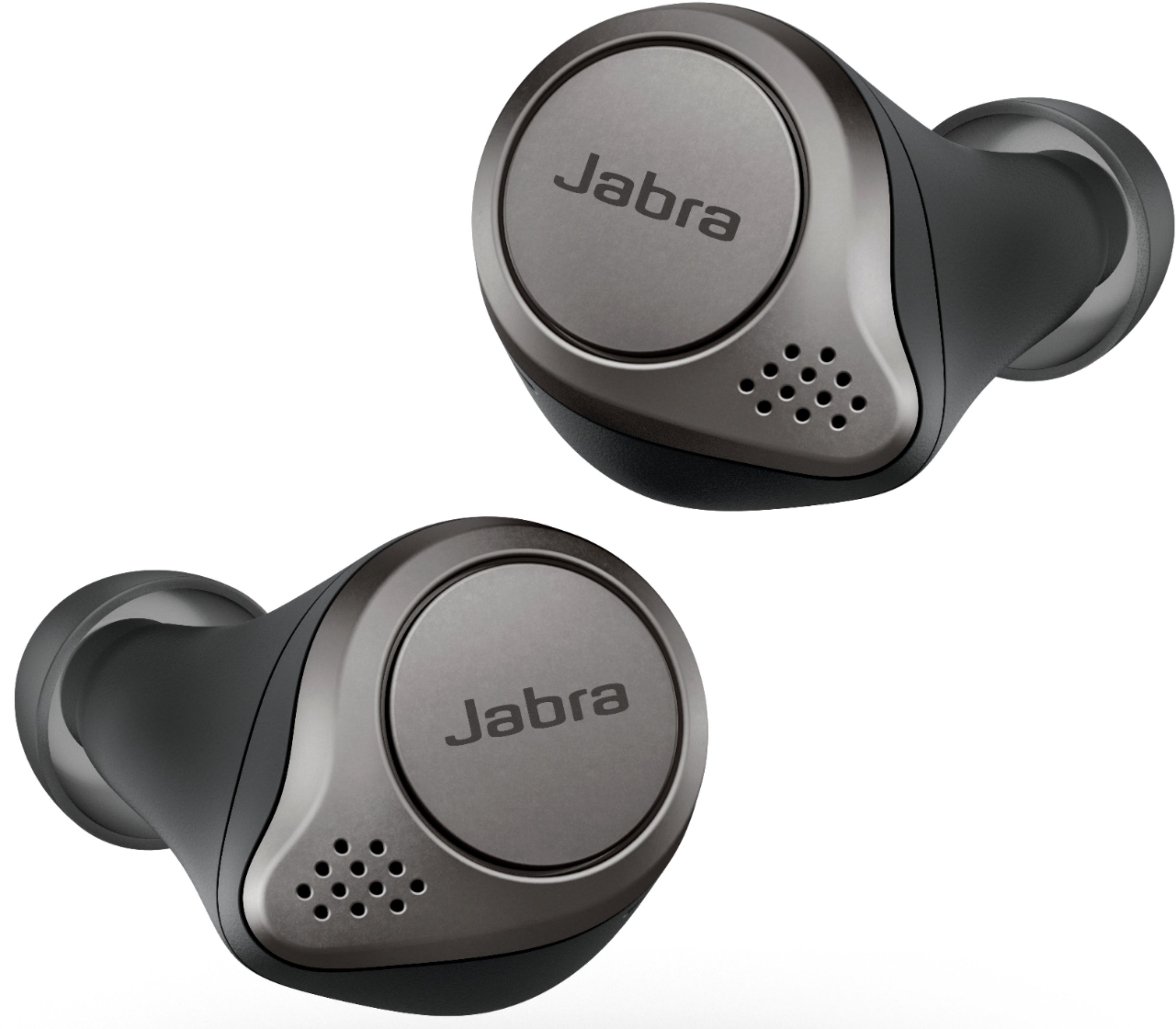
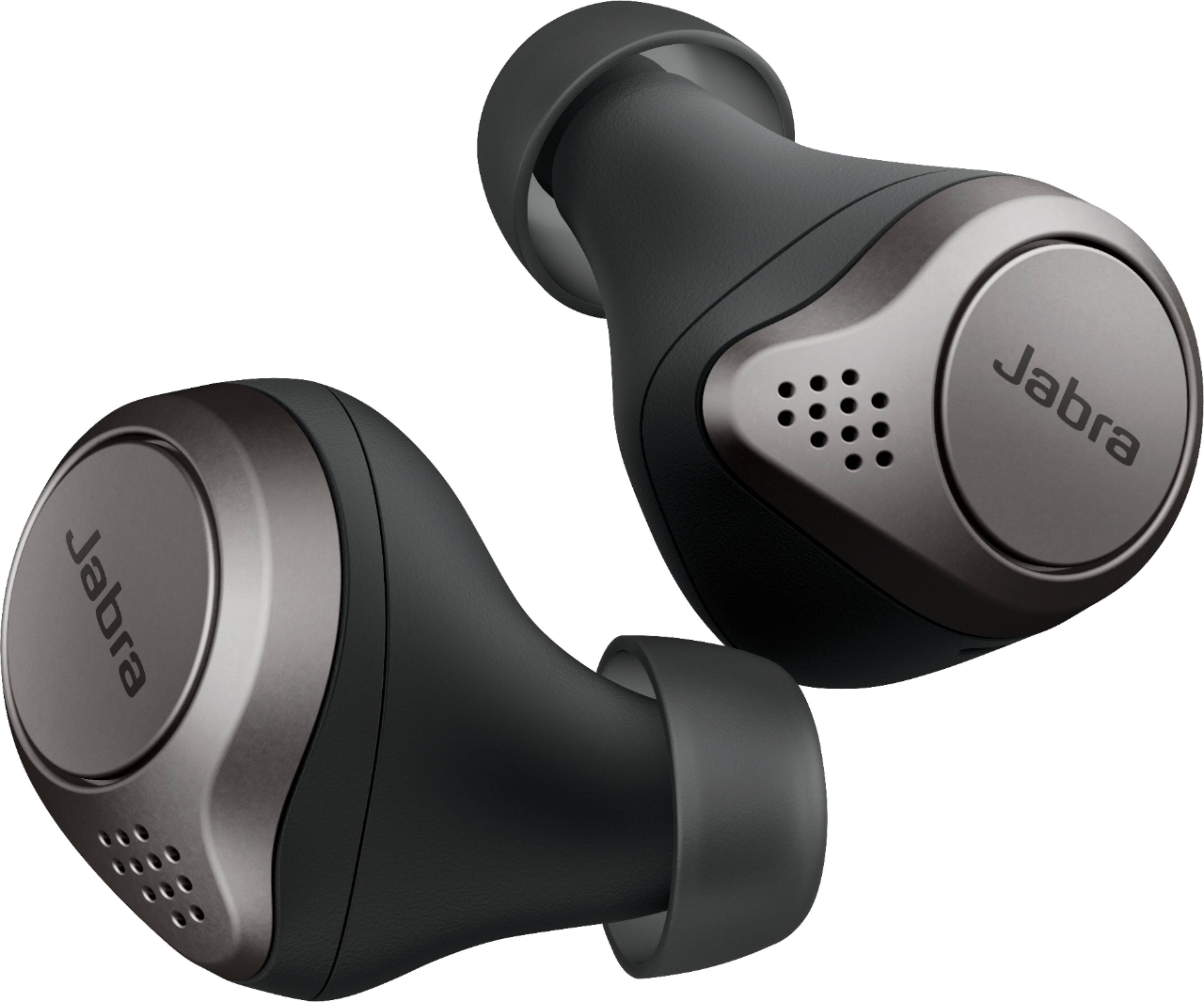
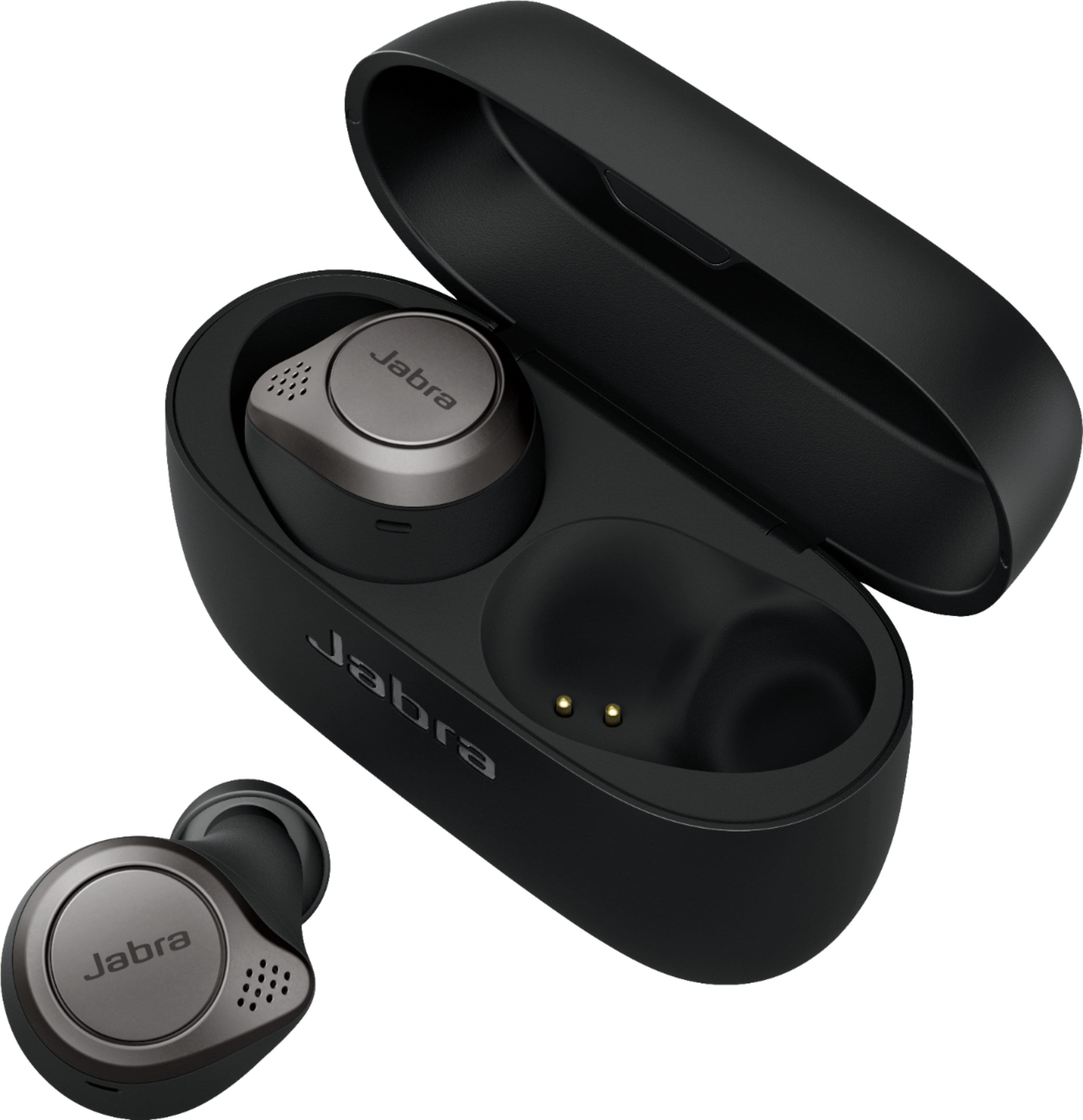
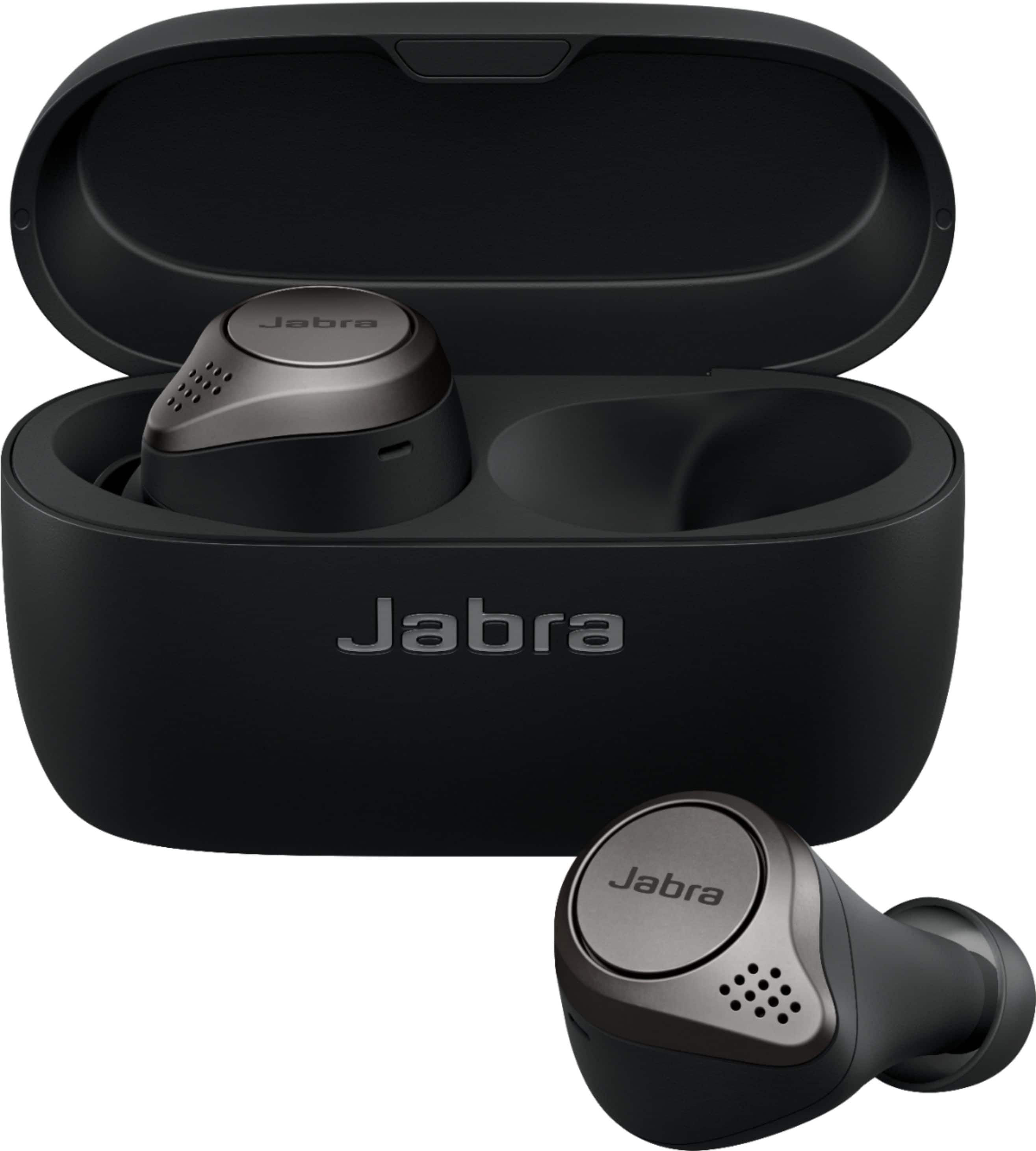
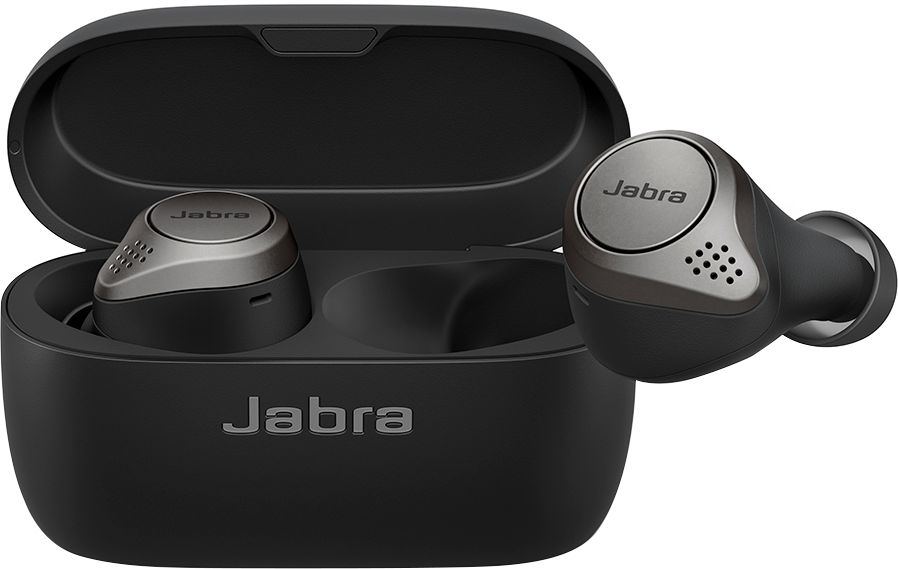
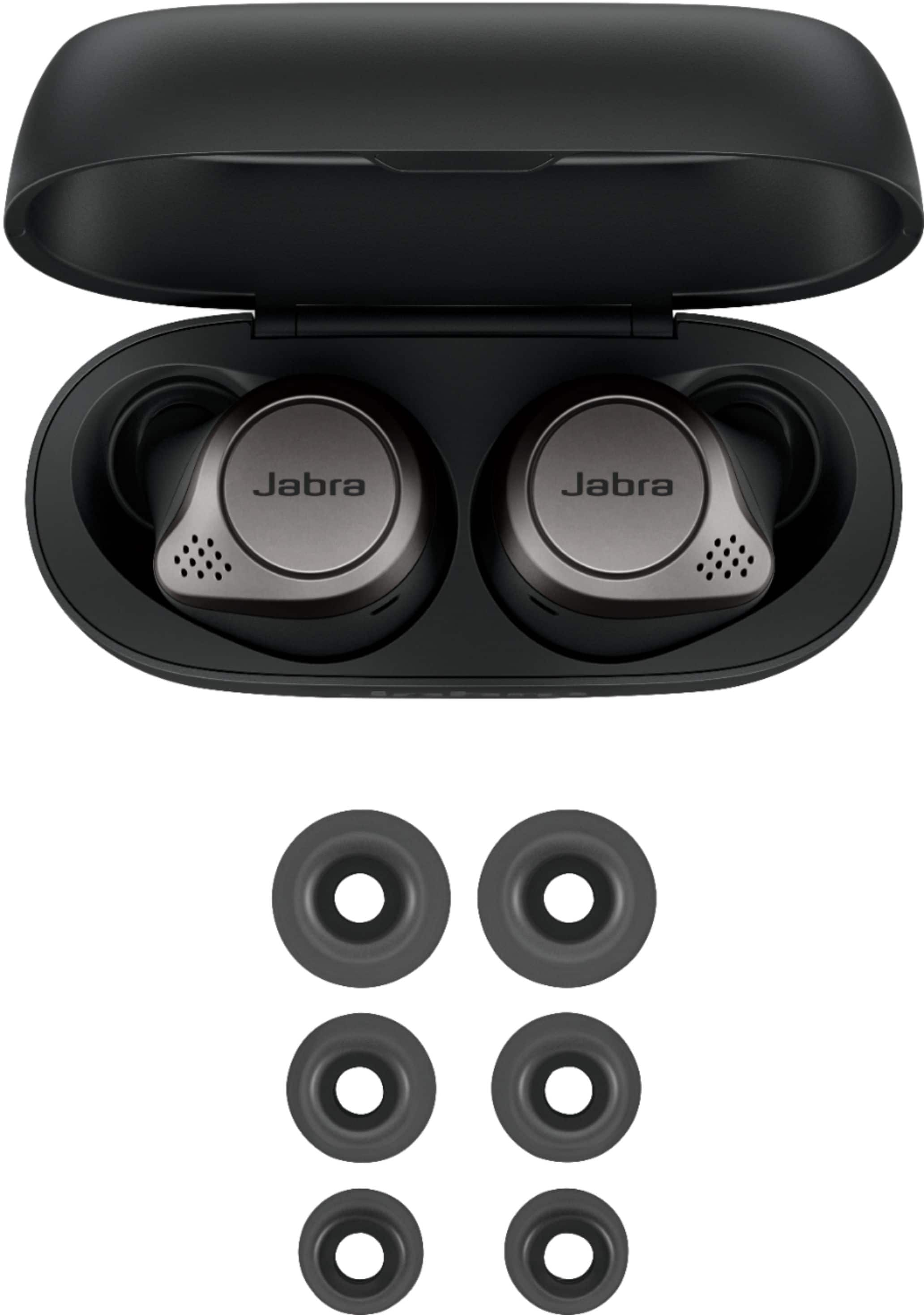
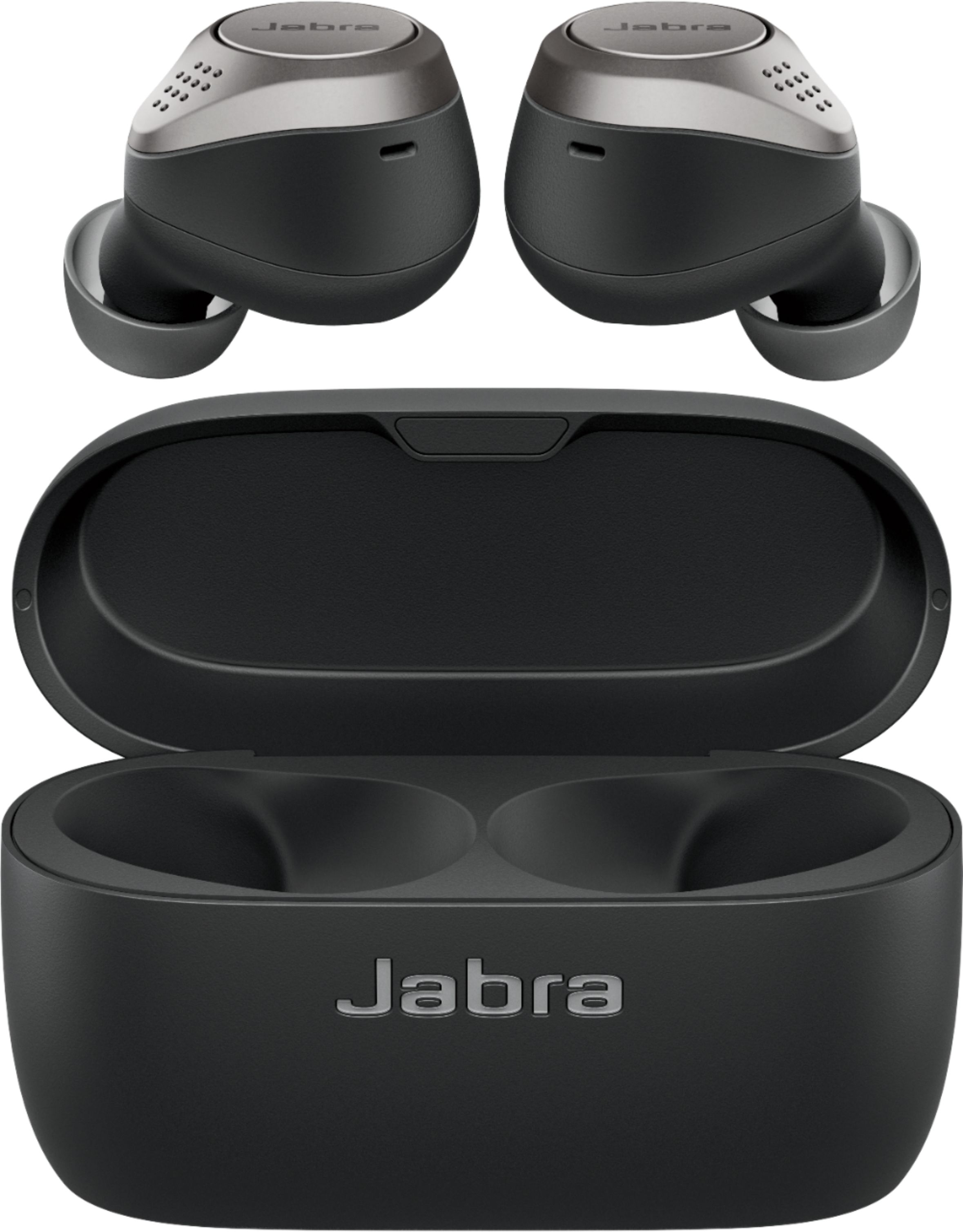
A:AnswerI got mine today and I can confirm that you can mute/un-mute the mic directly from the ear buds.
You do this by pressing the button on the Left earbud while you are on a call.
A:AnswerFrom a duplicate question -
Best answer: Hi there, Mikee- We are so happy to announce that you will be able to use both ear buds independently through an update via the Jabra Sound+ app in 2020. If you have any other questions, please feel free to reach out to us: https://www.jabra.com/support#/. We are here for you!
By Jabra 2 days ago
A:AnswerHi Mickey! Thank you so much for your interest in the Jabra Elite 75t. While we cannot comment on future releases, I strongly encourage you to follow our social media accounts, and sign up for our newsletter for the latest announcements and product updates: https://www.jabra.com/newsletter. Thank you!
A:AnswerHello! Thank you for your interest in the Jabra Elite 75t. While we are not able to comment on details of future releases, we kindly recommend that you sign up for our newsletter through the link here: https://bit.ly/2kvSAca, so you receive all the latest product announcements and updates.Thank you so much!
A:AnswerPau, I am having this exact issue with the Elite 75t. While the right earpiece audio is crystal clear, the left ear piece has a loud and distracting hissing, especially during phone calls. Even after the call ends, the hissing will continue. Hear-through and side-tone are disabled. I have updated all firmware. I don't expect any resolution except to RMA or return the product.