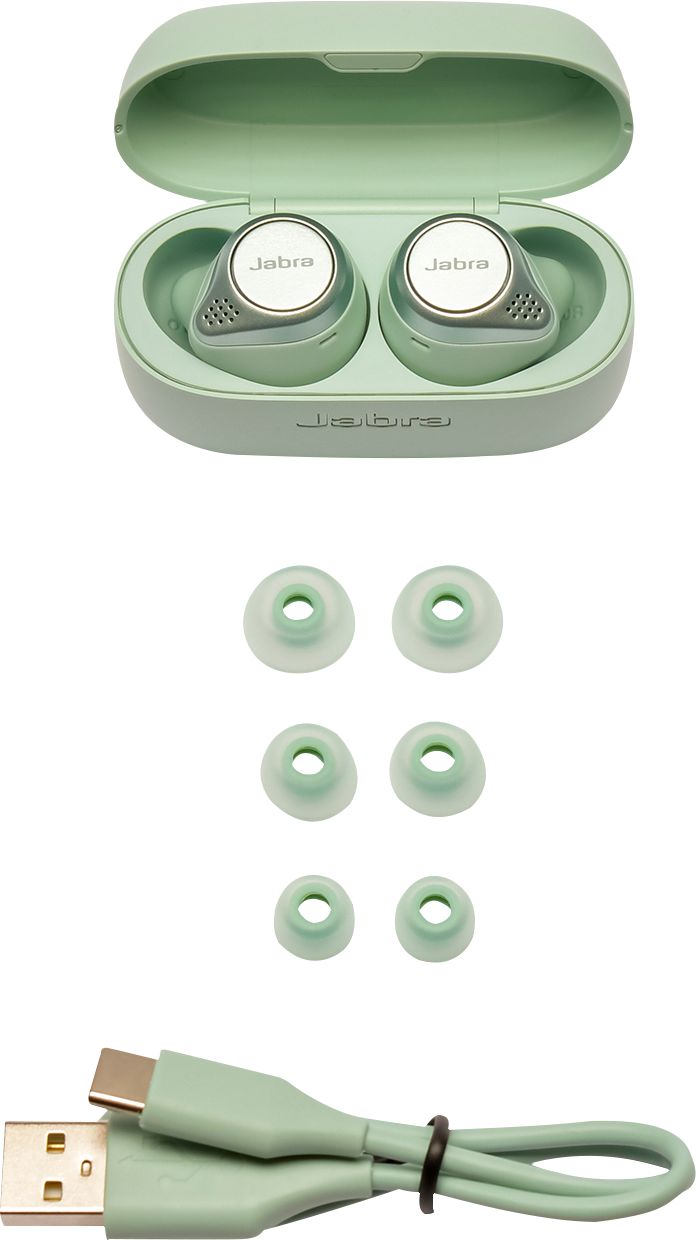
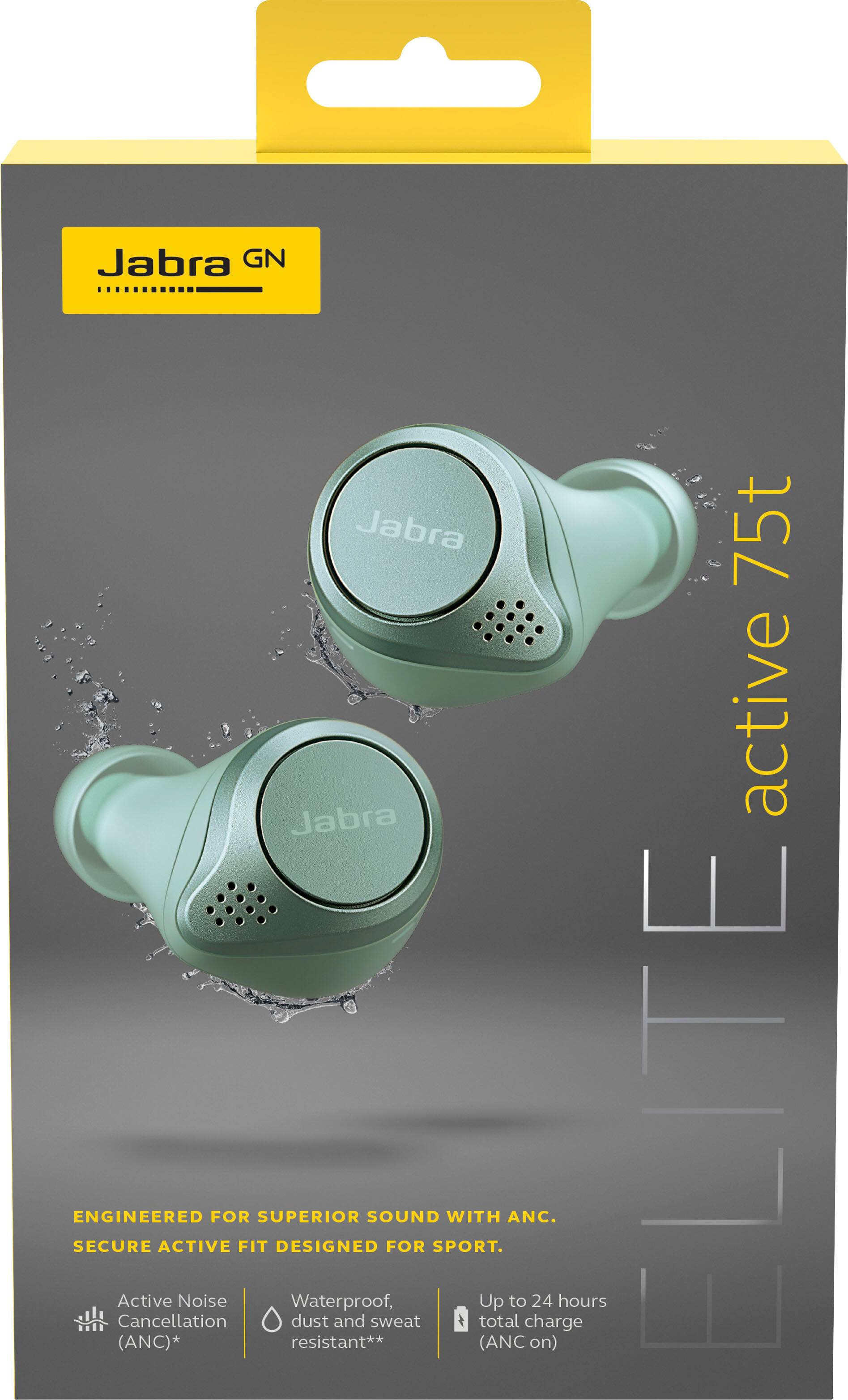
A:AnswerHello Chris32- Thank you for your question! We will have more information regarding the Wireless charging case, and the Grey Active 75t coming soon. We truly appreciate your patience during this time. Please feel free to follow the Jabra Newsletter on the Jabra webpage for the latest updates and information.
A:AnswerIf you're referring to the buds being independent, they are secondary connection. You must always use the right ear bud. However, I have read that Jabra is releasing a firmware update that will allow for independent use.
A:AnswerThese do NOT track steps or anything of that nature that I have found. They do make a "Elite Sport" model that has Heart rate & VO2 max monitor from what it says on the site, but that is all I know.
A:AnswerHi Expedition- The Right EarBud of the Jabra Elite Active 75t can be used while the Left EarBud is placed inside of the Charging Case. Thank you!
A:AnswerYes, I tested this out when I first got them. I'm watching videos for a real estate licensing course, and I can leave my phone/laptop upstairs, come downstairs, grab a snack/drink, and go back upatairs with no interruption. I think thebrange is actually better than what is listed in the specs, but that's wise so people are pleasantly surprised than disappointed.
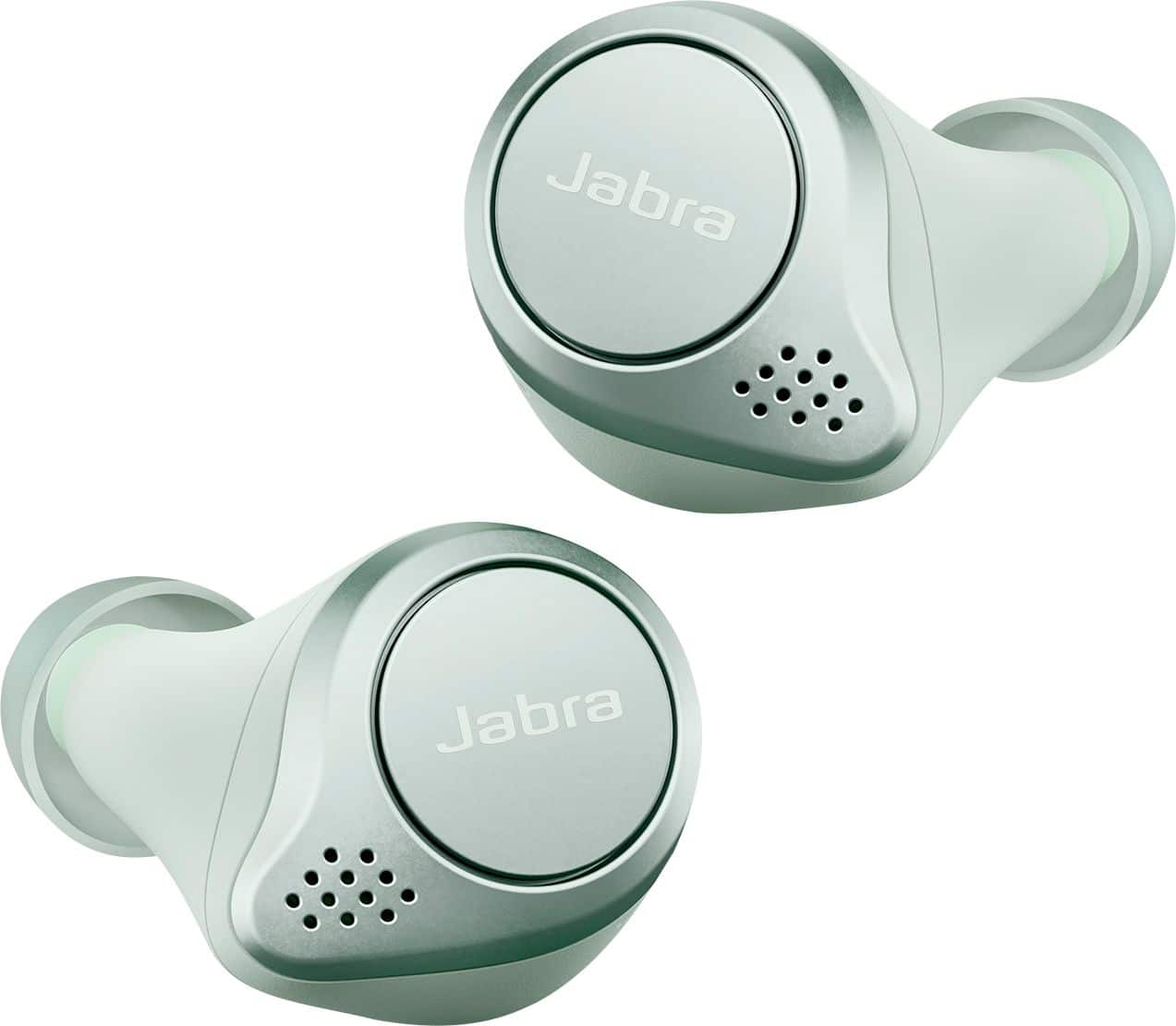
A:AnswerThank you for your question. Here's how the pairing scheme works:
8 - number of paired devices that your Jabra device will remember. If you attempt to pair a 9th device, it will replace the device that was first paired of the existing paired devices.
2 - number of paired devices that your headset can connect to simultaneously. For example, you can connect your headset to a Jabra Link Bluetooth adapter and a mobile device, or to two mobile devices at the same time. Note, you can only connect your Jabra headset to one Jabra Link Bluetooth adapter at a time.
1 - number of paired devices that can play audio at the same time.