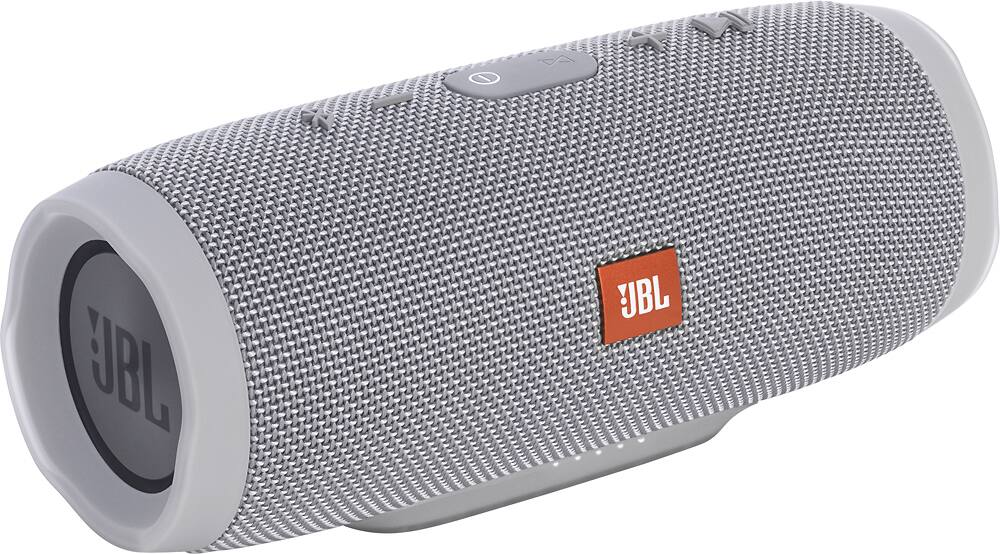
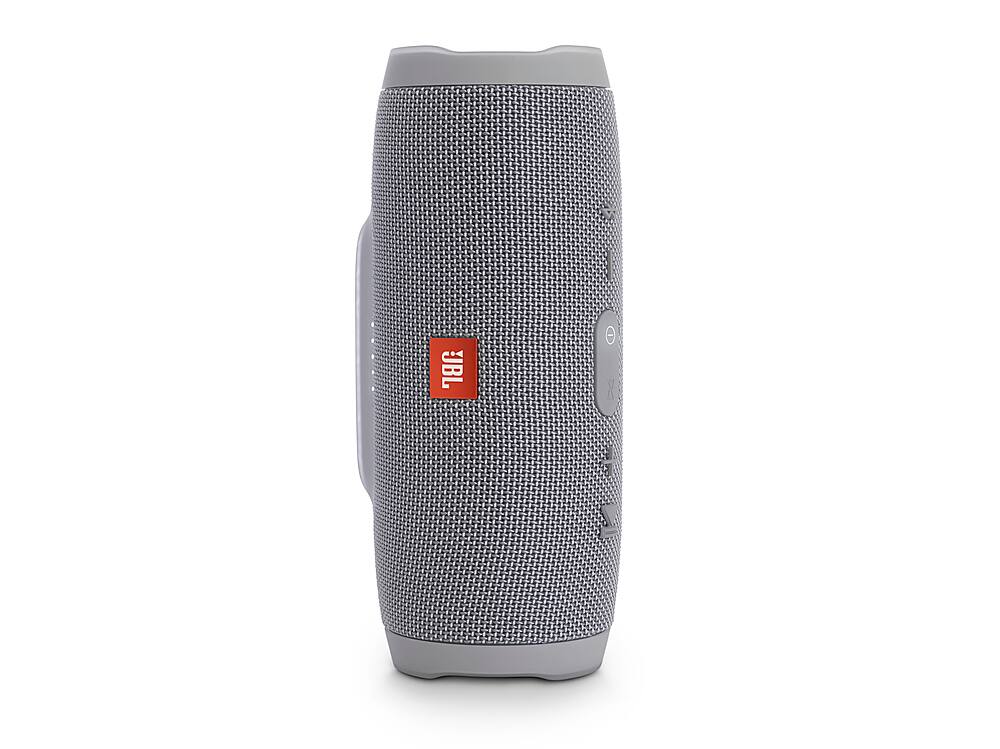
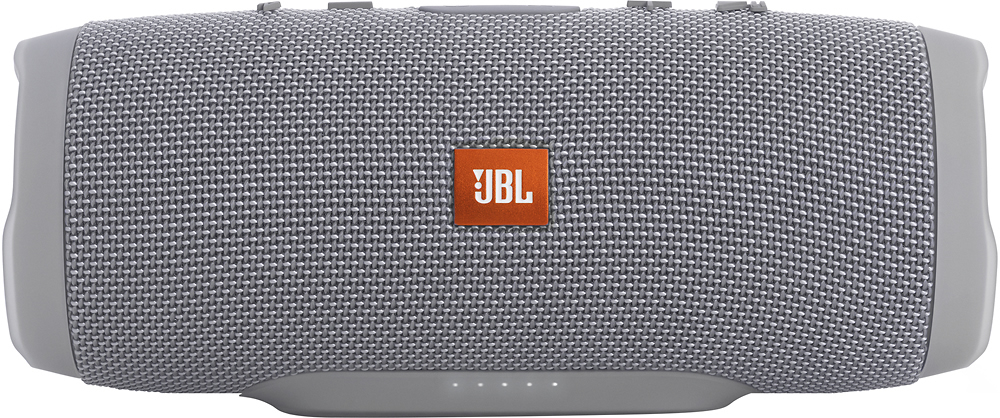
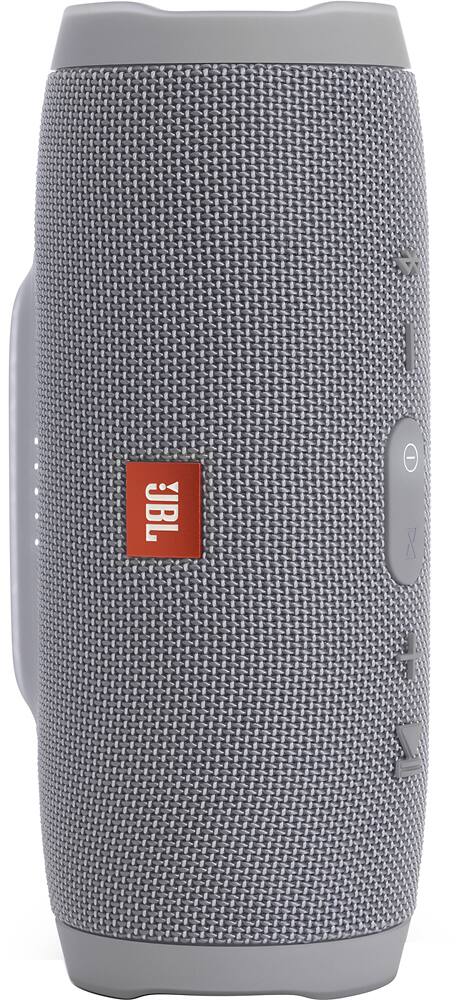
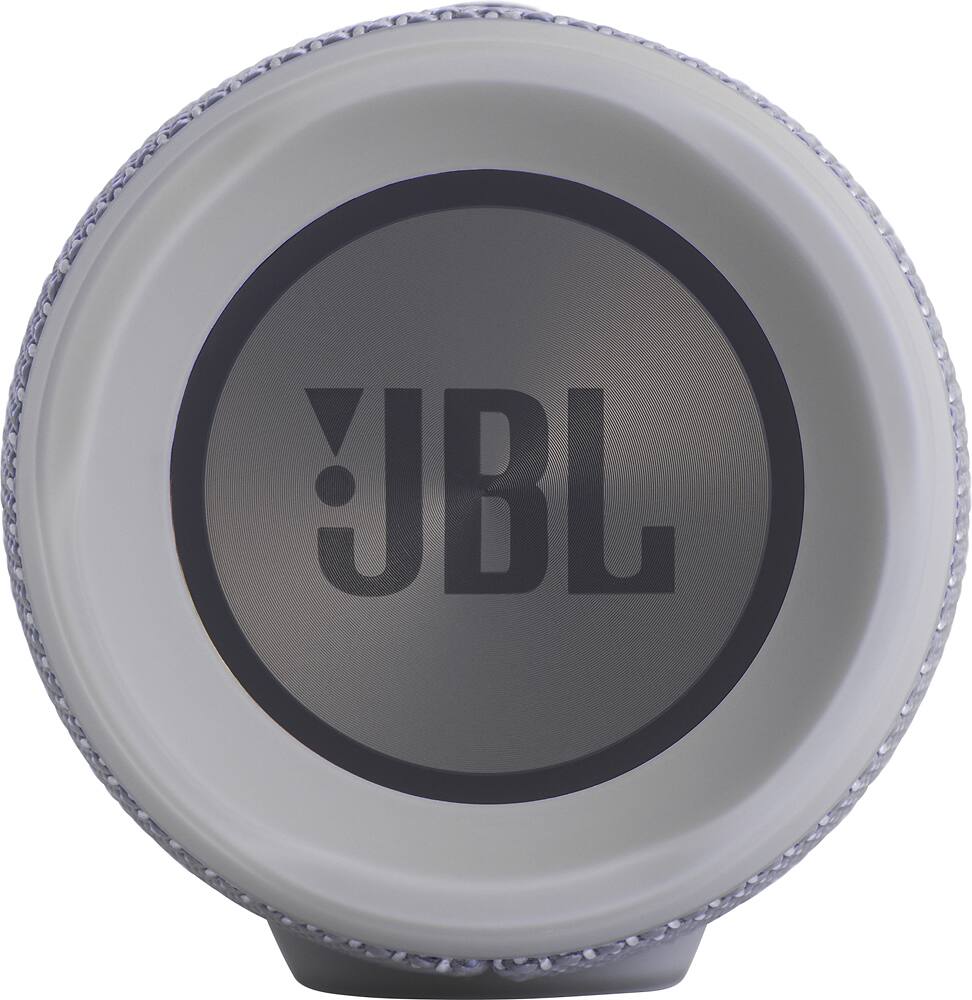
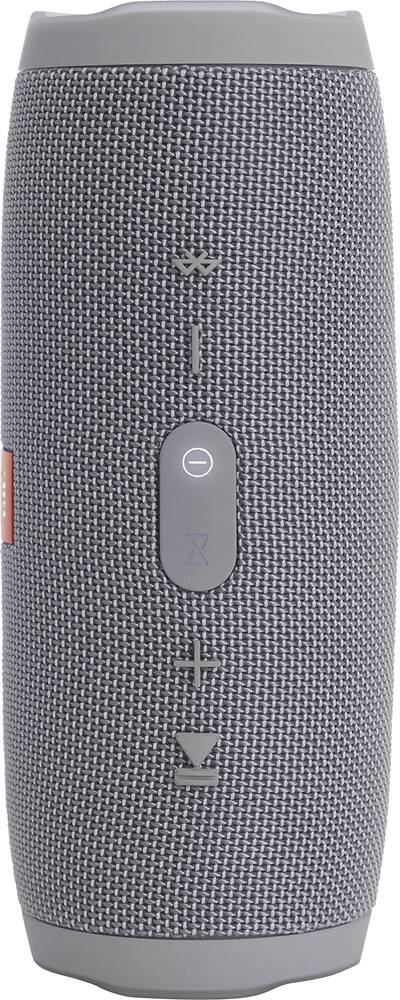
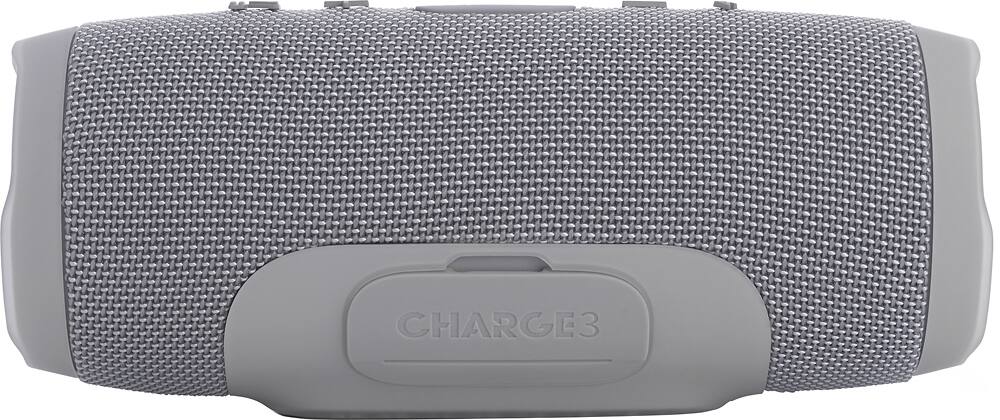
A:AnswerAccording to JBL’s website it’s Bluetooth v4.1. While not as loud as the Charge 4 or the Extreme and not quite as full sounding it’s better sounding to my ears than any other of comparable size/watt. Although the Charge 3 duel speakers are like half the Watts I t sounds better than the Charge 4 with its mono speaker unidirectional sound. The only other major difference is the 6,000mah batter in the Charge 3 vs the 10,000mah battery in the Charge 4, while the play time might be slightly longer on the Charge 4 it’s negligible for the 1lb additional weight and increase in overall size. Again the main important feature is sound quality, everyone’s ear is different and it also depends on what you listen too. I have both an Extreme and a Charge 3, I’ve listened to everything from metal, alternative, rock, classical, bluegrass, country, electronic trance, old school hip hop, and it all sounds great if you tweak EQ settings per your preference (flat, late night, rock) EQ presets on my iPhone work best for me or EQ off. If you start having connectivity issues I recommend turning off your speaker, unpairing the speaker from your device in settings, doing a hard restart of your device, and then powering on and reconnecting them, that always fixes any cutting in and out issues I have. Also limit how many devices you have paired to the device you’re playing music from. I had 4 different Bluetooth speakers/headphones paired to my iPhone and even though only one was on I found it created a problem.
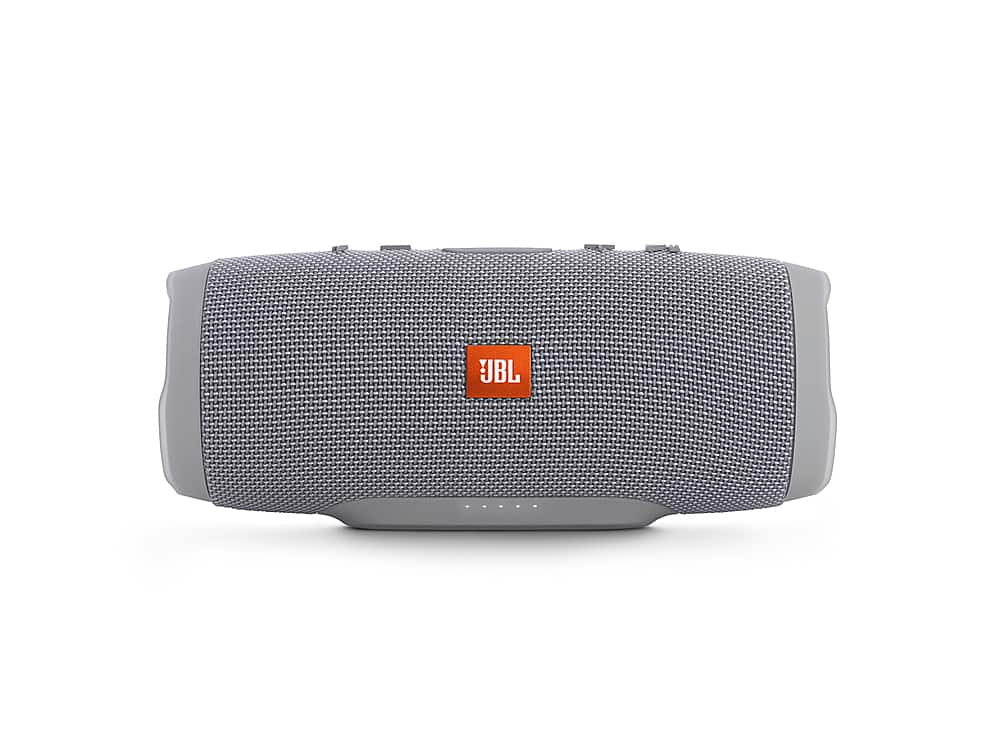
A:AnswerIt would depend on how loud the music you're playing is. If it's too loud, obviously it would hurt your ear. We suggest not doing this so you won't damage your ears.
A:AnswerWe would like to work with you directly to help you with your issue. Please submit a case request at https://www.jbl.com/support-contact.html and the Customer Service Team will be more than happy to assist you.
A:AnswerYou can only connect 2 when using the Connect feature of the Charge 3 but once the firmware has been updated to Connect+ using the JBL Connect app, you can connect more than 100+ devices at the same time and play the same music.
A:AnswerWhen you plug it in to a charger, the Charge 3 can play at any volume level and it would be louder than when it's not charging since it's getting power constantly.
A:AnswerYour JBL Charge 3 is a portable speaker and not a car speaker though you can use it in your car and connect it wirelessly to any phones or devices via Bluetooth. If you are using the Charge 3 in your vehicle, please make sure it is easily accessible and securely fastened. As to adding it as a supplemental speaker, this would depend on your system if it would allow you to add a Bluetooth speaker as an additional speaker or not. Please contact the manufacturer of your head unit and/or amp for more details about this.
A:AnswerSide by side with the Beats Pill and he UE Mega Boom
Pill - has he same clarity as the 3, however the 3 was much louder.
Mega - Can go slightly louder than the 3 but the lows are very distorted, the 3 had a much crisper sound.
I am not able to comment on B&O or Bose other than to tell you you'll need to sell your 1st born, to afford what the JBL Charge 3 does quite well. I did do a side by side on the other two.
A:AnswerYou might be able to set the primary sound source up front to have a delay of XX milliseconds, which could correct it. Or, alternatively, you may want to look at moving the speaker closer that's in back. The dimensions and acoustics of the room are part of what the issue is here, along with how long it takes the sound waves behind you to be recognized by you when you are sitting facing the front sound source.
A:AnswerYep. I can't confirm that it's charging while it's playing plugged in but I'm able to keep it plugged into the charger while I'm playing it and it hasn't run out of juice yet!
A:AnswerThe CHARGE 3 uses a micro USB charging cable. Connect this cable to the USB port on the back of the speaker. The CHARGE 3 can be charged on any USB port from a laptop/computer or directly on a wall outlet using a wall adapter.
A:AnswerPress the bluetooth button on the speaker then look for it on your phone or tablet to pair up. After that it should pair automatically going forward.
A:AnswerThis is because of how batteries behave. That can't give you specifics because there are too many variables. To answer your question you would have to know your average use, volume, temp, did you use ot to charge anything? Is it using usb or Bluetooth, how much of both and at what volumes. This can all vary widely. They can give you metrics, like 20hrs of continuous use at medium volume or the battery's specs which is 6000mAh(most cell phones have around 2600mAh batteries) That's the best I can do.