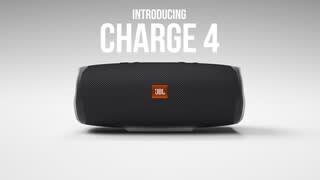
A:AnswerJBL Charge 4 has a built-in lithium-ion battery. The unit can be used even when it's plugged in, and it will not affect the battery. If ever the battery is full, lithium-ion has smart circuits, and the unit will automatically go into trickle charging. Unfortunately, we don't offer internal parts and battery replacements for our portable products. If you have more questions, please reach out to our Customer Support: https://www.jbl.com/support-contact.html
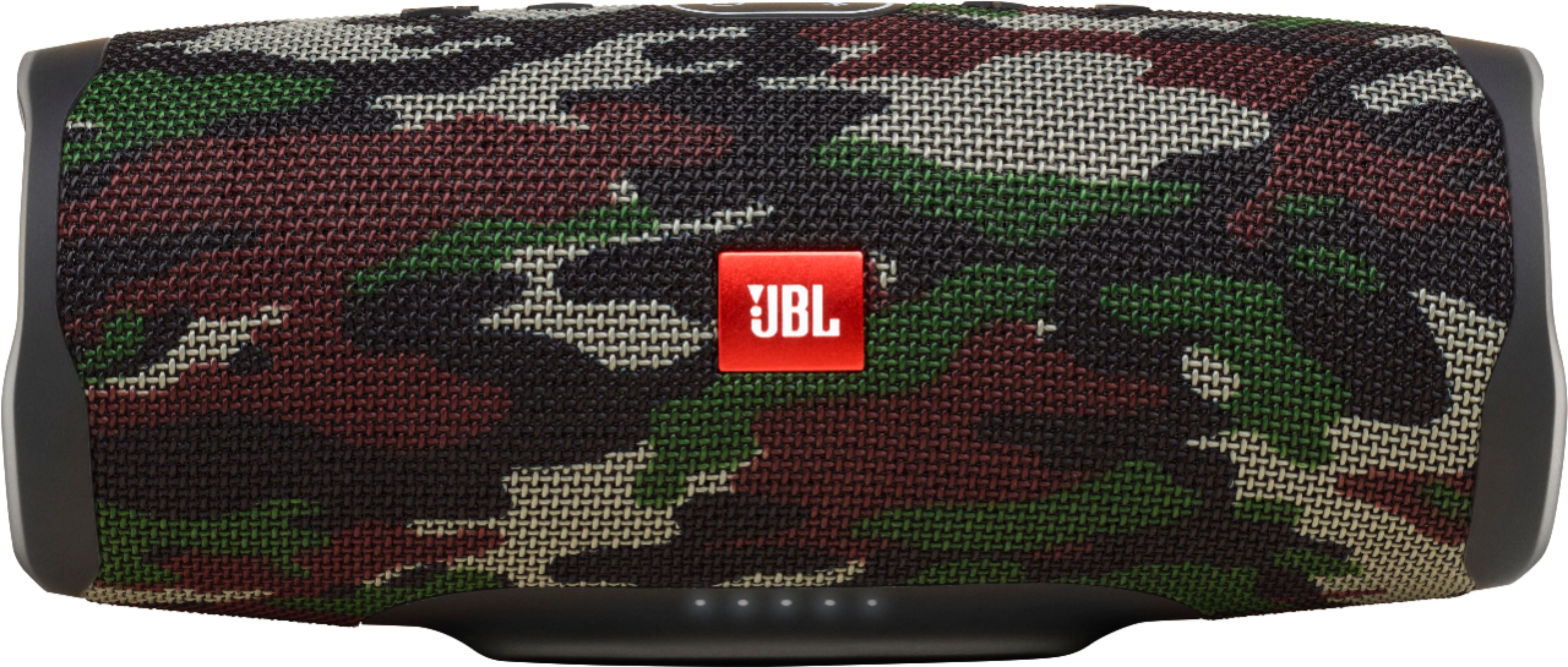
A:AnswerOur JBL Charge 4 doesn't have Alexa built-in the product but you can pair your Amazon Echo dot to it through Bluetooth. Our JBL Charge 4 alone is a mono speaker but you can get it to do stereo by adding another JBL Charge 4 and enabling stereo mode through our JBL Connect app. If you need more help, please contact us so we can help you. https://bit.ly/2zwFkYM
A:AnswerYes. Our JBL Charge 4 has an auxiliary input that allows you to connect the speaker to devices without Bluetooth. For more information, please check out page 1 of our Quick Start Guide: http://bit.ly/2D0Ks90
A:AnswerUnfortunately, our JBL Charge 4 is compatible to be paired with mobile devices and laptops. If you have more questions, please reach out to our Customer Support. https://www.jbl.com/support-contact.html
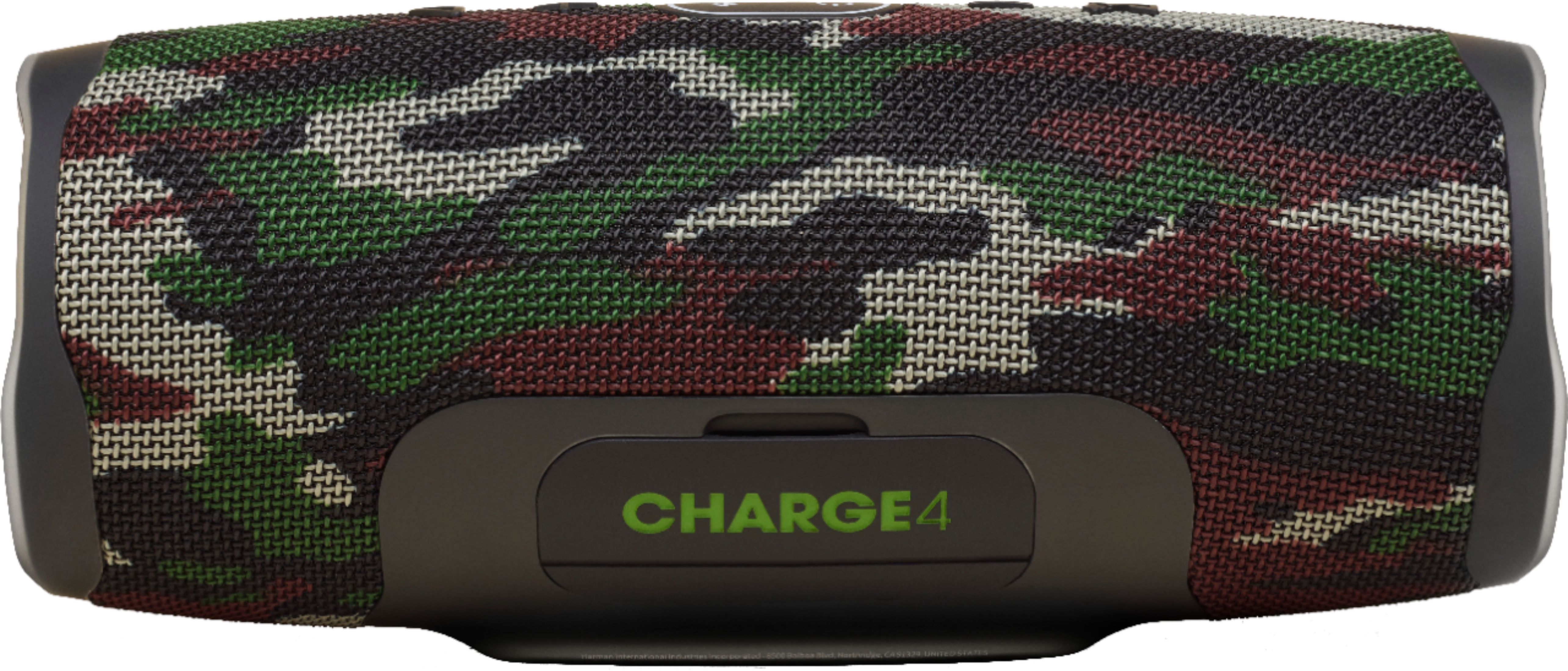
A:AnswerWe're sorry to hear that you're having charging issues with your JBL Charge 4 Portable Bluetooth Speaker. Please try using another micro-USB Type-C cable and power adapter to charge your speaker overnight. Check if the LED indicators would respond while it's plugged in to a power source. If you need more help, let us know using this link: https://support.jbl.com/us/en/customer-service/contact.html Contacthttps://support.jbl.comType a message here