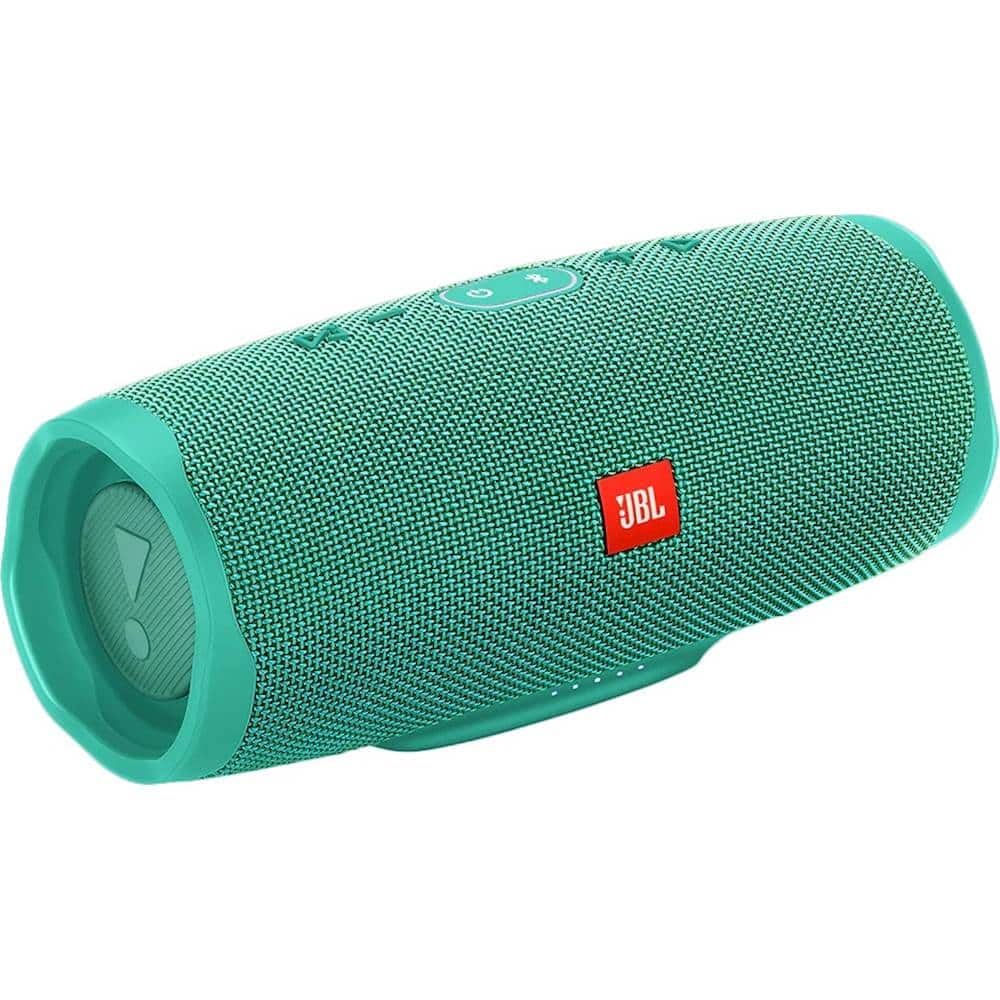
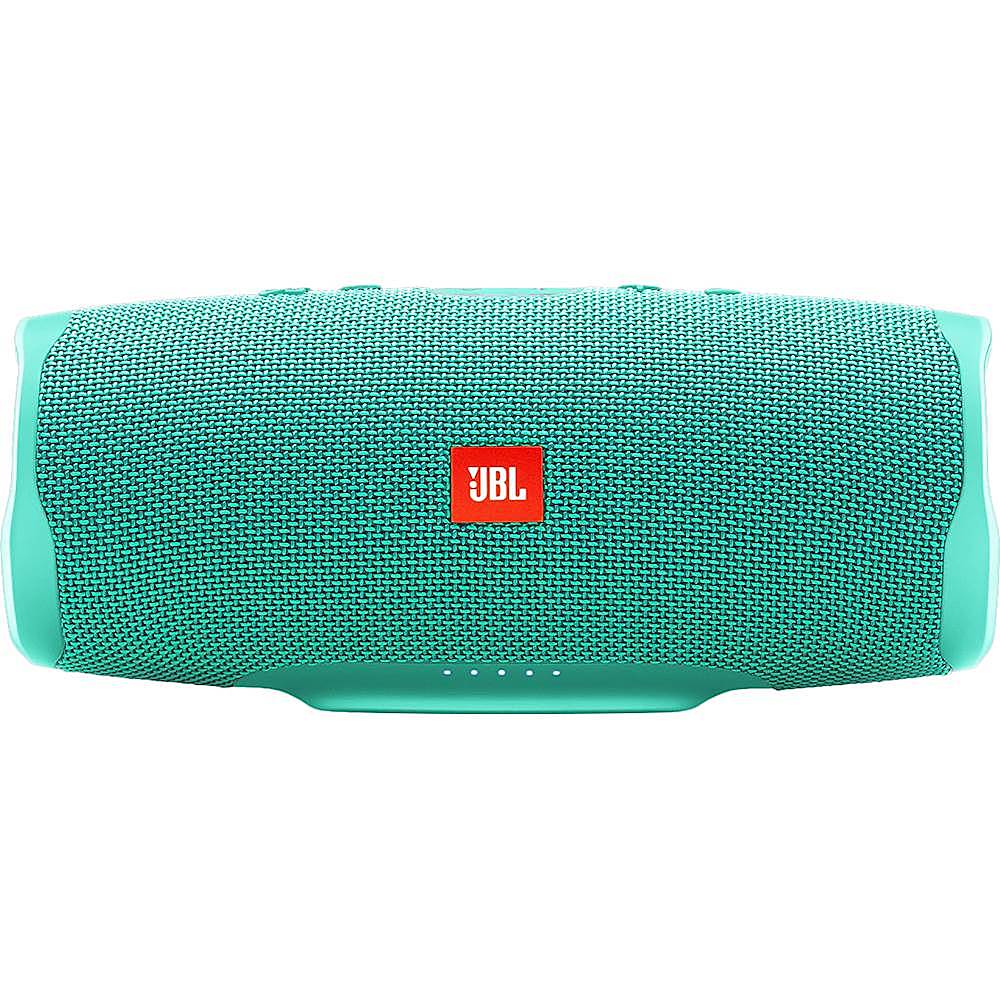
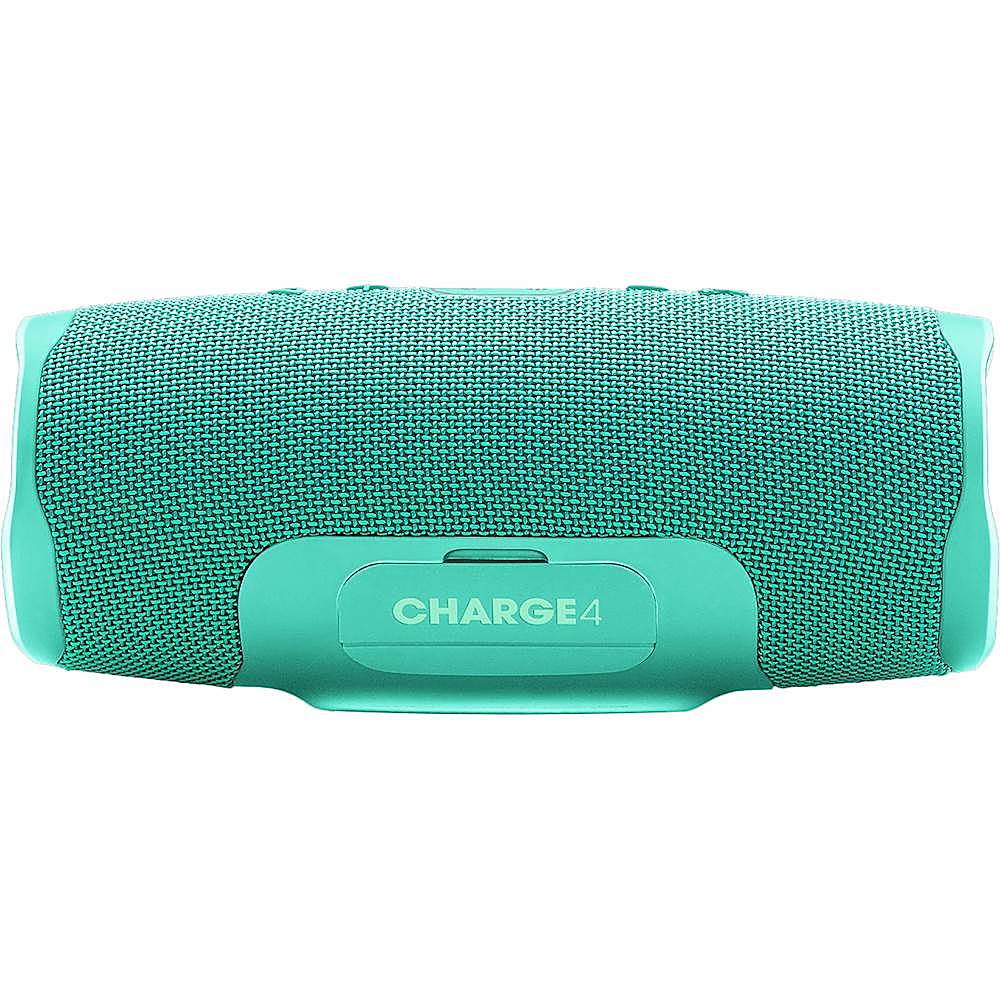
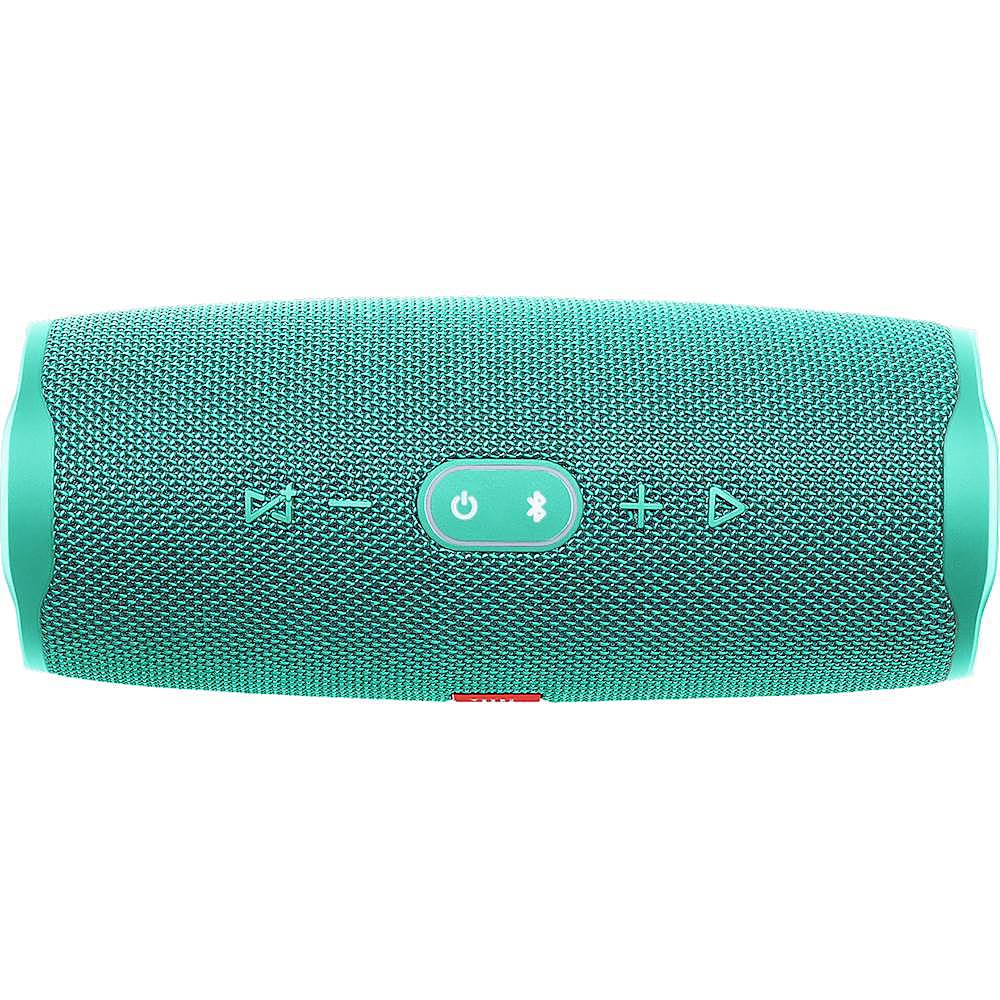
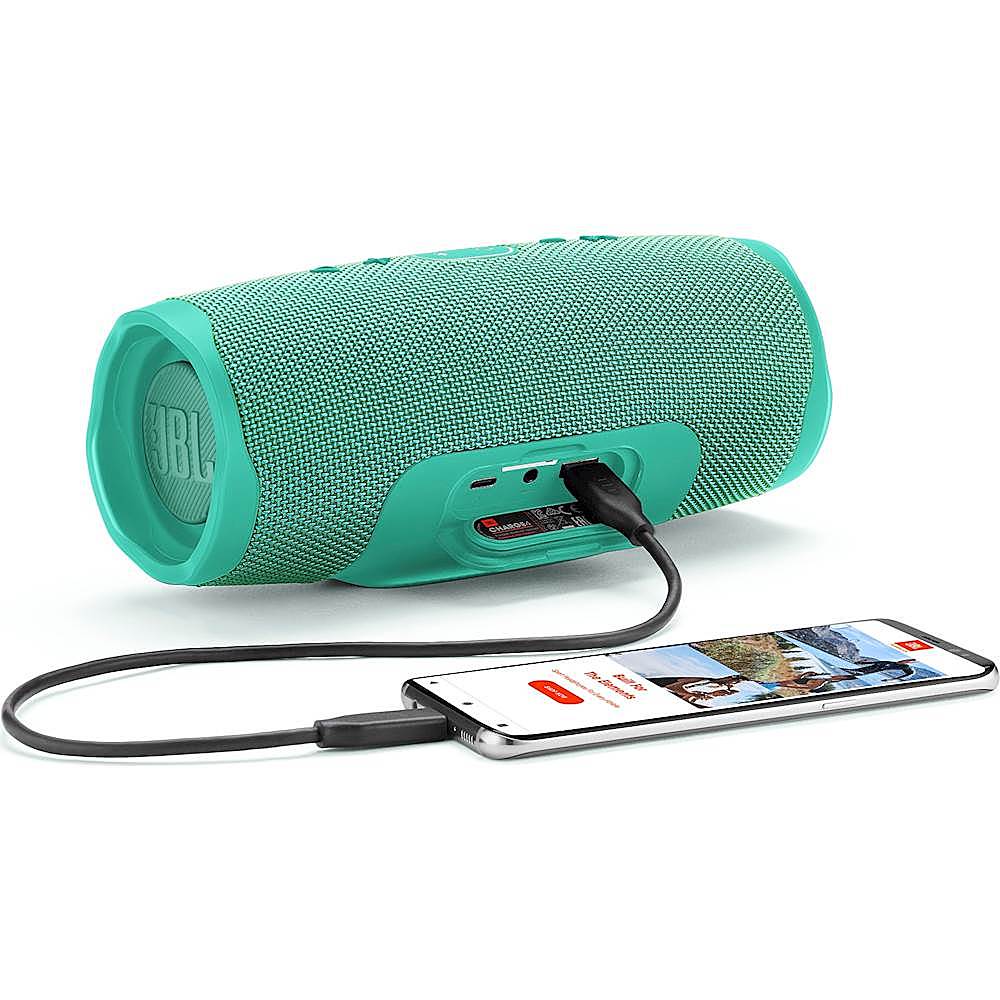
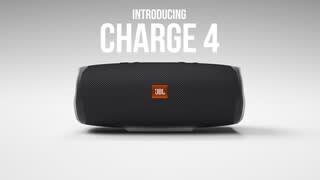
A:AnswerYes, our JBL Charge 4 has two USB ports. A USB type C port for charging the speaker and a USB Type a to charge a different USB device (power bank function).
A:AnswerThe USB port on our JBL Charge 4 is for charging your devices only. It doesn't support USB playback. You can connect your devices via Bluetooth or 3.5 mm aux cable
A:AnswerOur JBL Charge 4's Bluetooth range is normally up to about 10-15 m. More than that the signal will get unstable. Please also consider that blockages such as walls and other wireless signals can affect the connectivity.
A:AnswerYou can stream on both of them using our JBL Connect + feature. Press the hourglass button on our speaker to connect it with other Speakers that have the same feature.
A:AnswerJBL Charge 4 doesn't have a remote. You can control the speaker (pause/ play/ skip/ adjust volume) using your connected device or the speaker itself.
A:AnswerYou can connect a phone to a single JBL Charge 4 then press the Connect+ button on both Charge 4 so that the same music will play at the same time.
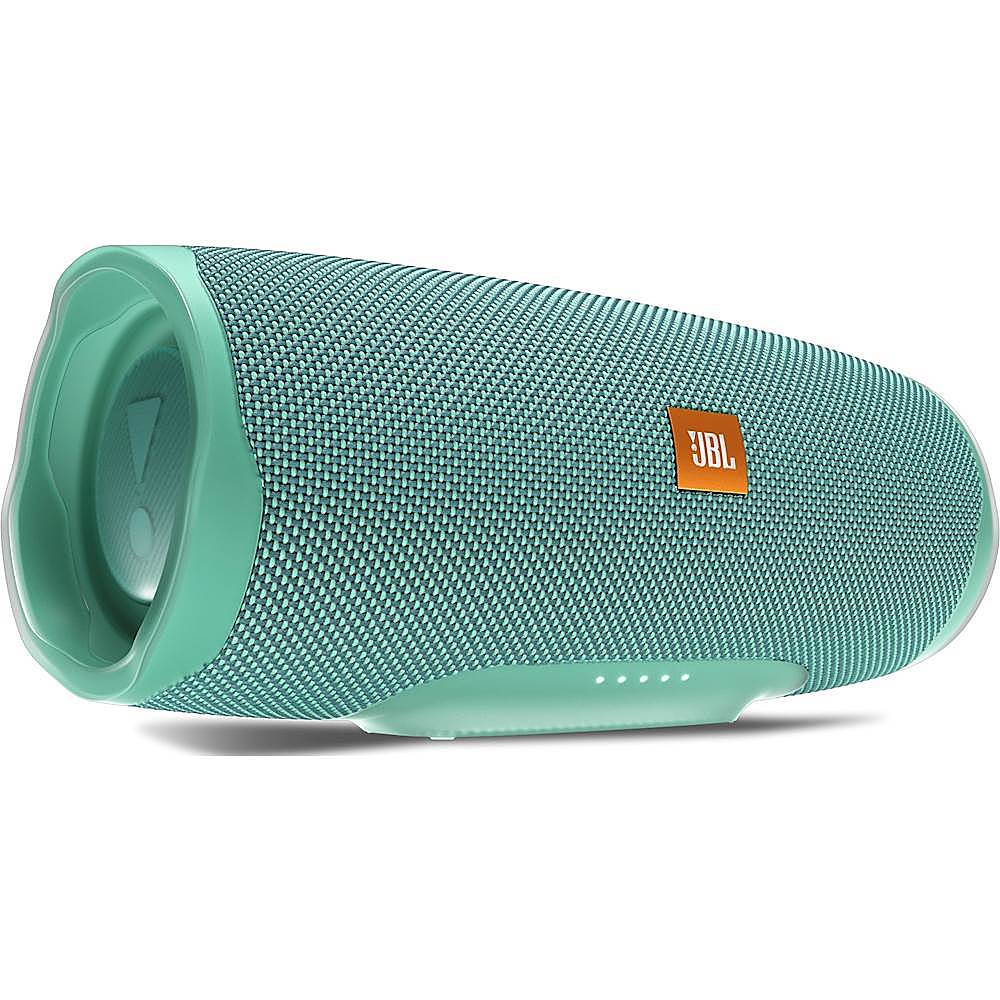
A:AnswerWe can't guarantee that the JBL Charge 4 can fit your bicycle bottle cage. You can try to estimate the fitment with the help of these values:
Dimensions (cm) 22 x 9.5 x 9.3
Dimensions (in) 8.66 x 3.74 x 3.66
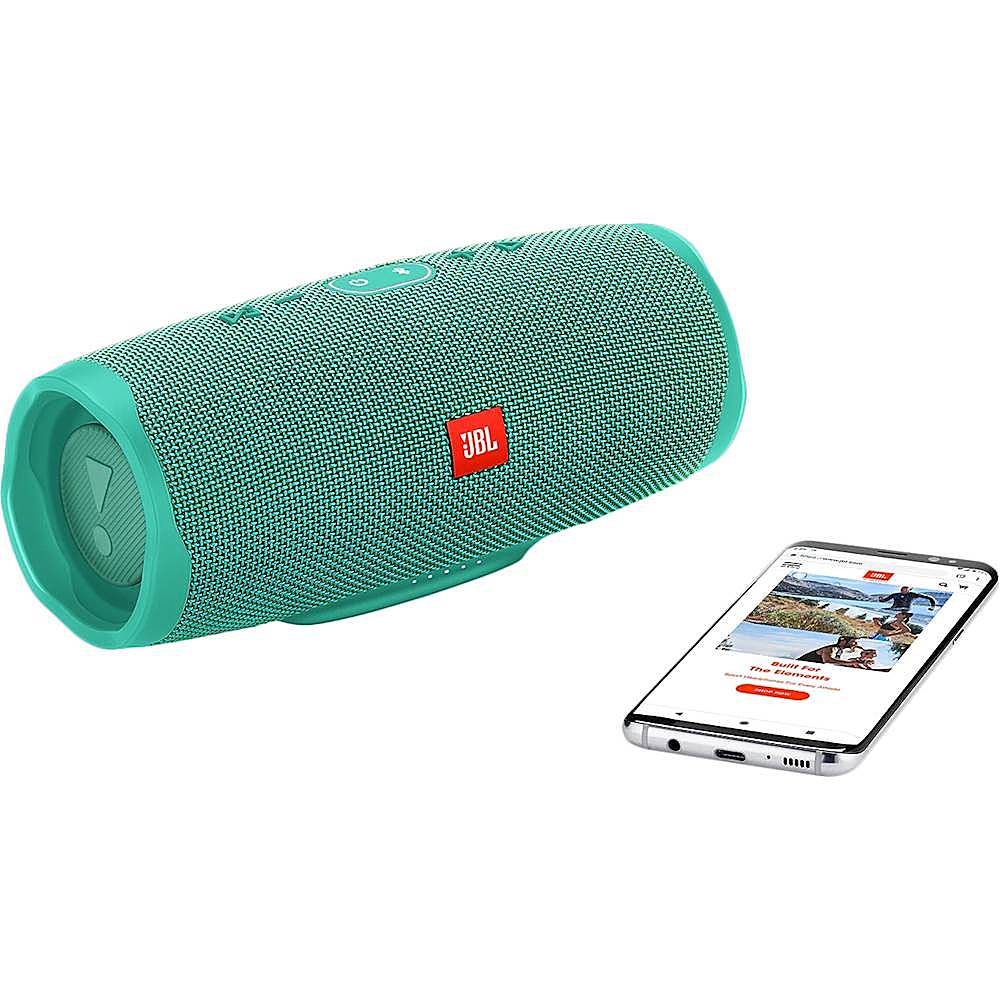
A:AnswerJBL Charge 4 is a Bluetooth speaker, and it should pair with your Echo Dot device. Check out the steps here on how to do so: https://amzn.to/2XYCjhk