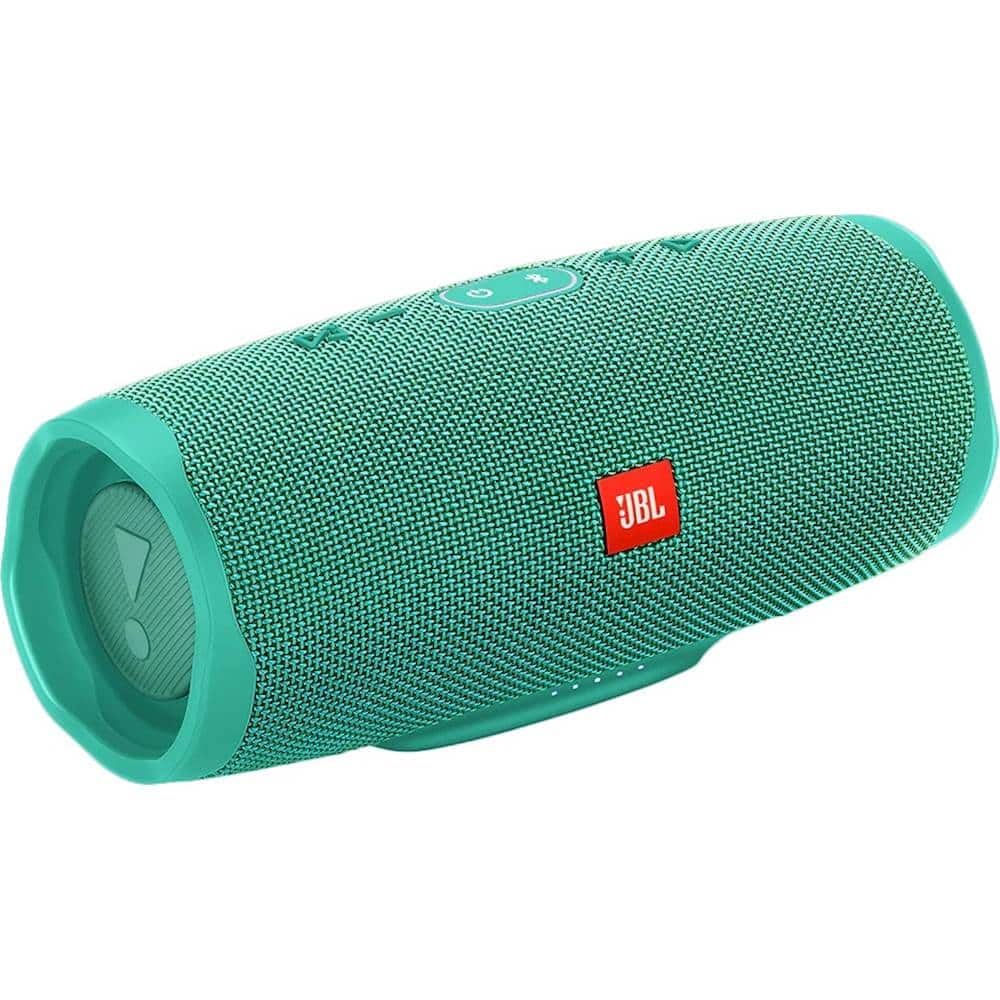
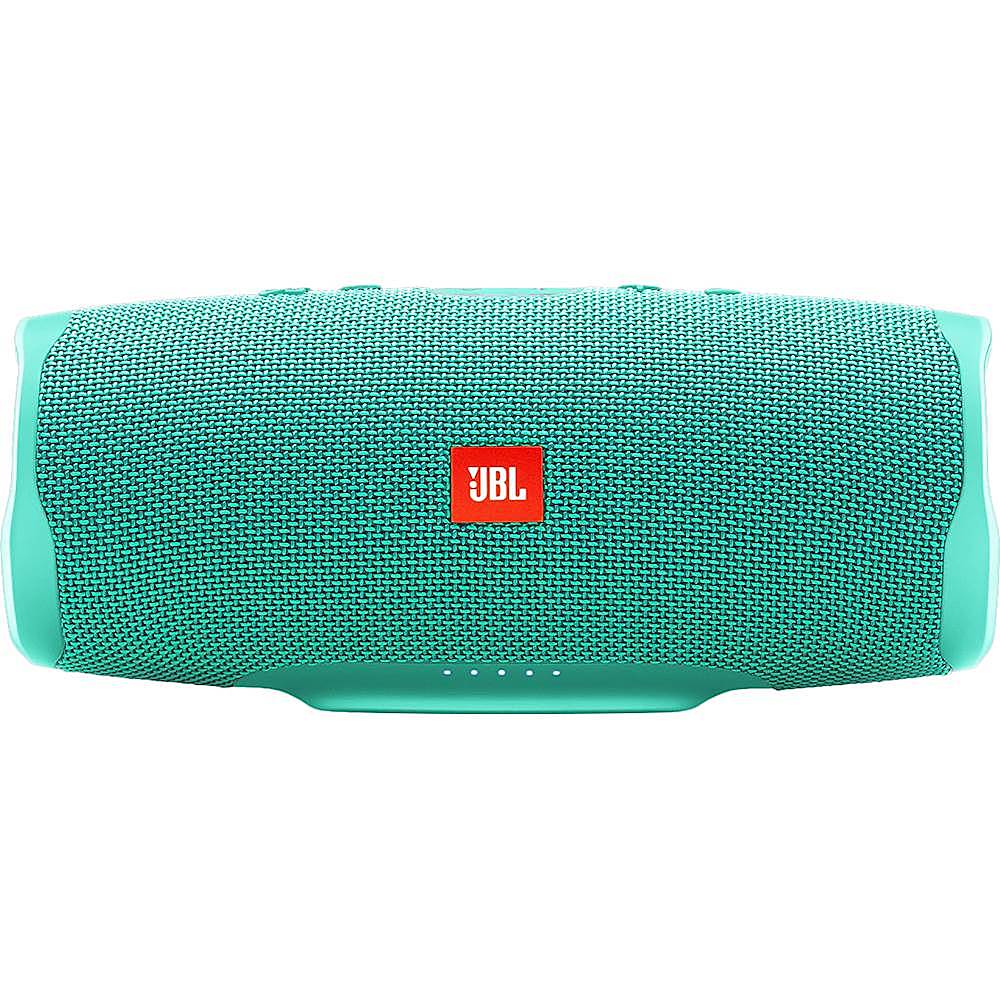
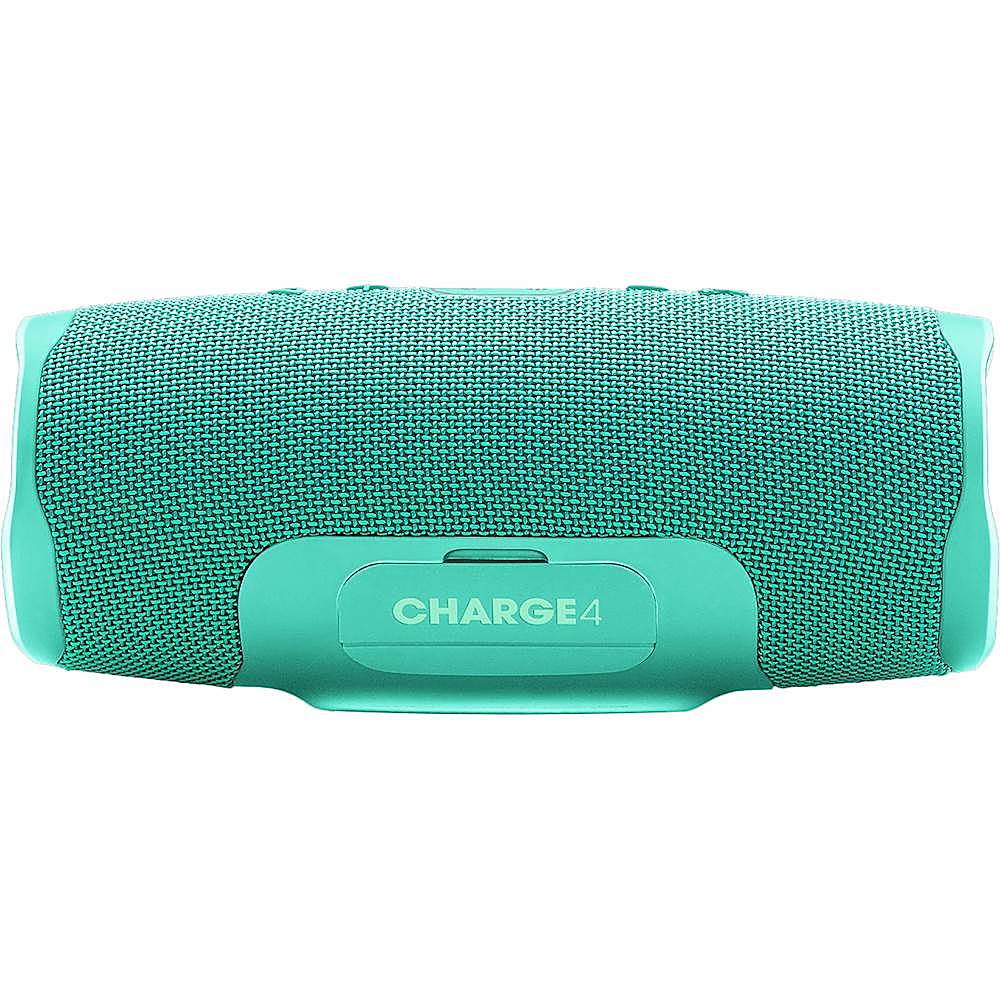
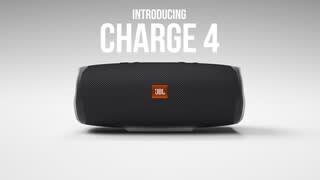
A:AnswerIts very similar actually. But the Charge 3 has a more open and better sound stage compared to the Charge 4. If you own a Charge 3 keep it. The upgrade isn't worth it at all.
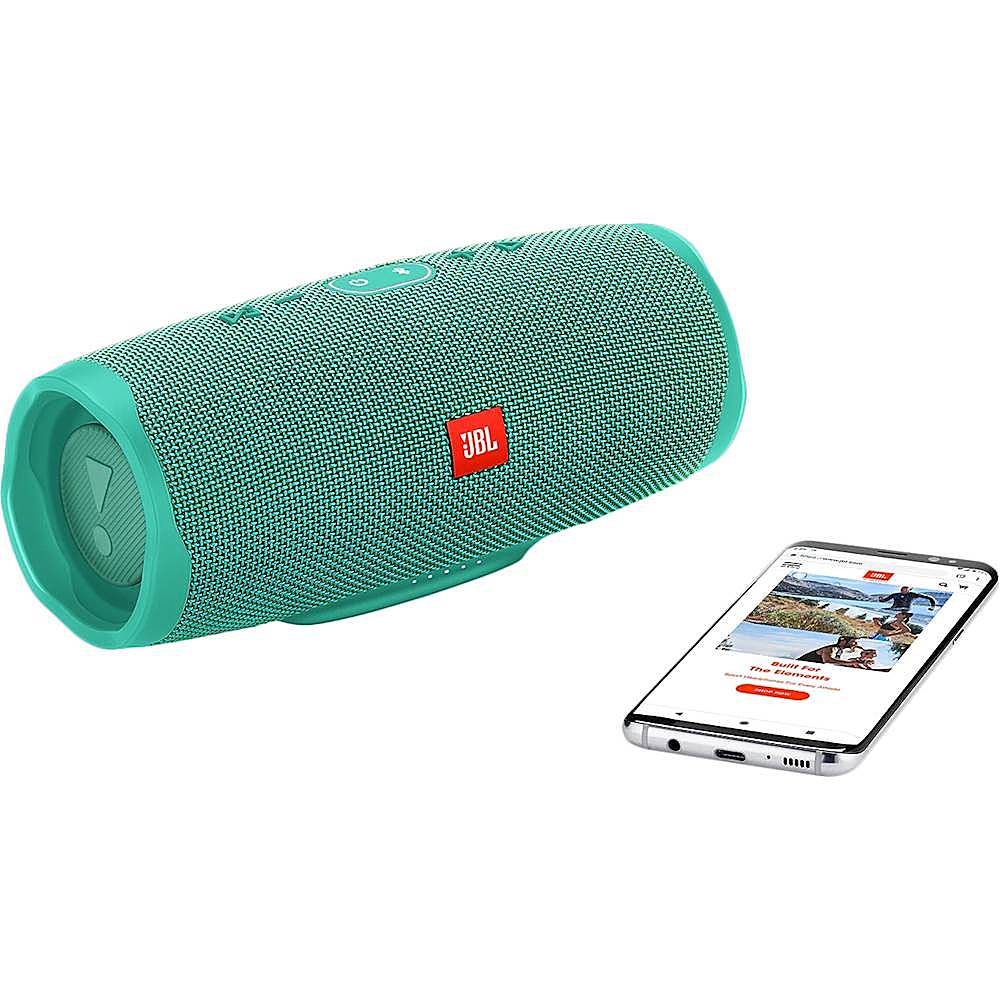
A:AnswerJBL Charge 4 can be used with any device that has Bluetooth capability. If your device doesn't have Bluetooth, you may use a 3.5mm auxiliary cable to connect the speaker to your device.
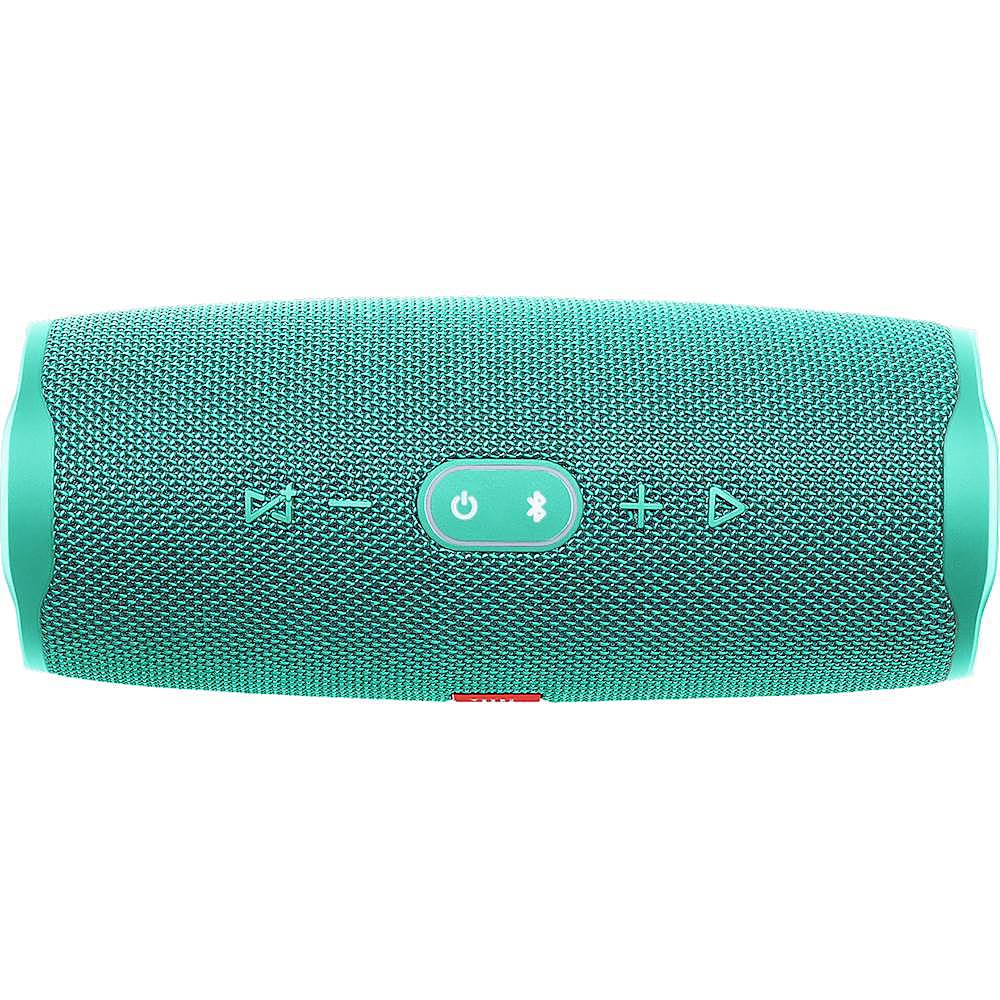
A:AnswerThe Charge should be able to pair with their device via Bluetooth and be remembered for future pairings under Bluetooth devices. To add her, you have to press the pairing button on the speaker.
A:AnswerHi there! Our JBL Charge 4 plays in mono. Check out the full specs of this awesome speaker right here: https://www.jbl.com/charge/JBL+CHARGE+4.html?
A:AnswerI’m using my iPad. Choose the JBL app. It will tell you to turn on Bluetooth. Do that. Turn on your speaker and let it pair. Scroll through the menu and select “turn off sounds” for the speaker. I’m not having a problem with the app crashing. Make sure you have done the update.
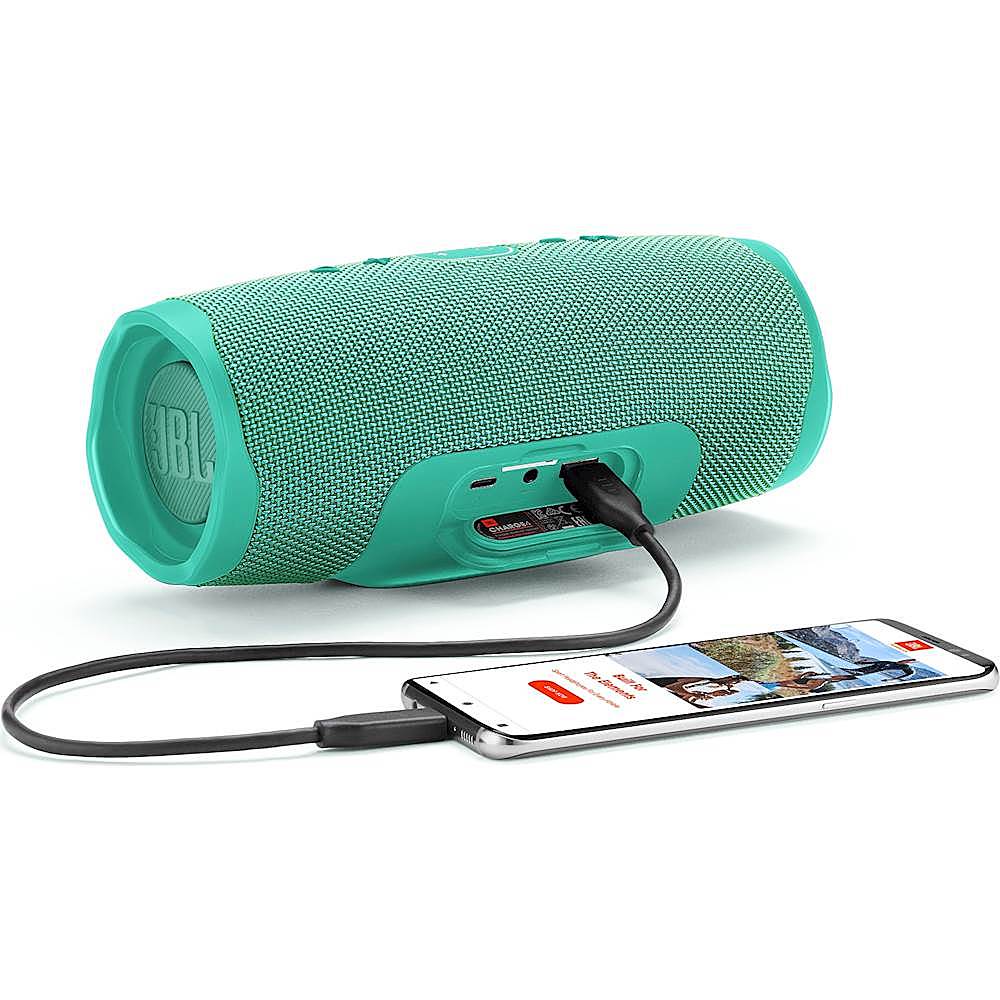
A:AnswerAny kind of USB Type-C will work fine on your JBL Charge 4. You may purchase one from any store near you, or you may reach our customer service team at https://www.jbl.com/support-contact.html/ to order the part directly from us.