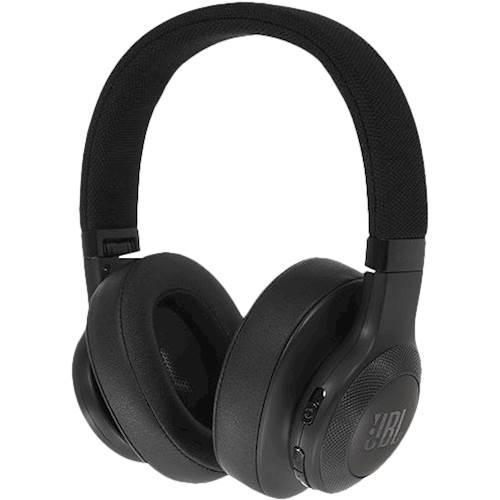
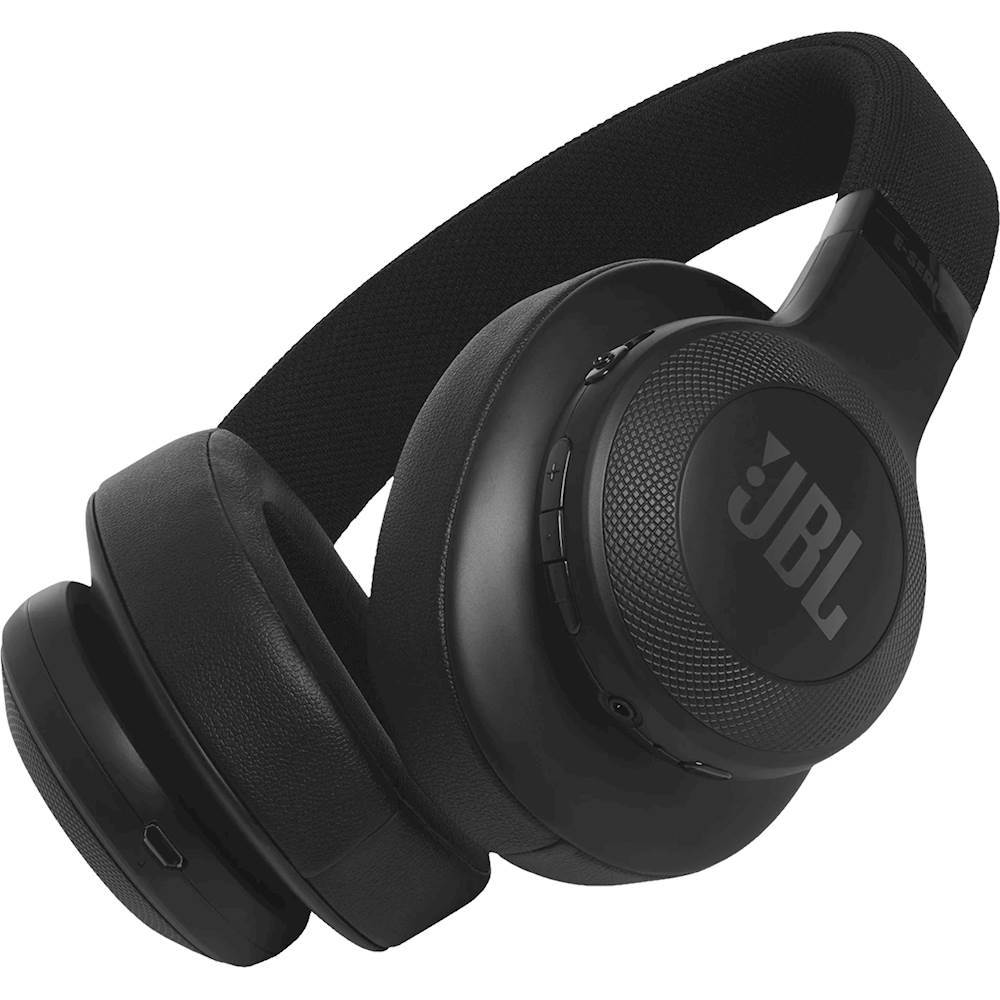
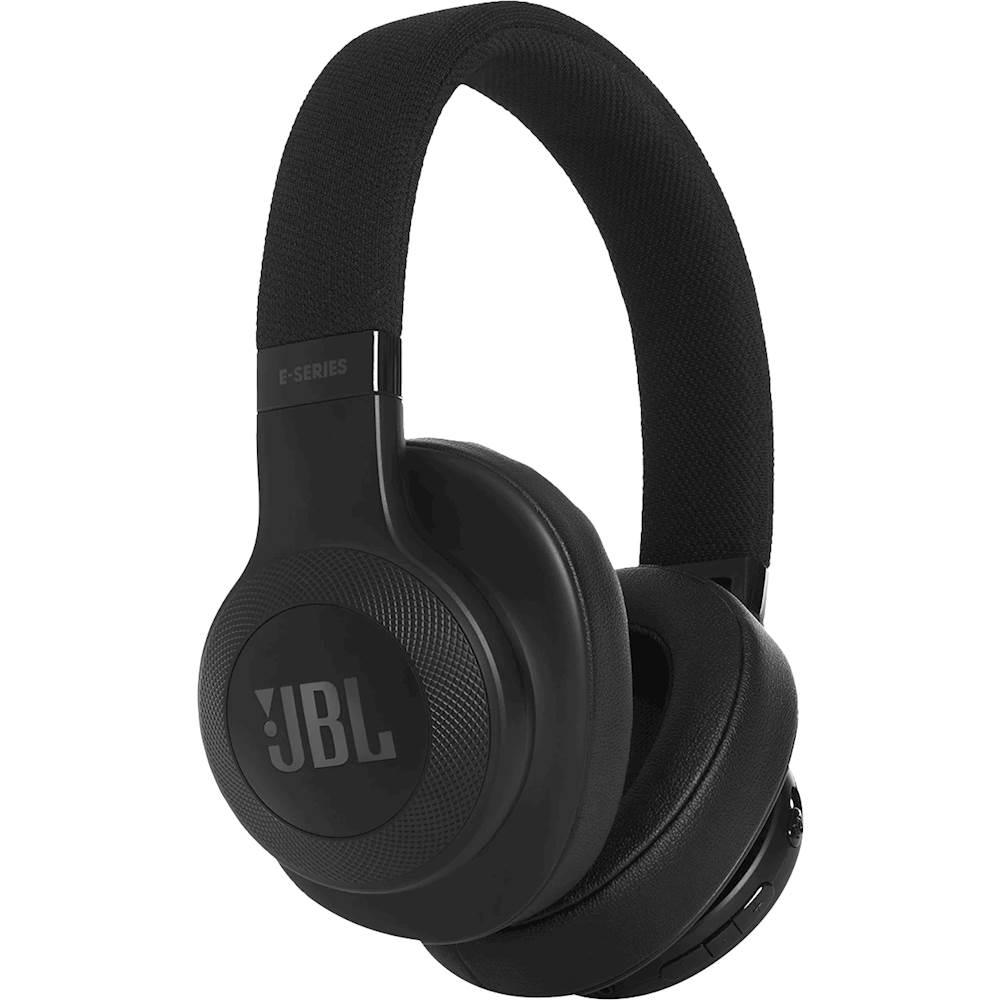
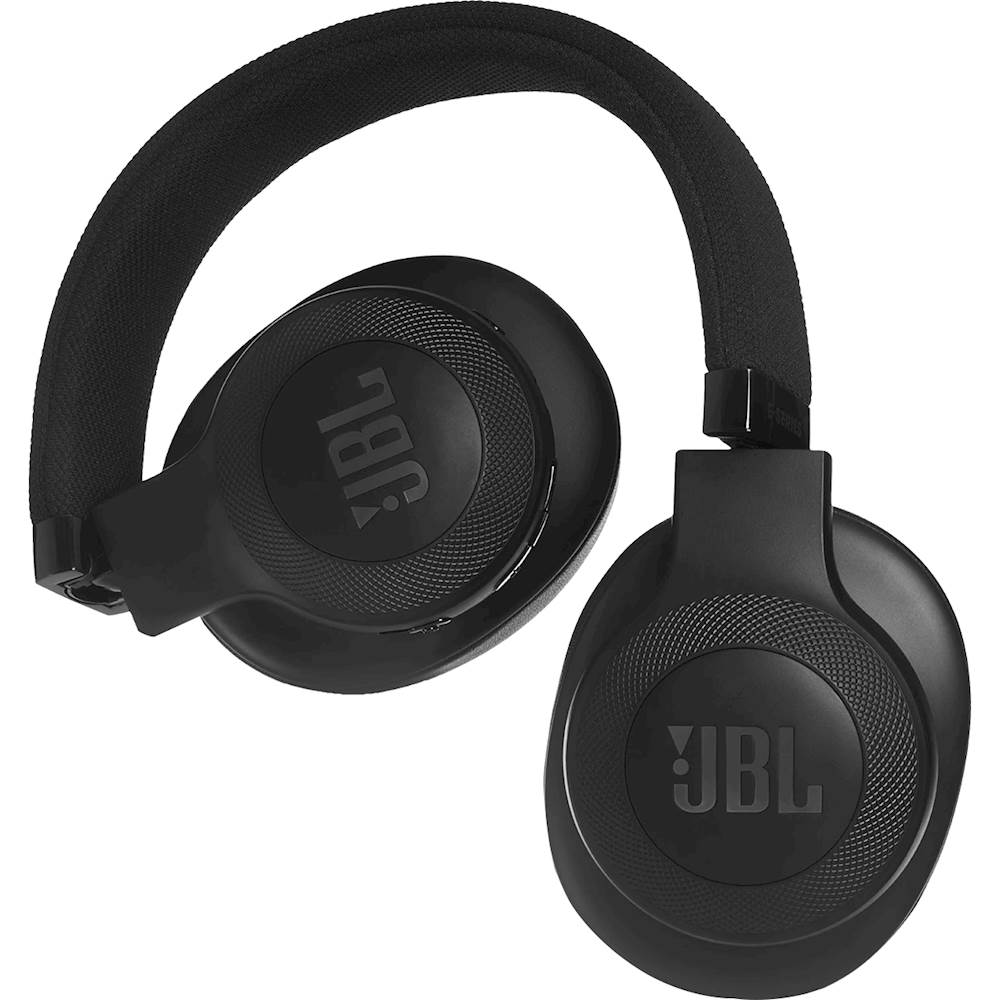
A:AnswerYes!
If your headphones are on and connected to your phone via Bluetooth, then you will a ringtone in the headphones that you can easily identify. To answer a call, simply press the button between the up and down volume buttons, the same button you use to pause or play music while listening to music on the headphones.
To hang up a call while on the headphones, simply press the same button you used to answer the call.
Calls will also go from your phone's speaker to your headphones if you want to connect the headphones while you're in the middle of a call. There can be about a 1 second delay in that process, but it's otherwise rather seamless. Similarly if you turn off the headphones while still in a call, the call will go back to your phone's speaker again.
Just experiment with them for a couple days to get the hang of it, but basically they have all the functionality you could want short of bringing up Google to let you do voice commands (which I don't know if I've ever tried to do...)
(I really love these headphones. I wear them to workout, and I just got my second pair recently after getting the first pair a little over two years ago. Again, they wore down a lot faster with all the sweat and kinda mean treatment I gave them ha, but they still lasted a long time and were plenty durable with a great sound even to the end! I was desperate to get another pair the very day that my first pair perished.)
A:AnswerYes they come with the built in microphone. The E55BT can be hooked up to the wireless controller of your PS4, but not through the PS4 itself directly through Bluetooth since it does not have the compatible drivers to connect to it wirelessly. If you do hook it up to the controller, it can only be used for listening to the PS4's audio but not for communicating with other players through the built-in mic. The mic is used only for phone calls when connected to a phone. For the audio to work, go to the Settings on the PS menu, then go to Devices, then select Audio Devices . After this, select output to Headphones. With your headphones plugged in, select "All Audio" and the audio should now be coming out of your headphones.
A:AnswerHi there, I understand you want to control volumes independently, and you can. You can set you device and phone's volume separately so you can balance the music that you're listening.
A:AnswerAlthough this headset is marketed as wireless, and many other headsets are as well, it technically means they have **BLUETOOTH**. They don't have WiFi and I haven't heard of a TV that can send its audio to another WiFi device. TVs in general (but not yours) could theoretically have Bluetooth. Your soundbar could also in theory have Bluetooth. So look in your user manuals for whether there is a Bluetooth capability on your soundbar, and for the pairing procedure to use.
I looked up the specific TV you mentioned, out of curiosity. It is listed on Best Buy and described in that listing as having no Bluetooth capability. But maybe the soundbar does. And it's possible that the listing has a slight error, so check the user manual for Bluetooth.
A:AnswerMost definitely, I have a huge head and they fit me maybe not perfect, but good enough. My 6 yr old grandson used them when he visited right after Thanksgiving and they fit him very well.
A:AnswerI thought I had the same issue when I got mine but the cord that plugs into the earpiece wasn't fully inserted. Hope that's all it is for you too.