A:AnswerI would take it back to best buy... ive had mine a couple months and no issues.. i dont ever leave it on the charger for days ... jjst a coioke hours and then take it off . Sorry dont know what advice to give on that..
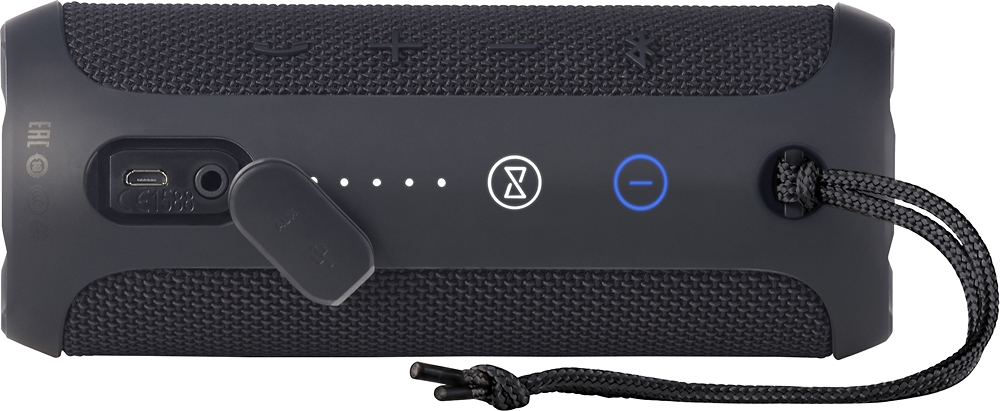
A:AnswerThe FLIP 3 must be connected to your iPhone via Bluetooth to stream music through Pandora. In power on mode, press and hold the Bluetooth button on the FLIP 3 for 3-5 seconds, enabling the pairing mode. Search Bluetooth devices from your iPhone and connect to JBL FLIP 3. Play music and enjoy.
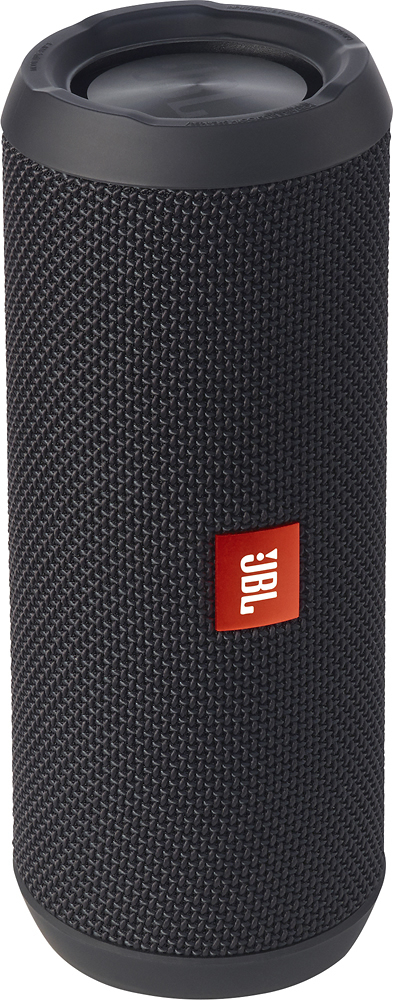
A:AnswerYou really don't need a stand because it does have a flat side and can rest on any flat surface. That said, it still is vulnerable to someone acidentally knocking it off. I found that the back of a countertop is safe, and the wall seems to enhance the sound.
A:AnswerPairing is pretty simple. Hold down the bluetooth button on the speaker. it should start beeping, kinda sounds like sonar.. which means it's searching for the device you're trying to pari it with.
This device should have bluetooth turned on and within range of the speaker while it's beeping. It should pop up under the list of bluetooth devices on your phone. Click to pair. It's just like any other bluetooth device that doesn't require a paring code.
good luck