A:AnswerYes. We sell cables and chargers for our JBL Link 10. Please contact our Sales Support through our number 800-336-4525, Monday to Friday from 9 am to 6 pm.
A:AnswerWe'd like to know more details about the set up of your JBL Link 10 and try some troubleshooting with you so we could isolate the issue. Please contact our Customer Support: https://www.jbl.com/support-contact.html.
A:AnswerOur JBL Link 10 can link and group with other Chromecast enabled devices. If your TV has Chromecast, then yes. You can transmit the TV audio to the speaker, given that they're set up through the Google Home App. Check out more information on the guide here: http://bit.ly/2GuO4Sr
A:AnswerWe'd like to know more details about what's happening with your JBL Link 1. We're here to help. Please contact us through this link: http://bit.ly/2mKB7hl.
A:AnswerIt takes maybe an hour. If your trying to add this to a Google hub/network, take it back. It drops the wifi connection daily. Works great independent, but terrible on Google home network
A:AnswerIf you take it to the park, connect it to your (using your phone as a hotspot) and your phone has service, then it will work like you’d expect. The challenge is that it’s not super convenient to switch Wifi networks. So if you always use it through the WiFi on your phone you are good to go, but if you usually use it on your home WiFi you’ll have to switch it to your phone, which is a bit of a pain (but possible). Hope that helps.
A:AnswerOur JBL Link 10 features an output power of 2 x 8 W similar to our JBL Flip 4. In terms of loudness both speakers are similar in their output power. Should you need more assistance please do not hesitate to reach out to us via this link: https://bit.ly/2K52L2x
A:AnswerThank you for your question. Our JBL Link 10 can sync with Google Home enabled smart bulbs. For more information on Google home enabled devices, please check the link: https://store.google.com/category/connected_home
A:AnswerHi there, we're here to help with your JBL Link 10. You can download the Google home app on your Samsung phone or your iPad. If your music is saved online, you can still play it regardless of where you've used the app as the Link 20 will be synced with your Spotify account. If you need more help, please submit a case request so we can assist you: https://support.jbl.com/us/en/customer-service/contact.html
A:AnswerHey there, our JBL Pulse 3 only features USB charging. To play music, it allows users to connect to it over Bluetooth or wired connection with the auxiliary input. Check out the full specs here: https://www.jbl.com/bluetooth-speakers/JBL+Pulse+3.html?
A:AnswerHi there, our JBL Link 10 can be connected to your TV through Bluetooth, if you're not able to get it connected but is able to get connected with other devices like your phone, it's possible that your TV may not be compatible with the JBL Link 10.
A:AnswerHi there, sorry to hear that you're having difficulties using the Bluetooth function of your JBL Link 10. You will first need to set it up to the Wi-Fi using your Google Home app in order to use Bluetooth, as it's mainly used as voice assistant. Once the set up is done, you can easily connect to Bluetooth by saying "Hey Google, turn on bluetooth"
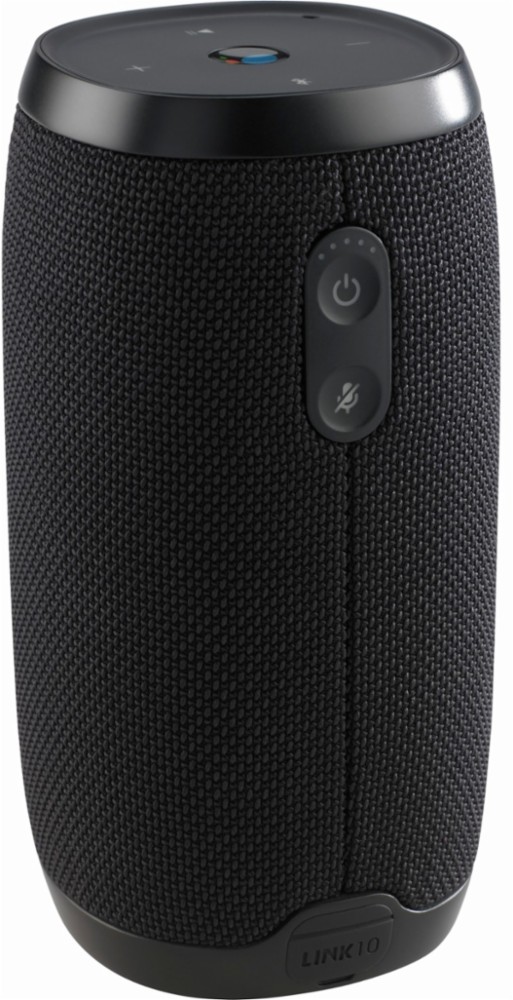
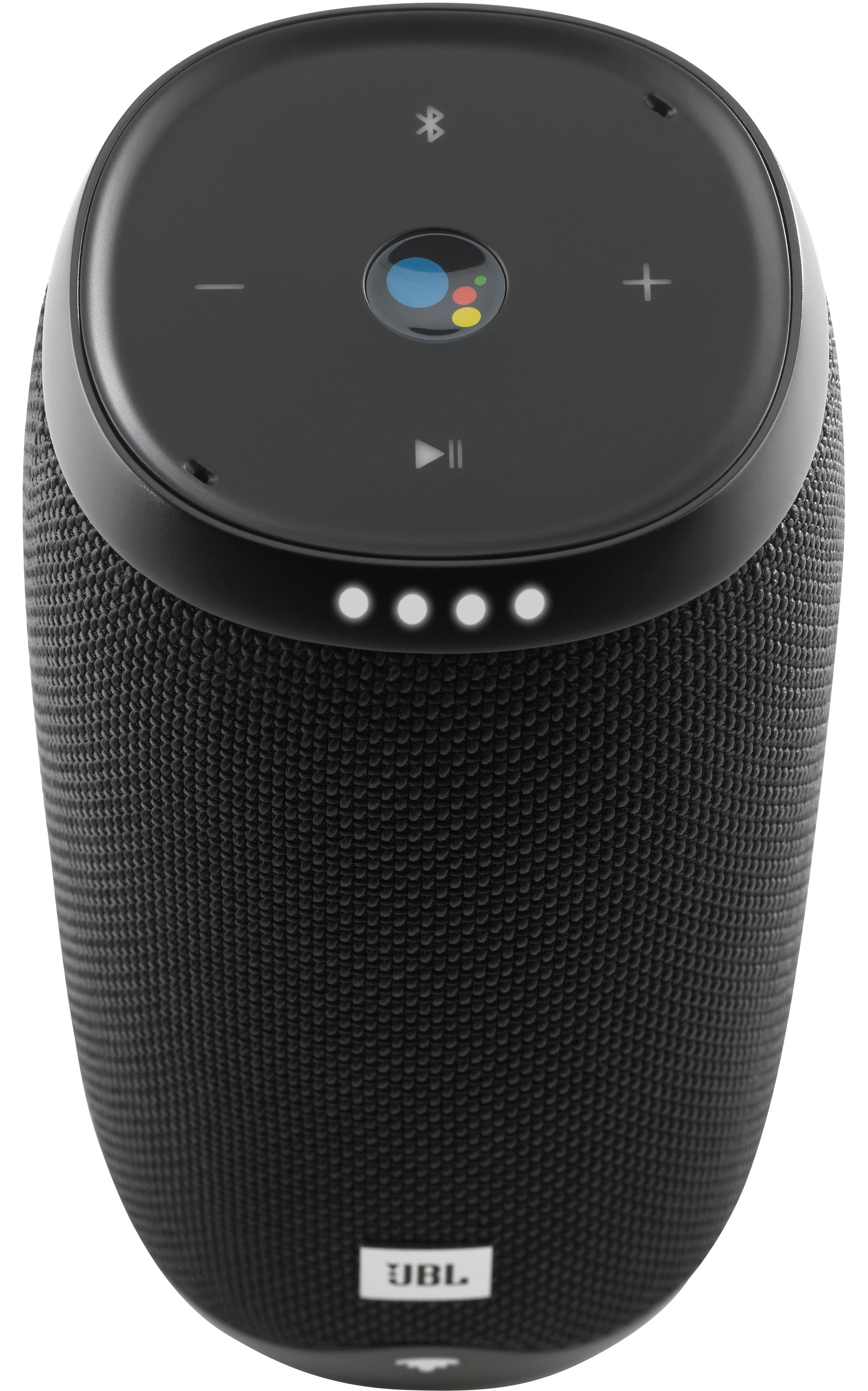
A:AnswerHey Wang, thanks for sending us this question. Your JBL LINK 10 speaker may be running on low battery if you're seeing a single LED light up in red. Also your speaker's microphone is on mute if the color of the button is orange.
We suggest that you charge your speaker by plugging it directly into a wall outlet using the supplied USB cable — you should then see a progression of LEDs light up over time. To unmute the speaker, just press on the microphone button — you should see the light change to white and hear a message from the Google Assistant saying, "the mic is back on". If you haven't yet, set up your speaker on the Google Home app which is available on both the AppStore and Google Play store. The set up is easy, just follow the instructions on the app. If you need help with it, let us know through here: https://support.jbl.com/us/en/
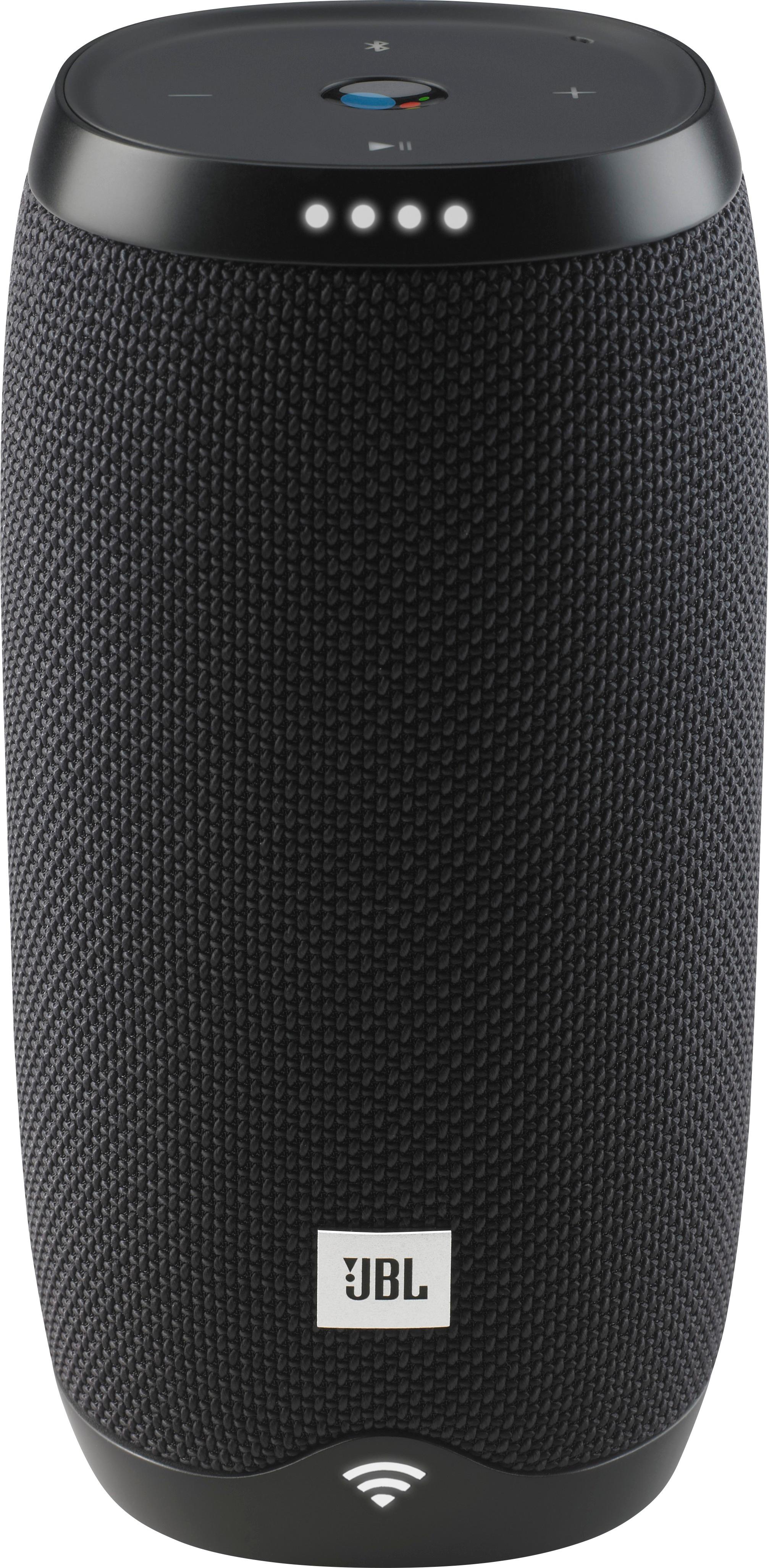
A:AnswerDoes the speaker turn on automatically if you plug in the micro USB cable? If not, there might be an issue with the unit, please submit a case request so we can assist you: www.jbl.com/support-contact.html
A:AnswerThanks for reaching out. We can definitely give you few troubleshooting steps that may help you fix the issue. You may try rebooting your router twice every 1 minute then press and hold the Mic button for 10 seconds to set the speaker to It's factory default.
If the issue persists, please submit a case request at https://www.jbl.com/support-contact.html and the Customer Service Team will be more than happy to assist you.
A:AnswerThanks for reaching out. You may connect your mobile device to the Link 10 speaker via Bluetooth once It's set up on Google Home app and you can play any music using Pandora app without asking Google assistant. But If you're planning to connect thru Bluetooth without doing the setup on Google Home app then It's not possible. The features of the speaker including Bluetooth will work well once you've set it up.