A:AnswerThanks for reaching out, please try using a different cable and/or power source. If the issue still persist, please submit a case request at https://www.jbl.com/support-contact.html and the Customer Service Team will be more than happy to assist you.
A:AnswerSimply press on the power button once and it will turn off. If that doesn't work, please submit a case request and so we can assist you: www.jbl.com/support-contact.html
A:AnswerWe would like to work with you directly to help you with your issue. Please submit a case request at https://www.jbl.com/support-contact.html and the Customer Service Team will be more than happy to assist you.
A:AnswerThanks for reaching out. Please try resetting the Link 10 to its factory settings and see if it makes any difference. Press the microphone/mute button for about 13 seconds until you hear a prompt from Google and then set it up again using the GoogleHome app. If the issue still persist, please submit a case request at https://www.jbl.com/support-contact.html and the Customer Service Team will be more than happy to assist you.
A:AnswerWe would like to work with you directly to help you with your issue. Please submit a case request at https://www.jbl.com/support-contact.html and the Customer Service Team will be more than happy to assist you.
A:AnswerYou can link your Spotify account to the JBL LINK 10 speaker using the Google Home App. If you're going to stream music from Spotify via Bluetooth, then you don't need to link the account since it would stream the music directly from your phone and not over the internet. Thanks.
A:AnswerWe would like to work with you directly to help you with your issue. Please submit a case request at https://www.jbl.com/support-contact.html and the Customer Service Team will be more than happy to assist you.
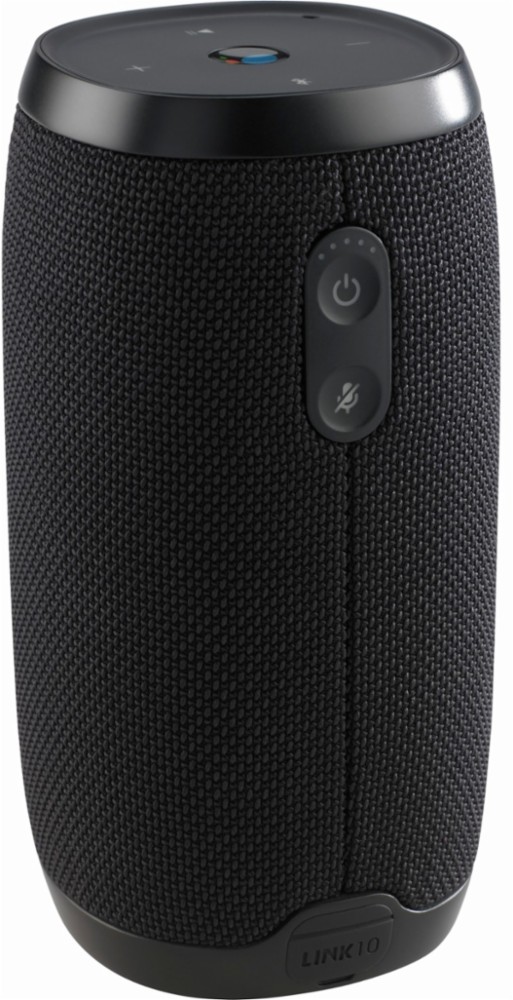
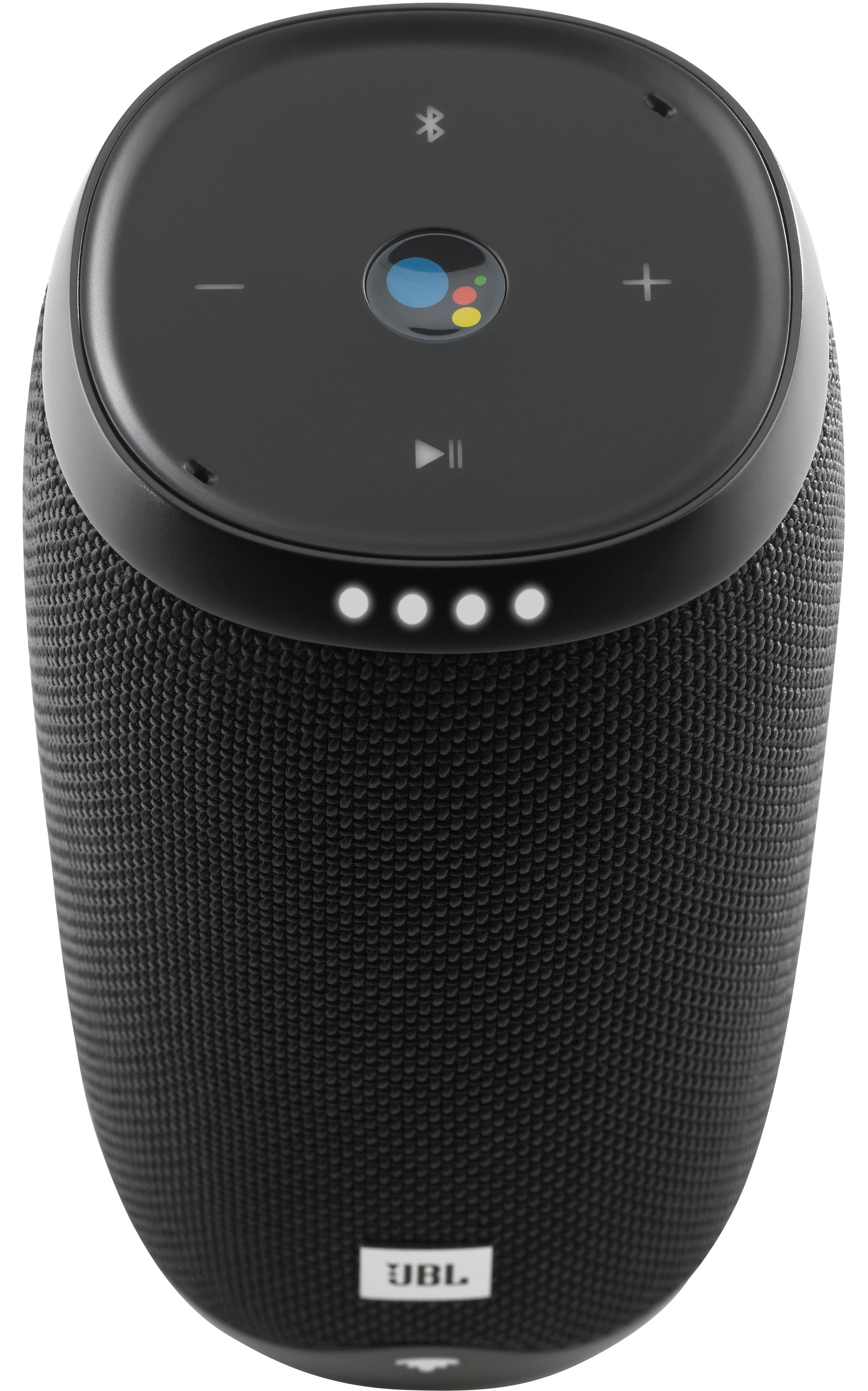
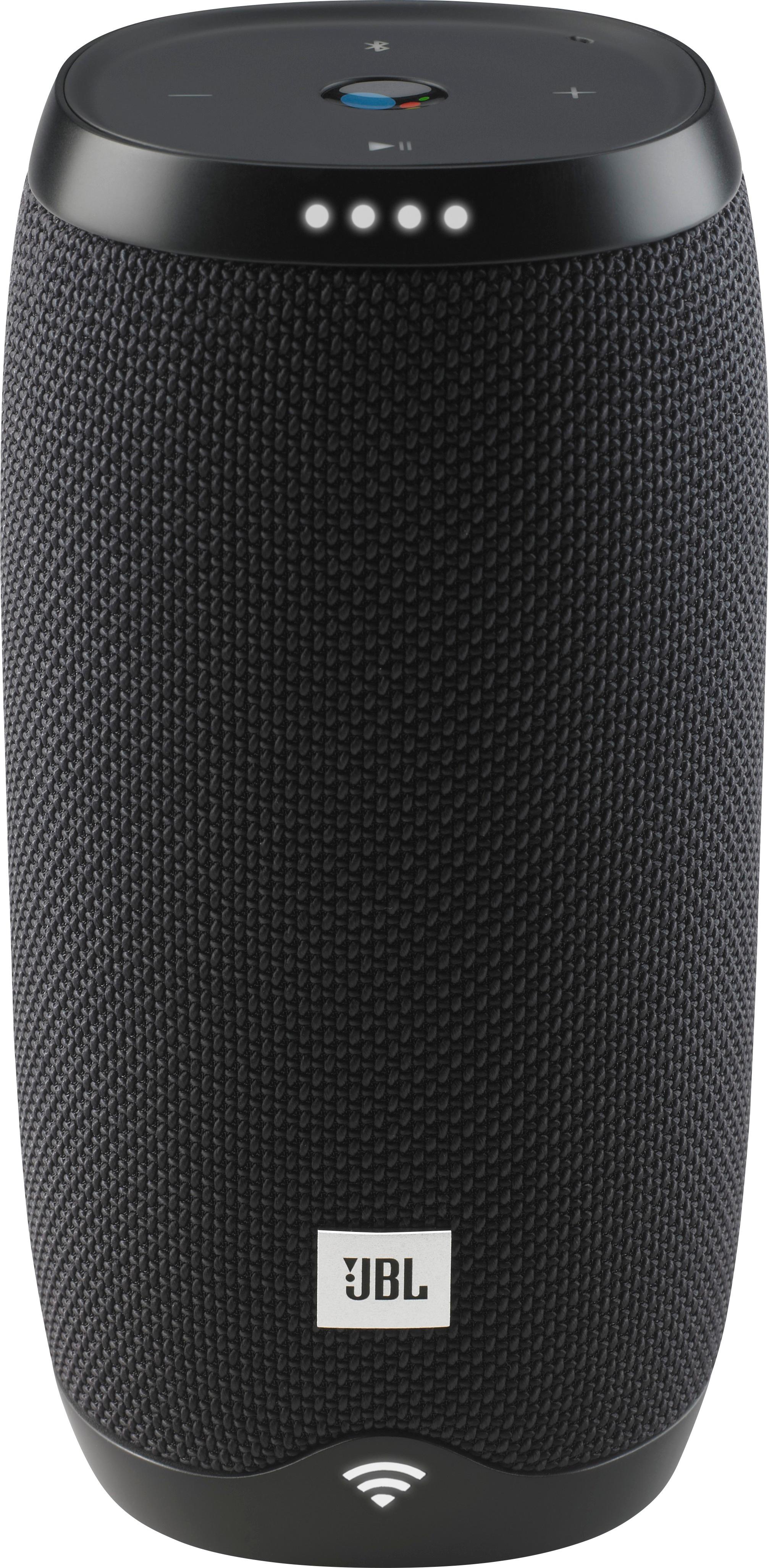
A:AnswerThe JBL Link 10 has Google assistant built-in. You can use it to help with Home automation. Lights, thermostats, asking it questions. Just like the Google Home devices and Amazon echo ones, but its portable to use as a bluetooth speaker too.
A:AnswerThanks for reaching out. All HARMAN portable devices have a PCM (Protection Circuit Module) and charge management IC built-in, that managed and detects that charging. It will monitor and control the charging current. Once fully charged, it will cut-off the current to protect the battery.
A:AnswerWe would like to work with you directly to help you with your issue. Please submit a case request at https://www.jbl.com/support-contact.html and the Customer Service Team will be more than happy to assist you.
A:AnswerGoogle Assistant speakers don't use Airplay BUT with the help of the Google Home App, you should be able to play multiple Google Assistant Speakers by making groups of them through the App.
A:AnswerHi! You may try using a different charging cable and power supply to isolate the issue out. Make sure that the charging cable is properly plugged in. If the issue persists, please submit a case request at https://www.jbl.com/support-contact.html and the Customer Service Team will be more than happy to assist you.
A:AnswerThe JBL Charge 3 is a Bluetooth Portable speaker only while the JBL Link 10 is both Bluetooth portable speaker and also Voice activated powered by Google Assistant.