A:AnswerThanks for your inquiry. You may use any wired or wireless mic while connecting two JBL PartyBox 710 via TWS mode. However, only the primary speaker has mic audio, but the music goes over both speakers.
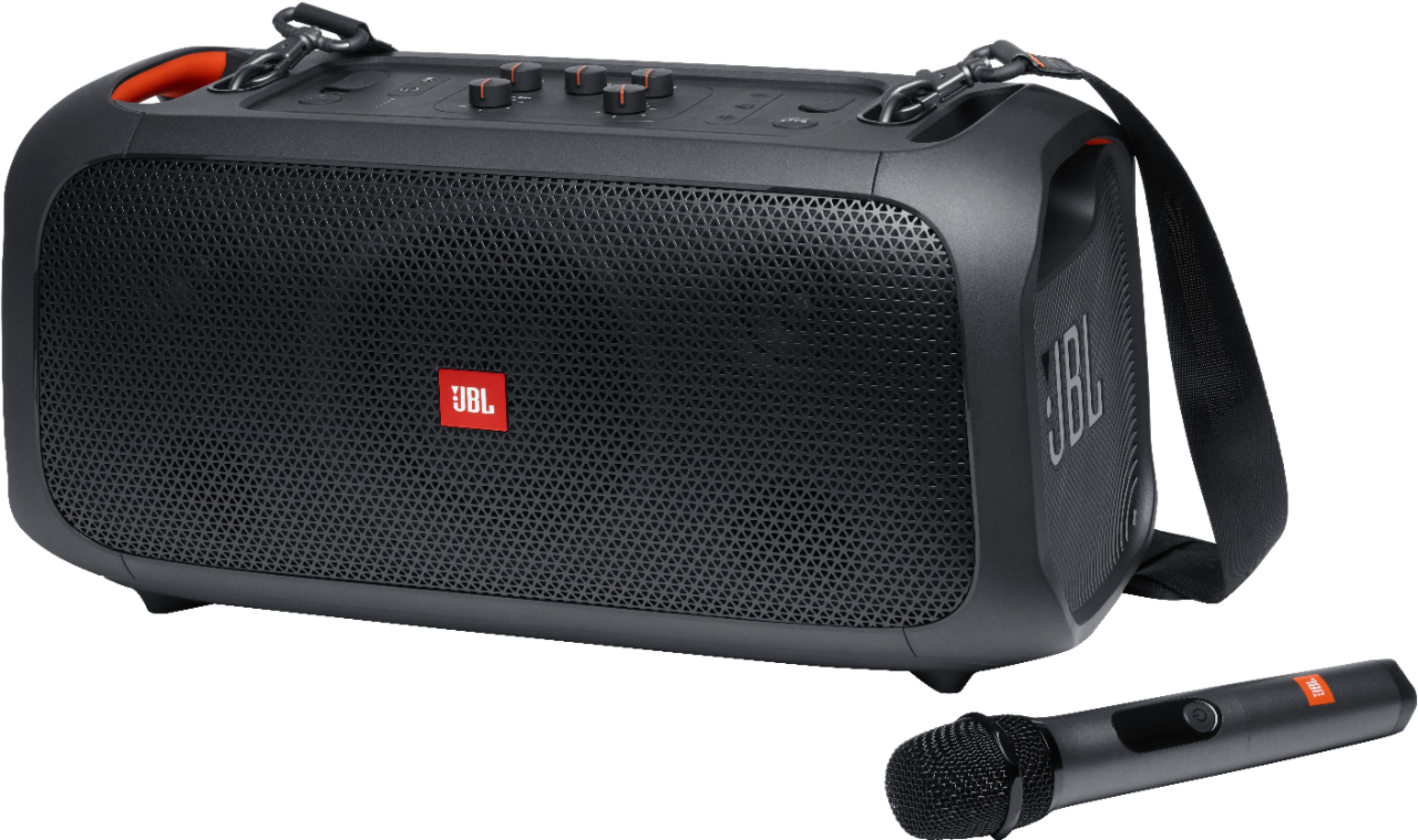
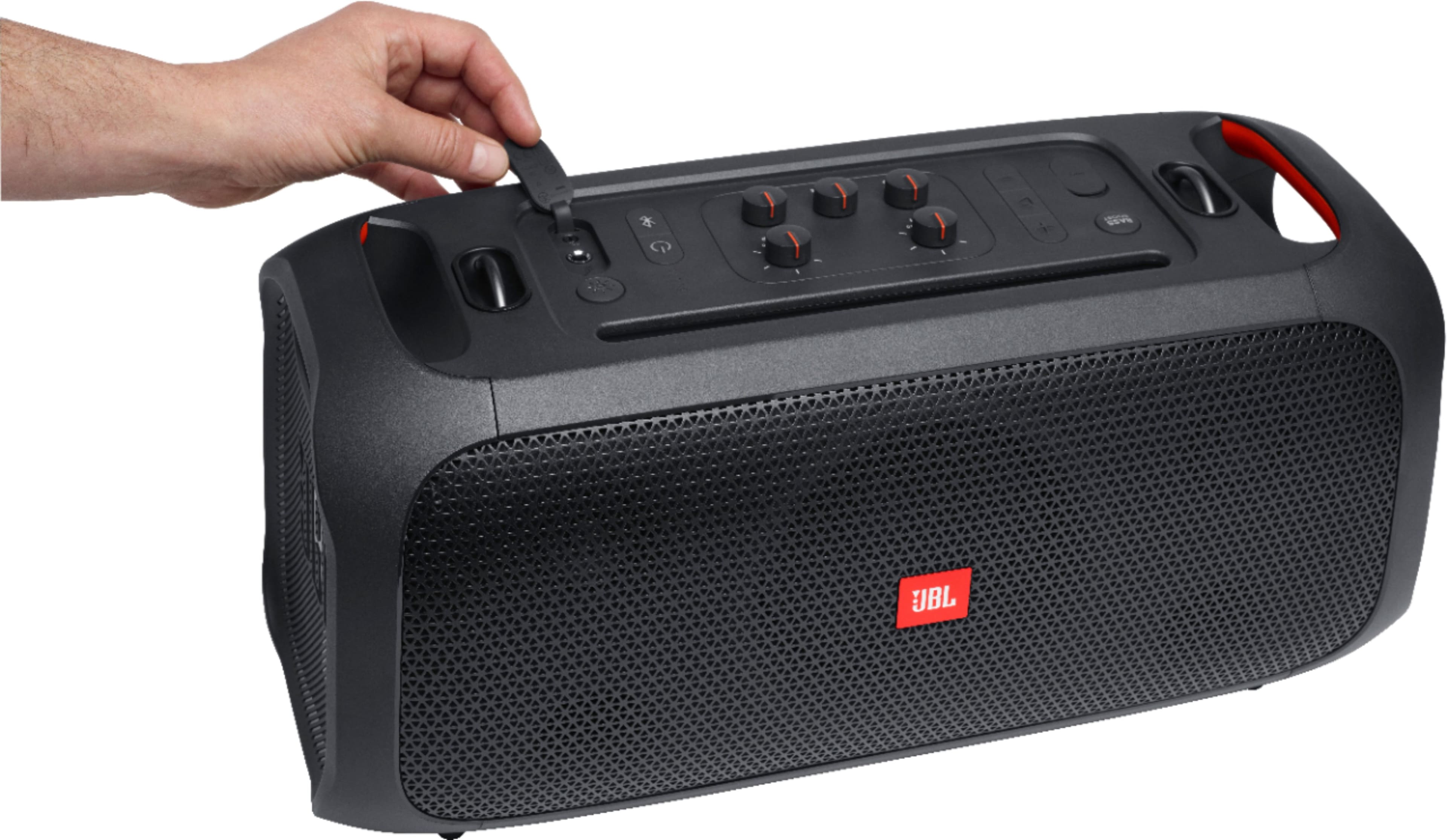
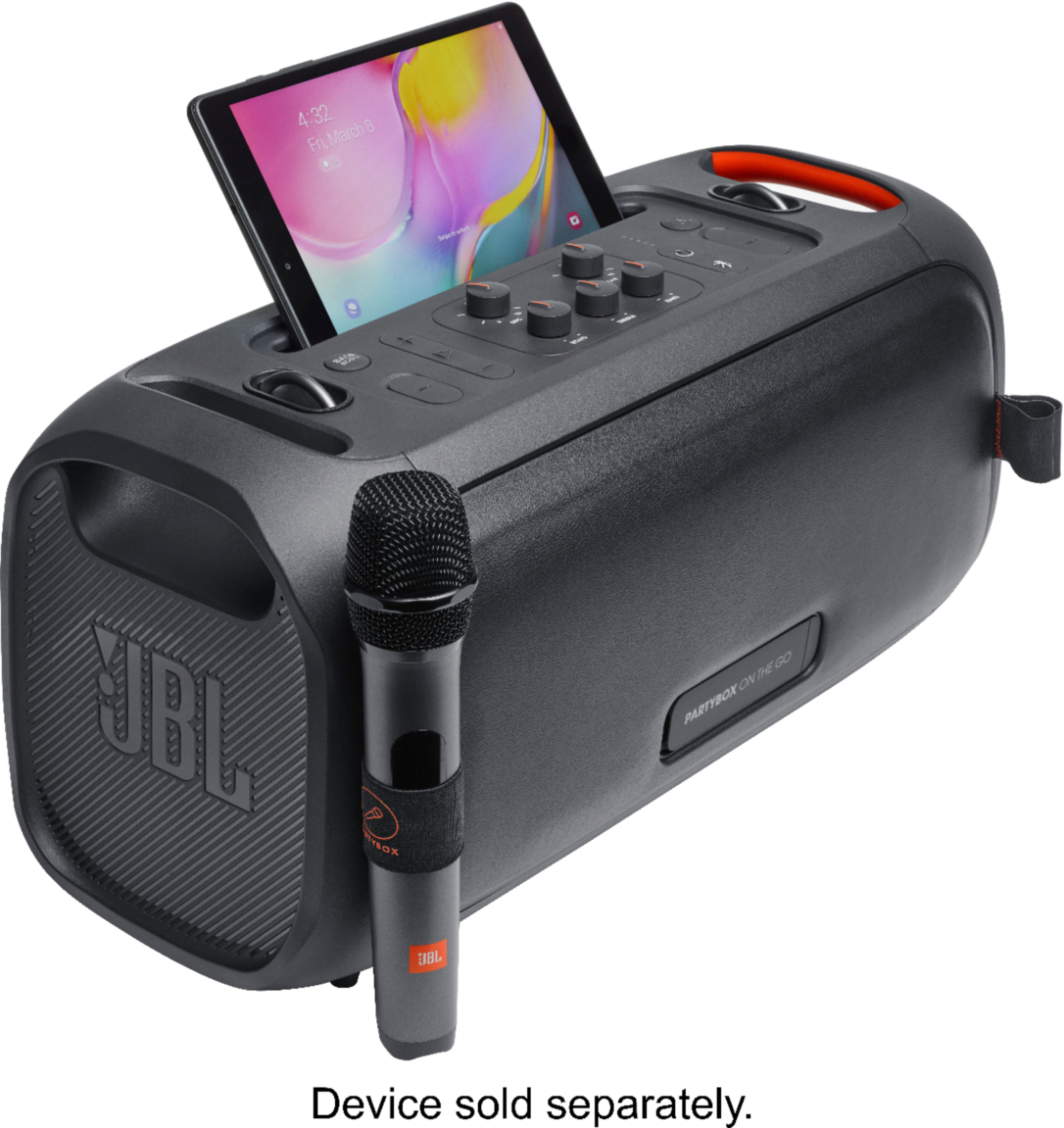

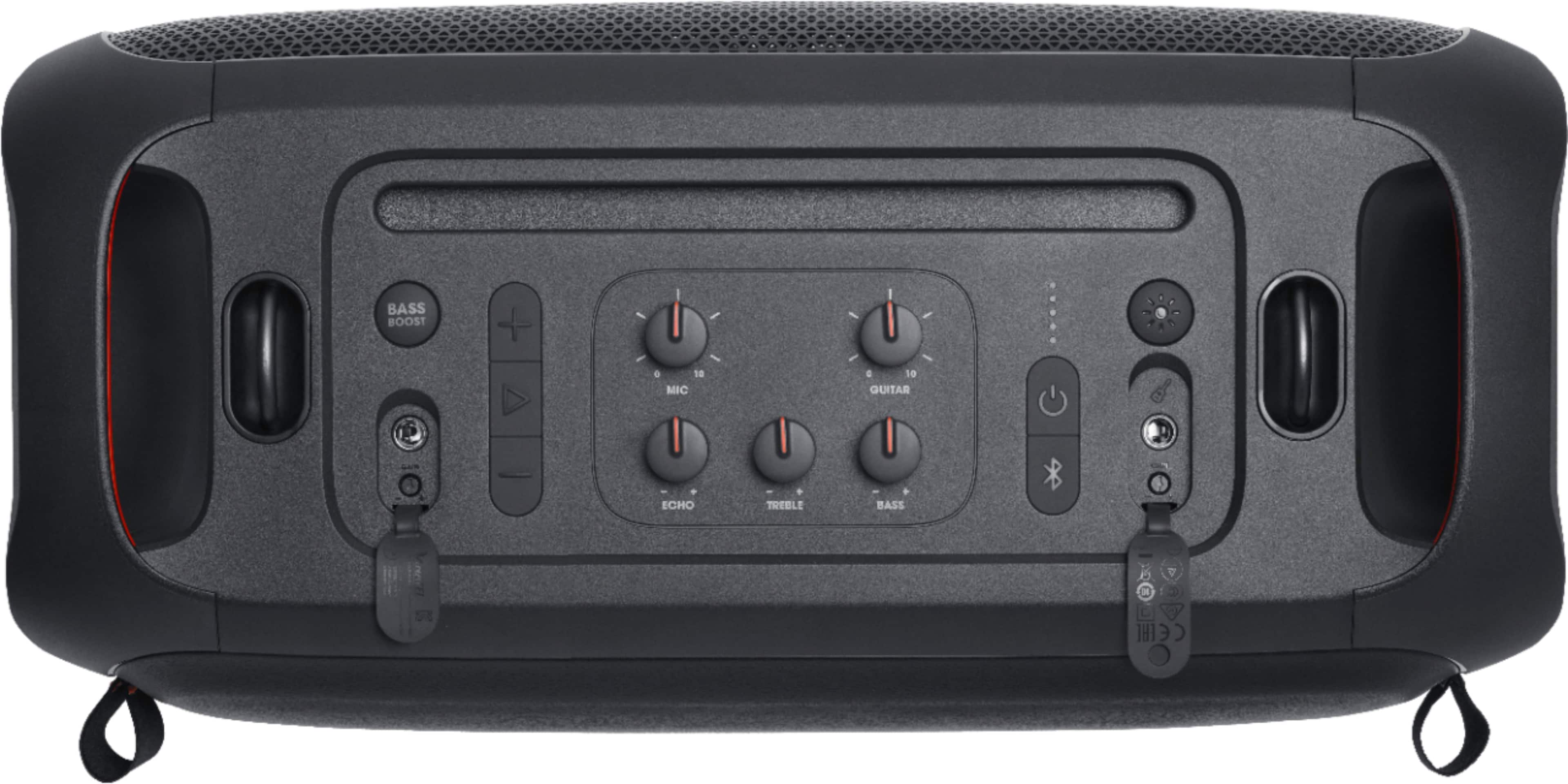
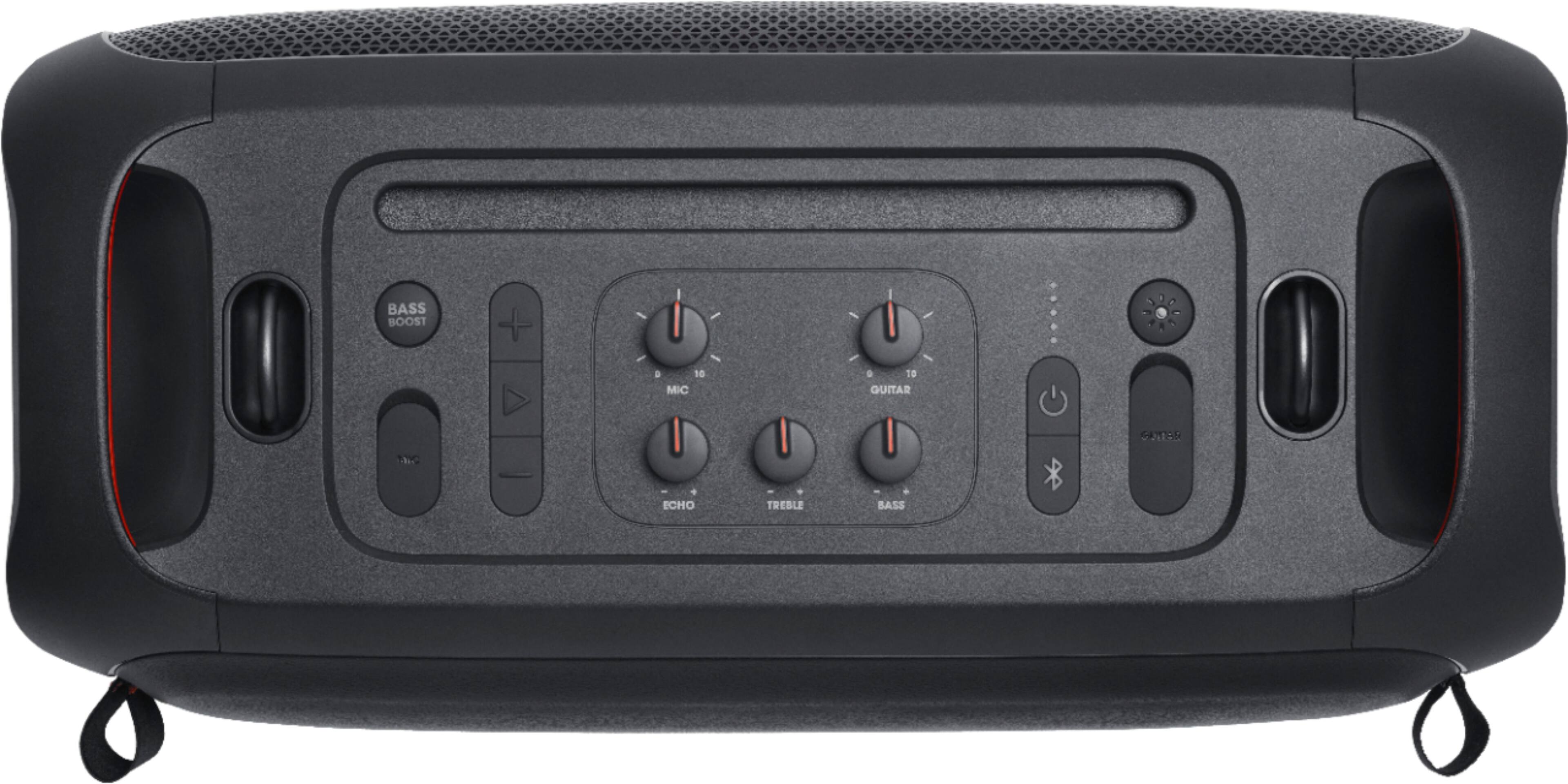
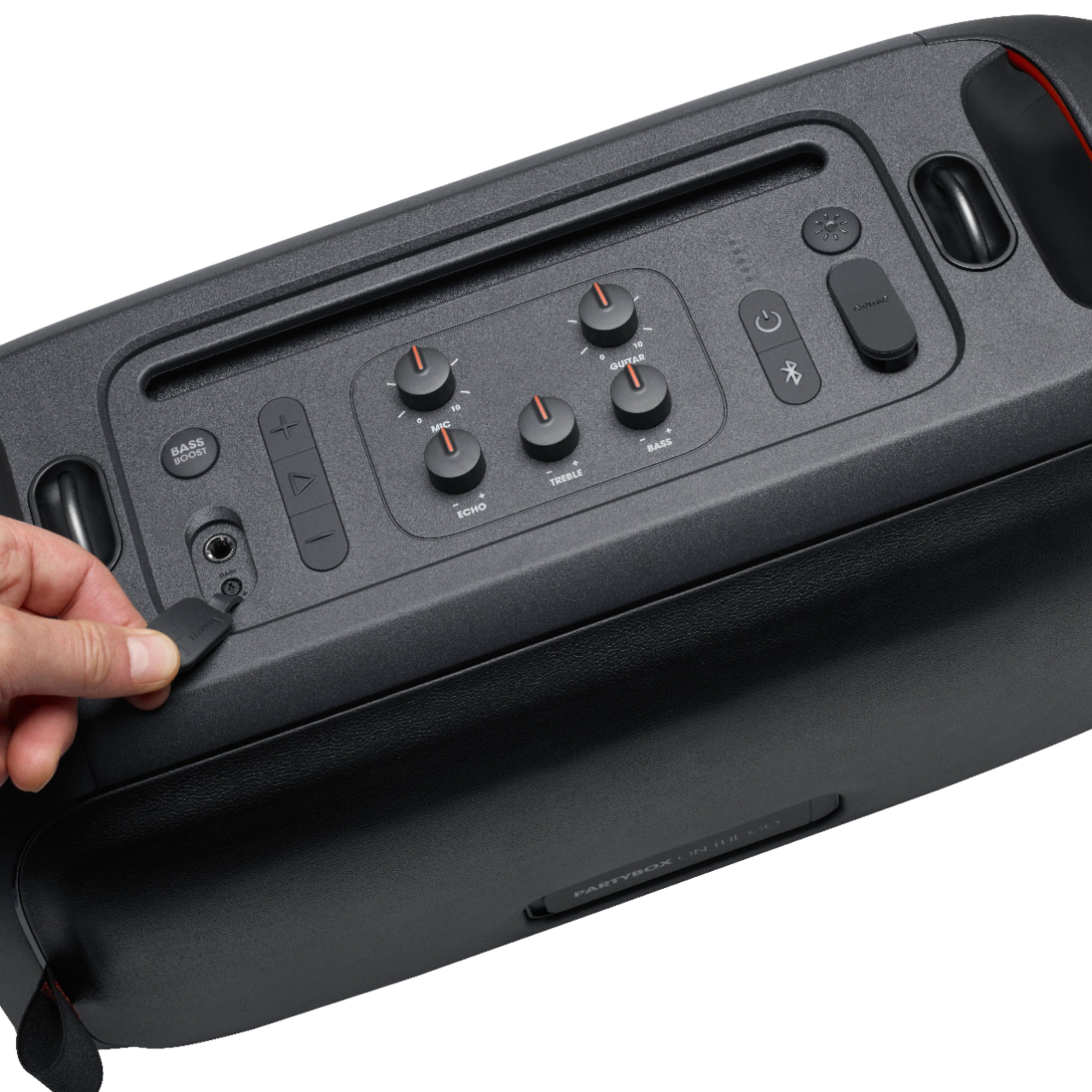
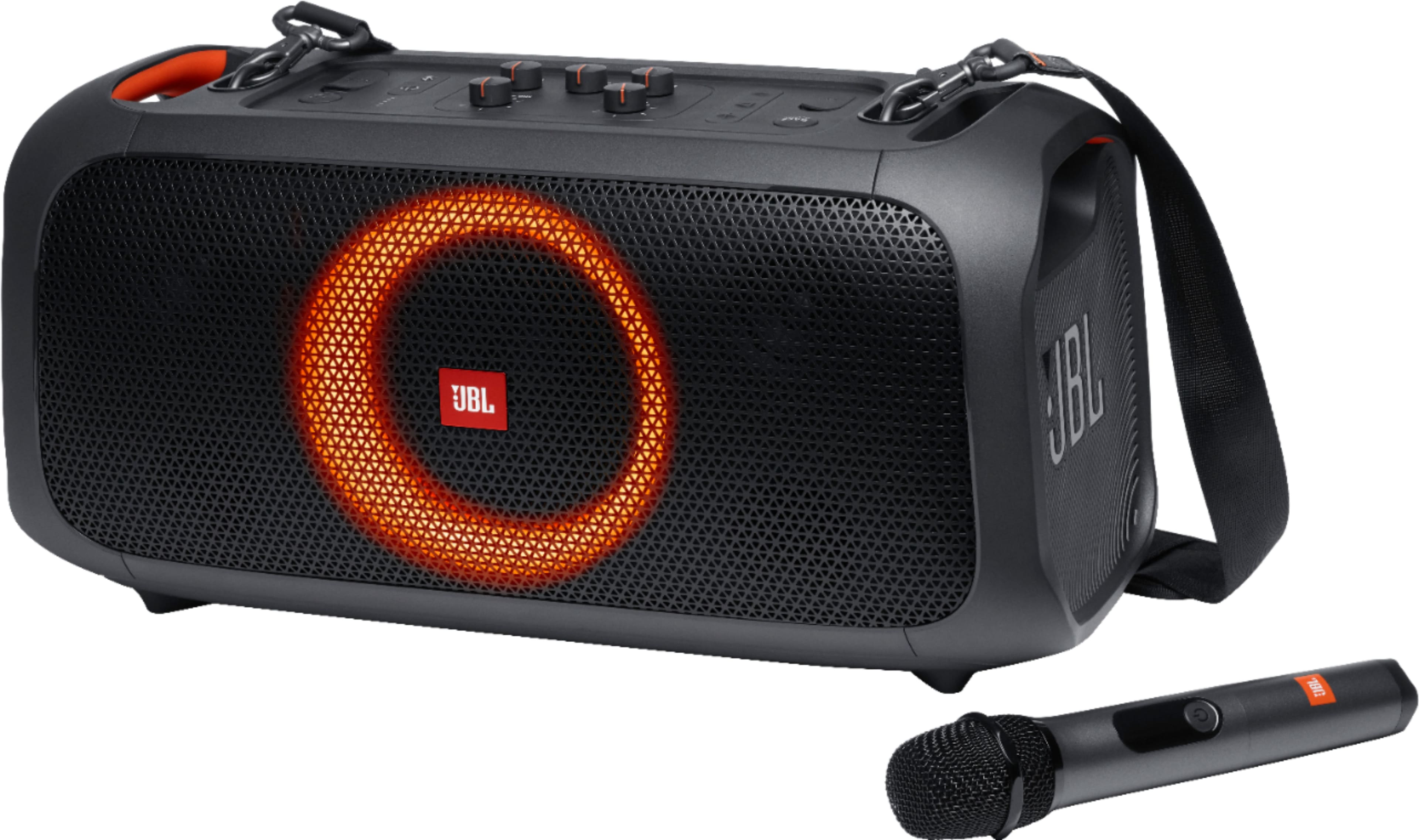
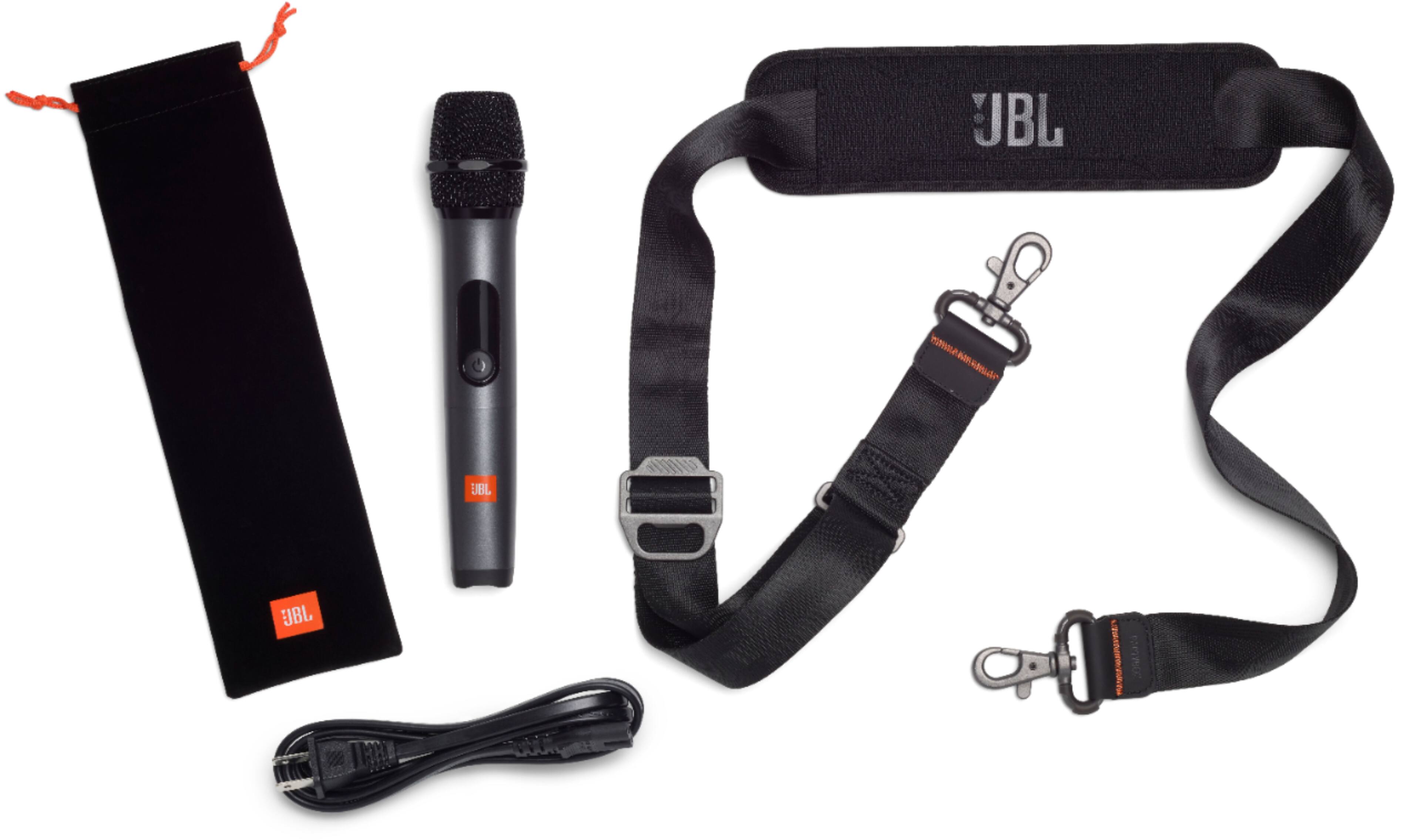
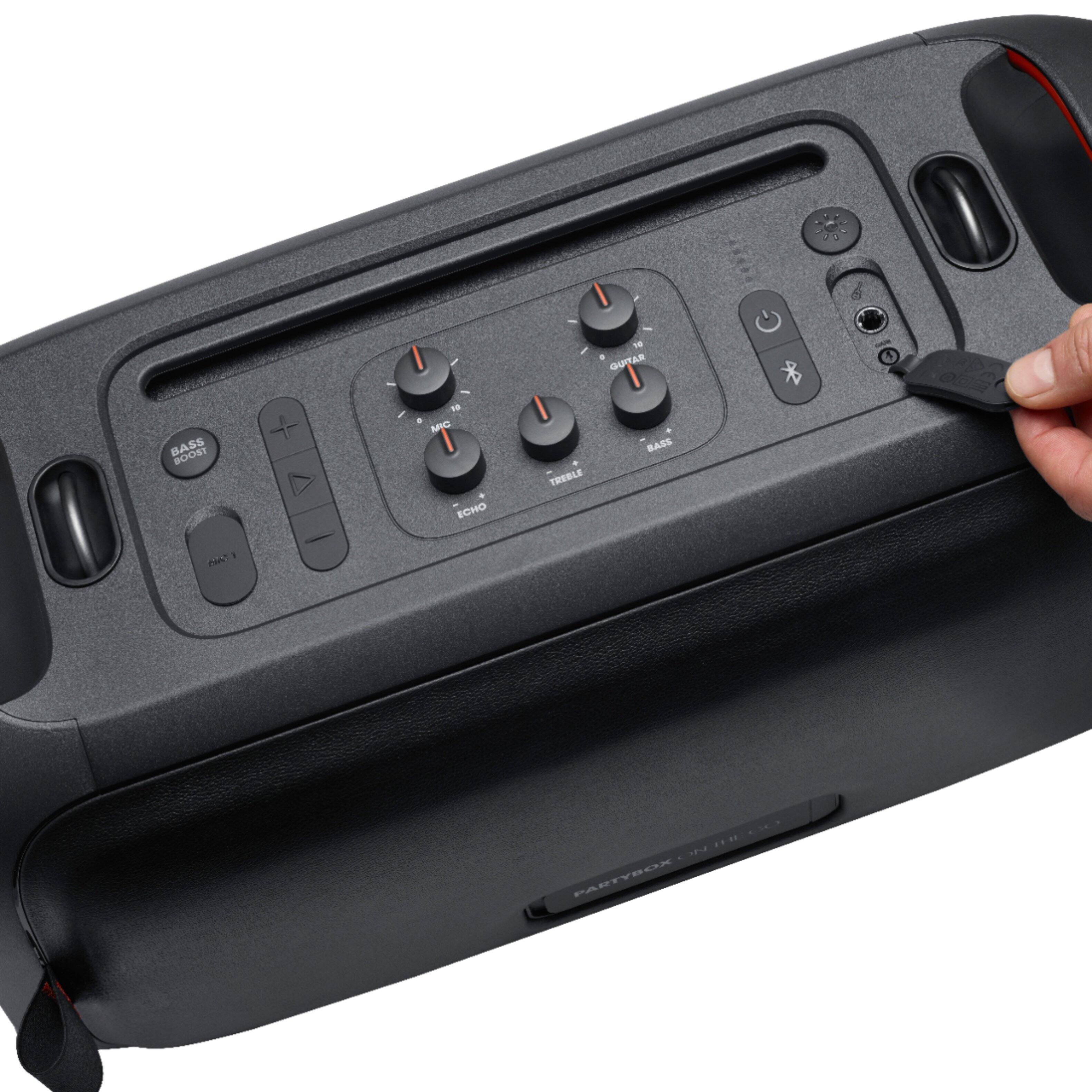
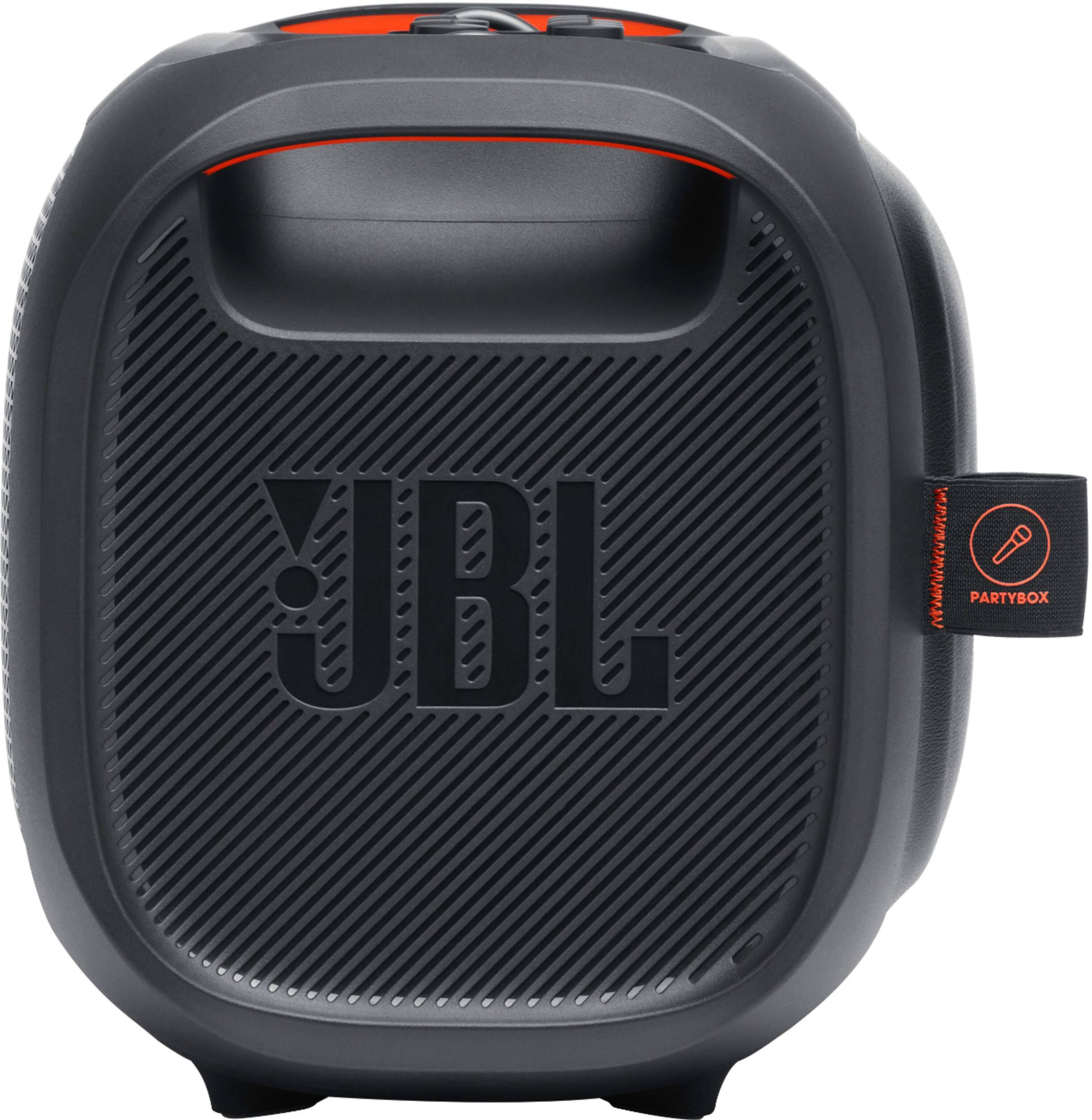
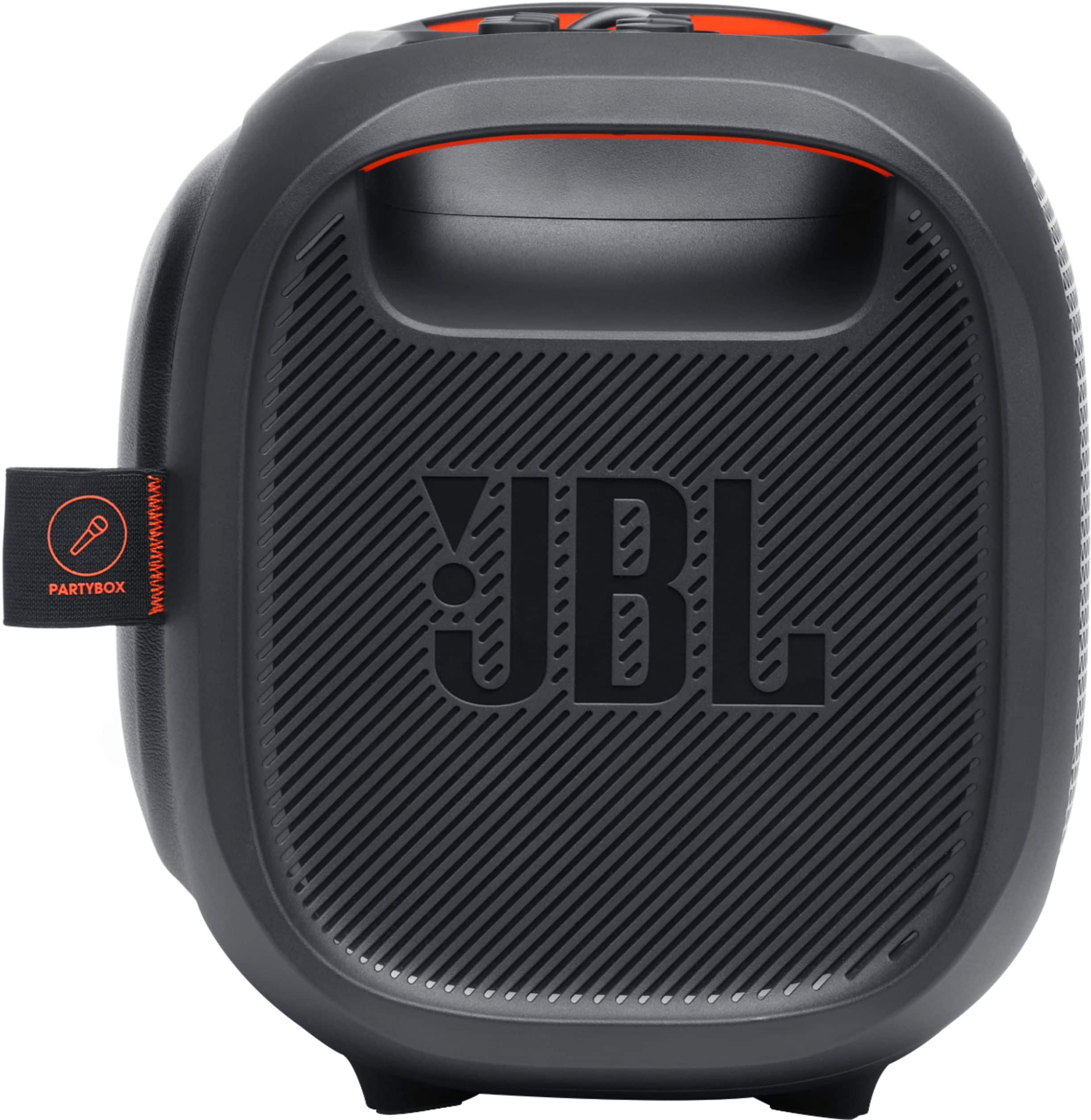
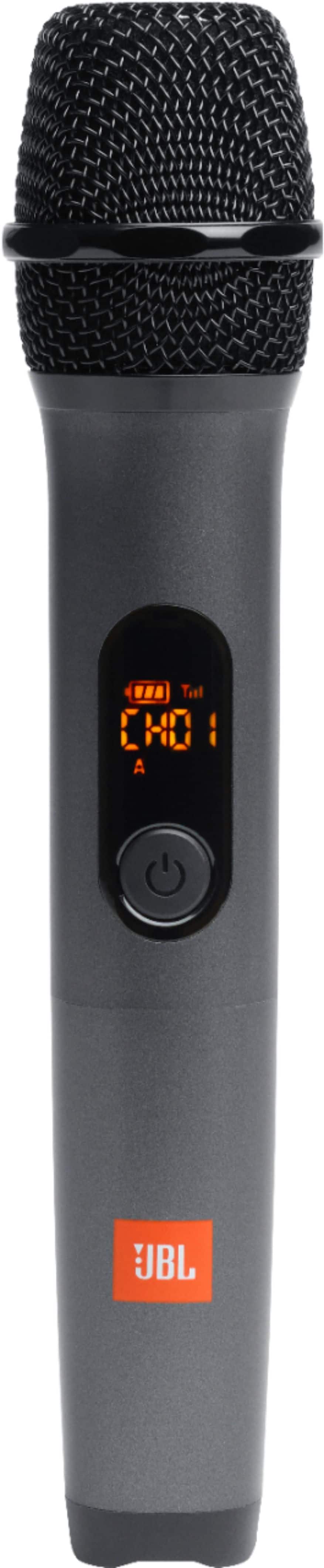
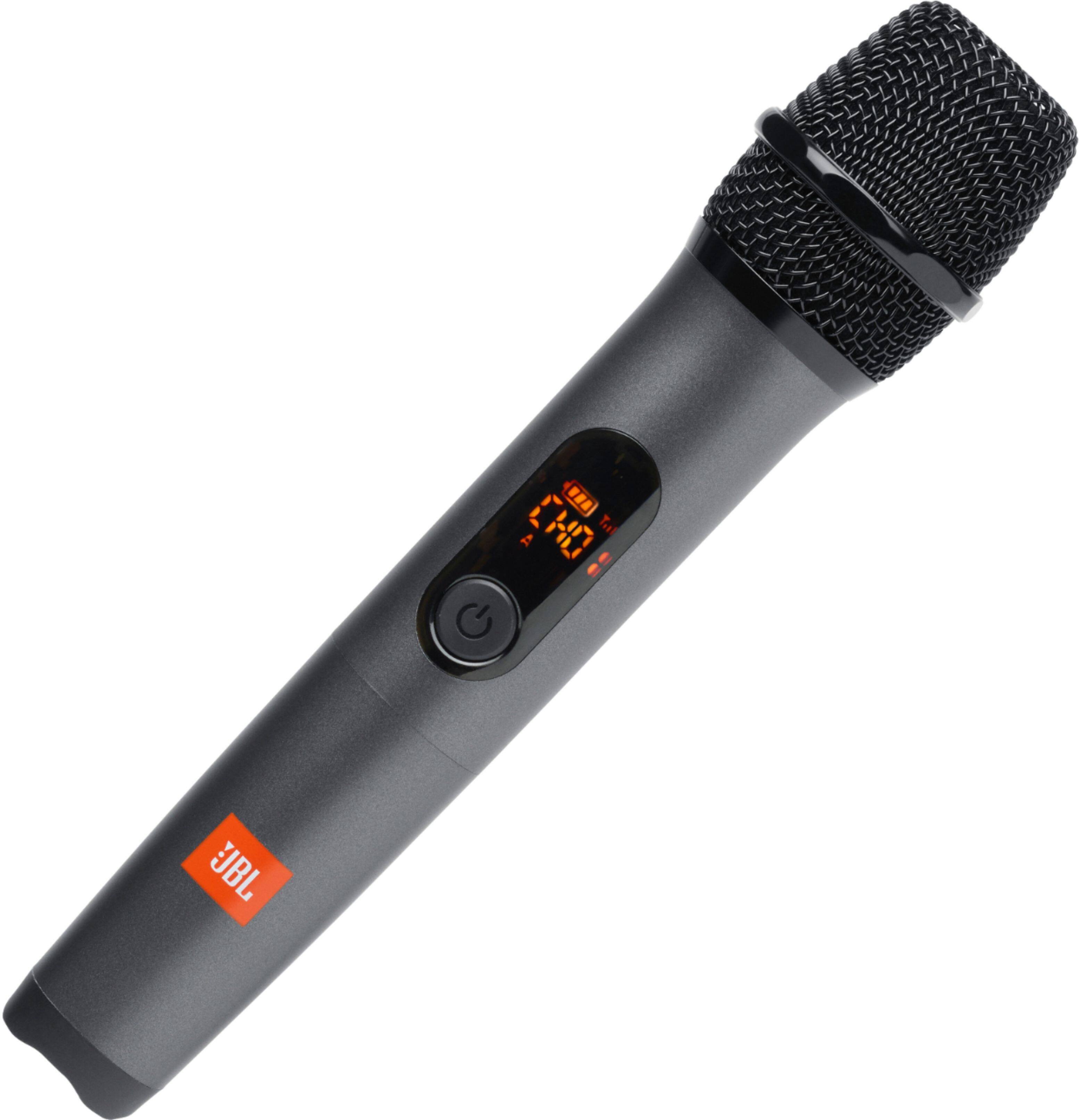
A:AnswerYou may use a 2nd wireless microphone with our JBL PartyBox On-the-Go as long as the Bluetooth receiver of the microphone is plugged in the mic port. We recommend purchasing our JBL wireless microphones as other brands might have a connectivity issues.
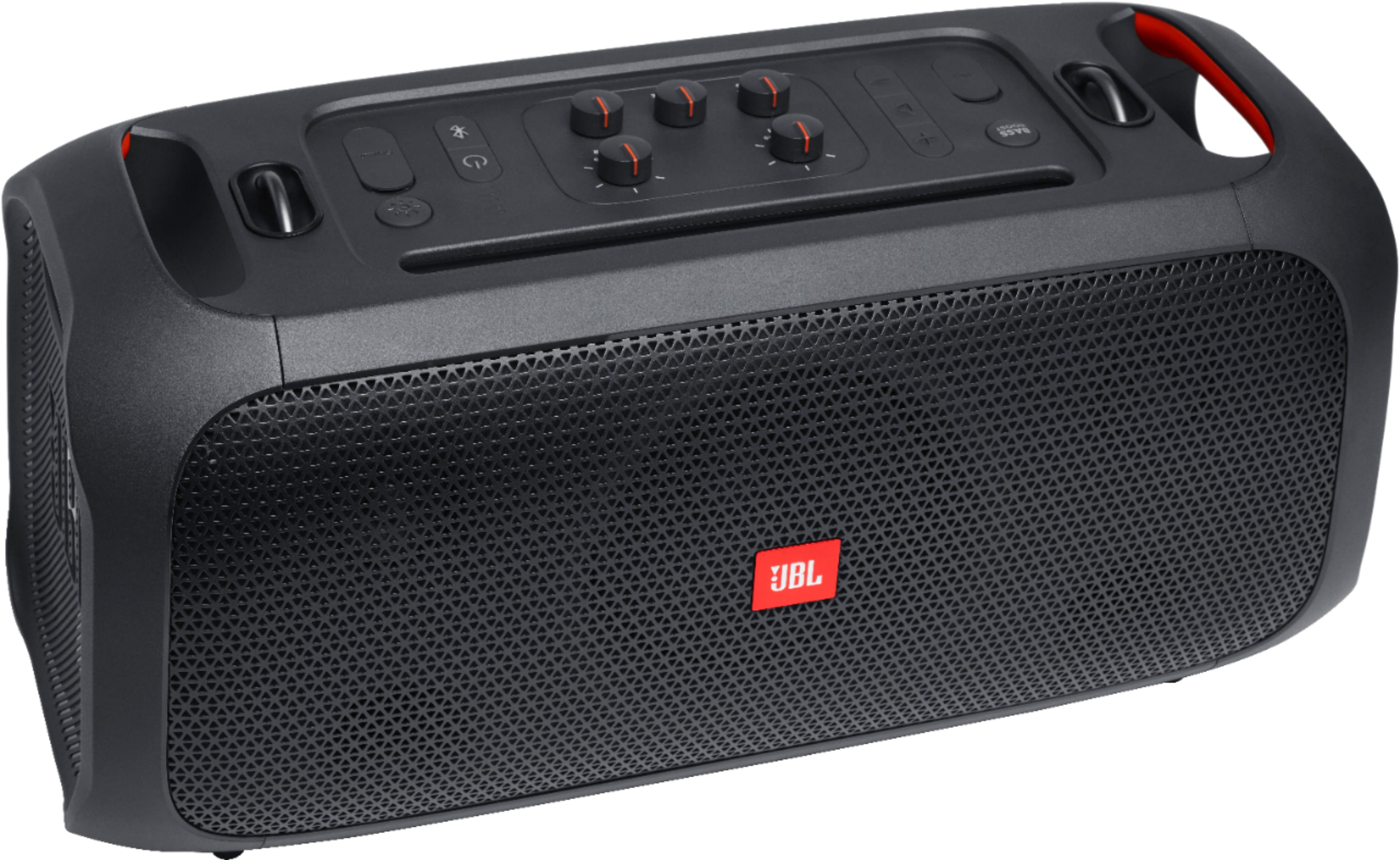

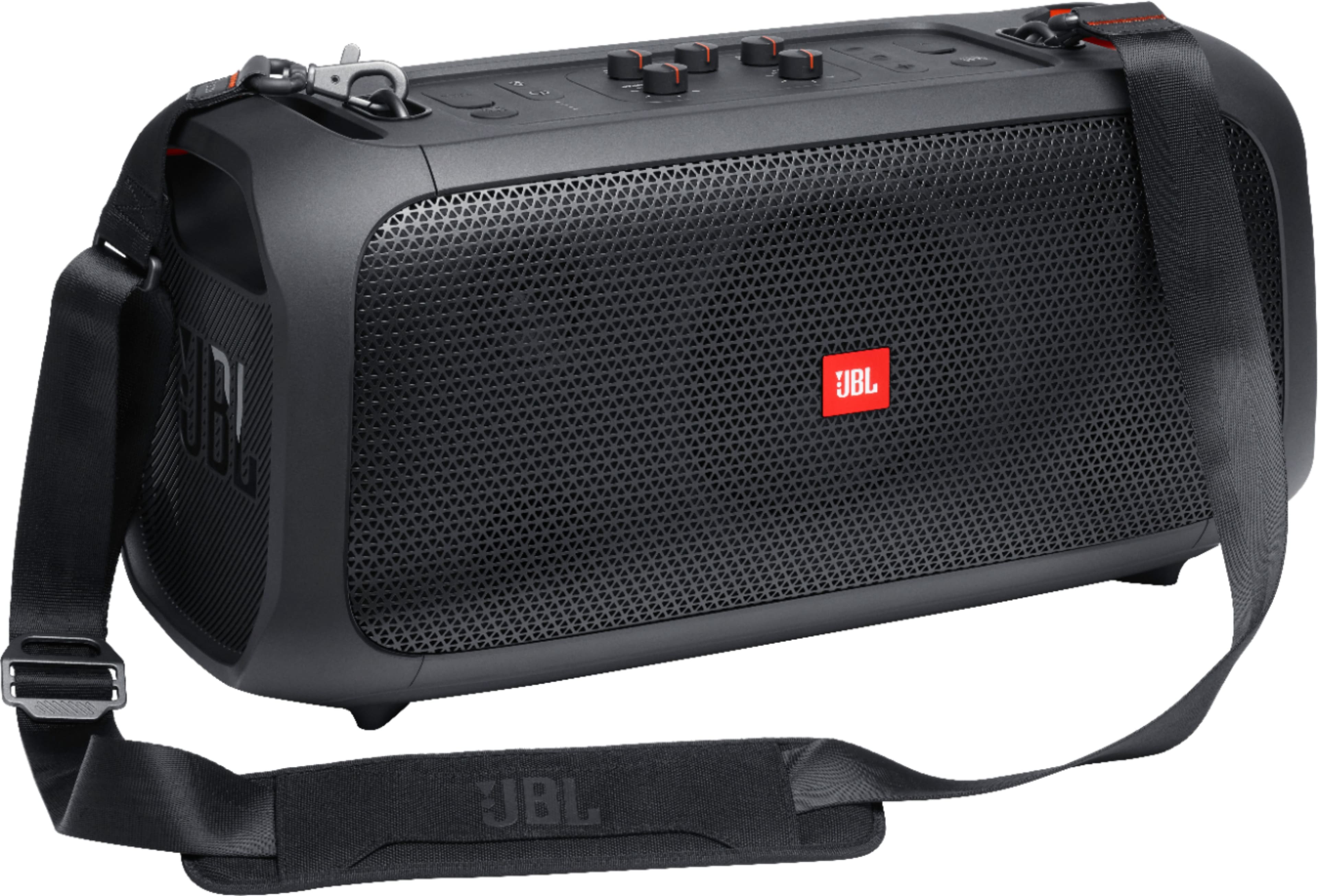
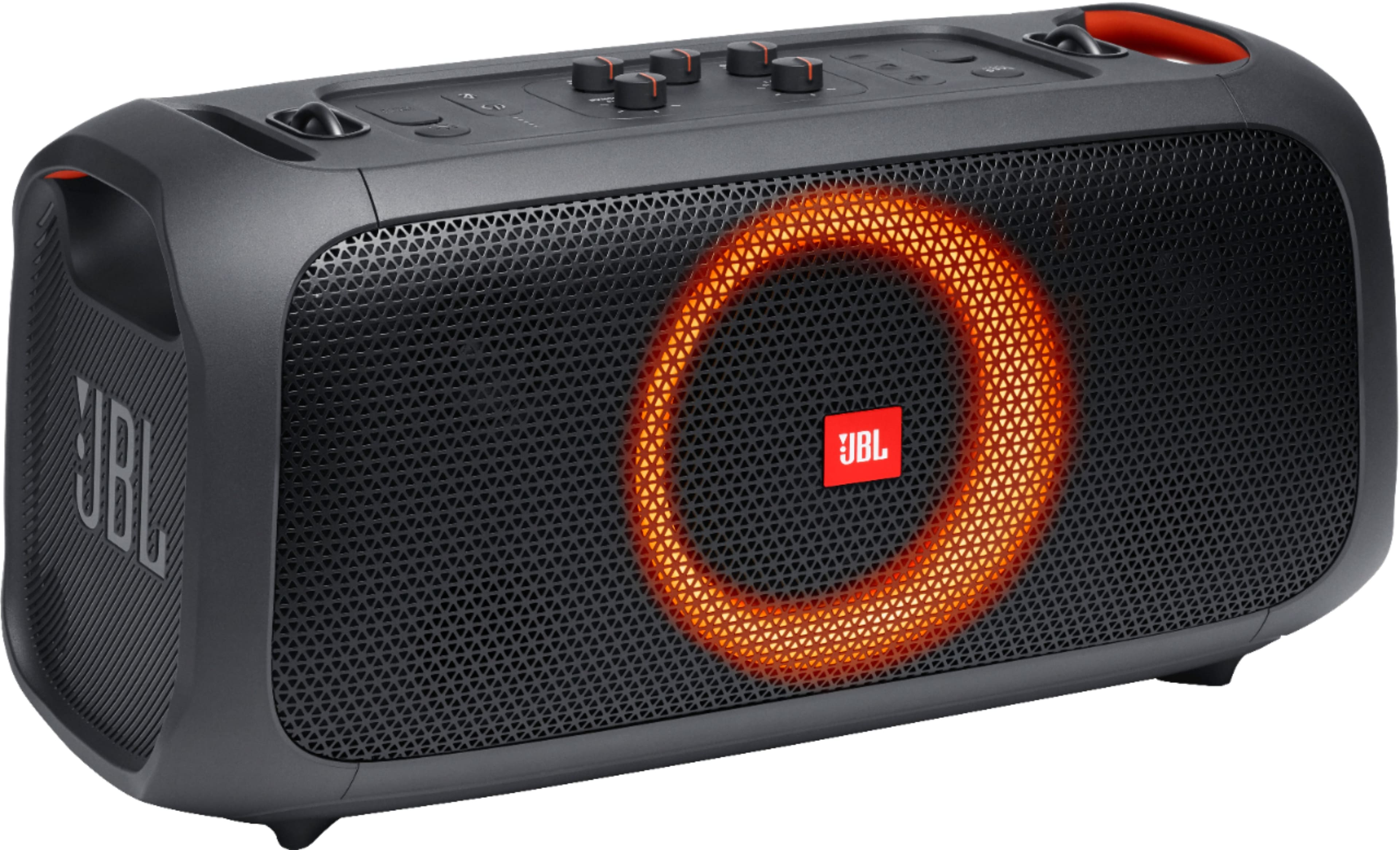
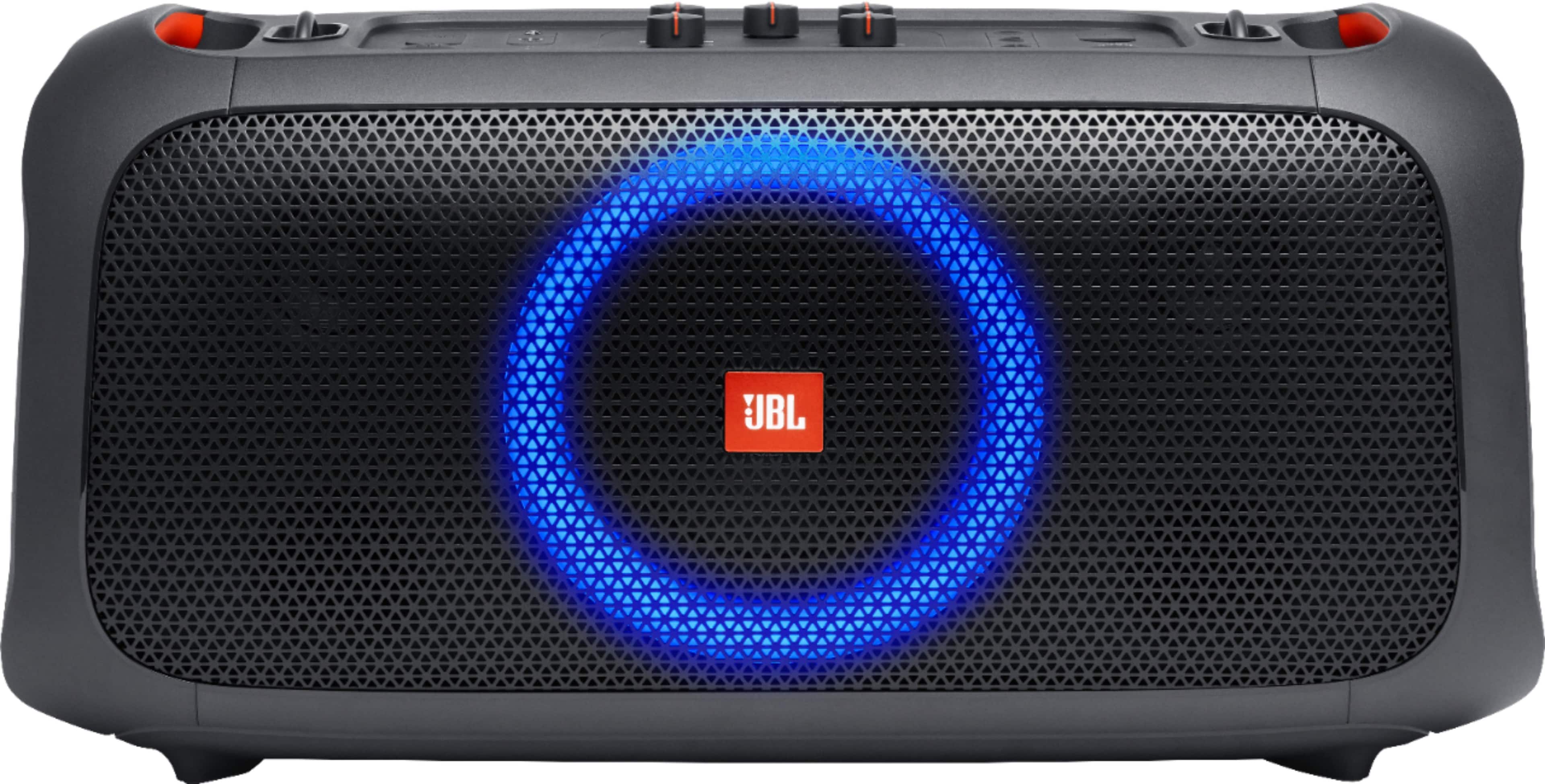
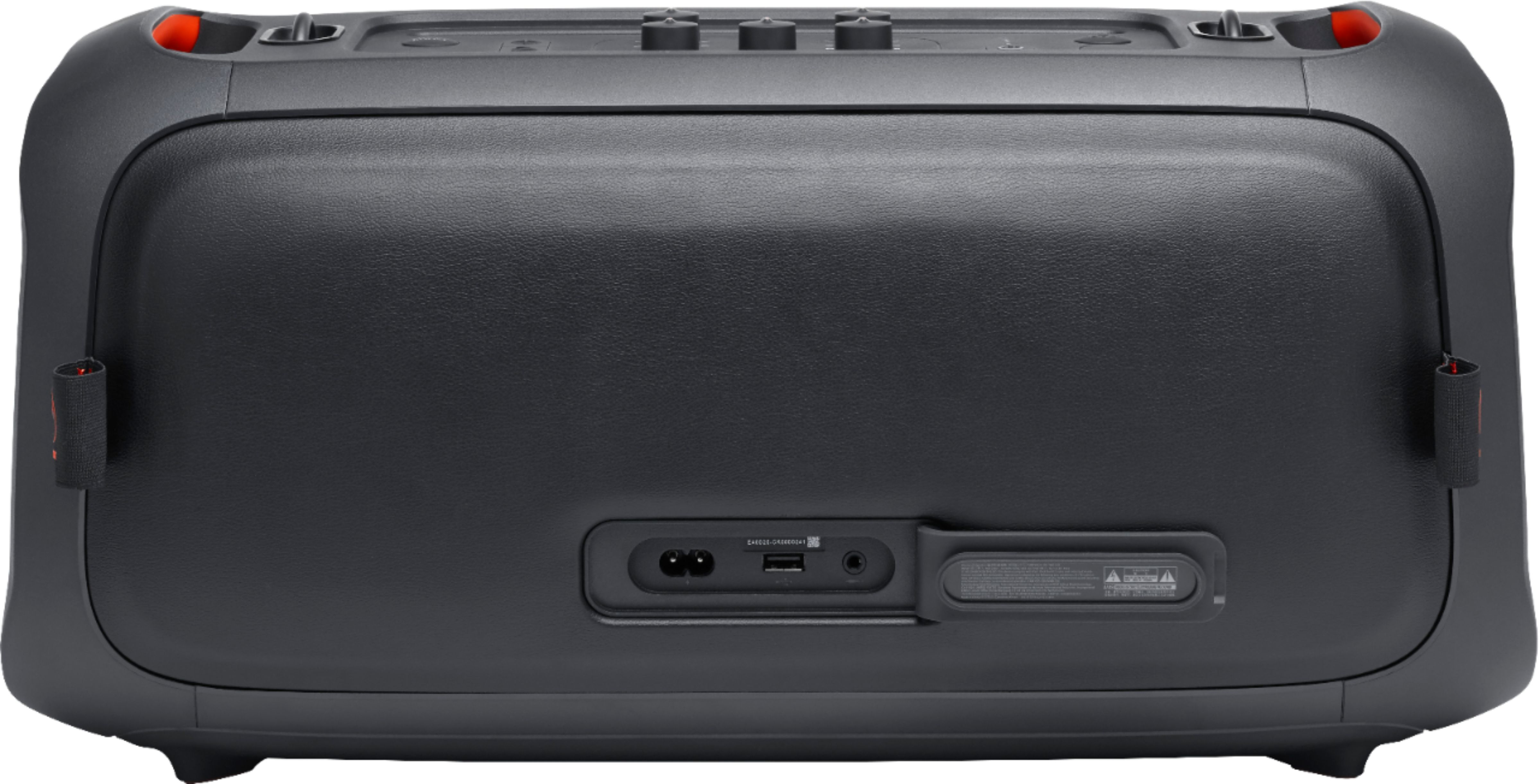
A:AnswerYou can connect our JBL Partybox-on-the-Go to a TV via Bluetooth or 3.5mm aux cord. Please note that the Partybox-on-the-Go will act as a mono speaker when connecting only one speaker to a TV.
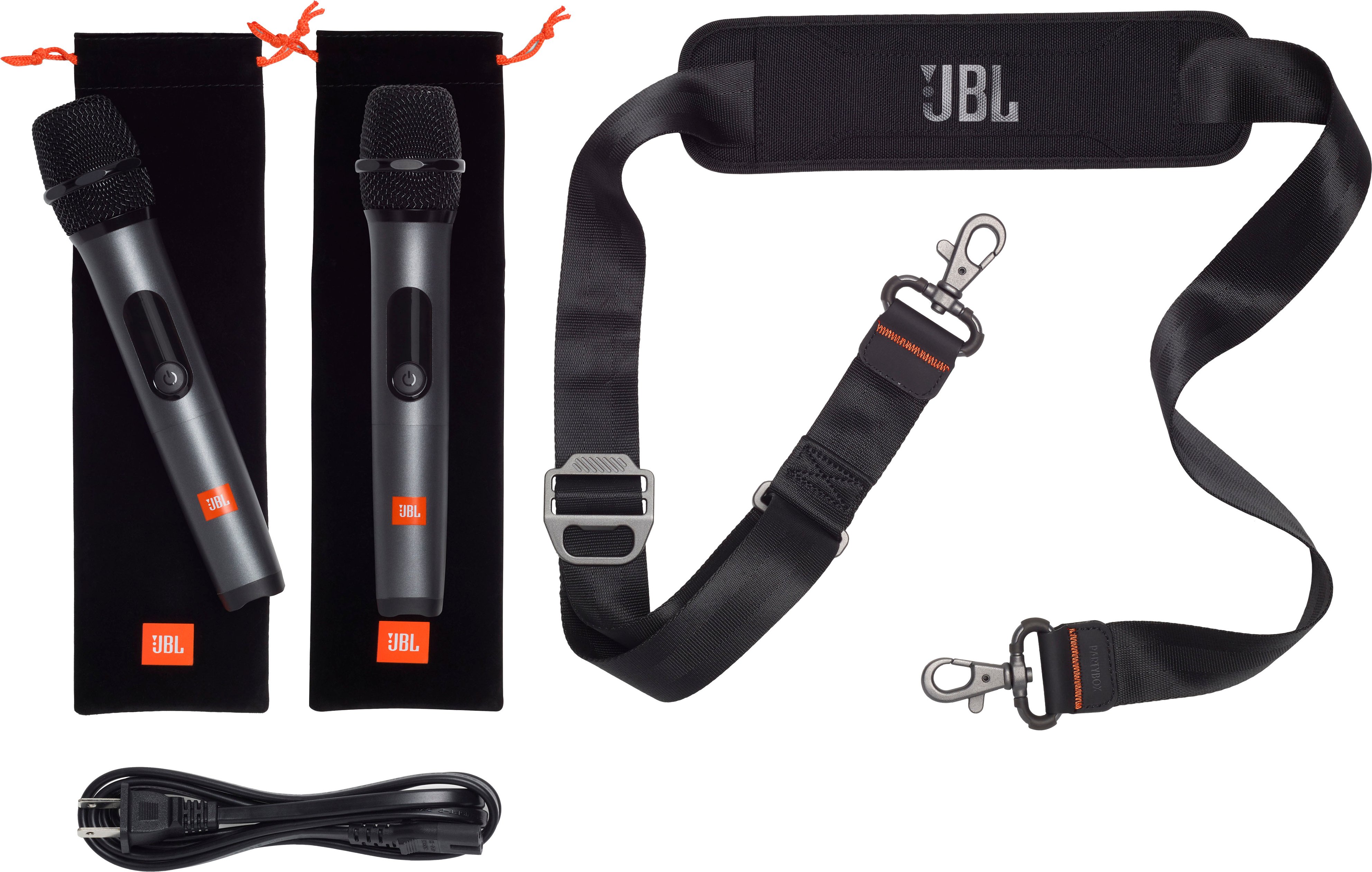
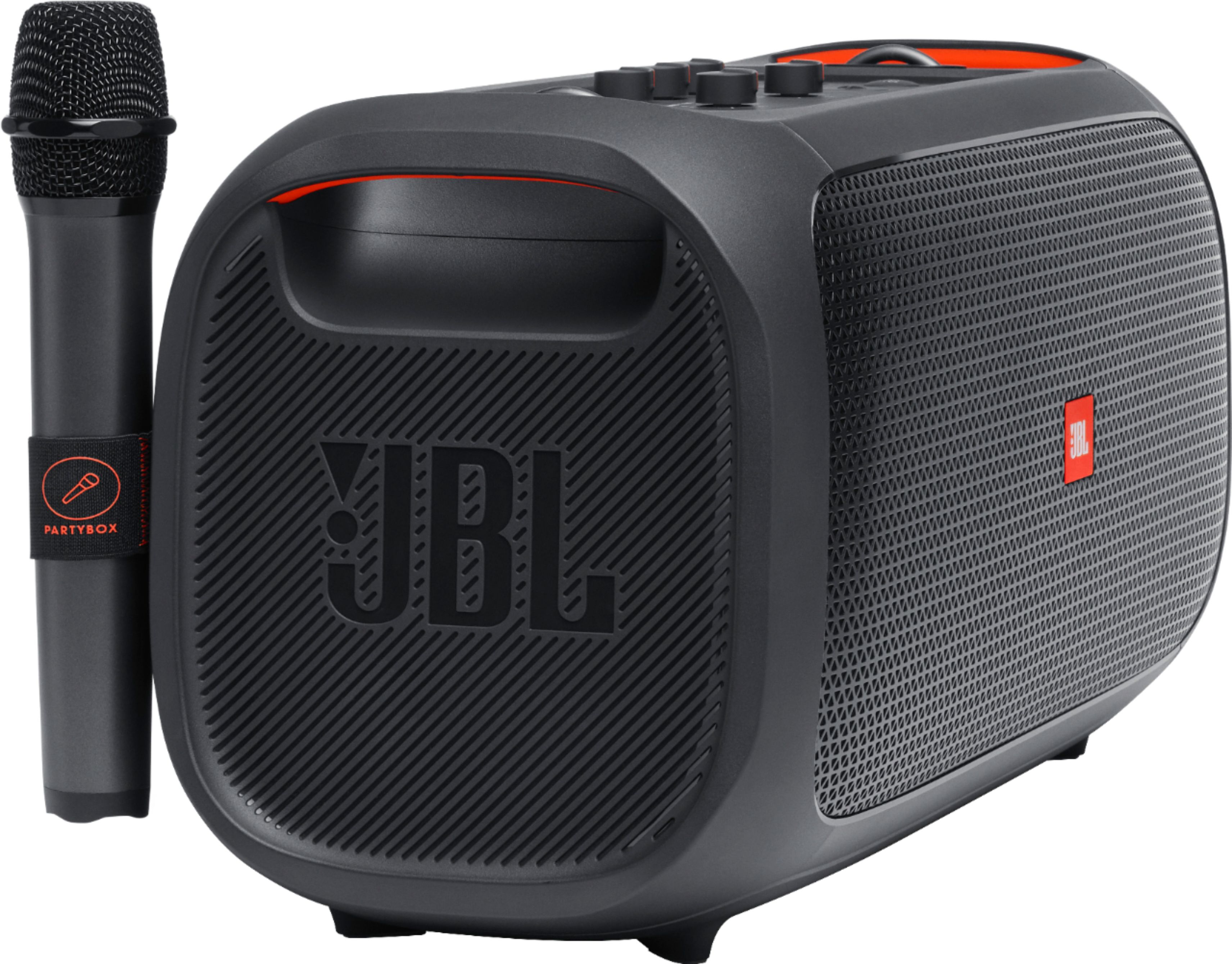
A:AnswerOur JBL Partybox On-The-Go comes with a wireless microphone already linked with the speaker as a factory default setting. The wireless mic is not compatible with our JBL Partybox 310. You can connect a Bluetooth mic with our JBL PartyBox 310 as long as the Bluetooth receiver is connected to the mic port of the speaker.
A:AnswerThanks for your inquiry. To purchase a secondary wireless microphone for your JBL PartyBox On-The-Go, please contact our customer support service via our official website or toll-free hotline. Here's the part number 02-UMI034-XX0 and its price before tax and shipping is $58.85.
A:AnswerYes it does! I personally do not like the echo, but for people who like having that feature, you’ll be good to go. Just invest in some rechargeable AA batteries and have them on stand by just in case!
A:AnswerWe'd like to work with you directly to check the availability of this part for your JBL PartyBox On-The-Go. Please reach out to our customer support so we can assist you.