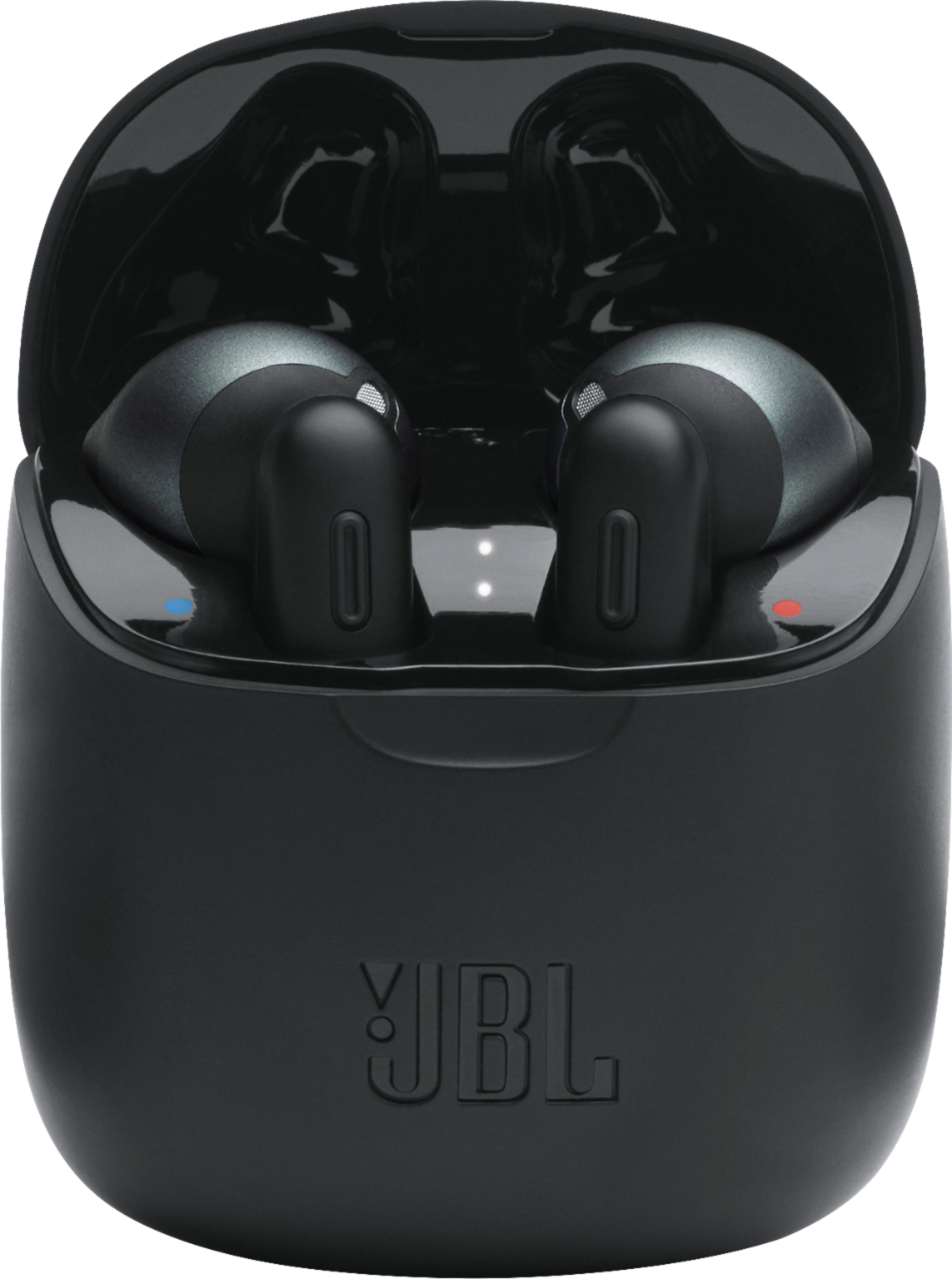
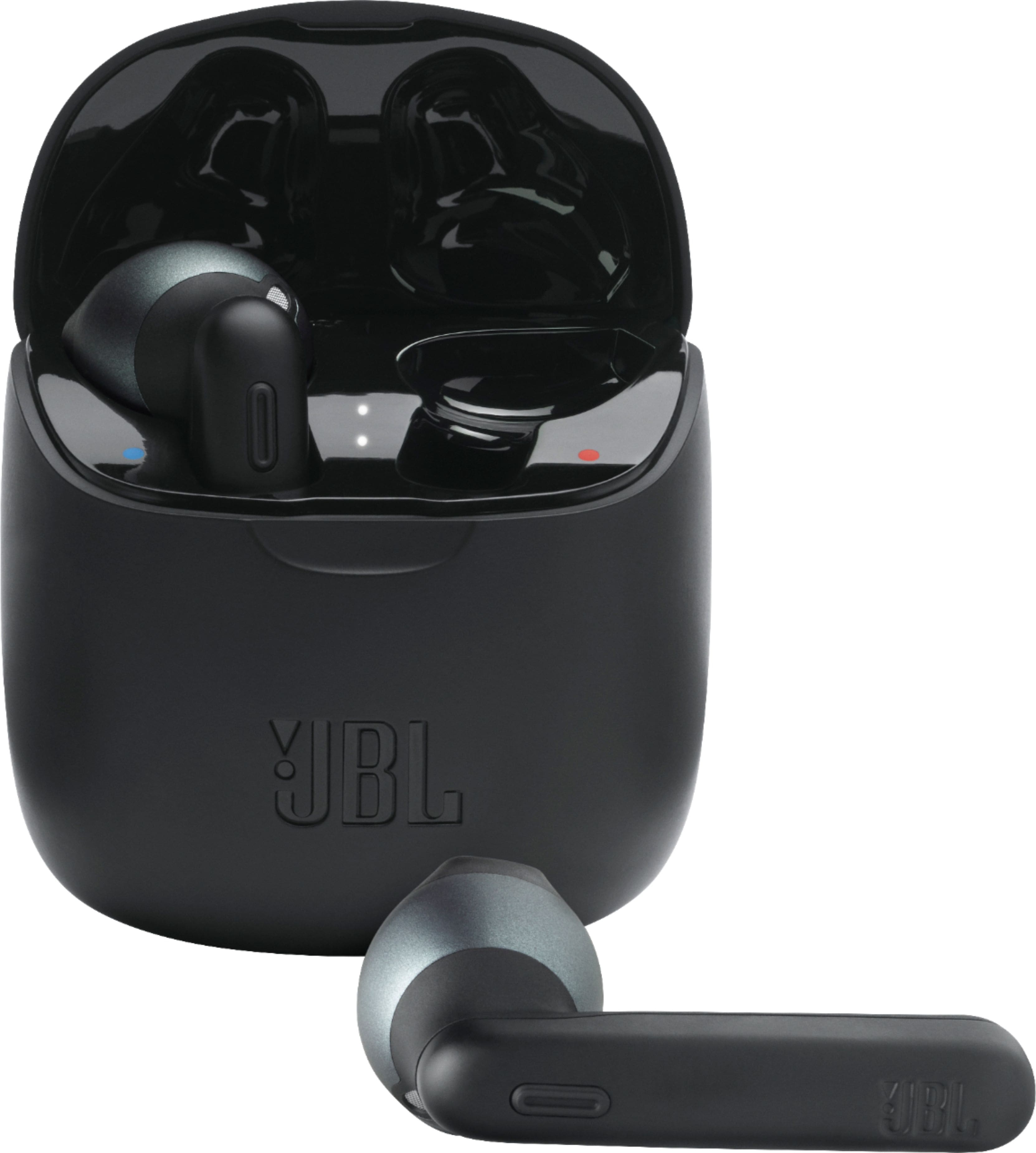
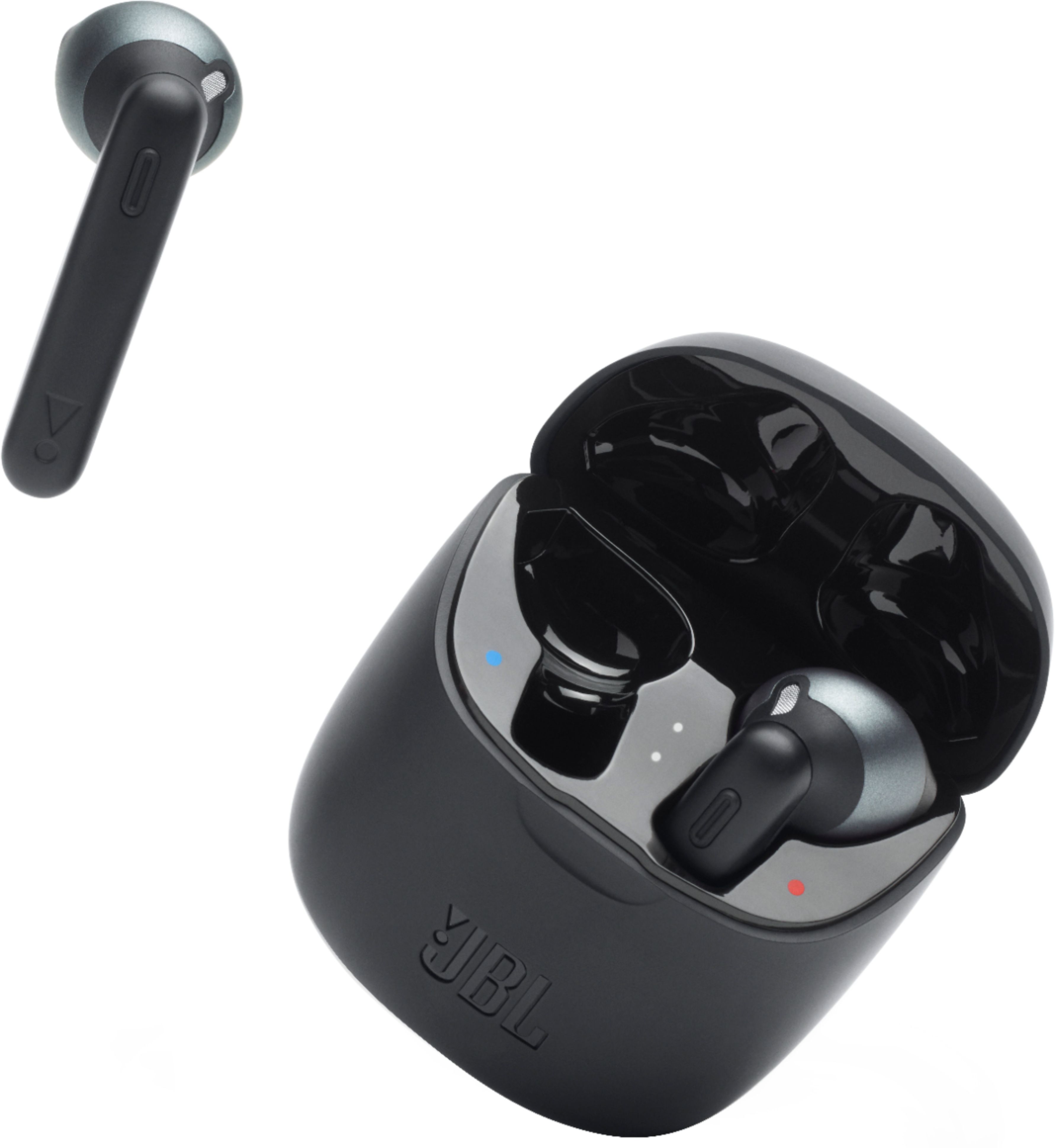
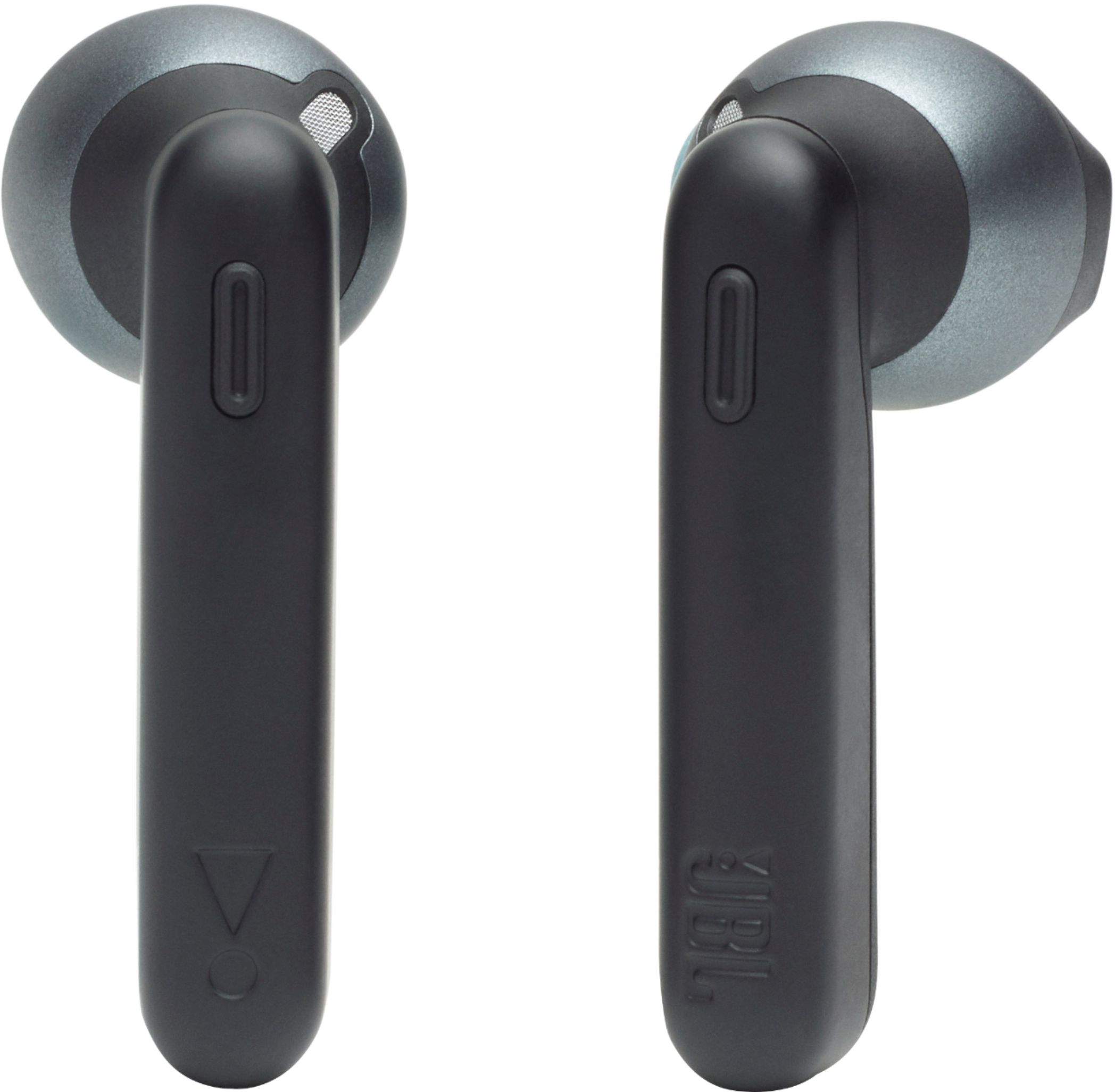
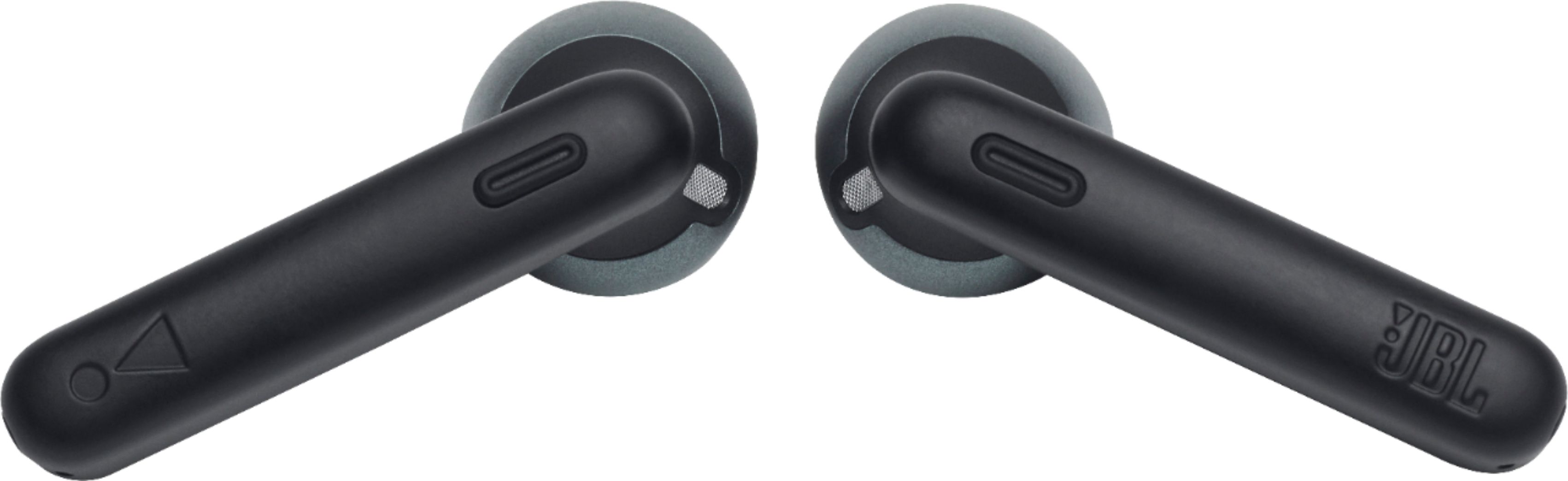
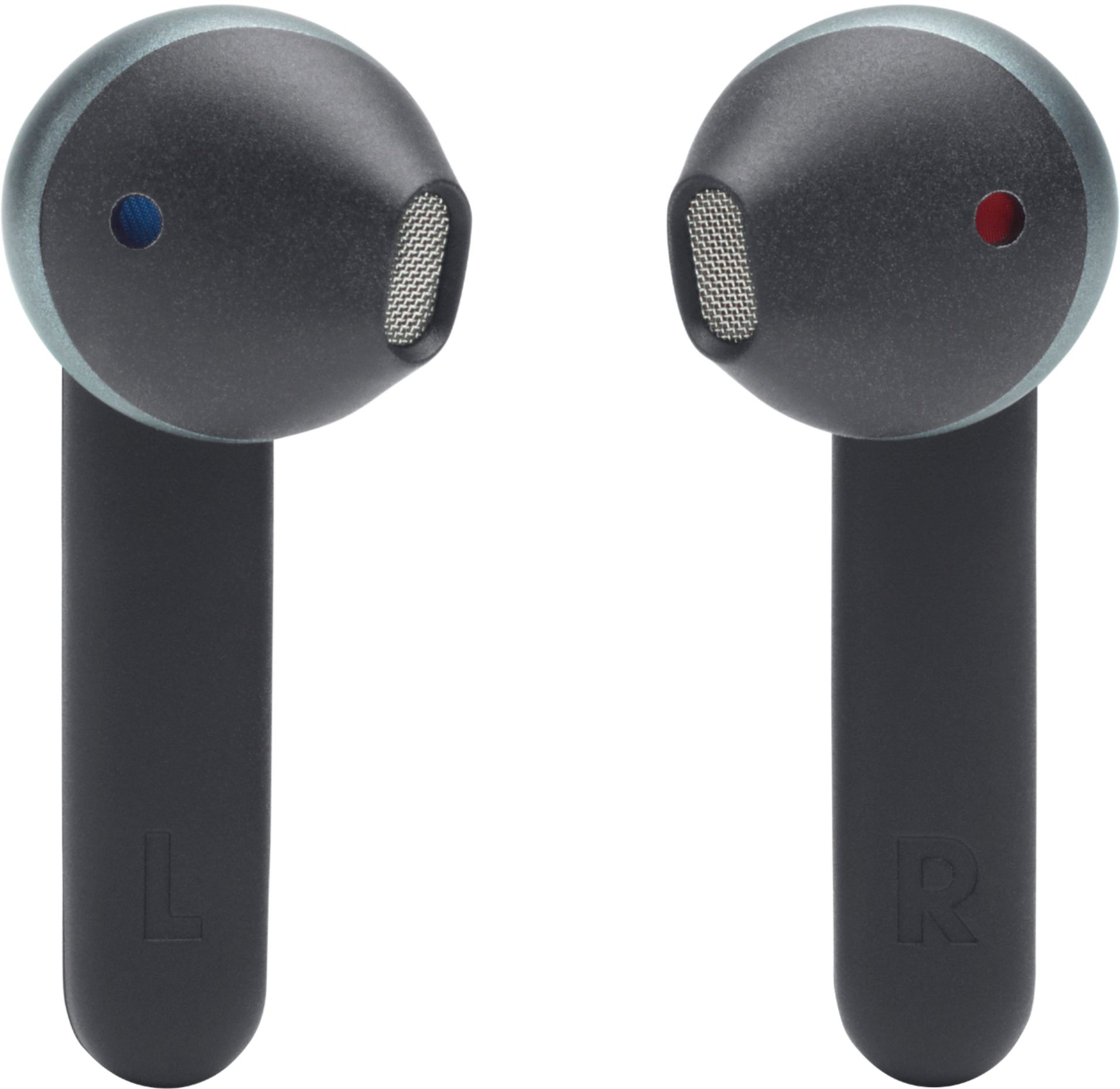
A:Answeryes, if they are connected to your phone or while using them and a call goes through, the headphones have a button on your right headset and you answer that way.
A:AnswerOur JBL Tune 225TWS is recommended to be paired with mobile phones, tablets, and laptops via Bluetooth connection. We don't recommend pairing it to your TV because you may experience audio-video delays as these earbuds don't have APTX HD low latency codec.
A:AnswerThis was in the booklet included with them. Turn them off and then in. Click the buttons 3 times and theyll sync.
I usually turn my bluetooth off while i do this and then they reconnect.
Annoying how often I have to do it.
A:AnswerOur JBL Tune 225TWS is designed to be used for connecting with your mobile phones, tablets, and laptops for streaming audio. You may encounter audio-video delays when you'll be using it to connect with your TV via Bluetooth since these earbuds don't have aptxHD low latency codes which are being used for Bluetooth connectivity with TV.
A:AnswerThanks for reaching out. We would like to discuss your support request directly with you and find a solution for you. Please reach out to JBL Customer Service for technical support and assistance. https://bit.ly/3xzCIGE
A:AnswerThanks for reaching out. Since your request requires troubleshooting by our product specialists, we would like to ask you to contact Harman Customer Service by phone, email, or chat to help you with the matter. https://bit.ly/2WocMfi