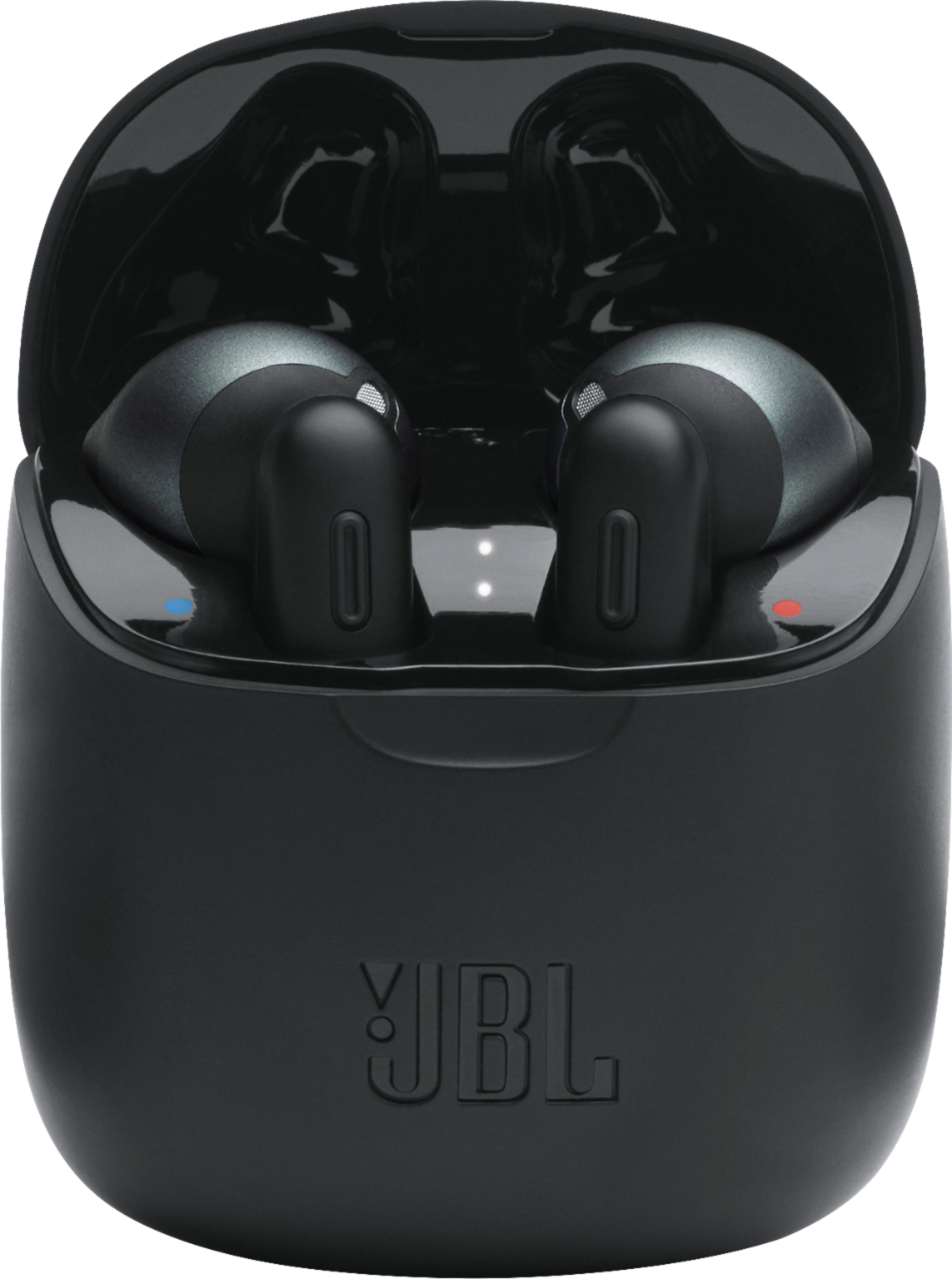
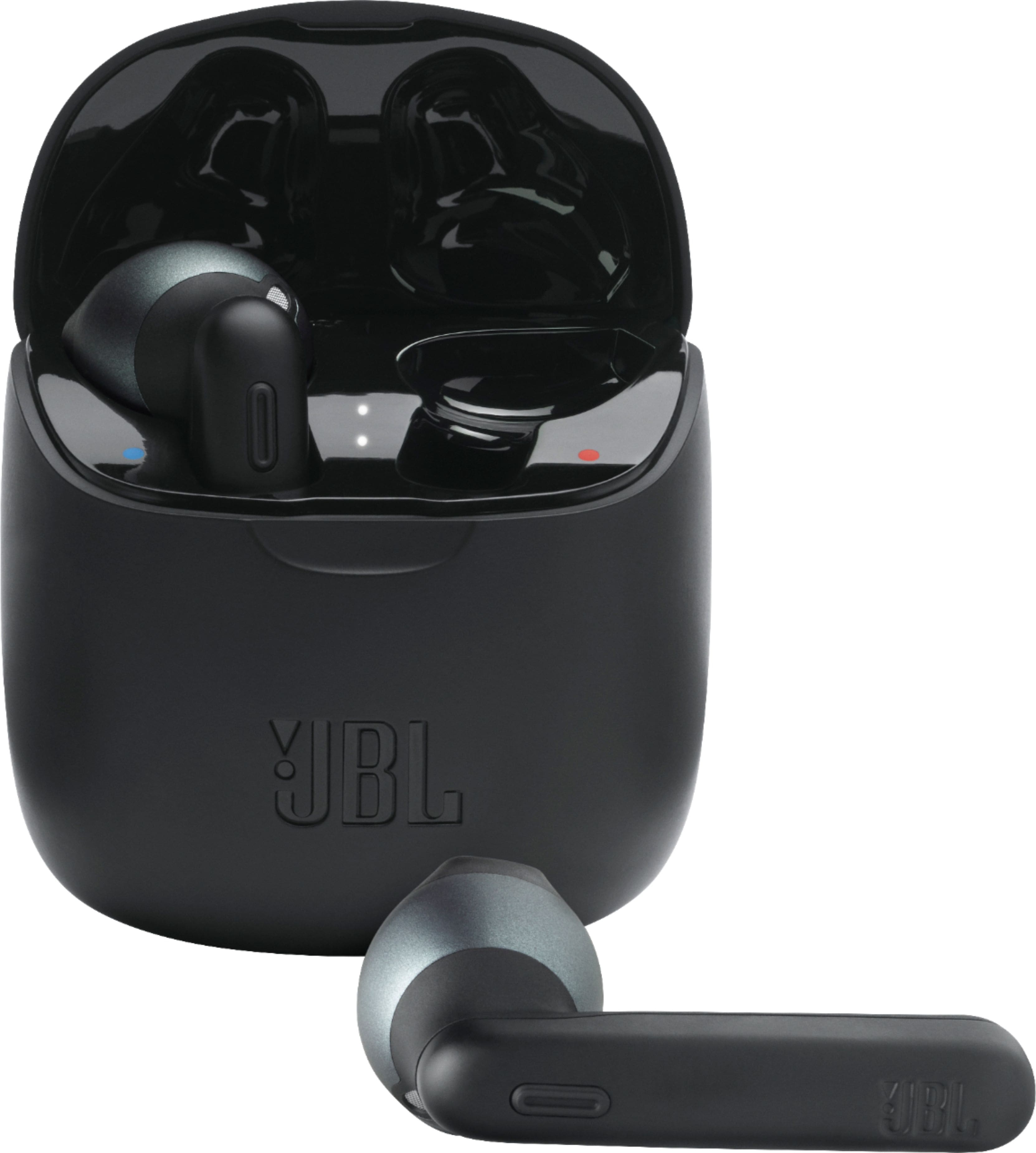
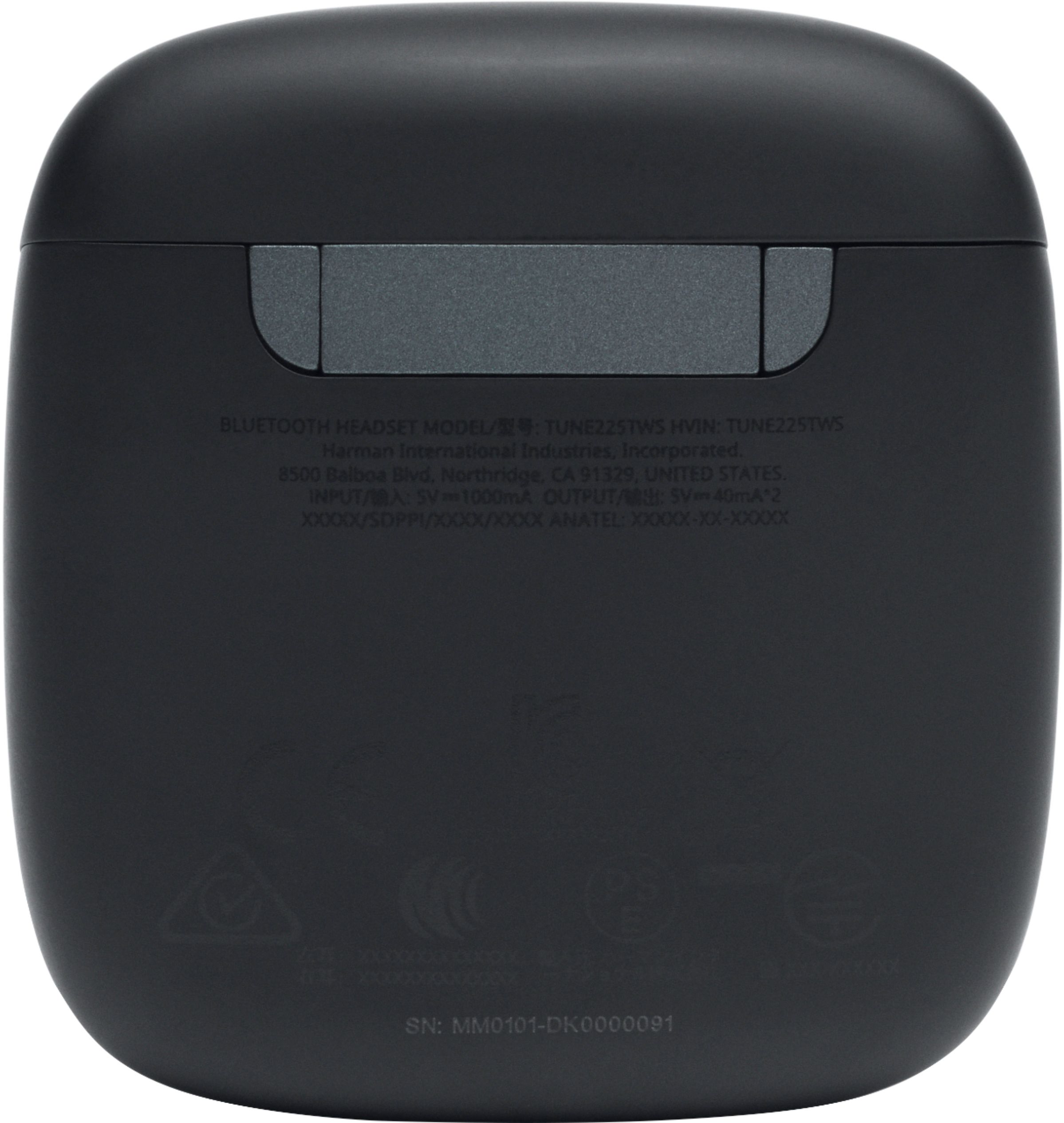
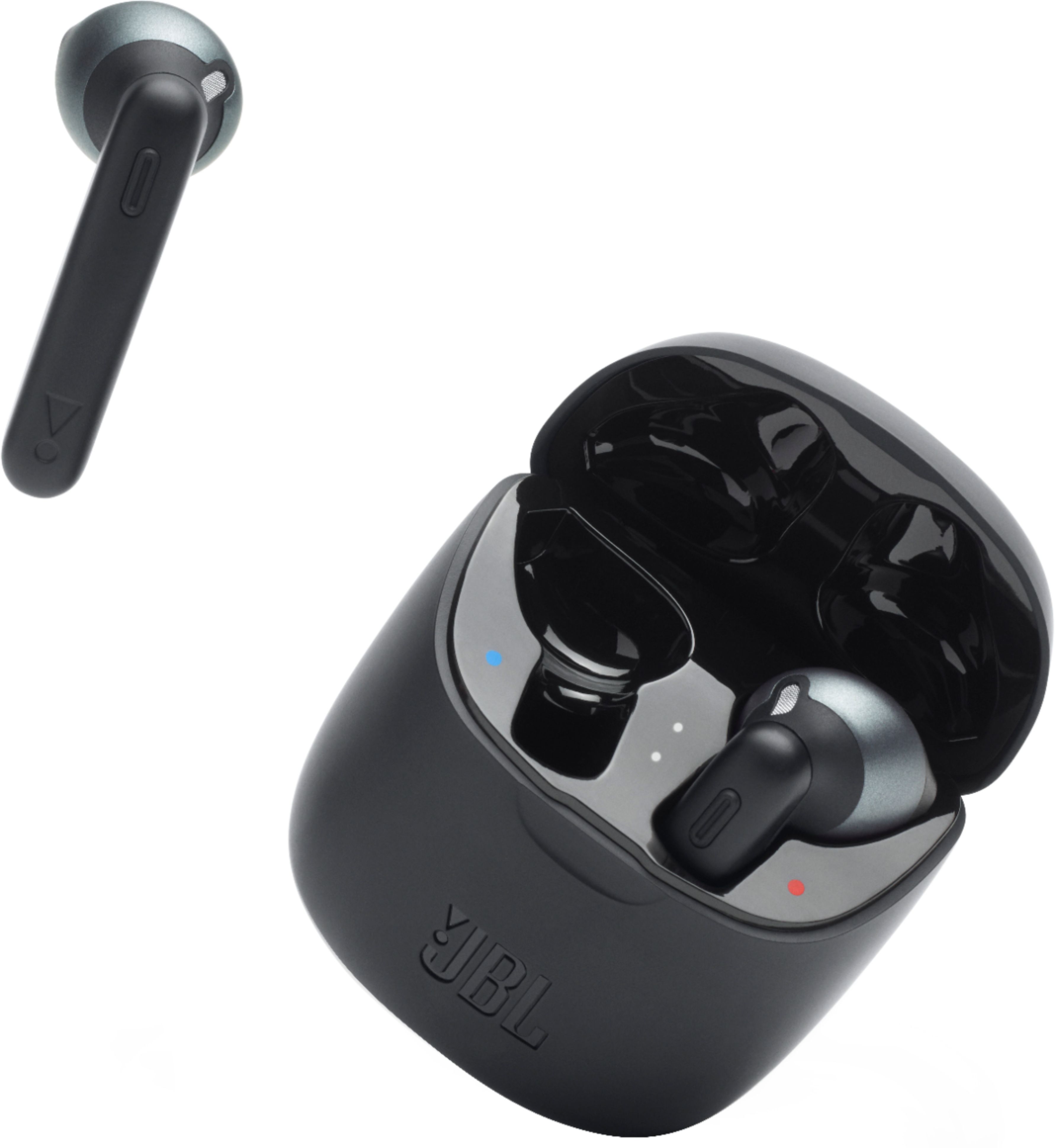
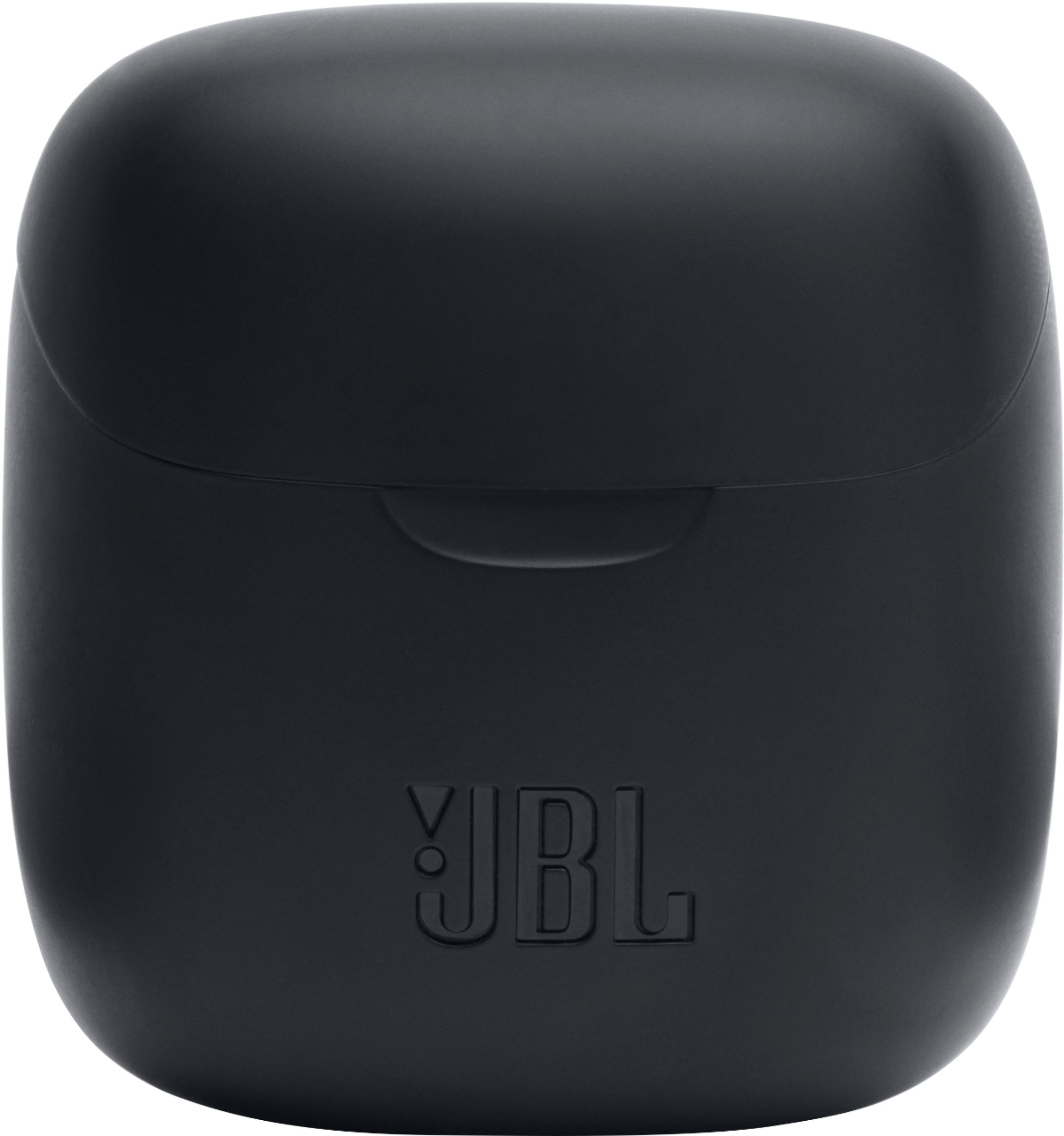
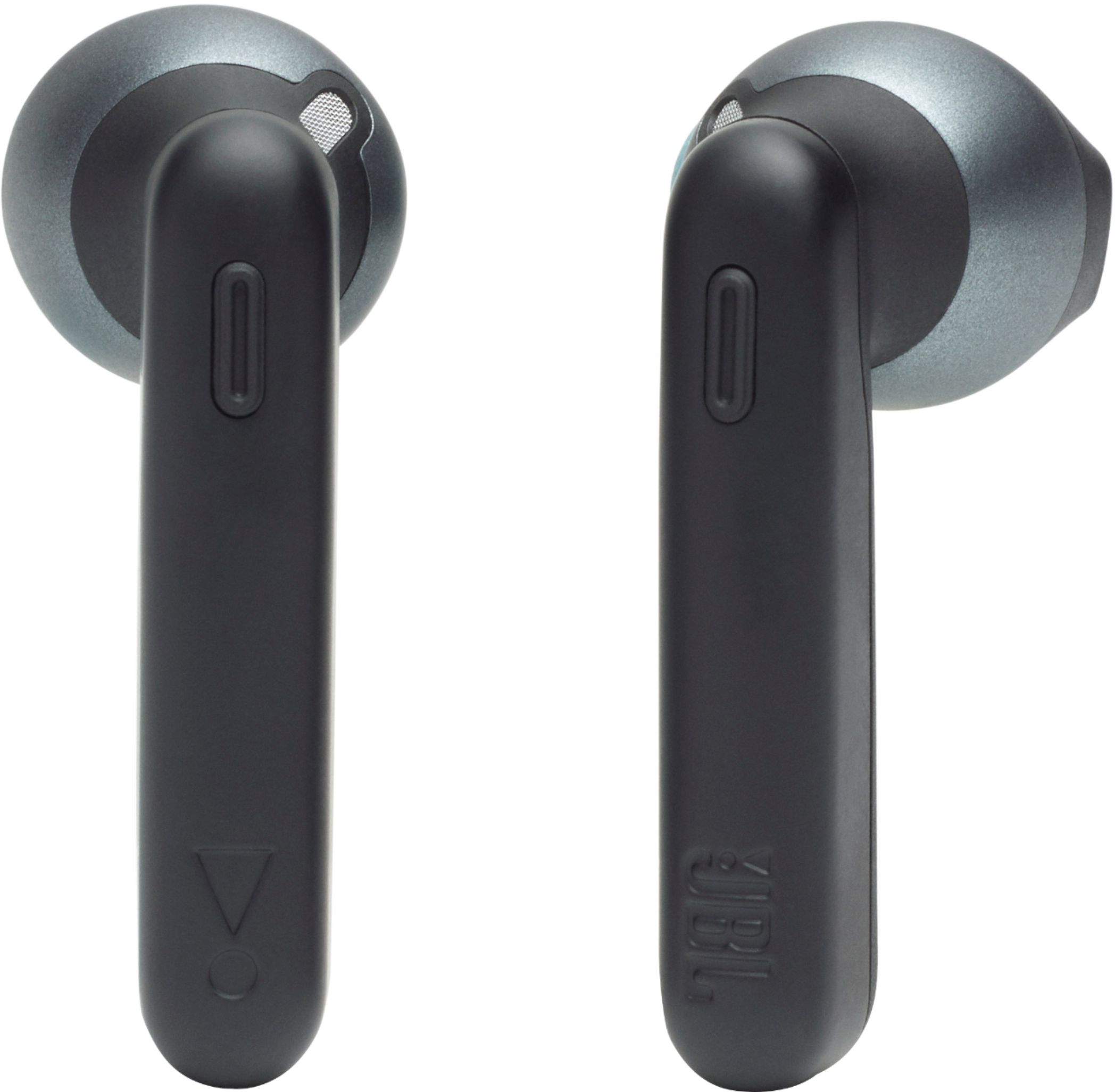
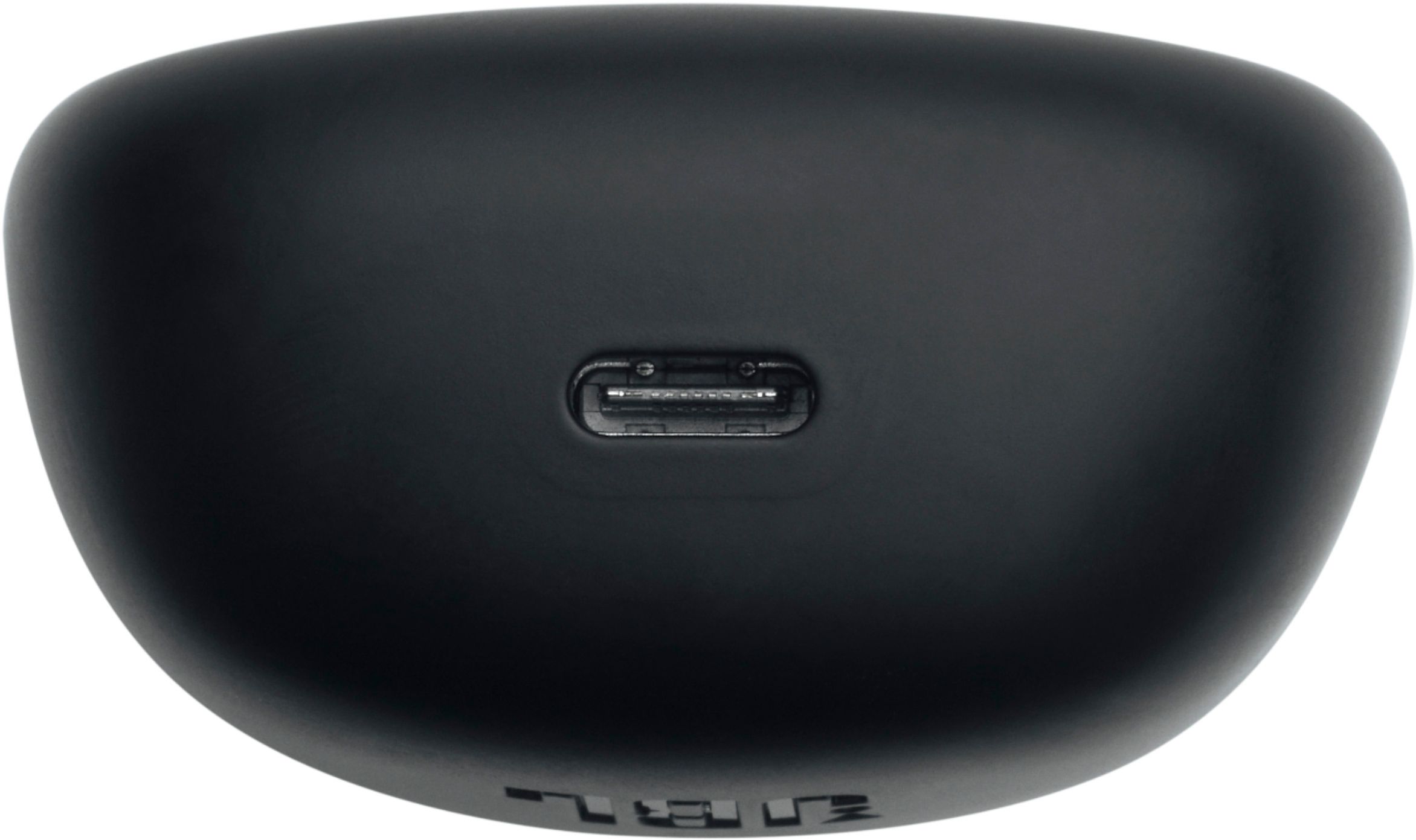
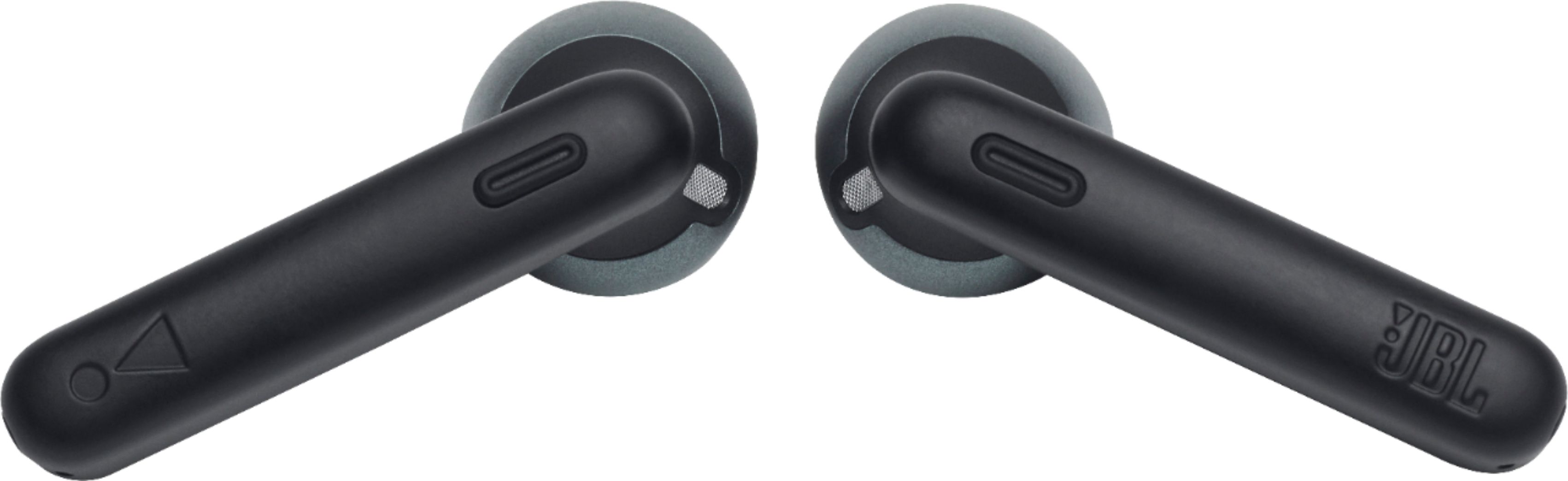
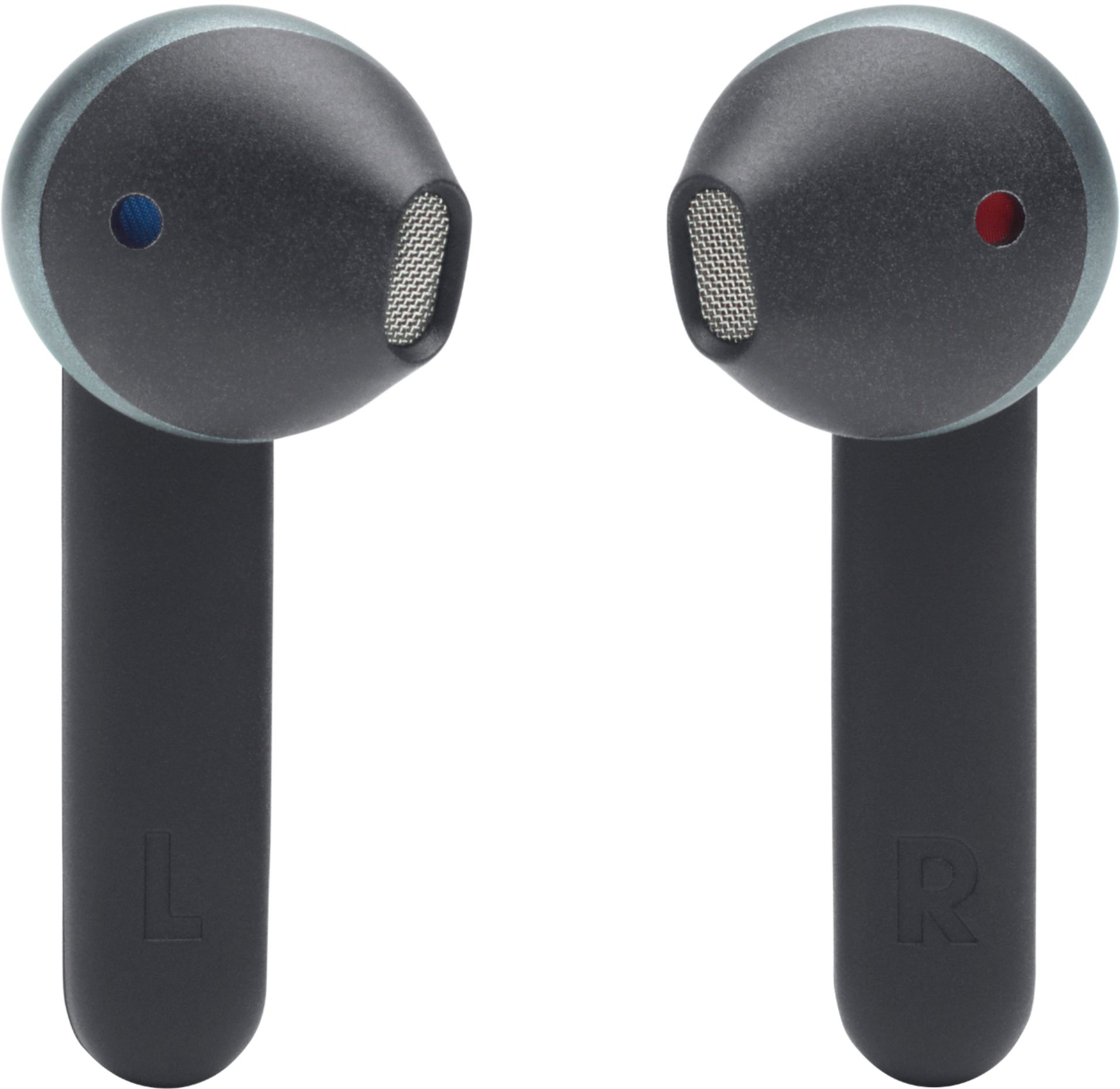
A:AnswerOur JBL Tune 225TWS is part of our Sports Headphones category, perfect for your active lifestyle. Whether you're training for a marathon or working out at the gym, they have the perfect mix of style and performance so you can move with ease.
A:AnswerYes, but they do have connection issues when there are two different sets in the same room. My wife’s left one would always connect to mine while she used them.
A:AnswerWe're sorry to hear about what happened. Please check our guide regarding Bluetooth troubleshooting if this can help fix the problem: https://support.jbl.com/us/en/search/?q=Bluetooth%20troubleshooting
You can also rest the earphones:
Place both ear pods in the charging box, while the charging box is plugged into a power source. Press and hold the button on the Right pod for about 5 seconds. The LED on the pod will turn off and then turn back on again. This restores to factory defaults. (Please note that charging must take place for reset to work.) It also may be necessary to remove or forget the earbuds from the list of paired Bluetooth devices in order to pair again.
If the problem persists, please contact our customer support for assistance in checking your options: https://support.jbl.com/us/en/#call
A:AnswerOur JBL Tune 225TWS has a button command on the right side to play/pause a song and answer phone calls. To learn more about this product, here's the quick start guide link: https://bit.ly/38JpCLA
A:AnswerOur JBL Tune 225TWS will be charging when it is placed on the case. When the charging case doesn't have any power, it will stop charging the unit.