A:AnswerHello, I am sorry you are getting a Windows error message. Please reach out to help.kano.me and our wonderful Customer Care team will be happy to help you with this! Kind regards, Team Kano
A:AnswerIt is a very nice touch screen computer, but does not come with a camera. You have to order the camera separately for an extra $30, and I think that they are on back order.
A:AnswerSwitching your Kano PC out of Windows 10 in S mode will not remove your current apps. Please note that Windows 10 in S mode is designed for security and performance, exclusively running apps from the Microsoft Store. If you want to install an app that isn't available in the Microsoft Store, you'll need to switch out of S mode. Switching out of S mode is one-way. If you make the switch, you won't be able to go back to Windows 10 in S mode. There's no charge to switch out of S mode.
A:AnswerAssuming that the OS hasn't been eviscerated, Paint 3D is a standard program on Windows 10. A 3D Viewer can be found, free, on the Microsoft Store.
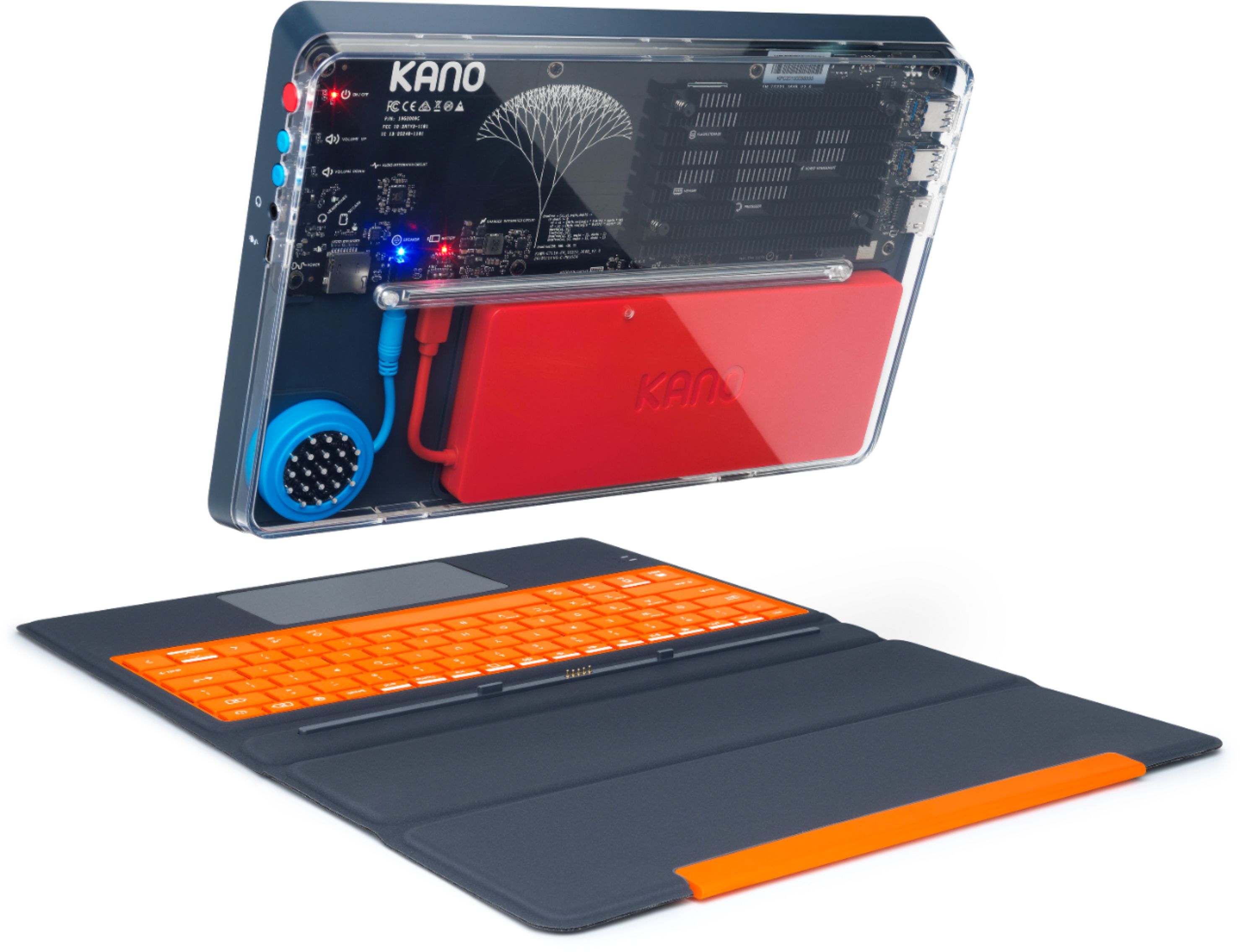
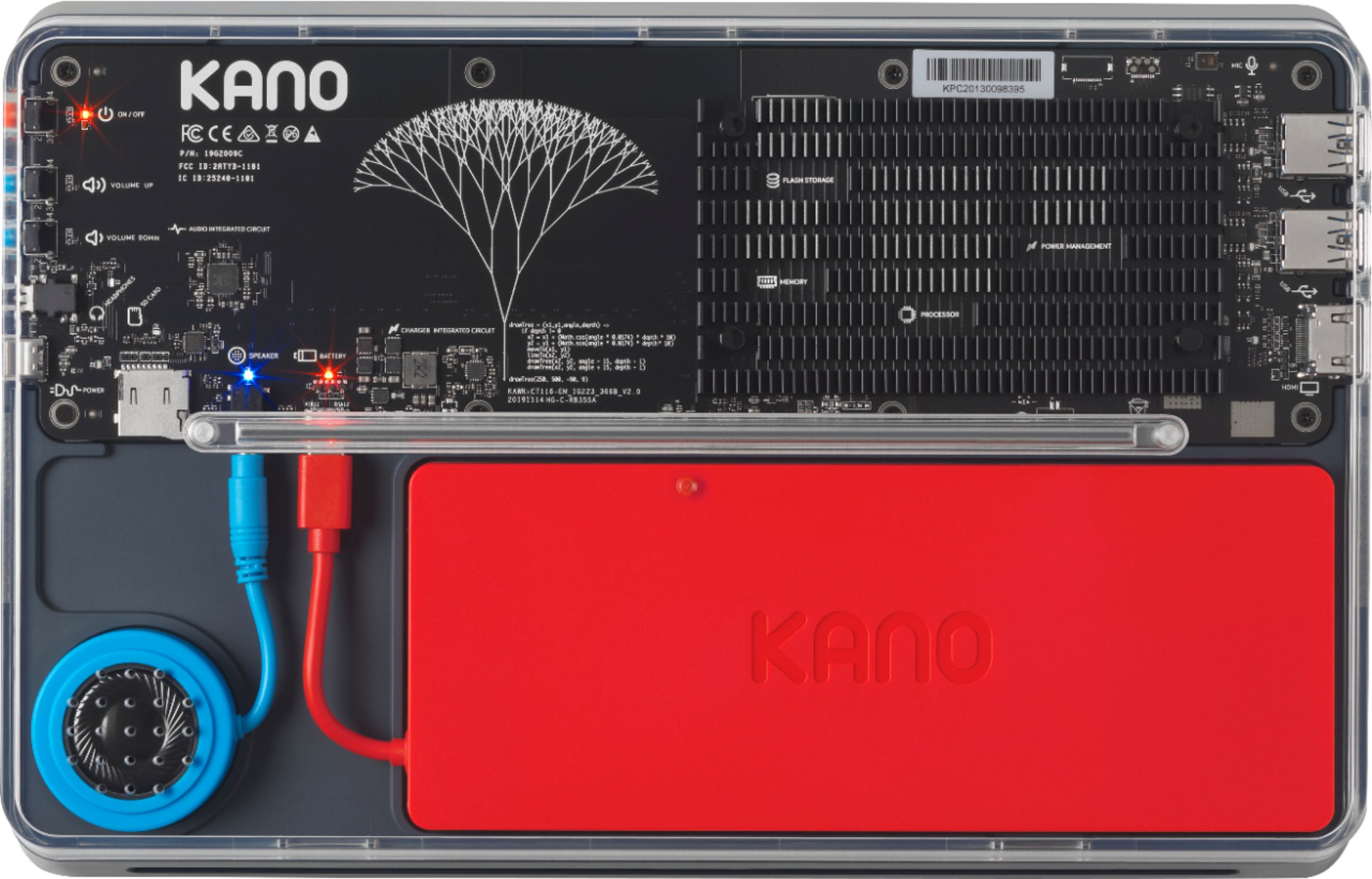
A:AnswerAs far as I can see from the videos, all you do is "install" the speaker and battery. Like all PCs out of the box, you probably have to go through the steps of initializing it--choose language, time zone, etc. If you really want something to assemble, you might look into the Raspberry Pi, or similar, which isn't too hard for a starter. These have basic components geared to go together (with some room for different choices).
If you want the full challenge, you can also just buy the parts separately (case, motherboard, RAM, CPU, etc.) and assemble them. General instructions are available online. Be aware that this can be a time consuming process, but it is a great learning experience. The most difficult part of this, however, is that you pretty much have to assemble the whole thing before you can see if you have done it right--testing as you go is limited. If you decide to go that route, I highly recommend buying all parts locally, rather than mail order, so you can return one part at a time that may not be working in order to troubleshoot what went wrong.
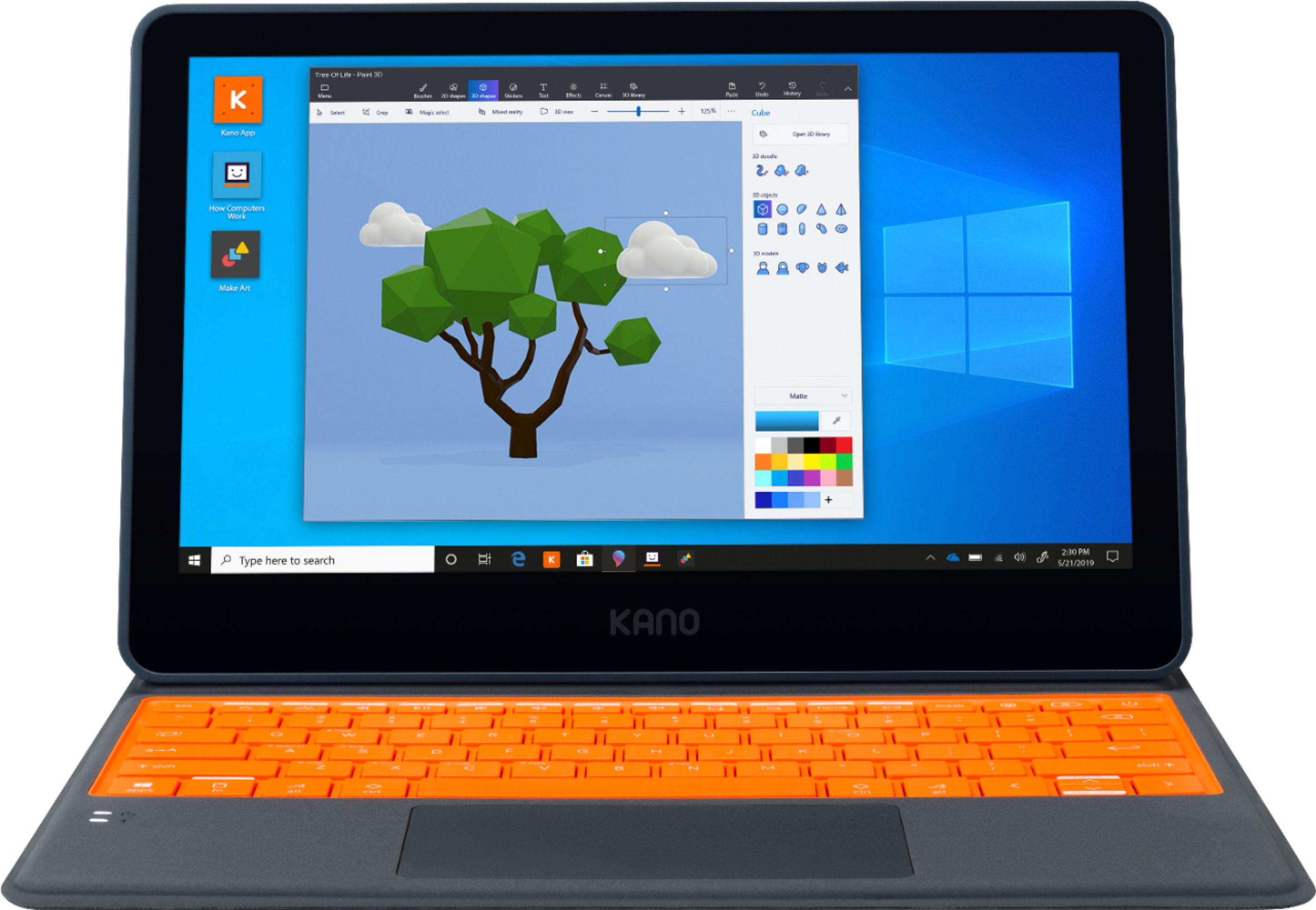
A:AnswerOne of the reviewers, LuisC (no relation), provided a screenshot of his Kano specs. It says the PC is 64-bit. The reviewer was angry that his unit ran Windows S, and was unaware that conversion to full-blown Windows 10 is a simple (though essentially irreversible) process. Any Windows 64-bit PC will 32-bit applications (as long as the OS is compatible, of course).
A:AnswerJust to add that your have other options:
1) WordPad, which is a built-in part of Windows 10, is available, and will probably be sufficient for your needs.
2) Microsoft offers simpler versions of ALL its Office programs, for free, on their website. Unlike a program installed on your PC, they work off the internet, like the Google apps. Search "Office apps" or go to office.com.
3) There are a number of free Office programs from other sources: LibreOffice, WPS Office, etc.
A:AnswerKano is unable to offer support for programs downloaded onto the Kano PC that are not developed by Kano. However, I advise checking the Audio Settings of your Zoom call which will allow you to test your microphone with Zoom.
A:AnswerMost printers have drivers on their accompanying website (HP, Epson, Canon, ect.) that are compatible with almost all x86 devices. However, if it is a printer at your school, you may want to talk to your IT admin because some printers are locked down to either student or faculty use only
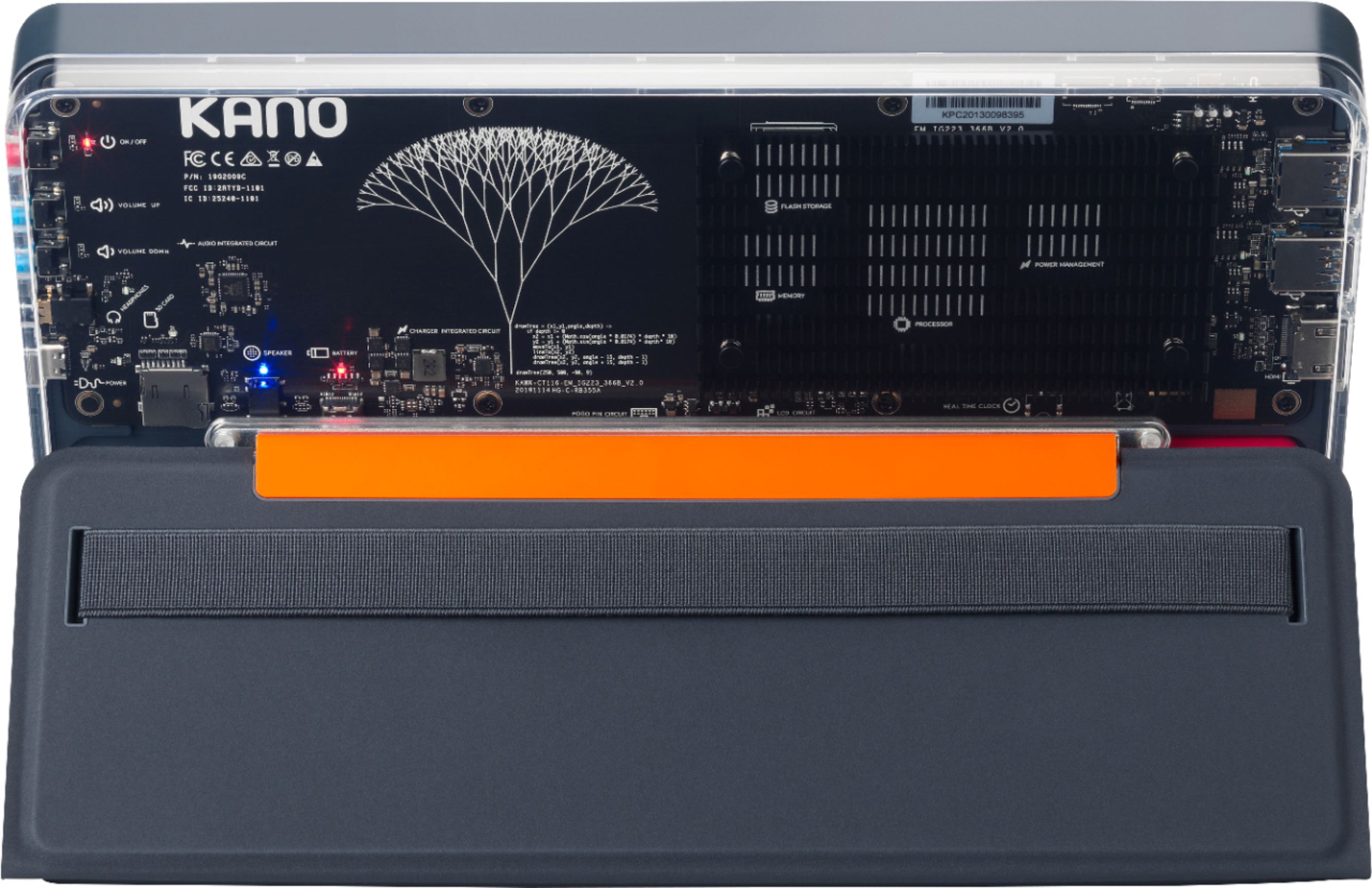
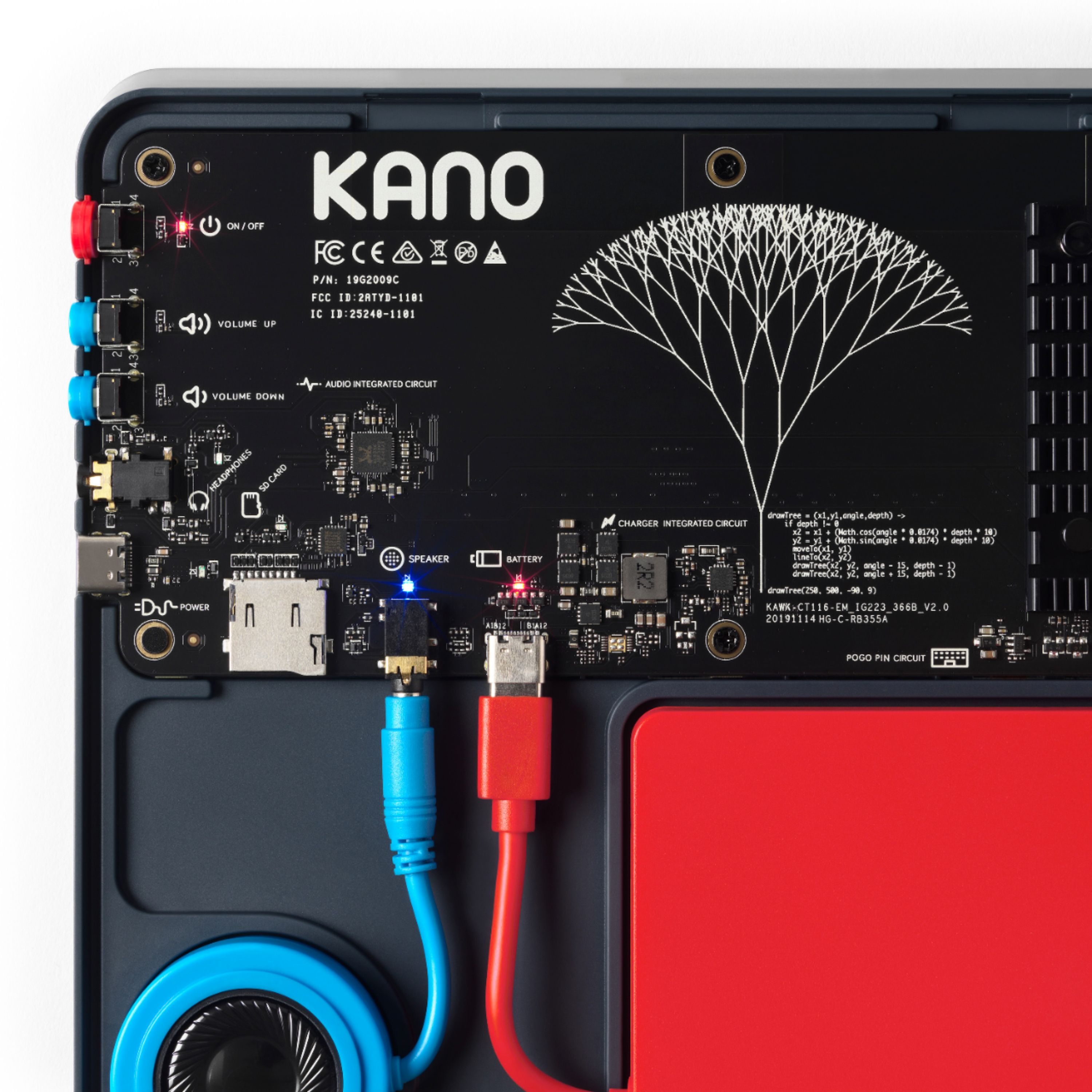
A:AnswerAs noted in one of the videos, as well as the section Overview-->Features-->Ports and microphone, there is 1 HDMI port to connect to a monitor, TV, projector, etc.