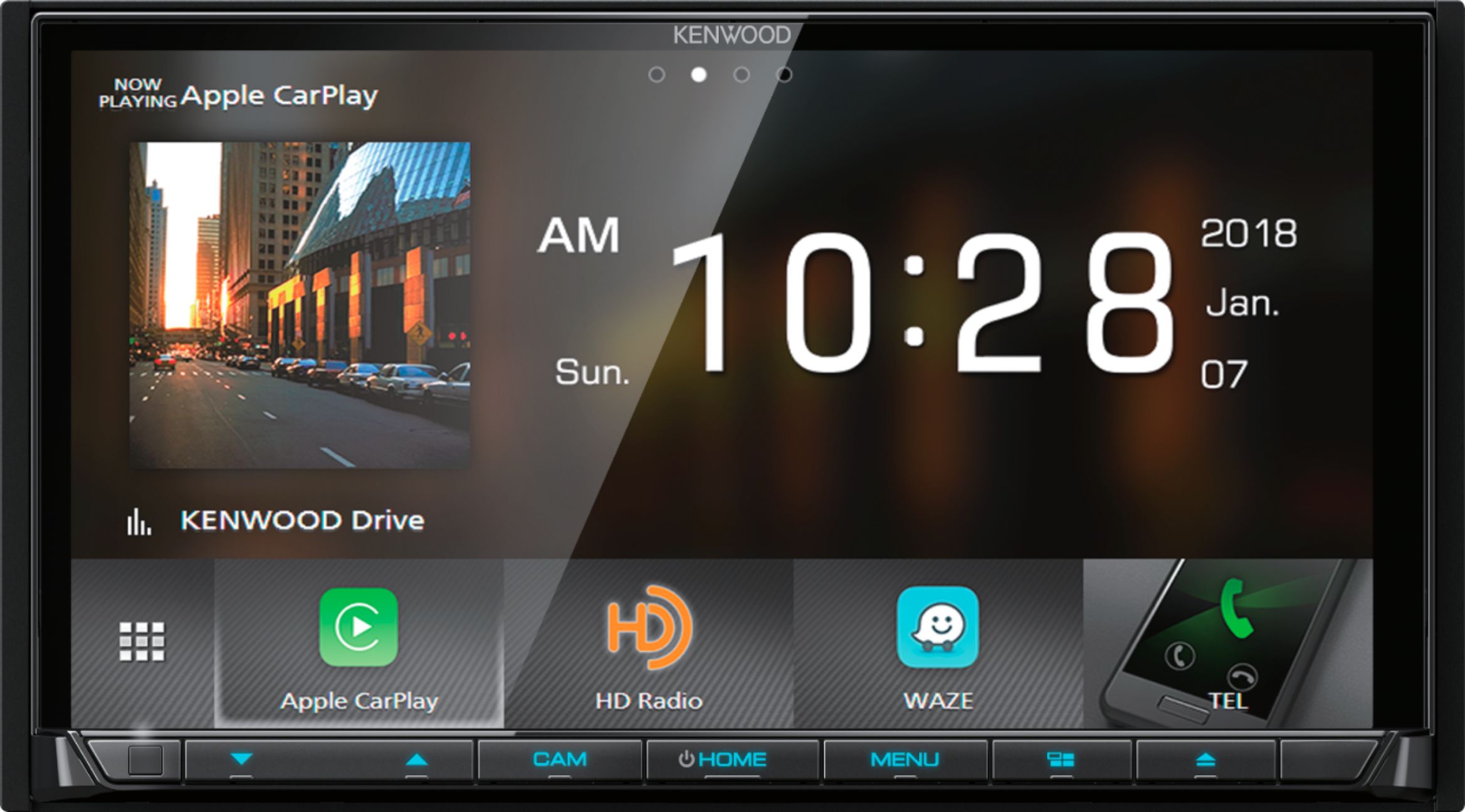
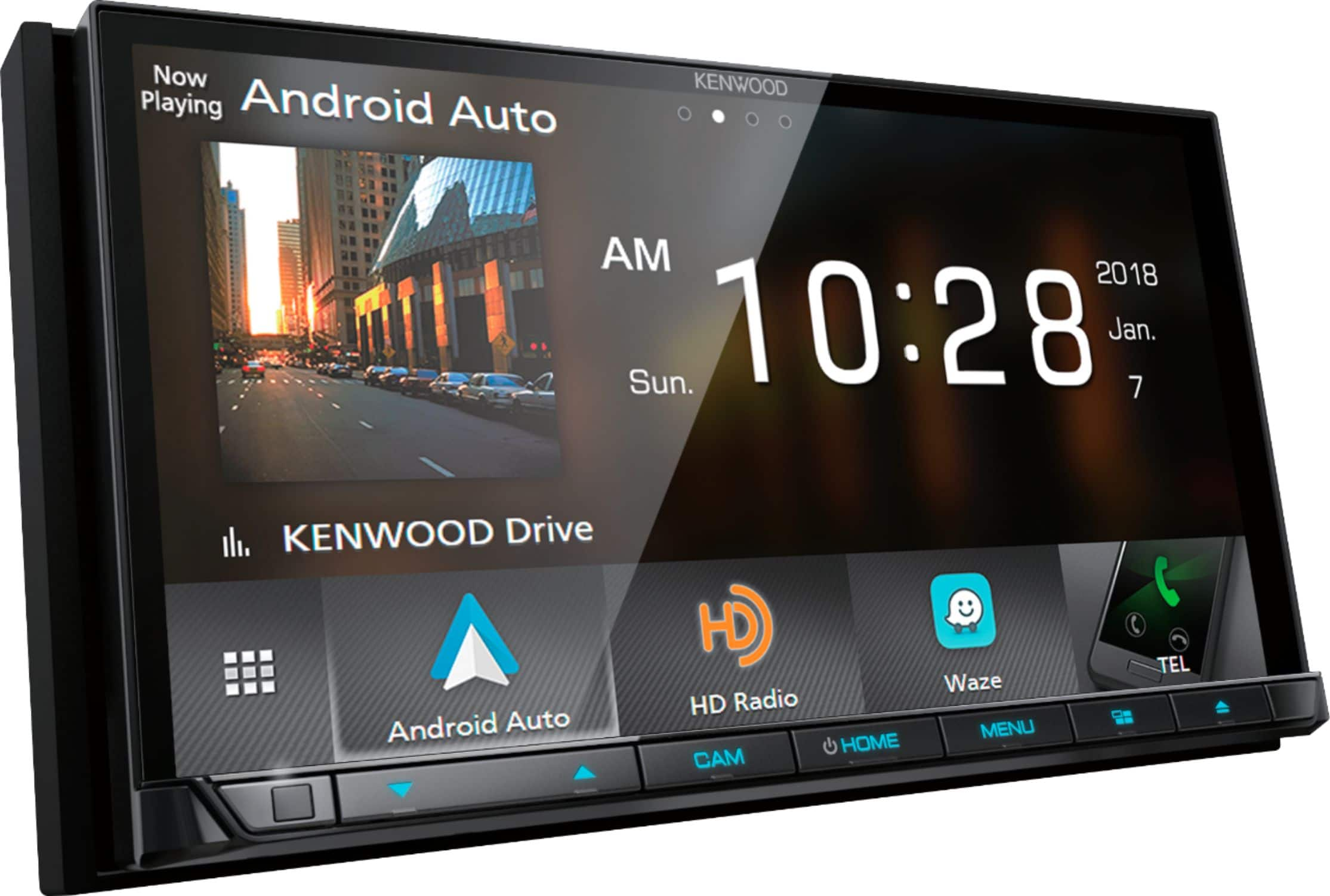
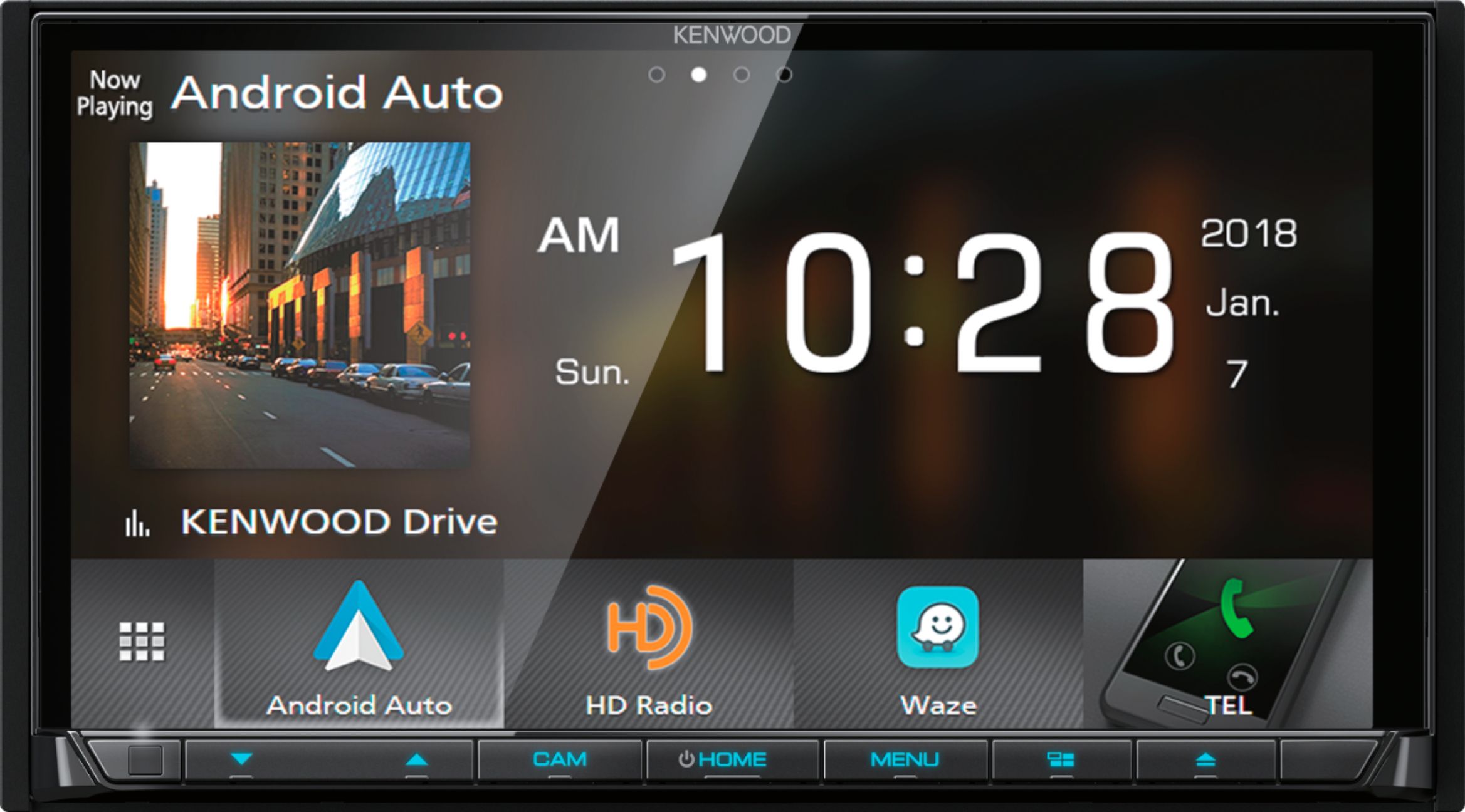
A:AnswerYes, wireless for Android phones. USB for Apple iPhones at this time. Note, this is just the wireless "mirroring" support. Wireless CarPlay and Android Auto work fantastic without any USB connection.
The main difference between the DDX9707S and DMX9707S is the inclusion of a DVD player in the DDX. All other features and functions are identical.
A:AnswerIt does not have built-in navigation but does have Android phone connection or Apple phone connection which basically puts your phone on the screen so you do see navigation on the screen. Is a very nice radio !! the nicest radio I've ever had...lots of great features. You can have two phones Bluetooth connected at the same time so someone calls my fiance's phone the radio answer sit or someone calls my phone the radio answer sit and we like that feature a lot.
A:AnswerYes it keeps searching for your phone and it connects as soon as your close... the connection range is pretty far so sometimes when I'm in the house and have remote start of the car my phone is connected to the car. The boot up time is about 5 Seconds
A:AnswerTo check into what options your factory radio offers on integrating the DVD player please contact our Best Buy installation team by calling them directly to check on this for you.
A:AnswerOn this DDX8706S simply press the eject button for a 1 sec, the screen will come down to allow a DVD to be inserted. The screen will have the functions to play the movie. If a park error is displayed the main wire to allow this DVD to play is the parking break wire (lime green). Make sure this is connected to the parking sensor wire in the vehicle.
A:AnswerTo check to see if your vehicle is compatible with the gage information please contact our Best Buy installation team directly by calling them.
A:AnswerTo check into this issue please contact our Best Buy installation team directly by calling them to further check into this. You can also contact Kenwood directly on troubleshooting.