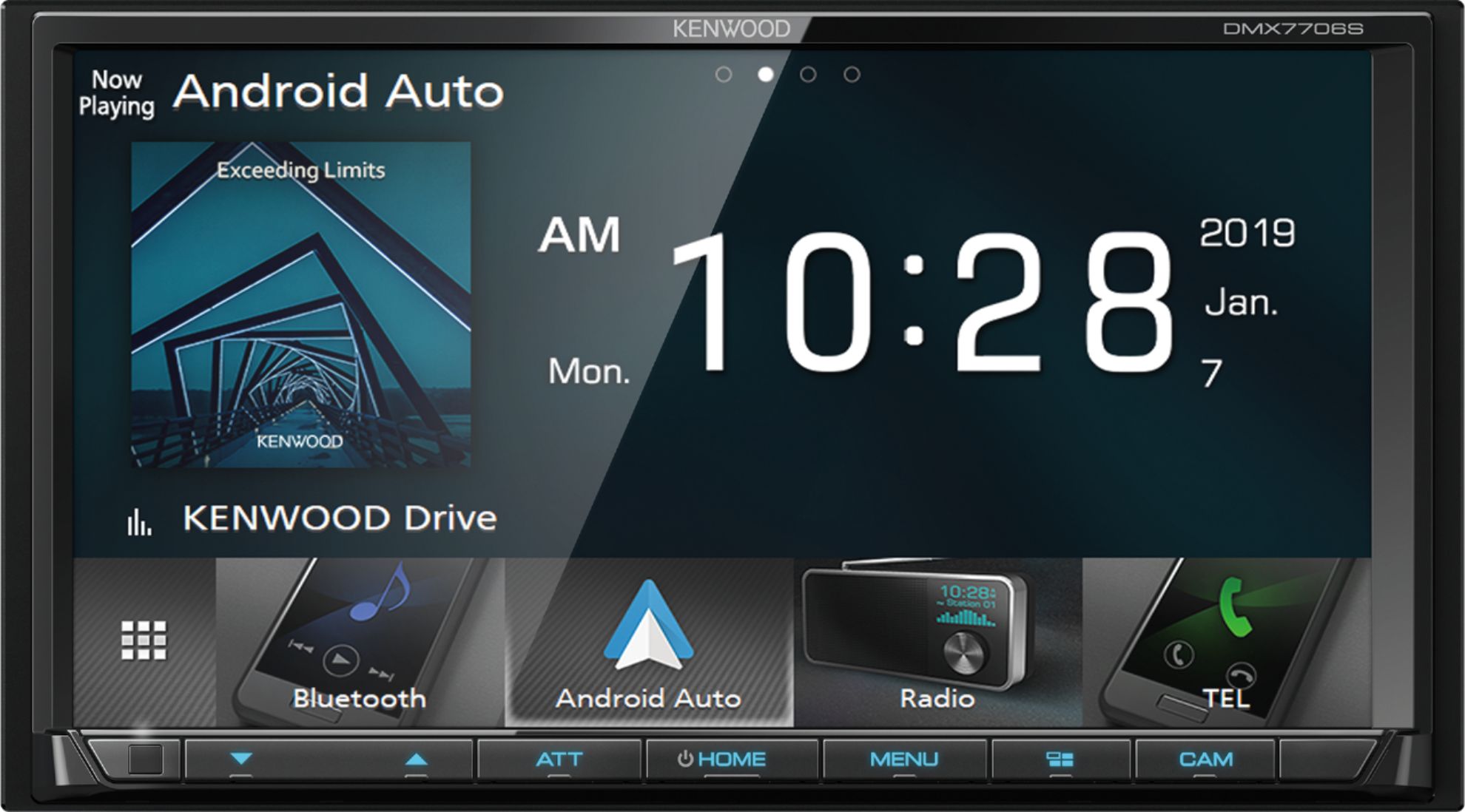
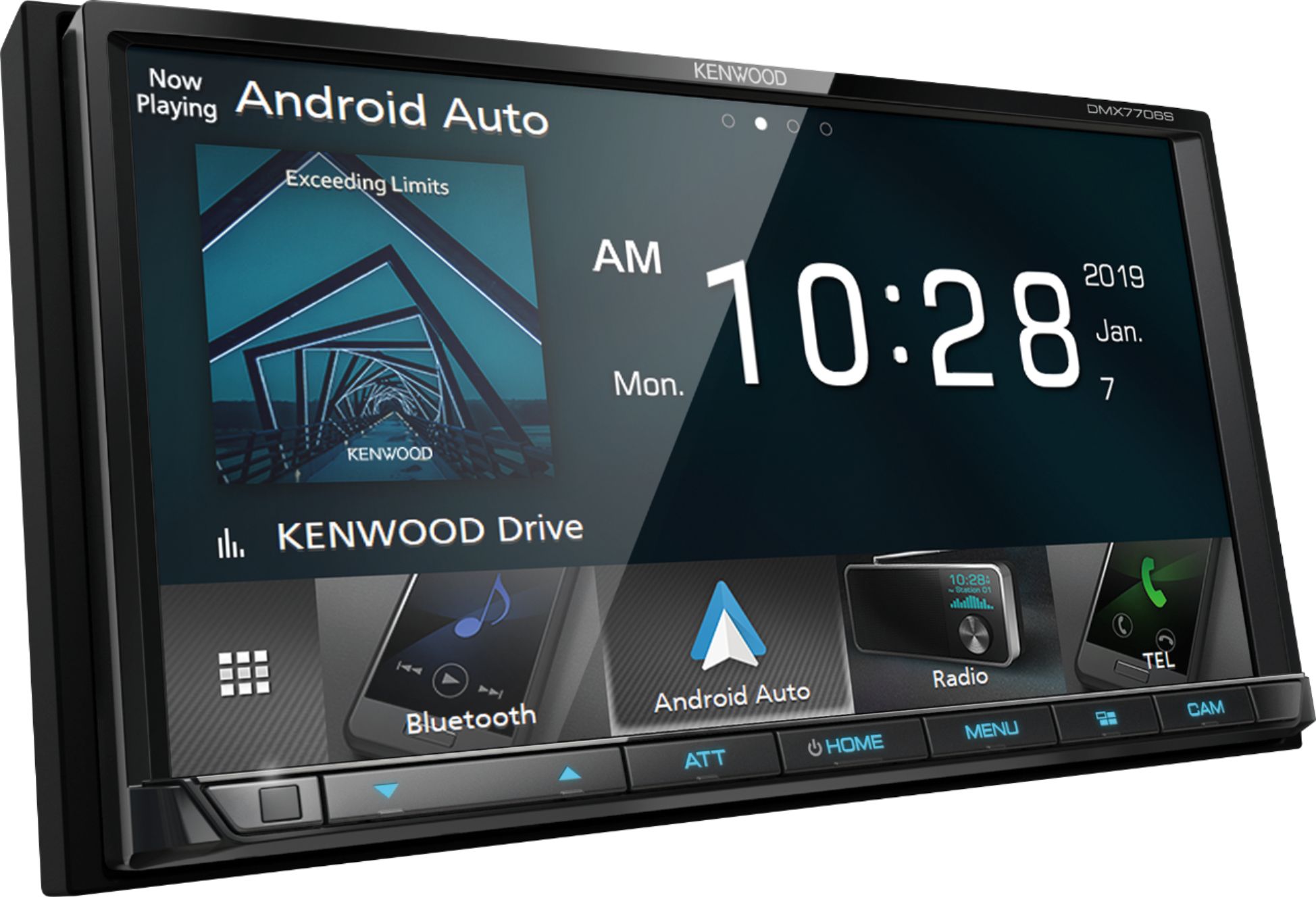
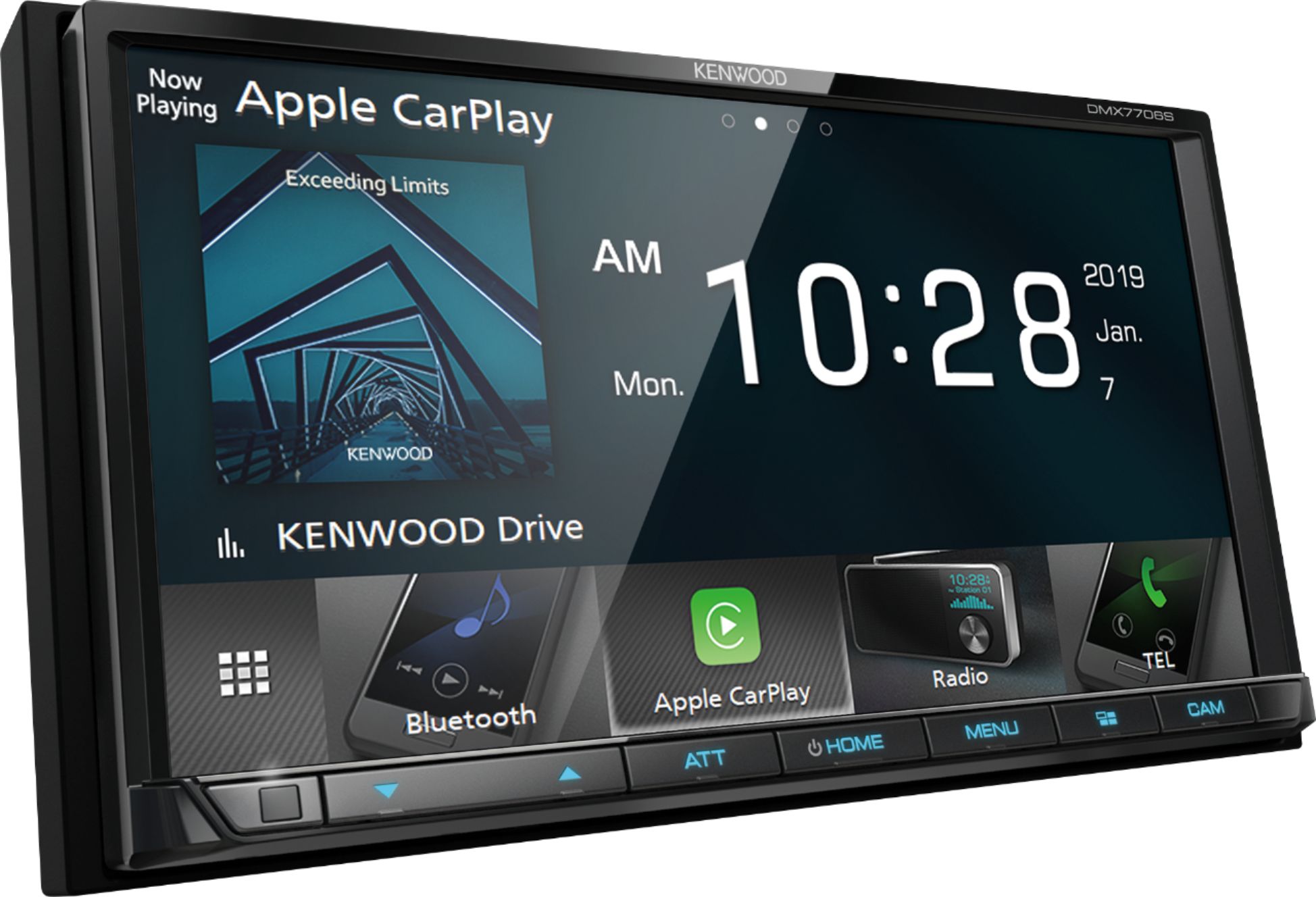
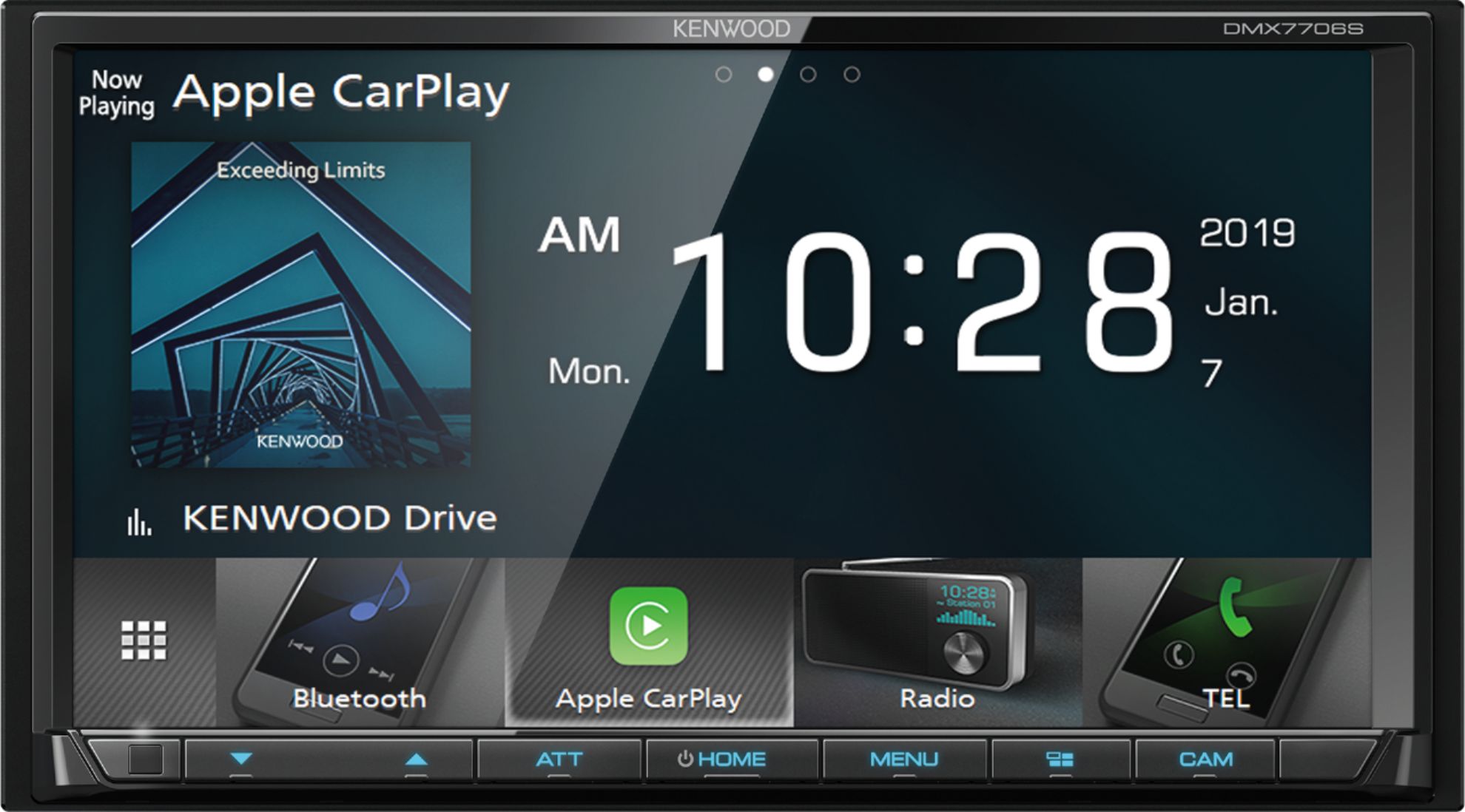
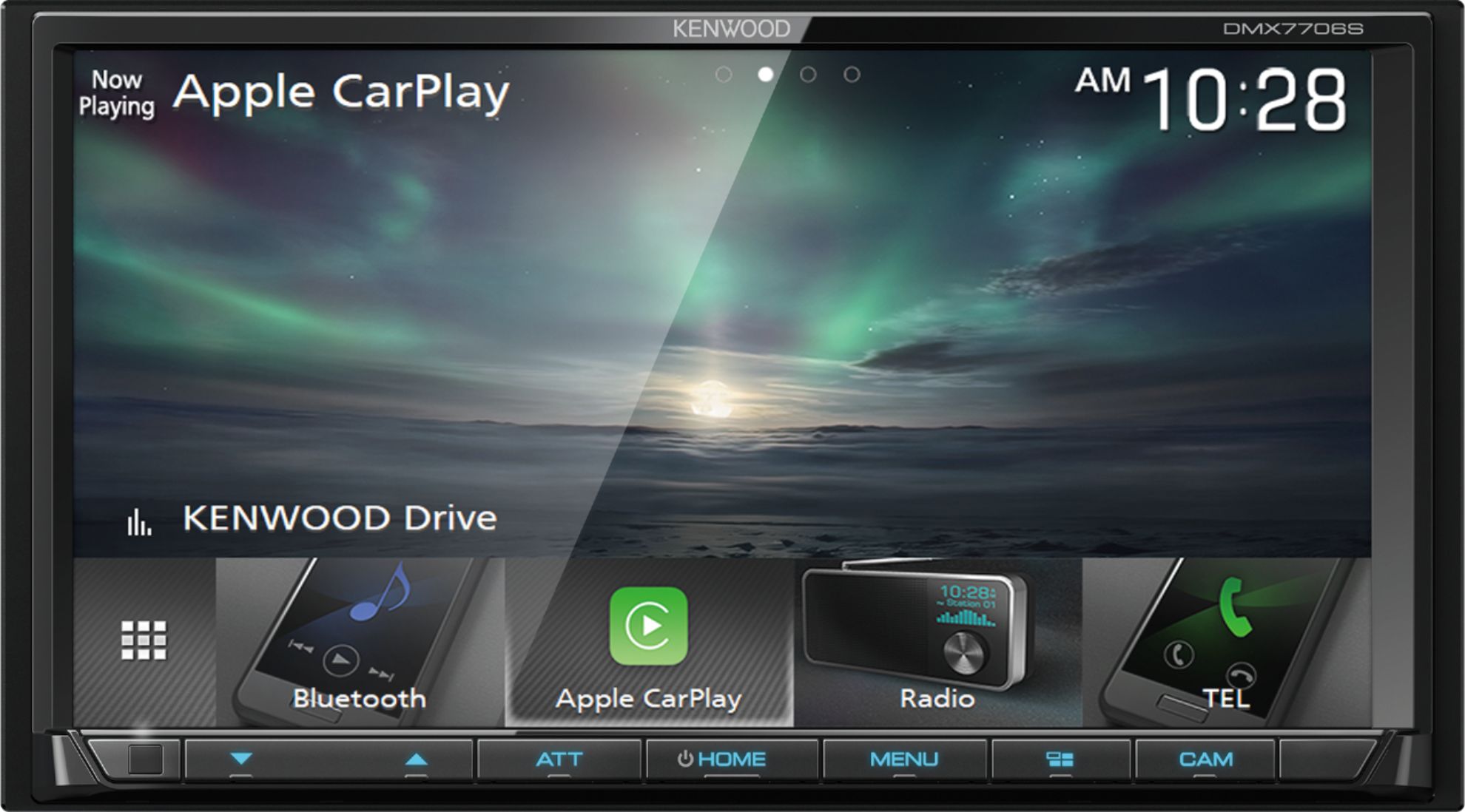
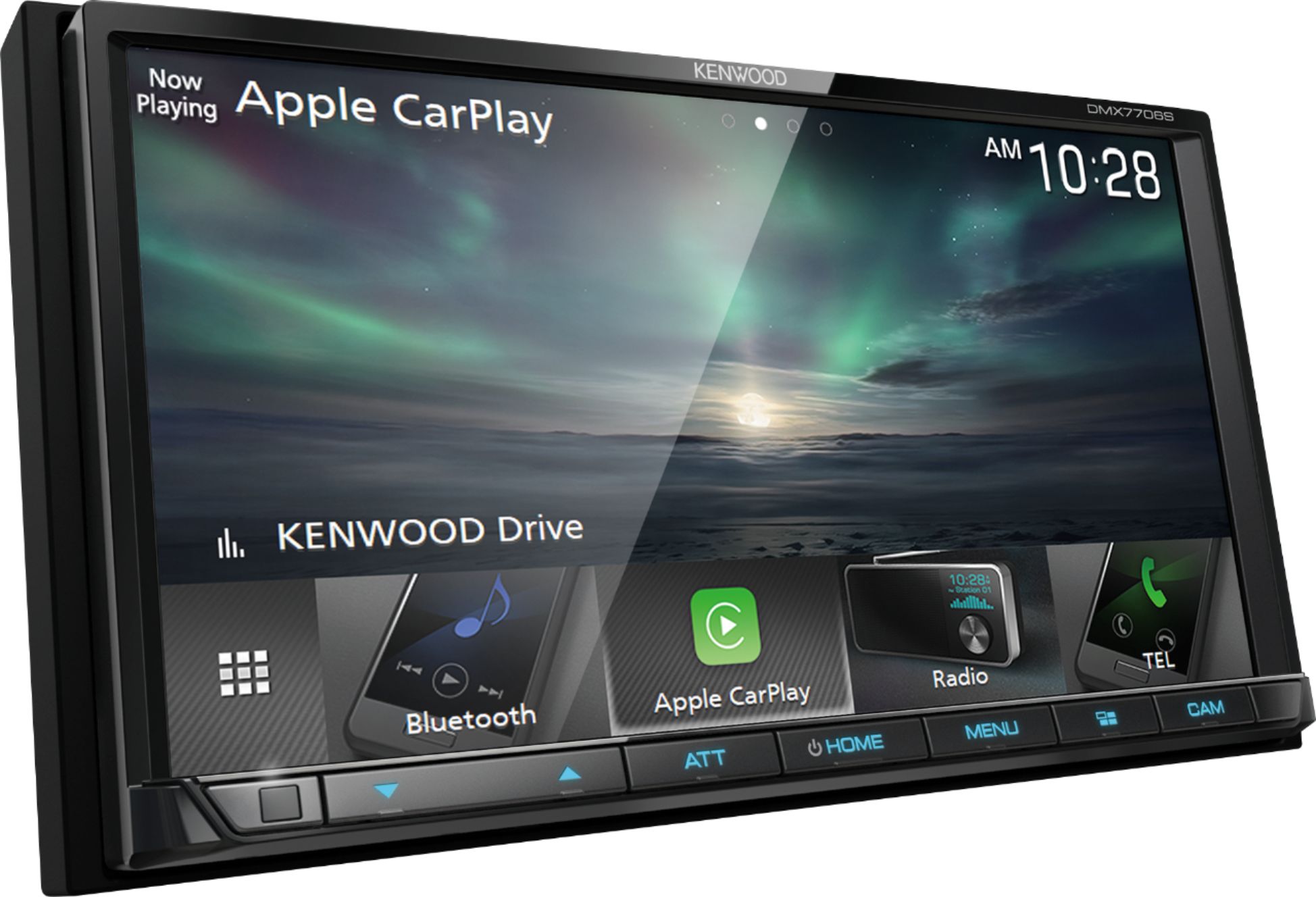
A:AnswerNo, the DMX7706S does not include built-in navigation. You may connect your compatible Android or Apple device for Android Auto or Carplay which allows you to integrate your phones navigation app.
A:AnswerThe DMX7706S will read the text messages through CarPlay or Android Auto. Confirm your phone supports CarPlay or Android Auto and connect the device via USB.
A:AnswerSorry for the problem you are having. I do not know how to get it working again. However, I had my unit installed by Best Buy Geek Squad last week. They stand behind the install and emphasized that if I haVe any issues at all, bring it back. They stand behind their work. Perhaps they can’t assist you with the fix. Good luck.
A:AnswerNetflix and Youtube are not listed but if there is a work around it would be best to contact Kenwood Customer Service directly to check into this for you.
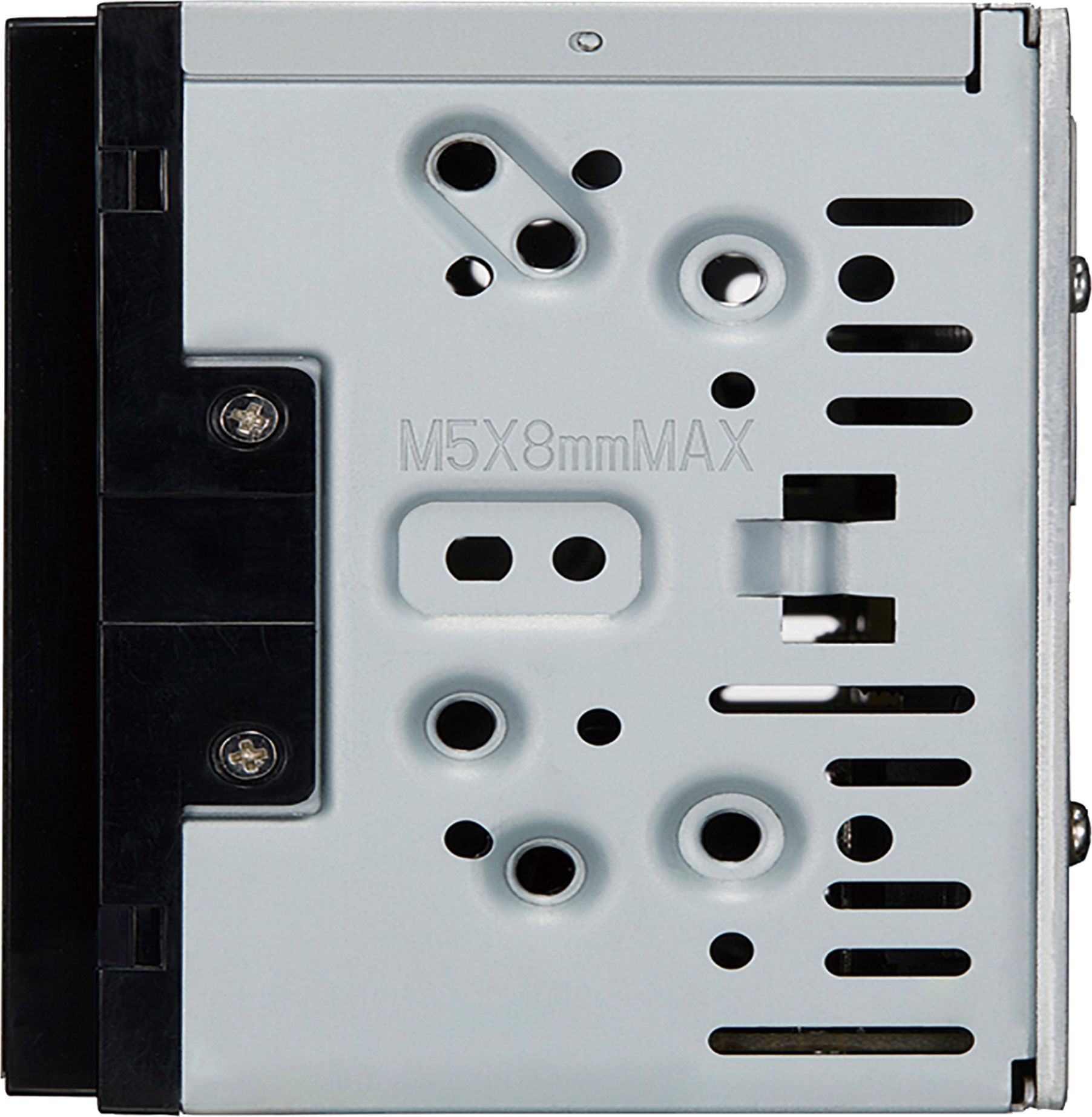
A:AnswerIf your old radio is a double din it should work. If your old radio is not a double din there are adapter plates available. https://www.youtube.com/watch?v=rC6kBXtOzrs
A:AnswerThe Kenwood CMOS 320 back camera does, as well as guide lines when backing. $189 at Walmart Drive-In audio(online).Installation $60 to $100 depending on your area. Best Buy does not carry this camera.
A:AnswerThe Kenwood model will not fit your vehicle. To check on the Pioneer model please contact our Best Buy instalaltion team by calling them direct.
A:AnswerYou can only use 1 source at a time. Using USB, Carplay photos at the same time is not an option. If the demonstation mode is turned on, this can be turned off by acessing the menu > Setup > Special > Demo >off.
A:AnswerDepends on which model iPhone you have. I have a 7 plus and it doesn't work with my phone. My boyfriend has the 10 and it works just fine. According to the user's manual, it is supposed to work with 7+, but it hasn't for me.