A:AnswerYour best bet is to schedule a consultation. They have a computer system where they can enter your specs for your car and they can tell you what parts you will need and the optional sizes of for your stereo. Thats what I did for my Toyota Tundra 2007
A:AnswerYes, Not sure if you have factory navigation but either way it fits with a dash kit and steering wheel control adapter. I use Kenwood DRV-N520 dashcam, which fully integrates and has a specific connector. Any dash cam will work but kenwoods goes together well. I also Use a Idatalink Maestro RR adapter for full factory integration.
A:AnswerTo check into a harness kit or adapters that is needed to integrate your current setup, it would be best to consult with our Best Buy installation team. They have access on looking up this information.
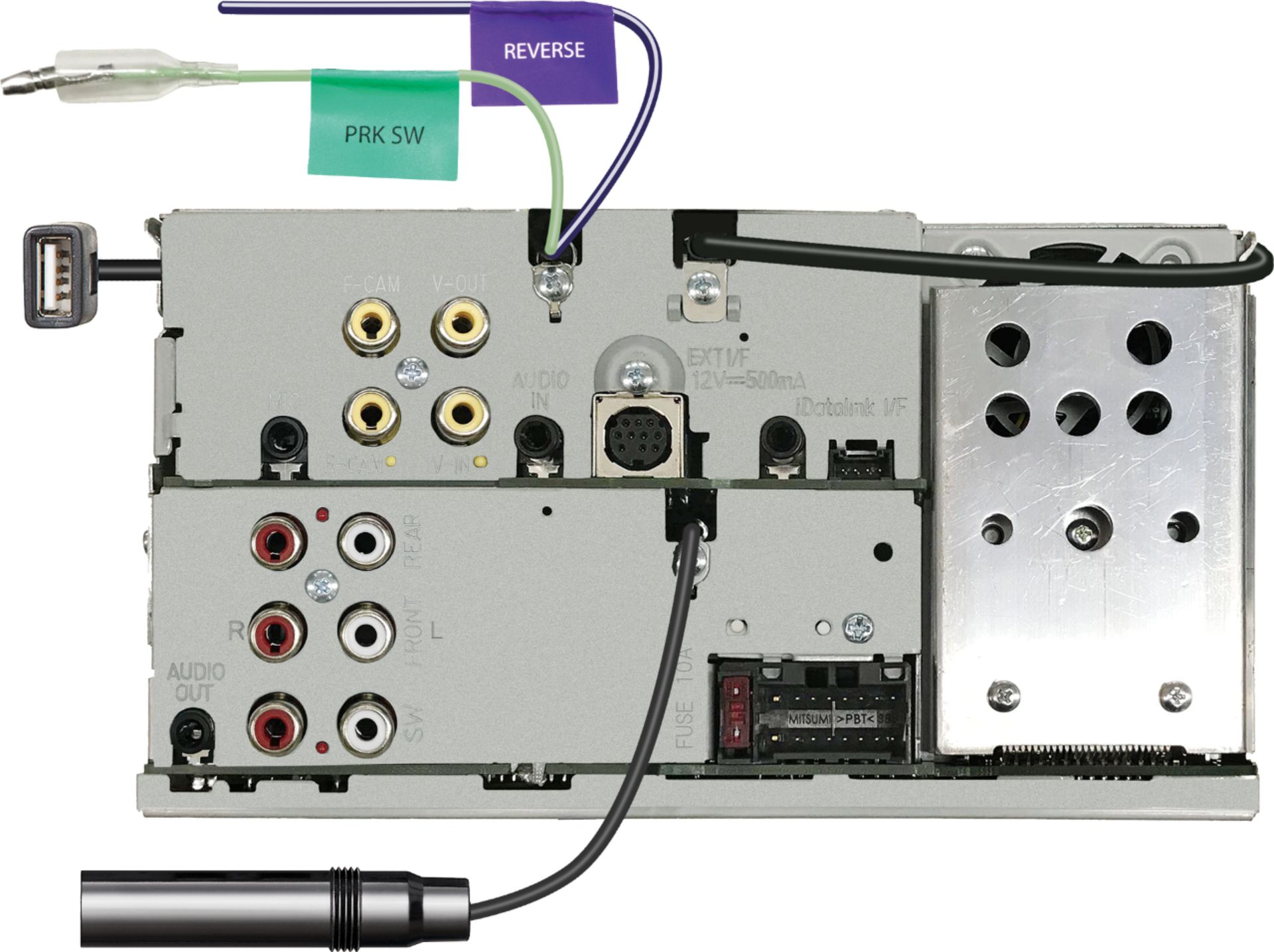
A:AnswerAny after market backup camera can be installed with the radio. To check on options it would be best to consult with our Best Buy installation team. They have access on looking up this information.
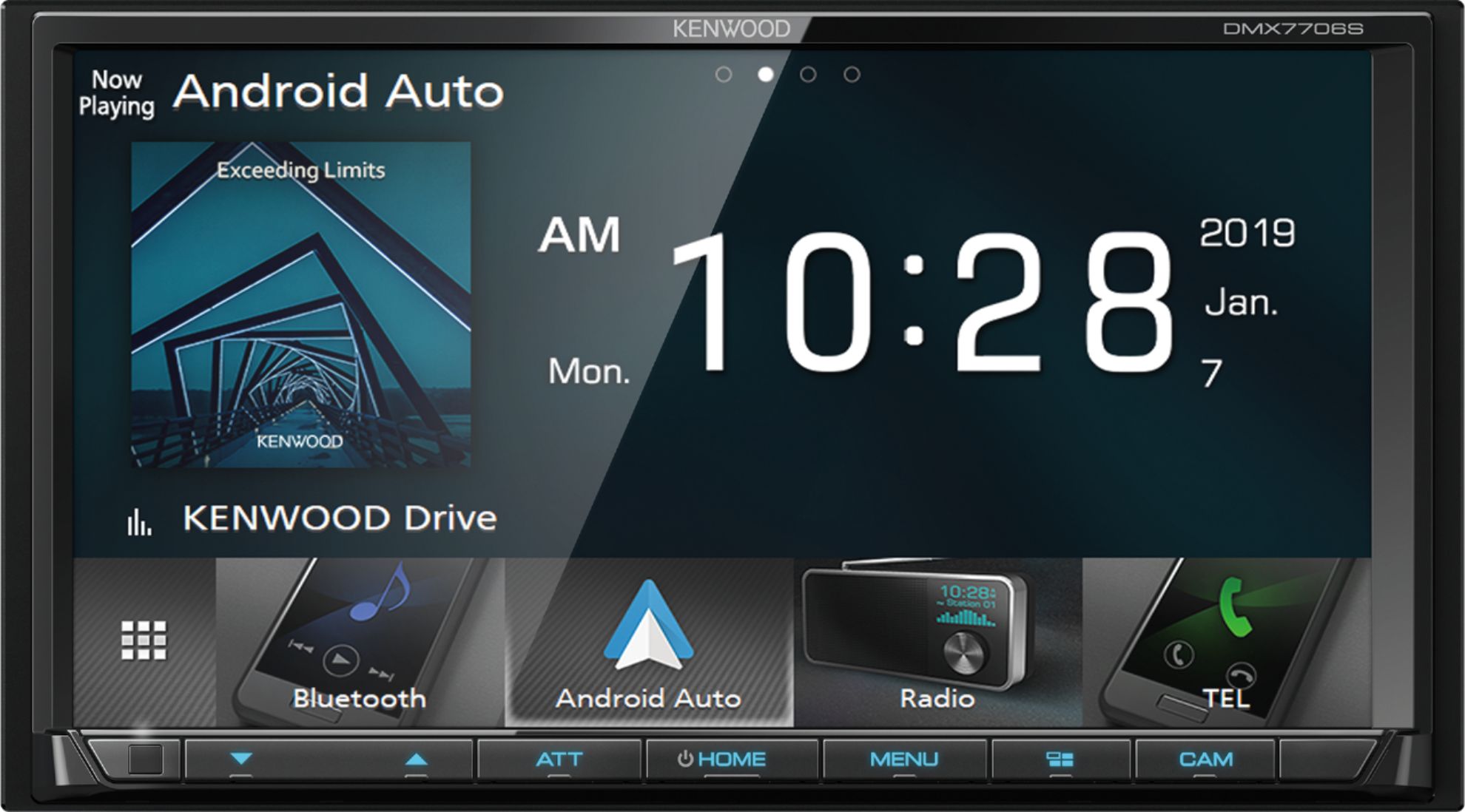
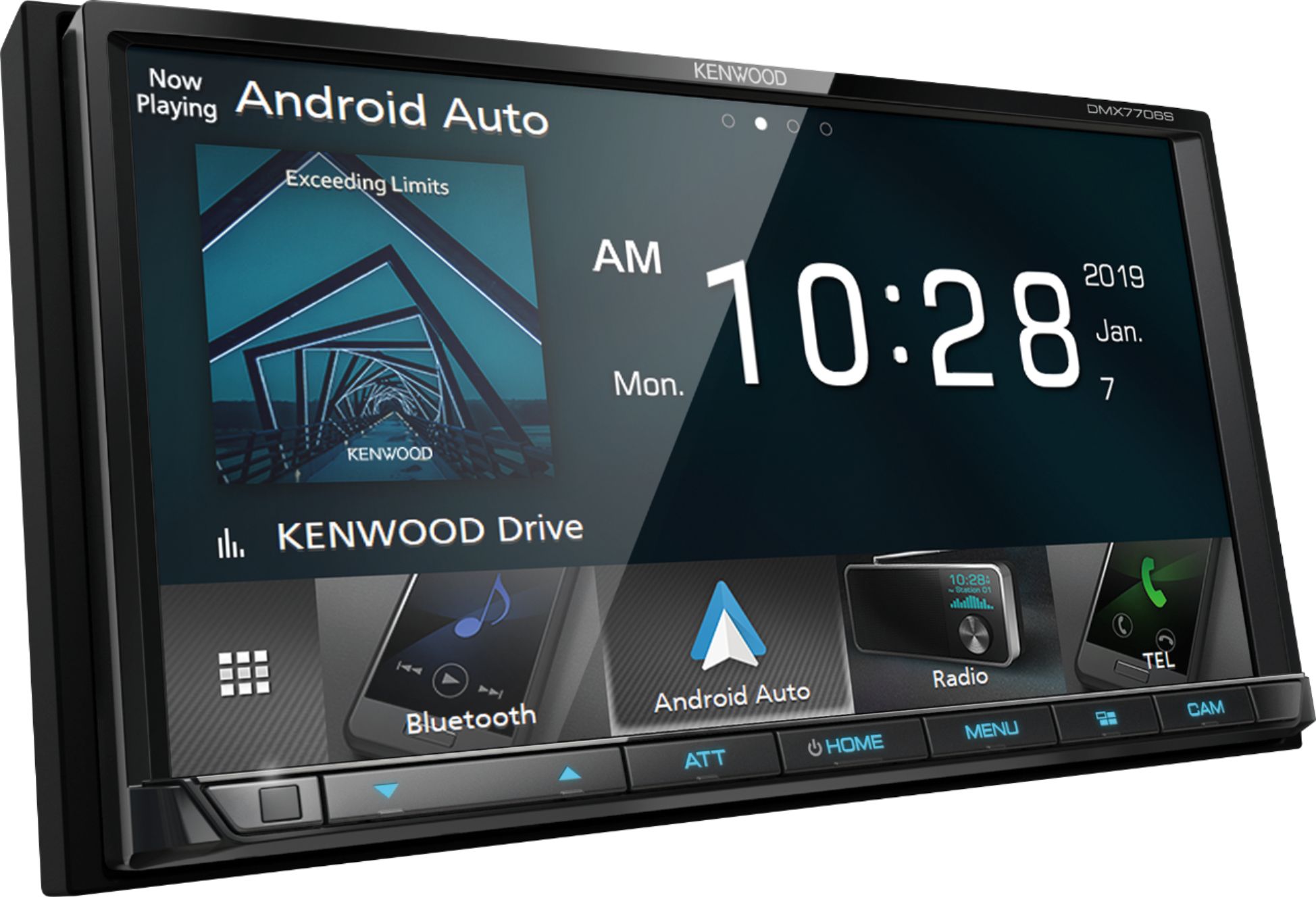
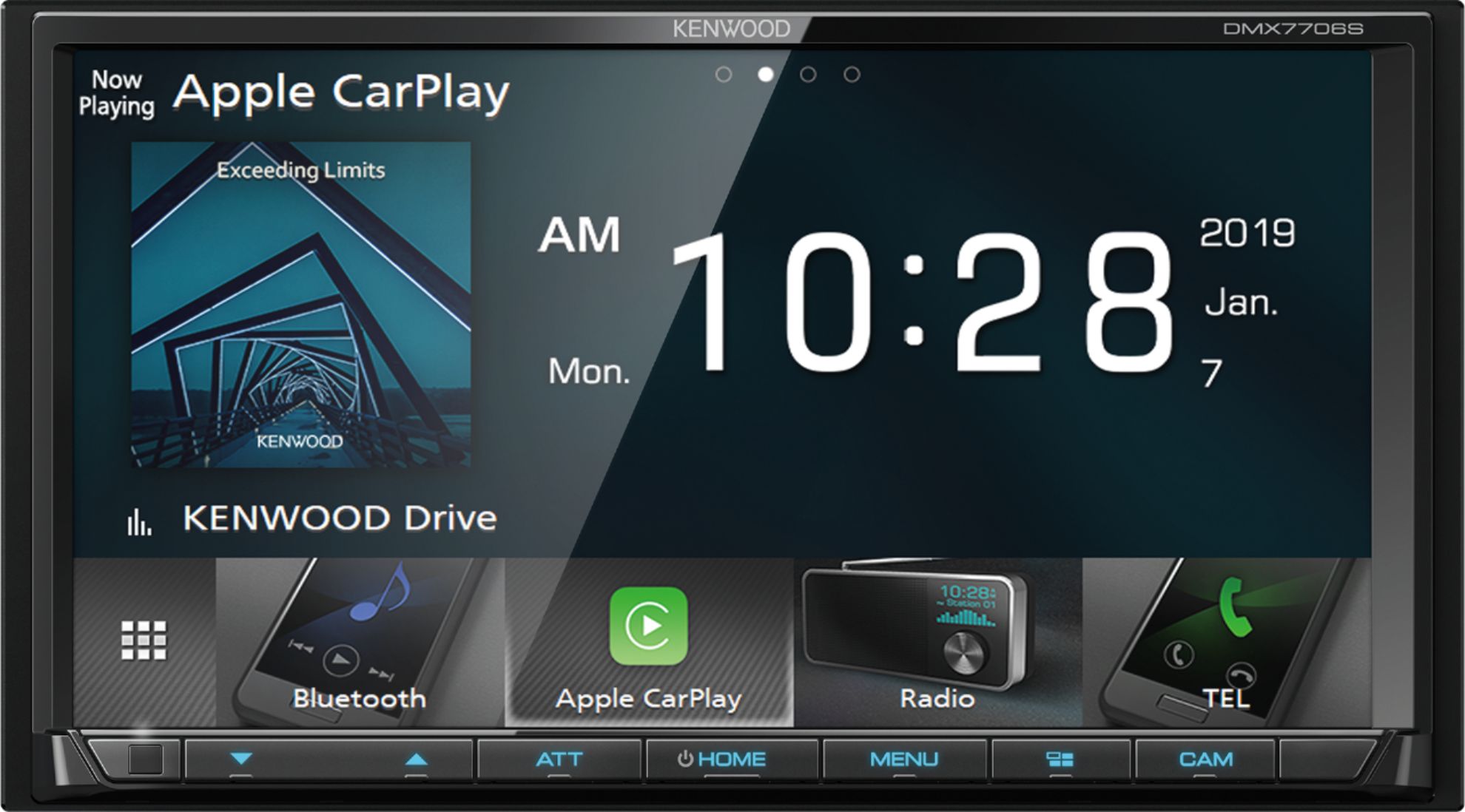
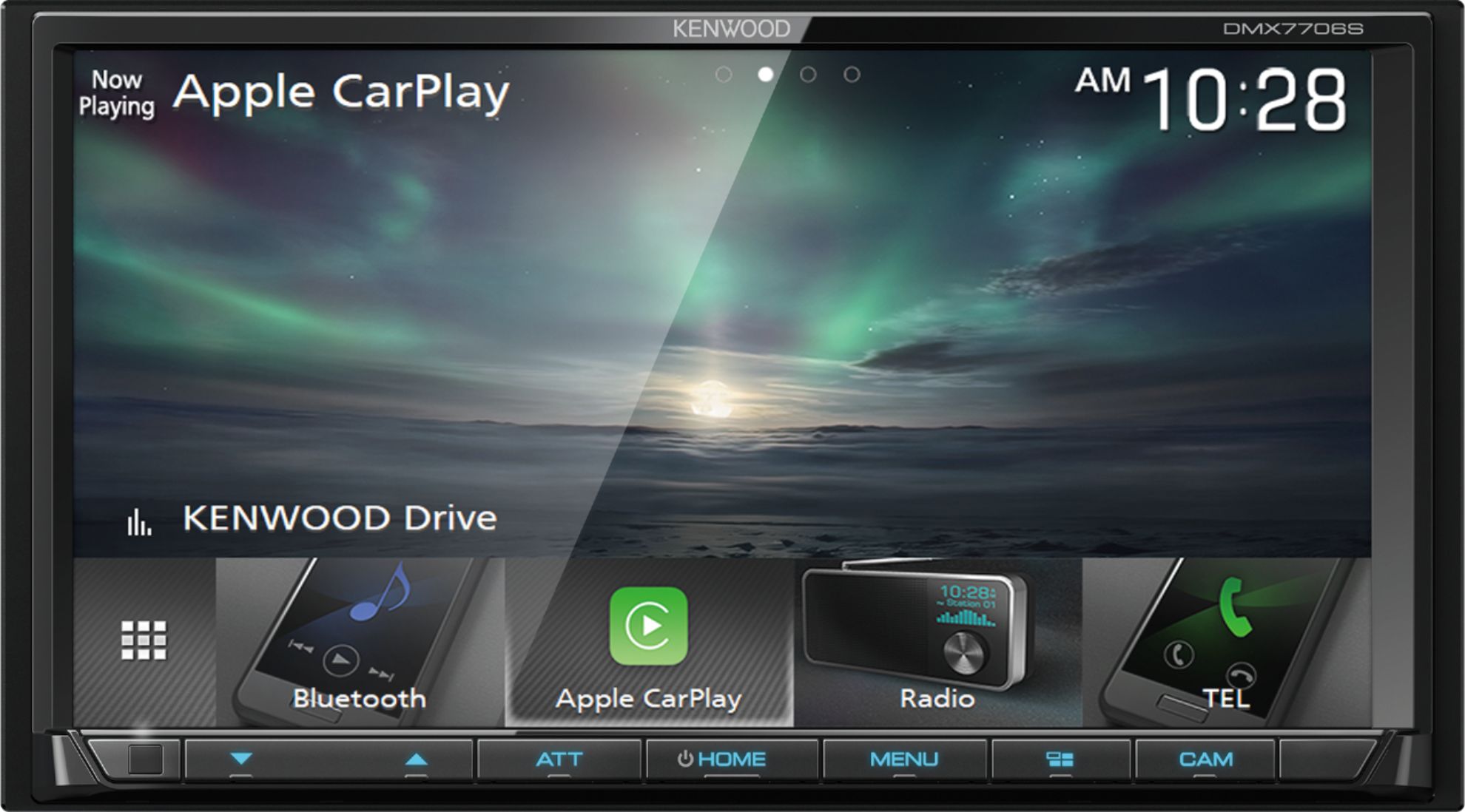
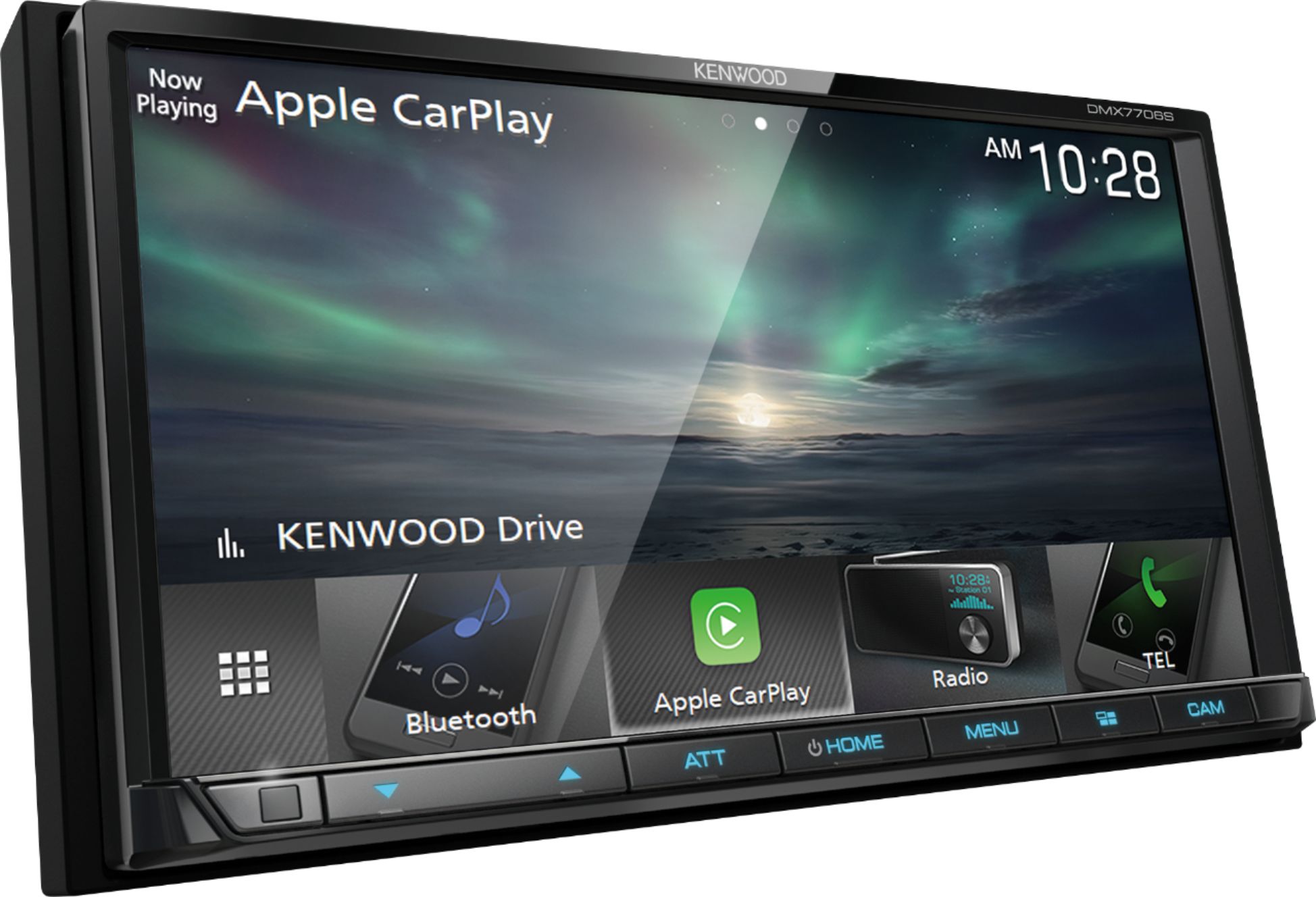
A:AnswerYou can access the rear camera at all times by pressing the CAM button on the front panel. The rear camera image will be displayed for a few seconds. It will not stay on continuously.
A:AnswerIt will fit in your car. It does screen mirroring, but you might go on youtube for the exact method to do it. For CD/DVD, go for the DDX models, not the DMX models.
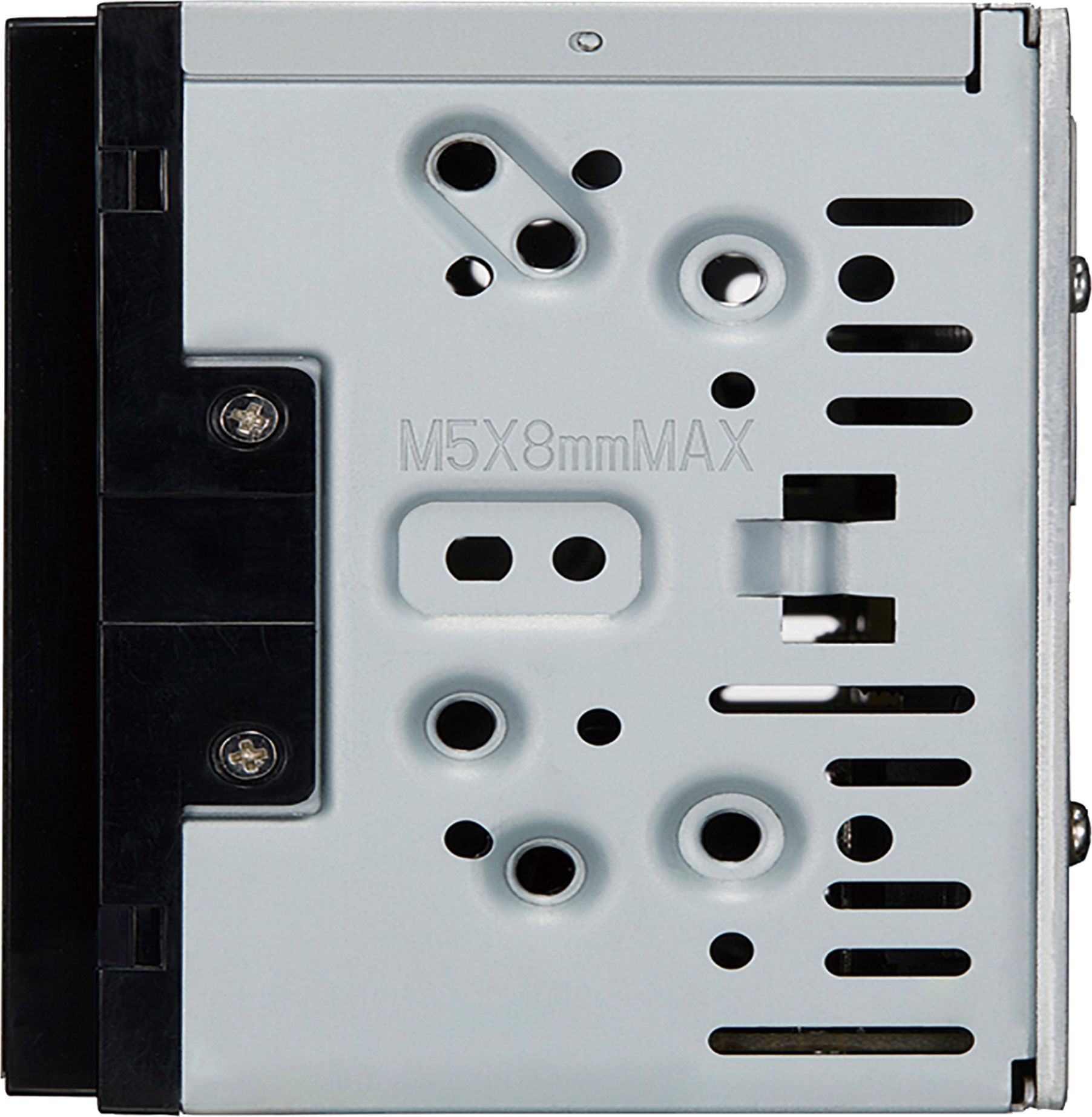
A:AnswerIt will not fit as the factory depth is slightly shorter than the depth of this Kenwood. Assuming you do not have the factory Bose system of course. Best buys website is not entirely accurate with some things as they don't have the research done that Crutchfield has. Best bet is to verify with Crutchfield what does and does not fit your vehicle.
A:AnswerTechnically the unit will fit with slight modification to the inside of the dash. Best buy installers will not do the modifications needed. So a short chassis would eliminate the need for the modifications.
A:Answeryes it will connect wirelessly with your iphone, i don't know about laptop, yes extra cost for wiring to work with your steering wheel controls.
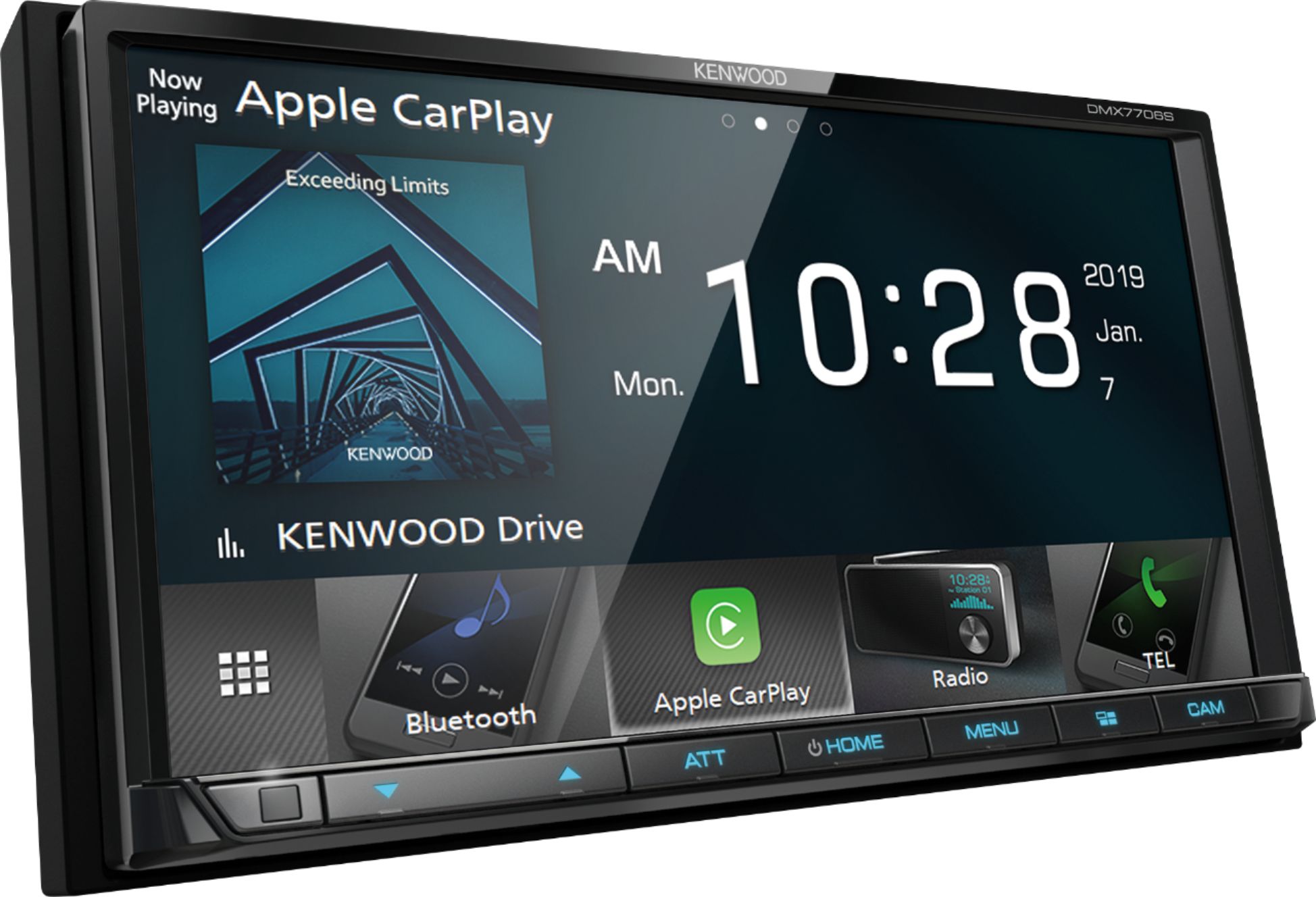
A:AnswerYou are not able to run two sources at the same time. You can use Carplay or Android Auto's GPS and while running this application you can listen to your music for audio. If streaming music via Bluetooth then that is its own source alone and GPS from Android Auto or Carplay wouldn't work.
A:AnswerYou can select the Radio source from the home screen then press the next or previous track buttons to change stations. The next/previous track buttons are located directly under the radio station information.