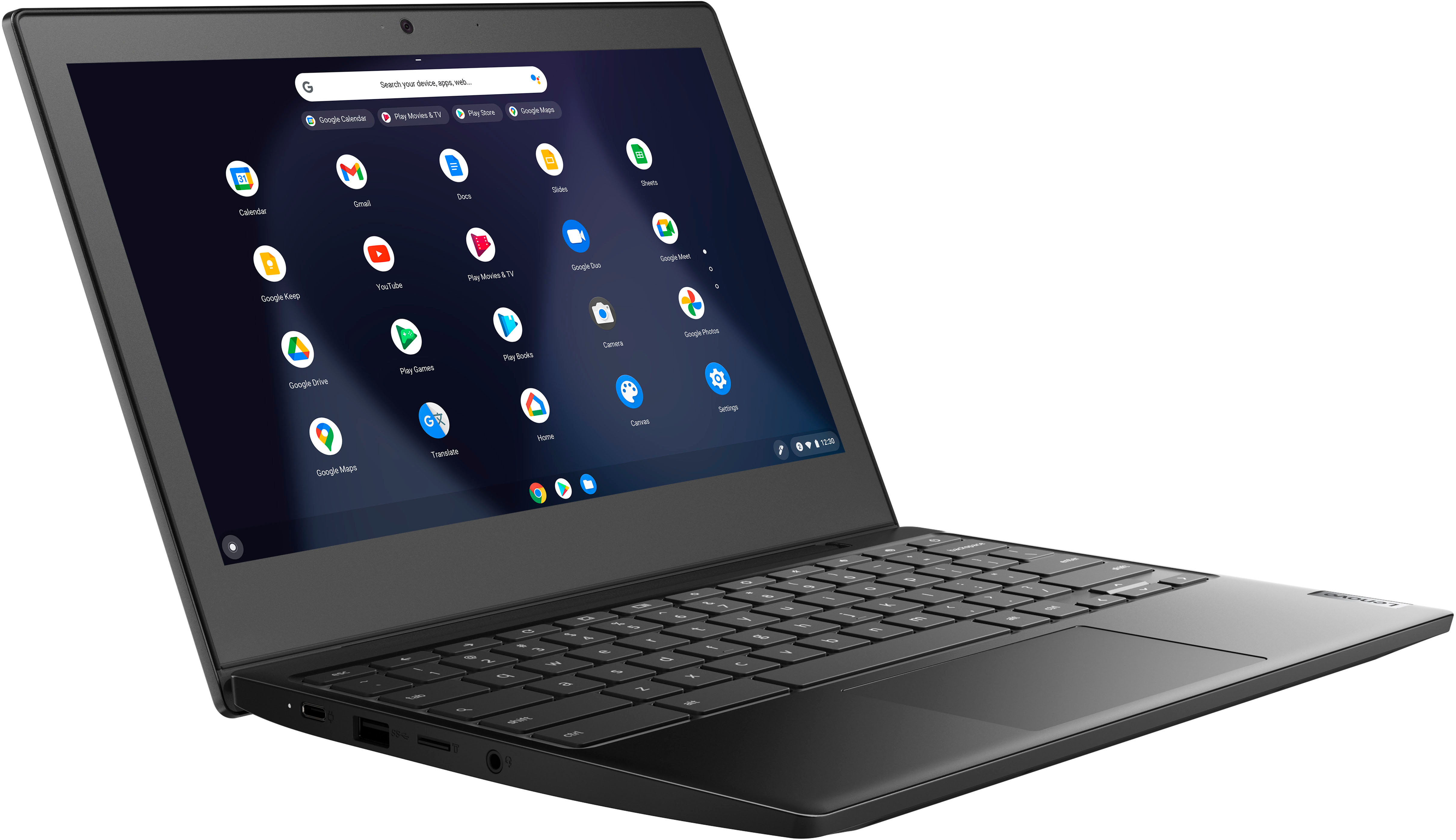
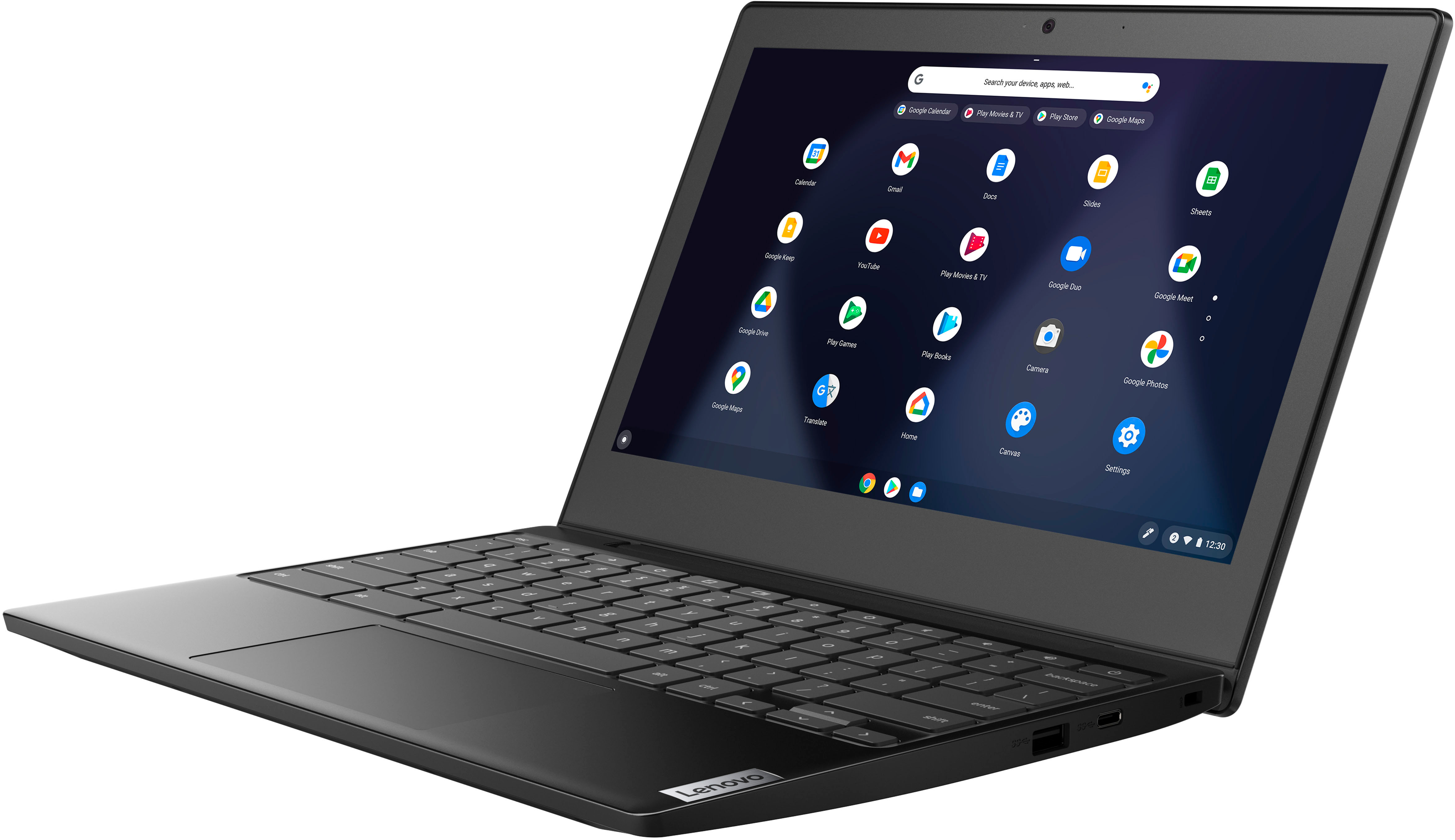
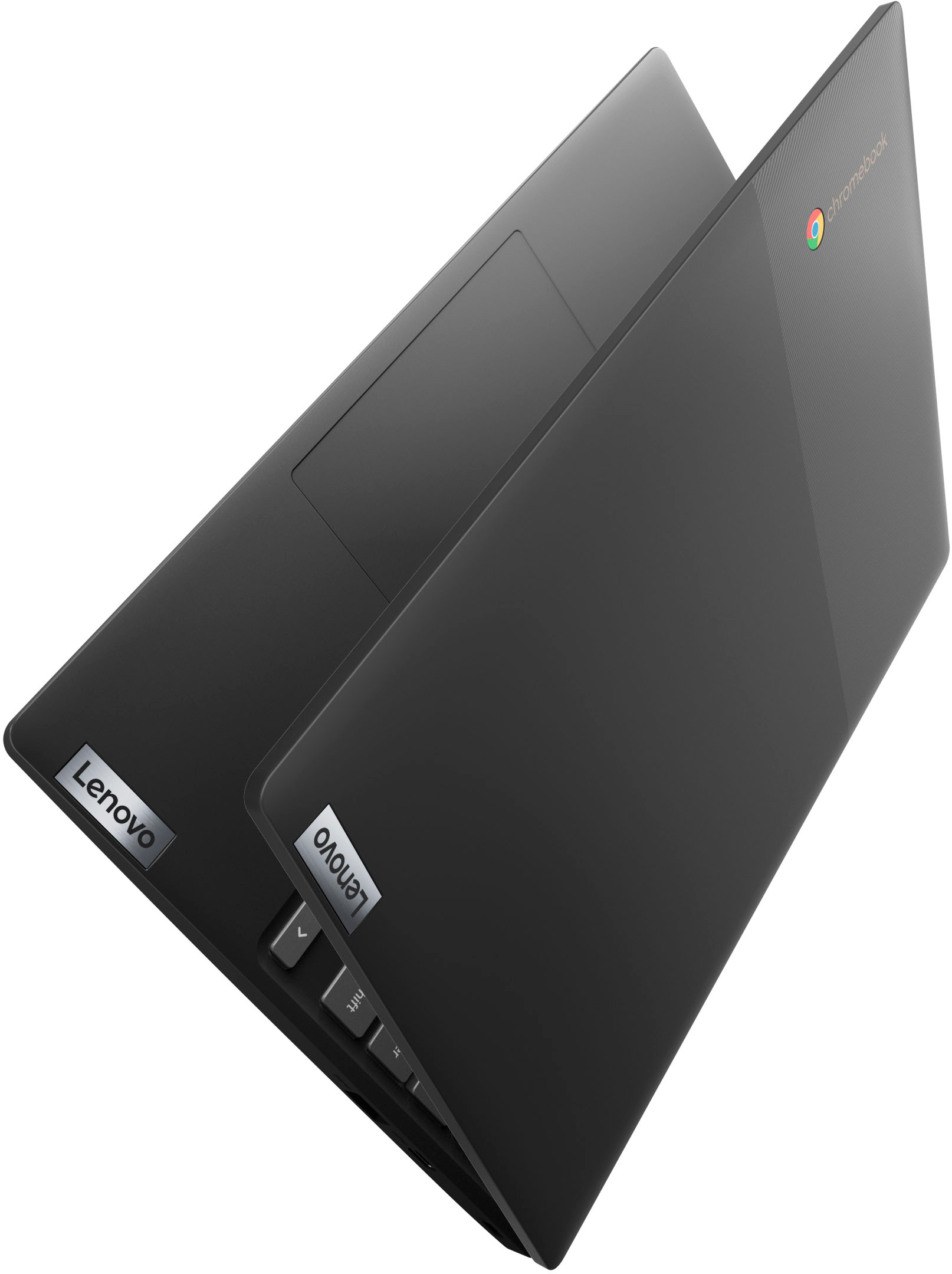
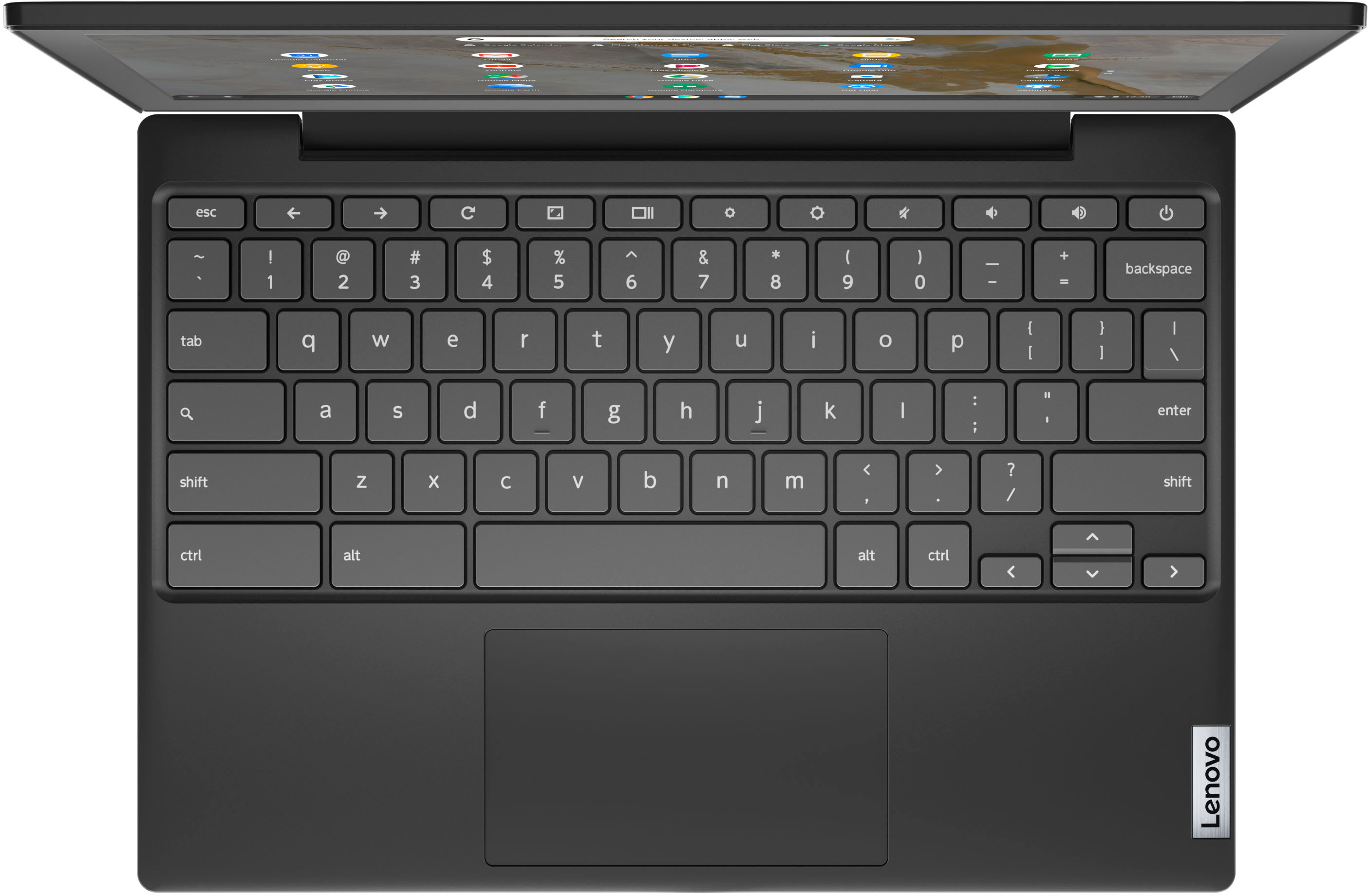
A:AnswerYes. This Lenovo Chromebook 3 11, model number 82BA001FUS, ships with WiFi-5, wide range/high speed 2x2 802.11ac frequency WiFi capability installed and is also backward compatible to older, a/b/g/n frequency WiFi.
A:AnswerIt has 4GB of RAM for memory. Not up-gradable memory.
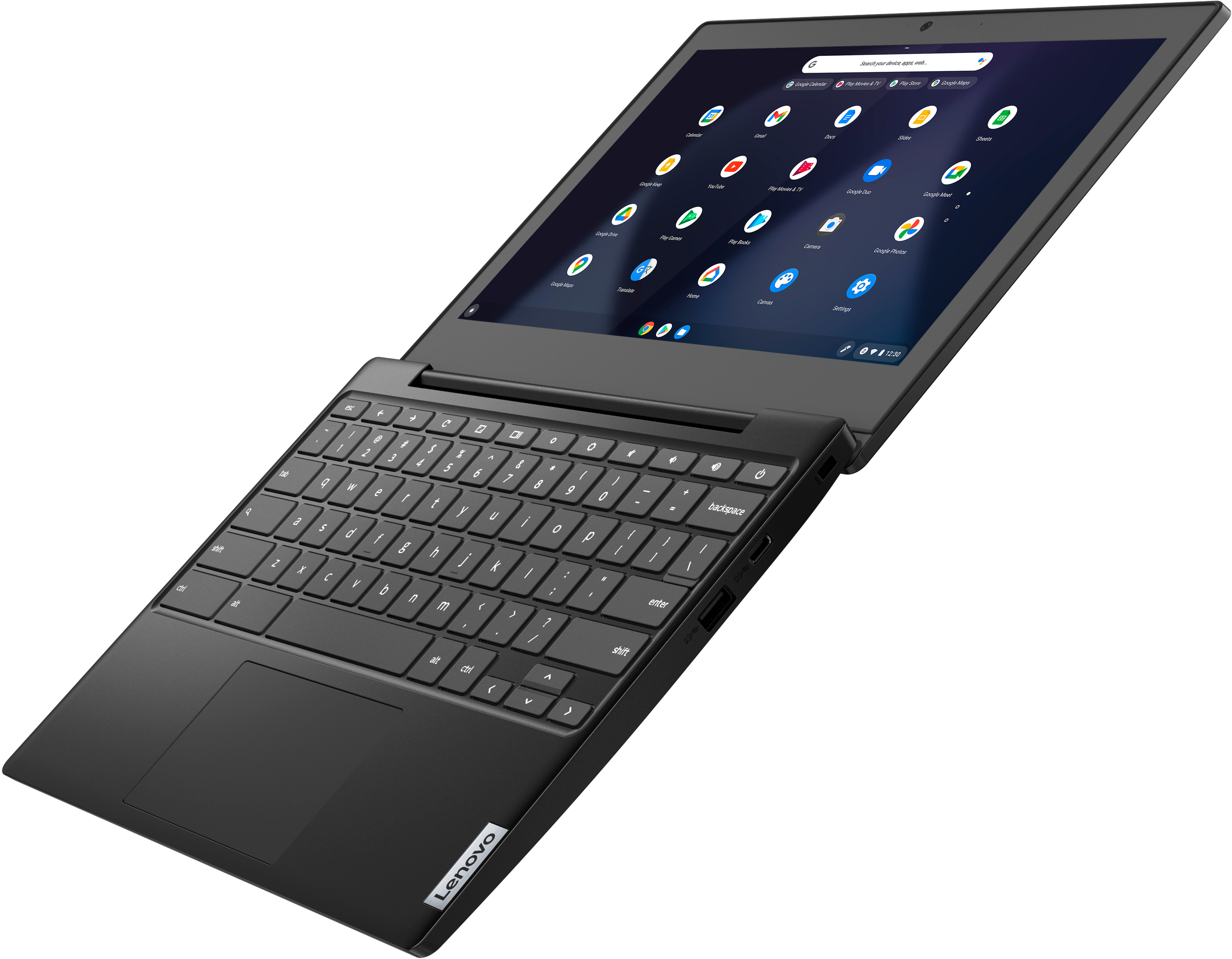
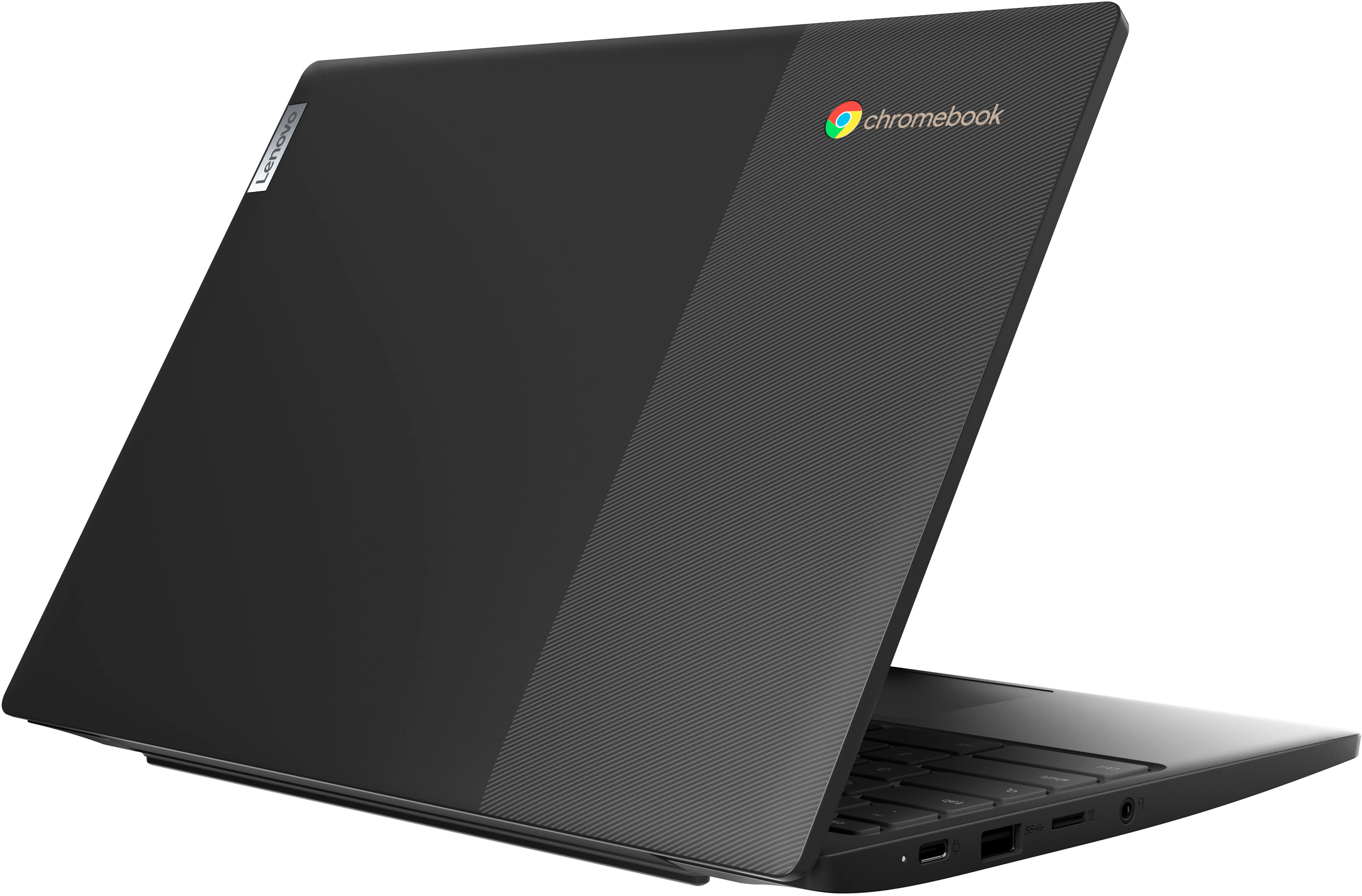
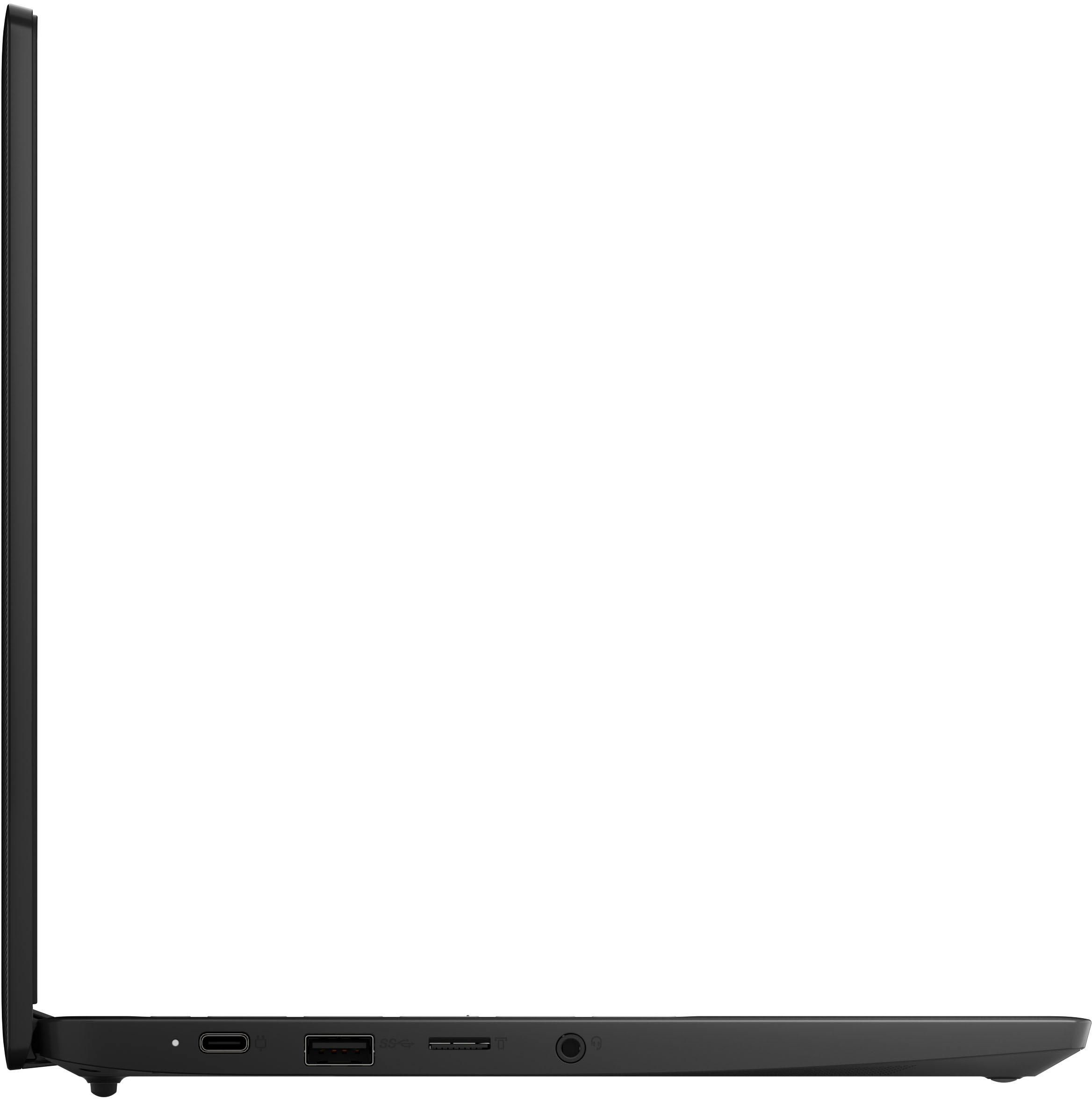
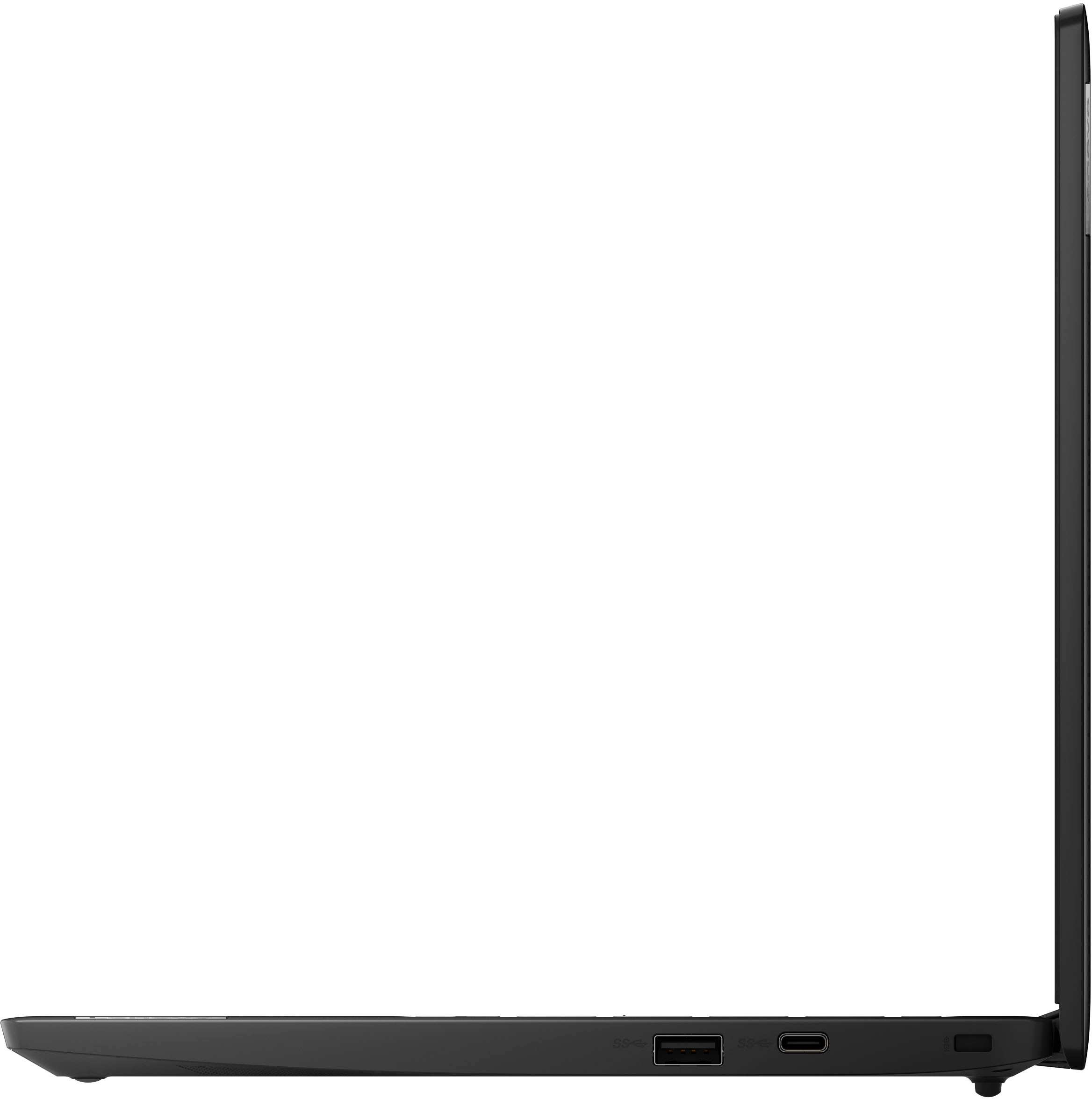
It comes with 60+GB of storage with Micro SD for expanding that storage and multiple USB ports for plugging more storage in.
A:AnswerIt has a non removable battery, just like most phones and tablets. If you use a lower power USB charger for phones, it gives a warning that it might not be able to charge while using. It still charged a little, but it took a long time. The charger it comes with is 45W, and seems to charge fully in less than 2 hours.
Lithium Ion battery best practices are keep it between 20-80% as often as possible. Depending on what you are running it should have at least 4-7 hours or more of screen on time letting it drain from 80% down to 20%
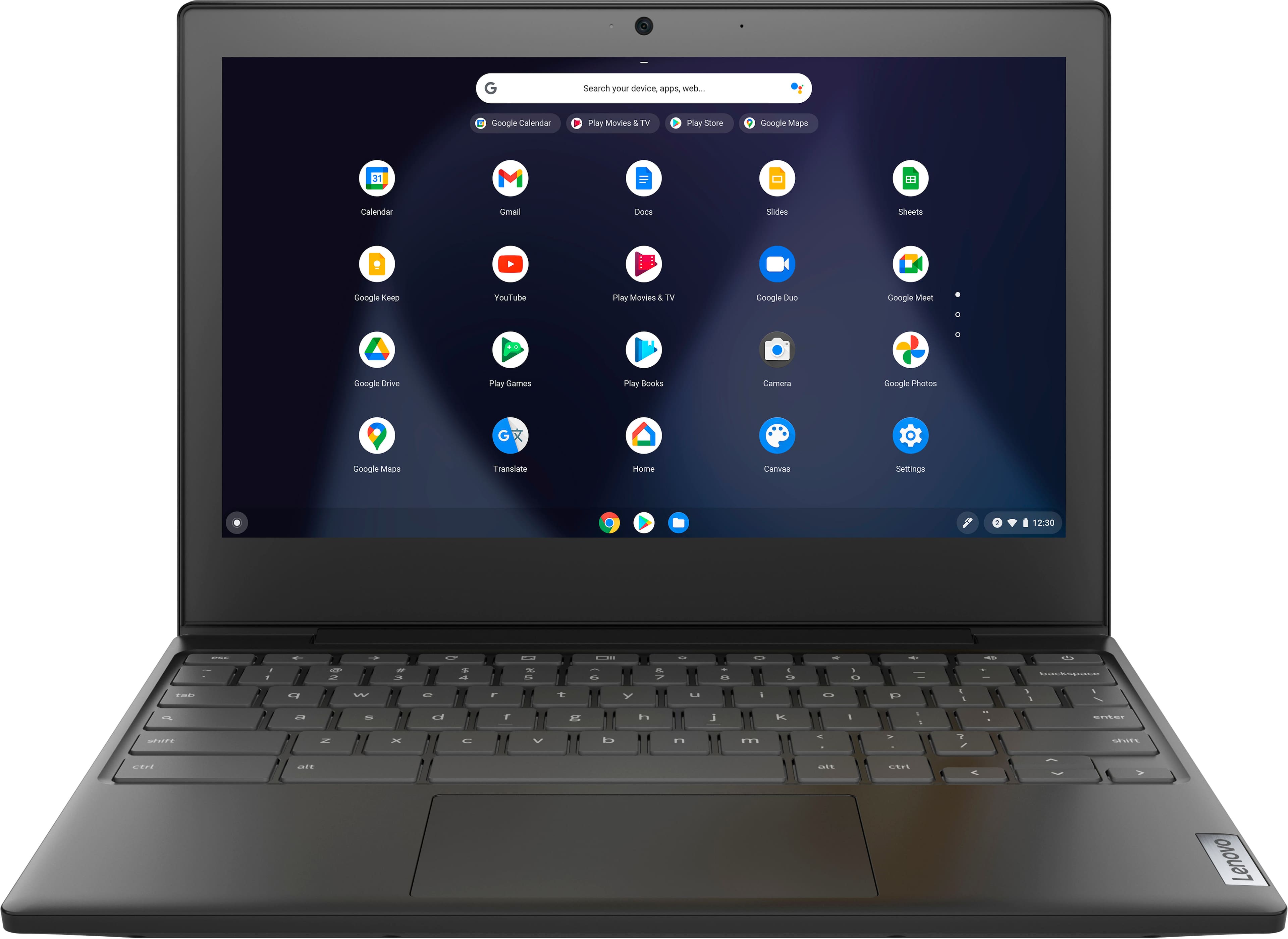
A:AnswerThat will depend on the requirements and compatibility of the specific APP you want to install. This Lenovo Chromebook 3 11 uses Google Docs for office type programs. The Chrome Operating System installed on this Chromebook 3 11 is compatible with Google Play Store APPs. Not all Google Play Store APPs are optimized for the Chrome OS. We recommend you check with the specific APPs software publisher's web site, of the APP you want to use, for their compatibility with the Chrome operating system and the minimum/recommended hardware requirements (Is a Graphics card required, the processor speed and the minimum required system RAM and the minimum available hard drive space) to run their program, then compare those requirements to this Chromebook's configuration.
A:AnswerAs with anything that has a rechargeable battery, you should charge it until the battery is completely full before using it. Then you should use it until the battery is completely dead before charging it again.
A:AnswerThat will depend on the requirements and compatibility of the specific APP you want to install on this Lenovo Chromebook 3 11. The Chromebook 3 11 ships with the Chrome Operating System installed and is compatible with Google Play Store APPs. Not all Google Play Store APPs are optimized for the Chrome OS. We recommend you check with the specific APPs software publisher's web sites, of the specific APPs you want to install, for their compatibility with the Chrome operating system and the minimum/recommended hardware requirements (Is a Graphics card required, the processor speed and the minimum required system RAM and the minimum available hard drive space) to run their program, then compare those requirements to this Chromebook's configuration.
A:AnswerThe Chrome OS whichh is installed on all Chromebooks, including this Lenovo Chromebook 3 11, model number 82BA001FUS, does not support CD or DVD burning. A Chromebook can read files off of CD's but cannot play music or video. Here is a link to more information: https://platypusplatypus.com/chromebooks/connect-external-cd-dvd-drive-chromebook/#:~:text=Want%20a%20Chromebook%20with%20a,don't%20have%20optical%20drives.
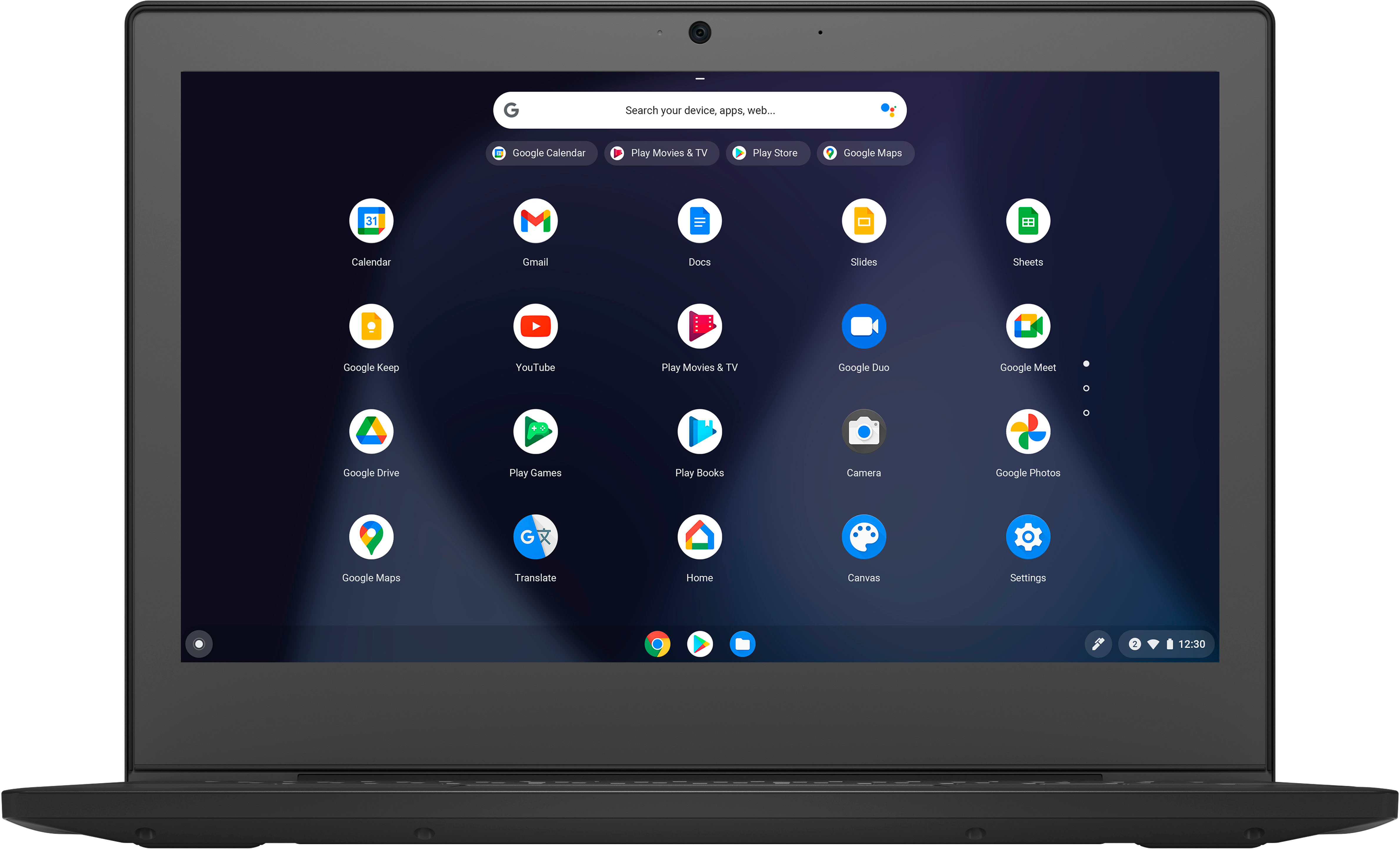
A:AnswerThis Lenovo Chromebook 3 11 Model number 82BA001FUS, ships with a non-touch, 11.6 inch (screen size measured diagonally) TN - HD (1366x768) screen, with a brightness level of 250 nits and has an Anti-glare Coating.
A:AnswerNo. This Lenovo Chromebook 3 11, model number 82BA001FUS, uses Google Docs for office type programs. Google Docs is completely compatible with Microsoft Office Programs and this is a free service through the Google Server. If you currently have a Microsoft Office 365 Account, you can access that existing account through a Chromebook like this Lenovo Chromebook 3 11. Here is a link to more information: https://support.microsoft.com/en-gb/office/how-to-access-microsoft-office-on-a-chromebook-32f14a23-2c1a-4579-b973-d4b1d78561ad#:~:text=Open%20the%20browser%20on%20your,with%20your%20Microsoft%20365%20subscription.