DoorBOOsters are hereExclusions apply. Ends 11/2/25.Shop now

Main Content

Questions & Answers

Your price for this item is $199.99
The comparable value price is $249.99
Page Showing 121-140 of 215 questions
  • QuestionIs Chrome OS installed on this computer with Windows 11 or can you install Chrome OS on this computer or use a USB drive with Chrome OS on it ?

    Asked by Jeff.

    • Answer Laptop comes with Windows 11. If you want to install chrome OS on it. it maybe possible but I wouldn't expect any help from Lenovo or BestBuy.

      Answered by Anonymous

  • Questioncan I do zoom meetings? does it have a camera?

    Asked by belton.

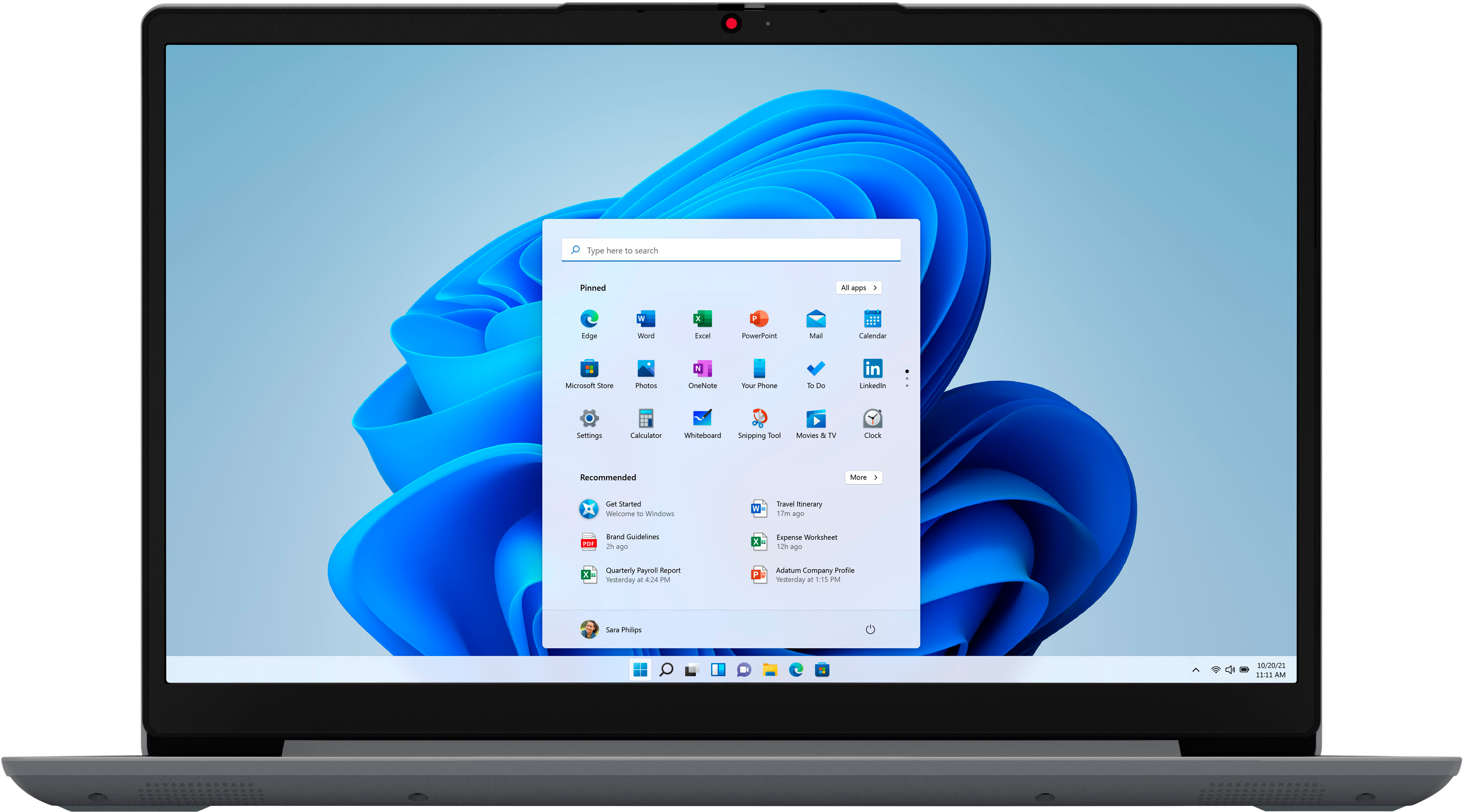
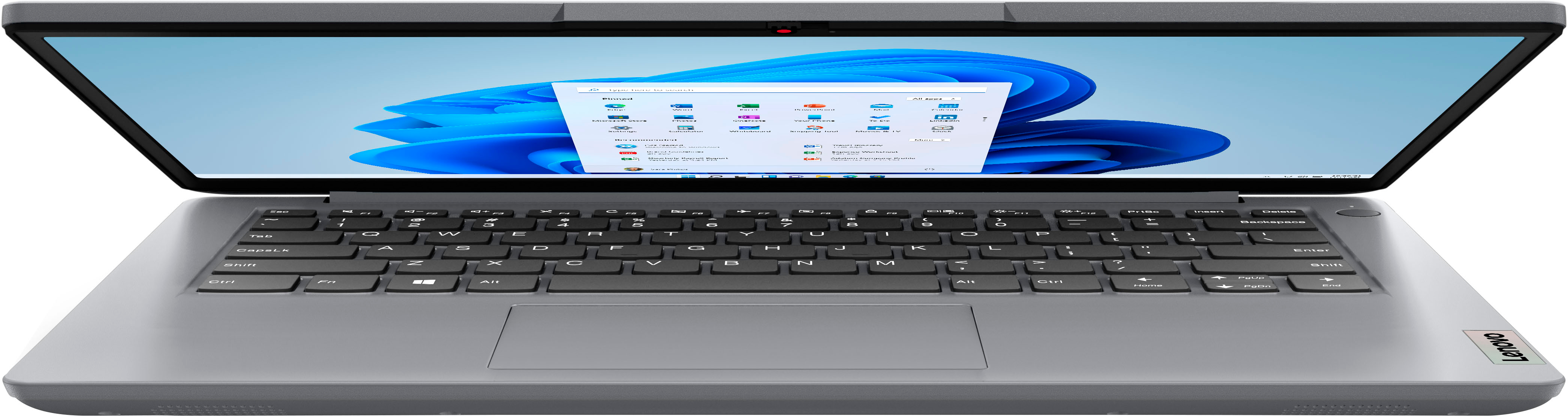
    • Answer Yes. 720p. maybe low quality

      Answered by Anonymous

  • QuestionIs this laptop strong enough to run normal Valorant?

    Asked by Luke.

    • Answer NO this laptop is too weak to run valorant. you need atleast I3 11th gen laptop

      Answered by Anonymous

  • QuestionDoes this have a good video editor installed?

    Asked by Jeff.

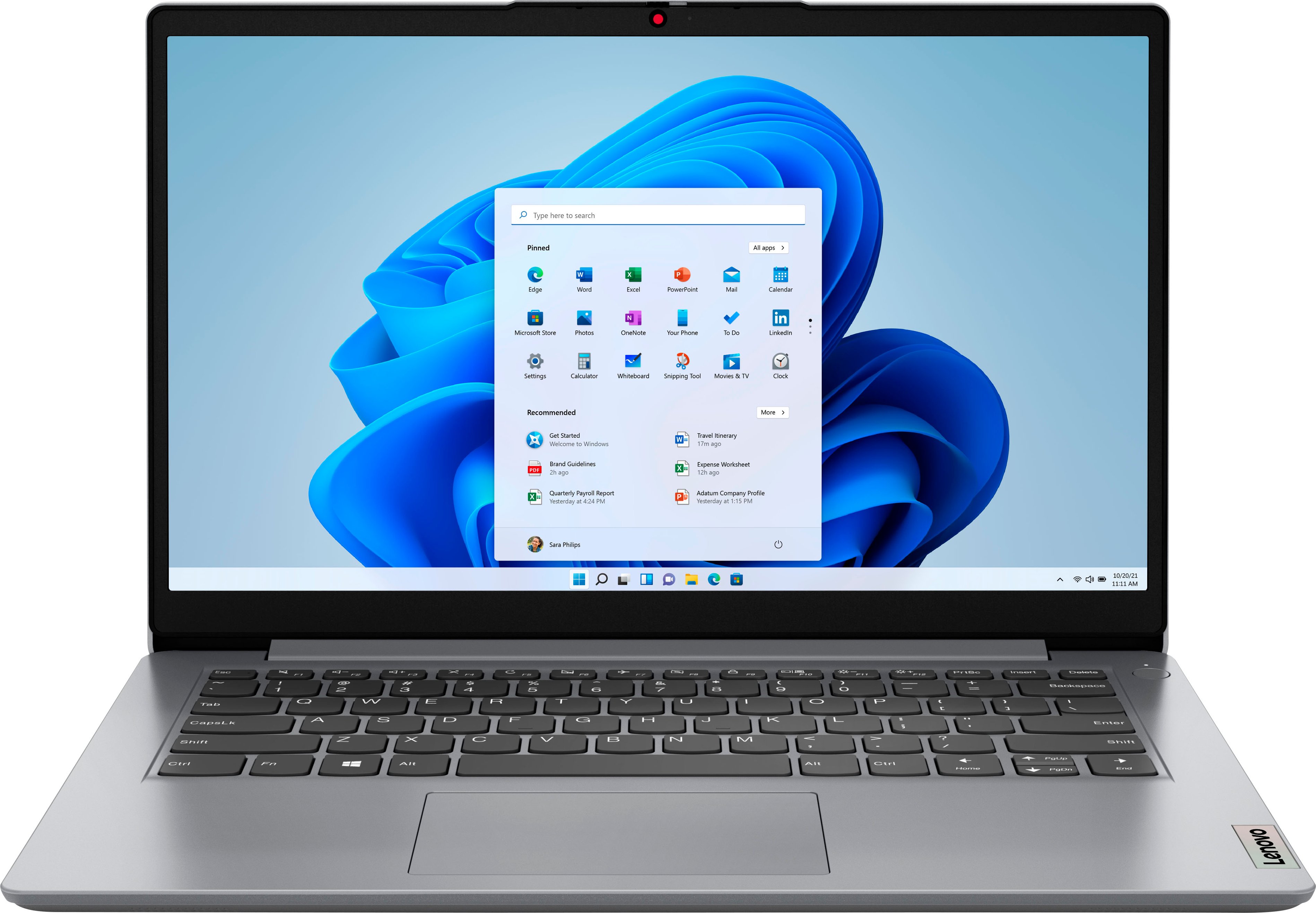
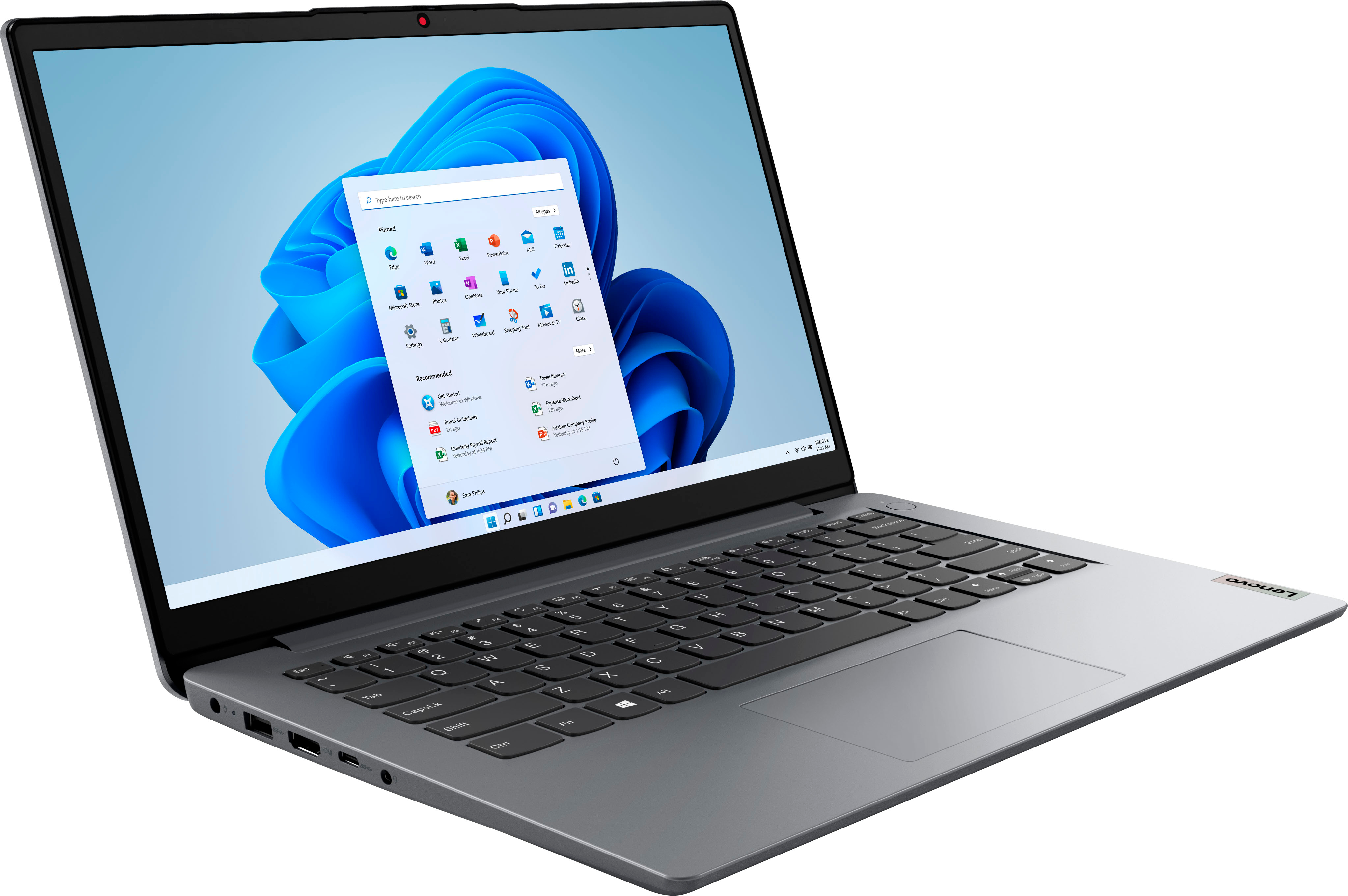
    • Answer This entry-level, Lenovo IdeaPad 1i 14 laptop, model number 82V6S00000, ships with this software factory installed: Windows 11 S-Mode, 64-bit Operating System, a free 1-year subscription to Microsoft Office 365, a 30-day Trial of McAfee Virus Protection Software and Lenovo Vantage. We always recommend you check the requirements and compatibility of any software you will be installing on your new computer, before you invest in any computer. Be sure your new computer can support the software you will need to use and your workload.
      Answered by Lenovo Product Expert

  • QuestionCan you connect a printer to this laptop?

    Asked by Tammy.

    • Answer Yes

      Answered by Anonymous

  • QuestionHow old is this model?

    Asked by GD56.

    • Answer August 2022 , Ships with Windows 11 S

      Answered by bobj

  • QuestionCan you Zoom on this computer?

    Asked by Anonymous.

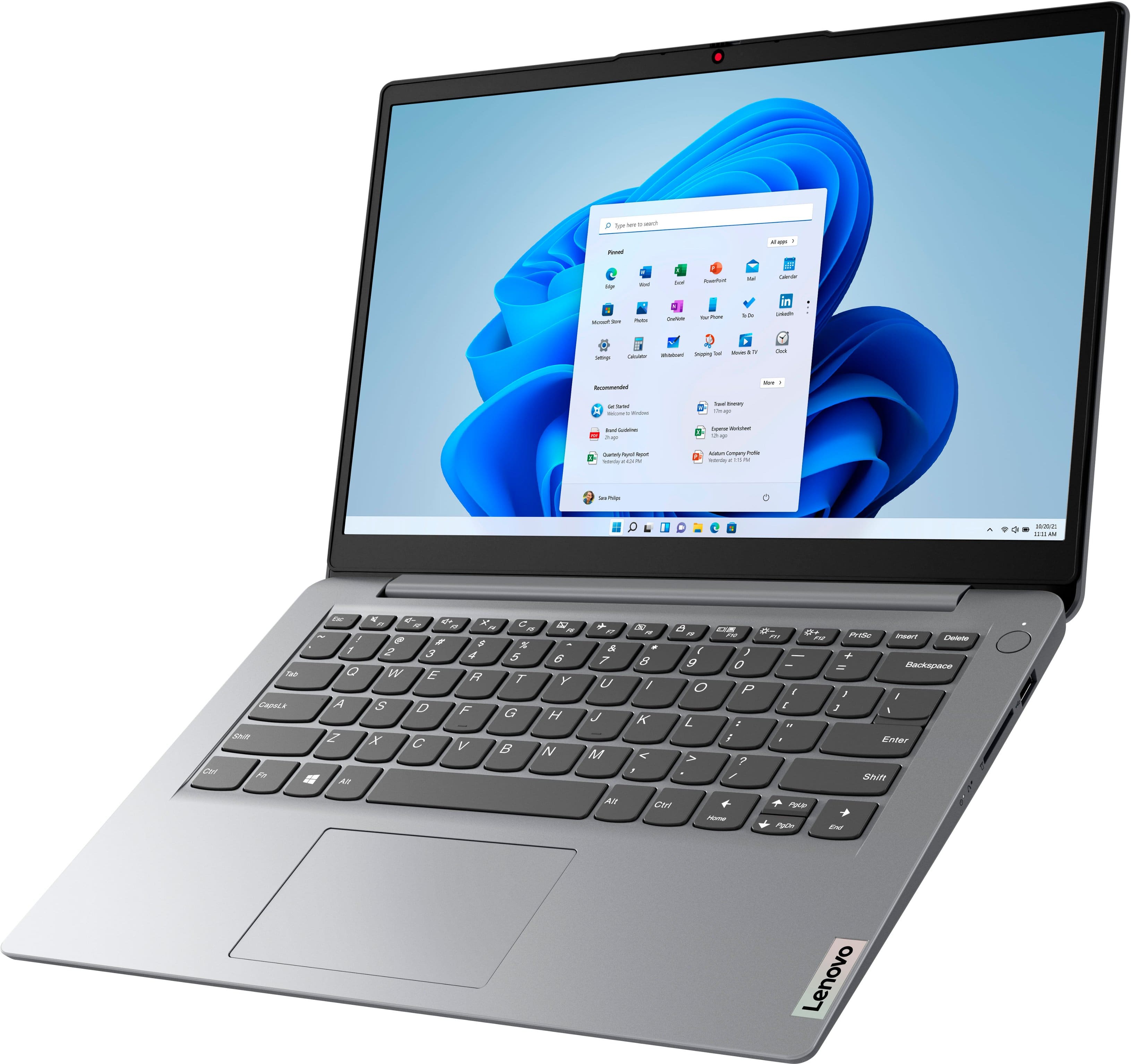
    • Answer That will depend on the requirements and compatibility of the APP you want to use. This entry-level, Lenovo IdeaPad 1i 14 Laptop ships with Windows 11 S-Mode, 64-bit Operating System installed. Windows 11 S-Mode provides added security by only allowing APPs available ( and therefore certified by Microsoft) at the Microsoft Store. If you don't need the added security or you need to install APPs not available at the Microsoft Store, you can switch to standard Windows 11 Home 64-bit Operating System, at no additional cost. We recommend you check with the specific APP's software publisher's web site, of the specific APP version you want to use, for their compatibility with Windows 11 S-Mode 64-bit operating system and the minimum/recommended hardware requirements (Is a Graphics card required, the processor speed and the minimum required system RAM and the minimum available hard drive space) to run their program, then compare those requirements to this system's configuration. We always recommend you check the requirements and compatibility of any software you will be installing on your new computer, before you invest in any computer. Be sure your new computer can support the software you will need to use and your workload.
      Answered by Lenovo Product Expert

  • QuestionWould this computer work well with a drawing pad for graphic design?

    Asked by Ayana.

    • Answer You'll have to disable S mode. If your gonna run something heavy like Photoshop it'll work but its probably gonna be slow. Also it only comes with 4GB of Ram so I would choose something else with 8GB of ram and up since graphic design uses a lot of memory.

      Answered by Anonymous

  • QuestionCan I do Zoom on this?

    Asked by Anonymous.

    • Answer Yes!

      Answered by Cocinando

  • Questioncan you connect 2 external monitors on this?

    Asked by Ron.

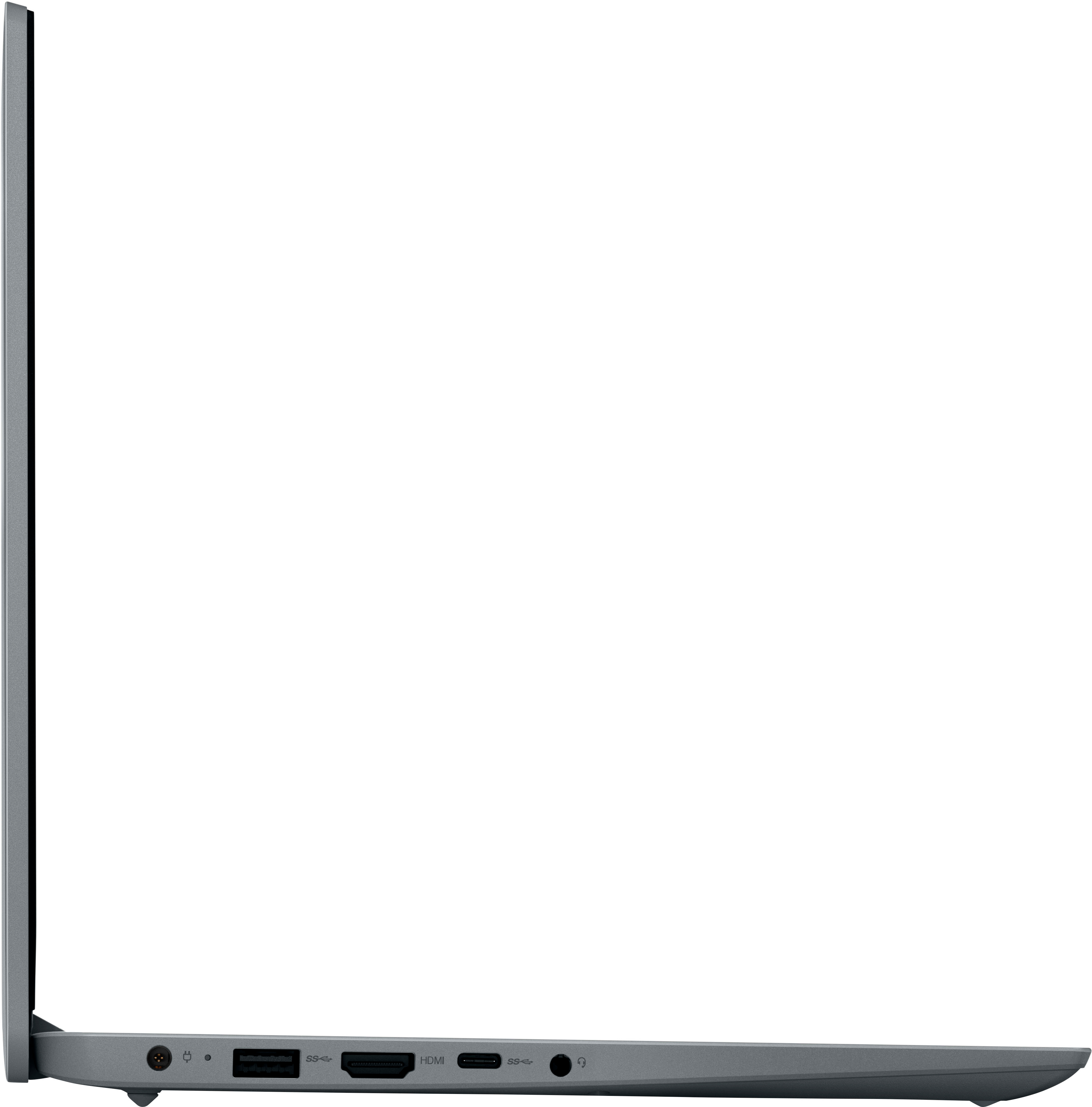
    • Answer No. This entry-level, Lenovo IdeaPad 1i 14 laptop can support one (1) external monitor via HDMI port, plus the native display screen.

      Answered by Lenovo Product Expert

  • QuestionWhat operating system does this run

    Asked by Johnny.

    • Answer This entry-level, Lenovo IdeaPad 1i 14 Laptop ships with Windows 11 S-Mode, 64-bit Operating System installed. Windows 11 S-Mode provides added security by only allowing APPs available ( and therefore certified by Microsoft) at the Microsoft Store. If you don't need the added security or you need to install APPs not available at the Microsoft Store, you can switch to standard Windows 11 Home 64-bit Operating System, at no additional cost. We always recommend you check the requirements and compatibility of any software you will be installing on your new computer, before you invest in any computer. Be sure your new computer can support the software you will need to use and your workload.
      Answered by Lenovo Product Expert

  • Questioncan it be hooked up to a printer/scanner??

    Asked by willgill.

    • Answer Yes

      Answered by BillP

  • QuestionWhat is the largest size expandable SD card you use in this laptop?

    Asked by Jhouserok.

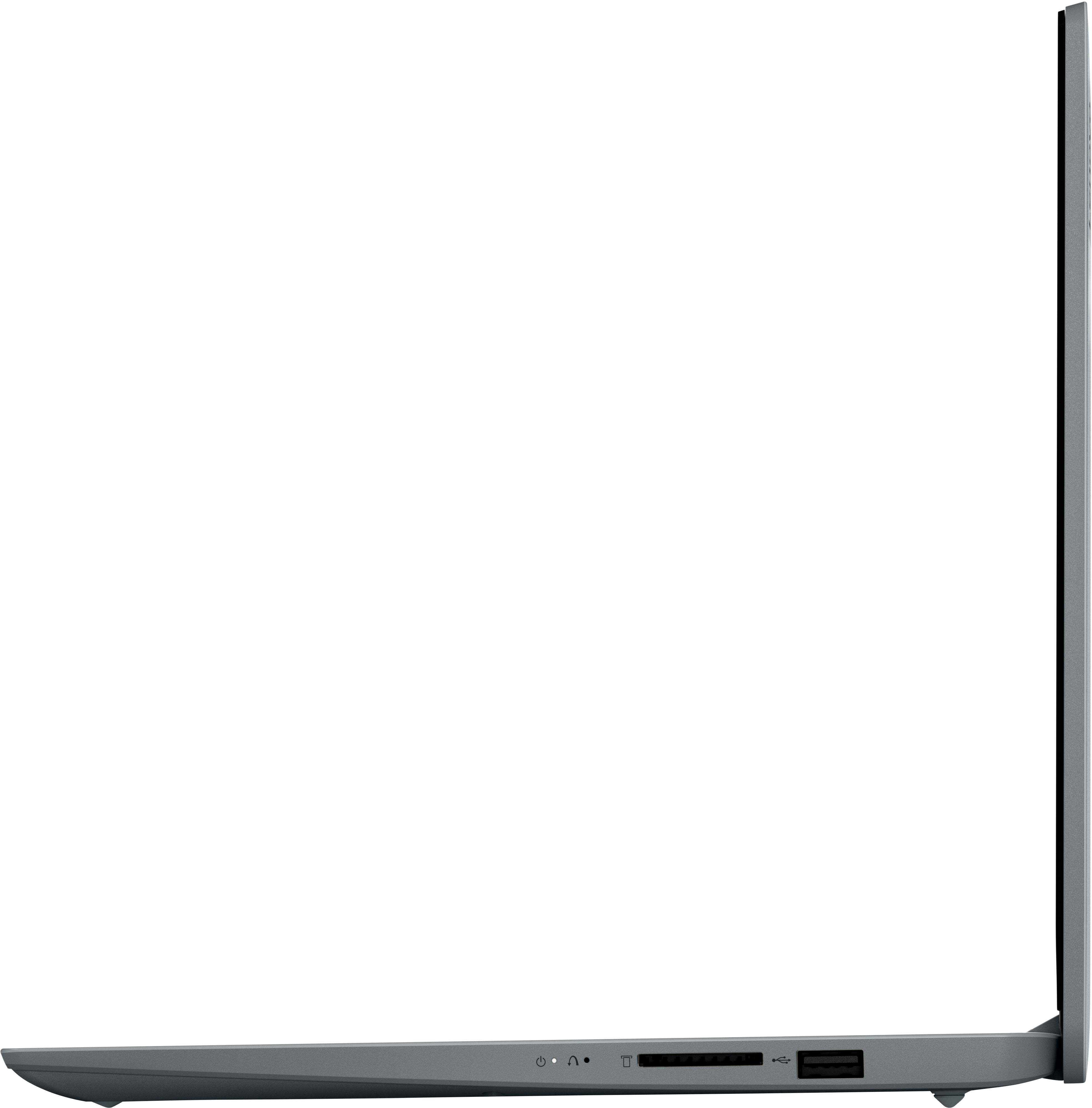
    • Answer I plugged in 128GB sd, which worked.

      Answered by glasscapt

  • QuestionHow do I remove a vertical line on my video screen?

    Asked by Anonymous.

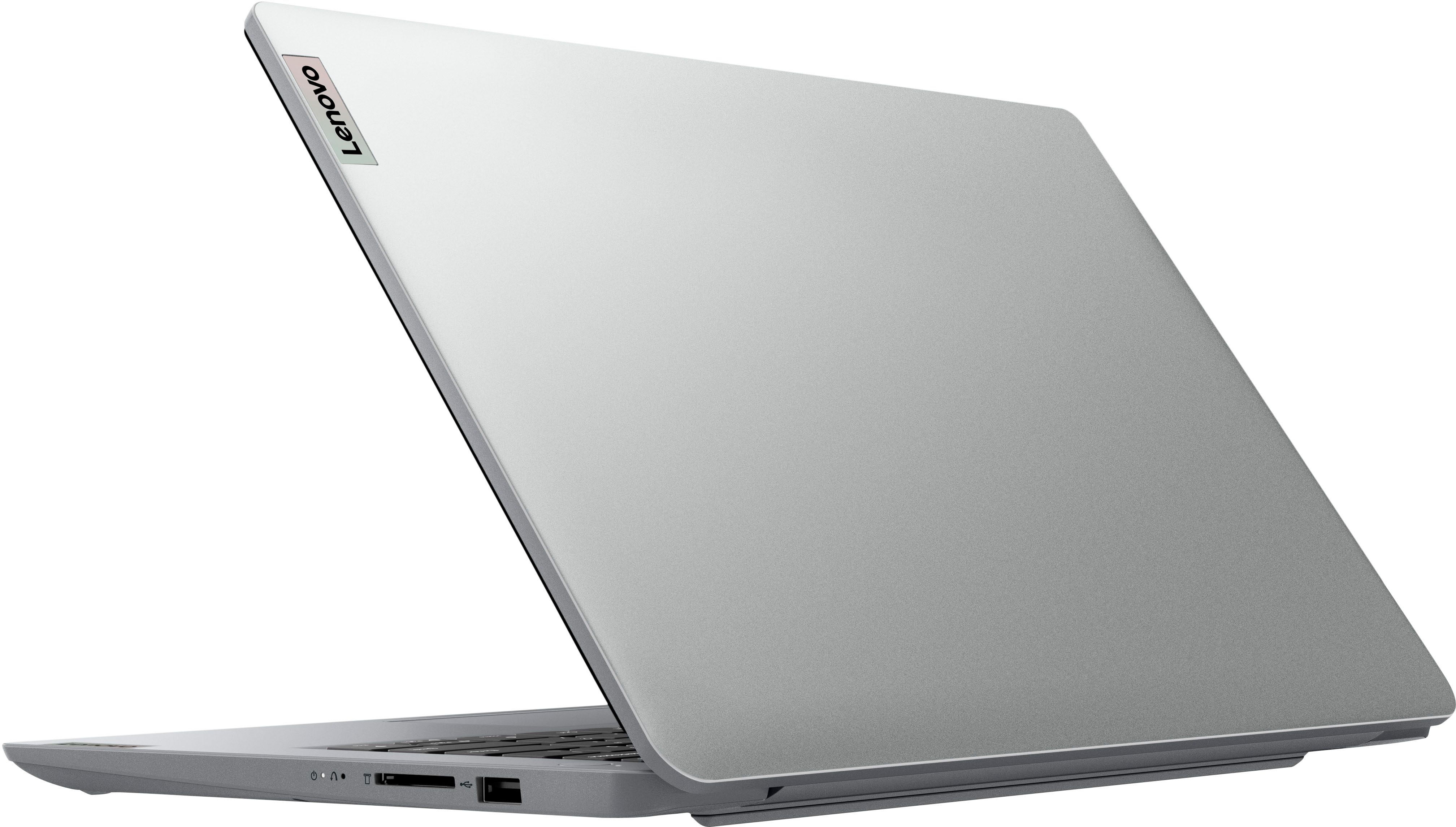
    • Answer If you are seeing a vertical line on the screen of your Lenovo IdeaPad 1i 14 Laptop, resetting the computer back to original factory settings may clear the issue. Power off the computer and plug in the 45W AC adapter/charger that shipped with your IdeaPad 1i 14 Laptop, with the laptop still powered off. This system is equipped with OneKey Recovery System. There is a very small pin hole on the right side of the device, right near the SD Card Slot on the device. You will need a pin to push this reset button. Plug the device in. Let the battery charge for about 15 minutes, with the power off. Push the reset button. The system should boot to a choice screen where you can choose "Restore To Factory Default". Select this. It will delete everything from the hard drive except the original factory install of the operating system. You will need to reinstall all programs and files after the reset. If you don't have copies of the files, try to make one before you restore by selecting "Boot to desktop" and trying to back up your files. If the problem persists after the factory reset, we recommend you contact Lenovo Tech Support at: 877-453-6686.

      Answered by Lenovo Product Expert

  • QuestionCan i download google chrome if I don;t want to use microsoft?

    Asked by Tiffany.

    • Answer Yes, get out of s-mode and it will be like a normal windows puter.

      Answered by receiptkeeper

  • QuestionCan you download Sims 4 on this laptop

    Asked by Anonymous.

    • Answer Yes, you can but you may need an external drive.

      Answered by oliverecuador

  • QuestionCan I set up home studio with this laptop

    Asked by Mike.

    • Answer Ye gods, really?? With 4 GB memory and 64 GB of eMMC? I wouldn't waste my time trying.

      Answered by AnthonyB

  • QuestionDoes this have fingerprint Id? Does this have a backlit keyboard?

    Asked by Nick.

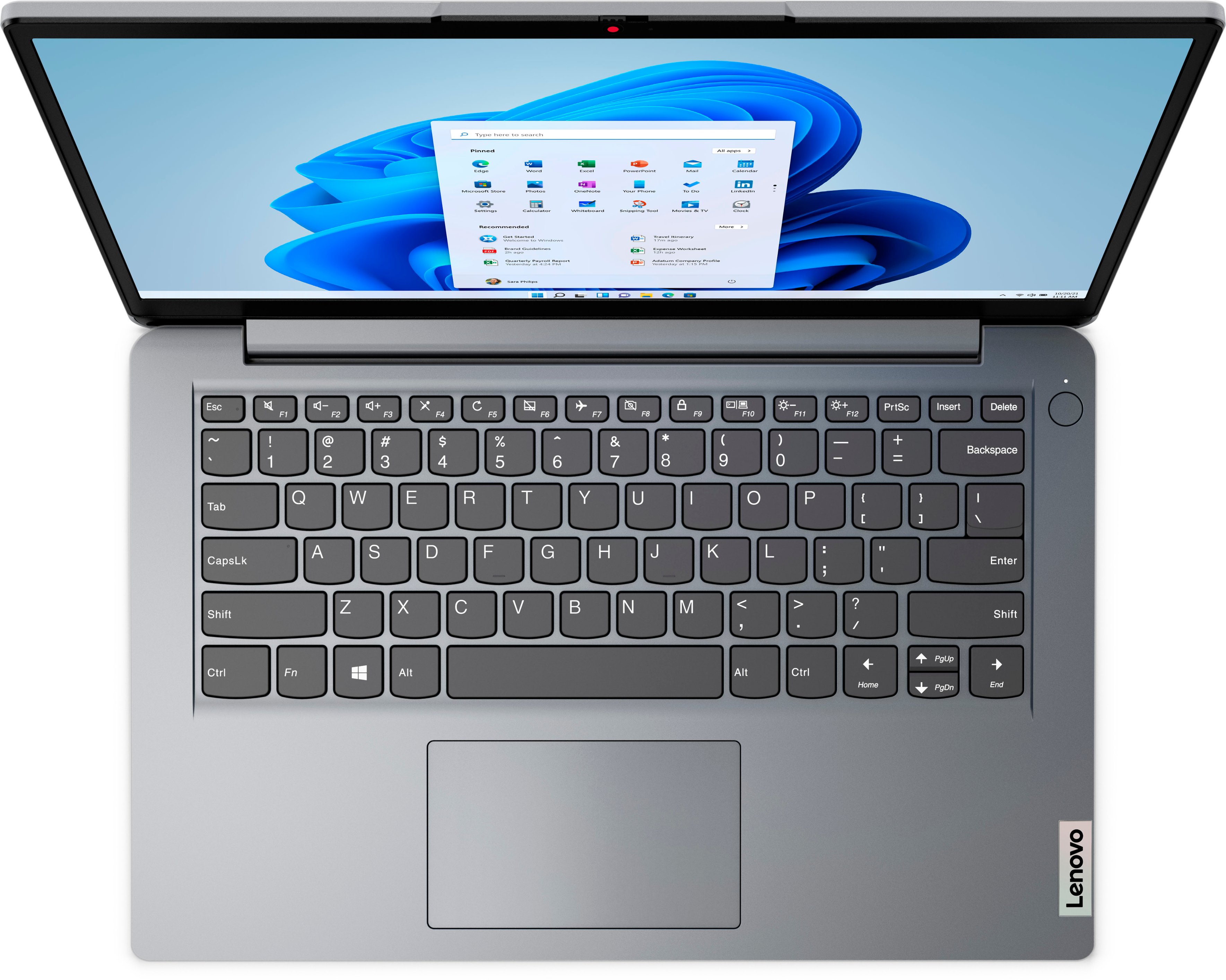
    • Answer No. This entry-level, Lenovo IdeaPad 1i 14 Laptop ships with a non-backlit, English Version standard QWERTY keyboard and does not have a fingerprint reader. We always recommend you check the requirements and compatibility of any software you will be installing on your new computer, before you invest in any computer. Be sure your new computer can support the software you will need to use and your workload.
      Answered by Lenovo Product Expert

  • QuestionCan i upgrade the ram and ssd?

    Asked by Miguel.

    • Answer No. This entry-level, Lenovo IdeaPad 1i 14 Laptop ships with both the 4GB Soldered DDR4-2400MHz RAM and the 64GB eMMC solid state hard drive soldered to the motherboard and are not upgradeable. We always recommend you check the requirements and compatibility of any software you will be installing on your new computer, before you invest in any computer. Be sure your new computer can support the software you will need to use and your workload.

      Answered by Lenovo Product Expert