A:AnswerAll Windows computers are pretty much the same when it comes to basics: how to turn it on, open an application, etc. Test your 7 year old with a friend's laptop and see.
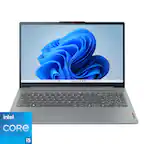
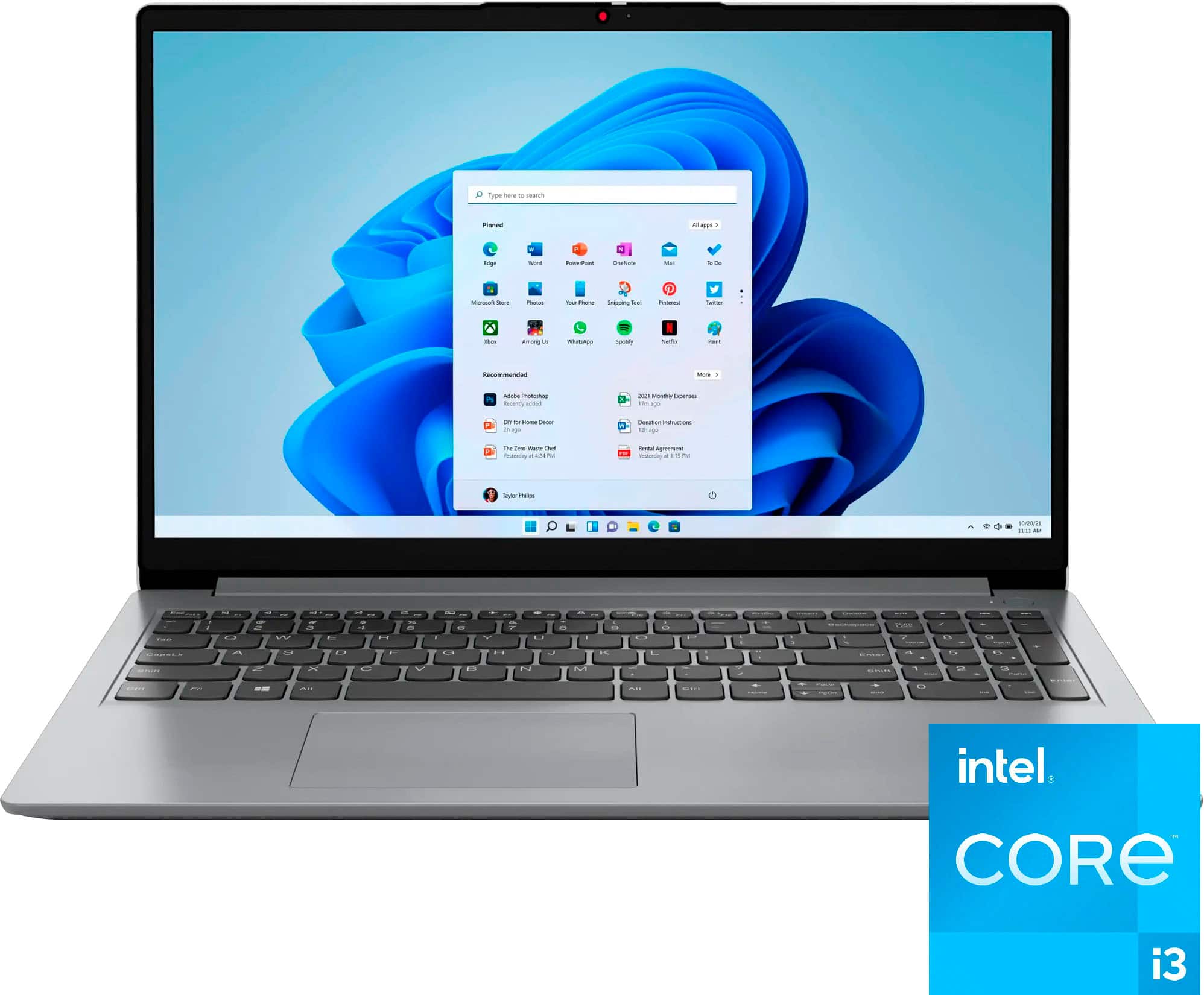
A:AnswerHey, Gracie. based off user reviews, it could be, but it can depend on how the student plans on using the computer specifically. For example, when looking for a computing solution for college, some need powerful performance machines to run software like AutoCAD or editing software, and others may need a 2-in-1 laptop for writing notes and creating Word documents. If the schoolwork revolves around web-based apps, Office apps, and some light multi-tasking, this IdeaPad could be a great fit for you if it also aligns with your design and feature preferences and needs. We're happy to answer any questions you may have, but if you'd like to have a conversation around finding the right solution, we recommend going into Best Buy stores and working with an advisor to get expert help or you can virtually shop with an expert online via this Best Buy online link: https://www.bestbuy.com/services/triage/shopping?cat=cnt&subcat=comp
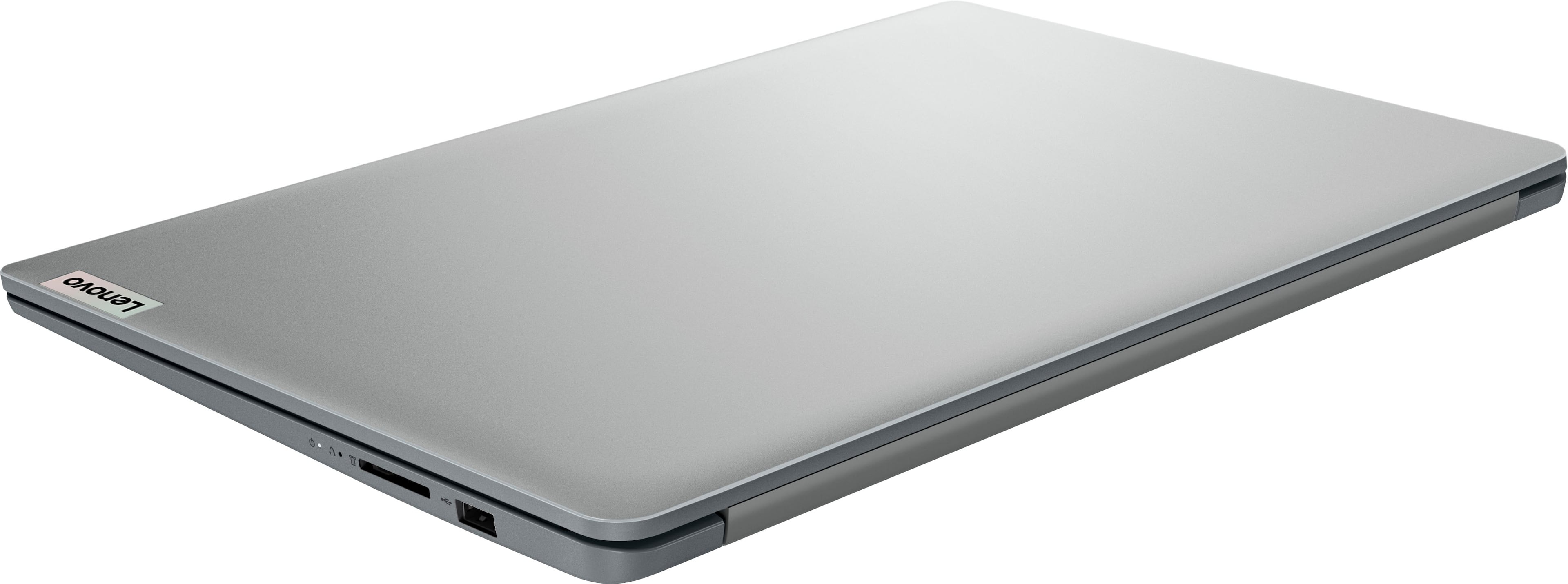
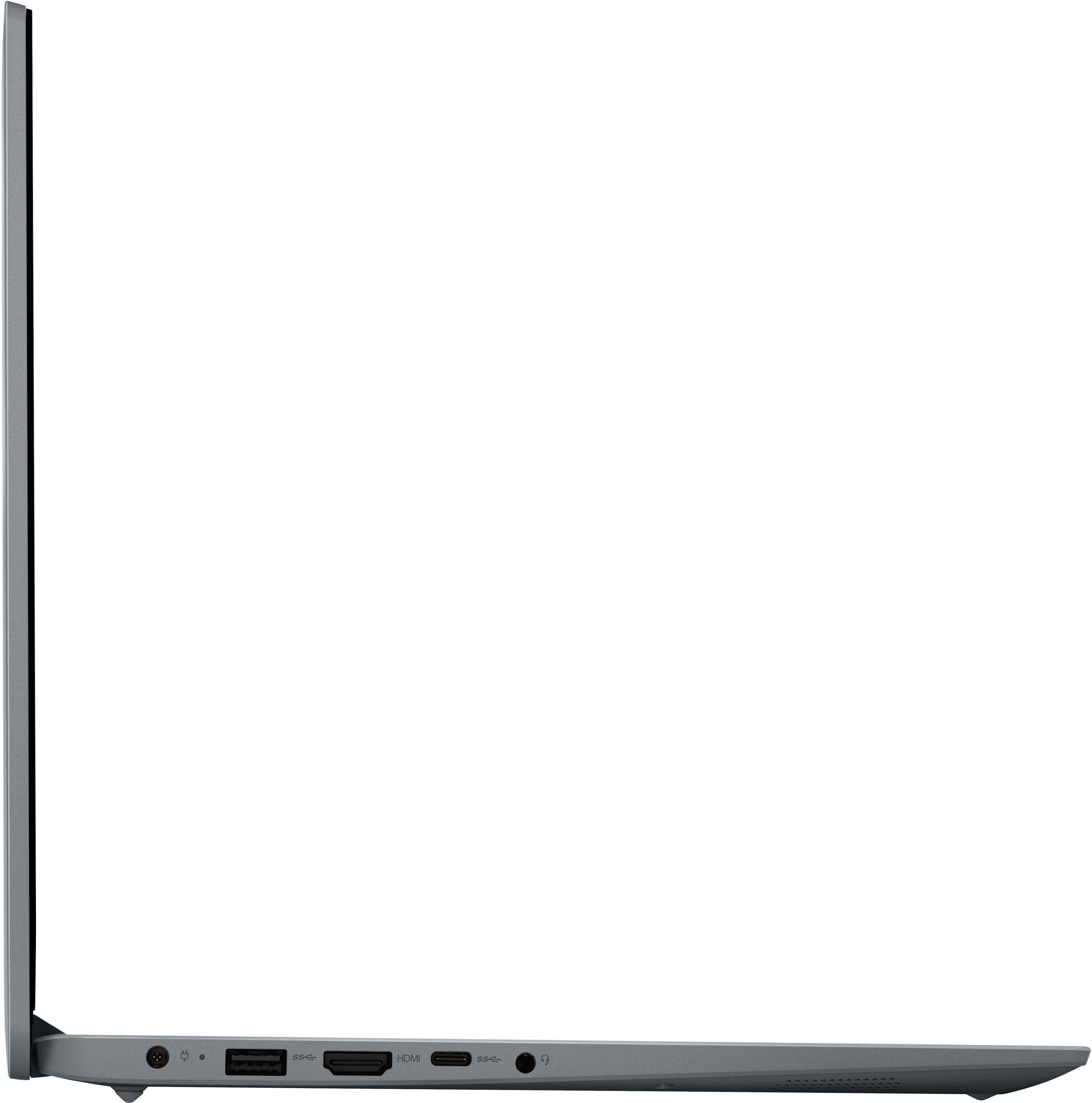
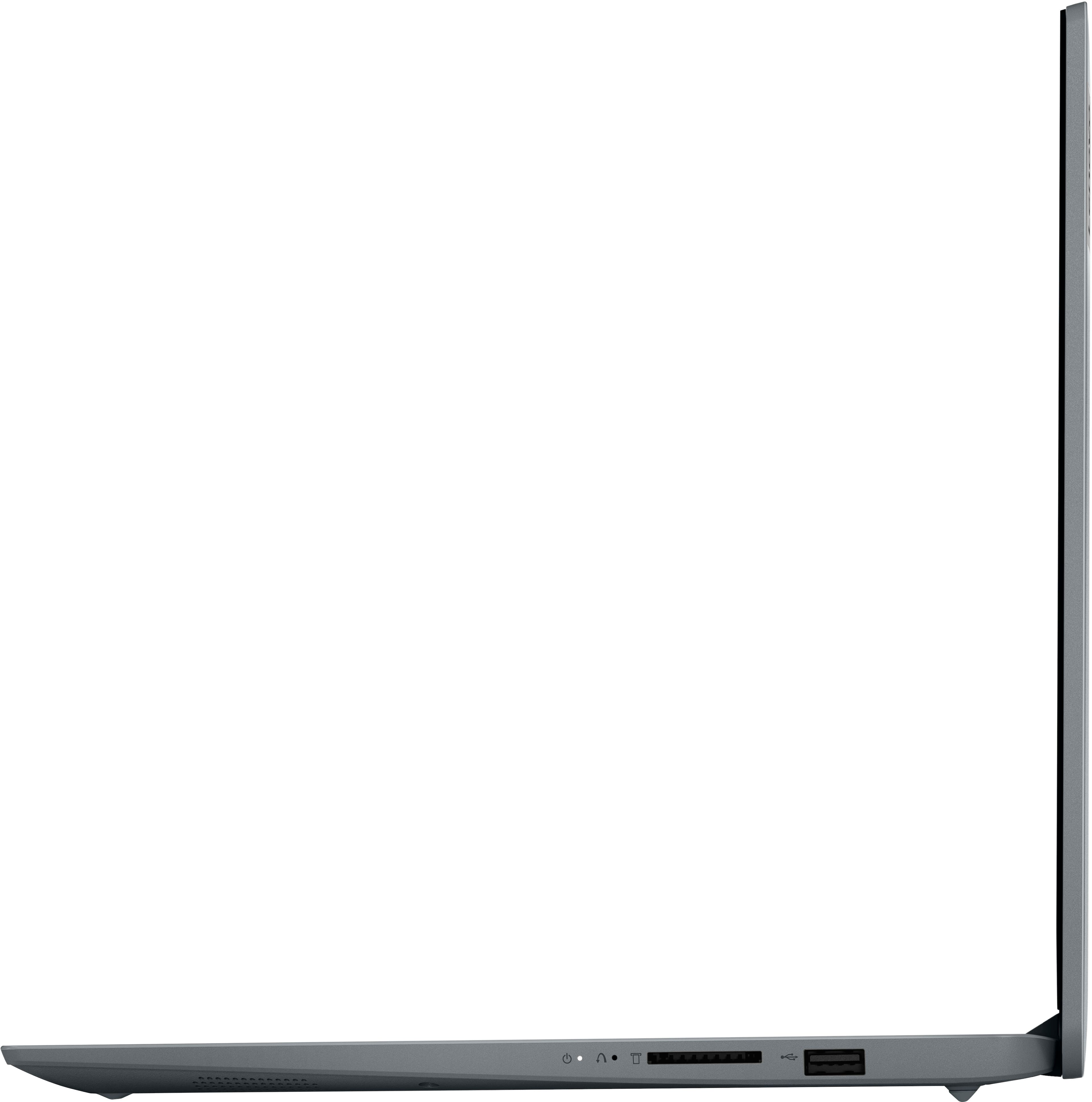
A:AnswerAdding more information: laptop manufacturers are tending to omit the Ethernet port, especially on lower priced models. This allows them to save some space and weight, as well as lower prices. The exception is usually laptops aimed at business or gaming.
A:AnswerHey there, thank you for your question. This IdeaPad features a 1-year limited manufacturer's warranty, and Best Buy support and protection services are applicable.
A:AnswerHey, Deek. Those apps a part of Microsoft Office software that are built-in to the Windows 11 operating system with the apps preinstalled; however, without purchasing a long-term Office solution, such as Microsoft 365, only a 30-day trial can be activated out of the box. Here is a link to the Microsoft Office landing page on bestbuy.com to learn more about your Office options: https://www.bestbuy.com/site/microsoft/microsoft-office/pcmcat748300511466.c?id=pcmcat748300511466
A:AnswerYou can download the Chrome, Firefox, Opera, and any other browsers that will run on Windows. However, you will have to take it out of S Mode first.
A:AnswerGenerally speaking, the Windows OS will support BASIC operation of almost any printer, right out of the box. By this I mean that it will allow you to send-to-print to any printer. However, more advanced functions, such as reporting on ink/toner levels, out of paper messages, paper jams, etc., or when the unit is a multipurpose device (e.d., scanner, fax, printer) will need you to install the printer drivers as provided by the device itself.
A:AnswerHey, Alexis. Based off the system requirements that are listed on this Adobe help webpage (https://helpx.adobe.com/lightroom-cc/system-requirements.html), this IdeaPad may be able to run Lightroom, but it may not run smoothly since Adobe lists a more robust graphics processor or memory for the minimum requirements. We recommend reviewing these system requirements detailed on the previously linked webpage, then comparing it with the specifications this IdeaPad or any potential computer you’re interested in to help ensure you find the right fit for you.
A:AnswerGenerally speaking, the Windows OS will support BASIC operation of almost any printer, right out of the box. By this I mean that it will allow you to send-to-print to any printer. However, more advanced functions, such as reporting on ink/toner levels, out of paper messages, paper jams, etc., or when the unit is a multipurpose device (e.d., scanner, fax, printer) will need you to install the printer drivers as provided by the device itself.
A:AnswerHi, Todd. We're sorry to hear that you're experiencing poor battery life. With battery saver mode enabled, if you're still experiencing smaller than expected battery, you may need to switch your system from Windows 11 Home in S mode to standard Windows 11 Home. In S mode, there are fewer power options configurable in system settings and the Lenovo Vantage app on your IdeaPad, and by making other adjustments, this could improve your experience. Also, feel free to contact Lenovo Support directly for assistance.
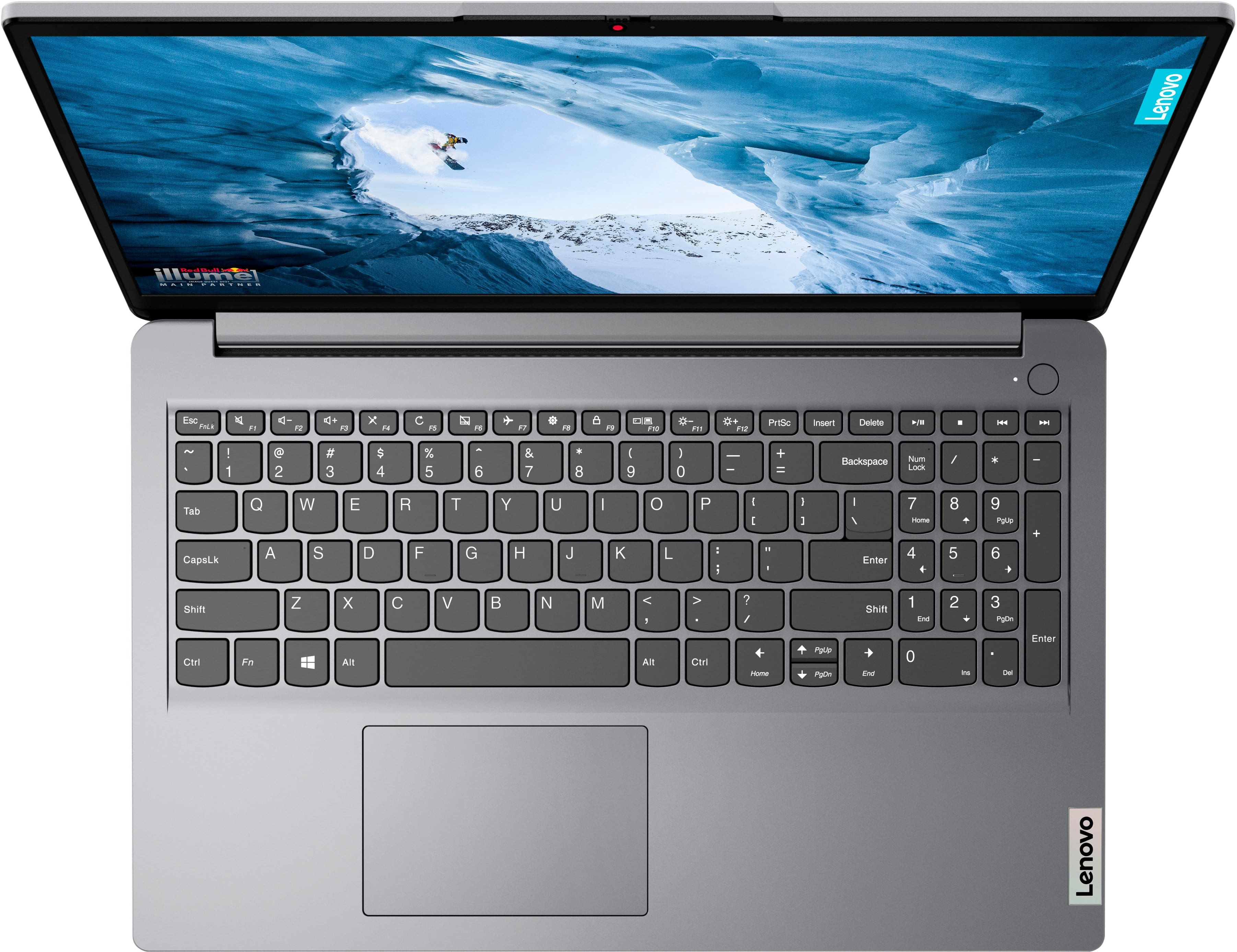
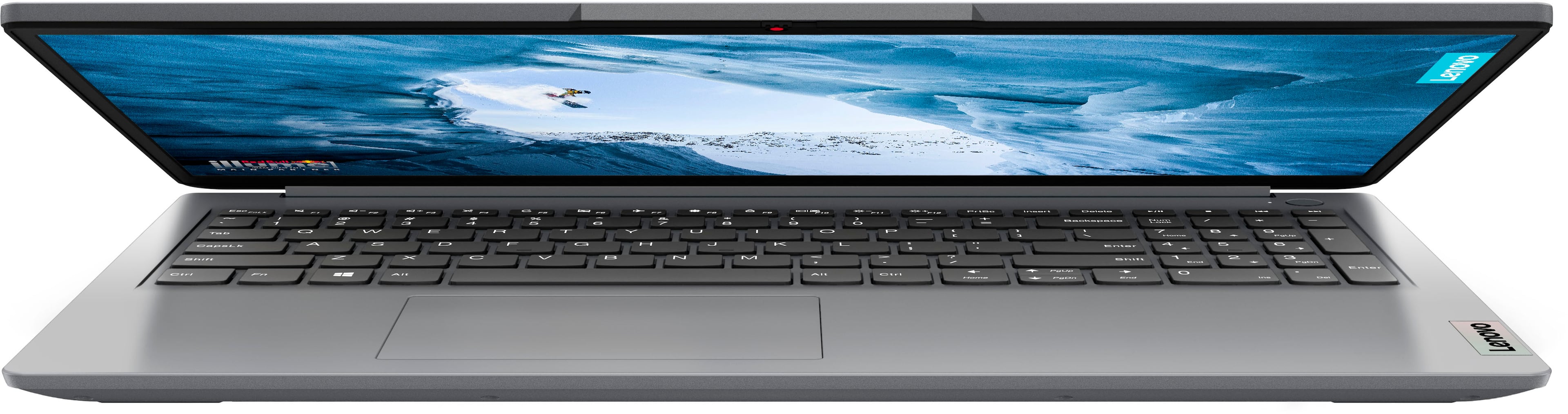
A:AnswerHey, thank you for your question. The IdeaPad 1i doesn't come with a mouse included, but it features a touchpad built-in for system navigation.
A:AnswerGreetings from the Intel team. Thank you for your question.
Yes, according to the product specifications reference (PSREF), the Lenovo Ideapad 1i model 82QD00DHUS supports up to 16GB (8GB soldered + 8GB SO-DIMM) DDR4-3200 memory; for further information, check the PSREF:
https://psref.lenovo.com/Detail/IdeaPad_1_15IAU7?M=82QD00DHUS
For detailed information about the Intel® Core™ i3-1215U Processor, visit:
https://www.intel.com/content/www/us/en/products/sku/226269/intel-core-i31215u-processor-10m-cache-up-to-4-40-ghz-with-ipu/specifications.html
Thank you for choosing Intel! Emilio_Intel