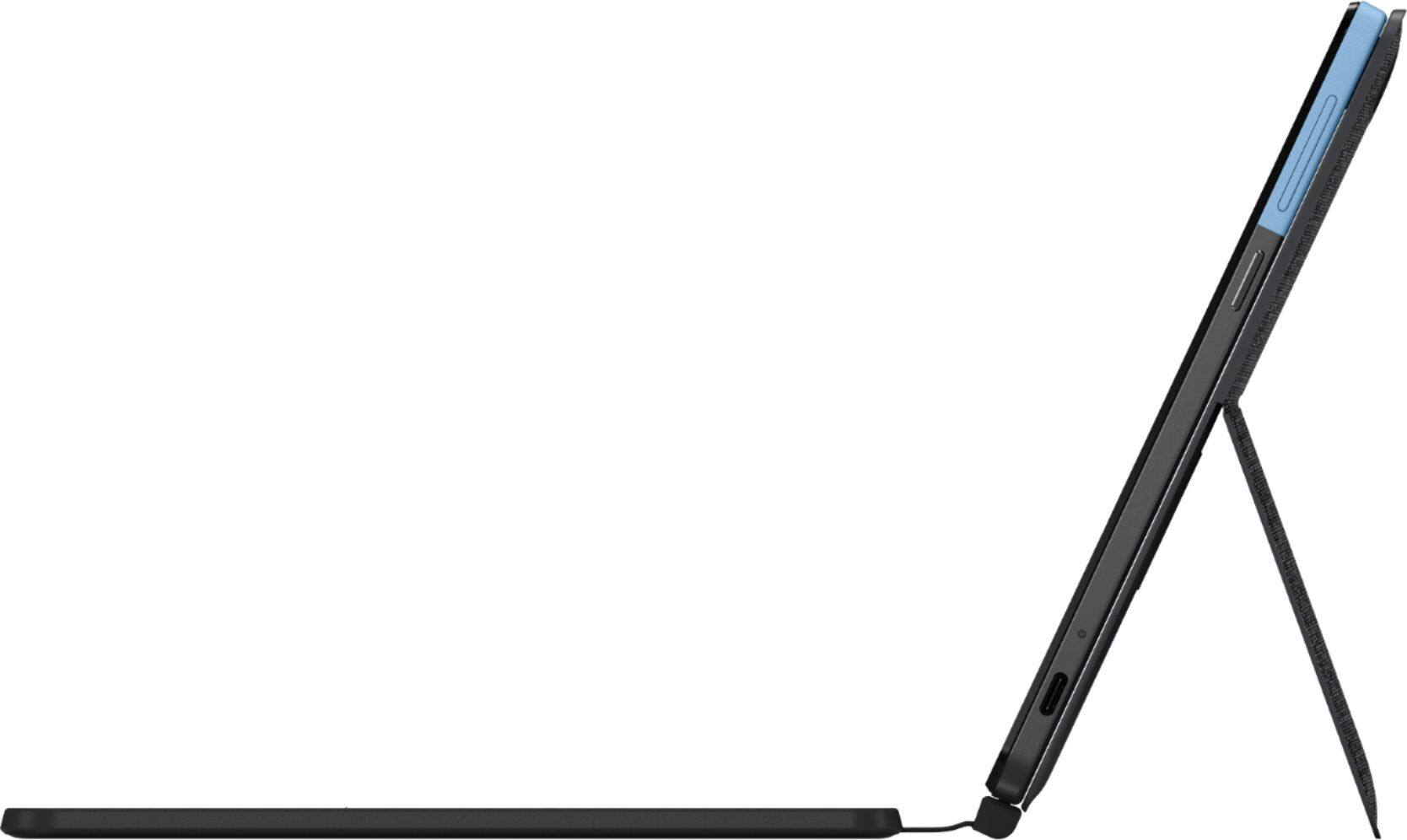
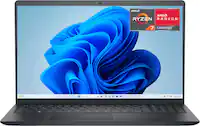
A:AnswerThe Lenovo Chromebook Duet model number ZA6F0016US, ships with a USB-c version 2.0 port only. You can use a USB-c OTG adapter like this one, to connect a compatible device: https://www.bestbuy.com/site/platinum-usb-a-to-usb-c-adapter-usb-3-0-spec-gray/6363182.p?skuId=6363182. We recommend you check with your specific camera manufacturer's web site for their compatibility with the Chrome operating system and the minimum/recommended hardware requirements (Is a Graphics card required, the processor speed and the minimum required system RAM and the minimum available hard drive space) to run their program, then compare those requirements to this system's configuration.
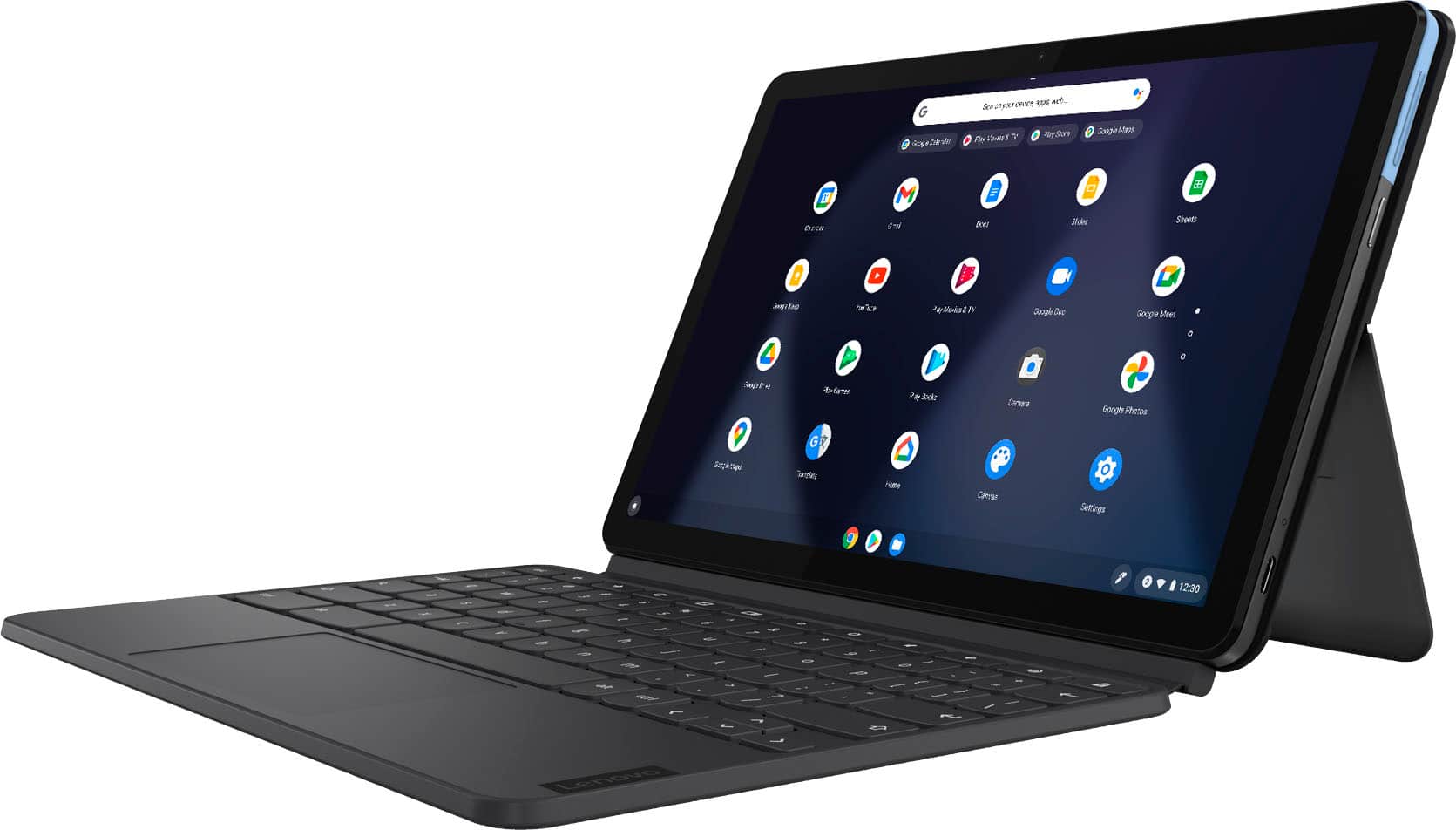
A:AnswerYes. Just enable the Chrome Operating System on-screen keyboard within Settings. Here is a link to instructions for doing this: https://support.google.com/chromebook/answer/6076237?hl=en
A:AnswerYou will need to use a USB-c to USB OTG adapter like this one, be sure the photo format you are transferring is compatible with the Chrome Operating System: https://www.bestbuy.com/site/platinum-usb-c-to-usb-adapter-white/6439237.p?skuId=6439237
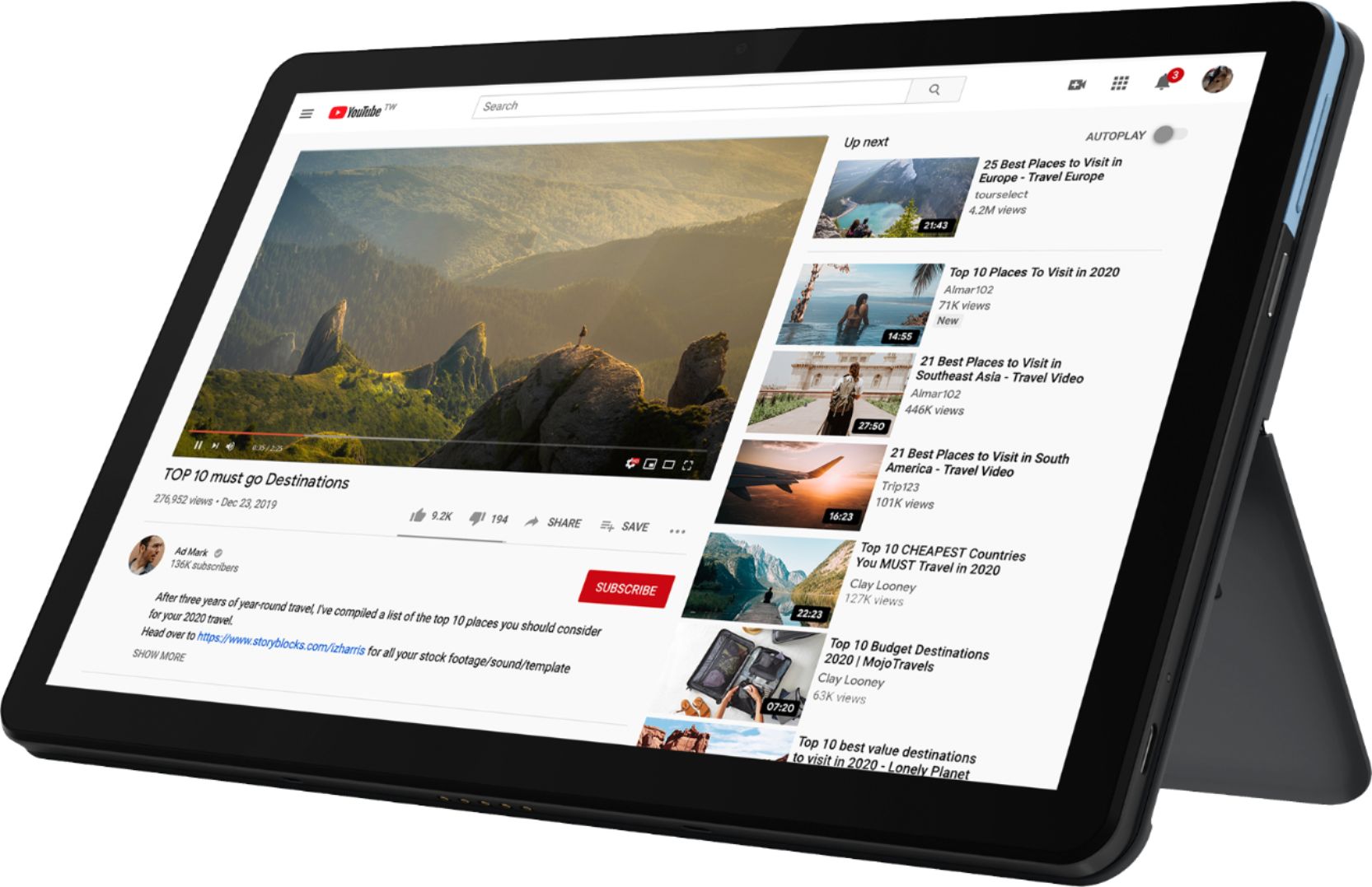
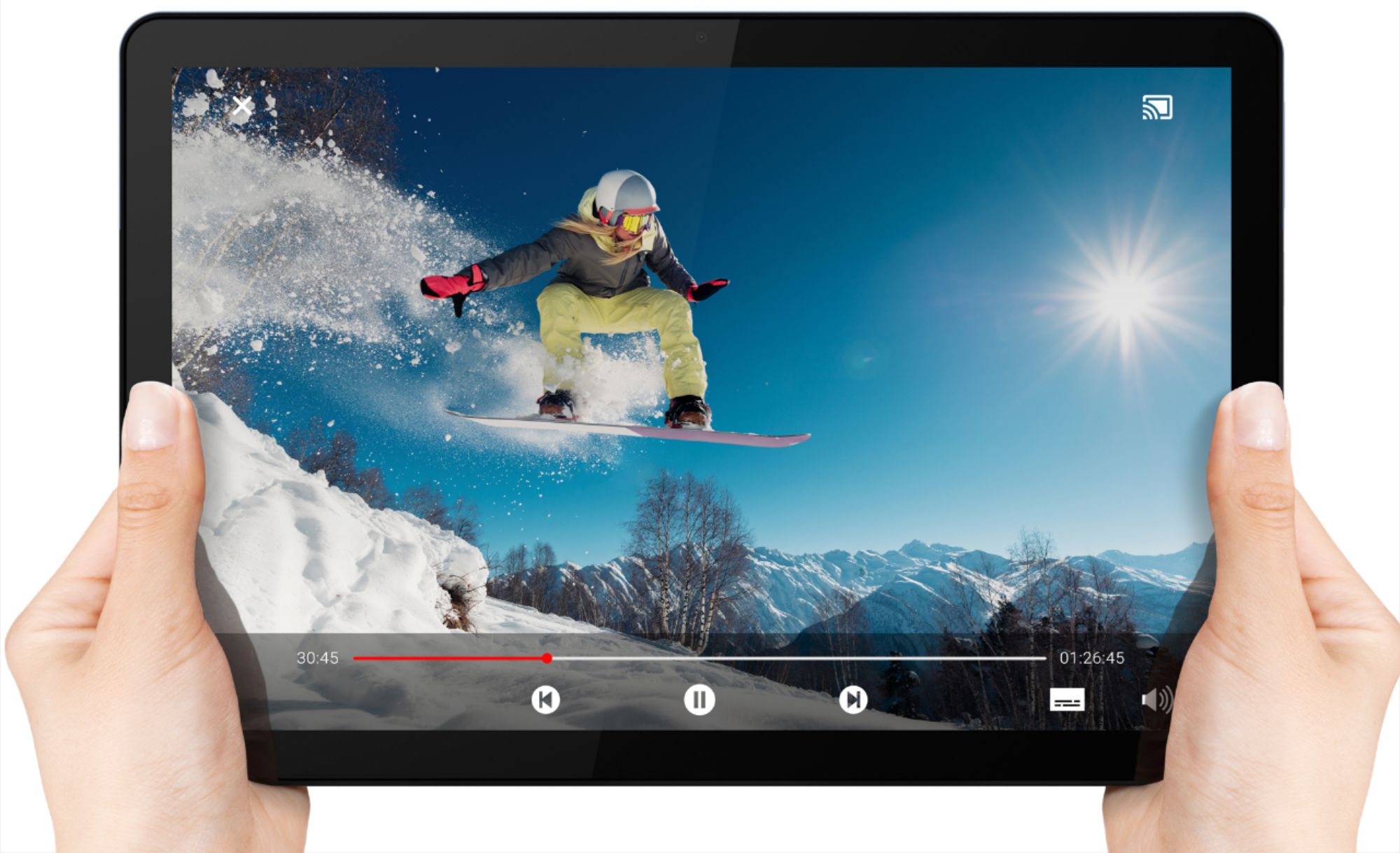
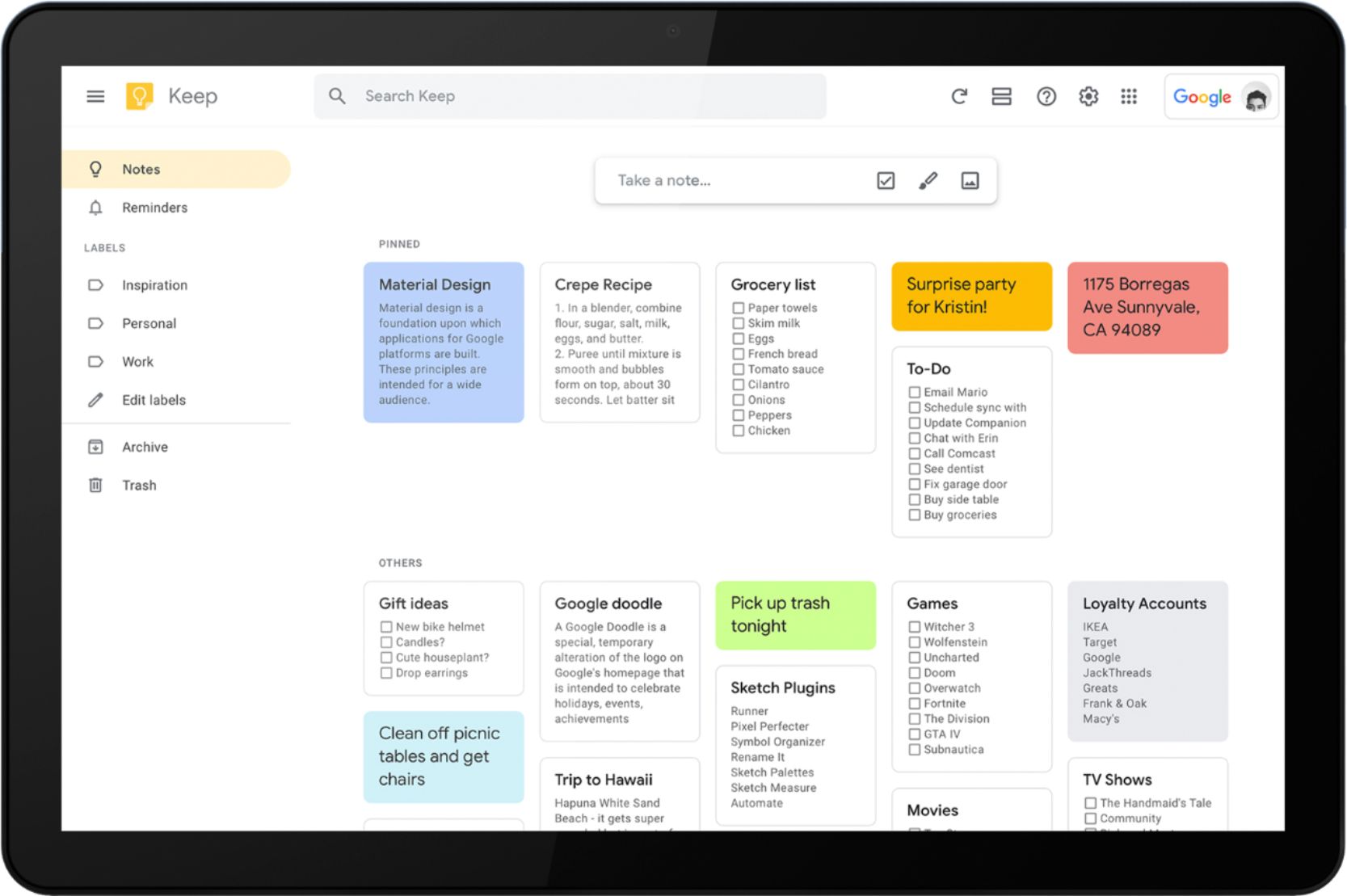
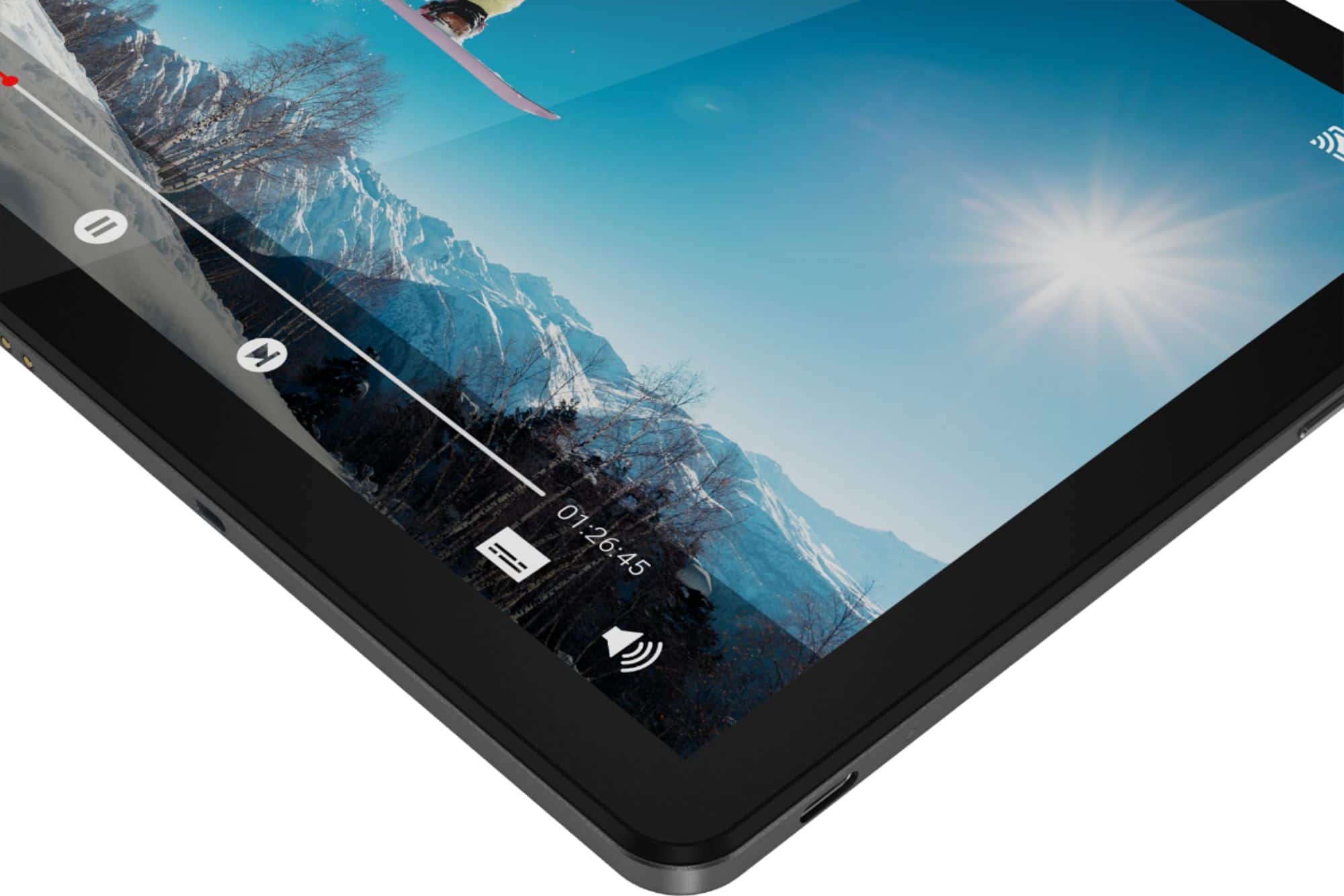
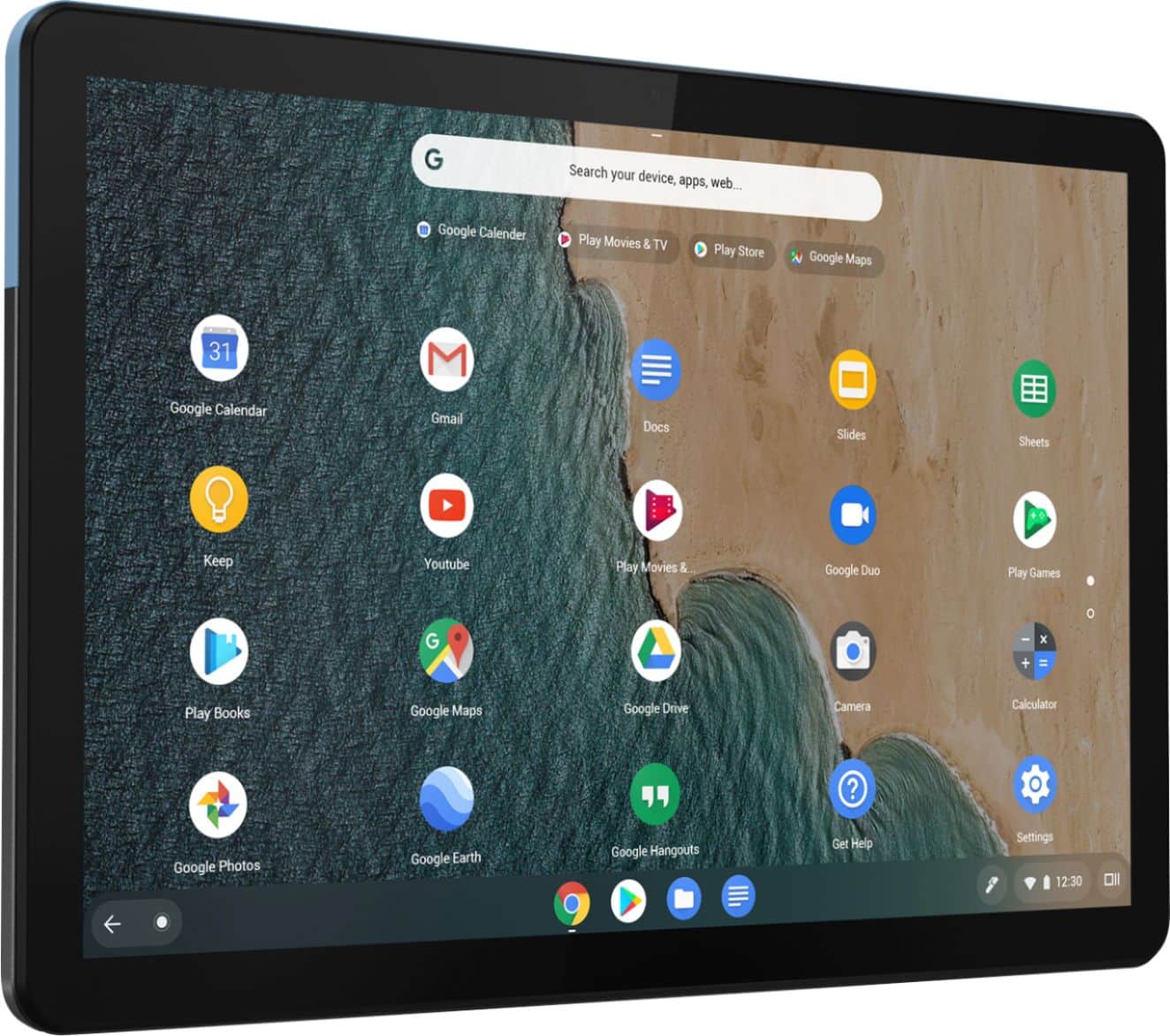
A:AnswerThe Lenovo Chromebook Duet ships with a 10.1 inch (screen size measured diagonally) IPS - FHD (1920 x 1200) screen, with a brightness level of 400 nits. This screen provides 99 Percent of the sRGB (70 Percent NTSC) color gamut for excellent color accuracy. The Chromebook Duet ships with the Chrome Operating System and is compatible with Google Play Store APPs. We recommend you check with the specific APPs software publisher's web sites for the APPs you want to use, for their compatibility with the Chrome operating system and the minimum/recommended hardware requirements (Is a Graphics card required, the processor speed and the minimum required system RAM and the minimum available hard drive space) to run their program, then compare those requirements to this system's configuration.
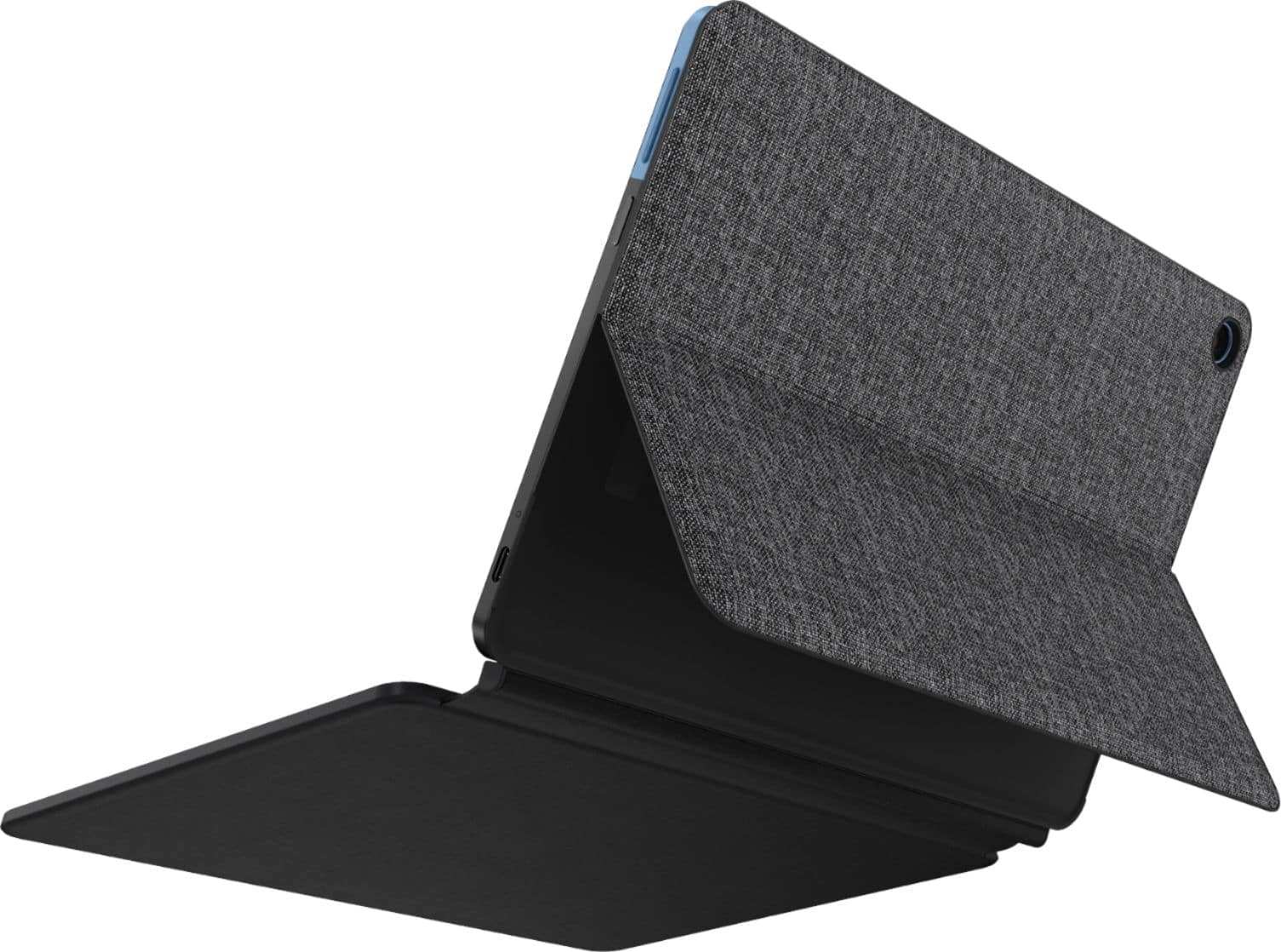
A:AnswerThat will depend on the requirements and compatibility of the specific APPs you want to use. The Lenovo Chromebook Duet ships with the Chrome Operating System and is compatible with Google Play Store APPs. We recommend you check with the specific APPs software publisher's web site for their compatibility with the Chrome operating system and the minimum/recommended hardware requirements (Is a Graphics card required, the processor speed and the minimum required system RAM and the minimum available hard drive space) to run their program, then compare those requirements to this system's configuration.
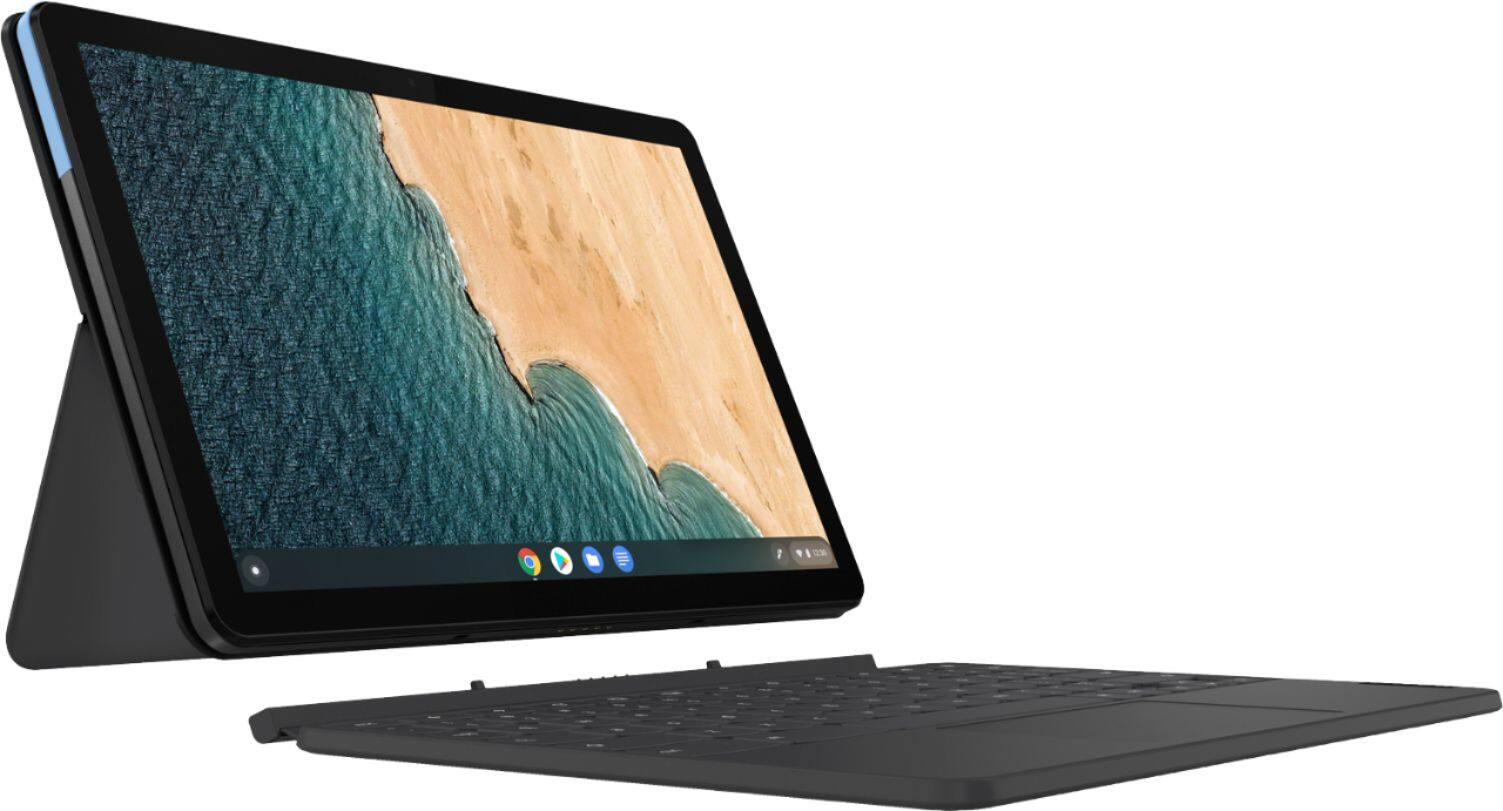
A:AnswerThat will depend on the requirements and compatibility of the specific APPs you want to run. The Lenovo Chromebook Duet ships with the Chrome Operating System and is compatible with Google Play Store APPs. We recommend you check with the specific APPs software publisher's web sites for their compatibility with the Chrome operating system and the minimum/recommended hardware requirements (Is a Graphics card required, the processor speed and the minimum required system RAM and the minimum available hard drive space) to run their program, then compare those requirements to this system's configuration.
A:AnswerNo. The Lenovo Chromebook Duet is WiFi only, it has not cellular broadband/data capability built in. You can create a WiFi Hotspot with your compatible cell phone then connect this Chromebook Duet to that WiFi signal.
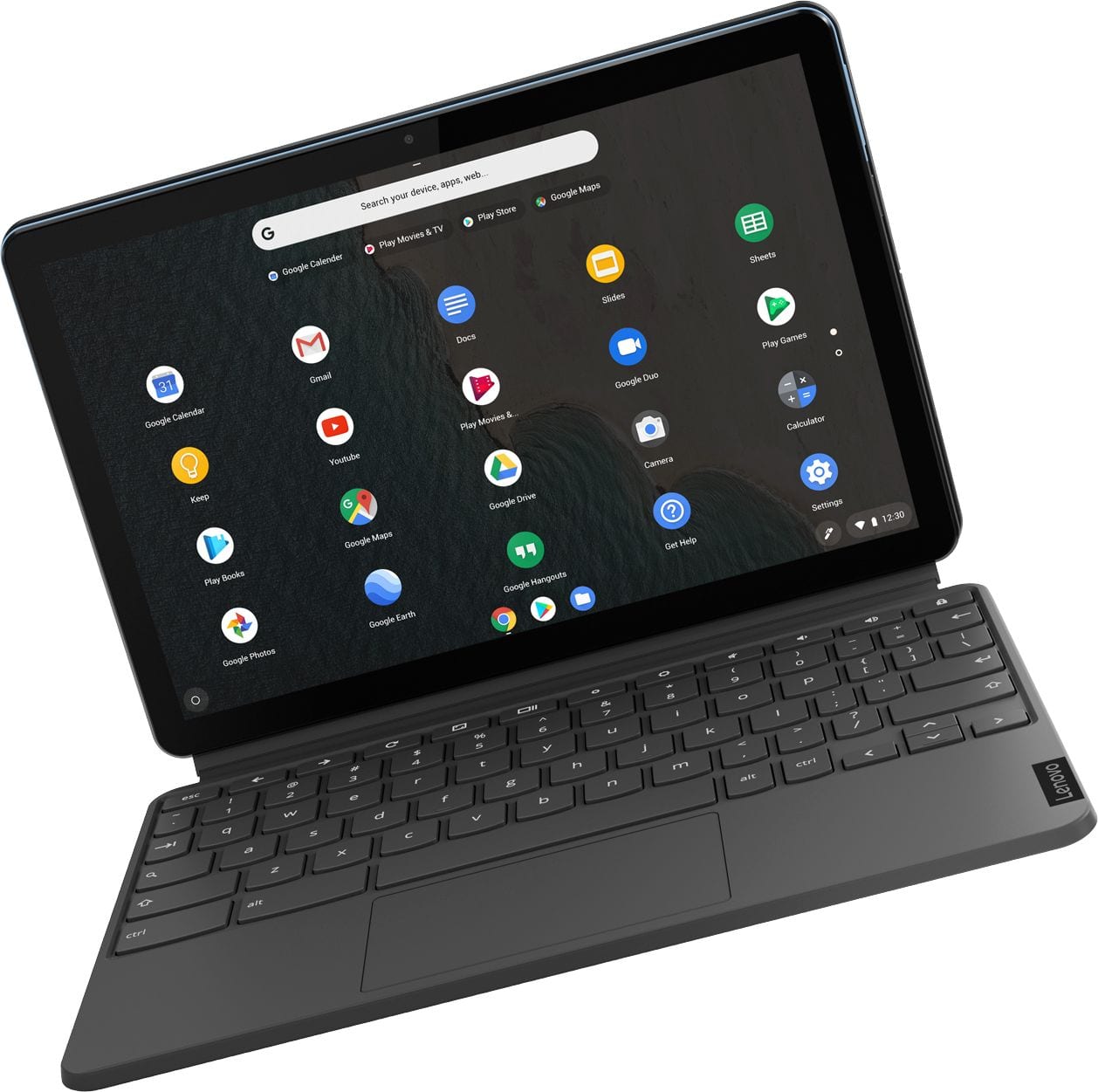
A:AnswerA Chromebook keyboard does not have a dedicated CAPs Key. To turn on caps lock: Hold down ALT and the search key (which has a magnifying glass icon on it) — this will make a confirmation message appear in the bottom-right corner of your screen. To turn off caps lock: Hit the Shift key, or repeat the keyboard shortcut for turning on caps lock.
A:AnswerThe Lenovo Chromebook Duet uses Google Docs for office type programs. Google Docs is completely compatible with Microsoft Office Programs and this is a free service through the Google Server. If you must have the actual Microsoft Office Programs, you can purchase Microsoft Office 365 for this Chromebook at the Google Play Store.
A:AnswerThat will depend on the requirements and compatibility of the specific game you want to play. The Lenovo Chromebook Duet ships with the Chrome Operating System and is compatible with Google Play Store APPs. We recommend you check with the specific game's software publisher's web site for their compatibility with the Chrome operating system and the minimum/recommended hardware requirements (Is a Graphics card required, the processor speed and the minimum required system RAM and the minimum available hard drive space) to run their program, then compare those requirements to this system's configuration.
A:AnswerThe Lenovo Chromebook Duet is WiFi only, it does not have Broadband/cellular data capability built in. You can create a WiFi Hotspot with your compatible cell phone then connect the Chromebook Duet to that WiFi signal. We recommend you check with your cellular provider for details.
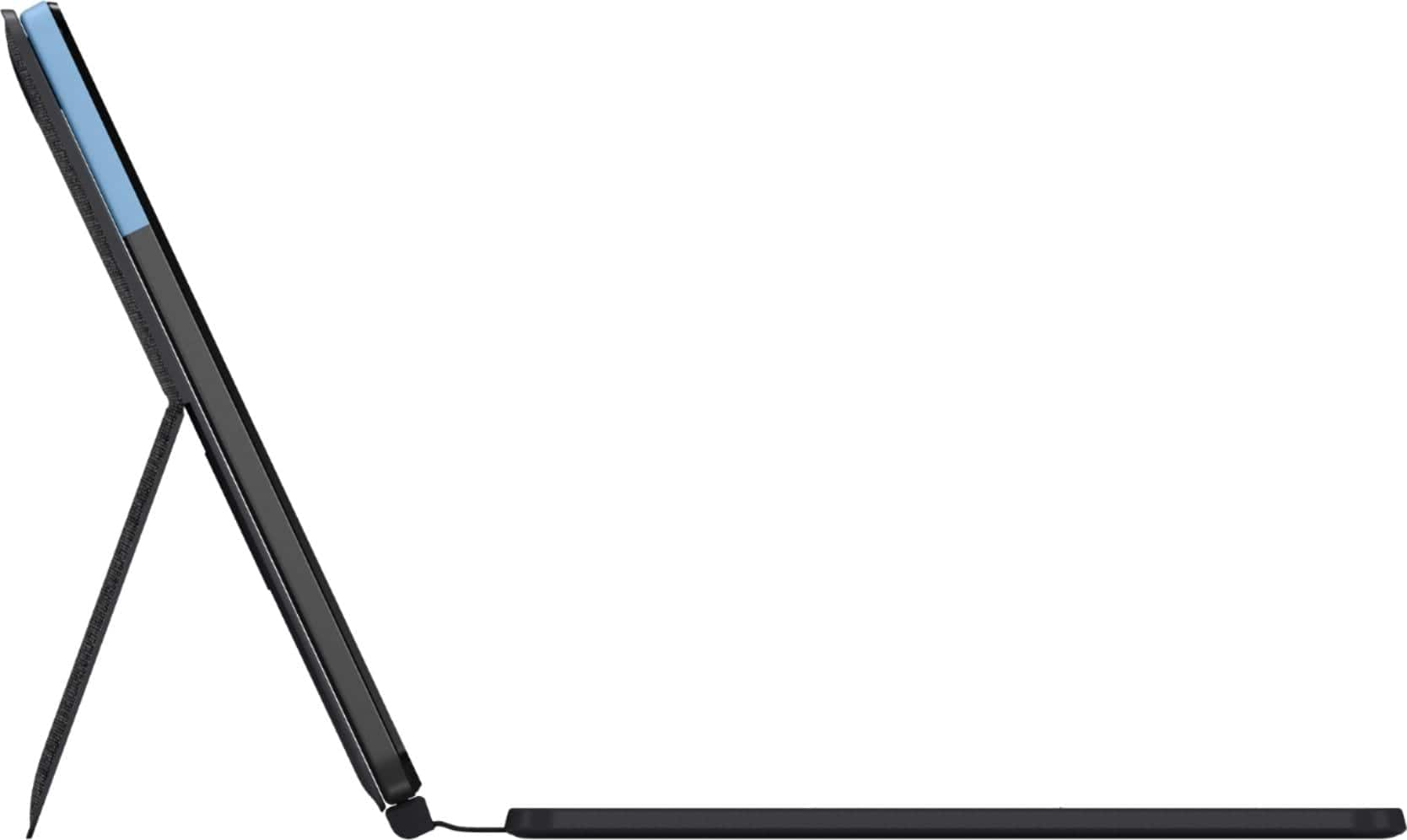
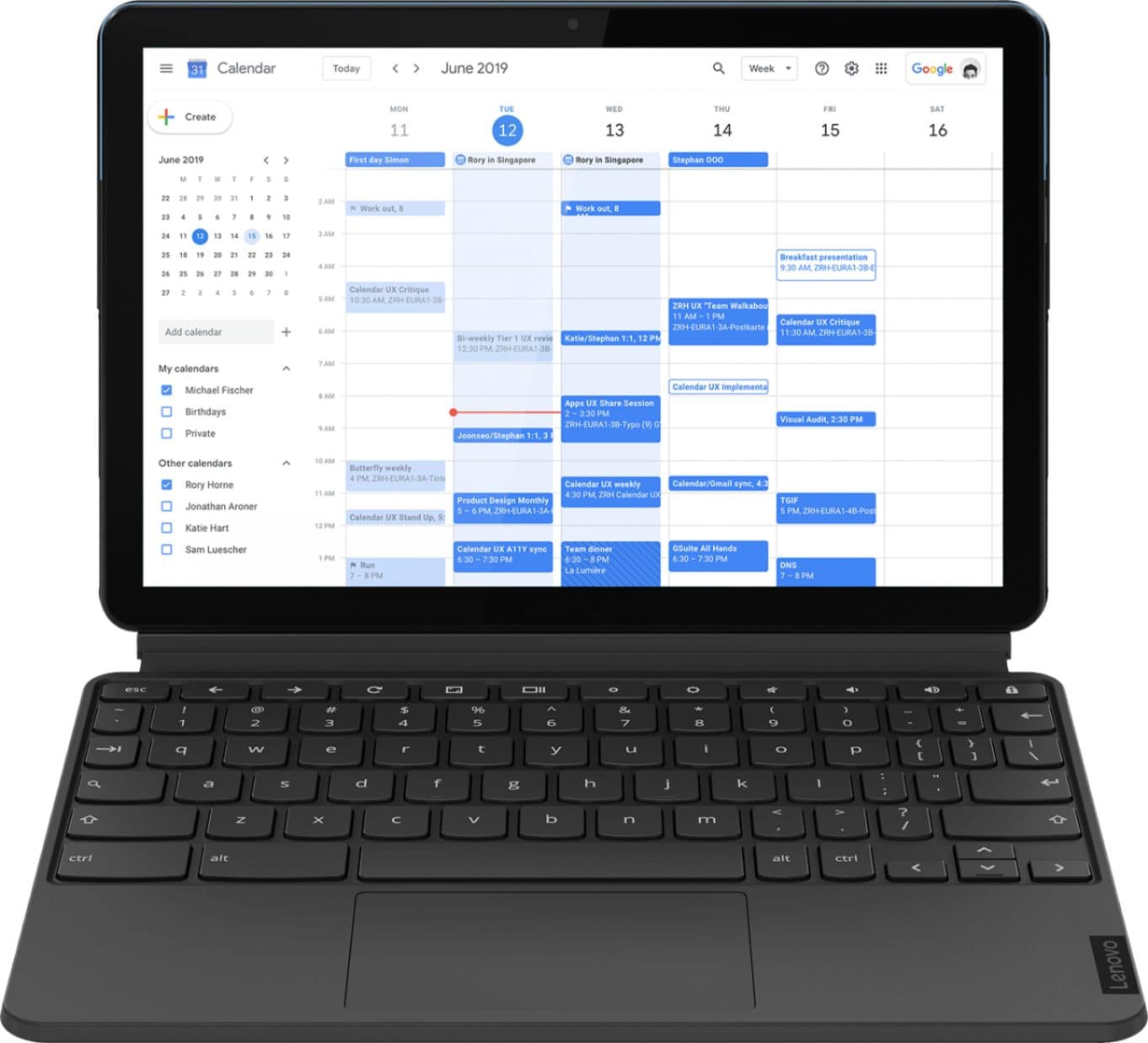
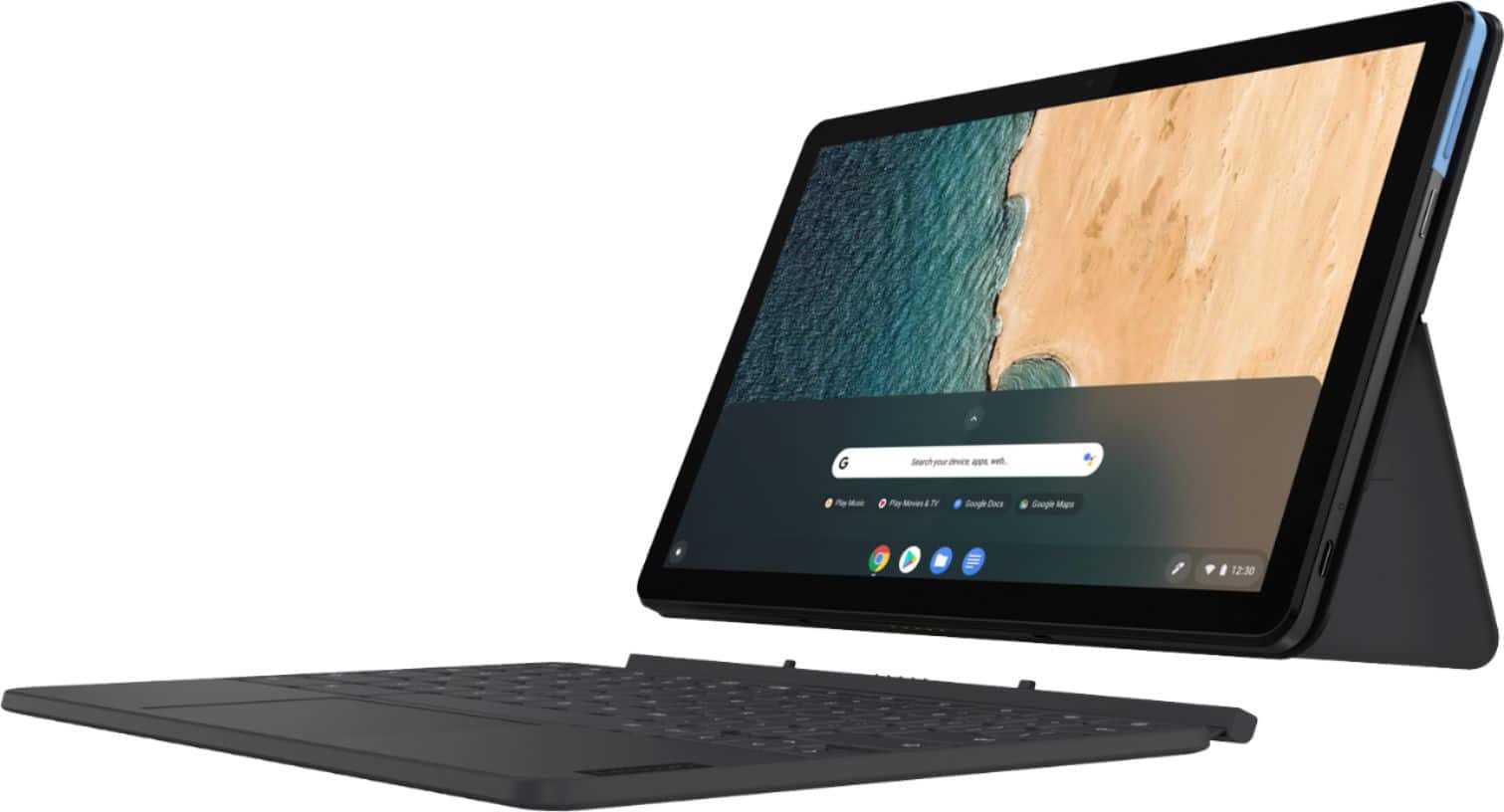
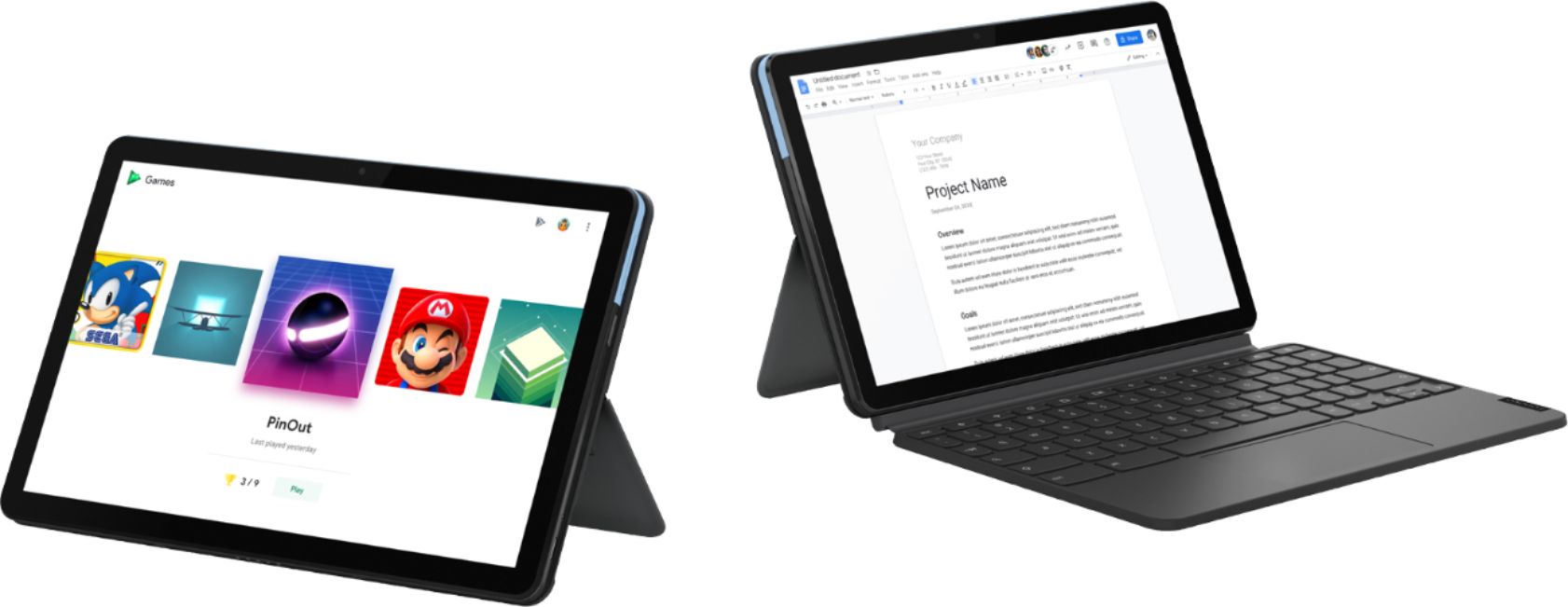
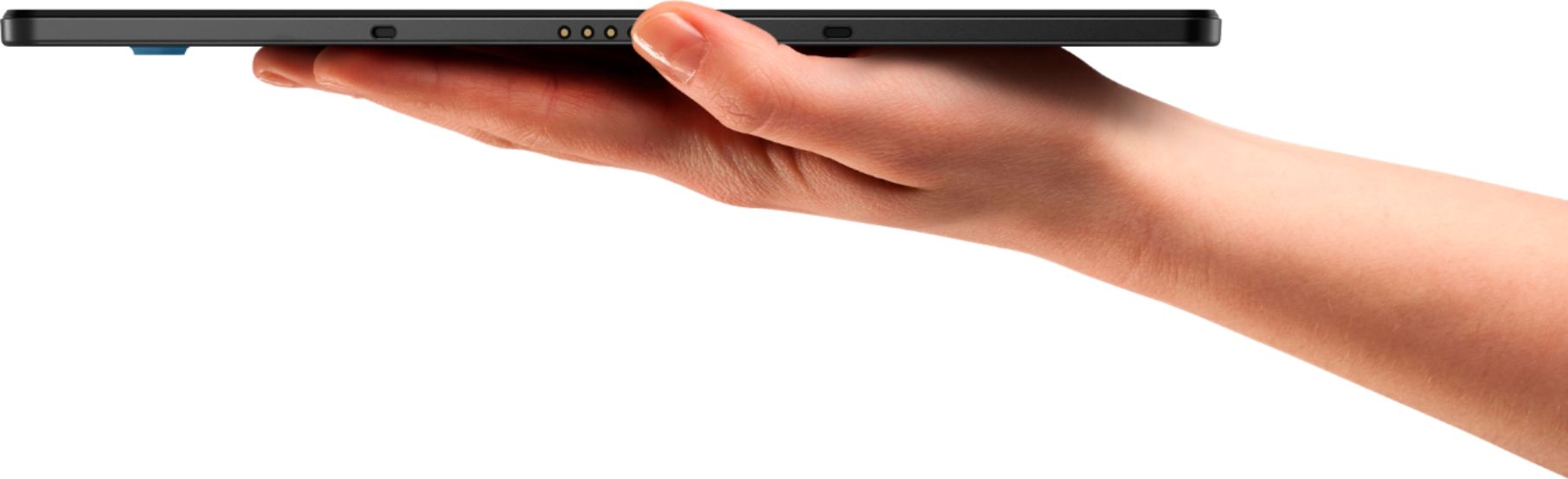
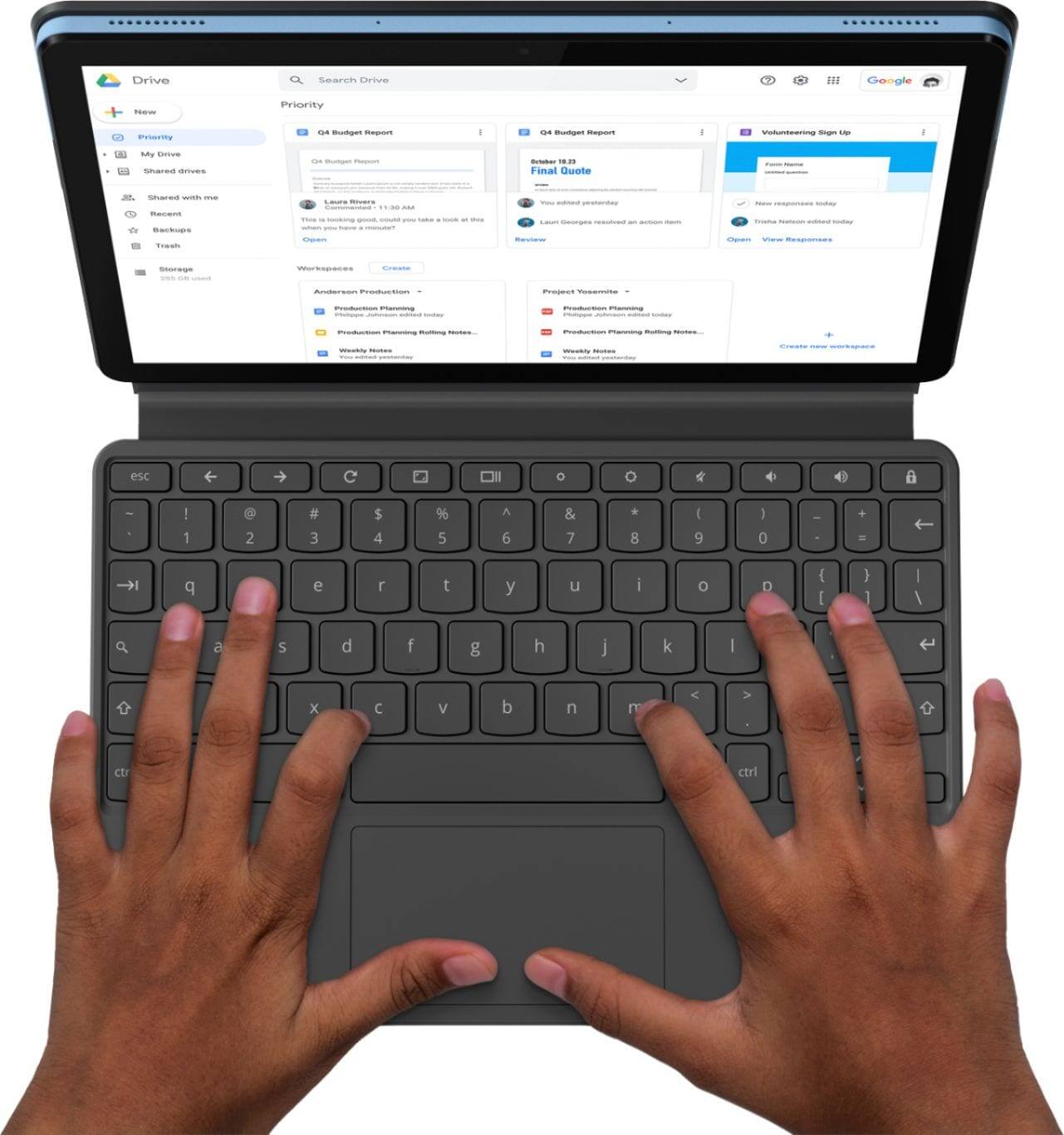
A:AnswerThe keyboard detaches from the screen in a simple pull. I have had it for about a month, works great for the kids. The keyboard feature has been a nice added benefit.
A:AnswerYes. The Lenovo Chromebook Duet has built in Dual Array microphones. Here is a link to instructions for controlling audio input within a Chromebook: https://support.google.com/chromebook/answer/10045949?hl=en