DoorBOOsters are hereExclusions apply. Ends 11/2/25.Shop now

Main Content

Questions & Answers

Your price for this item is $179.99
Clearance
The comparable value price is $299.00
Page Showing 241-260 of 494 questions
  • QuestionInternet access: Will chromebook connect to a hotspot from my phone?

    Asked by JMH.

    • Answer Yes it will.

      Answered by Lenovo Product Expert

  • Questioncan i download user manual i cant find mine

    Asked by ballprez.

    • Answer Here is a link to the User Guide for the Lenovo Chromebook Duet: https://download.lenovo.com/consumer/mobiles_pub/ideapad-duet-chromebook_ug_en_202012.pdf

      Answered by Lenovo Product Expert

  • QuestionCan you attach this to a printer to print out items?

    Asked by Anonymous.

    • Answer You can either print with a compatible wireless printer or use a USB-c to USB adapter to print from a compatible wired printer. Here is a link to instructions for setting up your Chromebook with a compatible printer, we recommend you check with your printer manufacturer for the compatibility of your specific printer model: https://support.google.com/chromebook/answer/7225252?hl=en

      Answered by Lenovo Product Expert

  • QuestionIs this chromebook good for recording, editing and uploading videos to youtube?

    Asked by Rissa1111.

    • Answer That really will depend on the requirements and compatibility of the specific APPs you will be using with the Lenovo Chromebook Duet. This model ships with the Chrome Operating System and is compatible with Google Play Store APPs. It ships with an ARM architecture, 8-Core MediaTek Helio P60T processor. We recommend you check with the specific APPs software publisher's web site, for the specific APP you want to use, for their compatibility with the Chrome operating system and the minimum/recommended hardware requirements (Is a Graphics card required, the processor speed and the minimum required system RAM and the minimum available hard drive space) to run their program, then compare those requirements to this system's configuration.
      Answered by Lenovo Product Expert

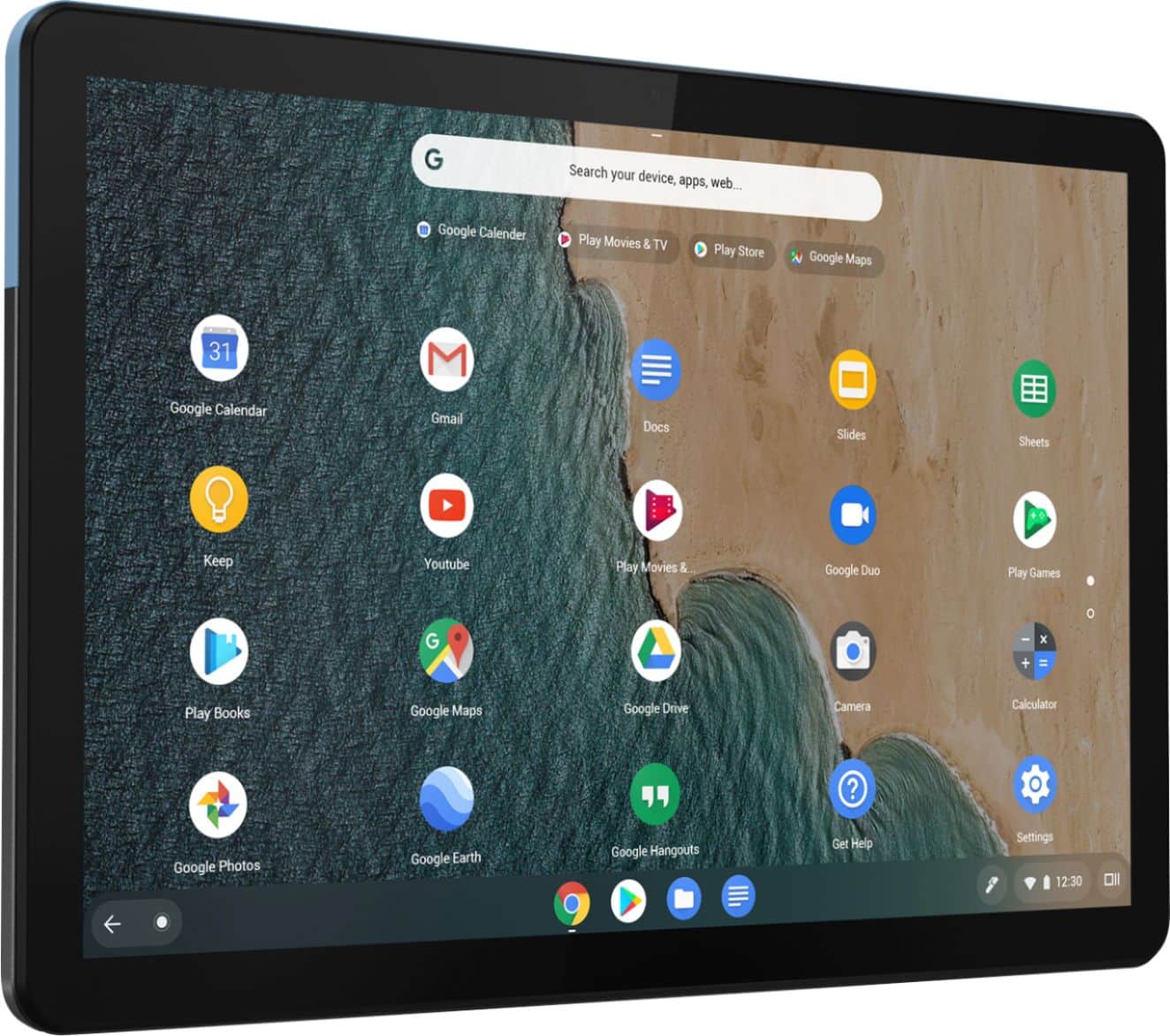
  • QuestionCan this chromebook run google play apps? Does it have google play preinstalled ?

    Asked by Duet.

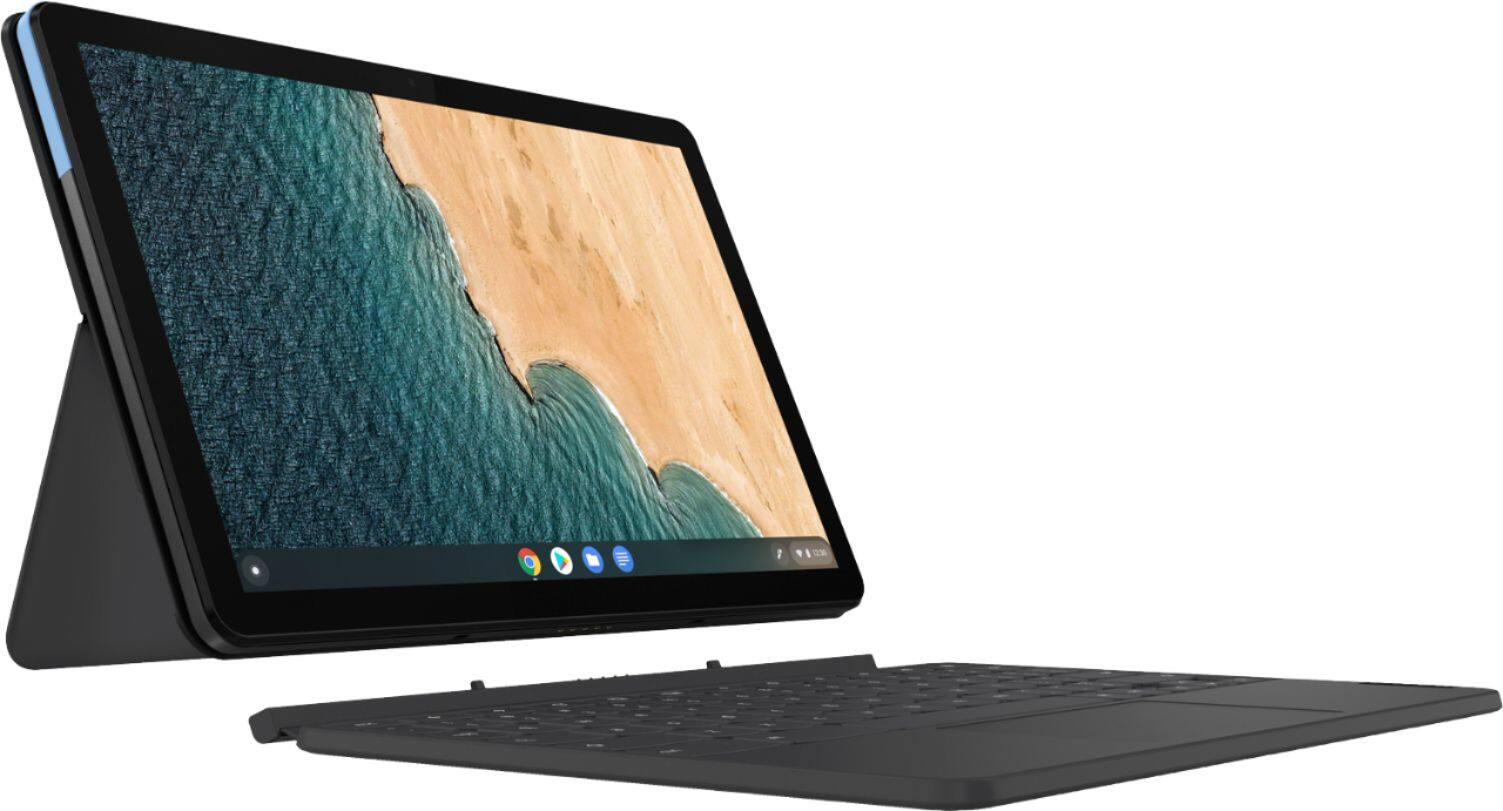
    • Answer The Lenovo Chromebook Duet, model number ZA6F0016US, is compatible with the Google Play Store APPs. This Chromebook ships with the ARM architecture, 8-Core, MediaTek Helio P60T Processor. We recommend you check with the specific game's software publisher's web sites, for the specific games you want to play, for their compatibility with the Chrome operating system, the ARM processor architecture and the minimum/recommended hardware requirements (Is a Graphics card required, the processor speed and the minimum required system RAM and the minimum available hard drive space) to run their program, then compare those requirements to this system's configuration.
      Answered by Lenovo Product Expert

  • QuestionDoes this come with a charger?

    Asked by ashneb.

    • Answer Yes it does.

      Answered by Lenovo Product Expert

  • Questionis it the tablet and the keyboard or no

    Asked by grhthrb.

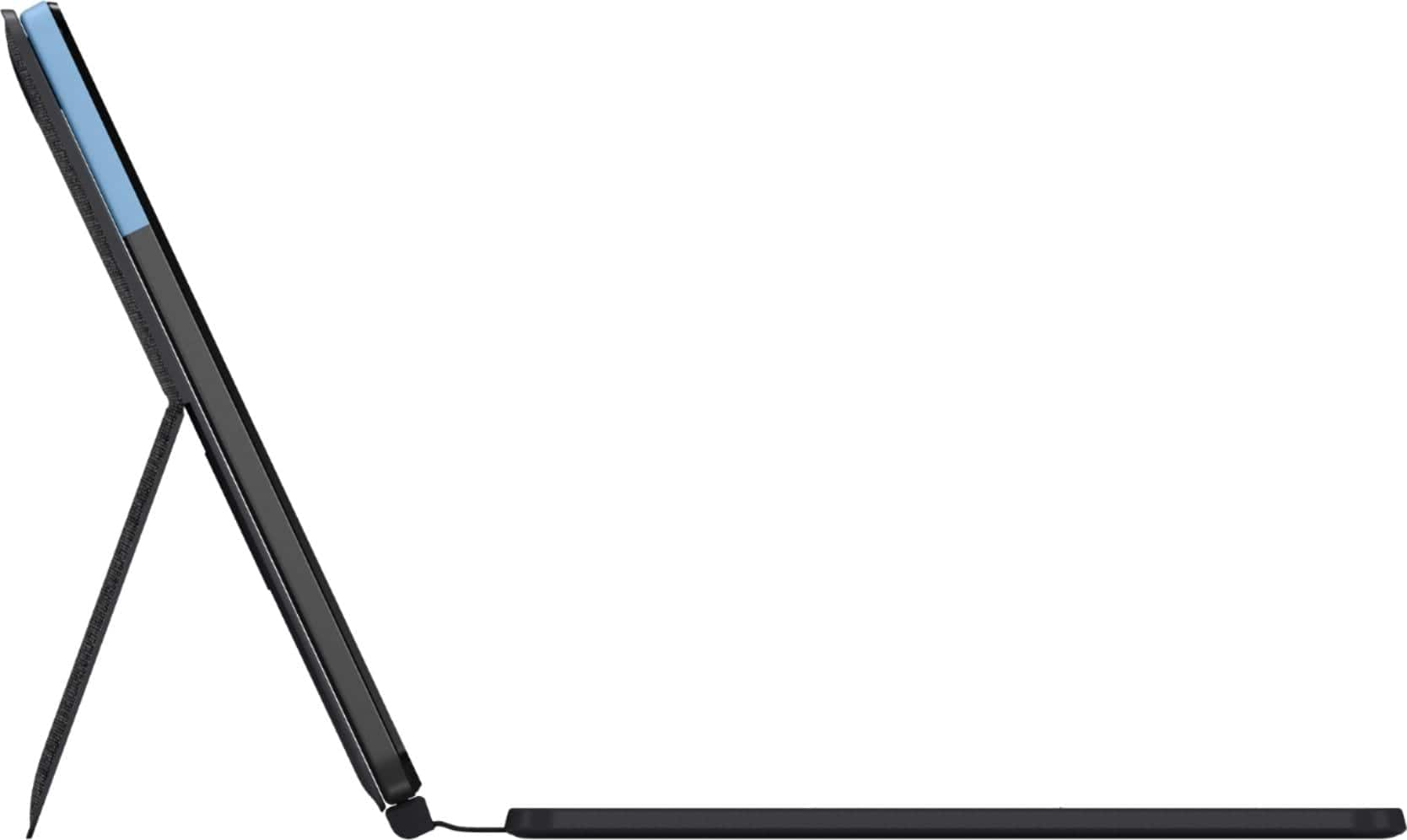
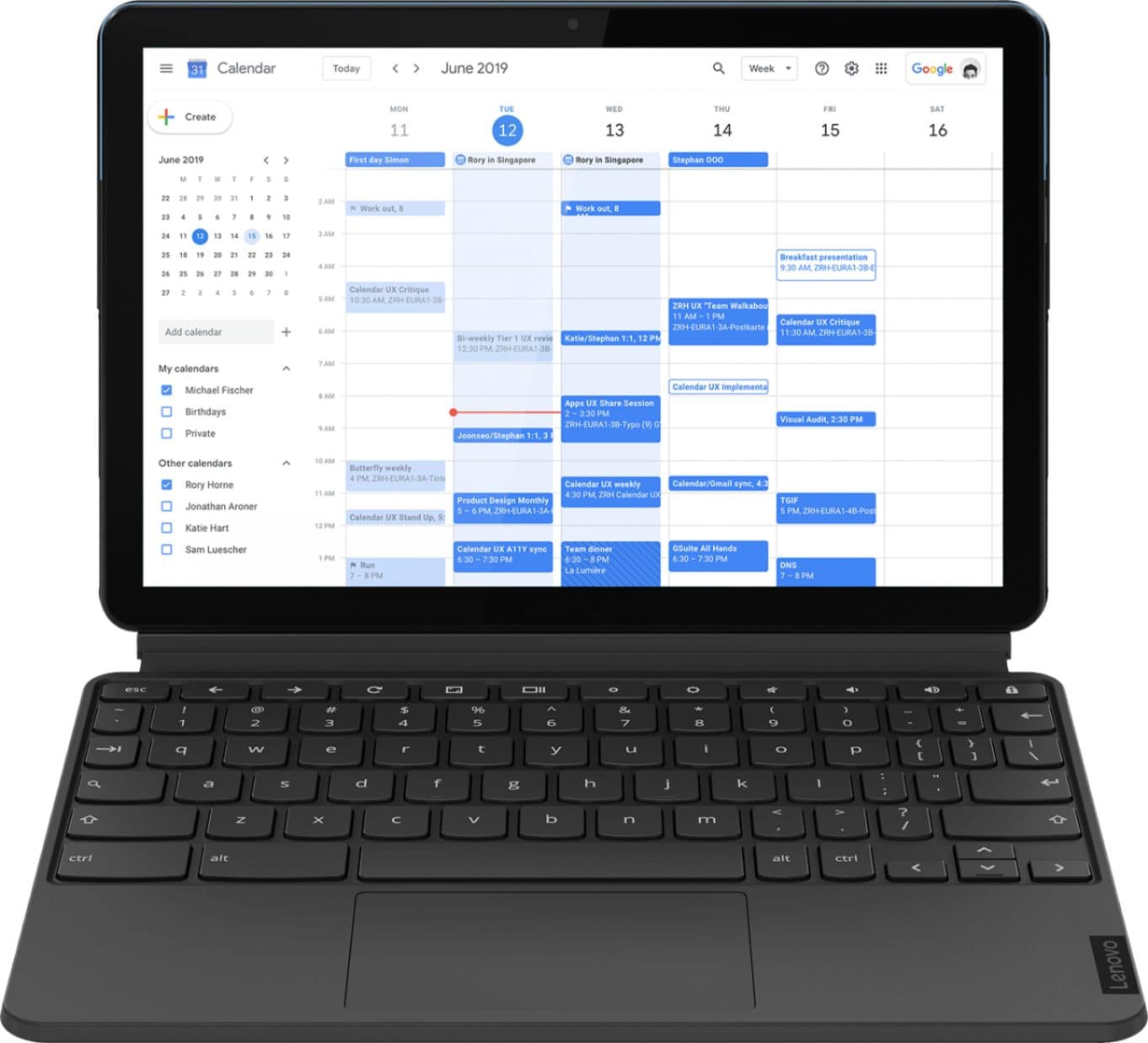
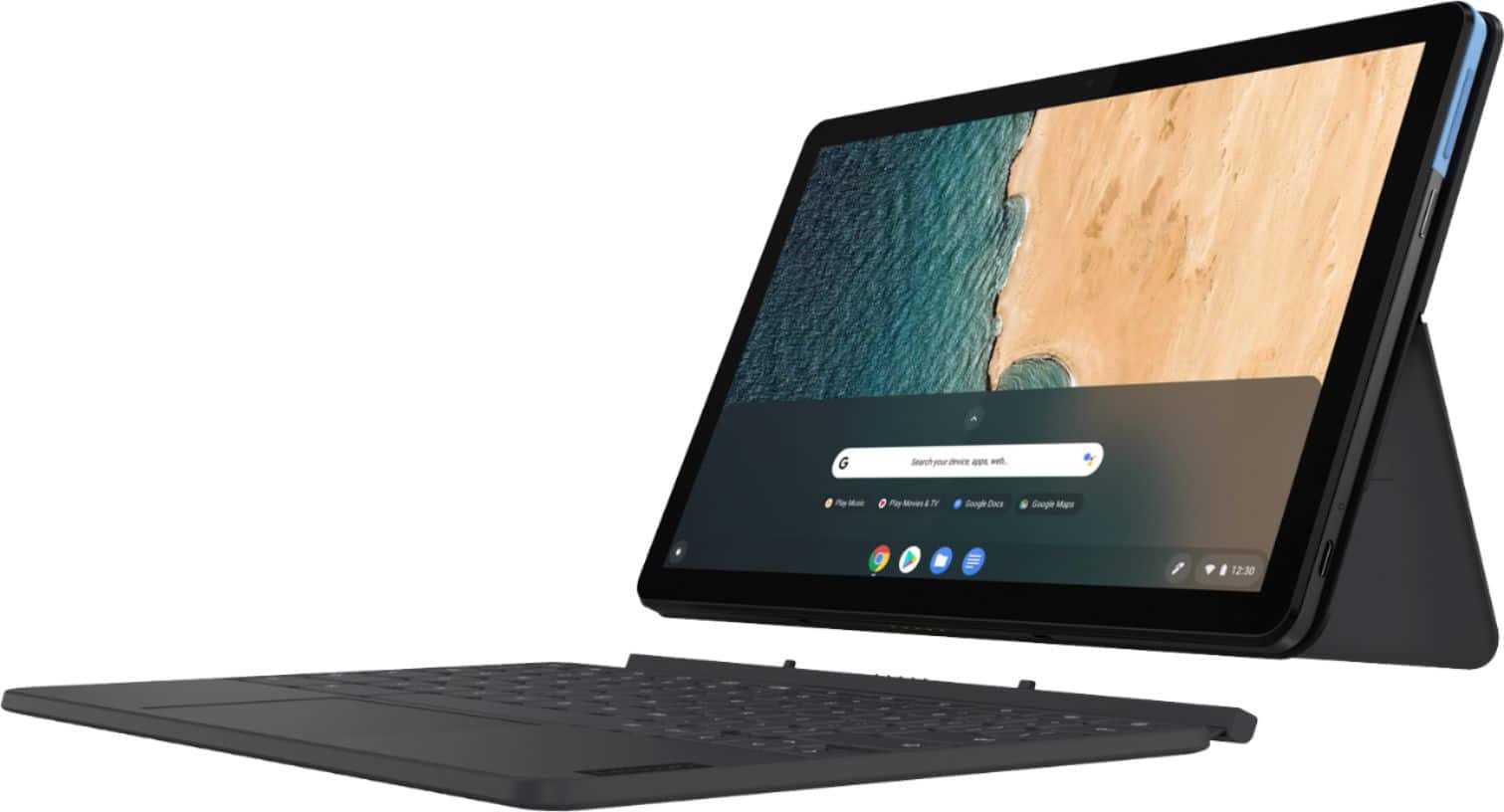
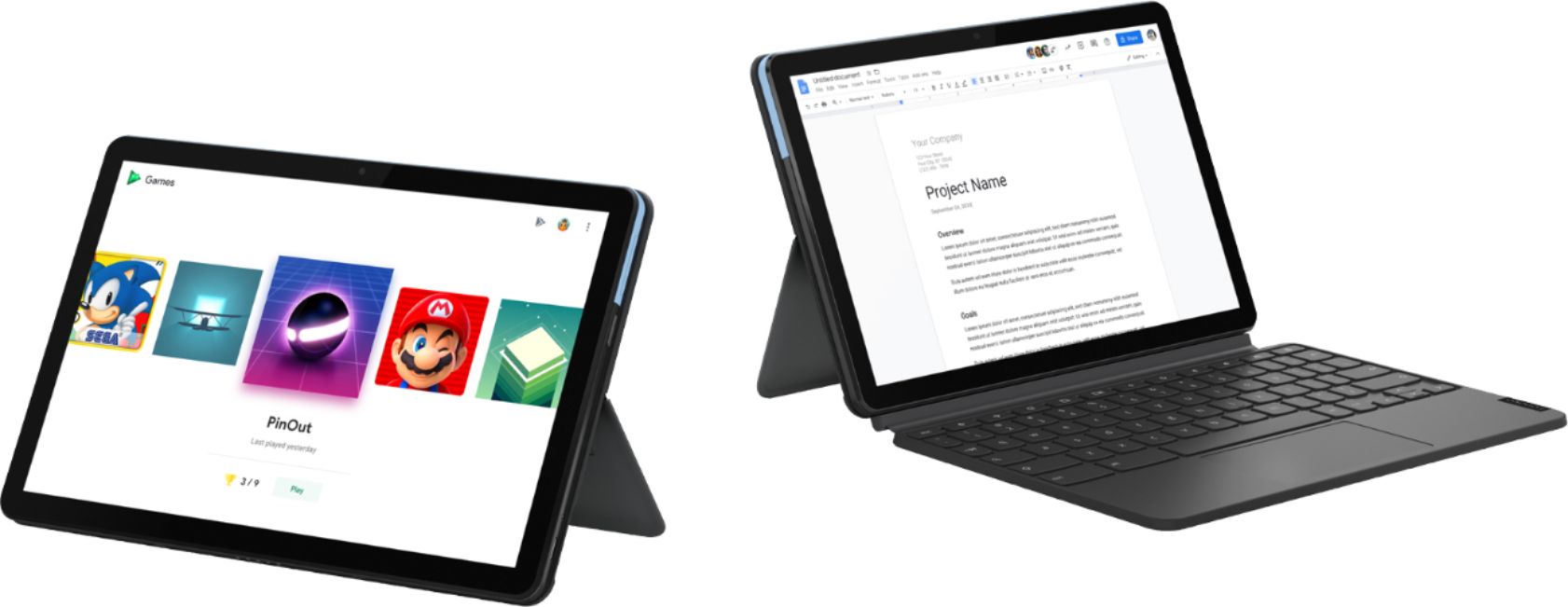
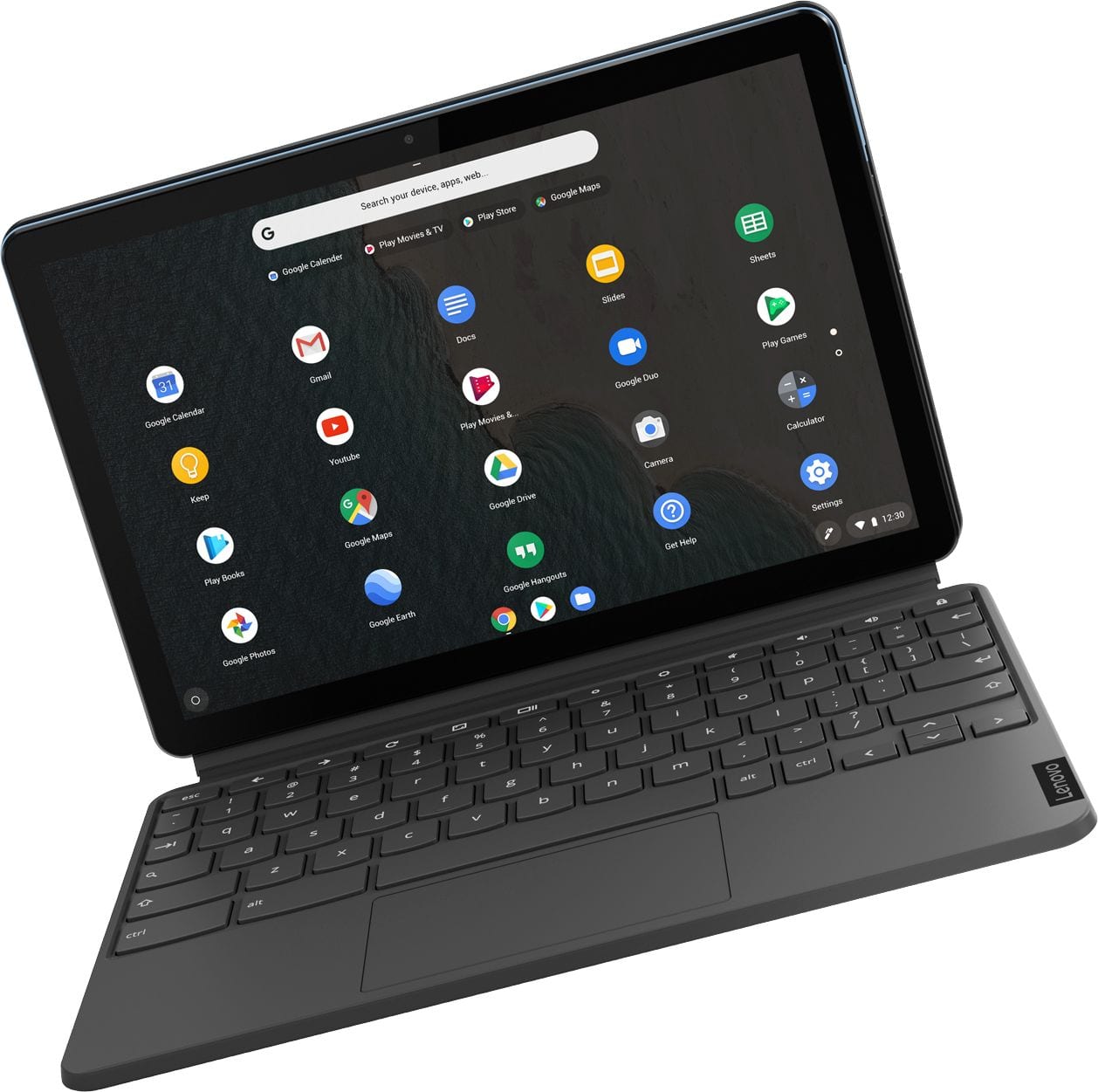
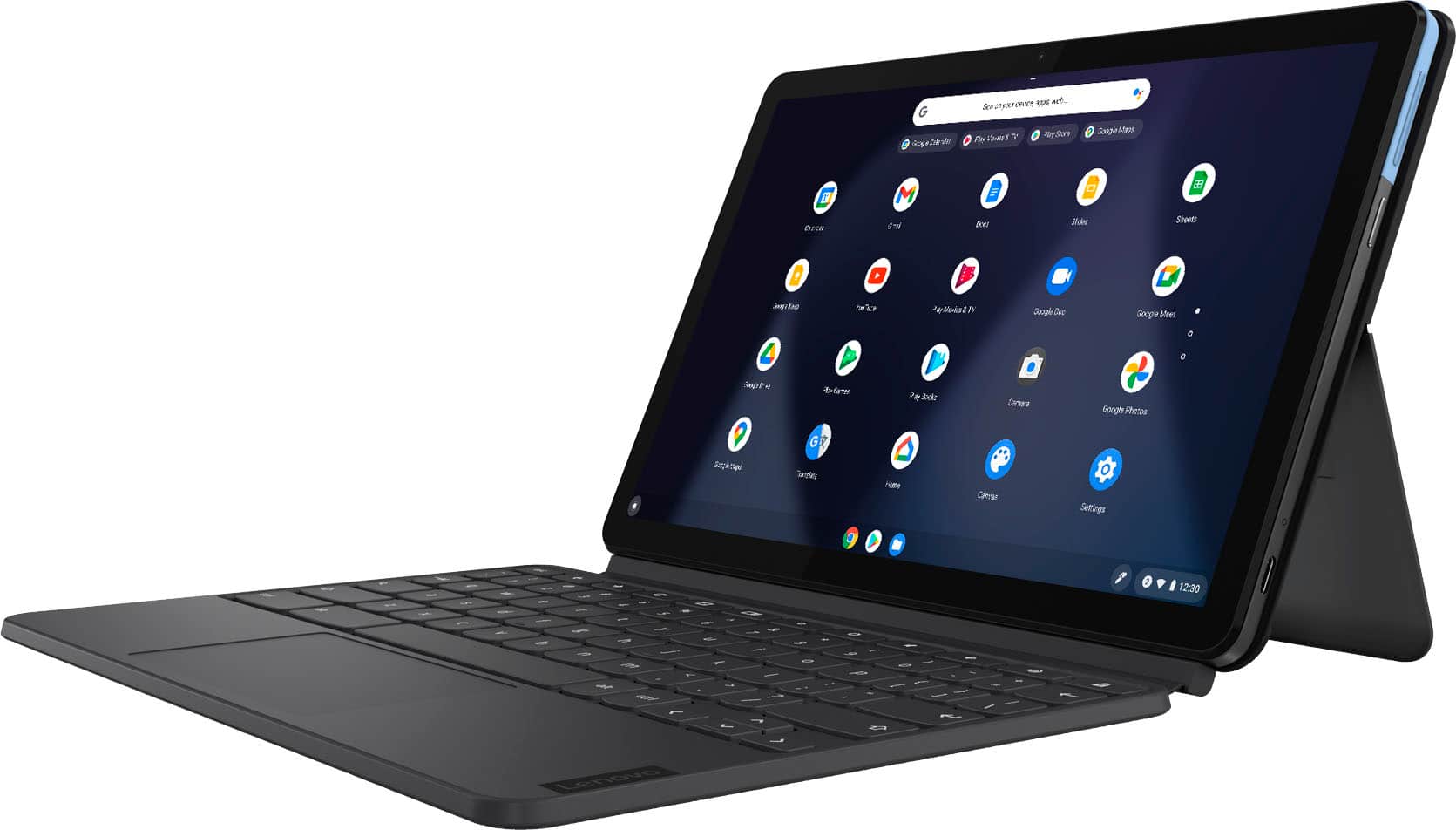
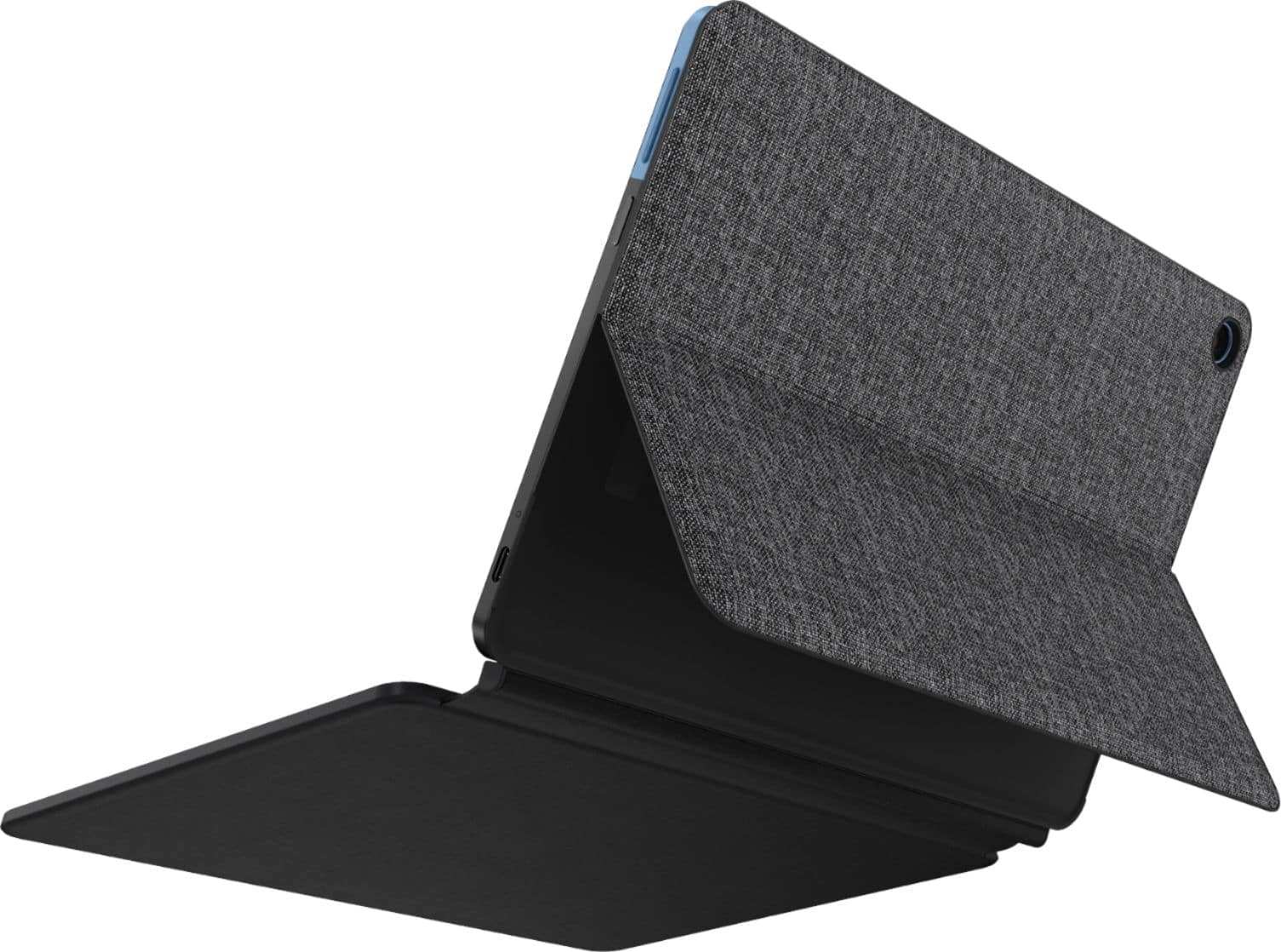
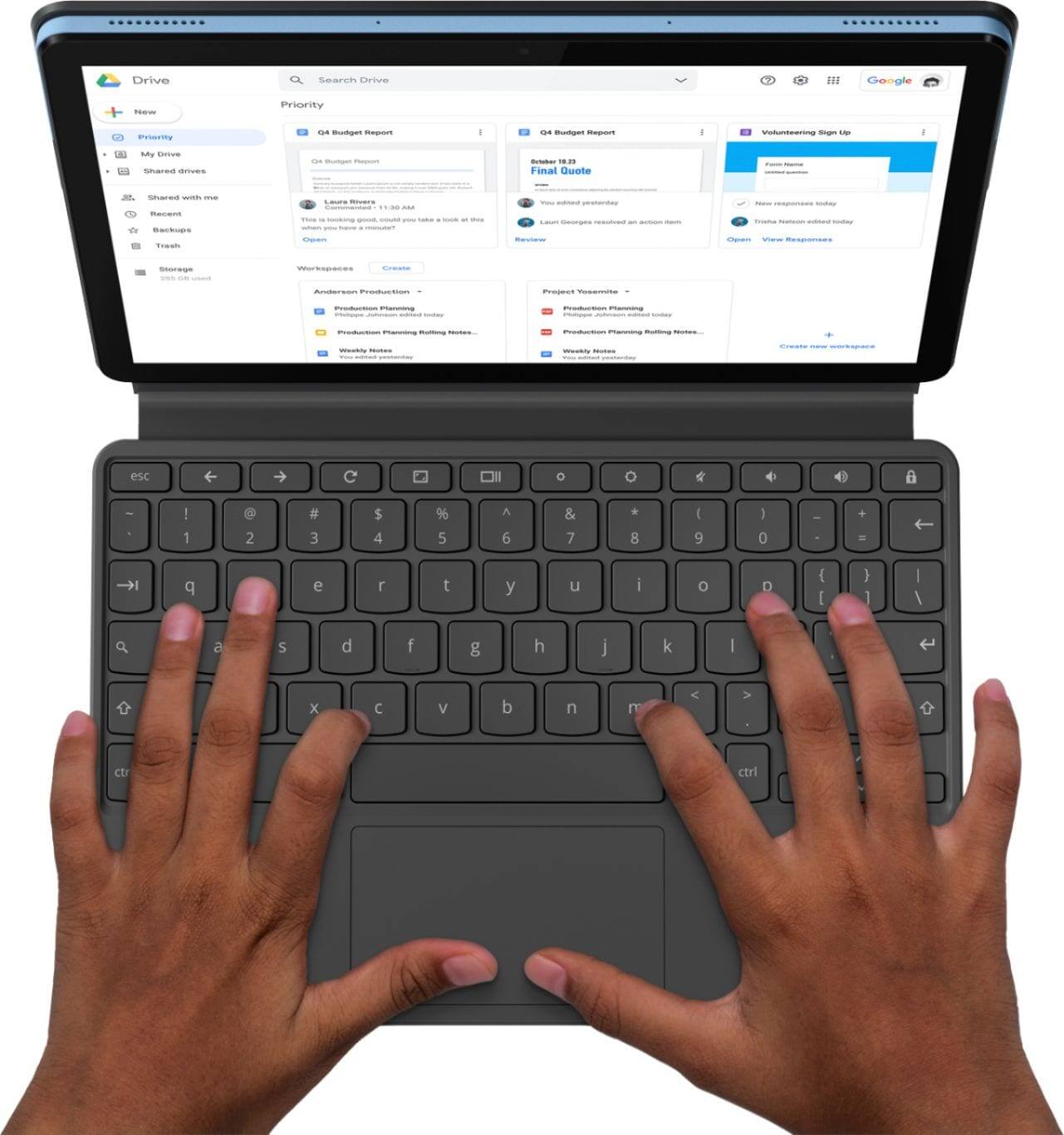
    • Answer The detachable keyboard is included with the Lenovo Chromebook Duet.

      Answered by Lenovo Product Expert

  • QuestionWhat USI pen is compatible with this product?

    Asked by Getsi.

    • Answer From other responses, I can gather it is compatible with standard USI stylus pens. Lenovo has their own as well going for about 40 dollars.

      Answered by Christain

  • Questioncan i record a video on this device

    Asked by c.

    • Answer Yes. Here is a link to instructions for using the video recording APP on the Lenovo Chromebook Duet: https://support.google.com/chromebook/answer/4487486?hl=en

      Answered by Lenovo Product Expert

  • Questioncan i hook up to an external monitor?

    Asked by jkhcast.

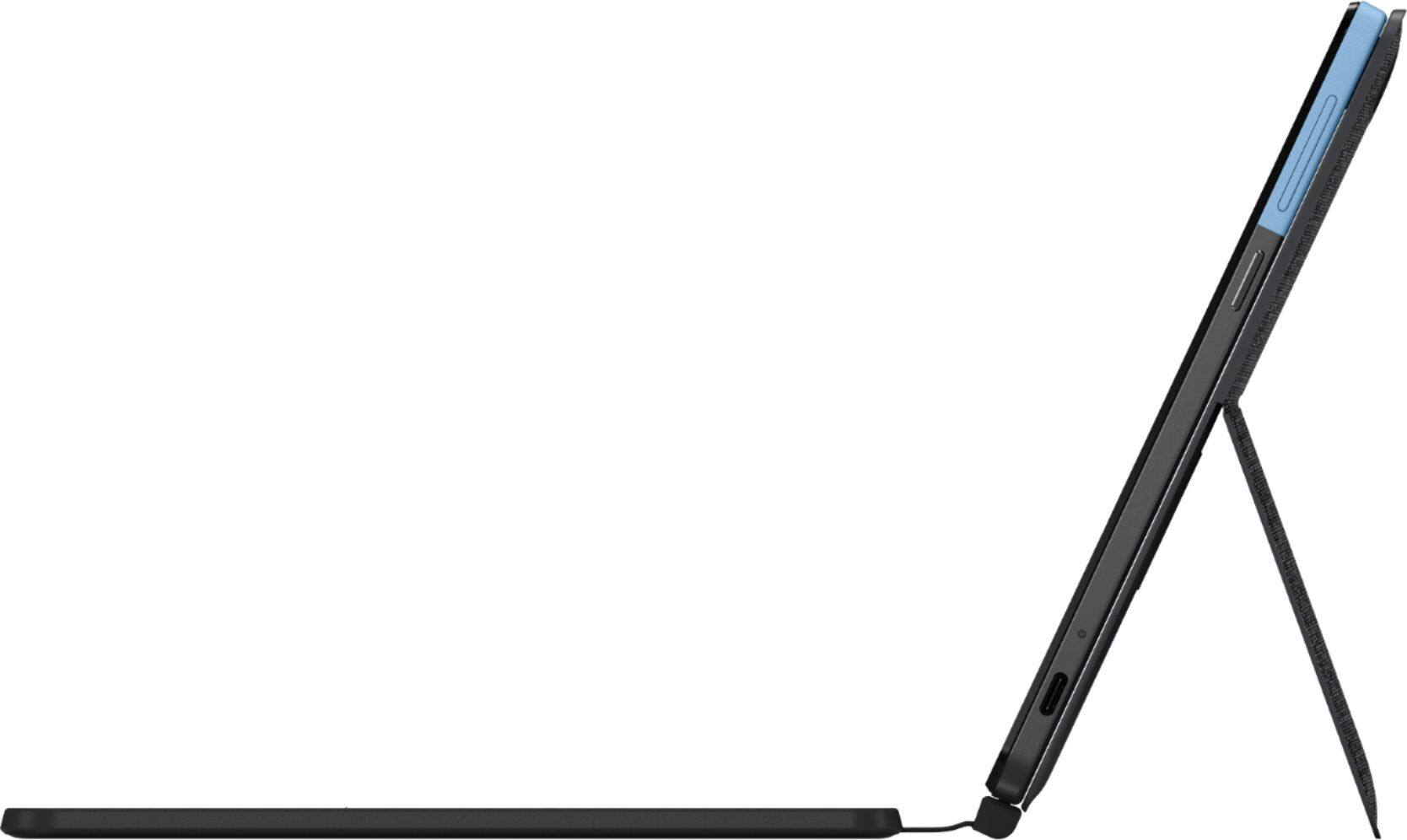
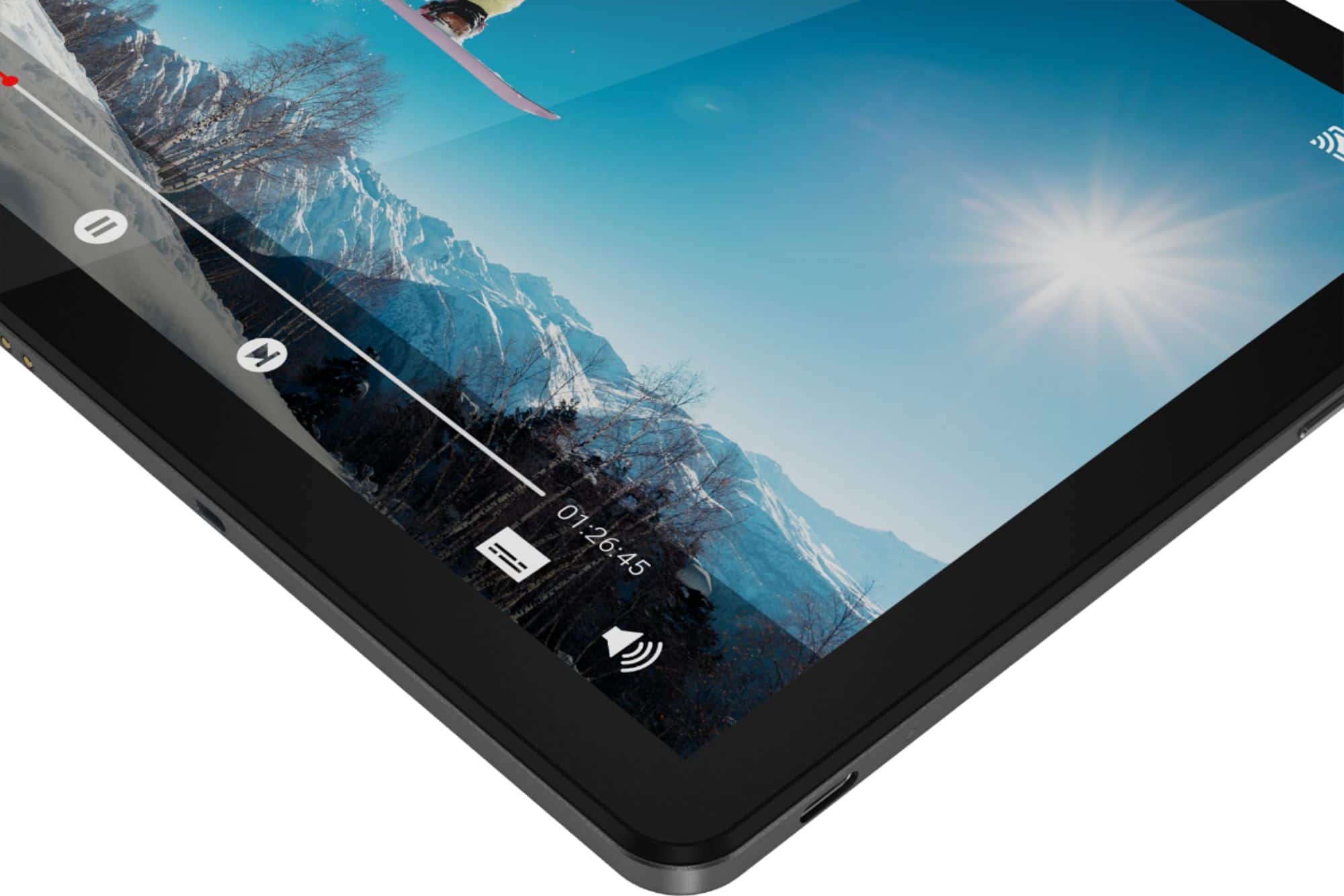
    • Answer Yes. There is one port on the Duet: a single USB-C port that's capable of 18W (9V/2A) charging and 1080p 30Hz video output (though you'll get bumped down further to 720p 60Hz on most monitors). You can use a USB-c to HDMI to connect an HDMI monitor.

      Answered by Lenovo Product Expert

  • Questiondoes it read most formats of books mobi pdf word rich etc. and comics cbr files

    Asked by Anonymous.

    • Answer The Lenovo Chromebook Duet, model number ZA6F0016US, ships with the Chrome Operating System and is compatible with Google Play Store APPs. We recommend you check with the specific APPs software publisher's web sites for the APPs you will need to use, for their compatibility with the Chrome operating system and the minimum/recommended hardware requirements (Is a Graphics card required, the processor speed and the minimum required system RAM and the minimum available hard drive space) to run their program, then compare those requirements to this system's configuration.
      Answered by Lenovo Product Expert

  • QuestionWould this be a good option for a college student, and why?

    Asked by Mbry.

    • Answer That really will depend on the APPs the student will need to use to do their work. The Lenovo Chromebook Duet ships with the Chrome Operating System and is compatible with Google Play Store APPs. Check the requirements and compatibility of the APPs the student will be using, then compare those minimum and recommended requirements to the configuration of this Chromebook Duet.

      Answered by Lenovo Product Expert

  • Questionis there a delete key? don't see one. much obliged

    Asked by tomjoad.

    • Answer Chromebook keyboards do not have a Delete Key. Although the Chromebooks don't have a dedicated Delete key, you can use a preset keys combination to function as the Delete button. You can use the Alt +Backspace keys to work as Delete. This means that simply hold the 'Alt' key and press the Backspace button, it would function as the Delete key.

      Answered by Lenovo Product Expert

  • QuestionLenovo chrome tablet take sim card

    Asked by H2tattoo.

    • Answer No it doesn’t

      Answered by Hewhoisx

  • QuestionWould like to connect a mouse. What adapter is needed?

    Asked by gold.

    • Answer You can use a wireless Bluetooth 4.1 compatible mouse that is compatible with the Chrome Operating System. You can use a USB-c to USB OTG adapter with the Lenovo Chromebook Duet.

      Answered by Lenovo Product Expert

  • QuestionCan you purchase a protective cover for the tablet screen? Can you purchase a sleeve or something to protect the tablet and keyboard?

    Asked by newlenovouser.

    • Answer Hello, thanks for your question. Yes there are a variety of 3rd party sleeves and covers available from the Best Buy website or in store.

      Answered by Lenovo Product Expert

  • QuestionDoes this work well with college students?

    Asked by Abbey.

    • Answer That will depend on the specific software the student will need to run. The Lenovo Chromebook Duet ships with the Chrome Operating System and is compatible with the Google Play Store. We recommend you check with the specific software publisher's web sites of the software the student will need to use, for their compatibility with the Chrome Operating System operating system and the minimum/recommended hardware requirements (Is a Graphics card required, the processor speed and the minimum required system RAM and the minimum available hard drive space) to run their program, then compare those requirements to this system's configuration.
      Answered by Lenovo Product Expert

  • QuestionDoes this model play discs

    Asked by Mac.

    • Answer No. There is no disc drive within the Lenovo Chromebook Duet.

      Answered by Lenovo Product Expert

  • QuestionIs it euipped with wi=fi

    Asked by Anonymous.

    • Answer Of course.

      Answered by Jayjay

  • QuestionCan I use the USB C to hook it to a TV with an adapter?

    Asked by csmith.

    • Answer Yes. There is one port on the Lenovo Chromebook Duet: a single USB-C port that's capable of 18W (9V/2A) charging and 1080p 30Hz video output when using a USB-c to HDMI adapter, which is sold separately (though you'll get bumped down further to 720p 60Hz on most monitors).

      Answered by Lenovo Product Expert