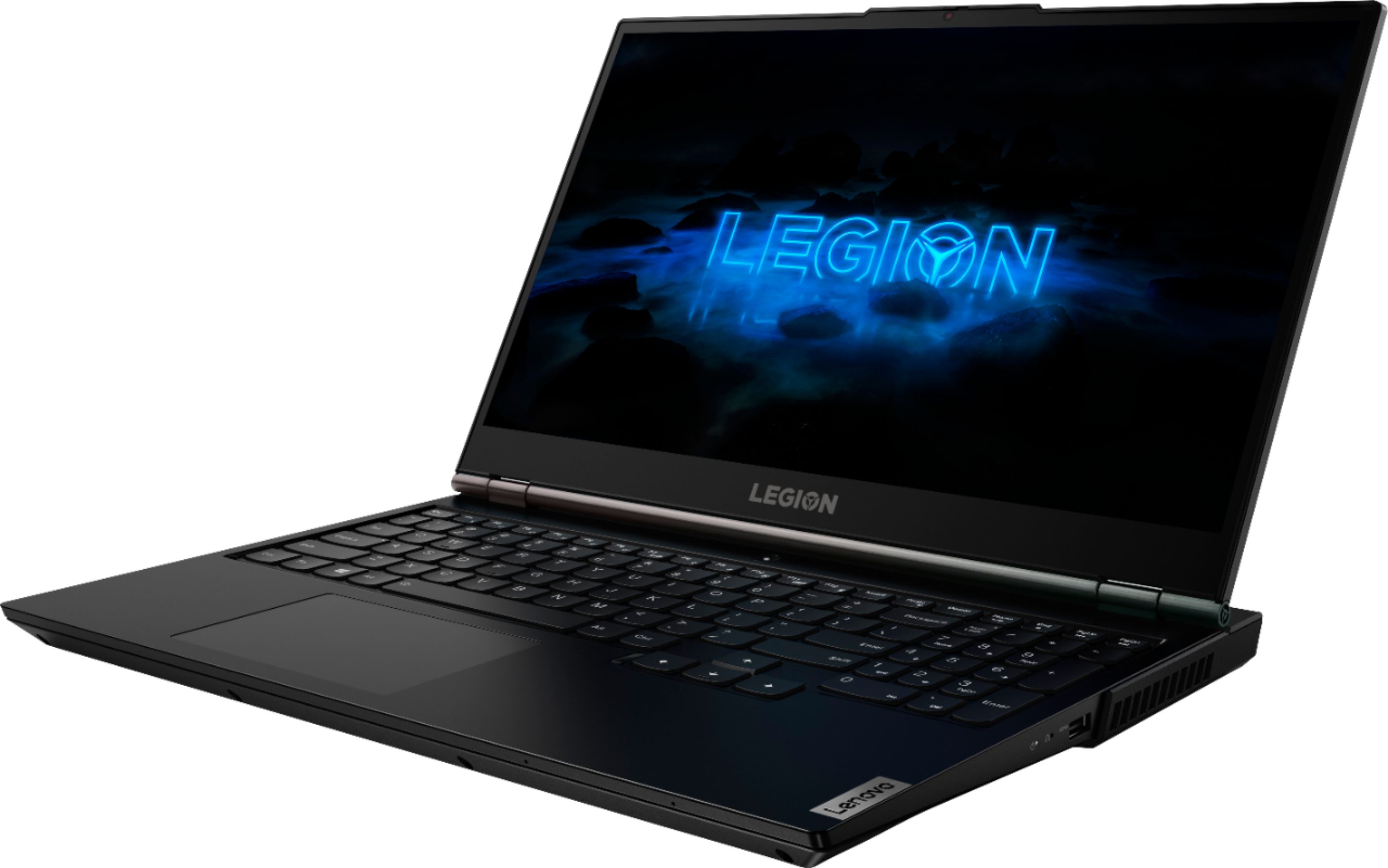
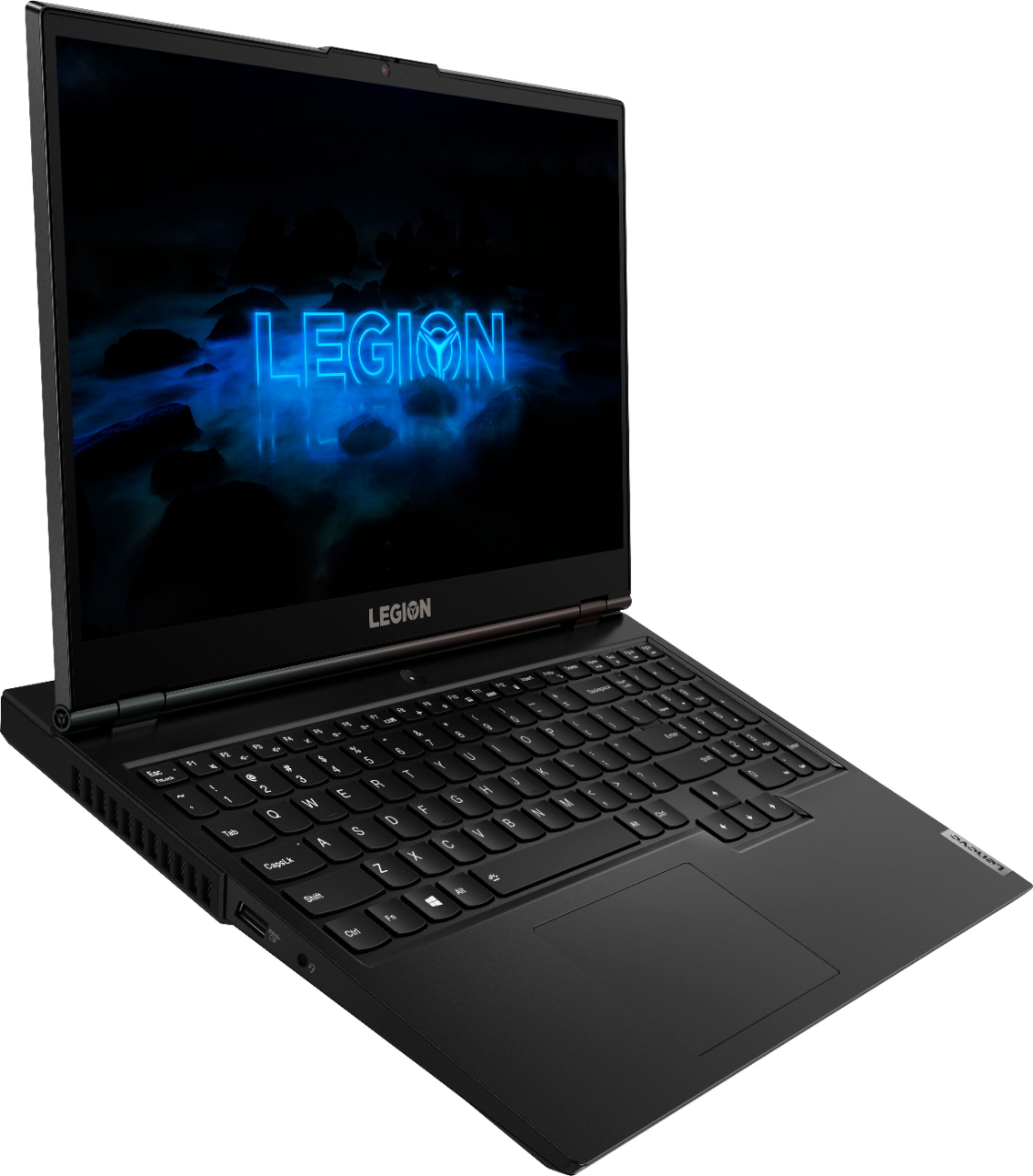
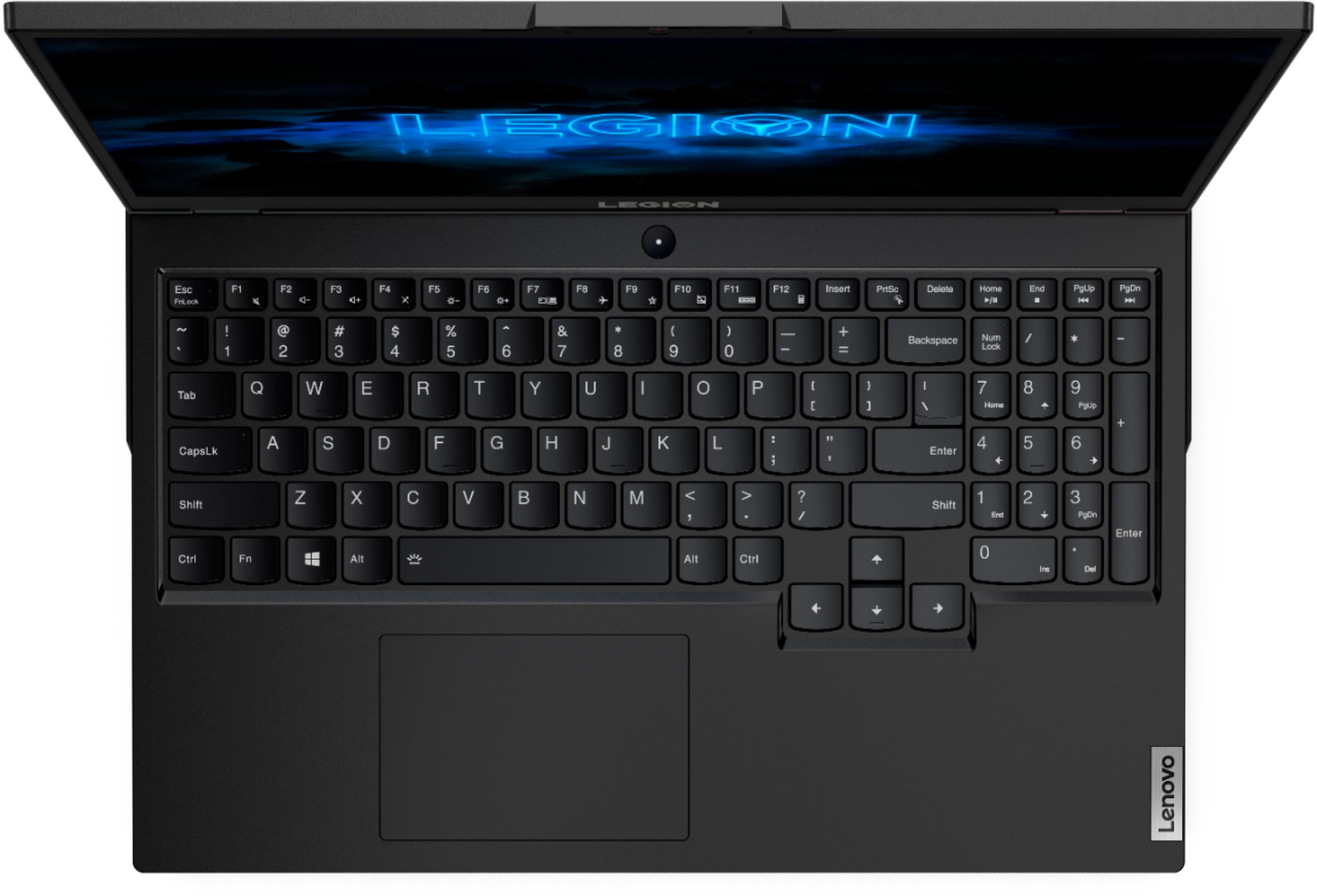
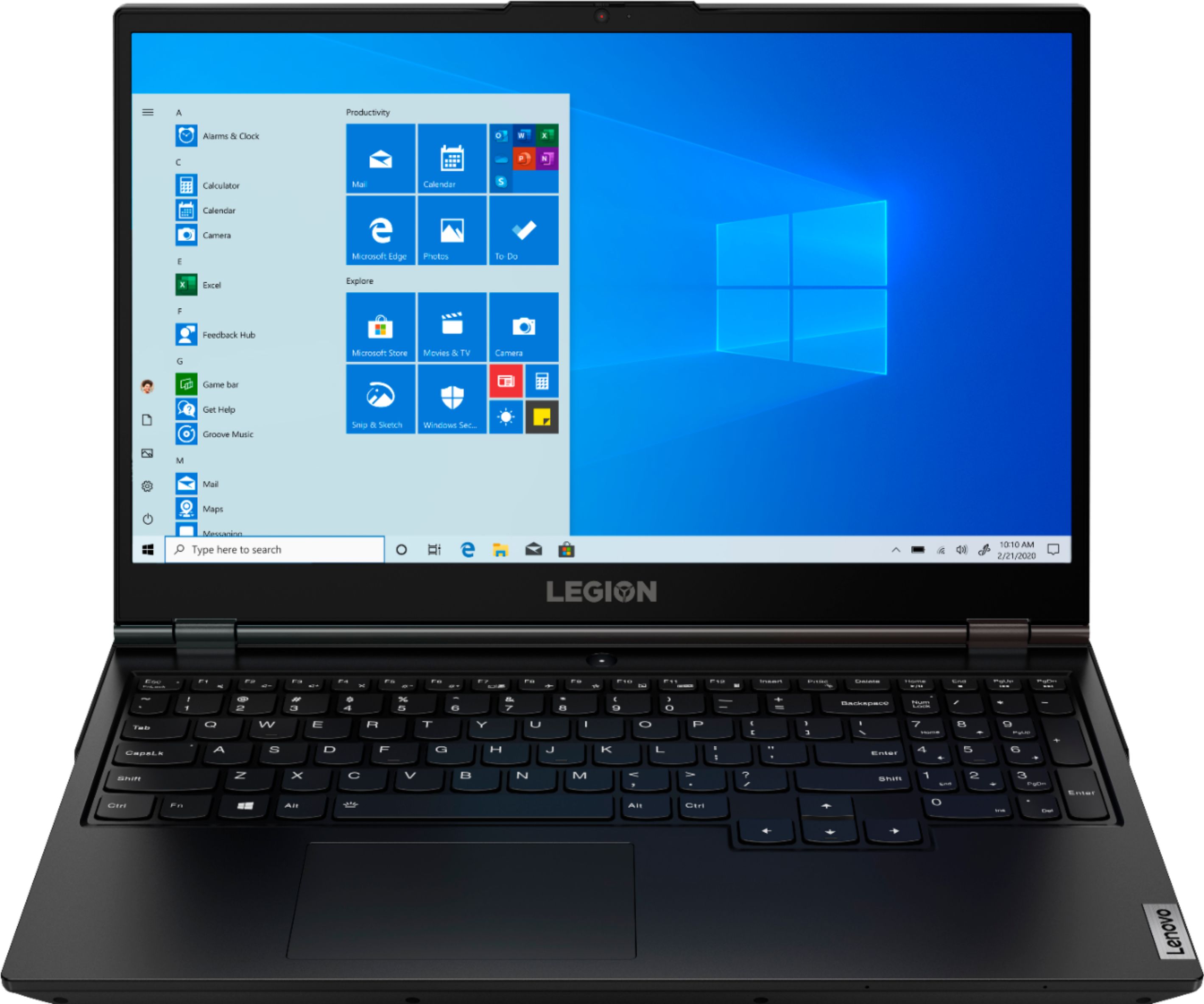
A:AnswerHello, we are sorry to hear you are experiencing this issue with your Lenovo Legion 5. You can access your touchpad settings by pressing the "WINDOWS" key on your keyboard. This will select the windows search bar for you. Next type "touchpad" into the Windows 10 search bar and when you see "TouchPad Settings" displayed press the "Enter" key to pull up the touchpad settings menu. From here please press the "Tab" key on your keyboard until the "TouchPad On/Off" slider is selected. Press enter to turn your touchpad on. Alternatively if you have an external mouse (USB/Bluetooth) you can plug it in and access your touchpad settings in the same way. The Lenovo Vantage App also gives you access to a quick select feature to turn the touchpad on or off. If after this your touchpad is still unresponsive we recommend reaching out to Legion Ultimate Support at 888-278-9707
A:AnswerNot necessarily. The Legion 5 Series Gaming Laptops can have both AMD and Intel processors. Those models labelled Legion 5i 15 Gaming Laptops will have Intel processors, including both Intel Core i5 and Core i7 processors, depending on the specific model configuration.
A:AnswerYes your warranty would still be good. (As long as you do no damage something when you install the additional RAM). If you have concerns about your ability to do it, have someone familiar with that simple process do it for you.
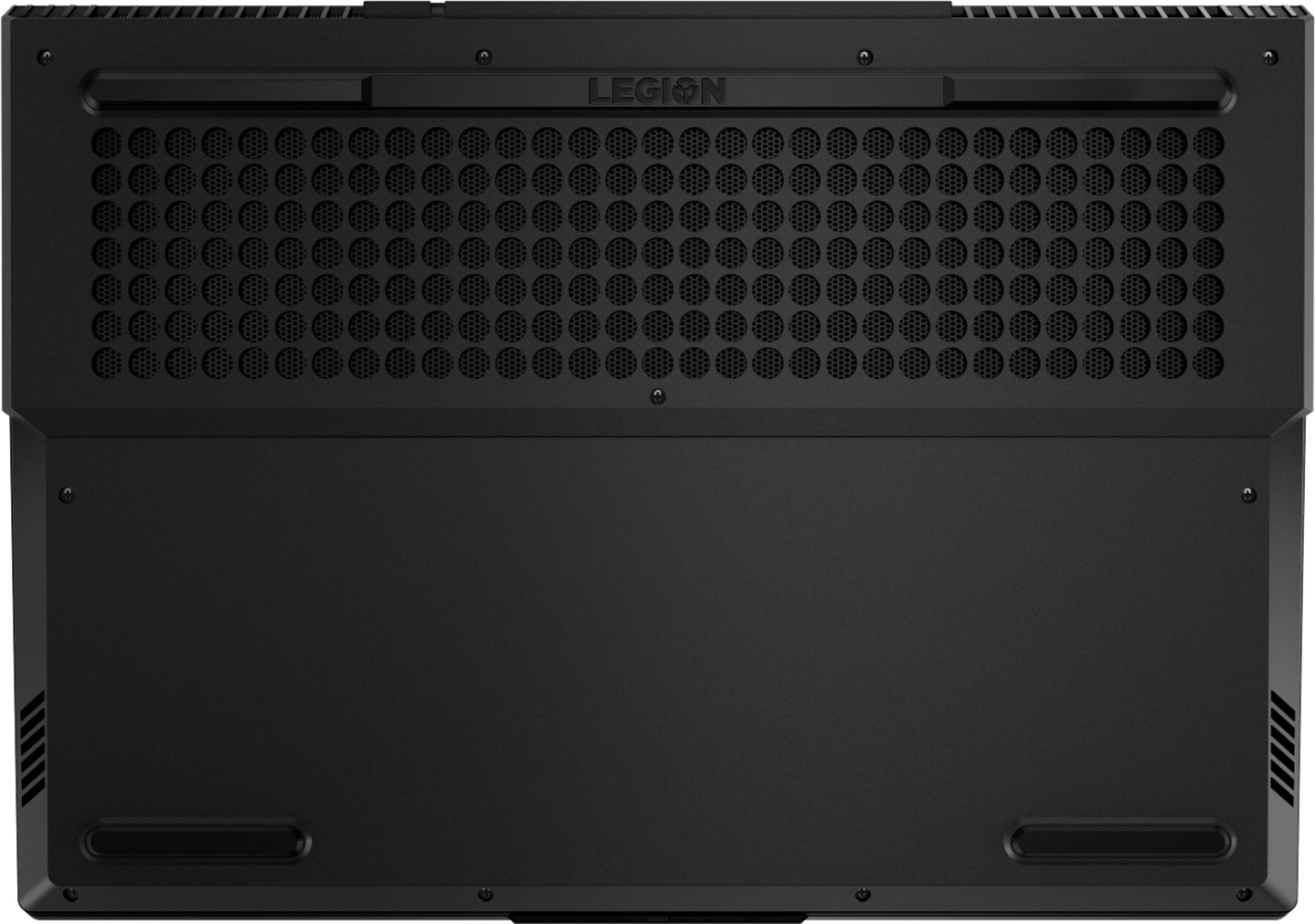
A:AnswerThe Legion 5 Laptop is user upgradeable to up to 16GB of memory and can support up to 2 monitors. You can purchase the additional 8GB memory stick directly from Best Buy at the following link https://www.bestbuy.com/site/pny-8gb-2-4ghz-pc4-19200-ddr4-so-dimm-unbuffered-non-ecc-laptop-memory-black/6346312.p?skuId=6346312
A:AnswerThis last year’s model are you looking for the Lenovo Legion five I with the 1660 TI and with this some with this one they do have a AMD model but is not at Best Buy it’s at Walmart
A:AnswerThe Lenovo Legion 5 15 Gaming Laptop, model number 81Y6000DUS, ships with the 6-Core/12-Thread 10th. Generation Intel Core i7-10750H processor.
A:AnswerThe Legion can have three or four different color areas. The colors can flash or be static. It can also have the backlight disabled. I have set up two of these without difficulty and everything works.
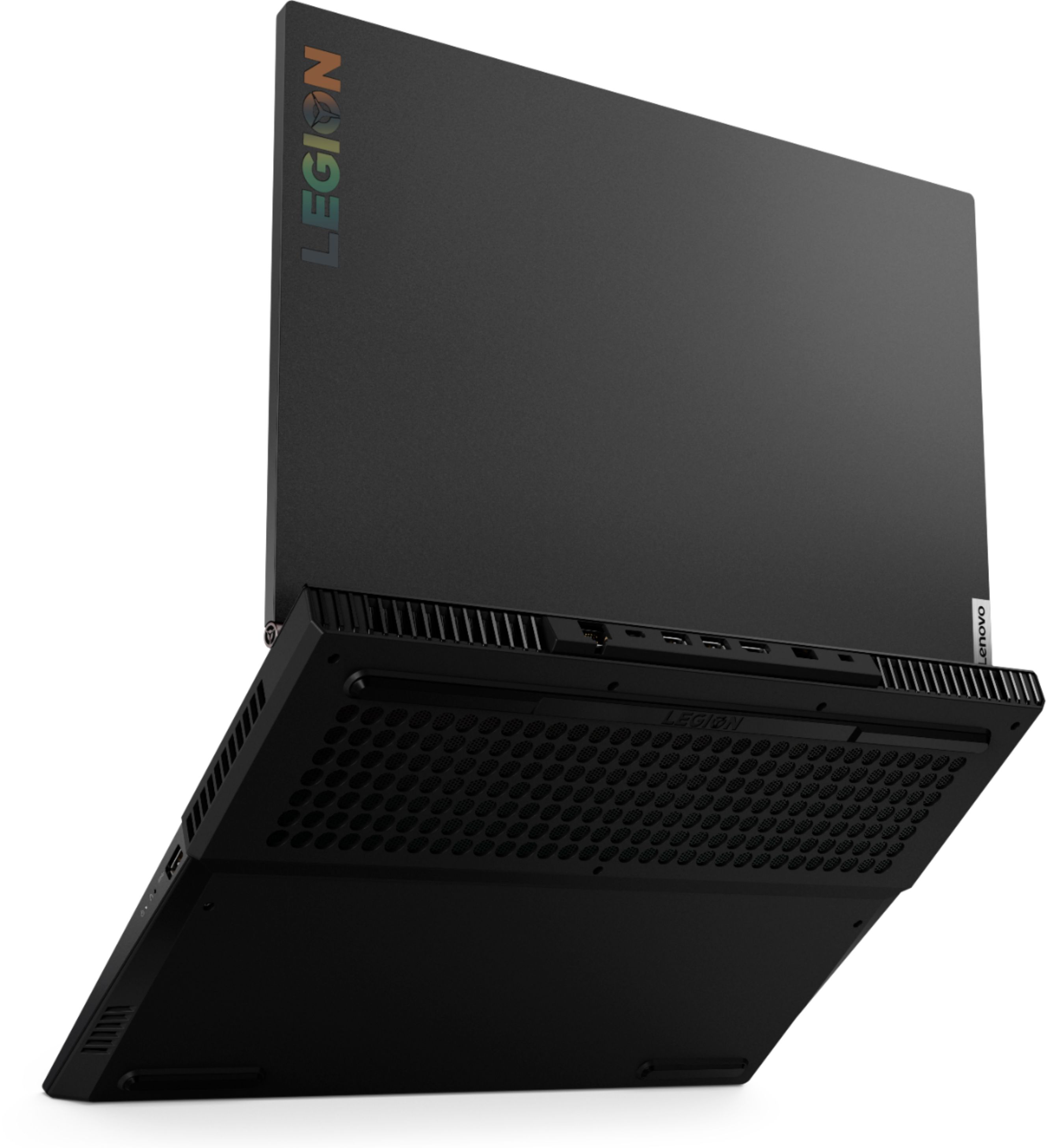
A:AnswerThe battery is not user replaceable. Normal care should be practiced when using the Lenovo Legion 5 15 Gaming Laptop. The country of origin is China. Lenovo has manufacturing and assembly facilities all over the world. The location of manufacture/assembly of each Lenovo Computer is printed on the outside of the box the computer ships in.
A:AnswerWhether the Lenovo Legion 5 15, model number 81Y6000DUS is compatible with specific software, will depend on the requirements and compatibility of the software. We recommend you check with the game's software publisher's web site for their compatibility with Windows 10 Home 64-bit operating system and the minimum/recommended hardware requirements (Is a Graphics card required, the processor speed and the minimum required system RAM and the minimum available hard drive space) to run their program, then compare those requirements to this system's configuration. This model ships with 1x 8GB SO-DIMM DDR4-2933 RAM. There is an open RAM slot that can accept an additional 1x 8GB SO-DIMM DDR4-2933 RAM stick.