A:AnswerTo turn the backlight on the keyboard on, hold down the Fn key and tap the spacebar at the same time. All manuals are online now. Here is the link: https://pcsupport.lenovo.com/us/en/products/laptops-and-netbooks/yoga-series/yoga-720-15ikb/80x7/80x7001tus/documentation?linkTrack=Caps%3ABody_SearchProduct&searchType=5&keyWordSearch=80X7001TUS
A:AnswerI believe so because they make a model with a better graphics card. so if you get the same one they use it should work. You can also get a graphics card dock and run the extra card through the usb c port on this laptop
A:AnswerYes this is normal. If the device is no, it is generating heat, even at idle. The fan needs to run to keep the device within normal operating temperatures.
A:AnswerNo it does not. The laptop is lighter because it does not have that drive. It really depends on if you use CDs. I dont use CDS, only USB so i would recoments one without it.
A:AnswerNot with this model, Since it does not have nvidia GTX graphics card, it would not need to cool so hard with full spin of fans. There could be a loud fan with model comes with nvidia card, and which is normal in that case.
A:AnswerNo this model does not come with the GTX 1050M. It has an integrated GPU, the Intel HD 630, which comes with the i7-7700HQ CPU. This will be able to perform light gaming at solid framerates and reasonable resolutions, but you shouldn't expect to do any heavy gaming, and any mid-level games would need to be played at resolutions lower than 1080p, even with low settings.
The Lenovo website has a few models available that features the GTX 1050M GPU that you're looking for.
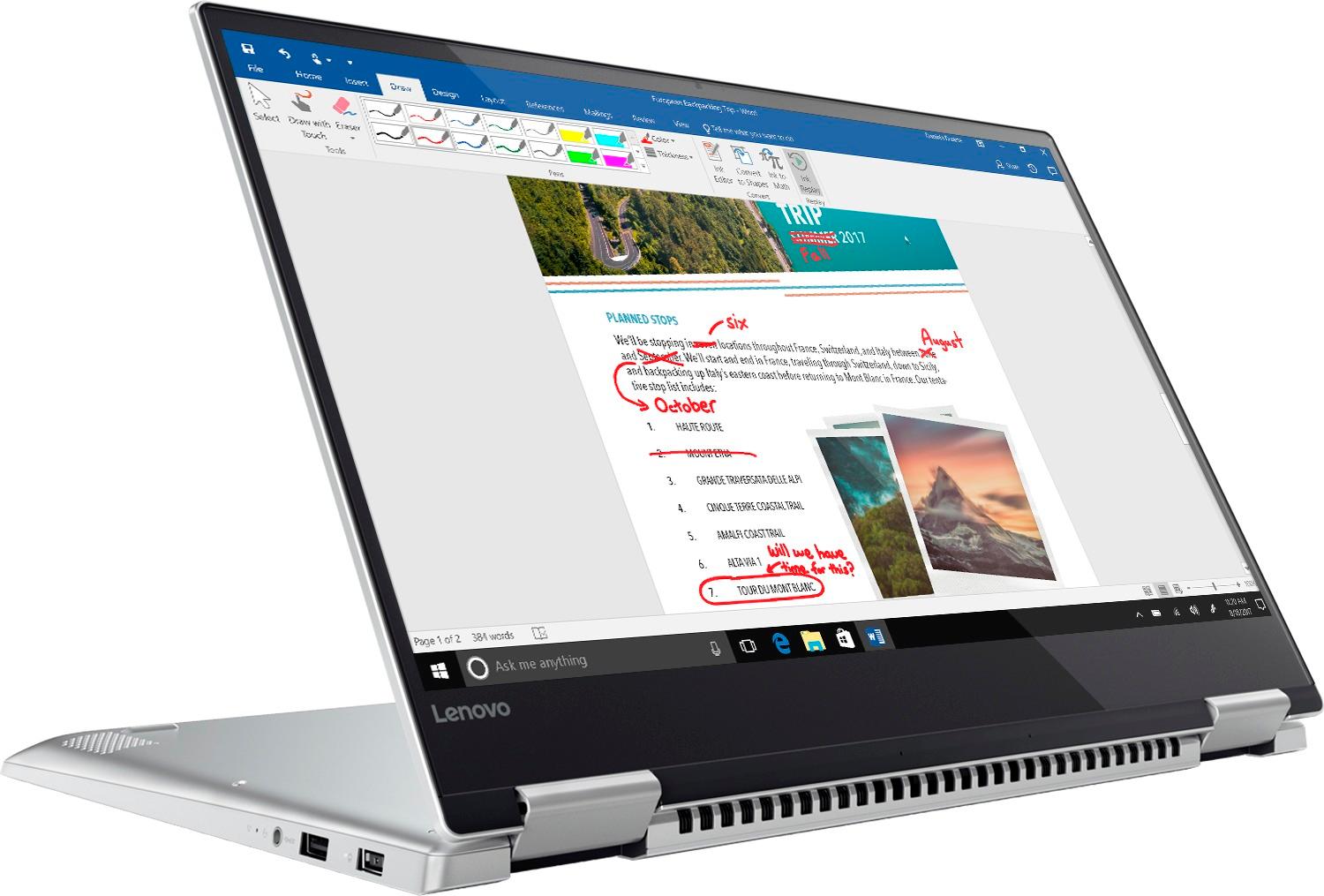
A:AnswerNo. This model configuration does not have a discrete graphics card. Graphics processing is integrated within the Intel Quad-Core/Eight-Thread Core I-7-7700HQ processor. It is the Intel HD Graphics 630 version.