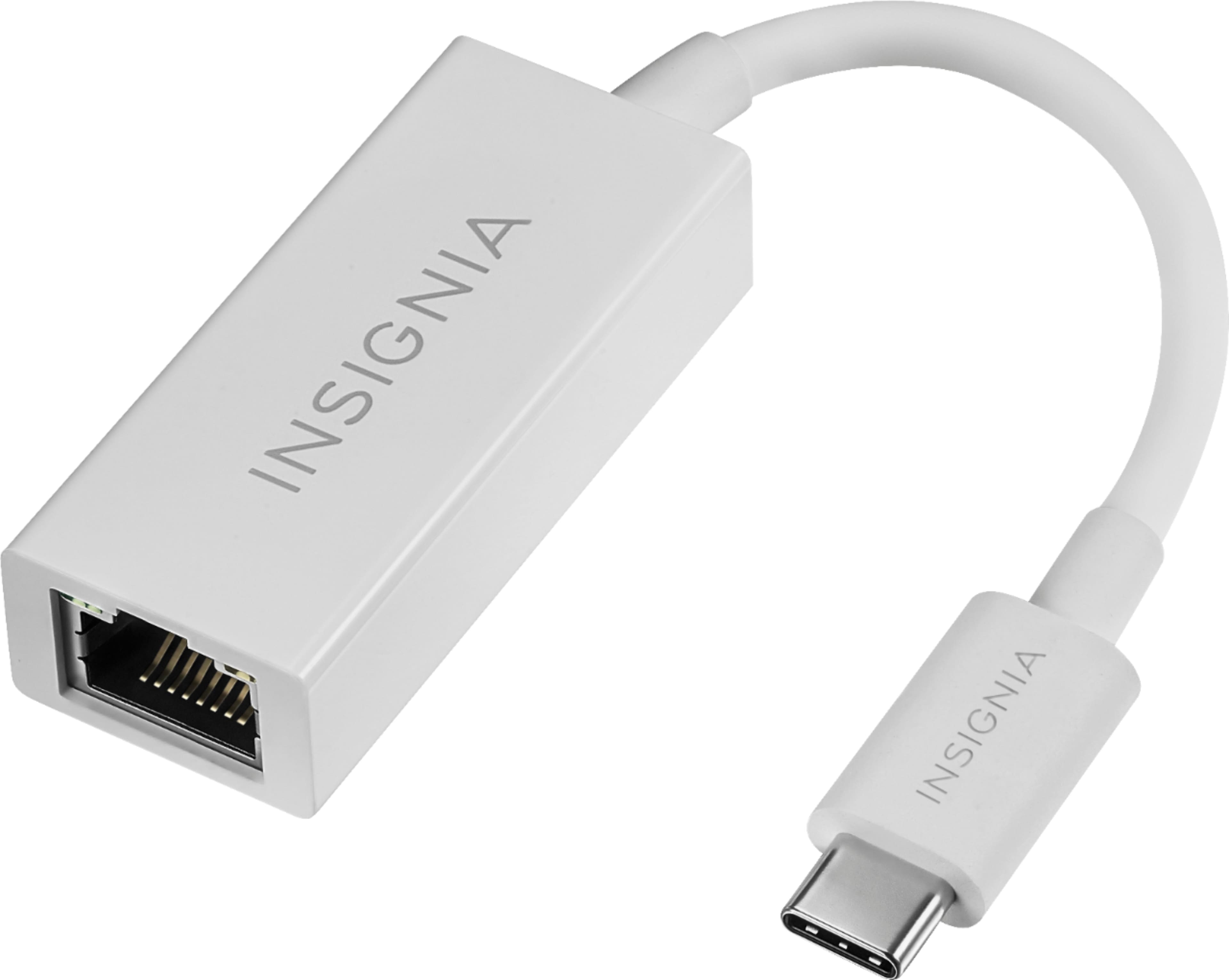
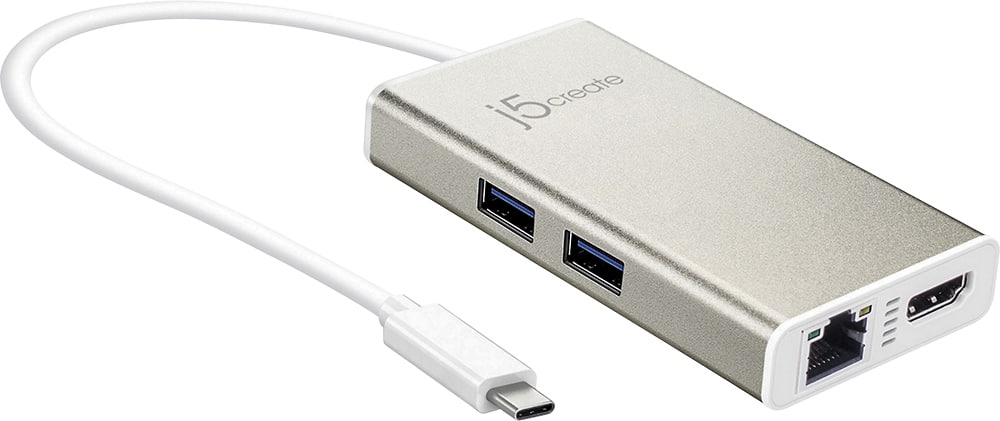
A:AnswerNope, none. Adapter via USB-C is available. There are so many things you can do through Thunderbolt 3 so don't worry. 2 each of USB-C (Thunderbolt-3) are provided with this laptop. One USB-A 3.1 will be for legacy stuff like thumb drives and printers and such. Don't worry, they make an adapter for everything you need via USB-C, "Thunderbolt-3."
A:AnswerWe were told it could but not well...they said fortnite really needed either a gaming computer (we saw a few, ran abou $1200) or ideally, an xbox.
A:AnswerI am showing the configuration of the Yoga 2 Pro as: •CPU: 1.6GHz Core i5 4200U
•RAM: 4GB of DDR3
•Screen: 3,200 x 1,800 IPS multi-touch display
•Storage: 128GB SSD
•Ports: 1 USB 3.0, 1 powered USB 2.0, headphone/mic jack, micro HDMI-out,
The Yoga 730-13 ships with the Intel Core i5-8250U processor with a base speed of 1.6GHz and a Turbo Boost speed of up to 3.4GHz. It has 8GB DDR4-2400MHz of RAM, a 256GB solid state hard drive. The Yoga 730-13 is the updated version of the Yoga 2 Pro.
A:AnswerIf you're capable of doing the repair yourself you can find the specific service manual for your Yoga by searching on Google, and source the parts from Amazon or eBay.
Take a look at page 48 of the manual here for a Lenovo YOGA 730-13IKB:
https://usermanual.wiki/Lenovo/yoga73013ikbhmm201802.1496639190
Though, exercise caution when performing any computer repairs/upgrades as you are taking the risk of damaging the unit. You could also find a local PC repair shop, or even ask Geek Squad to get pricing on the repair.
A:AnswerMake sure you have the latest version of Windows 10 on the computer. Then update all of the BIOS files and drivers on the computer, up to that latest version of Windows 10. You can easily accomplish this by scanning the computer with the Lenovo Utility software installed on the computer. This system has Lenovo utilities installed to help maintain the health of the device and keep the operating system software up to date. Type "Lenovo Vantage" in the Cortana Search window (if Lenovo Vantage is not installed on your device, you can download the APP and install it now). Select Lenovo Vantage from the list. In the window that opens, click on "Health and Support". In the expanded menu, select "Hardware Scan" In the window that opens, select "Run Quick Tests". This will scan your entire system for errors. Follow any directions that may pop up. If the problem continues after this scan, now click on "System Update". First select Windows update from the menu. Scan your system to be sure you have the latest version of Windows 10. Once that scan is complete, select "Additional Updates". This will scan your device to be sure there are no new BIOS/Driver updates needed. Follow any instructions that may pop up. If the issue still continues after these updates, we recommend you call Lenovo Tech Support at: 877-453-6686 for additional help

A:AnswerWindows System Requirements from the Minitab website here: https://www.minitab.com/en-us/products/spm/system-requirements/
Operating System (64-Bit Only): Windows 7 SP 1 or later, Windows 8 or 8.1, Windows 10.
RAM: 2 GB.
Processor: Intel® Pentium® 4 or AMD Athlon™ Dual Core, with SSE2 technology.
Hard Disk Space: 2 GB (minimum) free space available.
Screen Resolution: 1024 x 768 or higher.
A:AnswerNo. This is a North American Model (for Lenovo Sales purposes, North America is Canada and the USA). The 1-year limited manufacturer's warranty is valid in North America only.
A:AnswerHi Kayla, Yes, This laptop charges via a USB C connection. There is one cable that plugs into the 110V outlet in the wall. The other end of that cable plugs into the transformer (Black Box). Finally, the thin cable that is permanently connected to the transformer plugs into the USB C connection on the left side of the laptop with the lightening bolt icon next to it. Please see the photos I've uploaded for your reference.
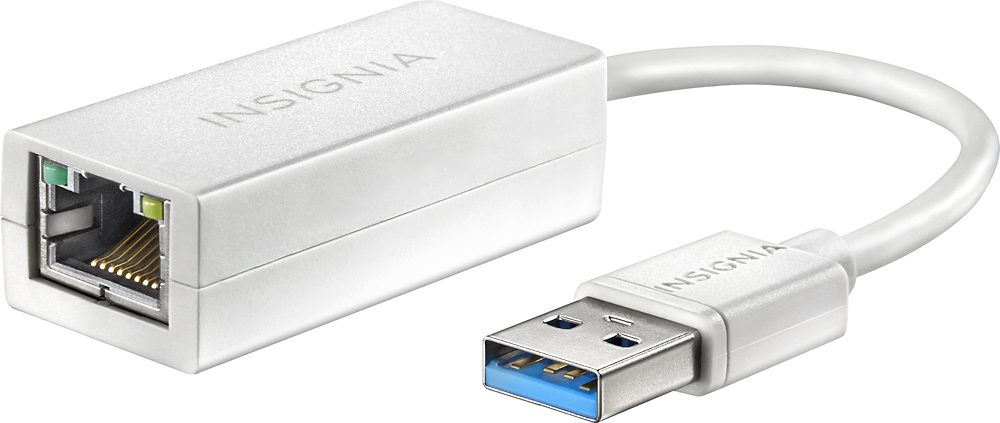
A:AnswerYes, but the Yoga 730 13" has no ethernet port, so it could only be done via an ethernet adapter to the laptop's 1 USB type A port (i.e., the "regular" USB plug/port with which everyone is familiar) or to 1 of the laptop's 2 USB type C ports (the new USB plug/port fast becoming the new standard, which is is smaller and has no "right-side up" aspect to it). Adapters can be found for under $30 at Best Buy, and potentially even under $20 elsewhere online.
A:AnswerThis system has a 4CELL 48WH, Lithium Polymer battery, with a battery life of up to 10.5 hours, depending on the work that the device is performing.
A:AnswerYes. Register under the student section on bbuy website. They'll immediately send you an email with offer codes to plug in online or use at store. It's a tremendous deal for all that you get with this yoga.