Questions & Answers
- Model:
- 83LC0001US
- |
- SKU:
- 6615766
Highly rated by customers for: Overall Performance, Screen Quality, Portability
$1,549.99$1,549.99
Page Showing 61-67 of 67 questions
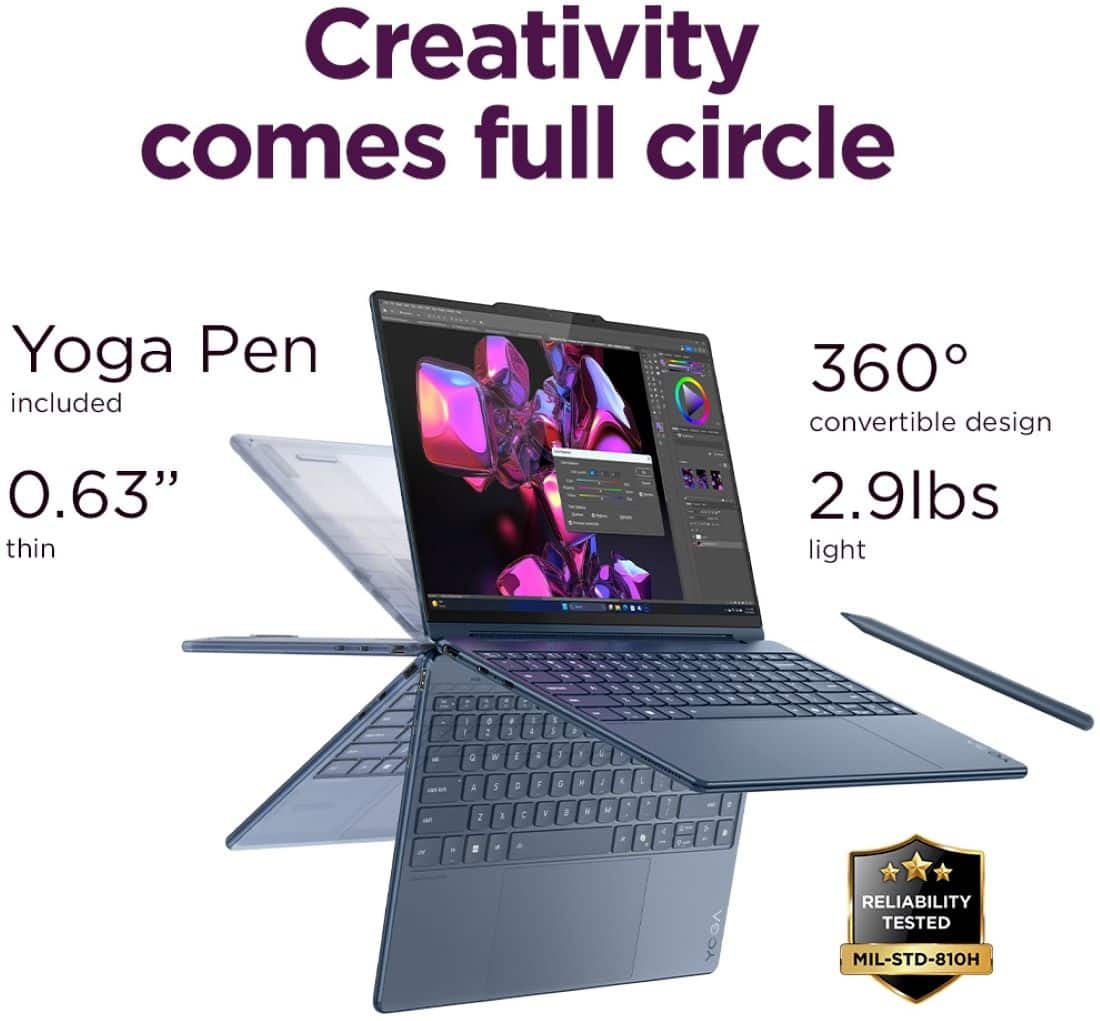
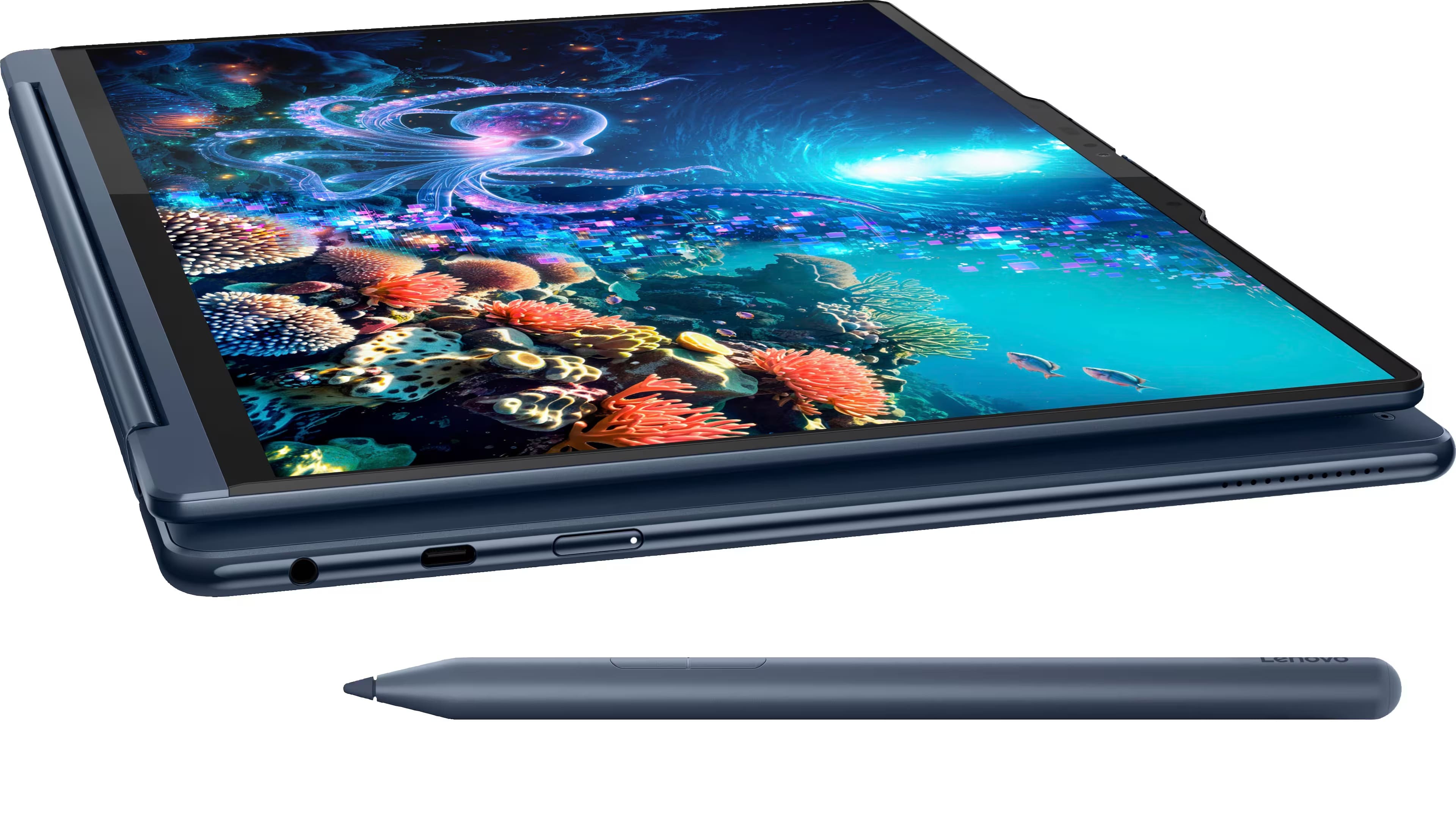
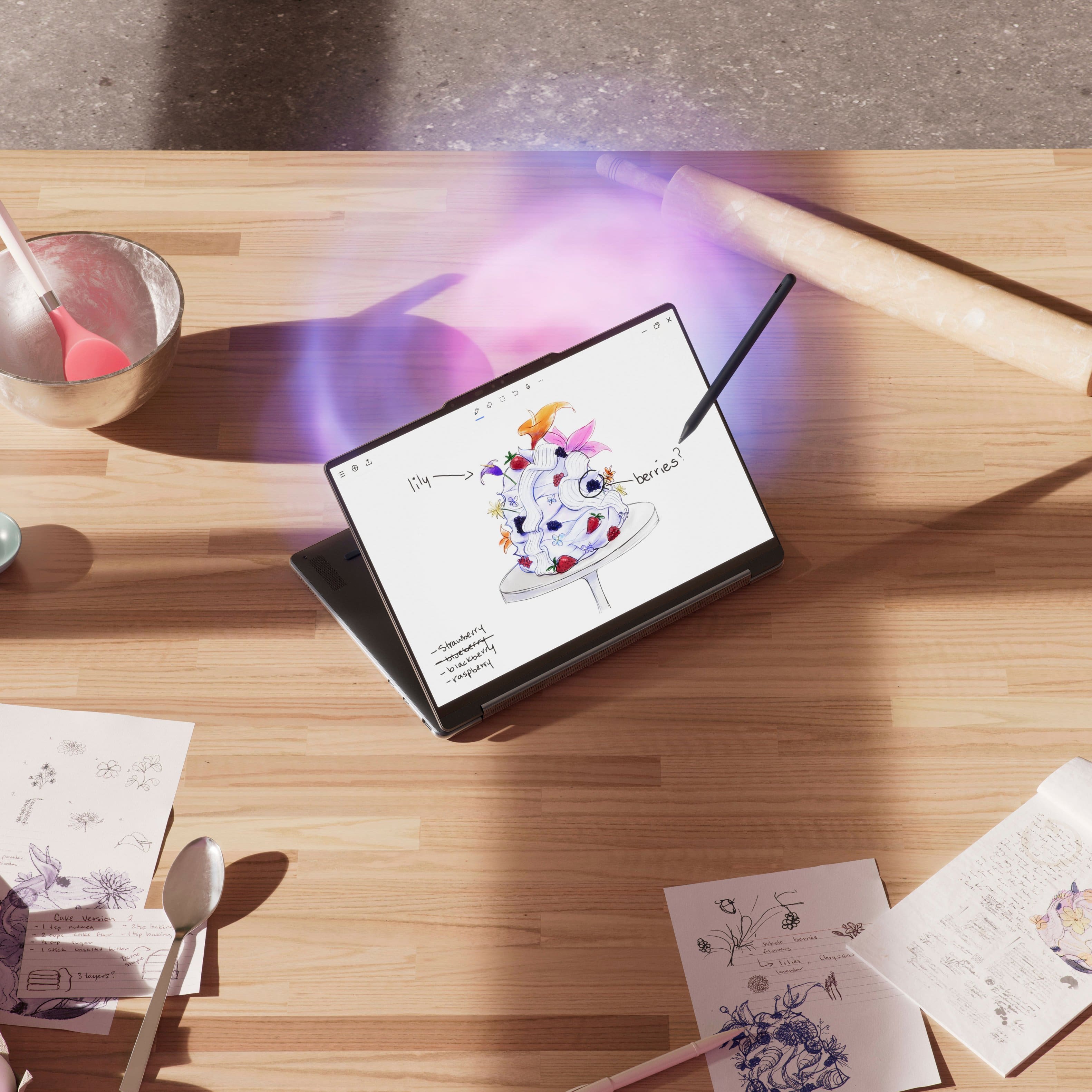
Q: QuestionHi Lenovo team, to answer questions from Kayla on this thread and one more person, you mentioned that this model is coming with pen. In my box there was no pen. And now I have struggle to find the best match. What should I do?
Asked by Mahdi.
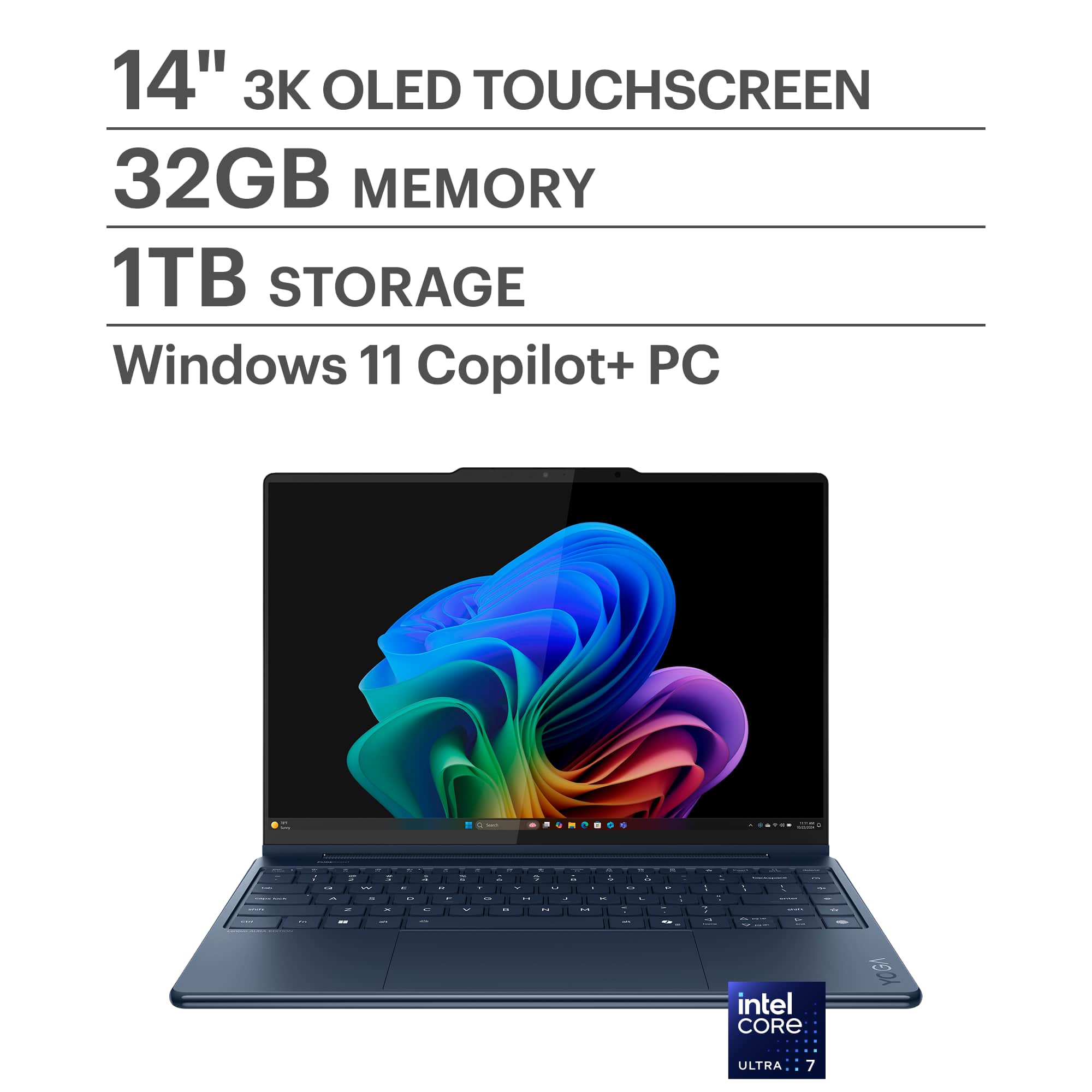
- A:Answer The pen is definitely included with the Lenovo Yoga 9i Aura 14" OLED — it’s easy to miss because of how it’s packaged. When you open the smaller box that contains the power adapter, look for a slim brown envelope with “Please charge before use” printed on it. The pen is tucked inside that envelope along the side. A lot of people think it’s missing at first, but it should be there. I’d recommend double-checking the packaging before buying a separate pen. If you really don’t find it after going through everything, then I’d suggest contacting Lenovo support or the retailer you purchased it from to request a replacement — but in most cases, it’s just hidden in that envelope. Hope this helps!
Answered by Kevin
Q: QuestionDoes this product include the pen? This exact product on other websites includes the pen, but it doesn’t say anything about it being included on the BestBuy site. I assume it does, it’s just a new product so it’s not mentioned yet.
Asked by Anonymous.
- A:Answer Hi! I post the same question, because here its not mencioned. But i talk with a sales rep on phone and he tell me that is not included, but is weird, because all yoga 9i included stylus and sleeve, since 2022 i think.
Answered by eggysk8
Q: QuestionHi. I want to know if this version comes with the stylus pen and sleeve. Thank you
Asked by eggysk8.
- A:Answer Hi eggysk84, This Yoga 9i Aura Edition 2-in-1 comes with the new Yoga Pen, but it does not include a sleeve for the laptop.
Answered by Lenovo Product Expert

Q: QuestionCan I upgrade to windows 11pro and what cost? Do I need an additional docking station to hook it to my desktop monitors, keyboard etc and ethernet?
Asked by Danielle.
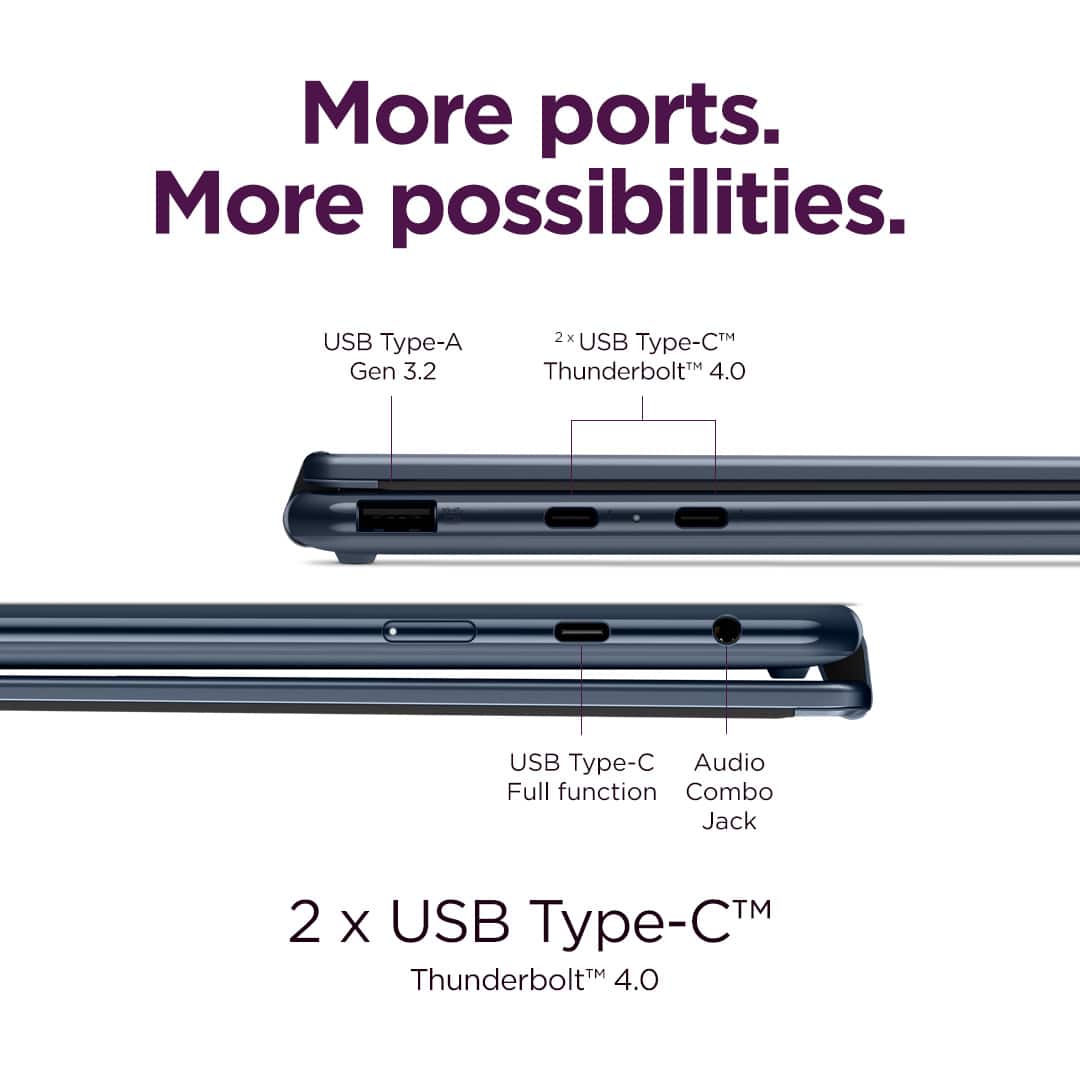
- A:Answer Hey Danielle, You can upgrade this Yoga 9i 2-in-1 Aura Edition to Windows 11 Pro. We cannot discuss pricing in this medium, but you can visit the following Microsoft Support webpage to learn how to upgrade with pricing listed within the Microsoft Store: https://support.microsoft.com/en-us/windows/upgrade-windows-home-to-windows-pro-ef34d520-e73f-3198-c525-d1a218cc2818 | Also, whether or not you would need a docking station would depend on the number of connected devices and what type of connections they may use specifically, but an adapter would be needed nonetheless for an ethernet connection, i.e., USB-A or USB-C to ethernet. It would be convenient to have a Thunderbolt 4 dock or USB-C dock as a one-cable connection solution for your workstation, enabling you to connect ethernet, keyboard and mouse, and external displays in one. Please feel free to reach out to us with any other questions!
Answered by Lenovo Product Expert
Q: QuestionWhat snap on hard shell cases are compatible with this model?
Asked by Kristen.
- A:Answer Hey KC, Lenovo currently does not offer any accessories that align with what you're inquiring about. We appreciate this interest, as it may be utilized as a point for future design adjustments. Please feel free to reach out to us with any other questions!

Answered by Lenovo Product Expert
Q: QuestionDoes the yoga have a 5G option or only WiFi?
Asked by Tommygunz.
- A:Answer Hey Tommygunz, This Yoga 9i 2-in-1 Aura Edition does not support cellular connectivity and relies solely on Wi-Fi natively for an internet connection. You can also connect the system to a mobile hotspot. Please feel free to reach out to us with any other questions!
Answered by Lenovo Product Expert
Q: QuestionI need a low blue light screen to lessen my eye pain and nausea from concussion syndrome. How is the blue light? My LED on light light and lowest brightness is painful 😒
Asked by Concussions.
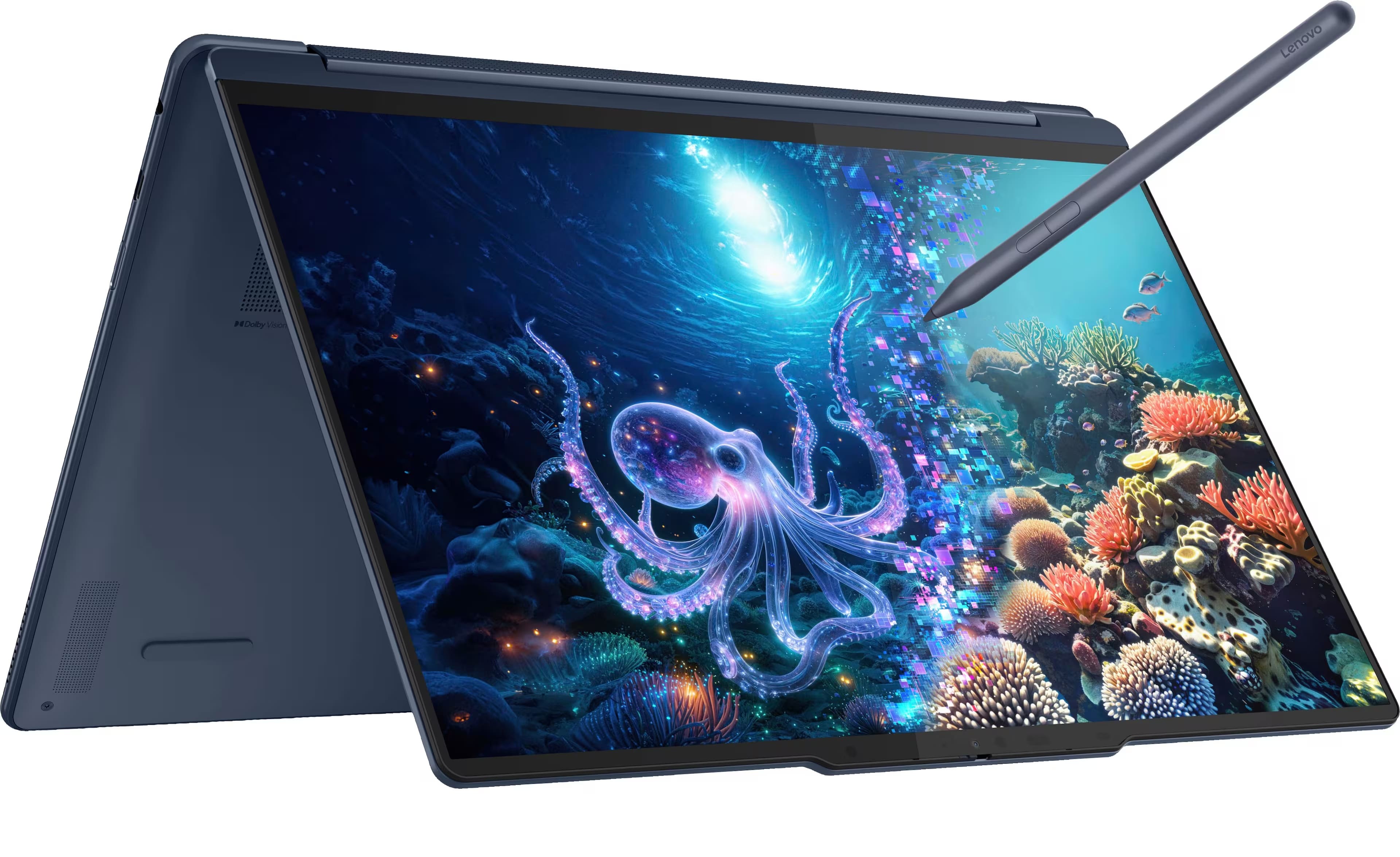
- A:Answer The Lenovo Yoga 9i Aura 14" OLED is actually a great choice if you’re sensitive to blue light. The OLED panel is TÜV Rheinland Low Blue Light certified, which means it’s designed to reduce blue light emissions at the hardware level (not just a software filter). Lenovo also includes an Eye Care mode you can enable in settings, which further softens the display by adjusting color temperature to warmer tones. In my experience, the screen feels much easier on the eyes than a standard LED — even at lower brightness. That said, since everyone’s sensitivity is different, you might want to try it in person at Best Buy or another retailer if possible. But compared to traditional LED panels, this OLED really does reduce the “harsh” feeling and could be a lot more comfortable for you.
Answered by Kevin